15

电影级运动模糊街头人像提示词
Enlarge

电影级运动模糊街头人像提示词

Prompt
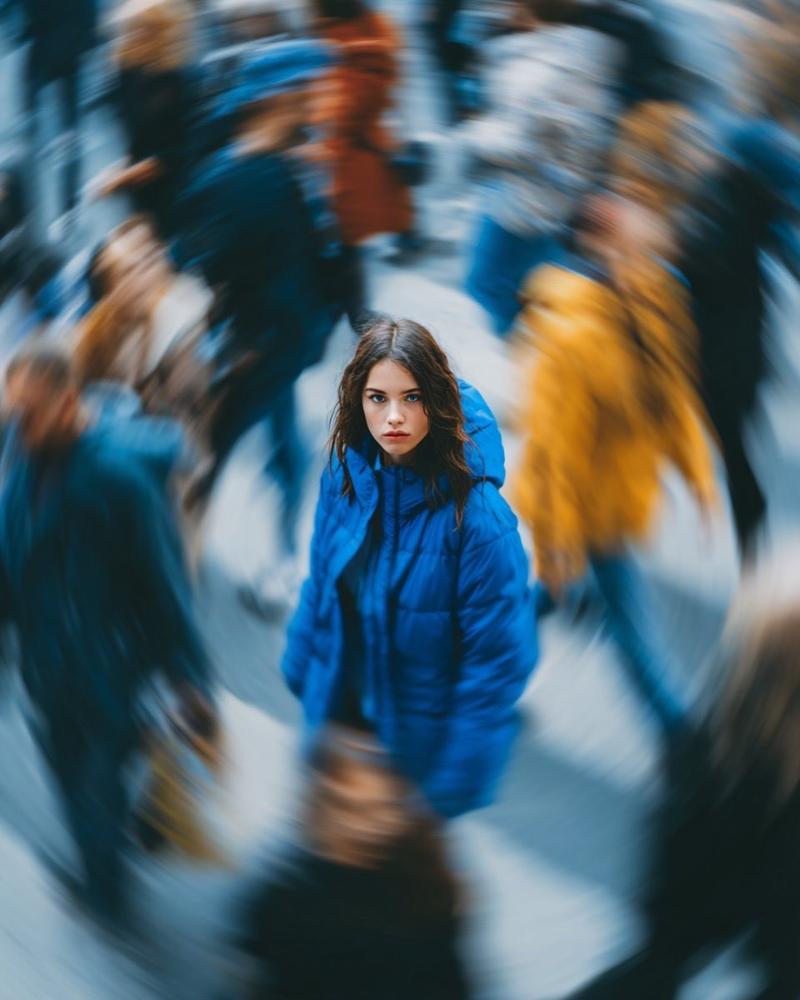
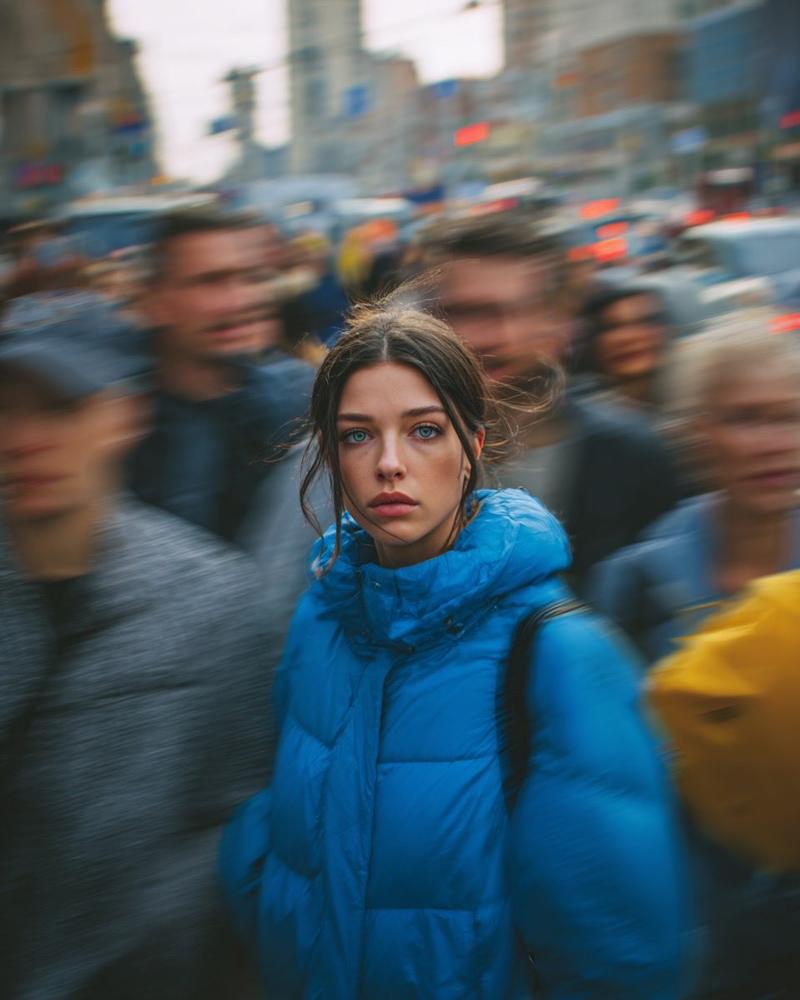
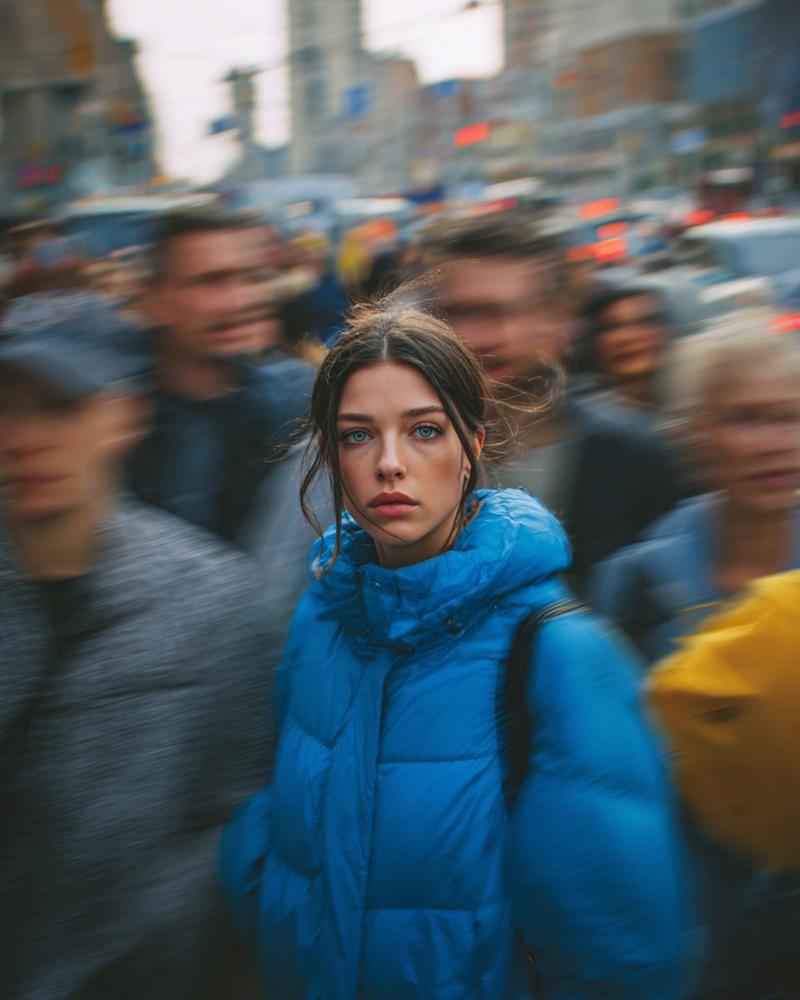
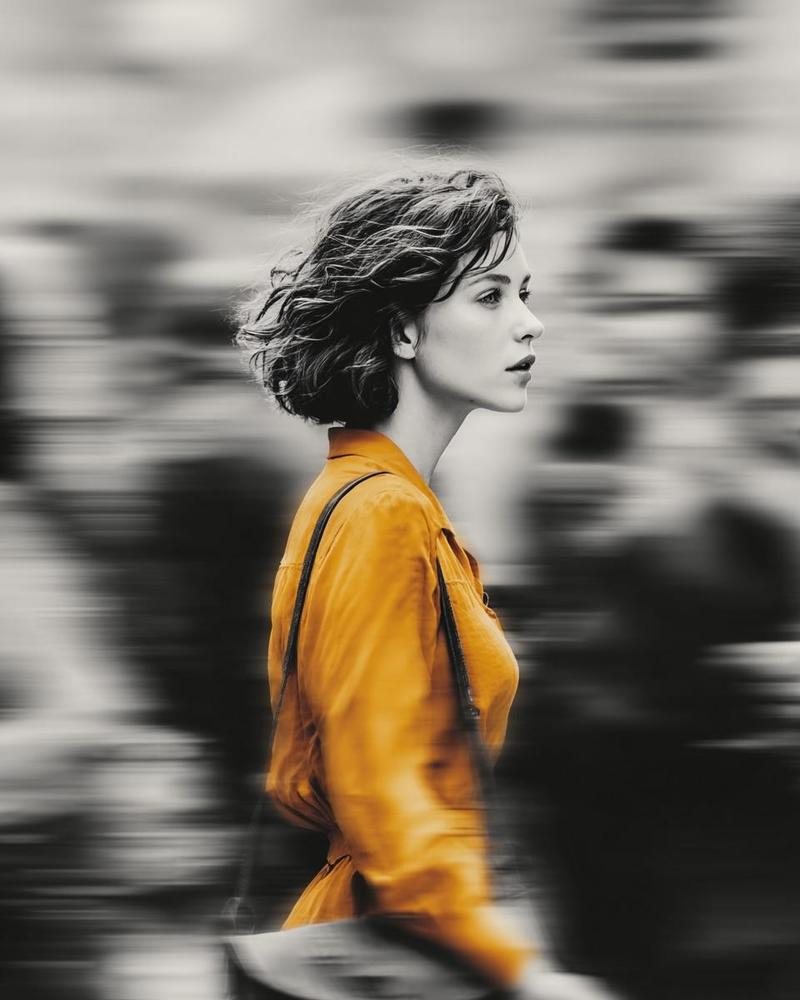
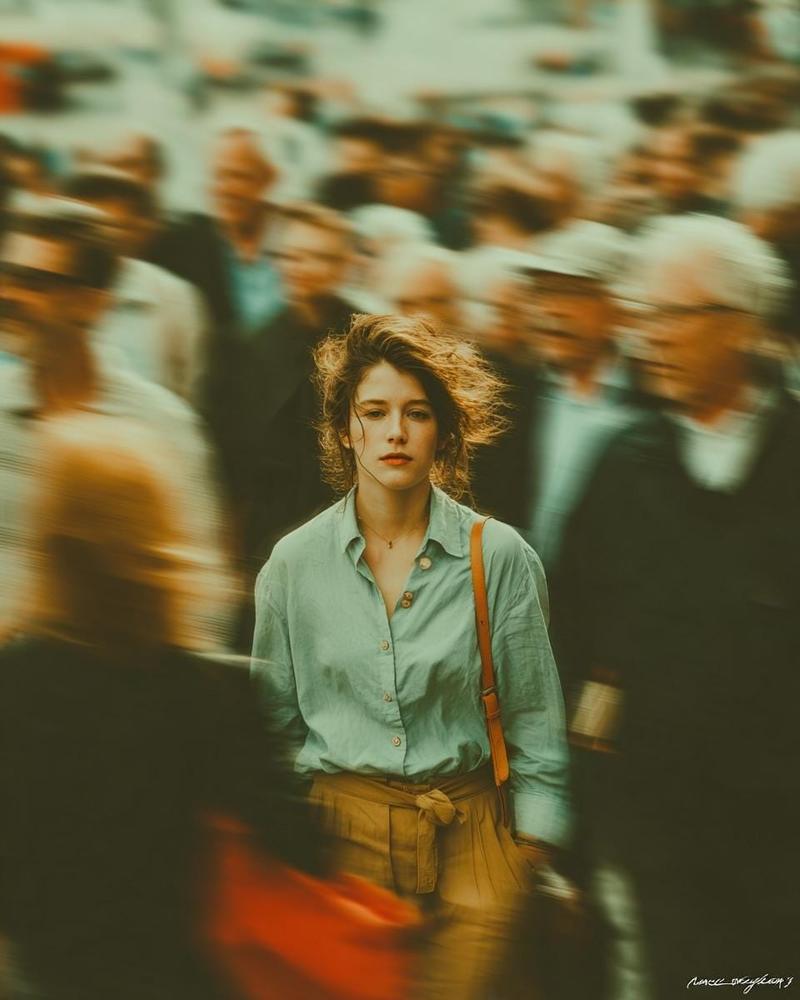
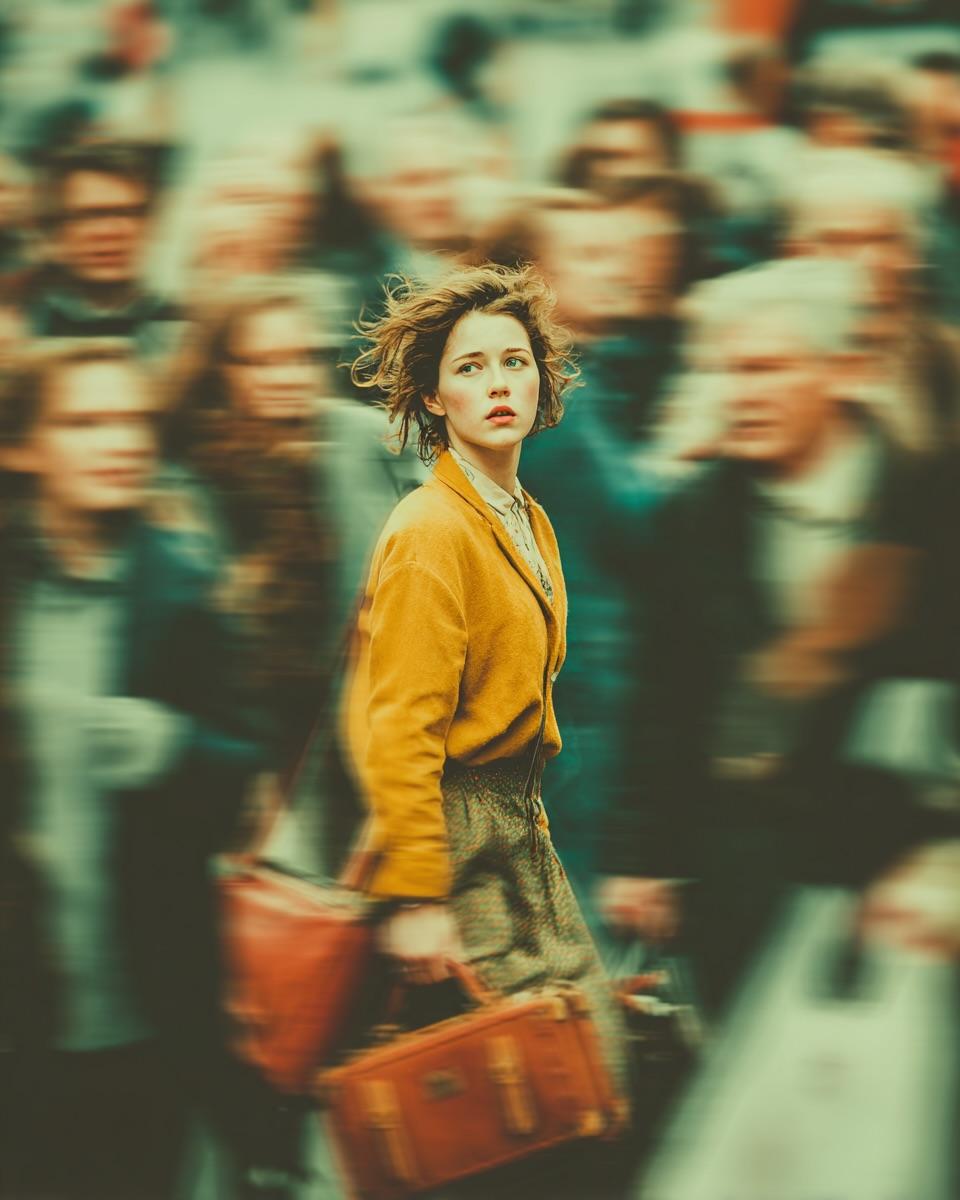
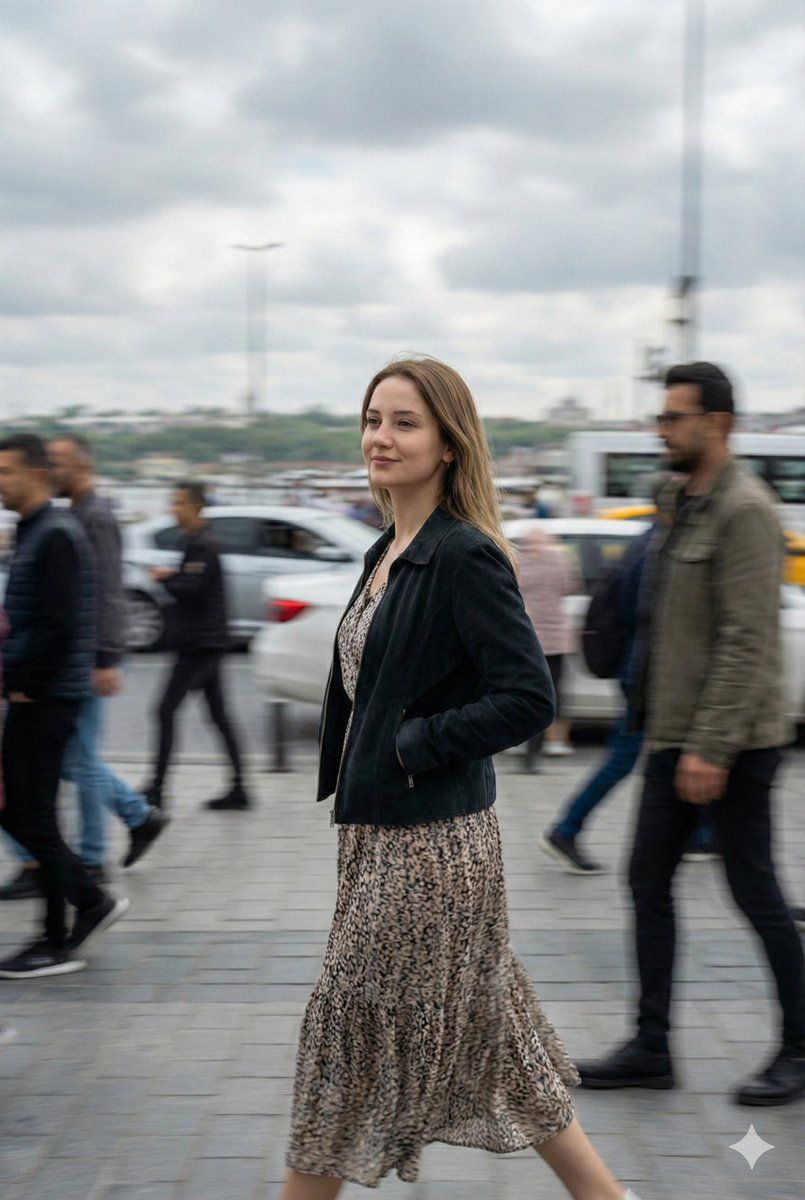
Subject: Turkish girl with fair complexion walking through a crowded street
Pose: side pose (body facing sideways), head turned toward camera, confident soft expression
Focus: subject sharp + crisp, surrounding people blurred with motion blur
Scene: busy urban street, full crowd, realistic city environment
Lighting: midday, cloudy sky, soft diffused light, natural highlights
Wardrobe: elegant, attractive modern dress, stylish but realistic
Style: cinematic, shallow depth of field, dynamic motion, photojournalistic
Quality: ultra-realistic, 4K, high detail, smooth skin textures, natural colors
Camera: 50mm lens, f/1.8, slight motion effect, subject slightly off-center
Atmosphere: lively city energy, movement everywhere except subject
Category
创意图片
Model
Nano Banana Pro
Creator
Johnn
Views0
Source ID
33099cd3-df74-49a3-a46f-617d088d858b
Published
Mar 8, 2026

Guide

About "电影级运动模糊街头人像提示词"

What is this prompt for?

"电影级运动模糊街头人像提示词" AI image prompt for Nano Banana Pro (创意图片). 一个详细的提示,用于拍摄一张电影感十足、新闻摄影风格的土耳其女孩肖像,她正走过一条拥挤的街道。该提示强调对周围人群应用动态运动模糊,同时保持主体清晰,并使用特定的相机设置(50mm,f/1.8)和…

The full copyable prompt and example visuals above are ready for AI image generation or one-click recreate in Picva.

How to use this prompt

  1. Step 1

    Open the prompt detail

    Review the example visuals, category, and full prompt text for "电影级运动模糊街头人像提示词".

  2. Step 2

    Copy the prompt

    Copy the prompt body from this page, or load it directly in Studio.

  3. Step 3

    Pick a model (Nano Banana Pro)

    Prefer Nano Banana Pro. If you switch models, keep subject and composition and tweak style terms.

  4. Step 4

    Generate and export

    Recreate the look in Picva, or export into your workflow for editing and publishing.

FAQ

What is the "电影级运动模糊街头人像提示词" prompt?
It is an AI image-generation prompt for Nano Banana Pro in the 创意图片 category. This page includes the full prompt text, example visuals, and a one-click recreate path in Picva.
How do I use this prompt to generate an image?
Copy the prompt from this page, or use Generate / Studio. Paste it into a compatible image model, or recreate the look in Picva with optional reference images.
Which model is this prompt for?
This page lists Nano Banana Pro. Most descriptive prompts also transfer to nearby image models such as GPT Image, Flux, or Midjourney with light style tweaks.
Can I use the result commercially?
You can usually copy the prompt for creation, but commercial use of the final image depends on the model terms, reference-image rights, and the generated content. Follow the source author and platform rules.