18

根据参考照片制作 90 年代风格的胶片肖像
Enlarge

根据参考照片制作 90 年代风格的胶片肖像

Prompt
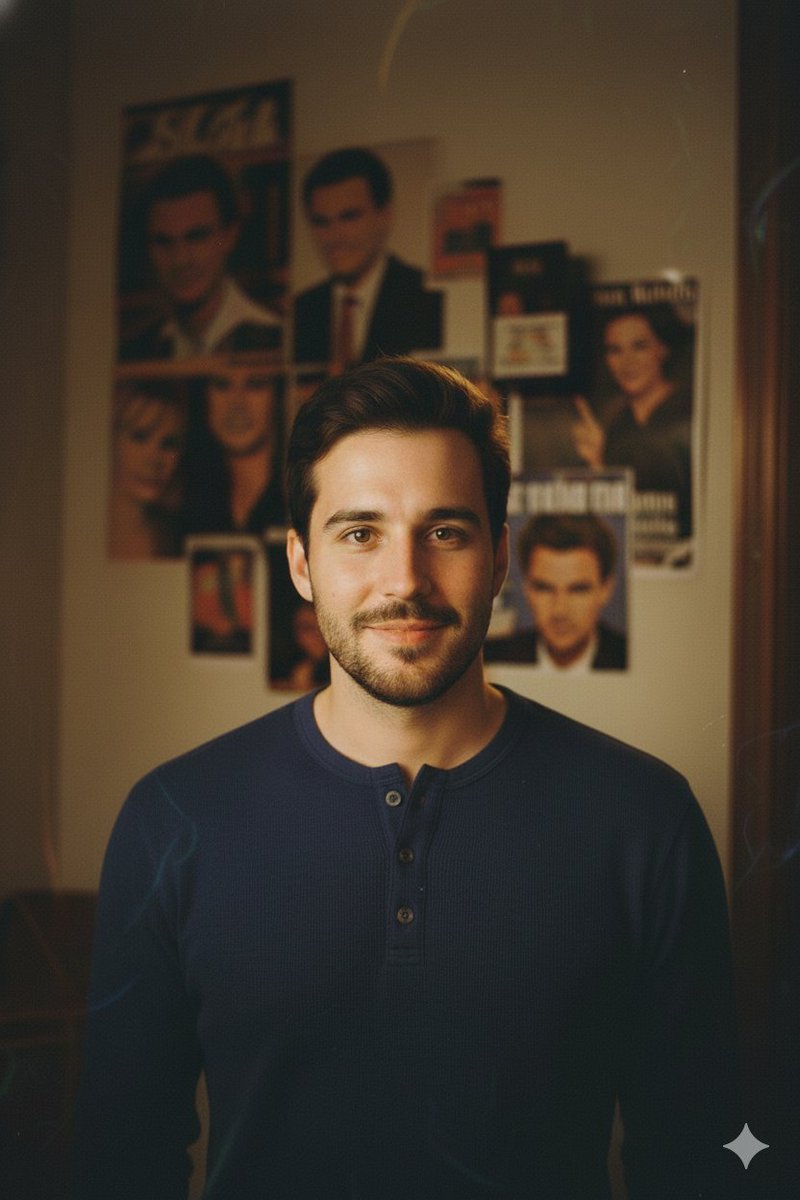
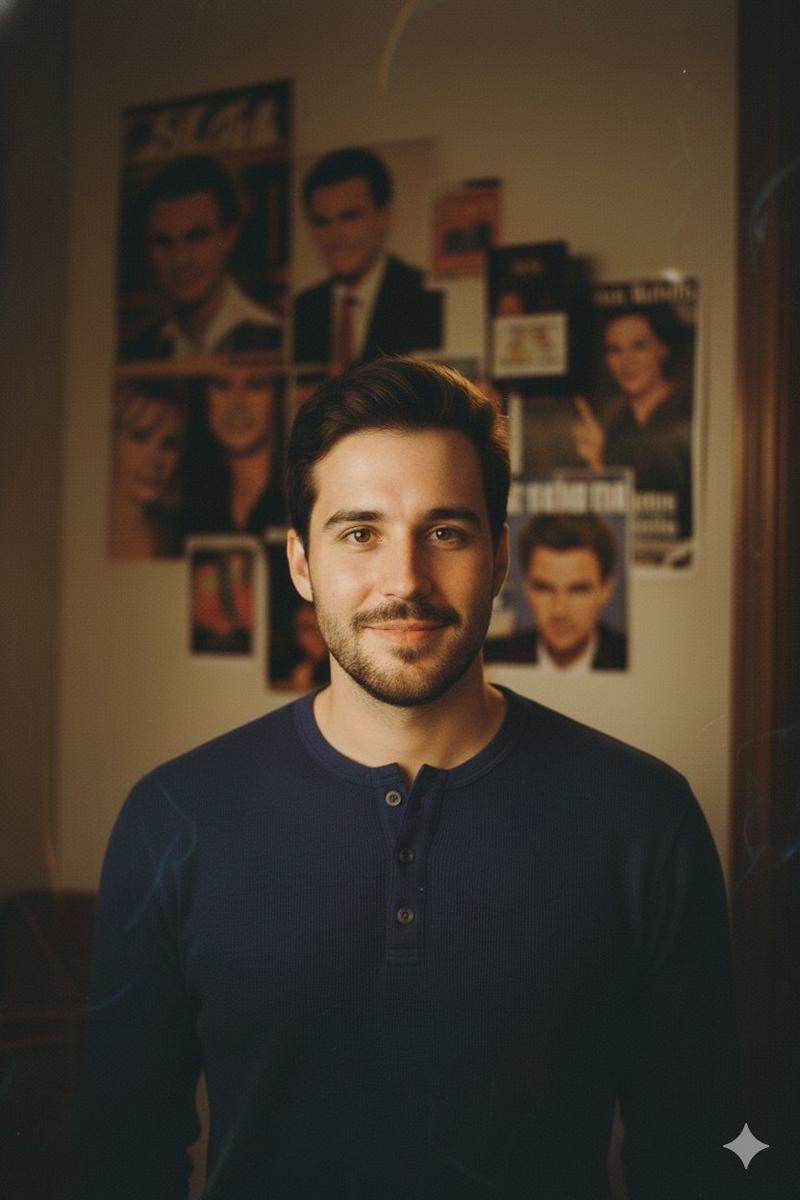
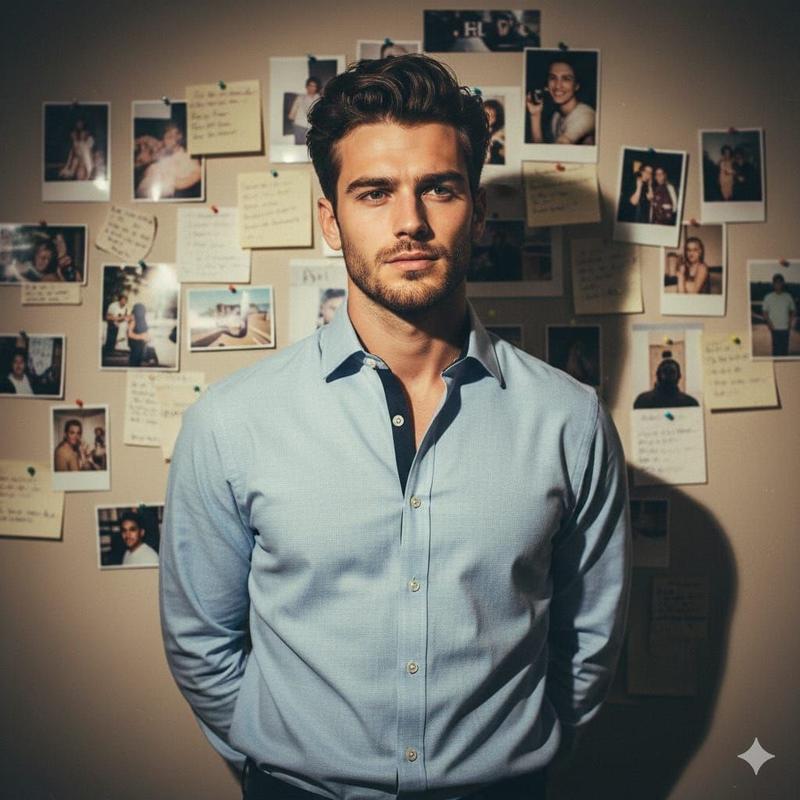
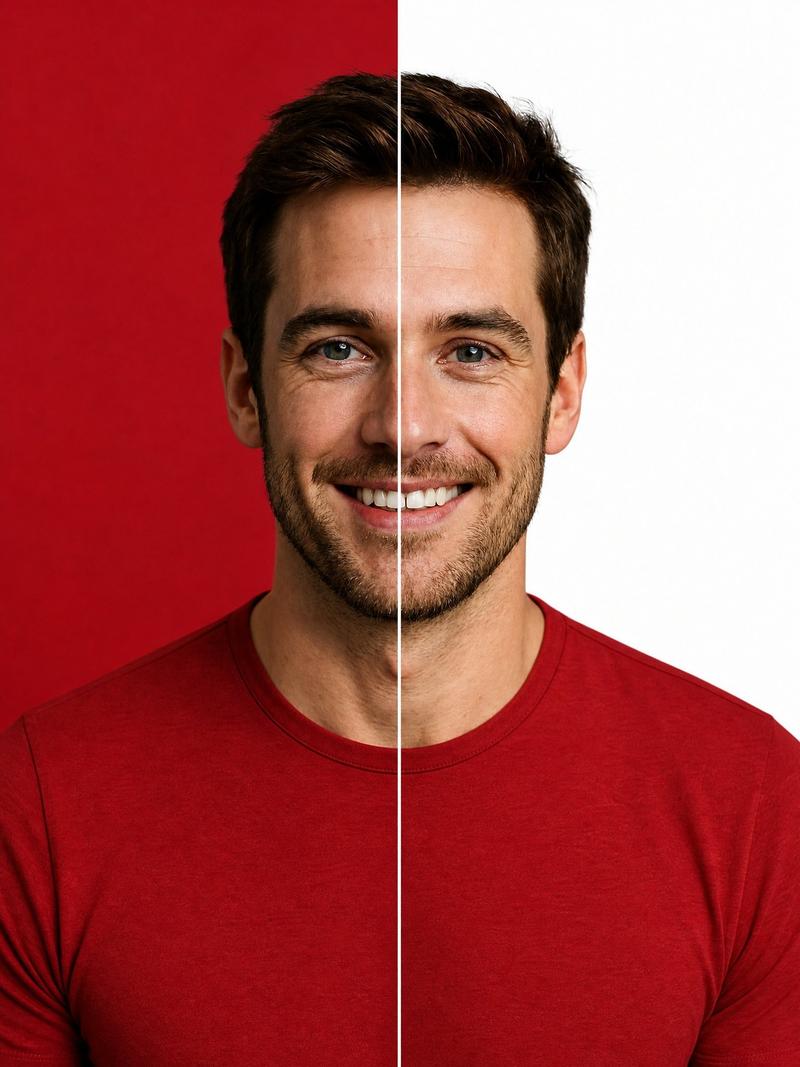
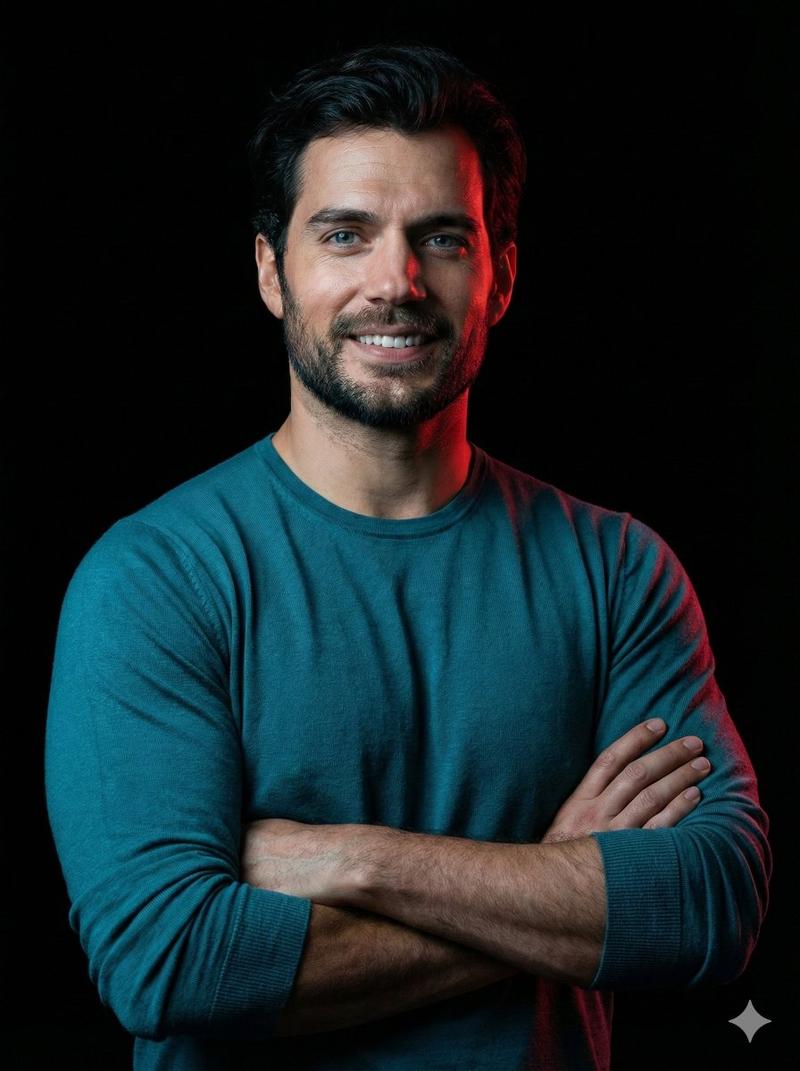
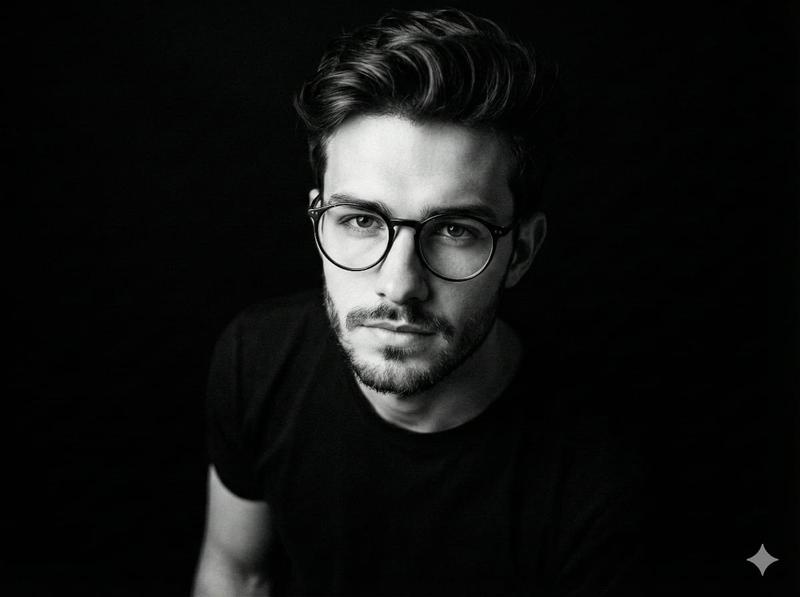
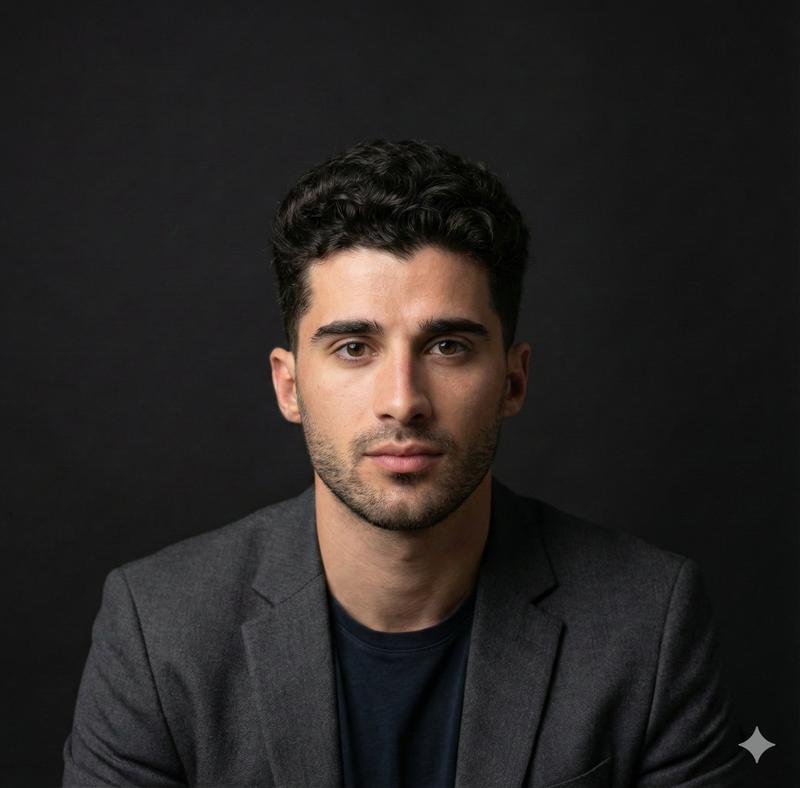
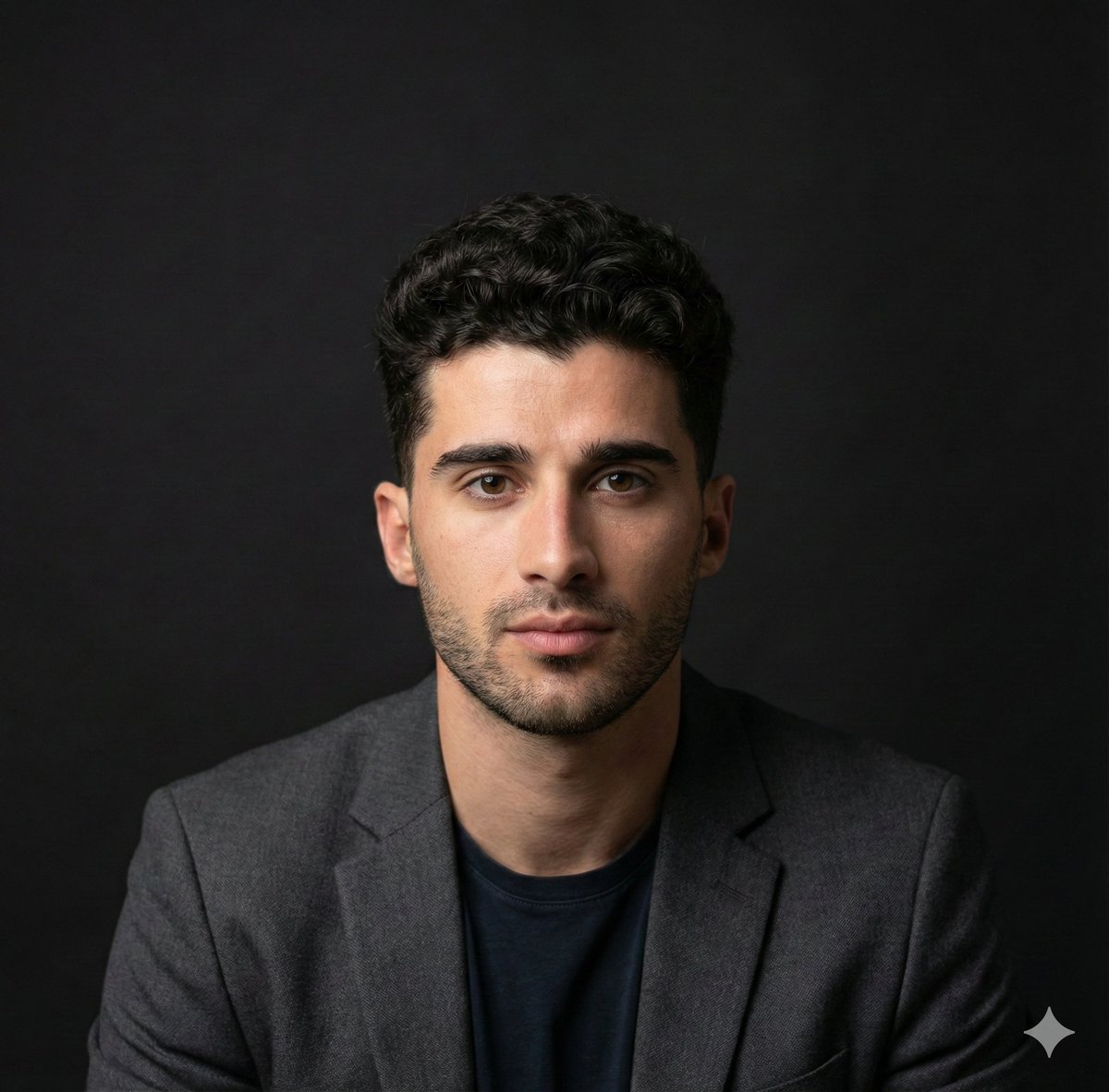
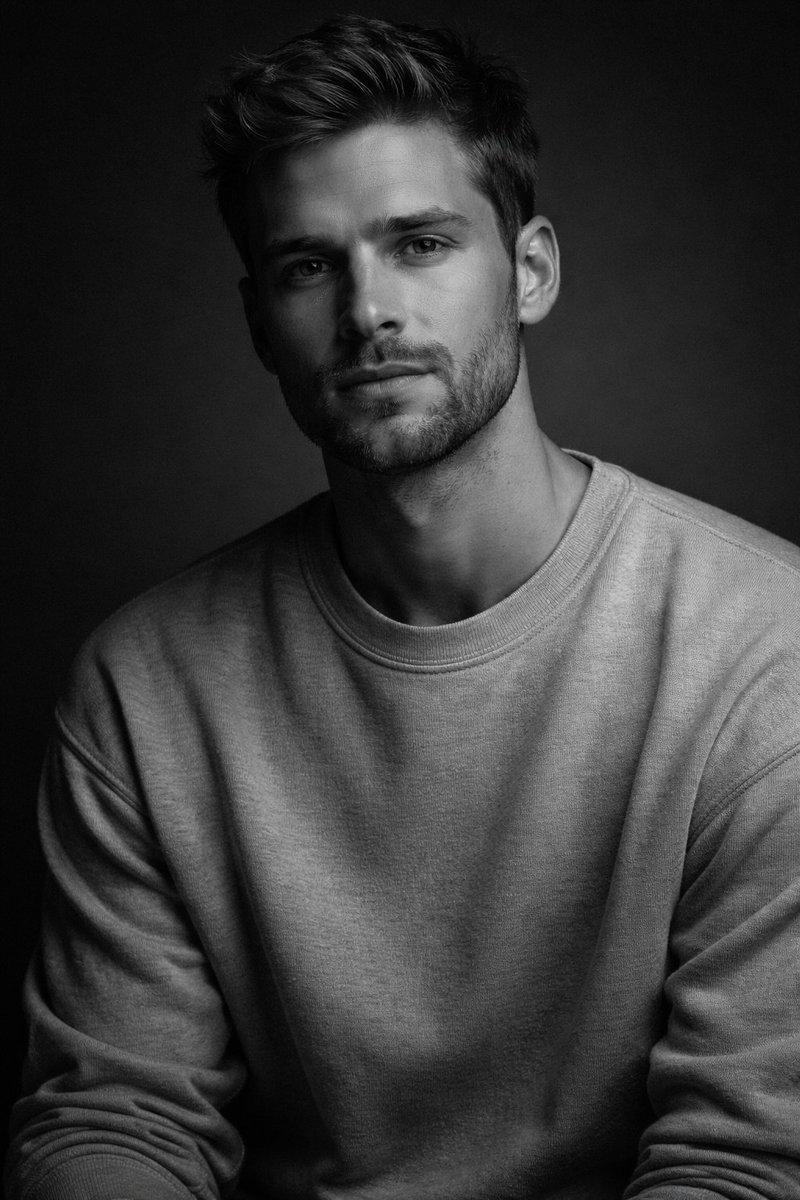
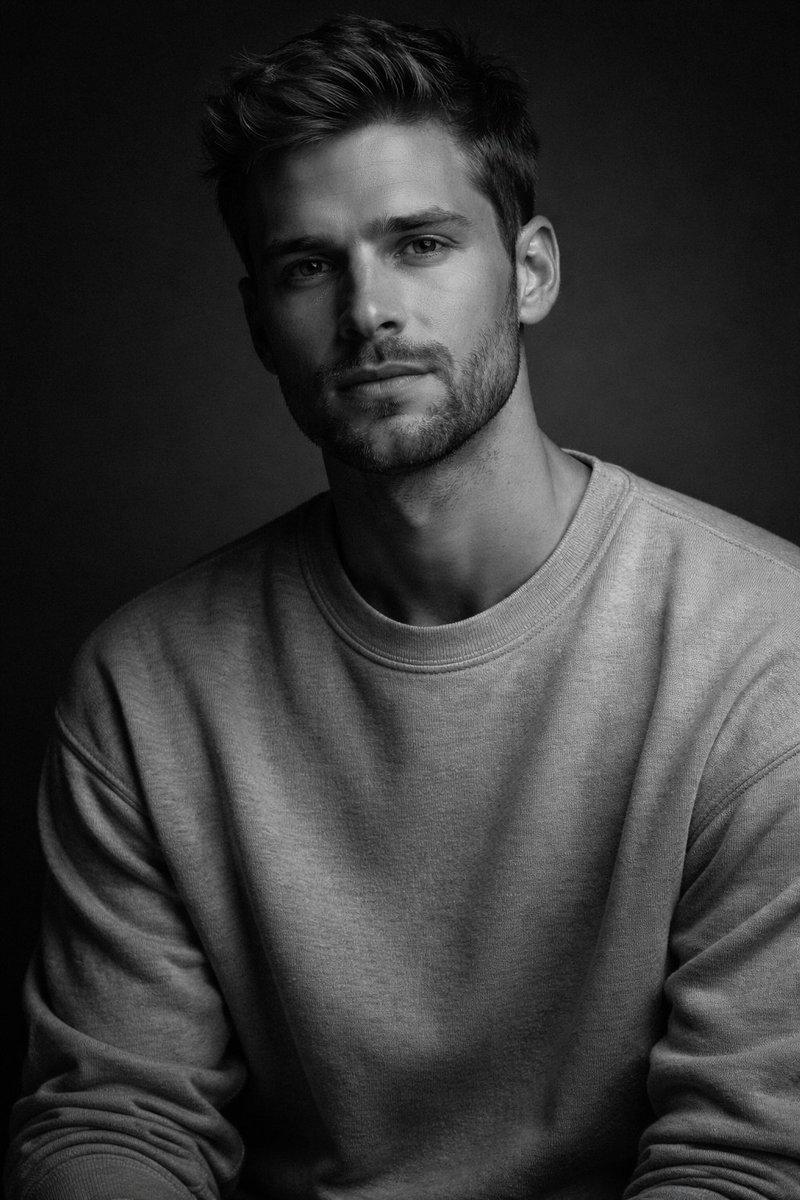
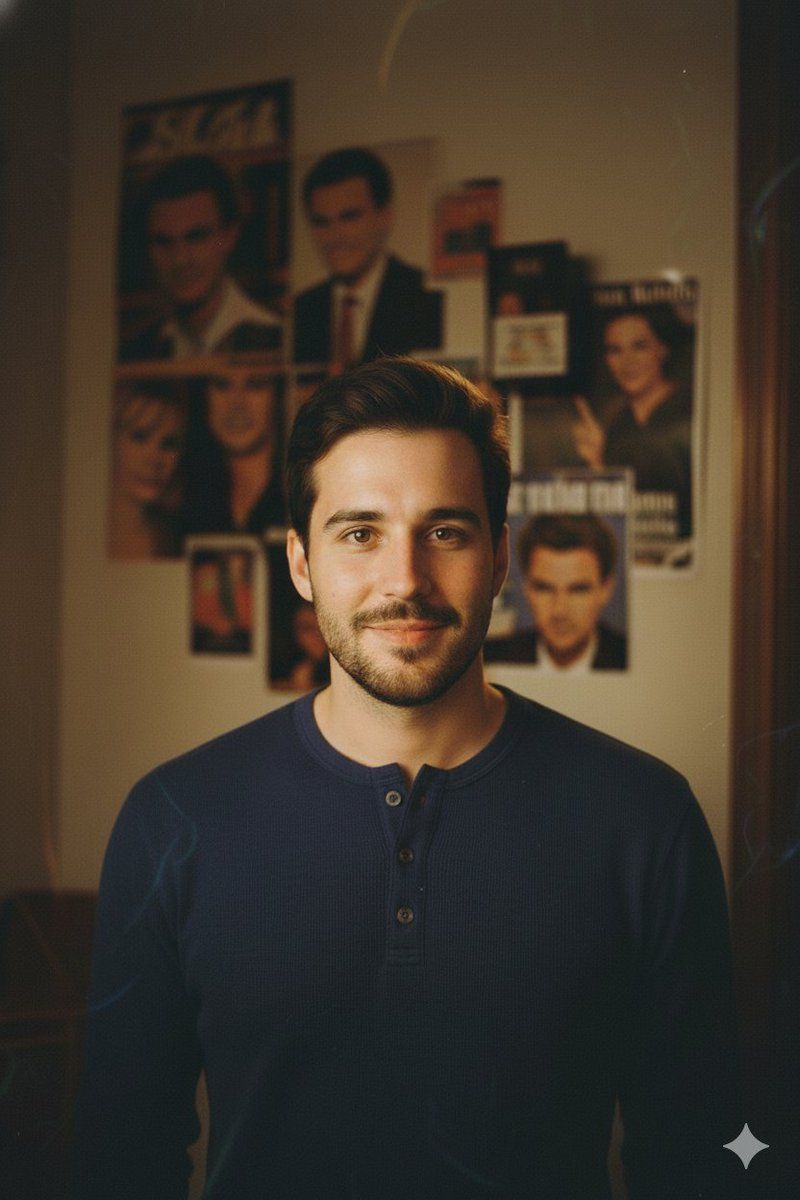
Create a 90s style portrait of the same man as in the reference photo, keeping his exact facial features and expression. The image should look as if it was clicked with a 1990s film camera, slightly grainy with warm tones. The scene takes place in a cozy, dimly lit room where a camera flash is clearly visible, casting a focused light on the man while the background remains slightly shadowed.
Only the upper half of his body is visible in the frame. He is posing elegantly, wearing a simple yet stylish 90s outfit such as a casual shirt or turtleneck that complements the warm indoor setting.
The background features a white wall with a few magazine clippings and posters of Hollywood stars from the 90s pinned to it, adding a nostalgic touch. The overall mood should evoke a classic retro portrait look, natural yet artistically lit.
Category
创意图片
Model
Nano Banana Pro
Creator
Johnn
Views0
Source ID
ce2c87df-7554-45d8-a7cd-358ee384fd9f
Published
Mar 8, 2026

Guide

About "根据参考照片制作 90 年代风格的胶片肖像"

What is this prompt for?

"根据参考照片制作 90 年代风格的胶片肖像" AI image prompt for Nano Banana Pro (创意图片). 一个冗长而详细的提示,用于将一张男士参考照片转化为一张温暖、颗粒感十足的 1990 年代胶片风格肖像,置于一个舒适的室内环境中。 --- 创作一张 90 年代风格的肖像照,人物与参考…

The full copyable prompt and example visuals above are ready for AI image generation or one-click recreate in Picva.

How to use this prompt

  1. Step 1

    Open the prompt detail

    Review the example visuals, category, and full prompt text for "根据参考照片制作 90 年代风格的胶片肖像".

  2. Step 2

    Copy the prompt

    Copy the prompt body from this page, or load it directly in Studio.

  3. Step 3

    Pick a model (Nano Banana Pro)

    Prefer Nano Banana Pro. If you switch models, keep subject and composition and tweak style terms.

  4. Step 4

    Generate and export

    Recreate the look in Picva, or export into your workflow for editing and publishing.

FAQ

What is the "根据参考照片制作 90 年代风格的胶片肖像" prompt?
It is an AI image-generation prompt for Nano Banana Pro in the 创意图片 category. This page includes the full prompt text, example visuals, and a one-click recreate path in Picva.
How do I use this prompt to generate an image?
Copy the prompt from this page, or use Generate / Studio. Paste it into a compatible image model, or recreate the look in Picva with optional reference images.
Which model is this prompt for?
This page lists Nano Banana Pro. Most descriptive prompts also transfer to nearby image models such as GPT Image, Flux, or Midjourney with light style tweaks.
Can I use the result commercially?
You can usually copy the prompt for creation, but commercial use of the final image depends on the model terms, reference-image rights, and the generated content. Follow the source author and platform rules.