18

图片转水彩插画提示词
Enlarge

图片转水彩插画提示词

Prompt
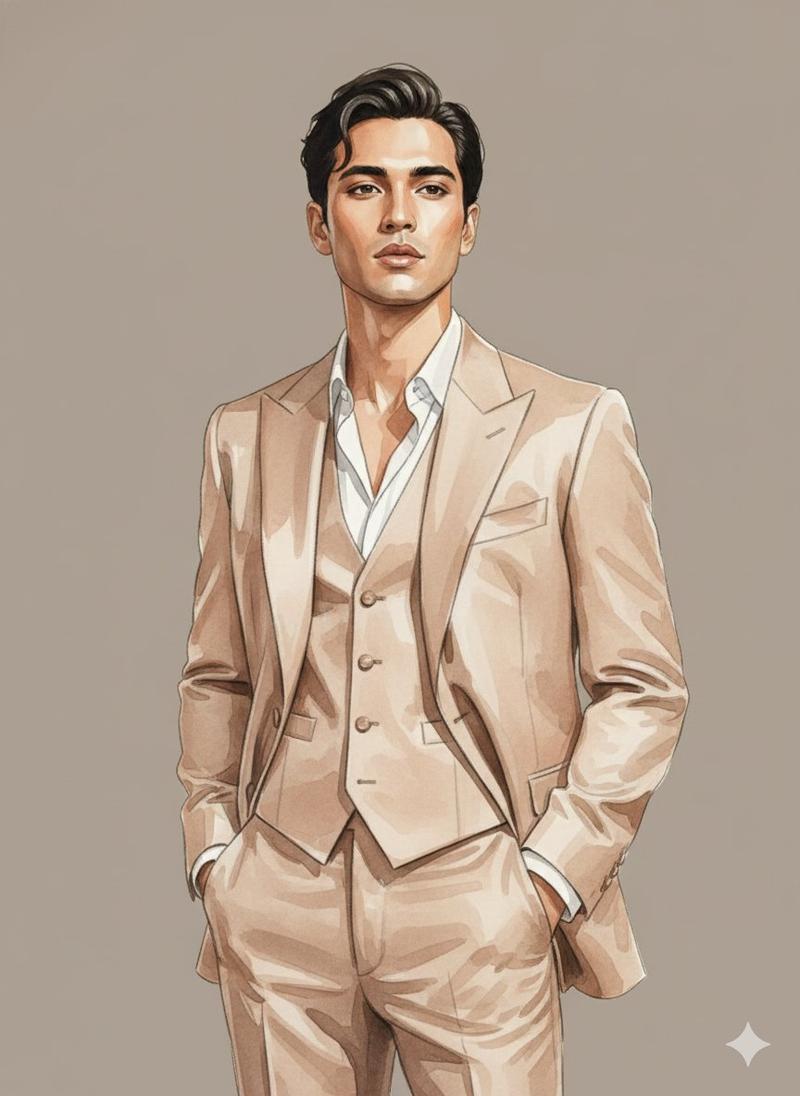
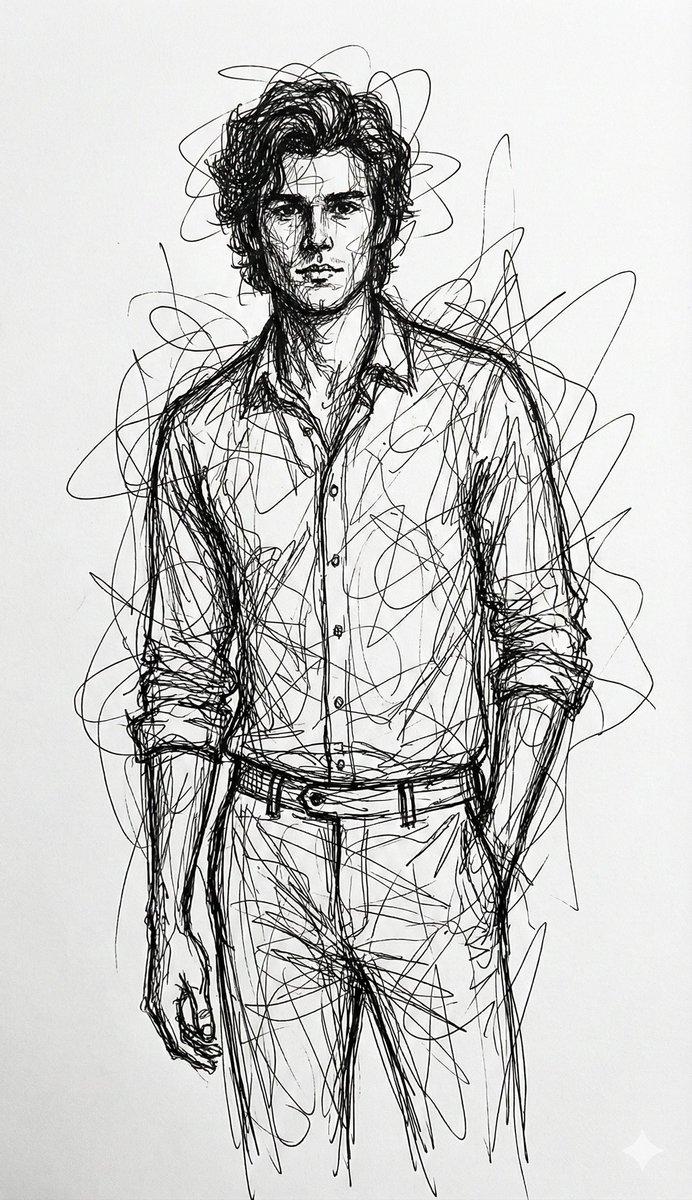
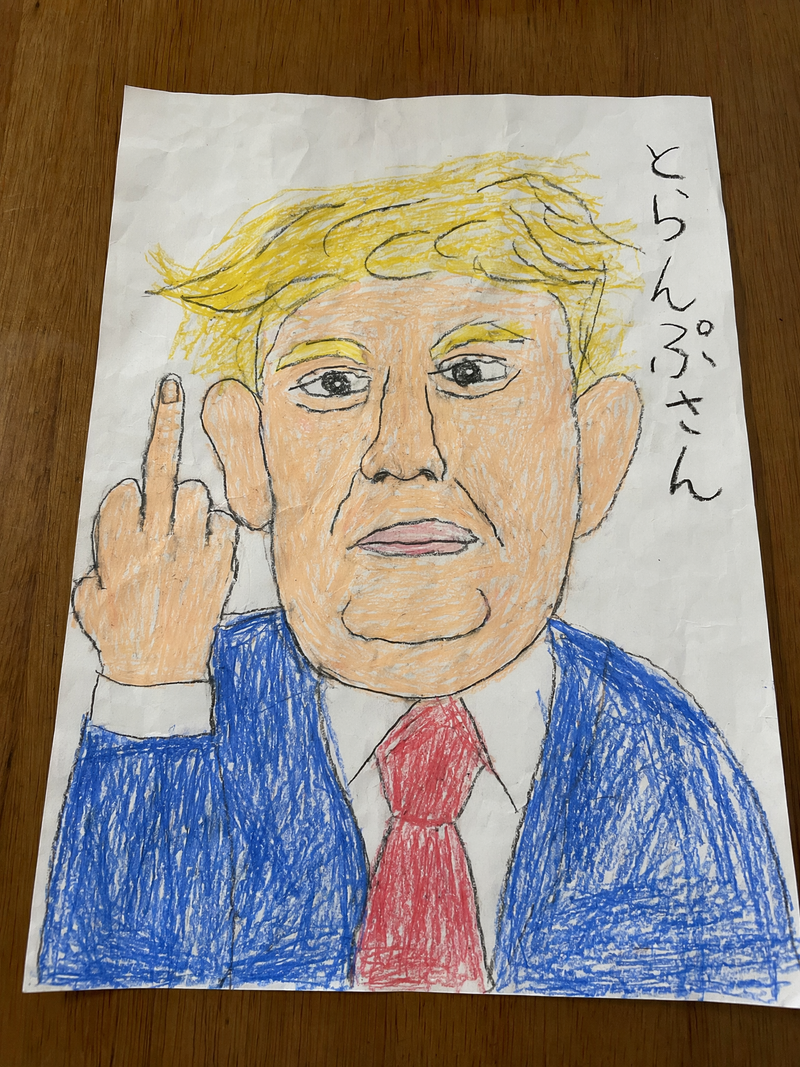
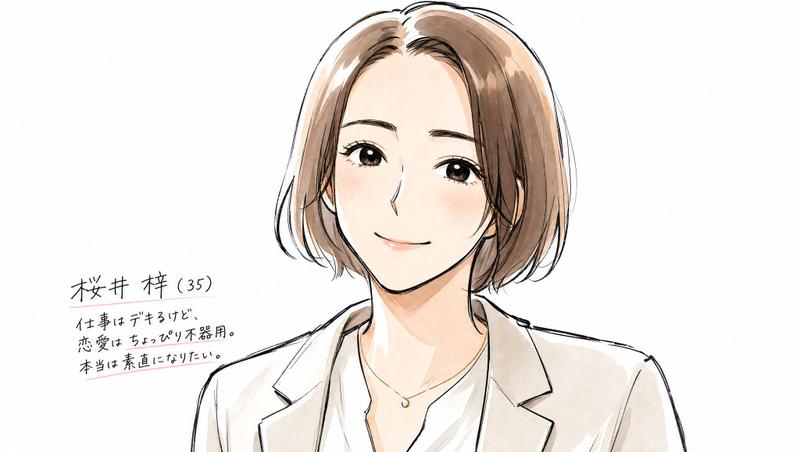
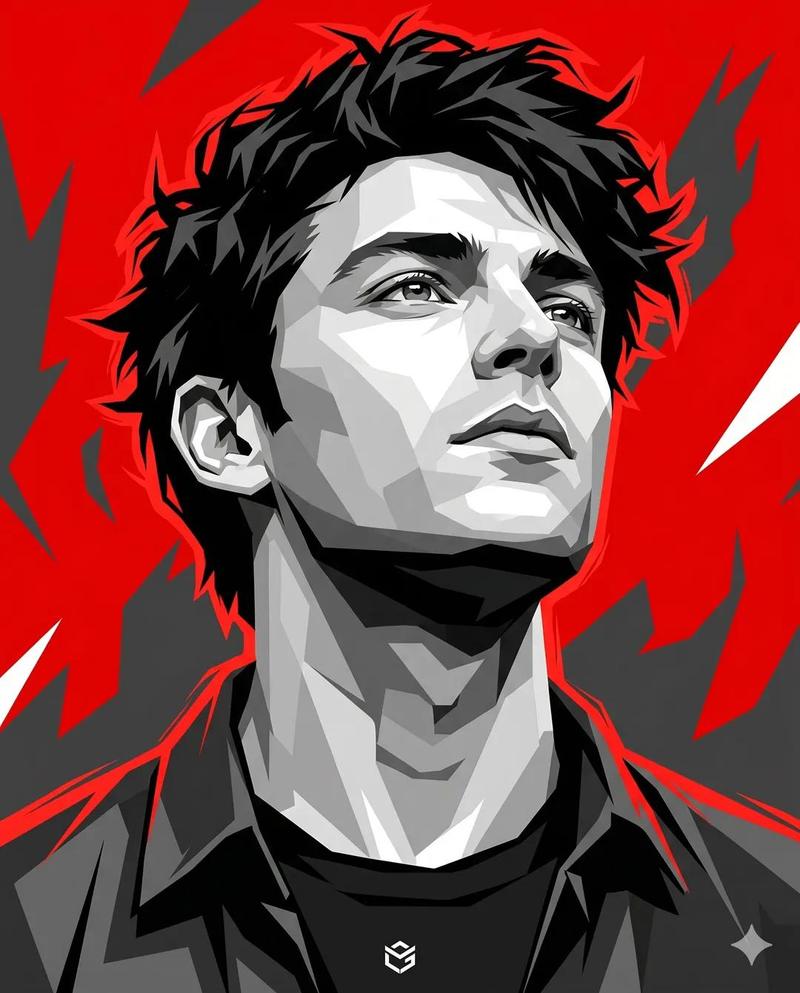
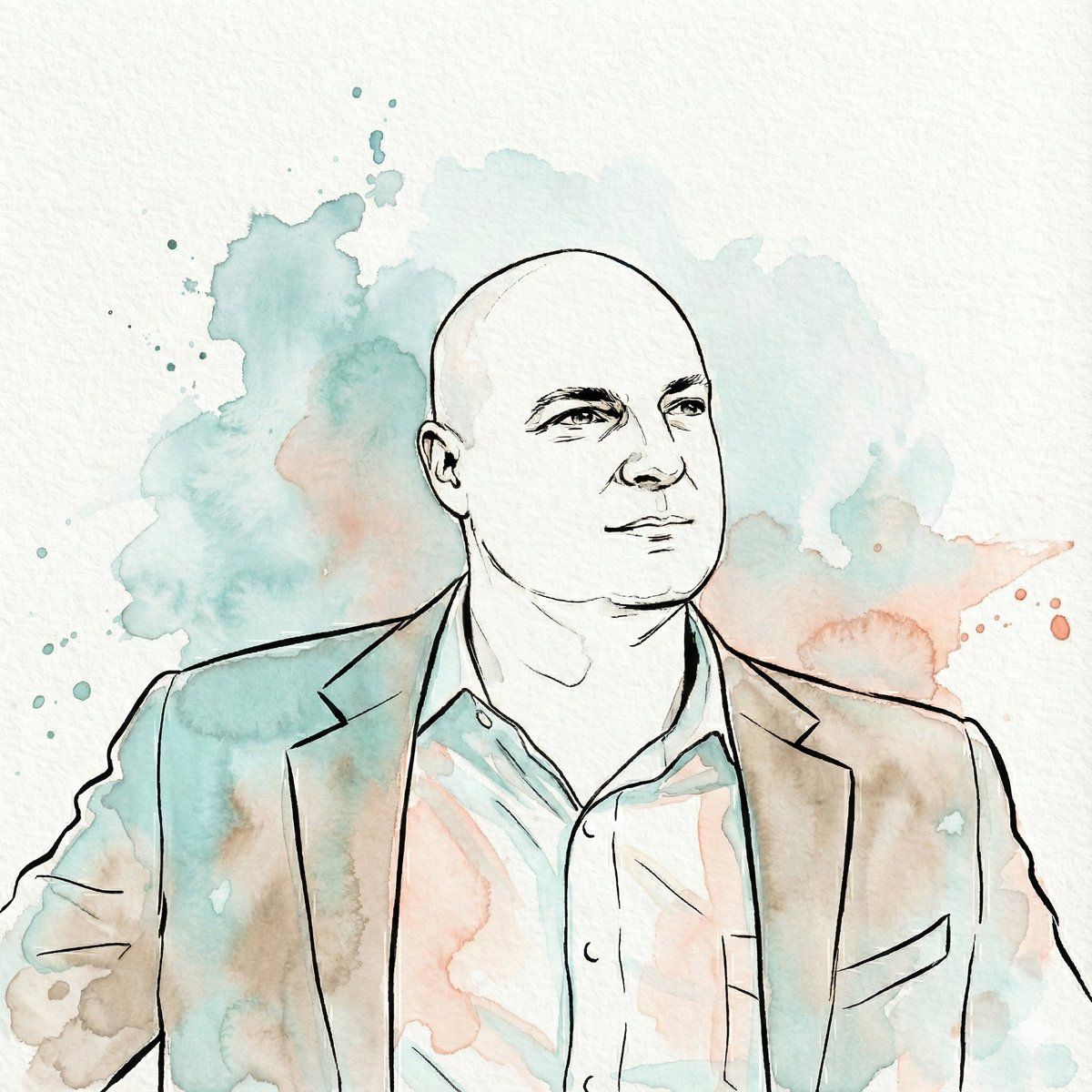
"Transform the subject of the uploaded image into a watercolor illustration rendered in a distinct, stylized aesthetic. The artwork must feature strong, expressive contour lines defining the subject's features, hair, and clothing. The color palette is limited to fluid washes of {argument name="primary color" default="teal"}, muted {argument name="secondary color" default="coral/peach"}, warm beige, and sepia tones used for shading and highlights, replacing natural colors entirely. The final image should emphasize the texture of cold-press paper, visible paint granulation, and loose watercolor bleed effects. The subject's likeness must be preserved accurately within this new medium, set against a white paper background with abstract splashes of teal and coral watercolor"
Category
创意图片
Model
Nano Banana Pro
Views0
Source ID
576cbef8-a461-455d-846e-07cbedf2bd11
Published
Mar 8, 2026

Guide

About "图片转水彩插画提示词"

What is this prompt for?

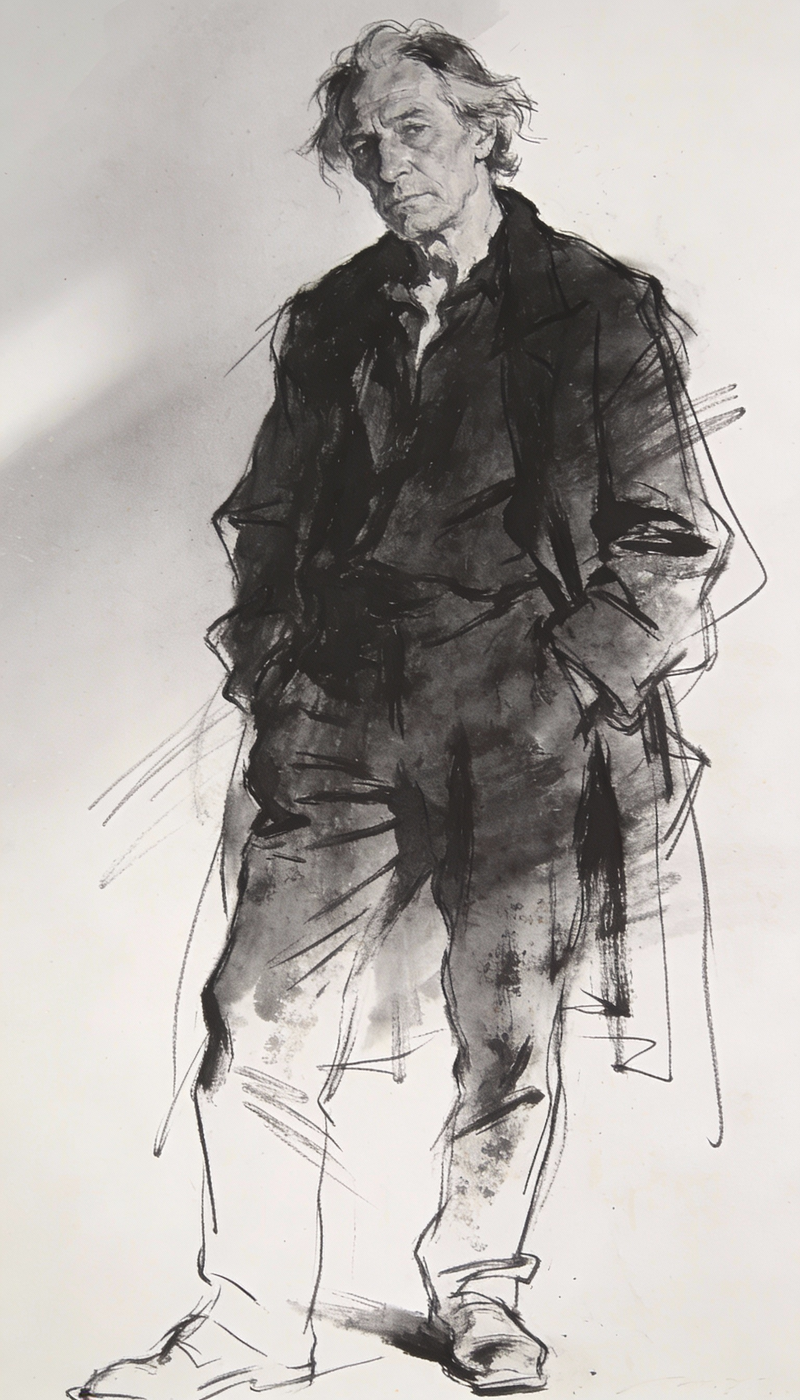
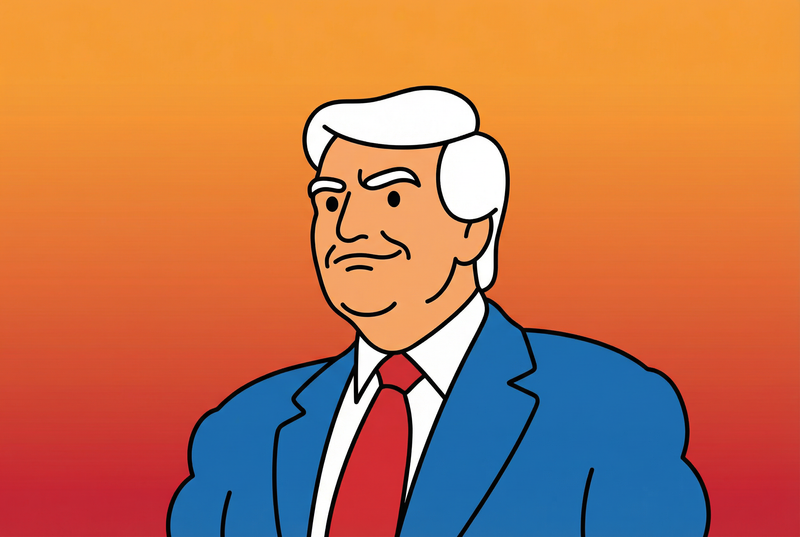
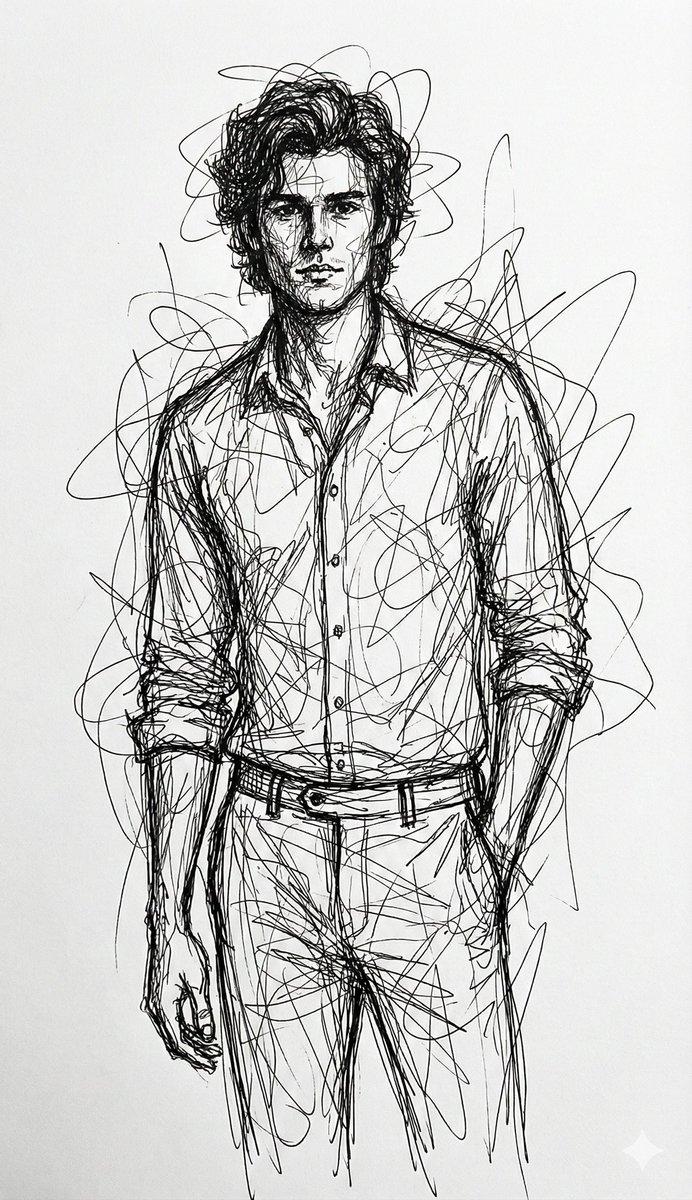
"图片转水彩插画提示词" AI image prompt for Nano Banana Pro (创意图片). 一个用于图像到图像转换的提示,指示模型将上传的照片转换为风格化的水彩插画。它指定了强烈的轮廓线、有限的调色板(青色、珊瑚色/桃色、米色)以及逼真的纹理效果,如冷压纸和颜料颗粒感,同时保留了主体的肖像特征。…

The full copyable prompt and example visuals above are ready for AI image generation or one-click recreate in Picva.

How to use this prompt

  1. Step 1

    Open the prompt detail

    Review the example visuals, category, and full prompt text for "图片转水彩插画提示词".

  2. Step 2

    Copy the prompt

    Copy the prompt body from this page, or load it directly in Studio.

  3. Step 3

    Pick a model (Nano Banana Pro)

    Prefer Nano Banana Pro. If you switch models, keep subject and composition and tweak style terms.

  4. Step 4

    Generate and export

    Recreate the look in Picva, or export into your workflow for editing and publishing.

FAQ

What is the "图片转水彩插画提示词" prompt?
It is an AI image-generation prompt for Nano Banana Pro in the 创意图片 category. This page includes the full prompt text, example visuals, and a one-click recreate path in Picva.
How do I use this prompt to generate an image?
Copy the prompt from this page, or use Generate / Studio. Paste it into a compatible image model, or recreate the look in Picva with optional reference images.
Which model is this prompt for?
This page lists Nano Banana Pro. Most descriptive prompts also transfer to nearby image models such as GPT Image, Flux, or Midjourney with light style tweaks.
Can I use the result commercially?
You can usually copy the prompt for creation, but commercial use of the final image depends on the model terms, reference-image rights, and the generated content. Follow the source author and platform rules.