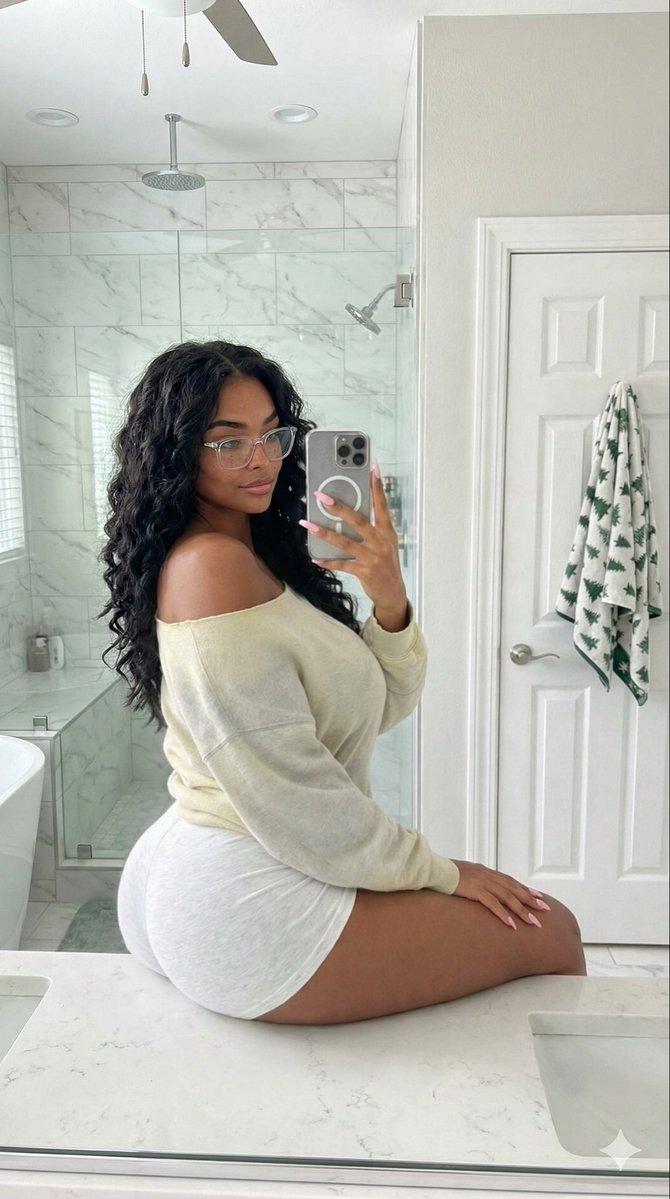
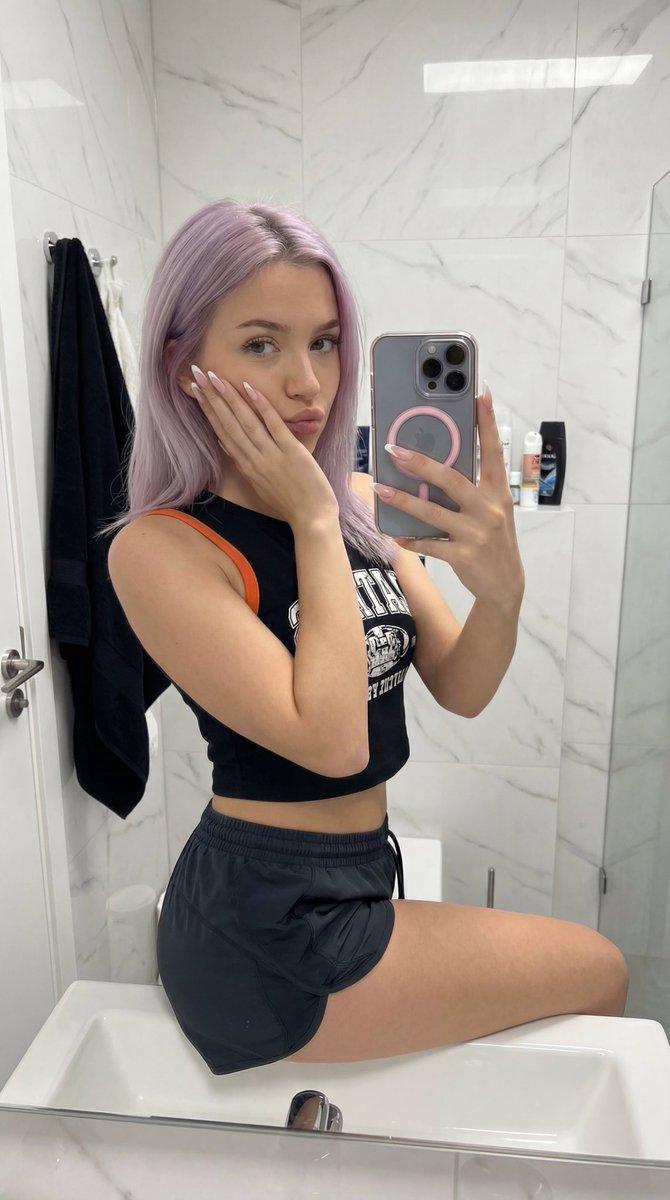
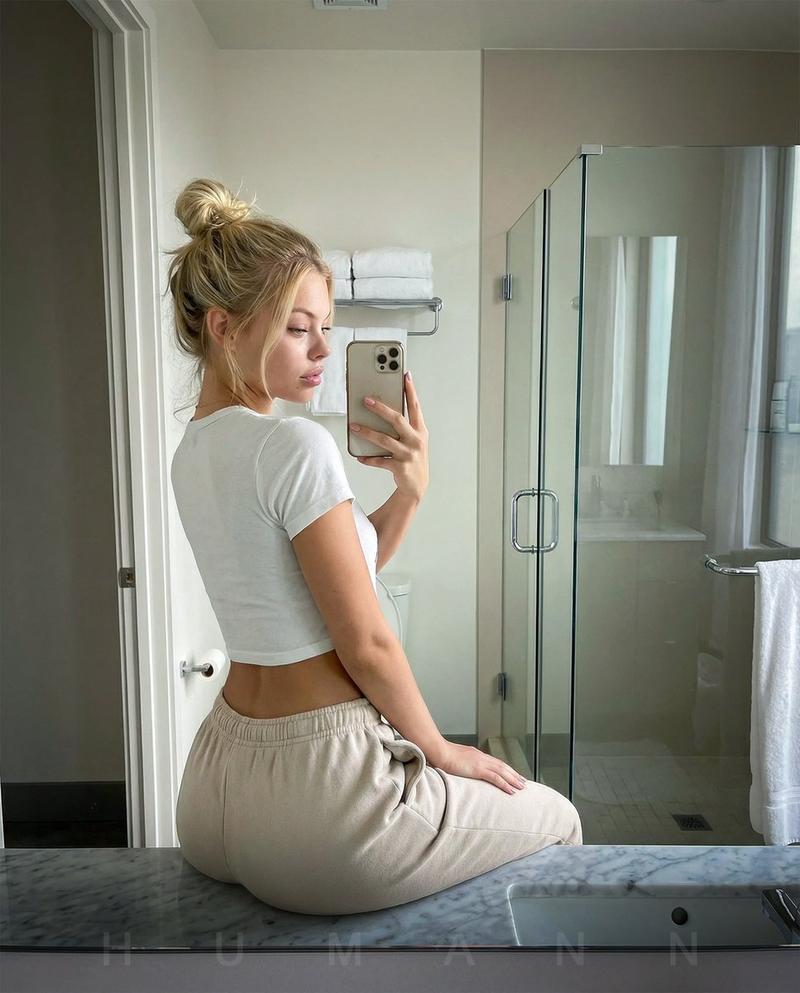
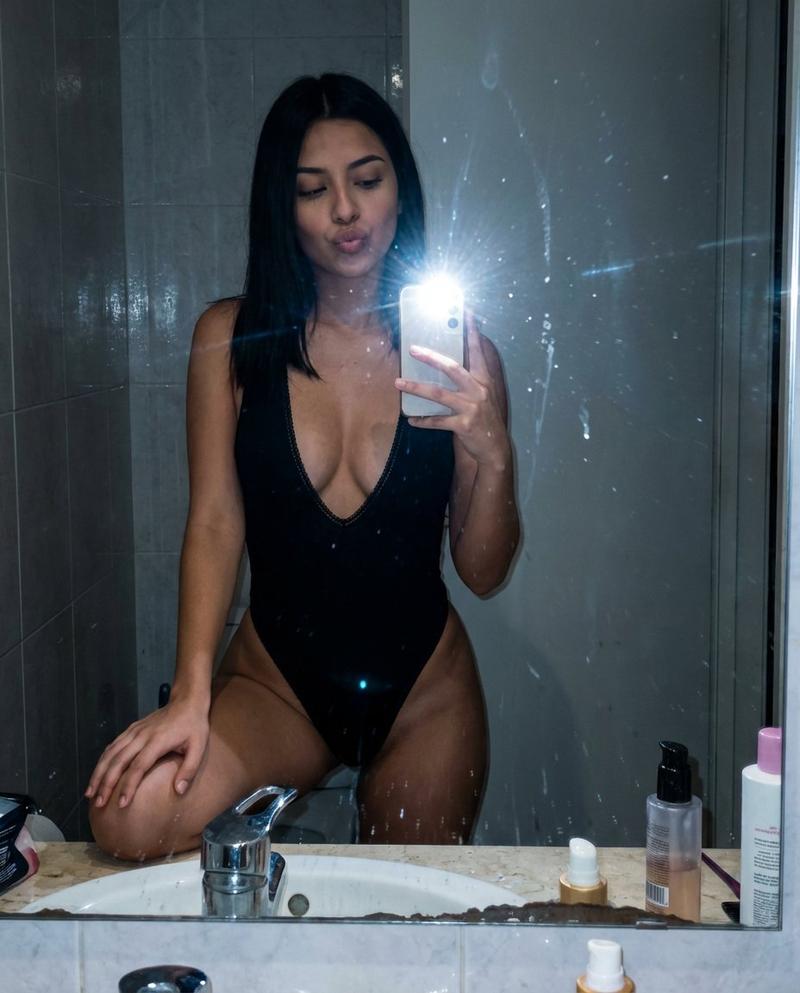
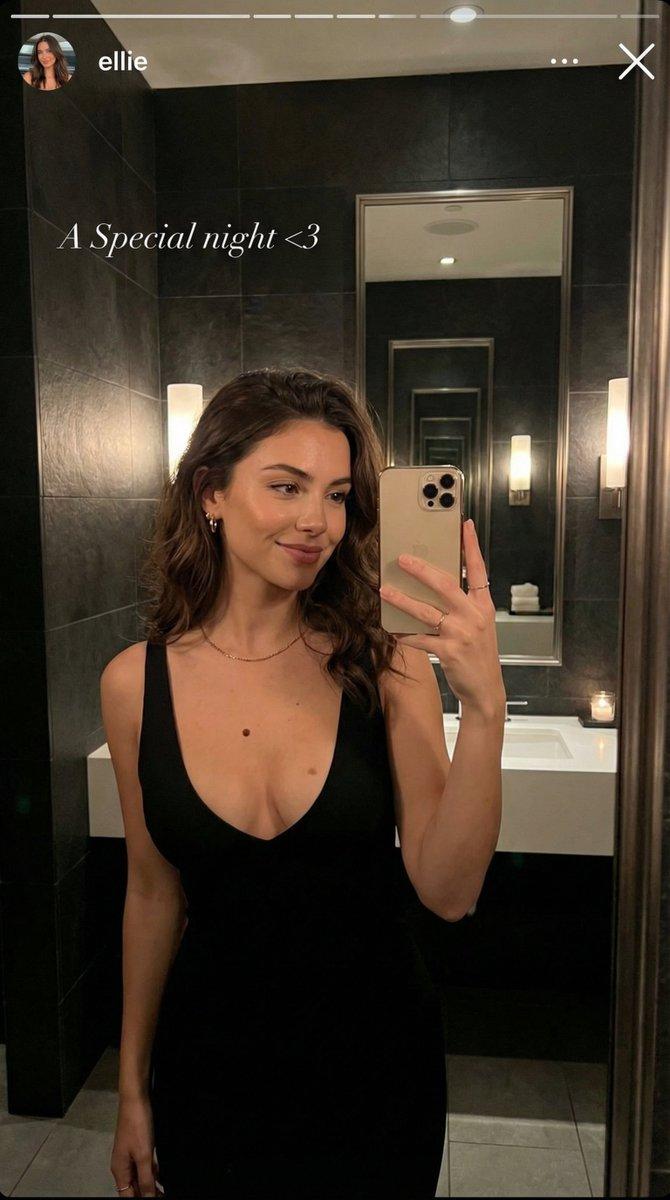
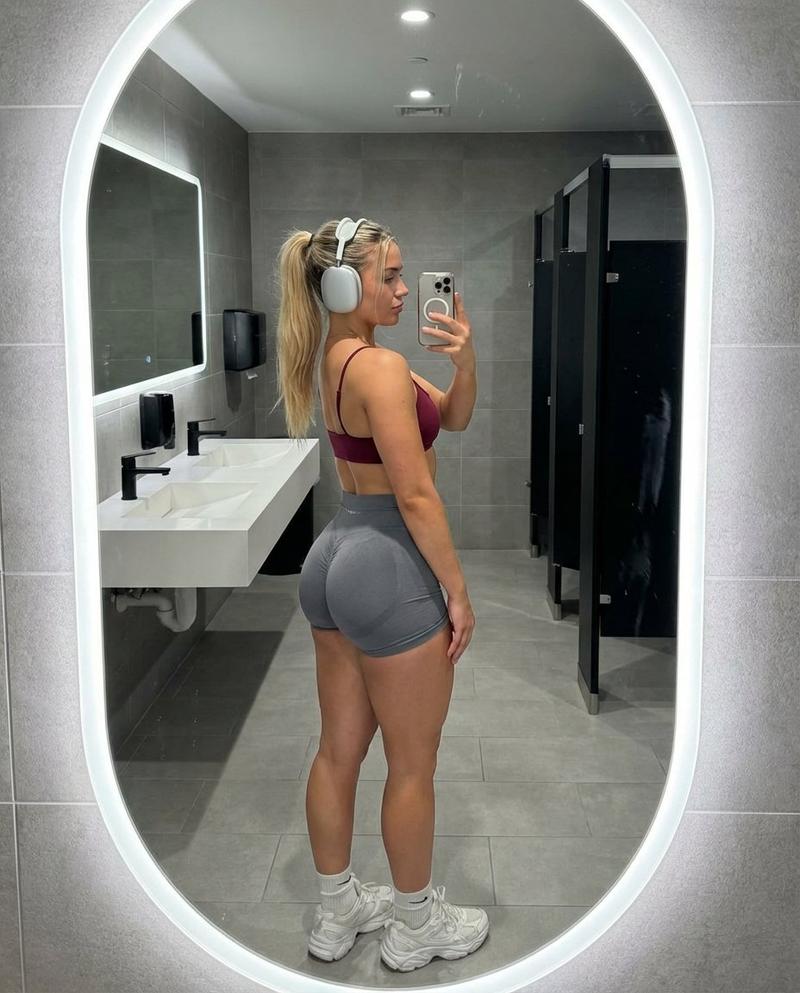
带姿势和景深控制的镜面自拍
Prompt
{
  "subject": {
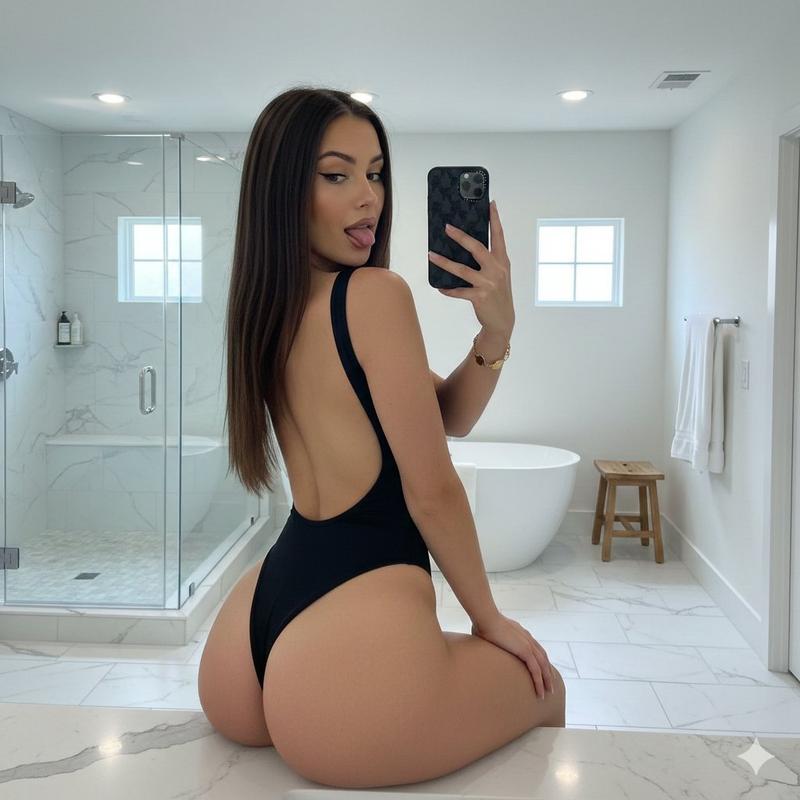
    "description": "Young woman with long straight dark brown hair seated on a bathroom counter.",
    "attire": "Black matte high-cut open-back bodysuit.",
    "anatomy": "Emphasis on hips, thighs, and glutes from seated angle; natural tan skin.",
    "accessories": "Gold clover chain bracelet.",
    "makeup": "Natural glam with eyeliner and matte lips."
  },
  "pose": {
    "type": "Seated mirror selfie",
    "orientation": "Rear 3/4 view, torso twisted toward mirror",
    "expression": "Playful, tongue out",
    "arms": "Right hand holding phone, left resting",
    "legs": "One knee bent in foreground",
    "spine": "Natural seated arch"
  },
  "environment": {
    "location": "Modern bright bathroom",
    "features": "White marble counter, glass shower, freestanding tub, small windows, wooden stool, recessed lights",
    "floor": "White marble tile"
  },
  "camera": {
    "type": "Smartphone mirror selfie",
    "lens": "Wide (~26mm equiv)",
    "dof": "Deep focus",
    "device": "iPhone with dark patterned case"
  },
  "lighting": {
    "sources": ["Ceiling downlights", "Window daylight"],
    "quality": "Bright, even, cool-neutral"
  },
  "output": {
    "ratio": "3:4",
    "orientation": "Portrait",
    "style": "Photorealistic casual snapshot"
  },
  "controls": {
    "pose": "DWPose (1.0)",
    "depth": "ZoeDepth (0.8)"
  },
  "negative_prompt": [
    "body averaging",
    "slimmed proportions",
    "closed mouth",
    "cinematic lighting",
    "blur",
    "low resolution",
    "illustration",
    "3d render"
  ]
}- Category
- 创意图片
- Model
- Nano Banana Pro
- Creator
- Sienna
- Source ID
- 0fc7e187-63e5-4387-98ce-c751cd5d3864
- Published
- Mar 8, 2026
Views0