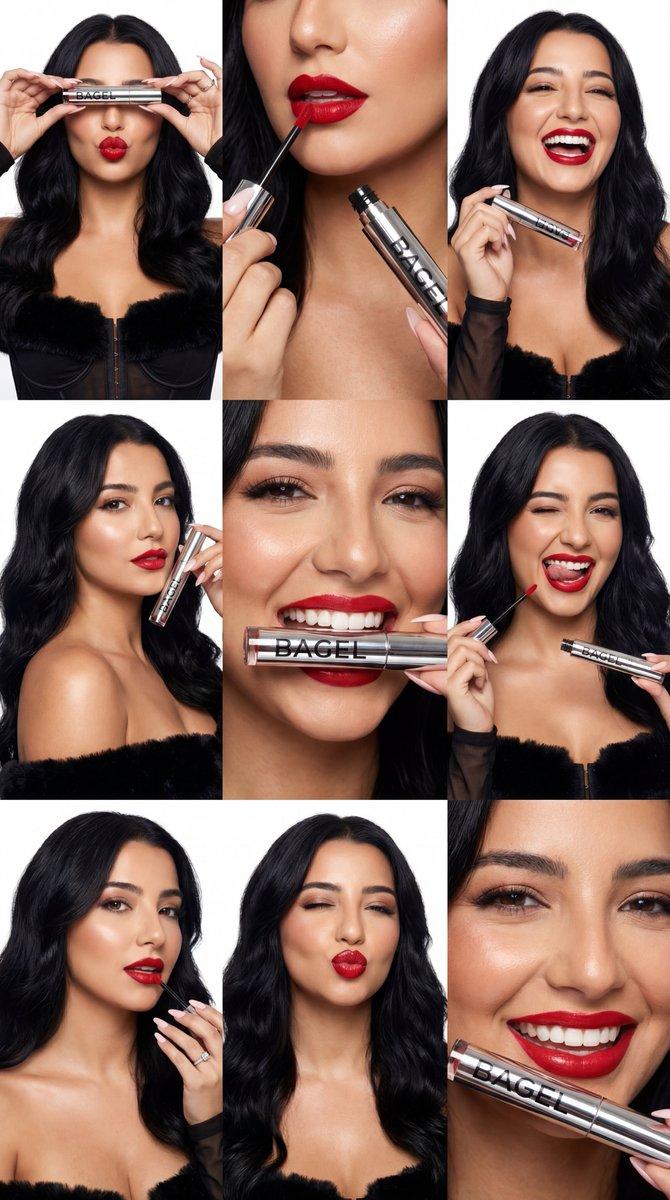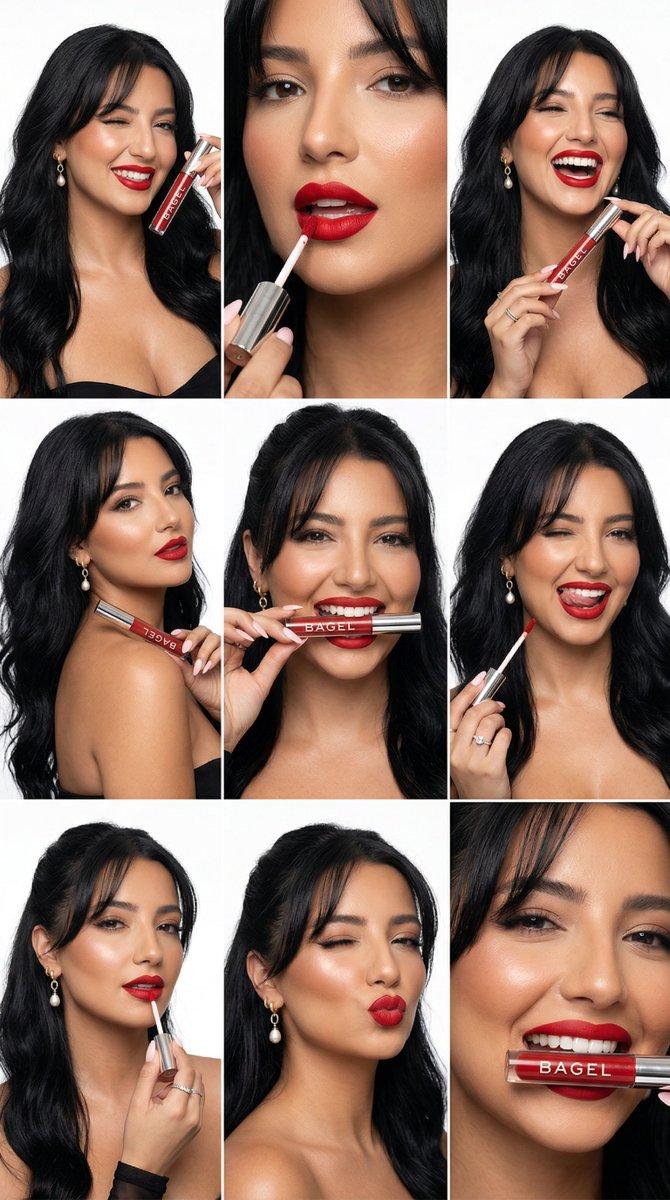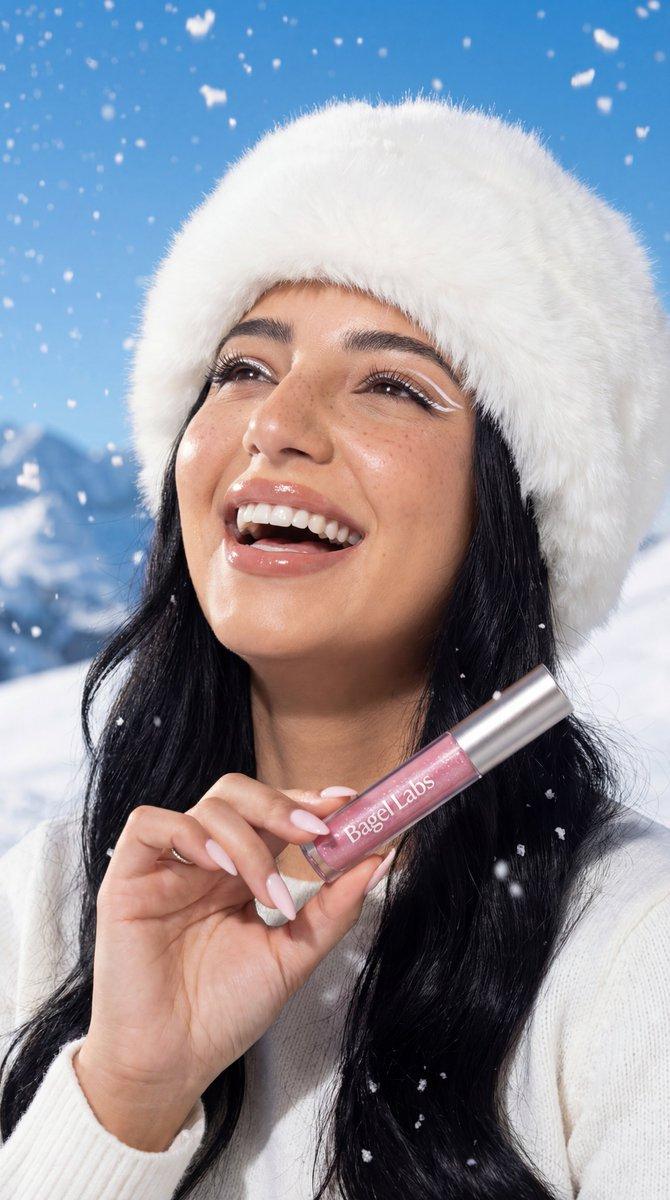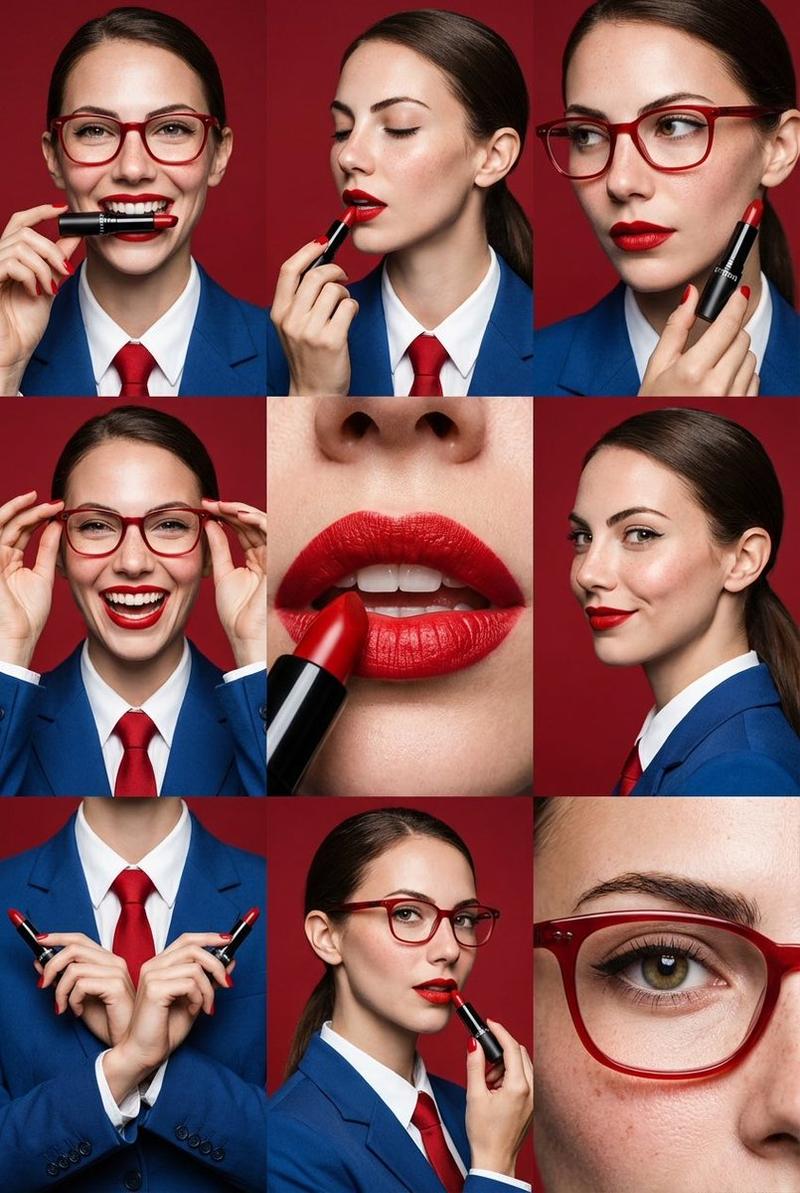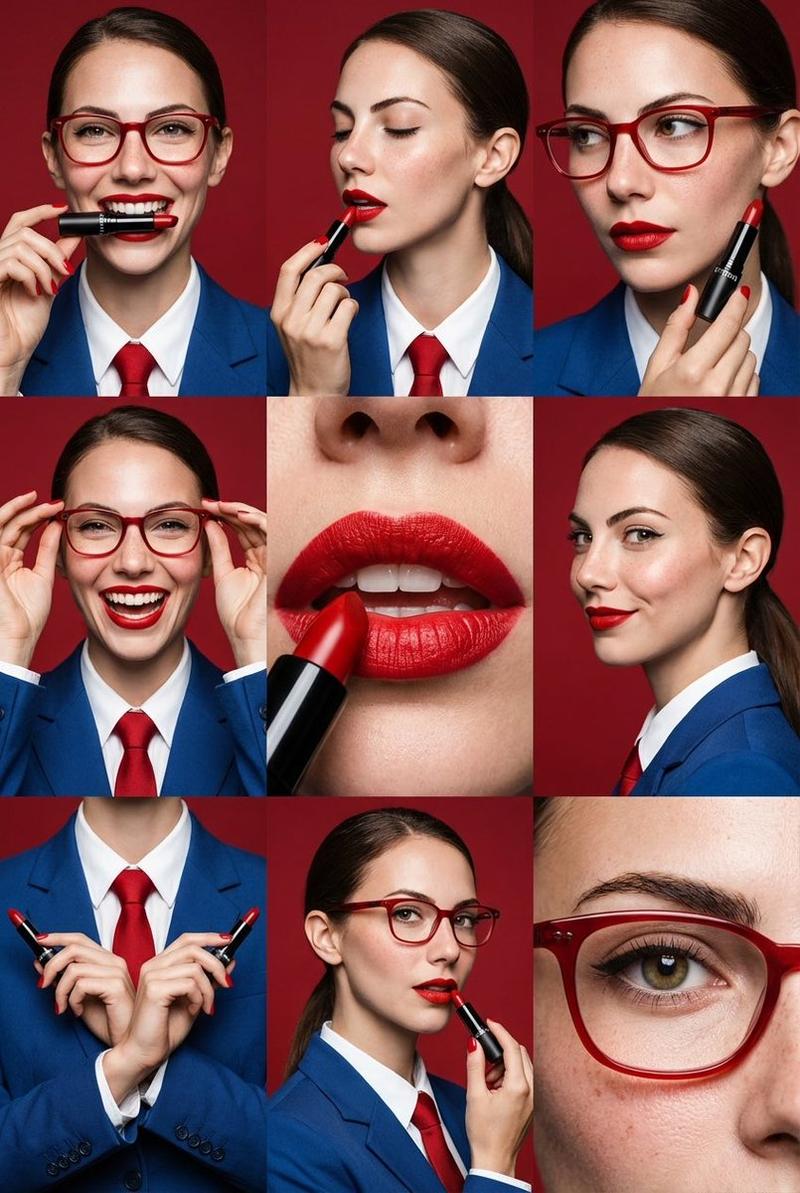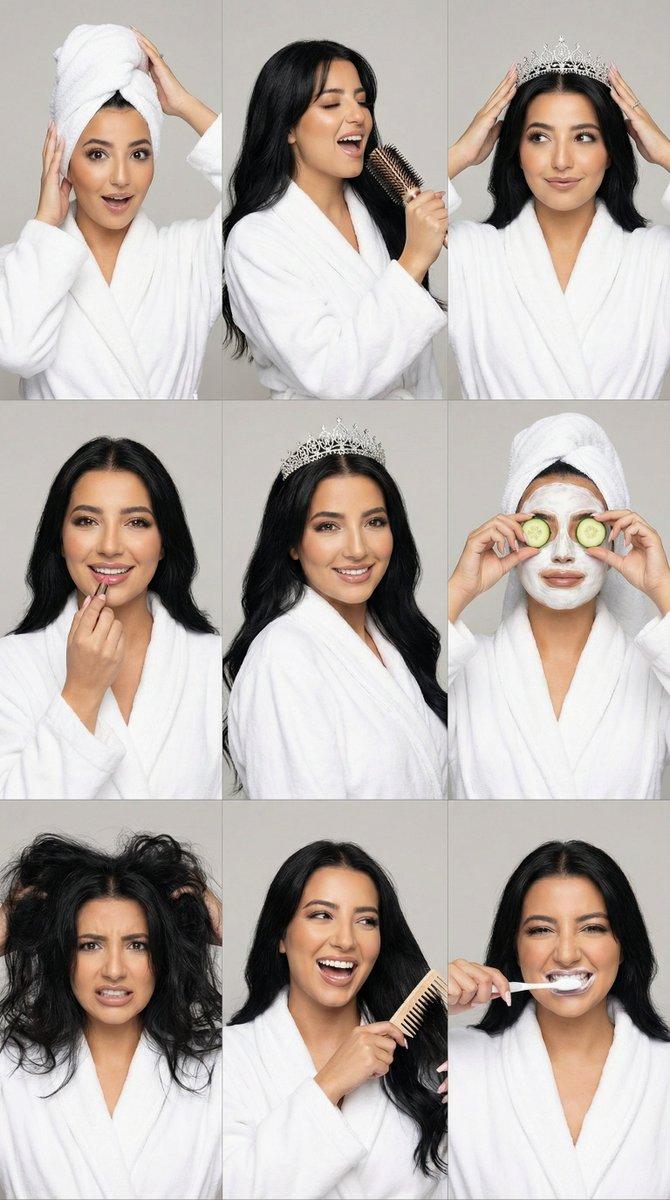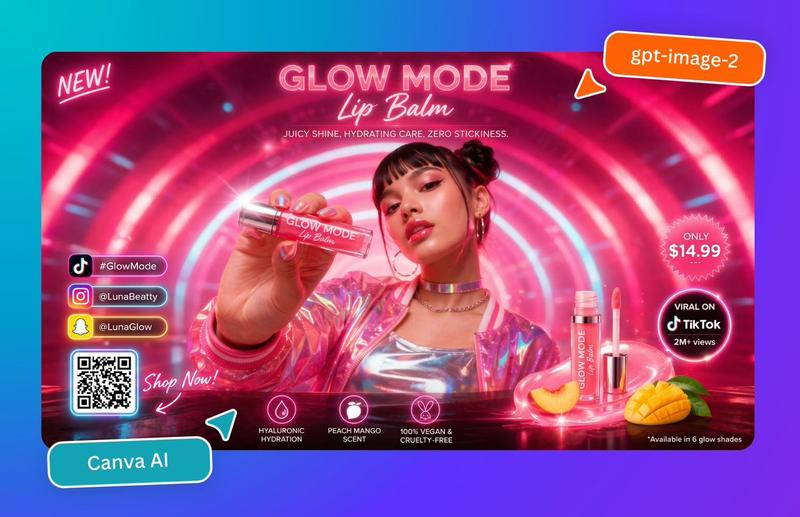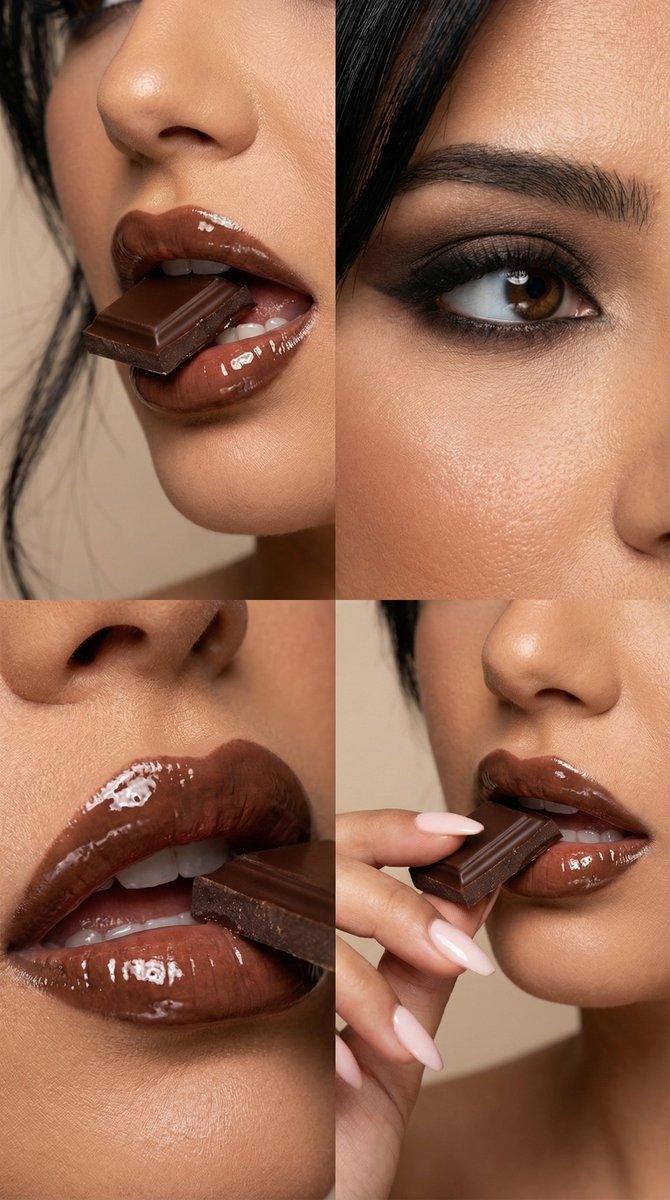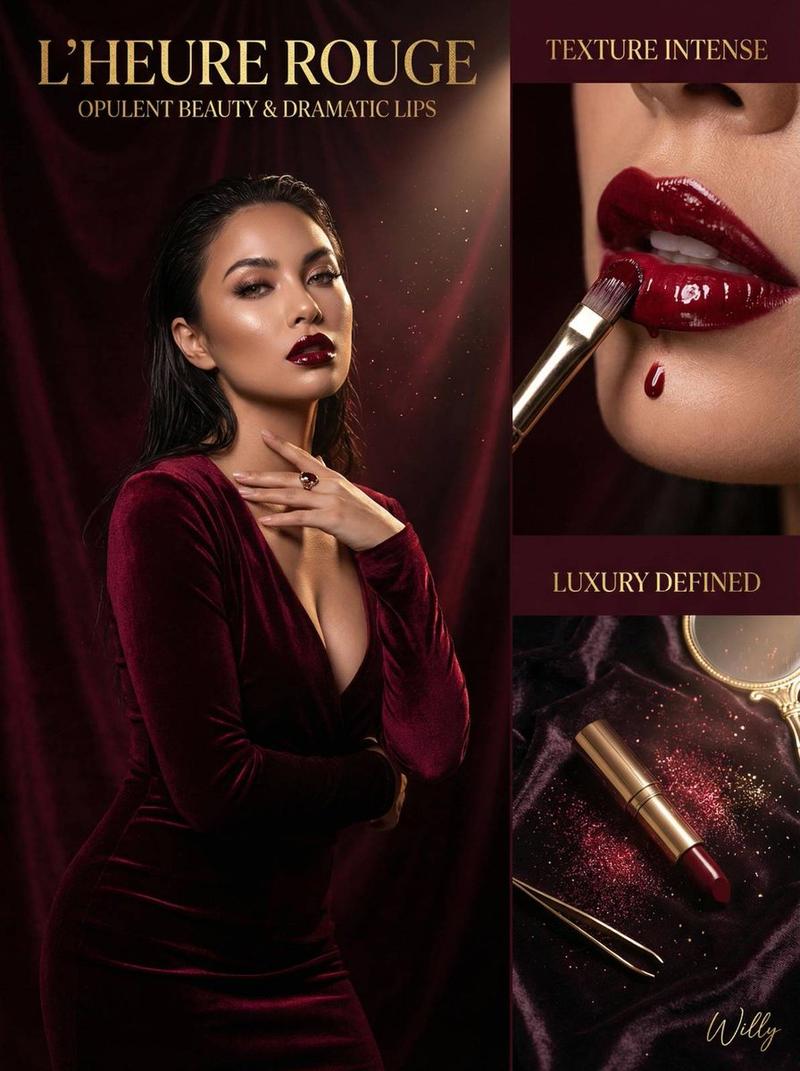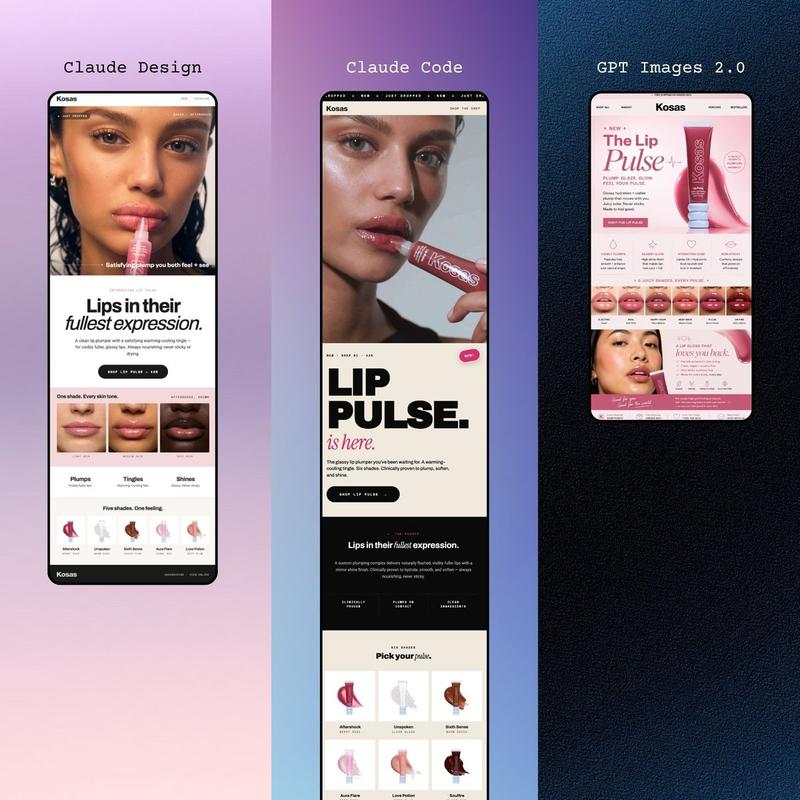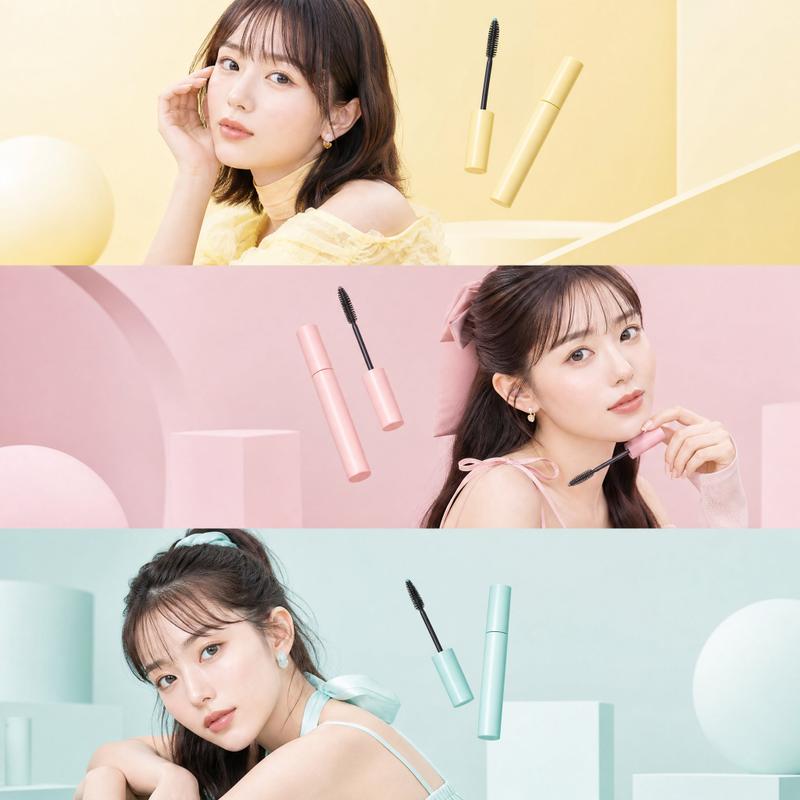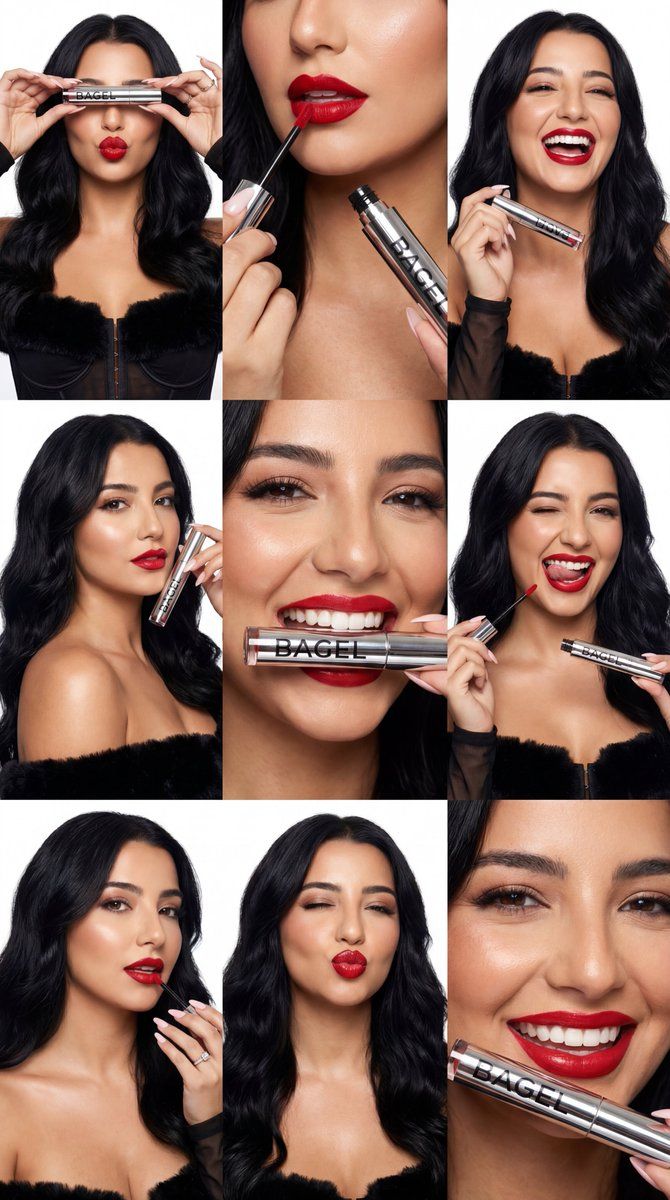
超真实感美妆广告联系表 (BAGEL)
Prompt
{
  "generation_request": {
    "meta_data": {
      "tool": "NanoBanana Pro",
      "task_type": "text_to_image_ultra_photoreal_beauty_contact_sheet_product_campaign",
      "version": "v1.1",
      "priority": "high"
    },
    "output_settings": {
      "aspect_ratio": "4:5",
      "orientation": "portrait",
      "resolution": "ultra_high_res",
      "render_style": "ultra_photoreal_beauty_editorial",
      "sharpness": "crisp_but_natural",
      "film_grain": "none_or_minimal",
      "color_grade": "clean_true_to_life"
    },
    "creative_prompt": {
      "scene_summary": {
        "en": "Ultra-photoreal beauty campaign contact sheet on a pure white seamless background. A 3x3 grid collage of nine panels featuring ONE model with hair worn down: voluminous, glossy, long dark waves with soft movement and lift at the roots. The model has a lean, fit, runway-like physique and an attractive high-fashion look. Skin is luminous with realistic texture and refined editorial retouch (no plastic smoothing). Makeup: defined brows, clean eyeliner, soft bronzy blush, and bold red lipstick.\n\nProduct must stay consistent: a sleek chrome lip product tube and doe-foot applicator with the brand name 'BAGEL' printed clearly on the tube in a bold modern sans-serif. The tube shape, cap, chrome finish, and label placement remain consistent across all panels. The word 'BAGEL' is readable, spelled correctly, centered, and aligned on the tube in every panel where the product is visible. No other text or brands anywhere.\n\nPanel variety (9 frames):\n1) Model holds the chrome tube horizontally over the eyes like a visor; lips puckered.\n2) Close-up applying the red lipstick with the doe-foot applicator; tube visible with 'BAGEL'.\n3) Model laughing wide-mouth; tube held near face.\n4) Beauty angle portrait holding tube near chin; confident gaze.\n5) Extreme close-up smile with teeth; tube held lightly between teeth; 'BAGEL' readable.\n6) Wink + playful tongue-out; holding applicator and tube; 'BAGEL' readable.\n7) Applying lipstick again with elegant hand pose; manicure clean nude/white.\n8) Kissy face wink; cheek highlight strong and glossy.\n9) Tight crop smile; crisp lip texture and clean edges.\n\nLighting: high-end beauty studio lighting, bright and even, soft specular highlights on chrome packaging, realistic shadows, face and product both tack sharp. Composition: clean margins, consistent spacing between panels, magazine-quality production. No watermark, no extra logos."
      },
      "composition": {
        "layout": "3x3 grid collage, consistent white gutters, clean alignment",
        "framing": "mix of tight close-ups and medium close-ups; product always readable when present",
        "focus": "face sharp; BAGEL text sharp; background pure white"
      },
      "lighting_and_camera": {
        "lighting": "beauty studio: large soft key + fill + subtle rim; bright, clean, shadow-controlled",
"lens": "85- Category
- 创意图片
- Model
- Nano Banana Pro
- Creator
- Özge Döner
- Source ID
- 6314b2db-f495-471f-ba55-611ade380bce
- Published
- Mar 8, 2026
Views0