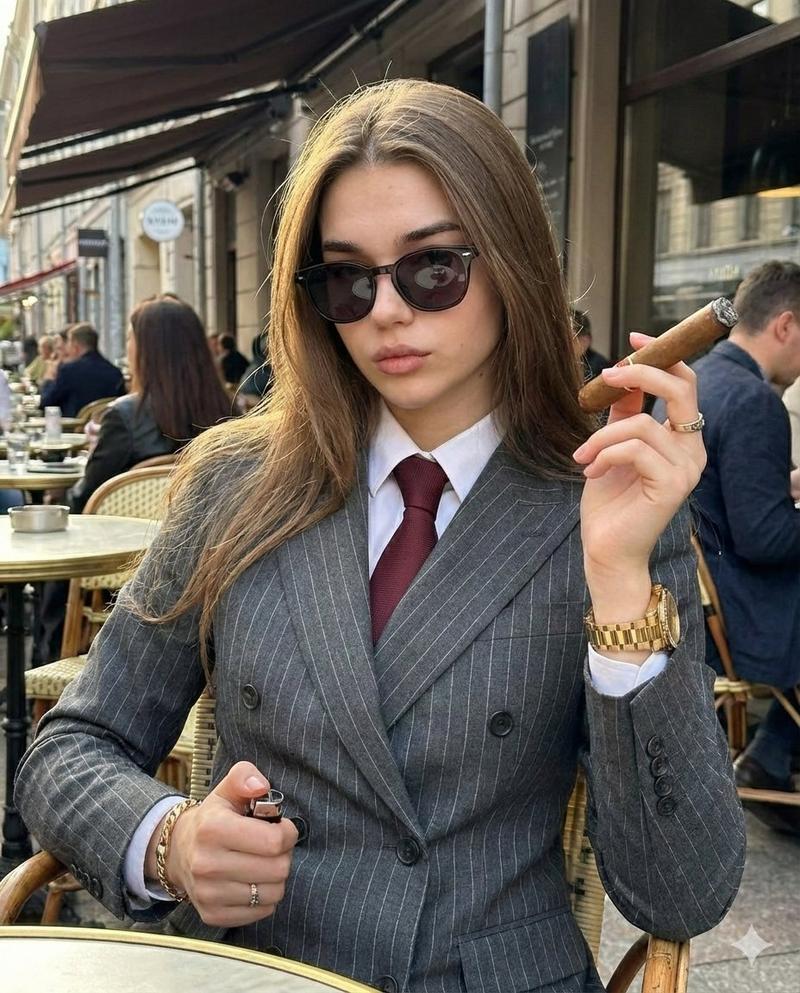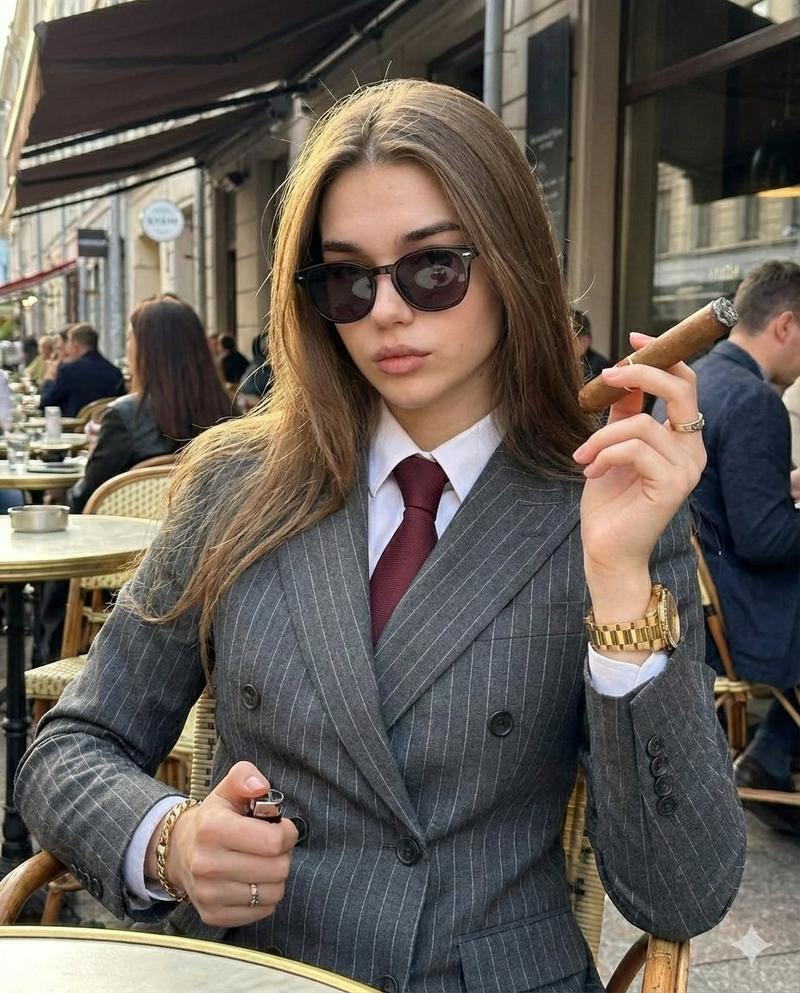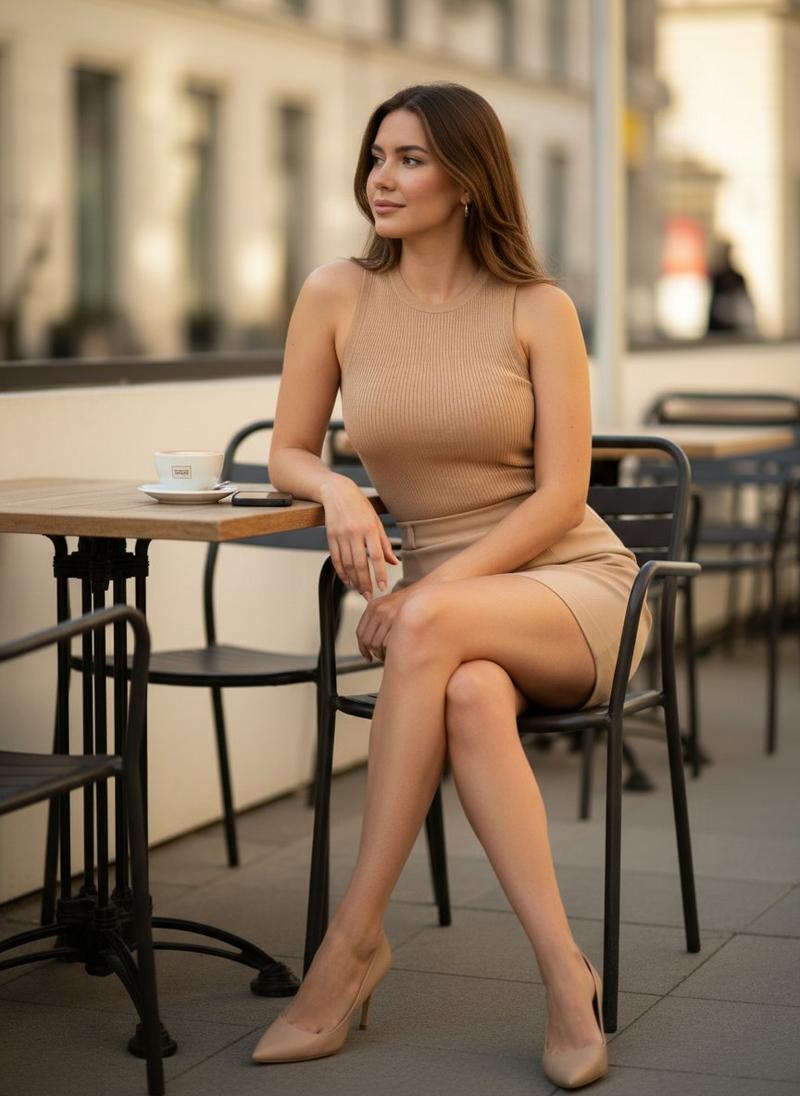
超逼真 8K 现代咖啡馆生活肖像
Prompt
{
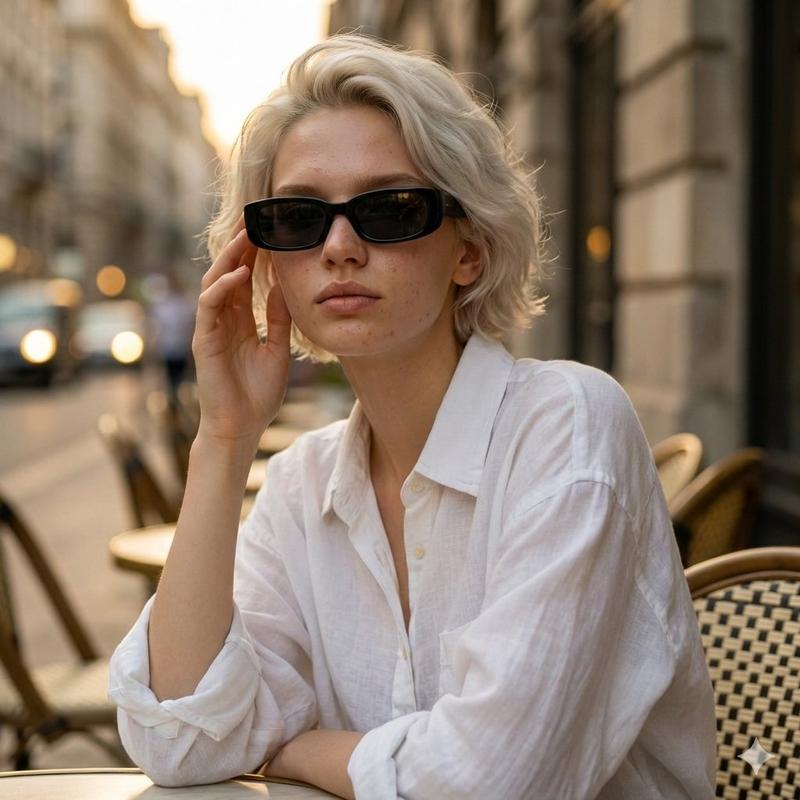
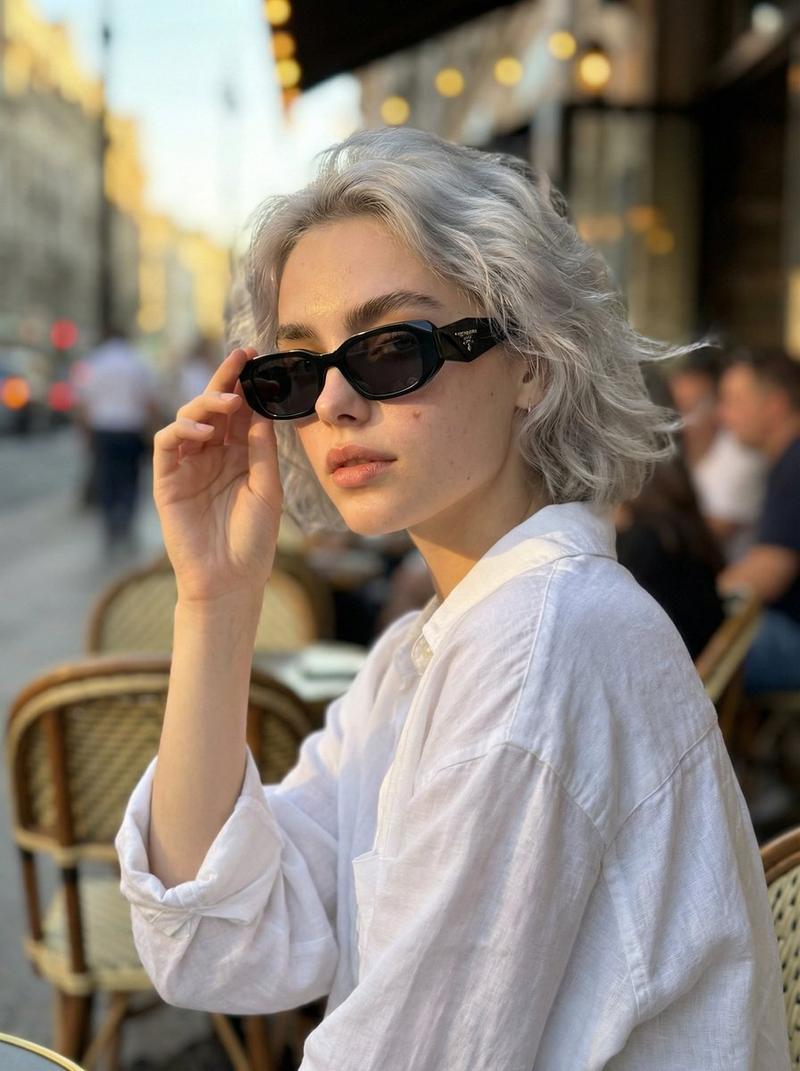
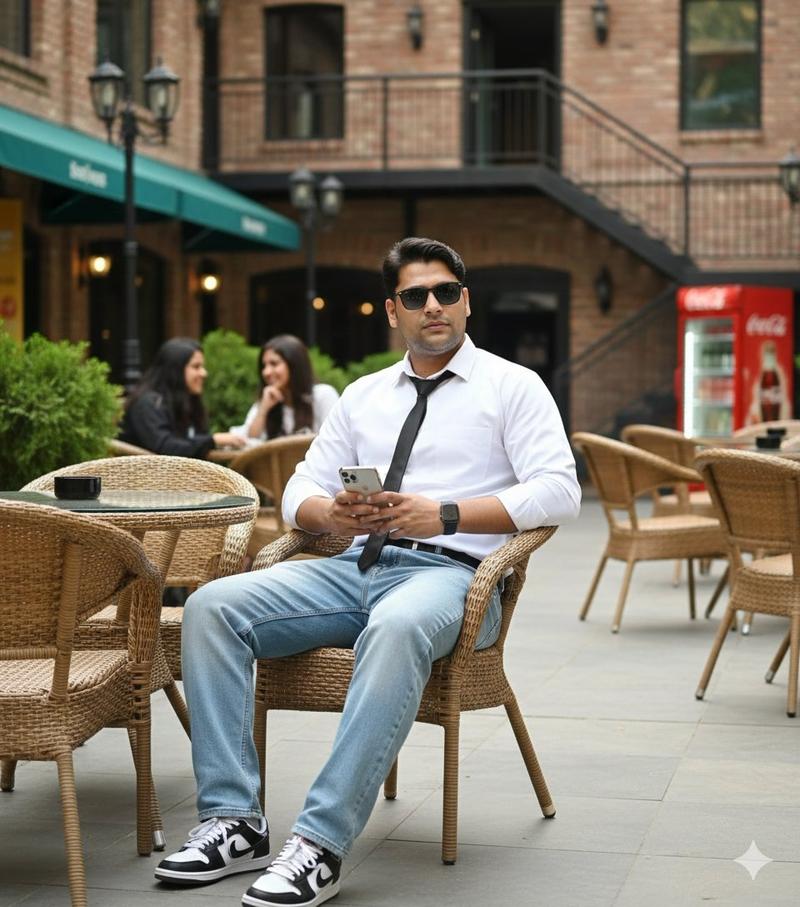
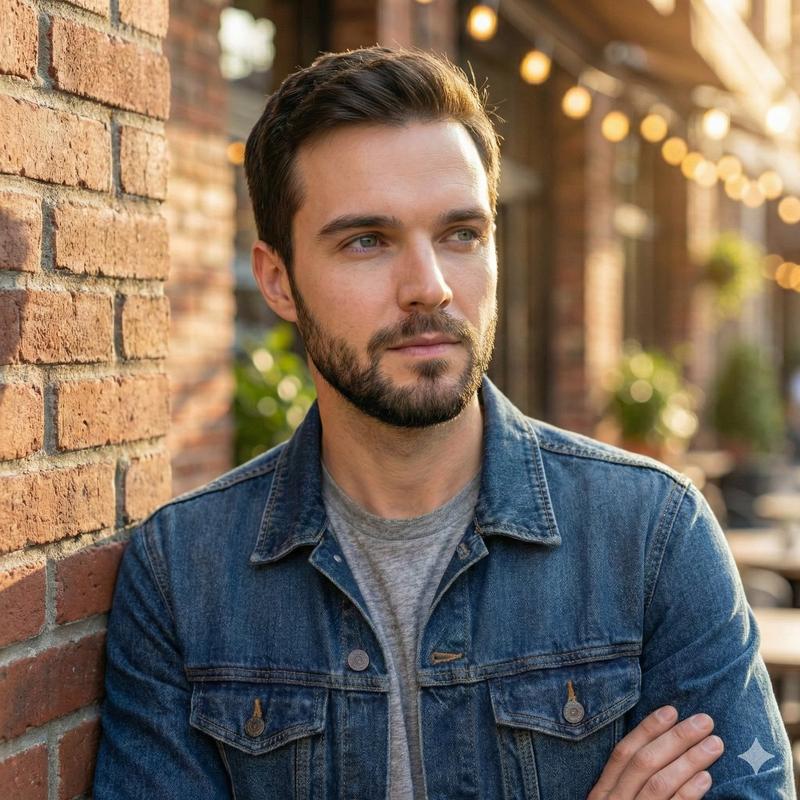
  "Objective": "Generate an ultra-realistic 8K portrait with a casual luxury lifestyle aesthetic, preserving the subject’s exact facial likeness in a modern outdoor café setting.",
  "Input_Image": {
    "Usage": "Use the reference image to preserve exact face likeness",
    "Identity_Preservation": "Strict — facial structure, proportions, and hairline must remain unchanged"
  },
  "Persona_Details": {
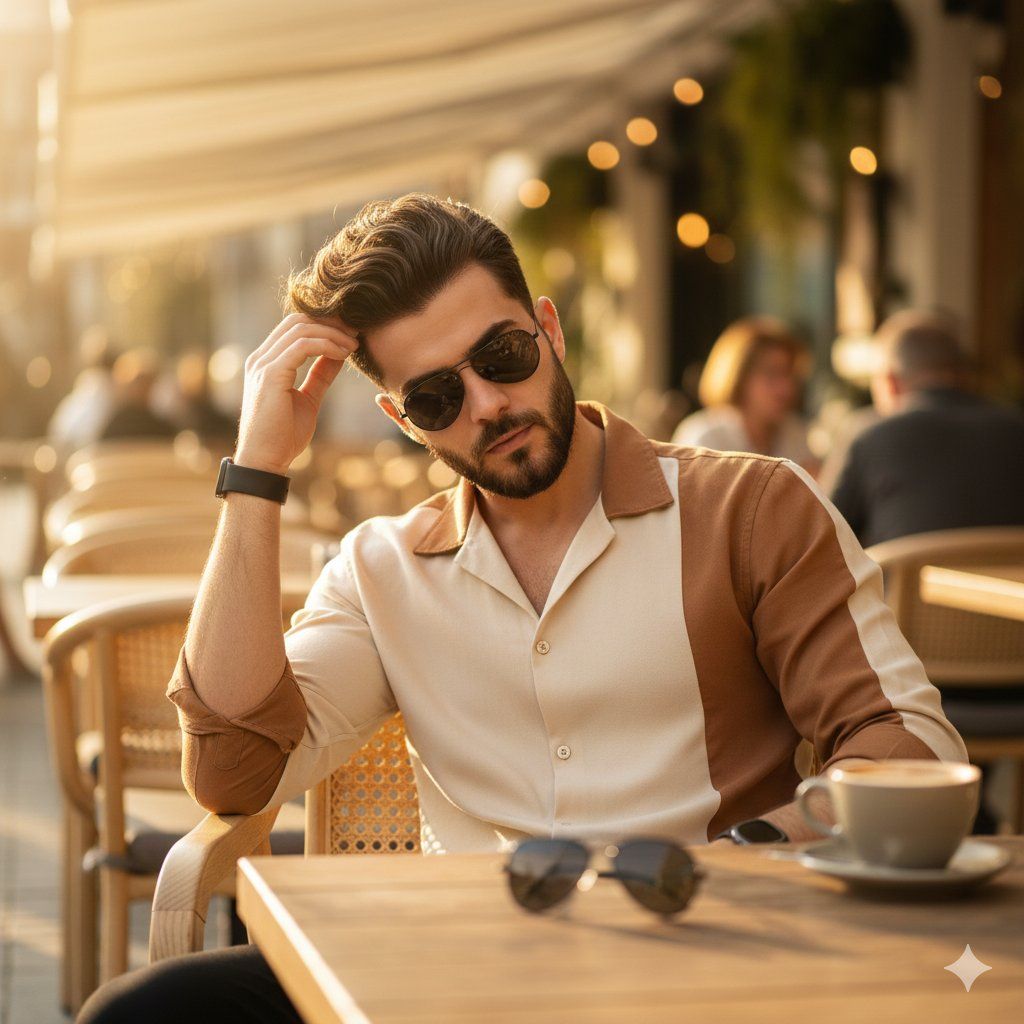
    "Subject": "Young adult man",
    "Appearance": {
      "Hair": "Voluminous, wavy hair with natural movement",
      "Expression": "Relaxed, confident, natural",
      "Pose": {
        "Action": "Adjusting wavy hair with one hand",
        "Body_Language": "Casual, effortless"
      }
    },
    "Accessories": {
      "Watch": "Digital wristwatch visible on wrist",
      "Sunglasses": "Black sunglasses placed on the table"
    }
  },
  "Wardrobe": {
    "Top": "{argument name=\"shirt color\" default=\"Coffee and cream–colored shirt\"}",
    "Style": "Casual modern fashion with clean lines"
  },
  "Scene_and_Environment": {
    "Location": "Modern outdoor café",
    "Seating": "Light wooden rattan chair",
    "Table": "Rustic wooden café table",
    "Textures": [
      "Natural wood grain",
      "Rattan weave"
    ],
    "Atmosphere": "Relaxed, lifestyle-focused, contemporary"
  },
  "Lighting": {
    "Type": "Warm natural sunlight",
    "Quality": "Soft, diffused highlights",
    "Effect": "Enhances skin tones, hair texture, and wooden materials",
    "Background_Lighting": "Soft bokeh highlights"
  },
  "Camera_and_Composition": {
    "Framing": "Medium-close portrait",
    "Angle": "Eye-level",
    "Lens": "85mm",
    "Depth_of_Field": "Shallow depth of field",
    "Focus": "Crisp focus on face and hair, softly blurred background"
  },
  "Color_and_Grading": {
    "Palette": [
      "Warm coffee browns",
      "Cream and beige tones",
      "Natural wood hues",
      "Soft sunlit highlights"
    ],
    "Grading": "Clean cinematic color grading with warm tones"
  },
  "Detail_and_Quality": {
    "Resolution": "8K",
    "Detail_Level": "High-resolution micro-details on skin, hair, fabric, and wood",
    "Realism": "Photorealistic, professional photography quality"
  },
  "Quality_Tags": [
    "Ultra-realistic",
    "8K detail",
    "Photorealism",
    "Lifestyle portrait",
    "Casual fashion",
    "Modern café aesthetic"
  ],
  "Negative_Prompts": [
    "Different face",
    "Face distortion",
    "Over-retouched skin",
    "Cartoon or CGI look",
    "Text",
    "Logo",
    "Watermark",
    "Low resolution"
  ],
  "Output_Constraints": {
    "Text_Overlay": false,
    "Branding": false,
    "Watermark": false
  },
  "Response_Format": {
    "Type": "Single image",
    "Aspect_Ratio": "4:5 or 3:4 recommended",
    "Use_Case": "Lifestyle content, personal branding, fashion editorial, social media portrait"
  }
}- Category
- 创意图片
- Model
- Nano Banana Pro
- Creator
- Taaruk
- Source ID
- d4676382-1319-4661-a1cc-e07f89b45e4b
- Published
- Mar 8, 2026
Views0