15

编辑海滩摄影作品提示
Enlarge

编辑海滩摄影作品提示

Prompt
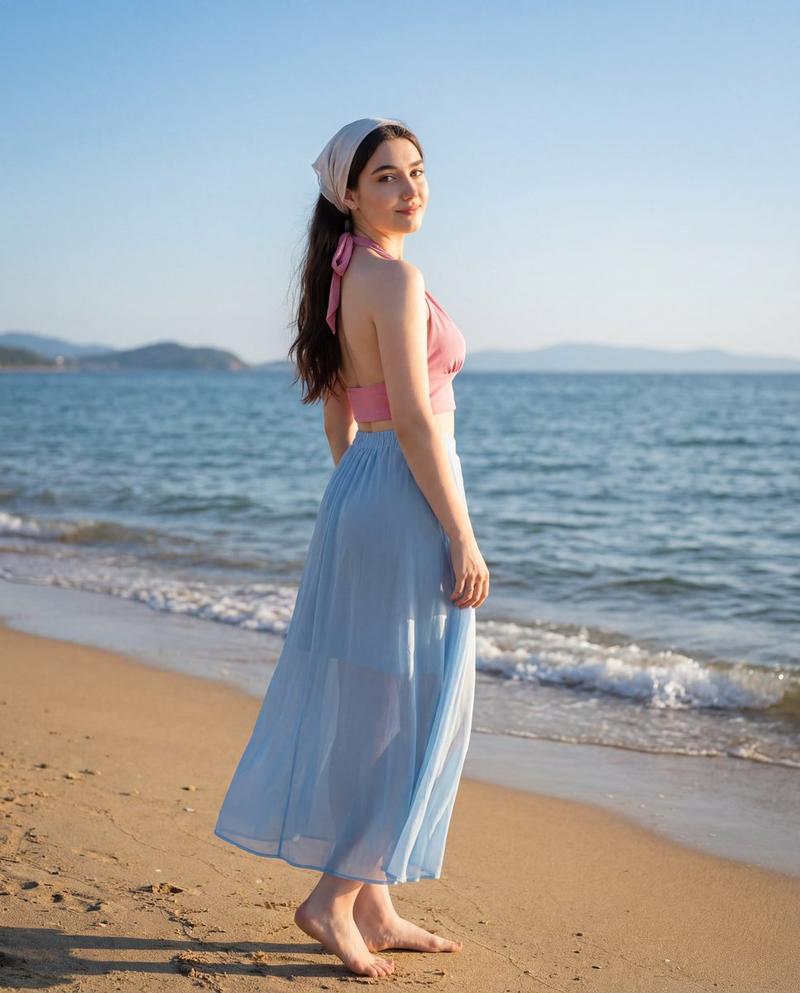
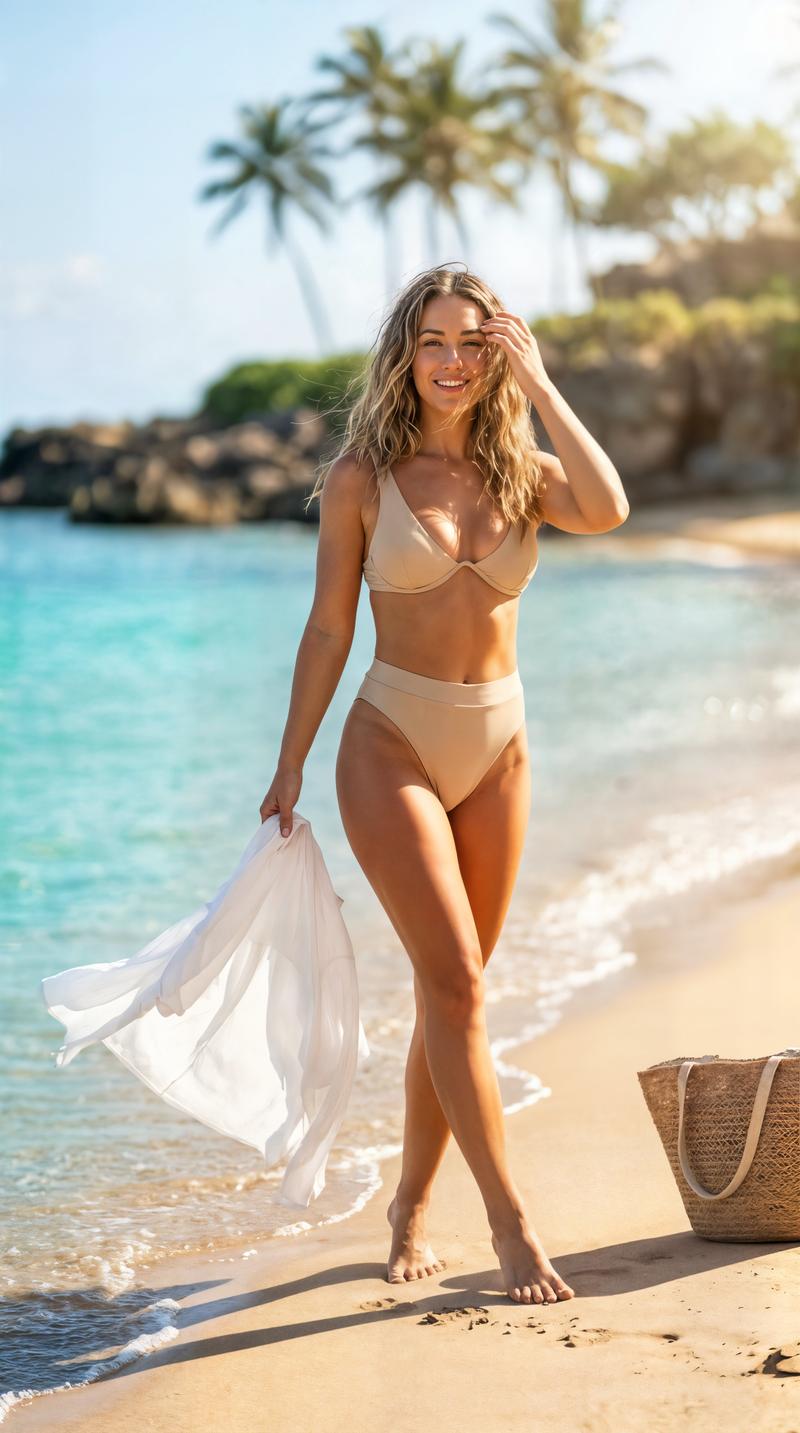
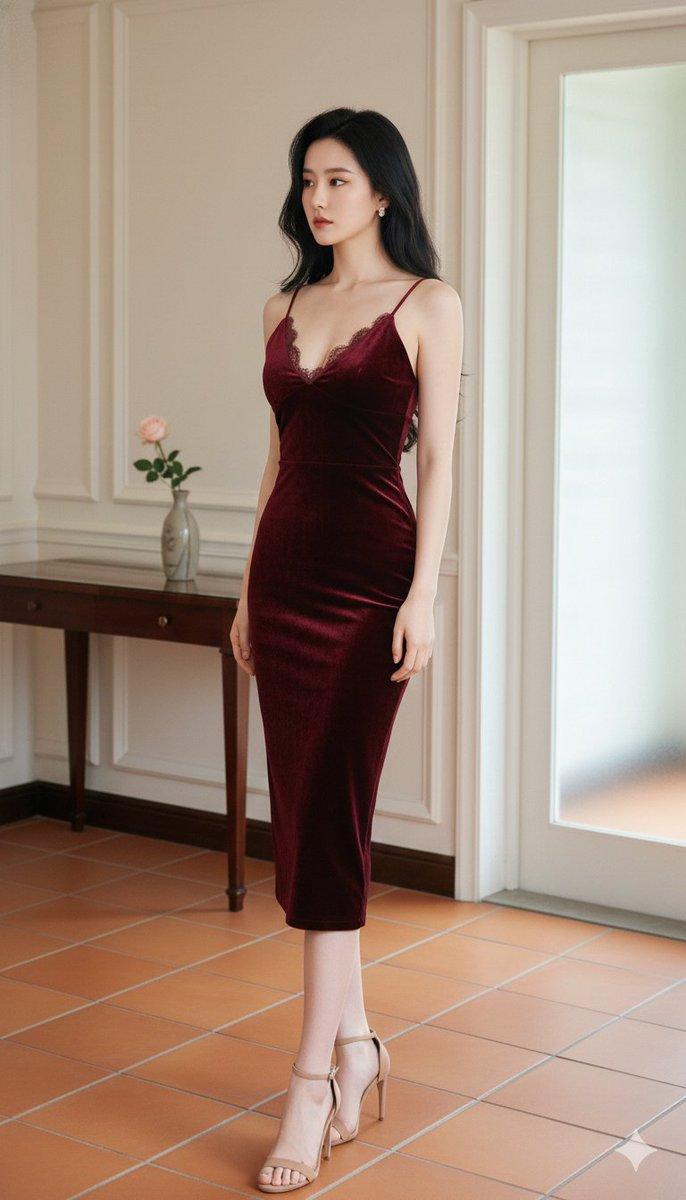
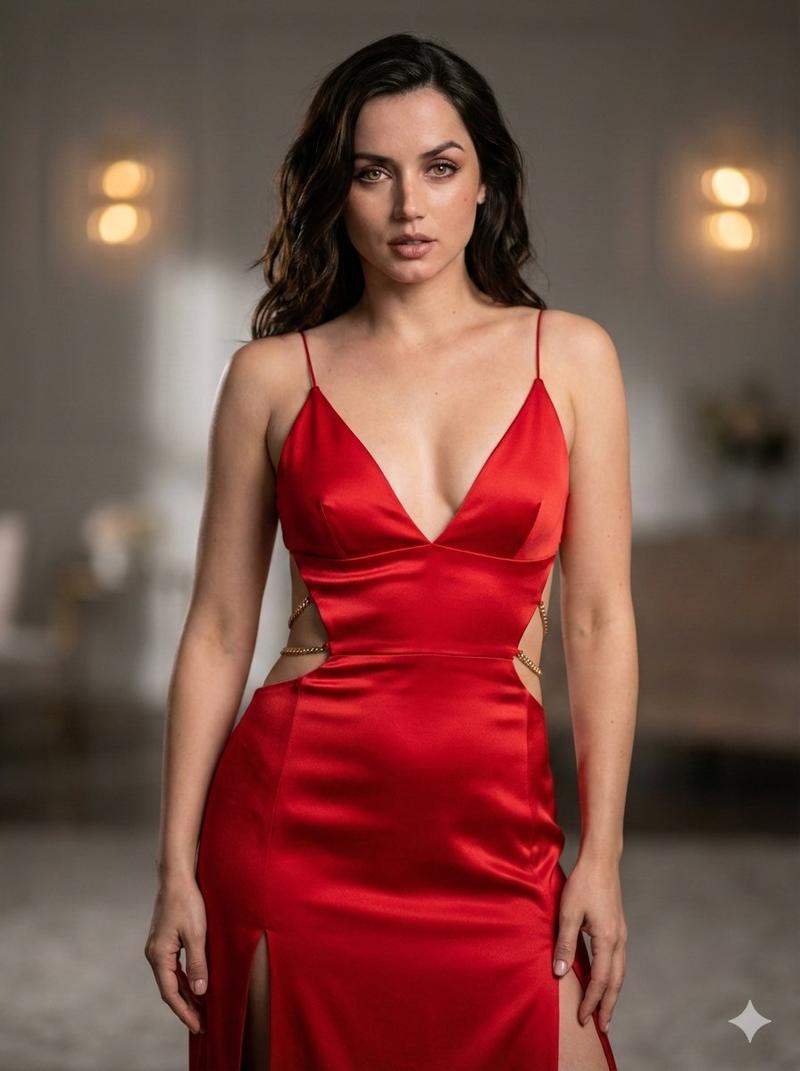
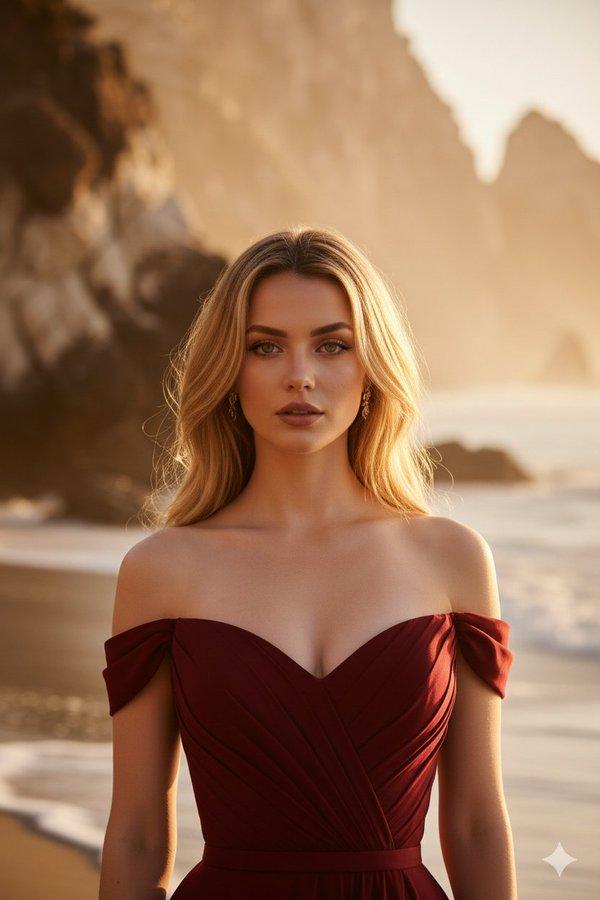
"Outdoor beach photoshoot on a perfect sunny day of a girl in early 20s standing gracefully on the sand, wearing an elegant sleeveless dress extending to her knees, soft natural wind, attractive confident expression, full focus on her, shallow depth of field, background slightly blurred, professional fashion photography, high resolution, realistic skin tones, soft golden sunlight, composition centered, minimal props, clean aesthetic, cinematic look, crisp details"

CAMERA:
"50mm lens, f/2.2, ISO 100, natural light, portrait mode"

LIGHTING:
"bright daylight, soft highlights on face, subtle shadows, smooth even lighting"

STYLE:
"realistic, editorial, magazine cover, elegant and refined, warm color grading
Category
创意图片
Model
Nano Banana Pro
Creator
Jack
Views0
Source ID
4db98cc8-4daf-4c90-ac4b-e411ebf7fb0d
Published
Mar 8, 2026

Guide

About "编辑海滩摄影作品提示"

What is this prompt for?

"编辑海滩摄影作品提示" AI image prompt for Nano Banana Pro (创意图片). 一张用于编辑风格海滩摄影的详细图像生成提示。它描述了一位年轻女子身着优雅的无袖连衣裙,在沙滩上亭亭玉立,通过专业相机设置(50mm 镜头,f/2.2)在柔和的金色阳光下拍摄,以获得电影般的高分辨率效果。…

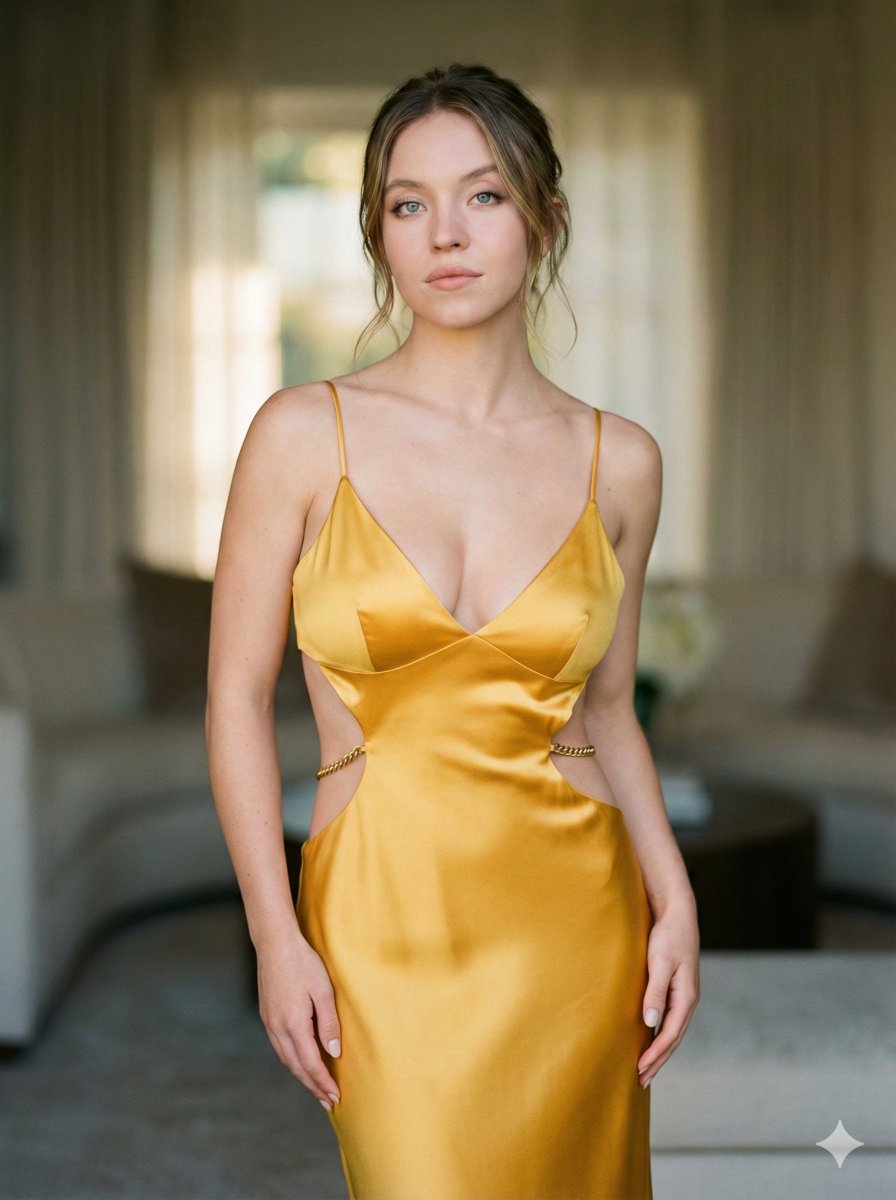
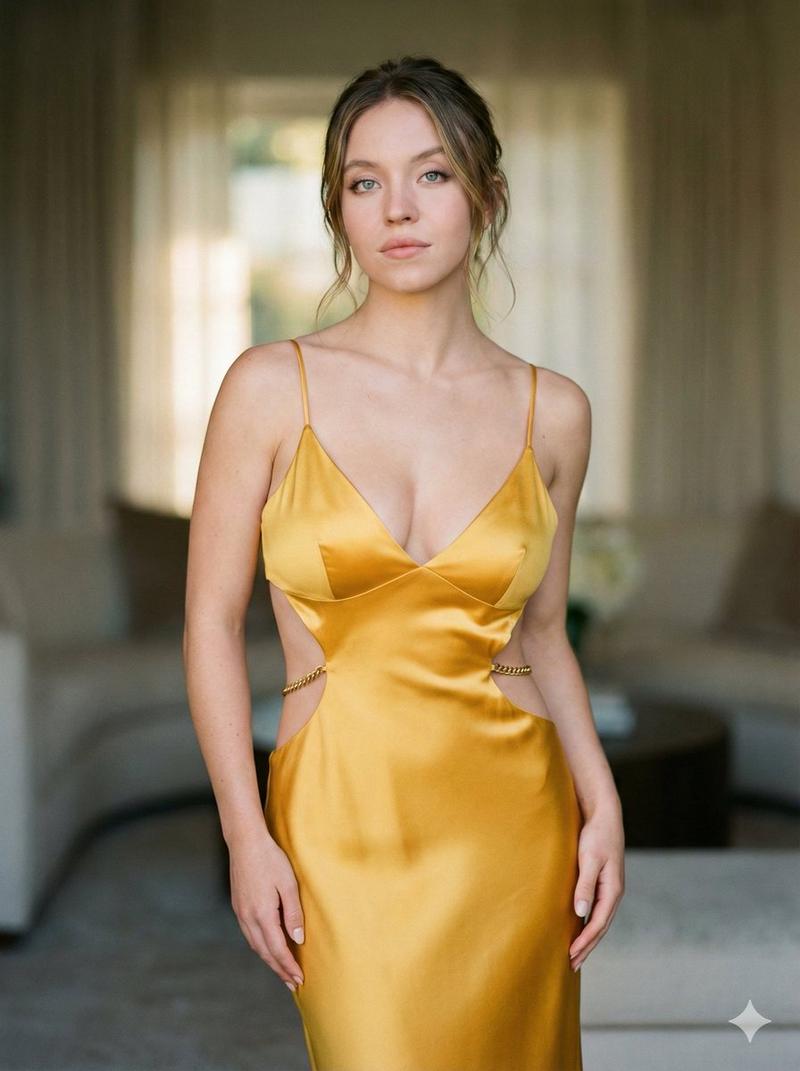
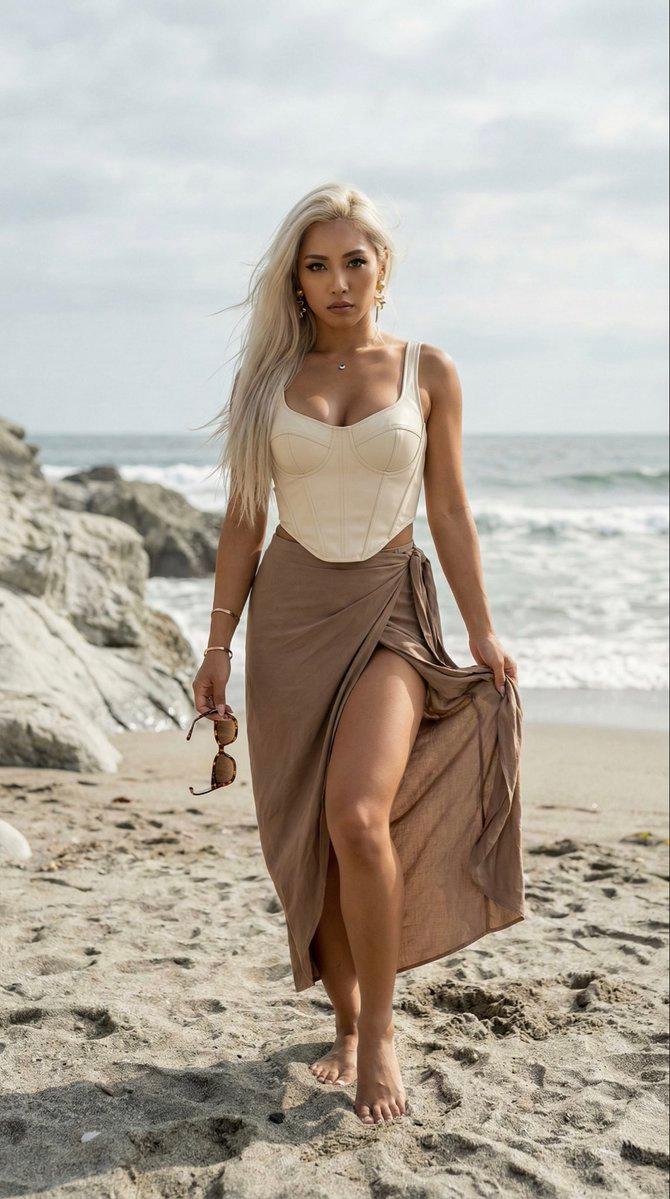
The full copyable prompt and example visuals above are ready for AI image generation or one-click recreate in Picva.

How to use this prompt

  1. Step 1

    Open the prompt detail

    Review the example visuals, category, and full prompt text for "编辑海滩摄影作品提示".

  2. Step 2

    Copy the prompt

    Copy the prompt body from this page, or load it directly in Studio.

  3. Step 3

    Pick a model (Nano Banana Pro)

    Prefer Nano Banana Pro. If you switch models, keep subject and composition and tweak style terms.

  4. Step 4

    Generate and export

    Recreate the look in Picva, or export into your workflow for editing and publishing.

FAQ

What is the "编辑海滩摄影作品提示" prompt?
It is an AI image-generation prompt for Nano Banana Pro in the 创意图片 category. This page includes the full prompt text, example visuals, and a one-click recreate path in Picva.
How do I use this prompt to generate an image?
Copy the prompt from this page, or use Generate / Studio. Paste it into a compatible image model, or recreate the look in Picva with optional reference images.
Which model is this prompt for?
This page lists Nano Banana Pro. Most descriptive prompts also transfer to nearby image models such as GPT Image, Flux, or Midjourney with light style tweaks.
Can I use the result commercially?
You can usually copy the prompt for creation, but commercial use of the final image depends on the model terms, reference-image rights, and the generated content. Follow the source author and platform rules.