20

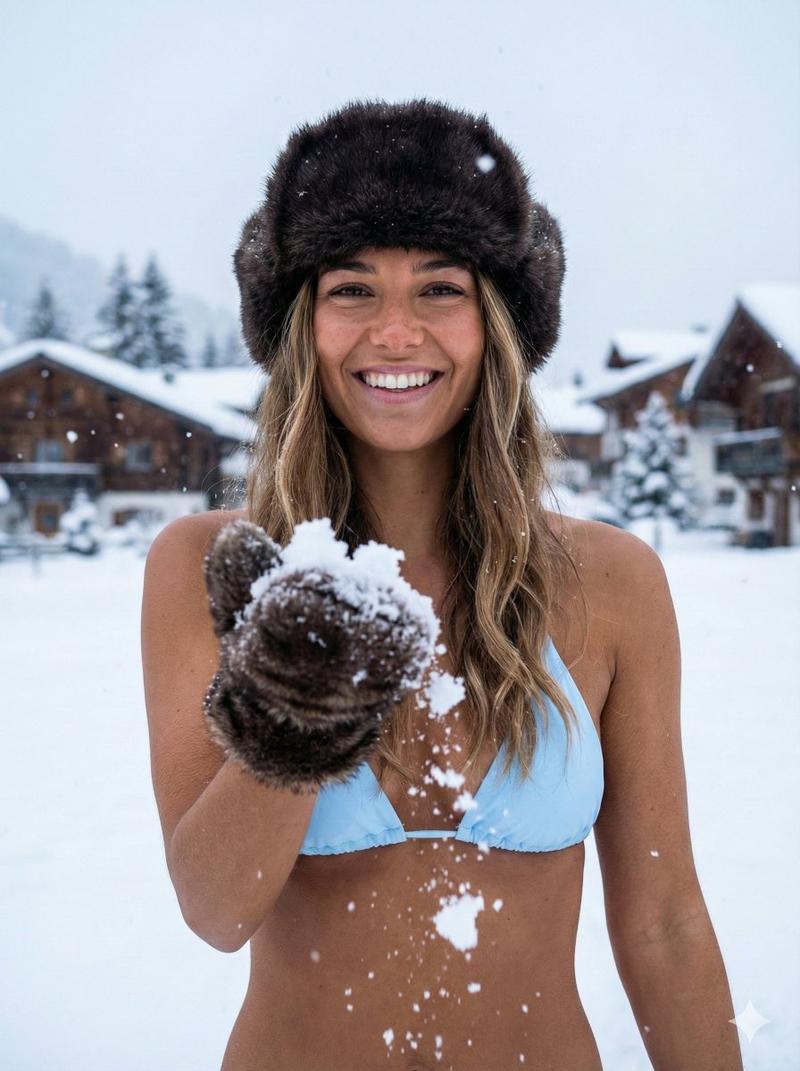
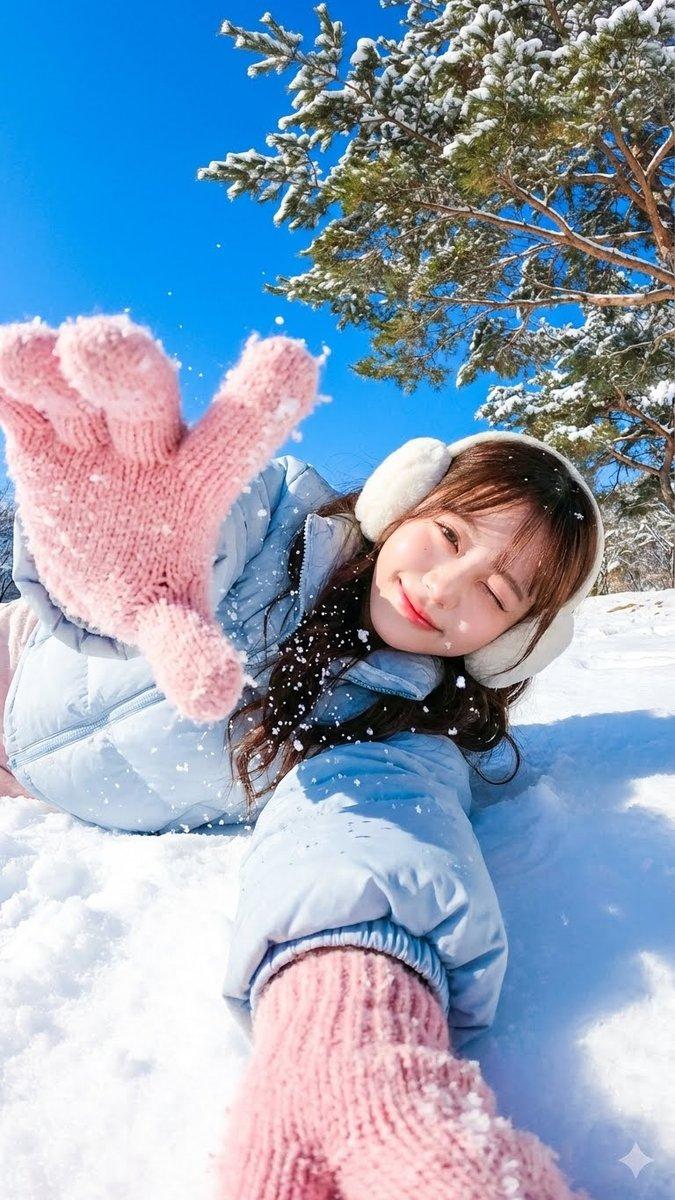
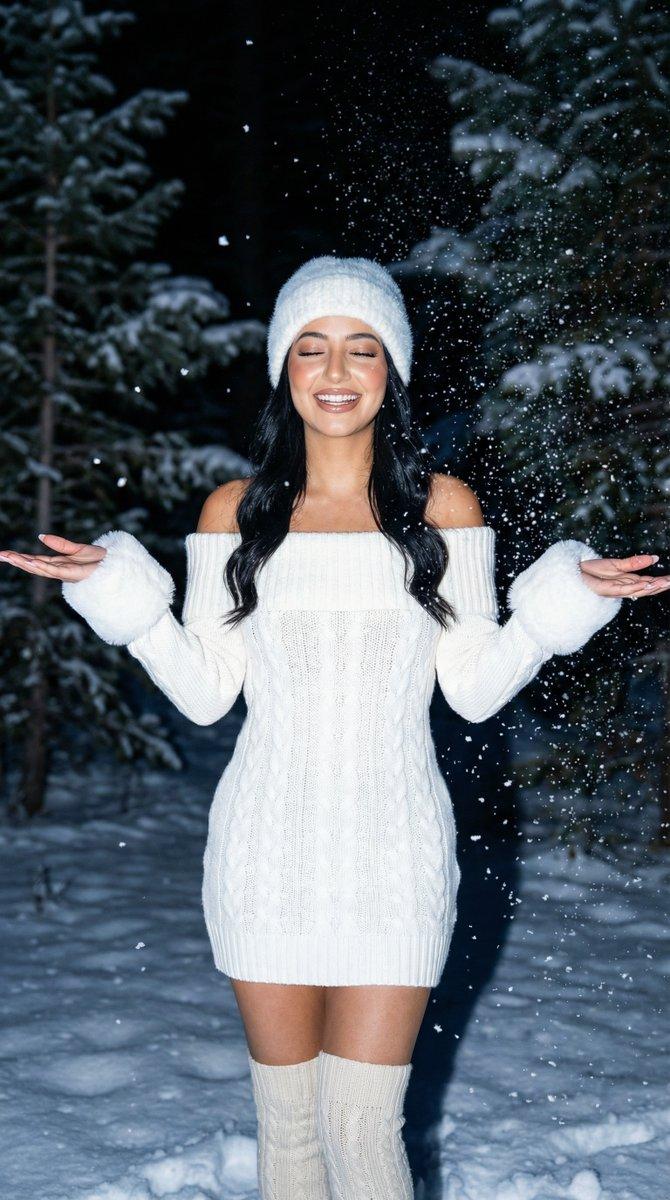
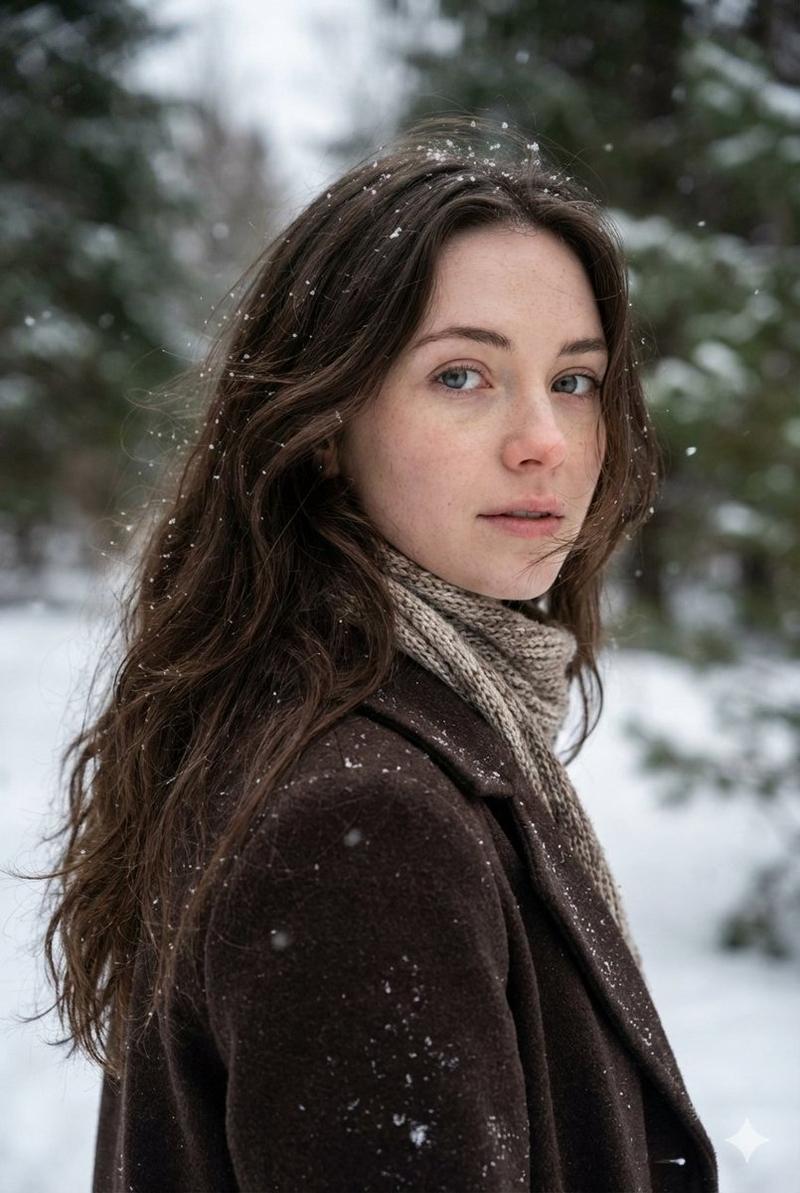
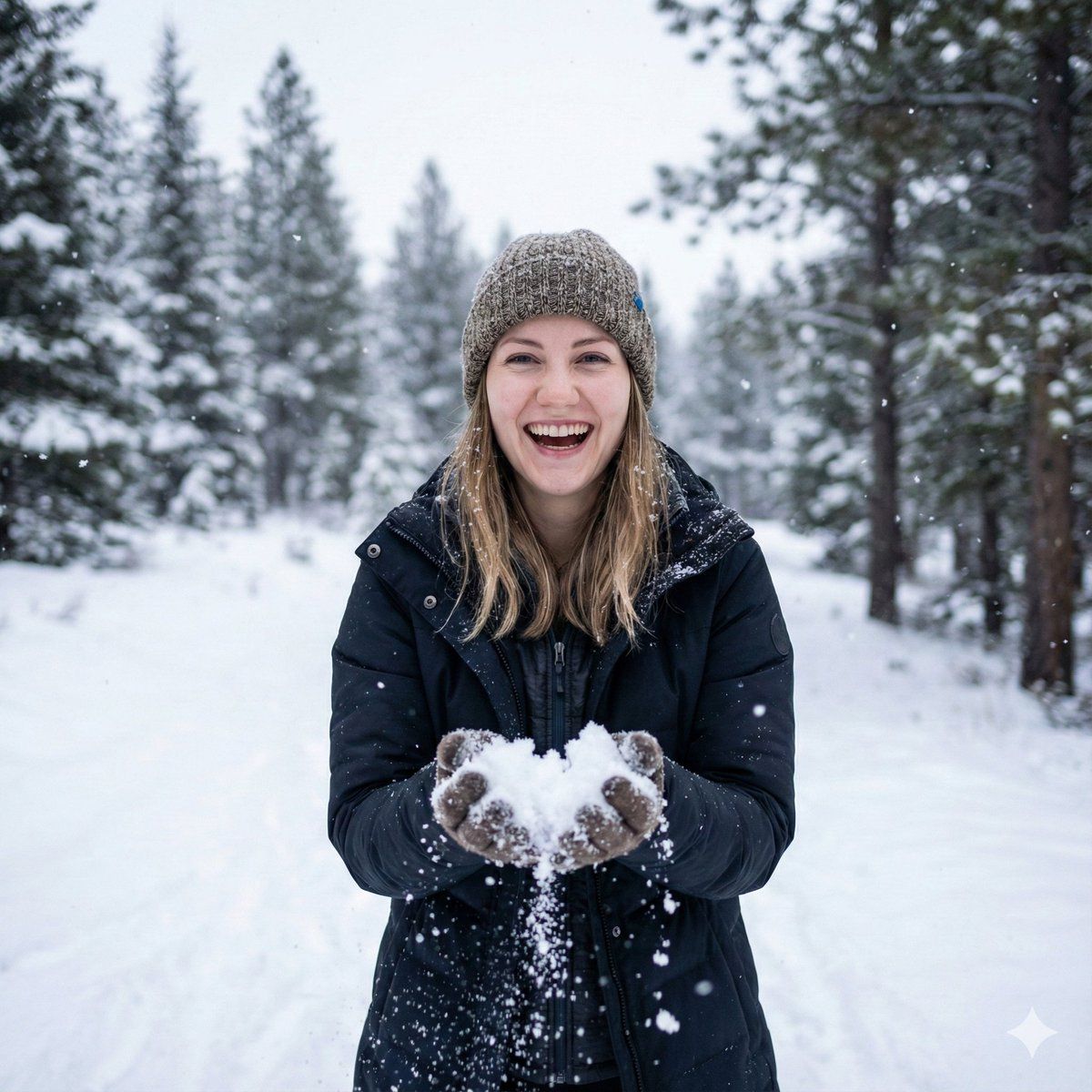
逼真的冬季肖像,保留身份特征
Enlarge

逼真的冬季肖像,保留身份特征

Prompt
{
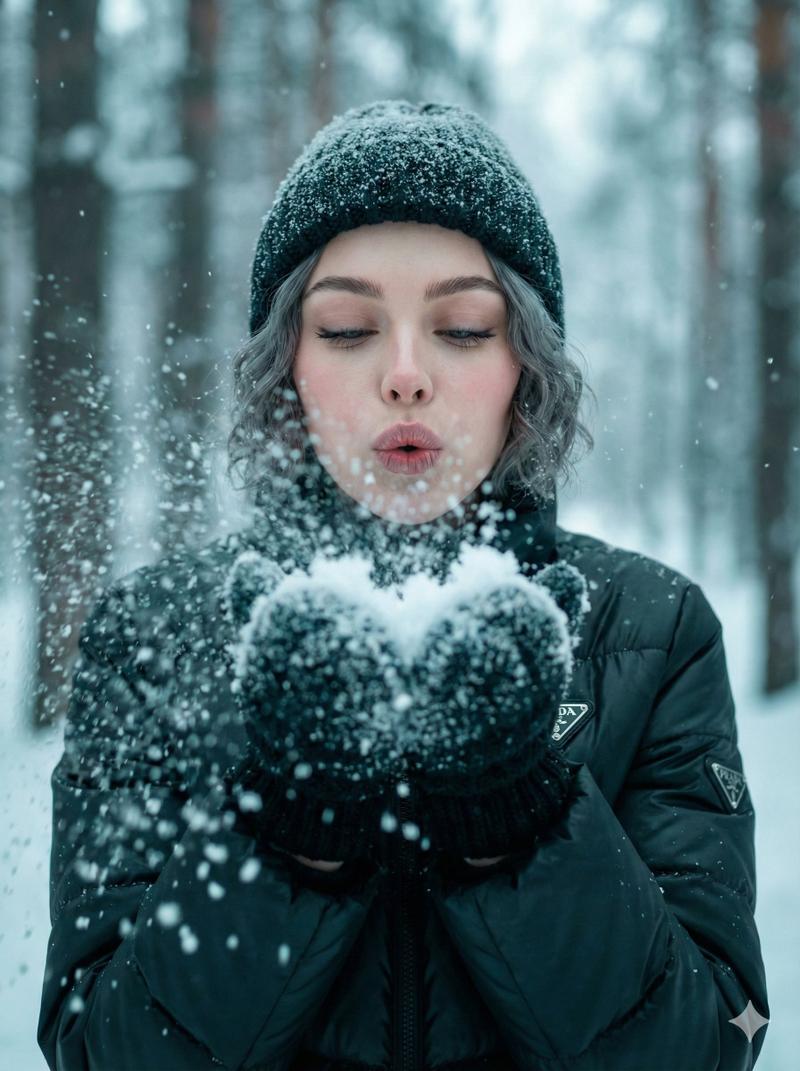
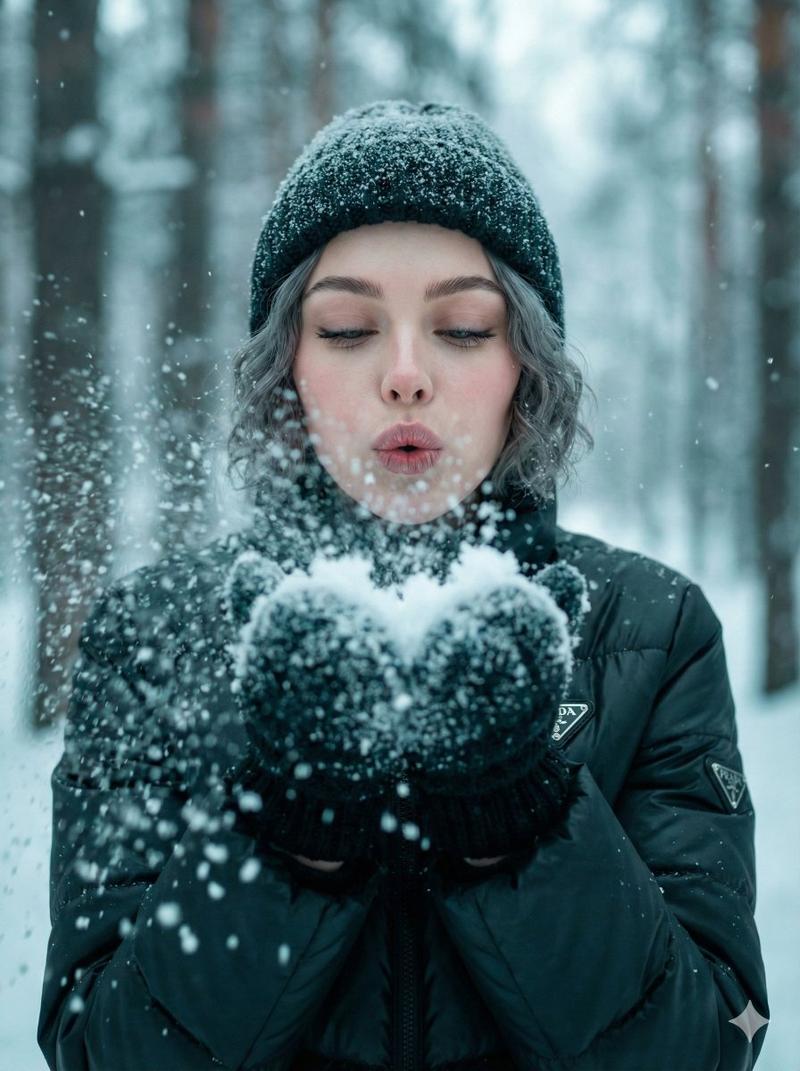
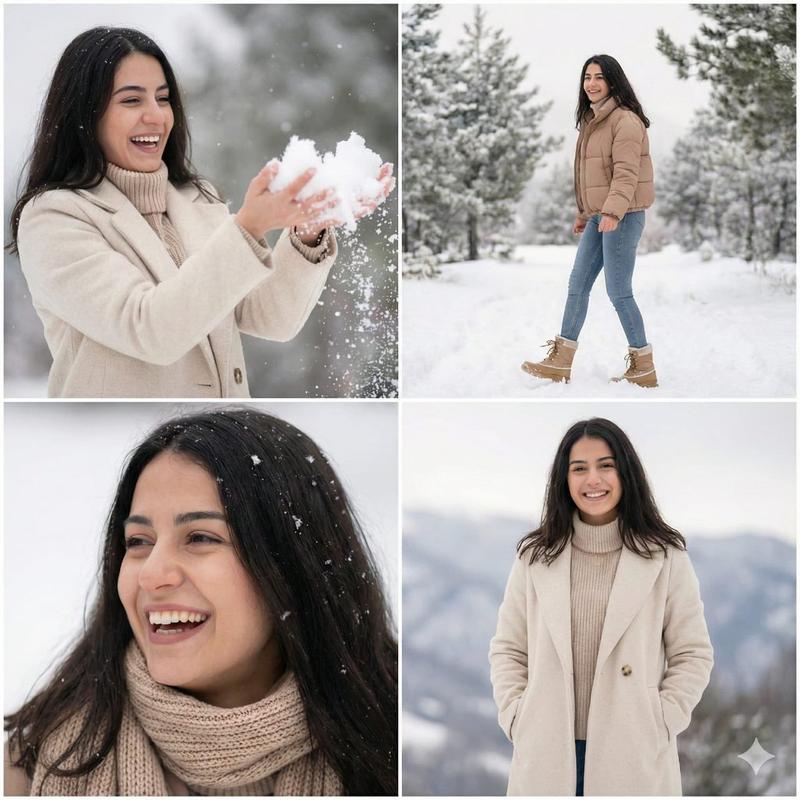
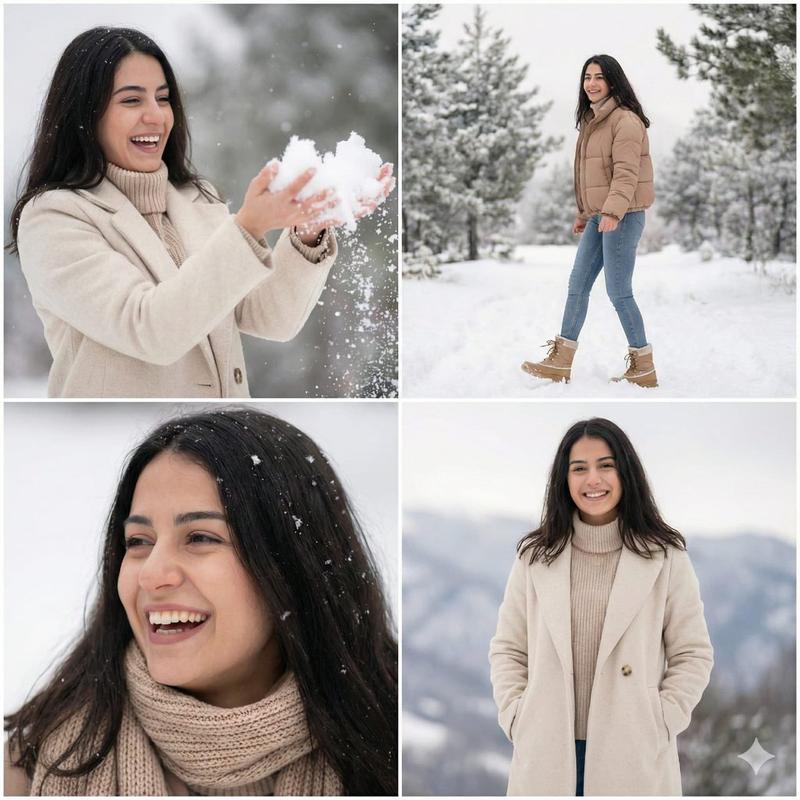
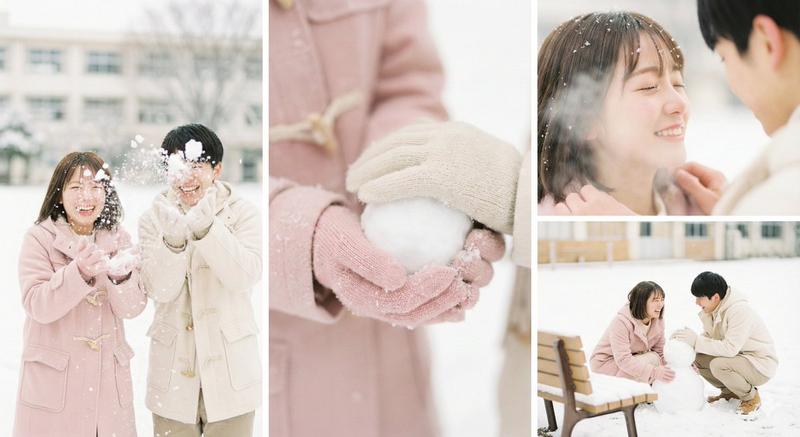
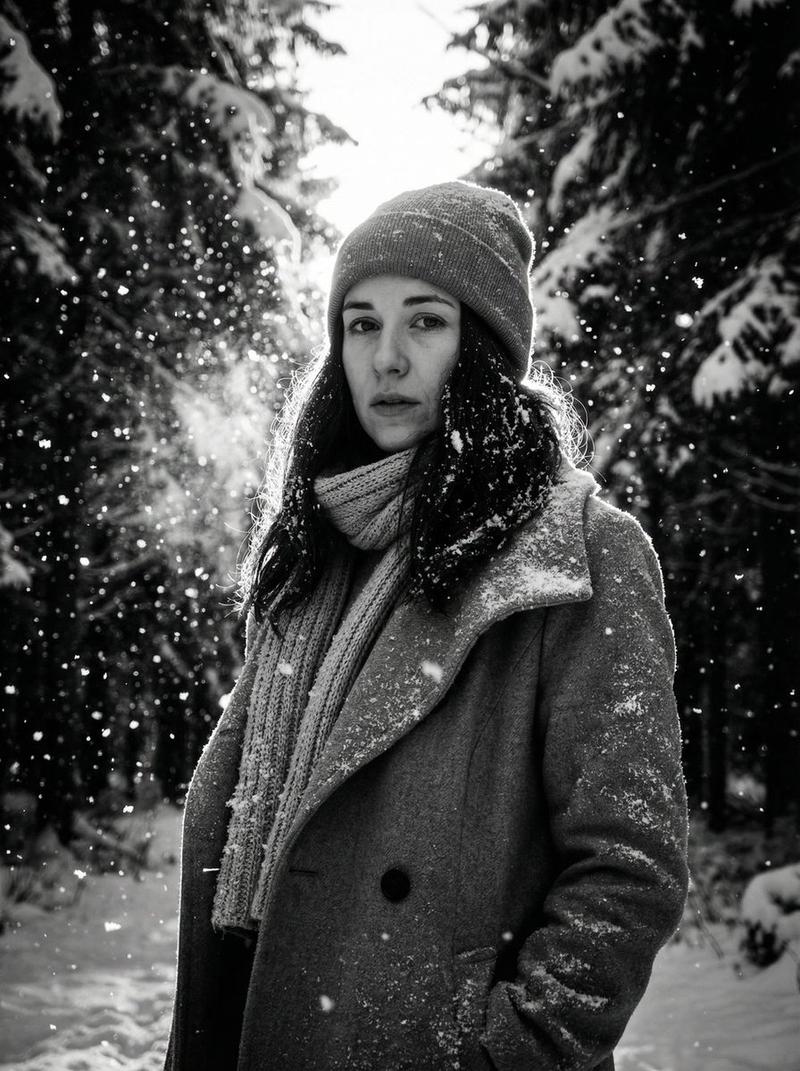
  "description": "portrait of a girl in her early 20s, same identity as reference, outdoors in a snowy landscape, smiling and enjoying the snowfall, wearing proper winter clothing with a cozy {argument name="clothing item" default="woolen cap"}, gloves, and layered jacket, playing with snow in her hands, soft natural lighting, cold cloudy weather with visible falling snowflakes, cinematic depth of field, full focus on her, realistic skin texture, high detail, ultra sharp, 4k, photorealistic",
  "camera": "85mm lens, shallow depth of field, eye-level angle",
  "lighting": "soft diffused winter light, natural glow, subtle highlights",
  "mood": "joyful, playful, peaceful winter vibe",
  "quality": "high resolution, ultra-detailed, smooth snow particle rendering"
}
Category
创意图片
Model
Nano Banana Pro
Creator
Johnn
Views0
Source ID
de411a21-c52e-47a1-8d99-22f216fab995
Published
Mar 8, 2026

Guide

About "逼真的冬季肖像,保留身份特征"

What is this prompt for?

"逼真的冬季肖像,保留身份特征" AI image prompt for Nano Banana Pro (创意图片). 一个专注于生成雪景中女孩肖像的写实提示,强调保留参考身份、合适的冬装、柔和的自然光线,以及高细节的逼真皮肤纹理和雪花颗粒。 --- ```json { "description": "一名 20…

The full copyable prompt and example visuals above are ready for AI image generation or one-click recreate in Picva.

How to use this prompt

  1. Step 1

    Open the prompt detail

    Review the example visuals, category, and full prompt text for "逼真的冬季肖像,保留身份特征".

  2. Step 2

    Copy the prompt

    Copy the prompt body from this page, or load it directly in Studio.

  3. Step 3

    Pick a model (Nano Banana Pro)

    Prefer Nano Banana Pro. If you switch models, keep subject and composition and tweak style terms.

  4. Step 4

    Generate and export

    Recreate the look in Picva, or export into your workflow for editing and publishing.

FAQ

What is the "逼真的冬季肖像,保留身份特征" prompt?
It is an AI image-generation prompt for Nano Banana Pro in the 创意图片 category. This page includes the full prompt text, example visuals, and a one-click recreate path in Picva.
How do I use this prompt to generate an image?
Copy the prompt from this page, or use Generate / Studio. Paste it into a compatible image model, or recreate the look in Picva with optional reference images.
Which model is this prompt for?
This page lists Nano Banana Pro. Most descriptive prompts also transfer to nearby image models such as GPT Image, Flux, or Midjourney with light style tweaks.
Can I use the result commercially?
You can usually copy the prompt for creation, but commercial use of the final image depends on the model terms, reference-image rights, and the generated content. Follow the source author and platform rules.