16

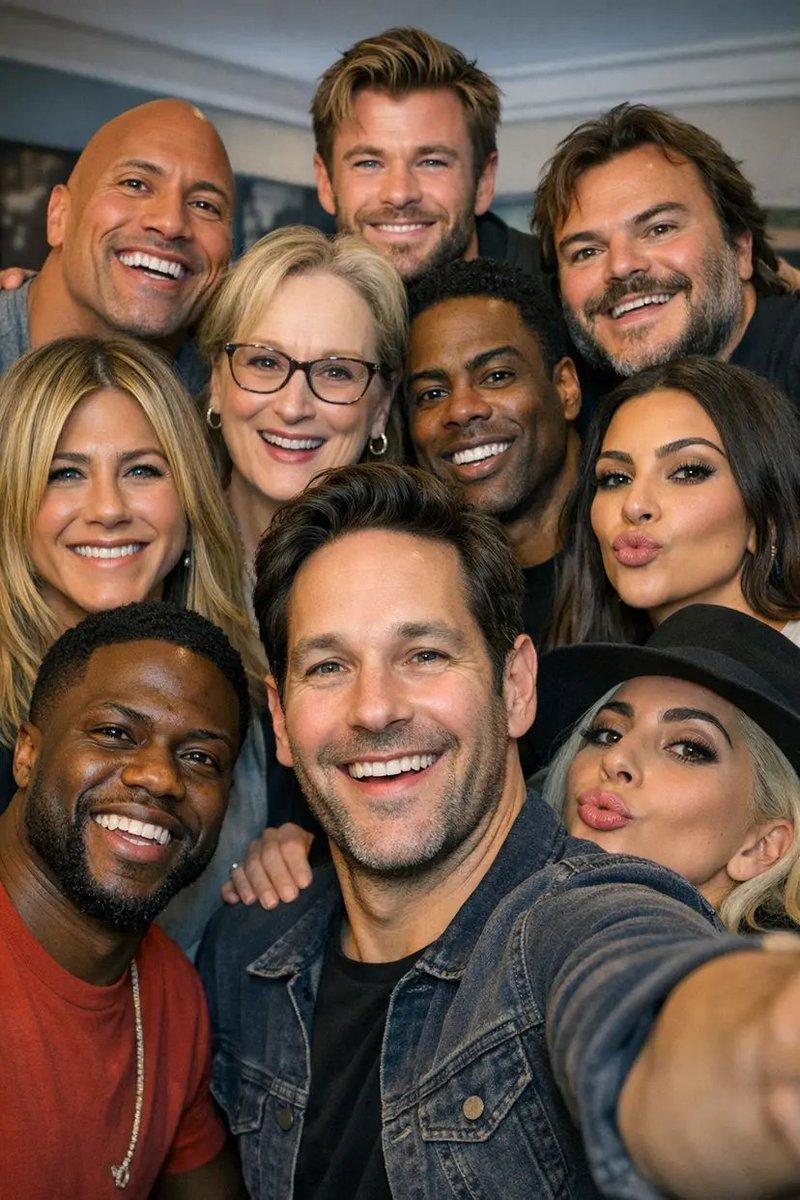
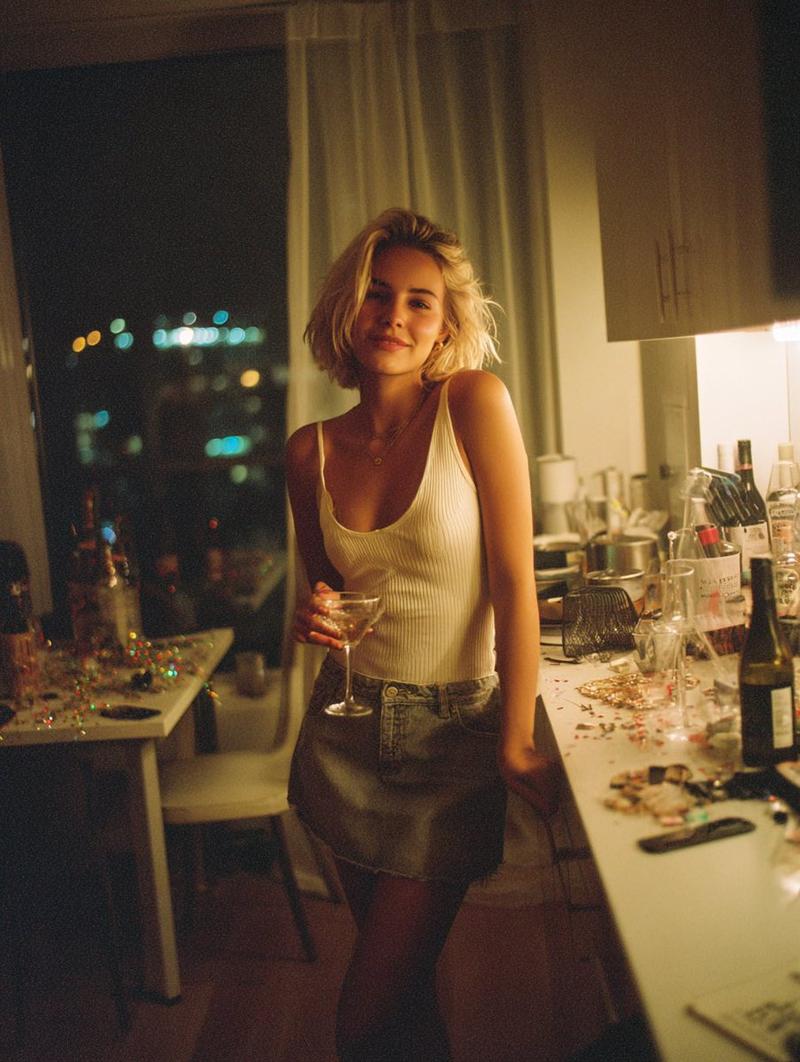
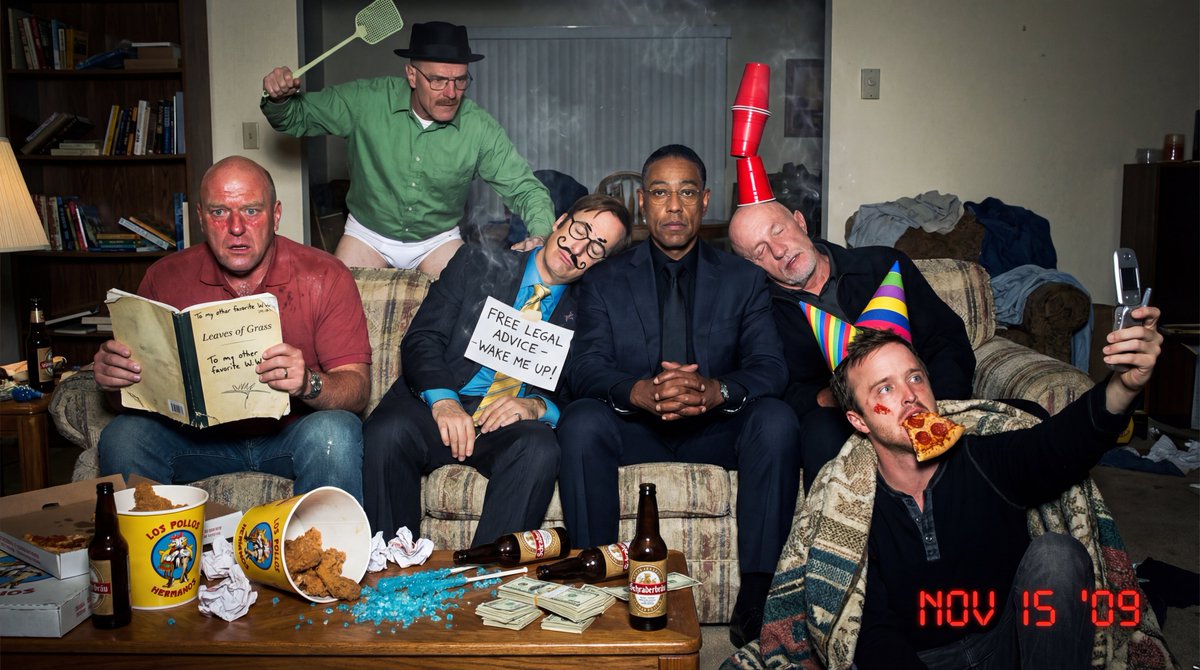
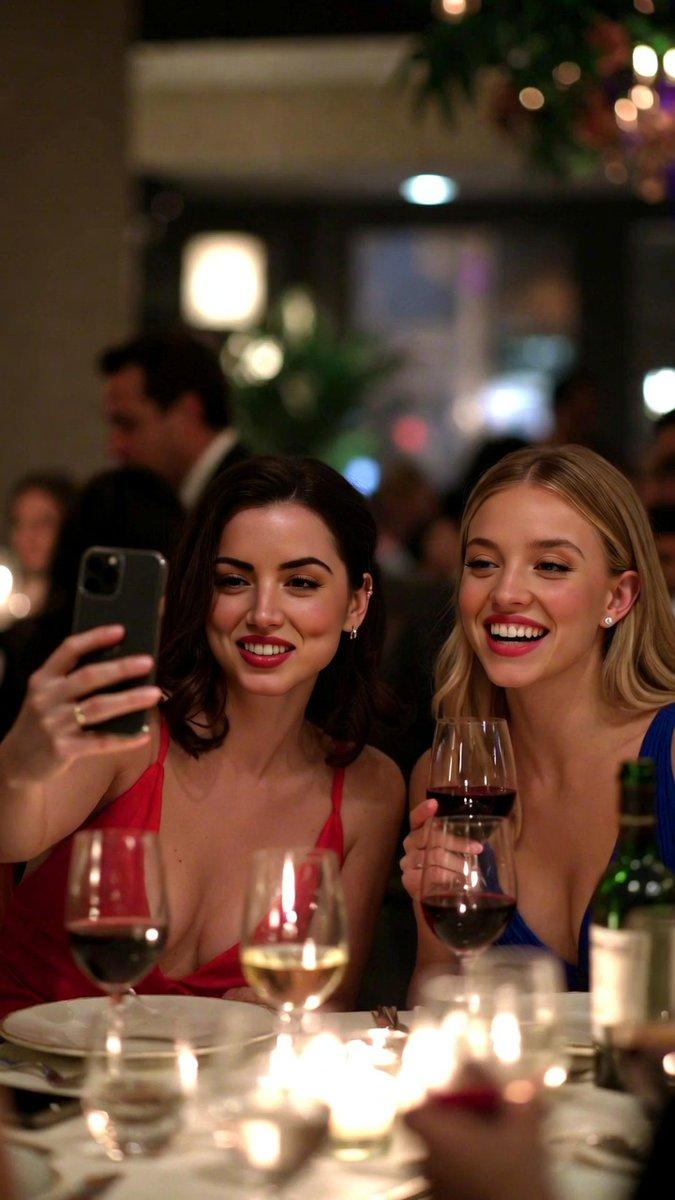
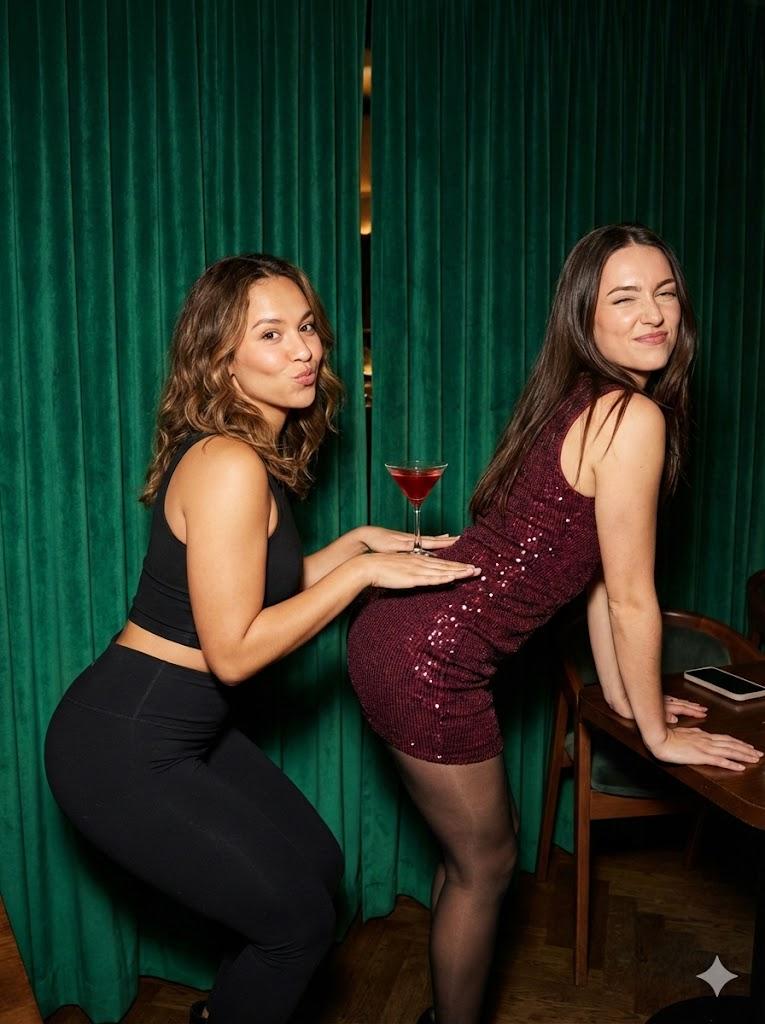
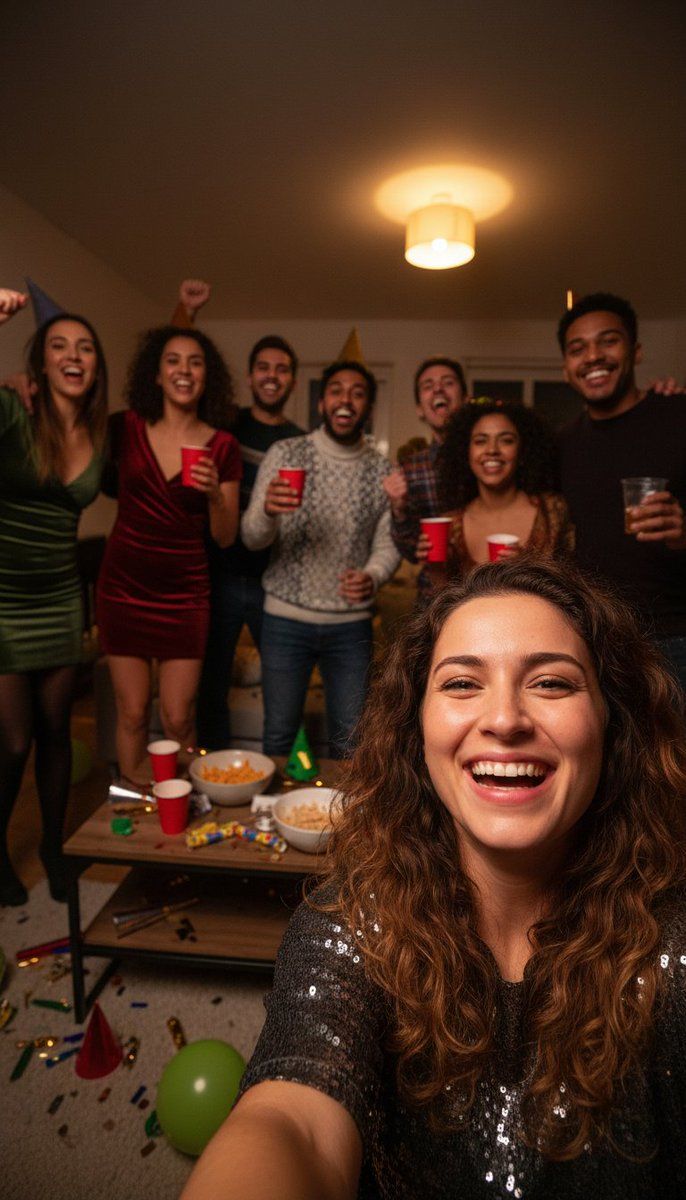
带智能手机闪光灯效果的逼真合影
Enlarge

带智能手机闪光灯效果的逼真合影

Prompt
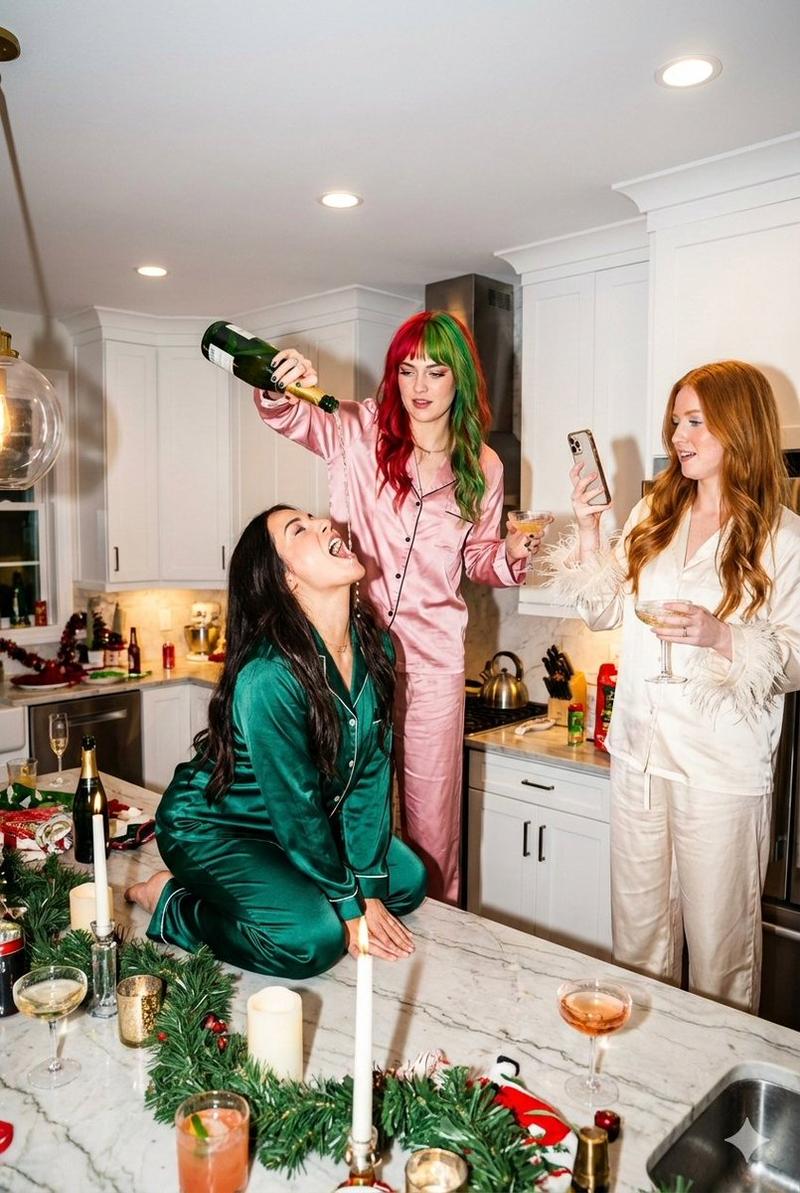
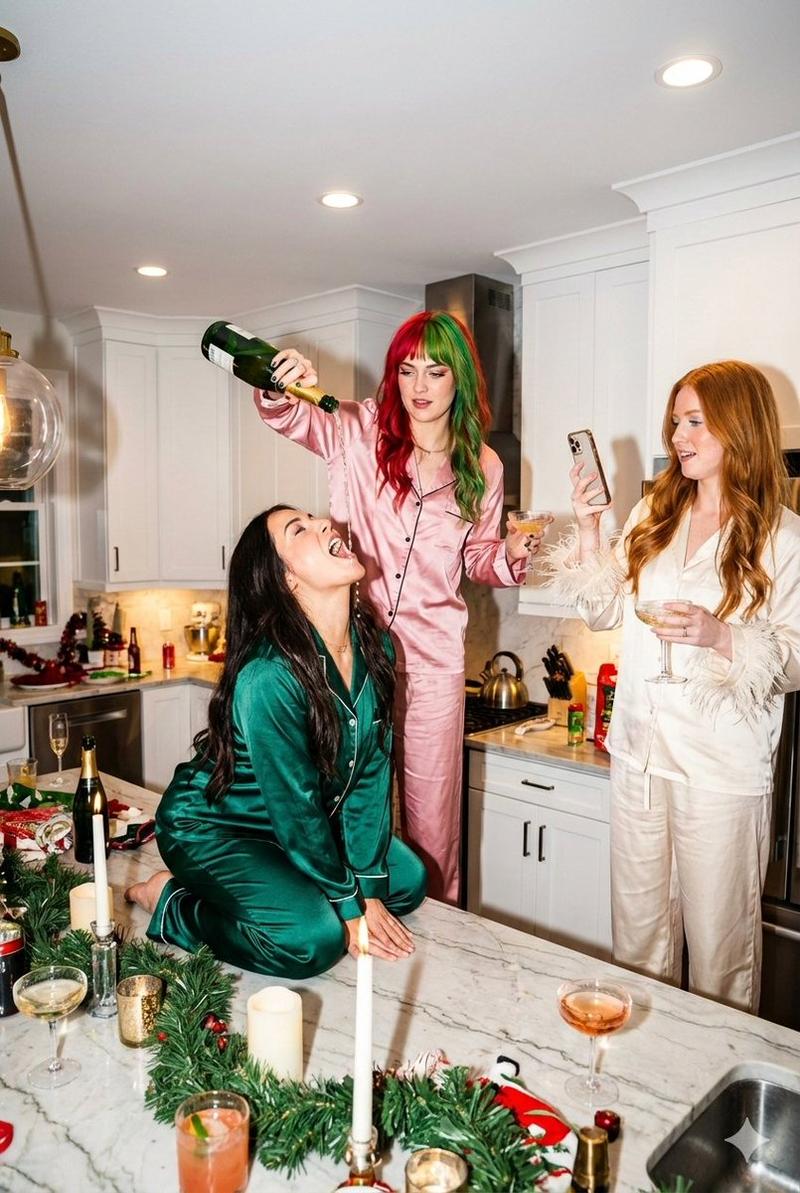
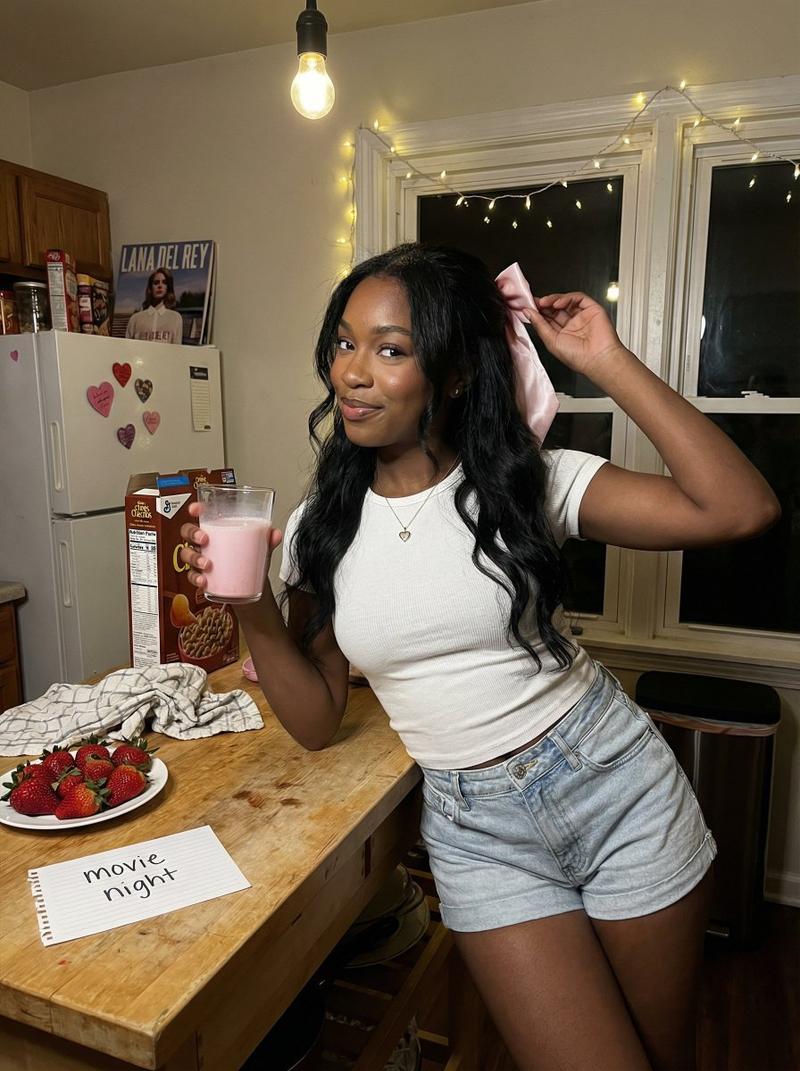
Group selfie of friends celebrating New Year’s Eve, realistic smartphone photo Wide selfie framing, multiple faces at different distances, closest face slightly larger Smartphone front camera, wide-angle lens, mild barrel distortion Indoor night setting, small living room, background cluttered with party items Materials defined: – skin with natural texture and varied highlights – hair with individual strands and soft reflections – party clothes made of mixed fabrics (cotton, synthetic, slight sheen) – plastic cups crinkled with specular highlights Lighting: single warm ceiling light from above camera-right Exposure: auto exposure prioritizing closest faces Failure mode active: shadow chroma noise visible on faces farther from light Additional pipeline behavior: mild denoise smear in darker areas Natural imperfections allowed: uneven exposure between faces, slight softness at frame edges
Category
创意图片
Model
Nano Banana Pro
Creator
NGLPRZ
Views0
Source ID
6197cfca-c23a-45a6-9e9a-75c8903f8cb2
Published
Mar 8, 2026

Guide

About "带智能手机闪光灯效果的逼真合影"

What is this prompt for?

"带智能手机闪光灯效果的逼真合影" AI image prompt for Nano Banana Pro (创意图片). 一个专注于生成逼真团体自拍的提示,自拍使用智能手机前置摄像头拍摄,捕捉了室内夜间环境中自然的不完美之处,例如曝光不均、轻微桶形畸变和闪光灯摄影效果。 --- 一群朋友庆祝新年前夜的合影,逼真的智…

The full copyable prompt and example visuals above are ready for AI image generation or one-click recreate in Picva.

How to use this prompt

  1. Step 1

    Open the prompt detail

    Review the example visuals, category, and full prompt text for "带智能手机闪光灯效果的逼真合影".

  2. Step 2

    Copy the prompt

    Copy the prompt body from this page, or load it directly in Studio.

  3. Step 3

    Pick a model (Nano Banana Pro)

    Prefer Nano Banana Pro. If you switch models, keep subject and composition and tweak style terms.

  4. Step 4

    Generate and export

    Recreate the look in Picva, or export into your workflow for editing and publishing.

FAQ

What is the "带智能手机闪光灯效果的逼真合影" prompt?
It is an AI image-generation prompt for Nano Banana Pro in the 创意图片 category. This page includes the full prompt text, example visuals, and a one-click recreate path in Picva.
How do I use this prompt to generate an image?
Copy the prompt from this page, or use Generate / Studio. Paste it into a compatible image model, or recreate the look in Picva with optional reference images.
Which model is this prompt for?
This page lists Nano Banana Pro. Most descriptive prompts also transfer to nearby image models such as GPT Image, Flux, or Midjourney with light style tweaks.
Can I use the result commercially?
You can usually copy the prompt for creation, but commercial use of the final image depends on the model terms, reference-image rights, and the generated content. Follow the source author and platform rules.