16

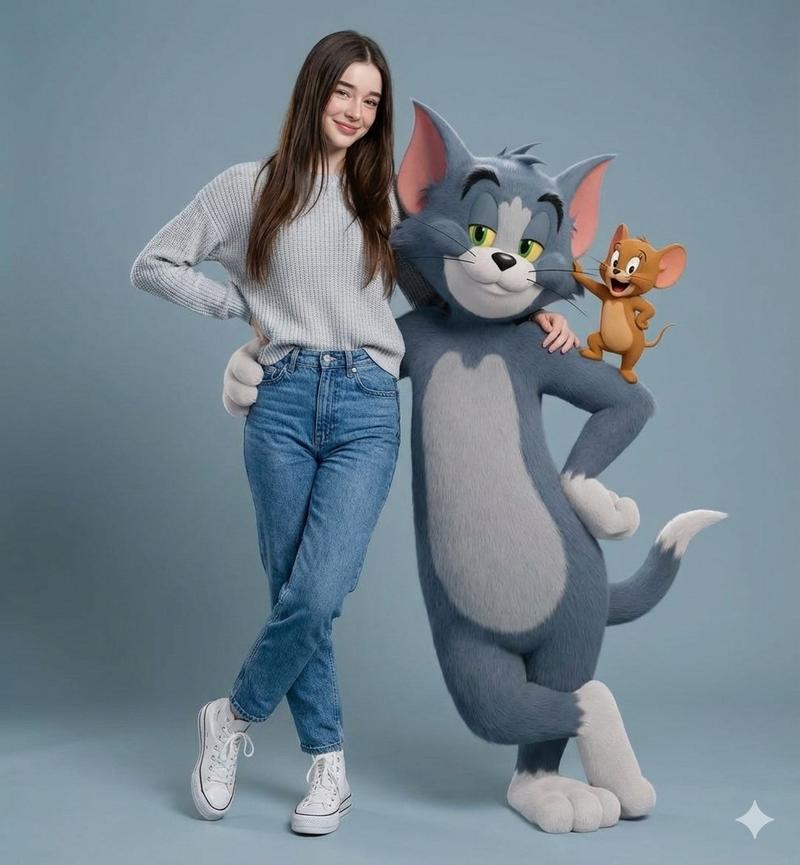
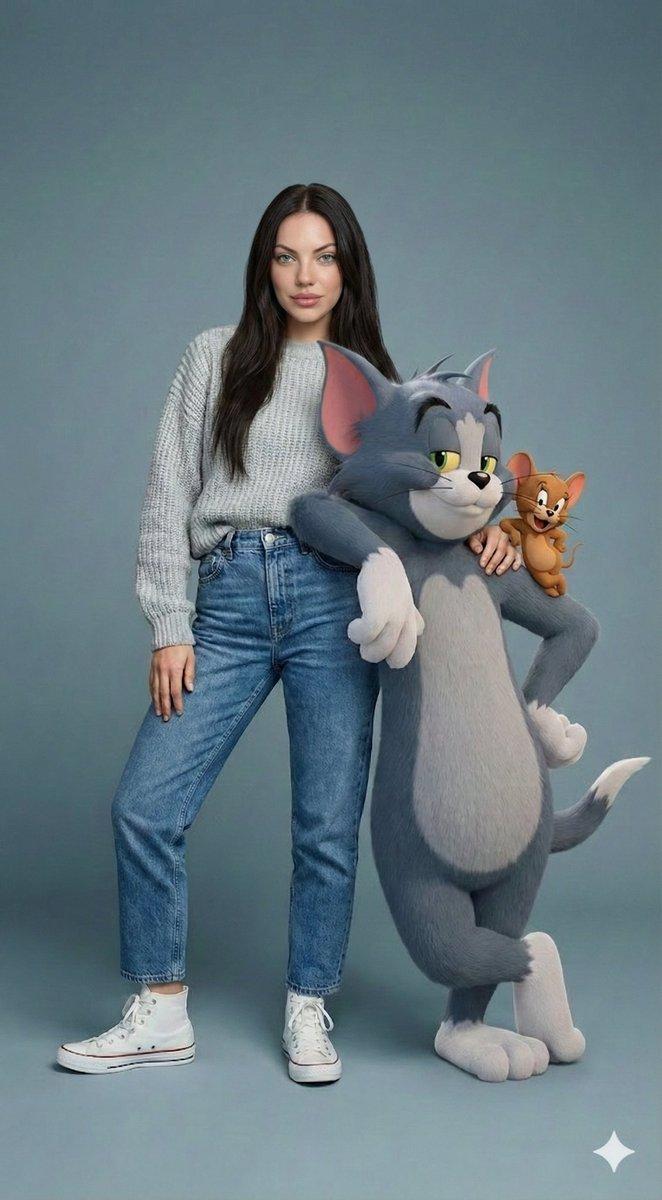
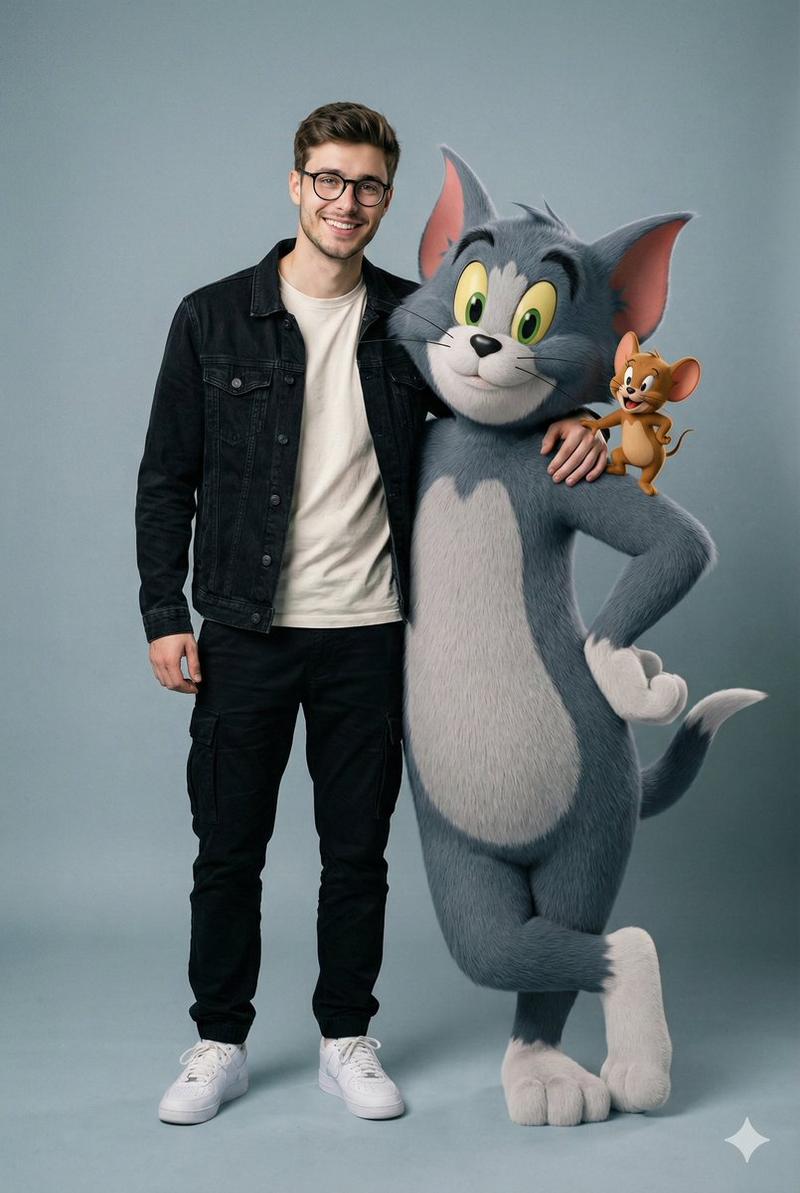
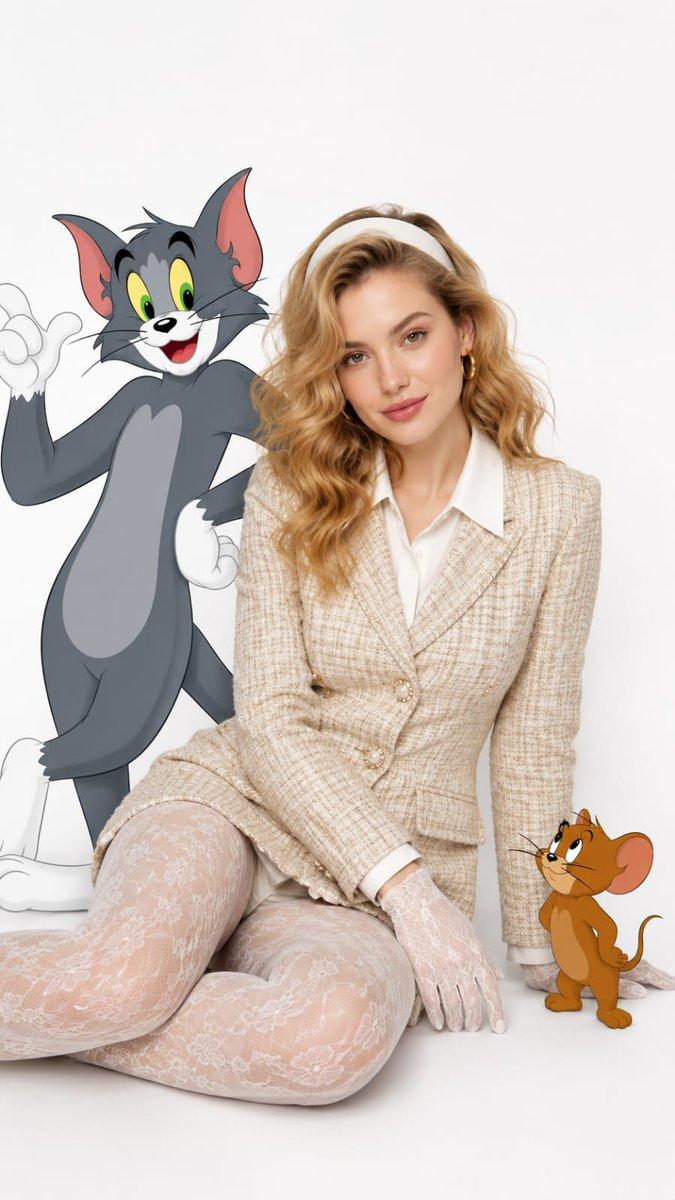
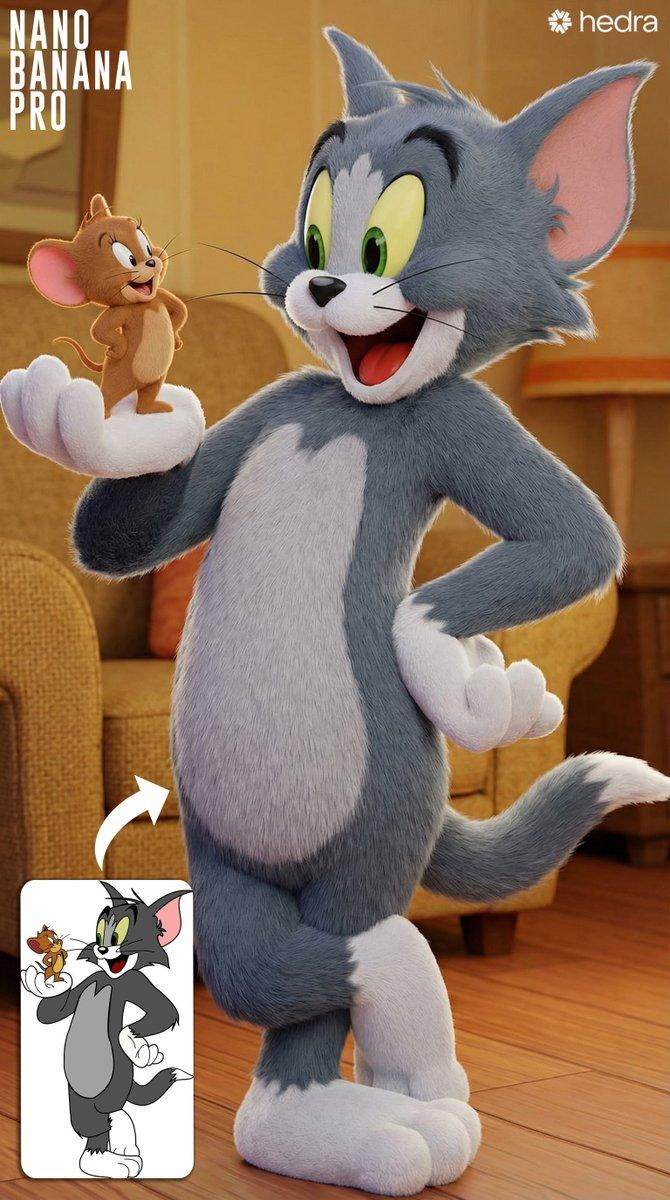
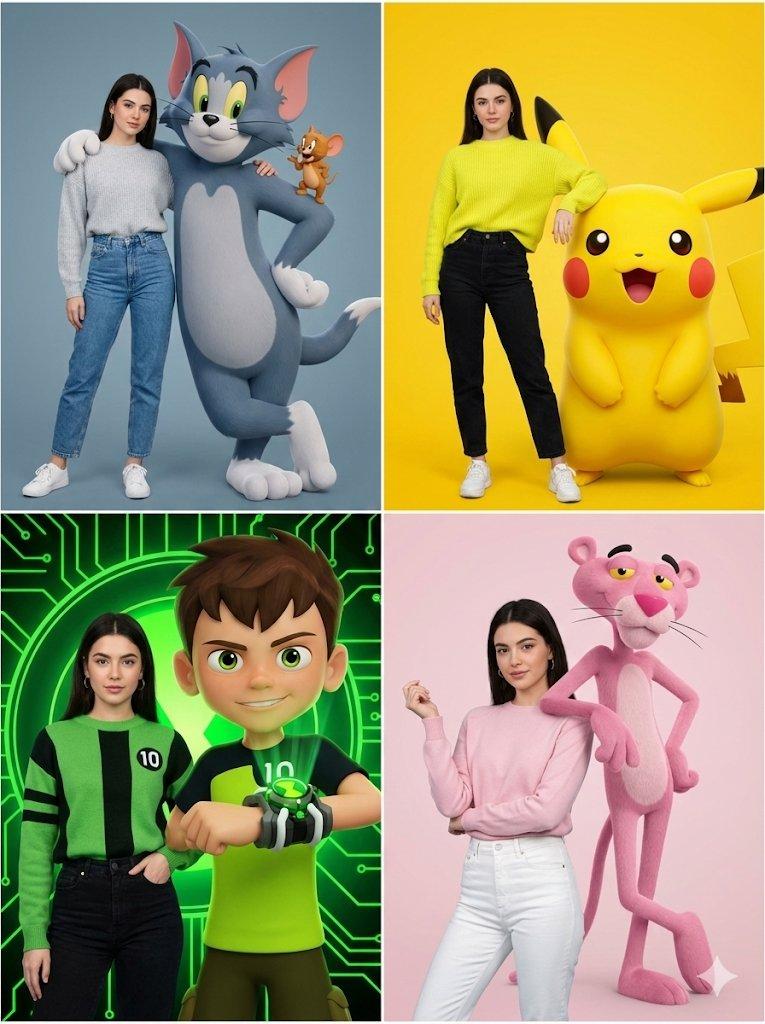
超逼真的《猫和老鼠》互动肖像
Enlarge

超逼真的《猫和老鼠》互动肖像

Prompt
"image_generation":(
"quality": "hyper-realistic",
"face": ("preserve_original": true, "reference_match'": true),
"subject":{
"description": "A stylish person with the same face.",
“clothing":{
"Top": ("type": "knitted sweater", "color": "{argument name="sweater color" default="light grey (Tom Theme)"}". }
"pants": ("type": "high-waisted jeans", "color": "denim blue".
"shoes":("type": "high-top sneakers", "color": "white")
"pose": "standing with arm around a giant 3D Tom while Jerry\nsits on Tom's shoulder",
"expression": "fun, mischievous"
"character_element":{
"name": "Tom & Jerry",
"type': "3D photorealistic duo",
"interaction': "Tom poses confidently, Jerry looks playful"
"environment-( "background'. (clean grey-blue backdrop"}
}
Category
创意图片
Model
Nano Banana Pro
Creator
Anissa
Views0
Source ID
df1b01de-9732-447a-95fa-d6dfe81be50d
Published
Mar 8, 2026

Guide

About "超逼真的《猫和老鼠》互动肖像"

What is this prompt for?

"超逼真的《猫和老鼠》互动肖像" AI image prompt for Nano Banana Pro (创意图片). 一个 JSON 提示,用于生成一张超现实图像,其中一个身份被保留的人物与巨型 3D 写实版 Tom 和 Jerry 合影,背景是干净的灰蓝色。 --- "image_generation": {…

The full copyable prompt and example visuals above are ready for AI image generation or one-click recreate in Picva.

How to use this prompt

  1. Step 1

    Open the prompt detail

    Review the example visuals, category, and full prompt text for "超逼真的《猫和老鼠》互动肖像".

  2. Step 2

    Copy the prompt

    Copy the prompt body from this page, or load it directly in Studio.

  3. Step 3

    Pick a model (Nano Banana Pro)

    Prefer Nano Banana Pro. If you switch models, keep subject and composition and tweak style terms.

  4. Step 4

    Generate and export

    Recreate the look in Picva, or export into your workflow for editing and publishing.

FAQ

What is the "超逼真的《猫和老鼠》互动肖像" prompt?
It is an AI image-generation prompt for Nano Banana Pro in the 创意图片 category. This page includes the full prompt text, example visuals, and a one-click recreate path in Picva.
How do I use this prompt to generate an image?
Copy the prompt from this page, or use Generate / Studio. Paste it into a compatible image model, or recreate the look in Picva with optional reference images.
Which model is this prompt for?
This page lists Nano Banana Pro. Most descriptive prompts also transfer to nearby image models such as GPT Image, Flux, or Midjourney with light style tweaks.
Can I use the result commercially?
You can usually copy the prompt for creation, but commercial use of the final image depends on the model terms, reference-image rights, and the generated content. Follow the source author and platform rules.