Sigma 暗黑霓虹 2026 新年涂鸦插画提示词
Prompt
{
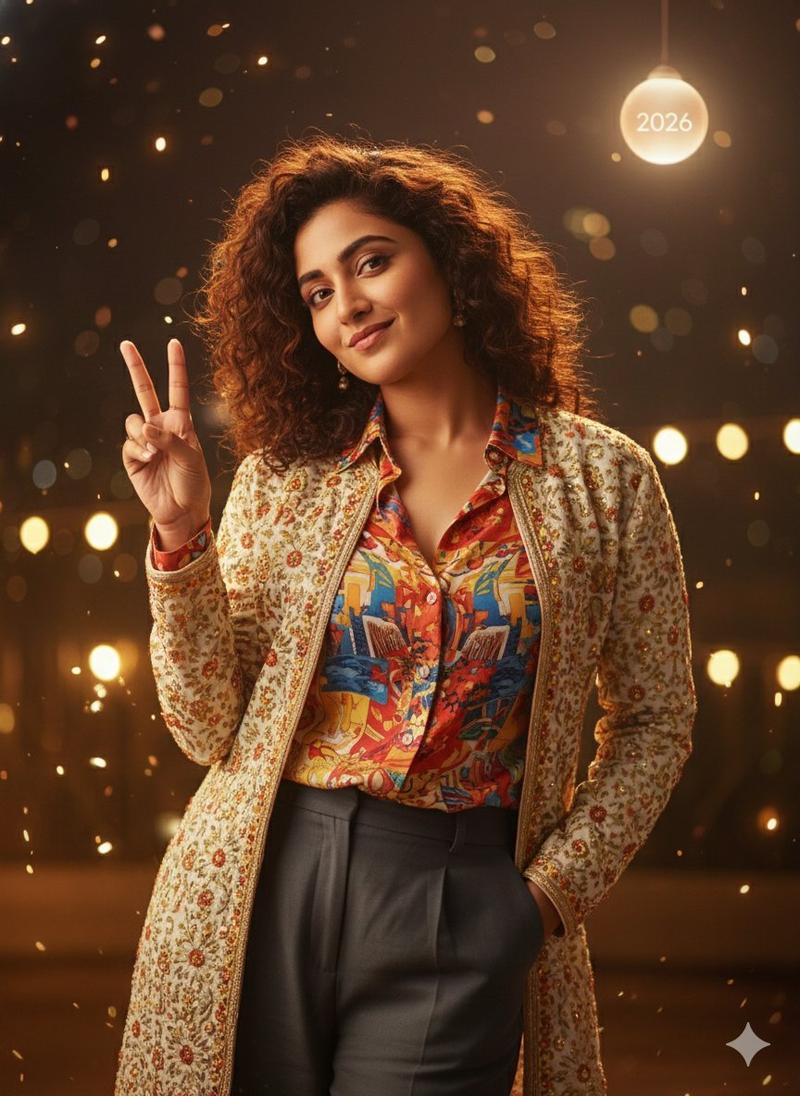
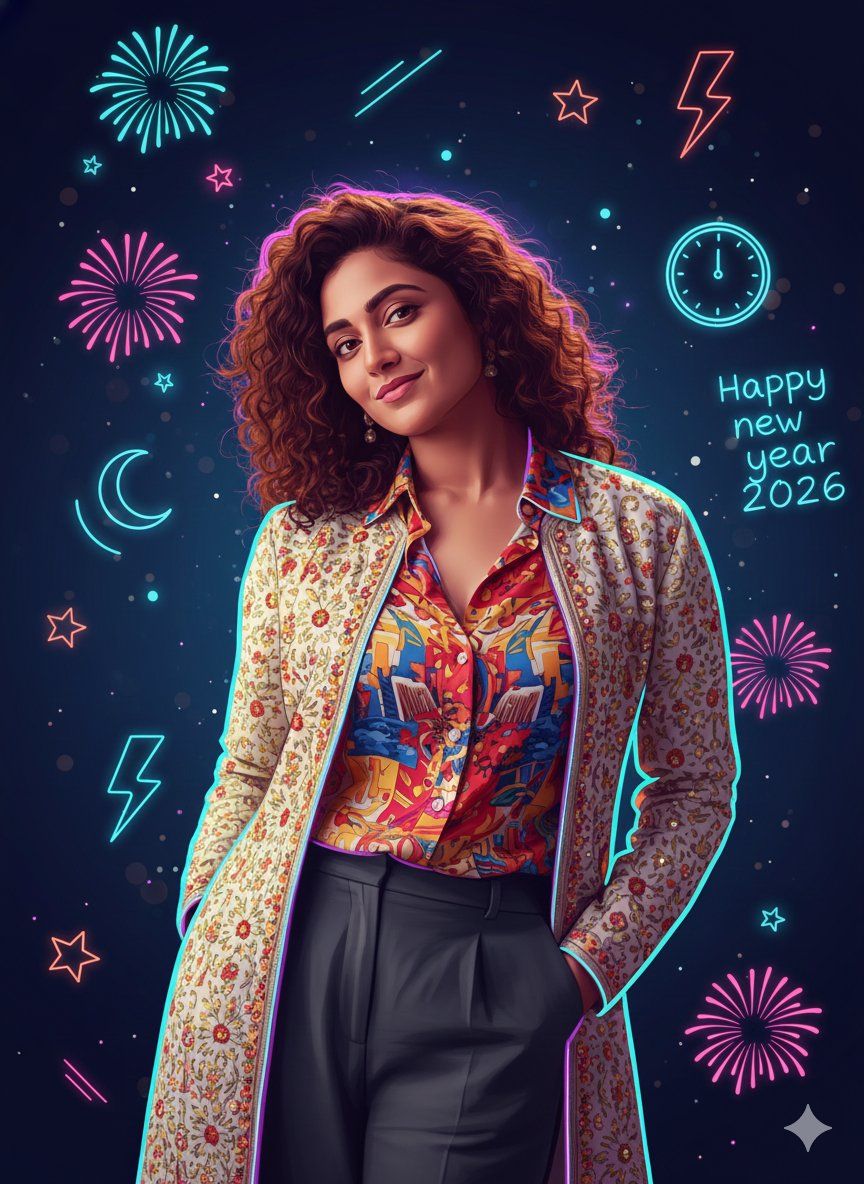
  "prompt": "Use the uploaded image strictly as an identity reference. Preserve 100% exact face match, facial structure, expressions, skin tone, hairstyle, and identity of the single person visible in the reference image. Do not add any other person. Create a strong sigma-style pose in a dark neon New Year {argument name="year" default="2026"} doodle illustration (intense calm stare, relaxed dominant posture, slight lean, hands in pockets or crossed). Combine accurate semi-realistic facial rendering with glowing hand-drawn doodle line art. Use clean sketch lines enhanced with neon glow effects while keeping facial features clearly recognizable. Apply a dark New Year color palette with deep blacks, midnight blues, electric cyan, neon purple, and subtle red accents. Surround the subject with glowing doodle elements such as neon fireworks, stars, clocks, arrows, lightning strokes, abstract motion lines, and celebratory spark marks. Convert the scene into a high-quality dark neon doodle-vector illustration with layered glowing linework, soft gradients, controlled bloom, and crisp edges. Clothing should remain similar in type but simplified into bold dark shapes with neon edge highlights for a sigma aesthetic. Lighting should be stylized and graphic, using neon rim light and subtle glow instead of realistic lighting. The background should be deep dark with floating neon doodles and bokeh sparks. Optionally include a minimal glowing '2026' doodle integrated naturally into the scene. Render in ultra-high resolution with polished layers, sharp neon lines, and a premium dark sigma New Year 2026 doodle finish.",

  "negative_prompt": "face mismatch, identity change, extra person, wrong facial features, wrong skin tone, bad anatomy, extra fingers, extra limbs, stiff pose, messy lines, chaotic glow, overexposed neon, photorealism, rough textures, low quality, blur, noise, grain, watermark, logo, heavy text",

  "style": "dark neon doodle vector illustration",
  "mood": "sigma, bold, mysterious, celebratory, night-time",
  "lighting": "neon rim lighting with controlled glow",
  "background": "dark backdrop with glowing New Year doodle elements",
  "detail_level": "clean yet expressive, high polish",
  "render_quality": "ultra high resolution, cinematic doodle-vector finish",
  "composition": "single person, sigma pose, dark neon New Year 2026 doodle aesthetic",
  "reference_strength": 0.85
}- Category
- 创意图片
- Model
- Nano Banana Pro
- Creator
- Gagan Singh
- Source ID
- 13caa21b-b6f5-4e60-85c7-cc77bde288f2
- Published
- Mar 8, 2026
Views0