20

新年贺卡生成:角色同步与排版
Enlarge

新年贺卡生成:角色同步与排版

Prompt
**タスク:**
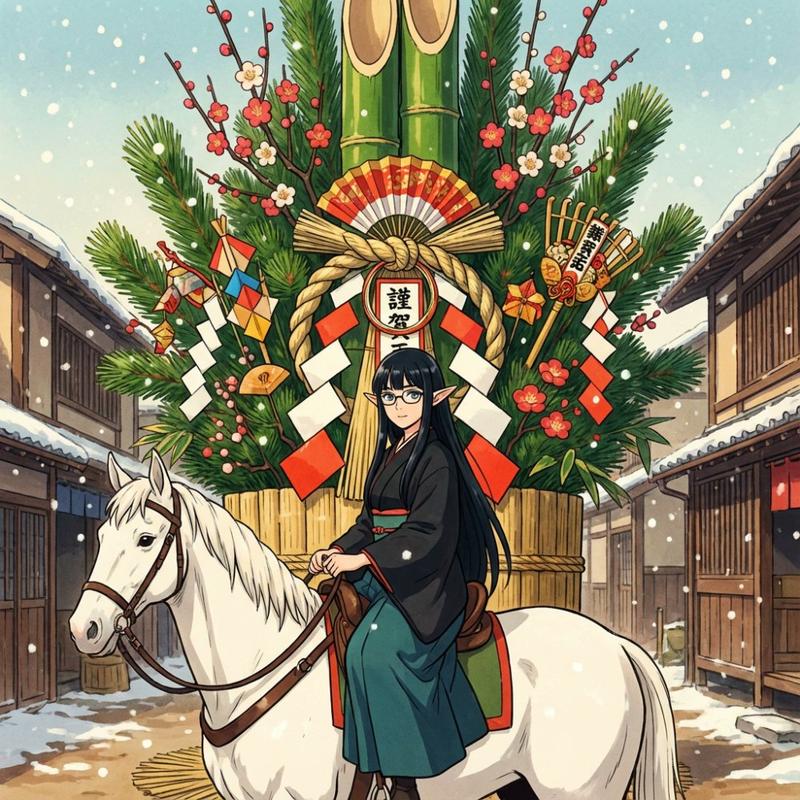
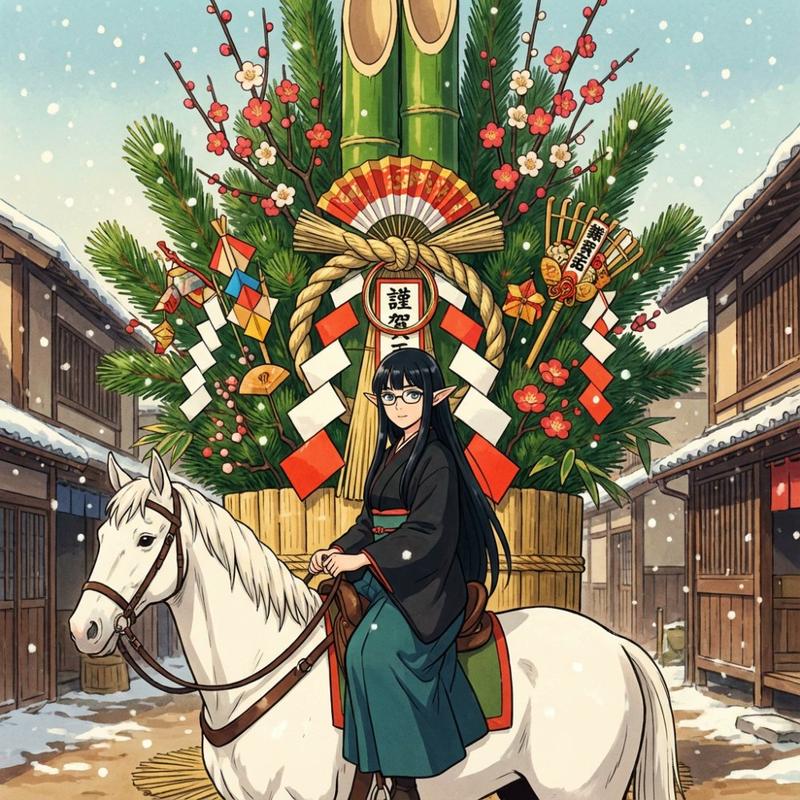
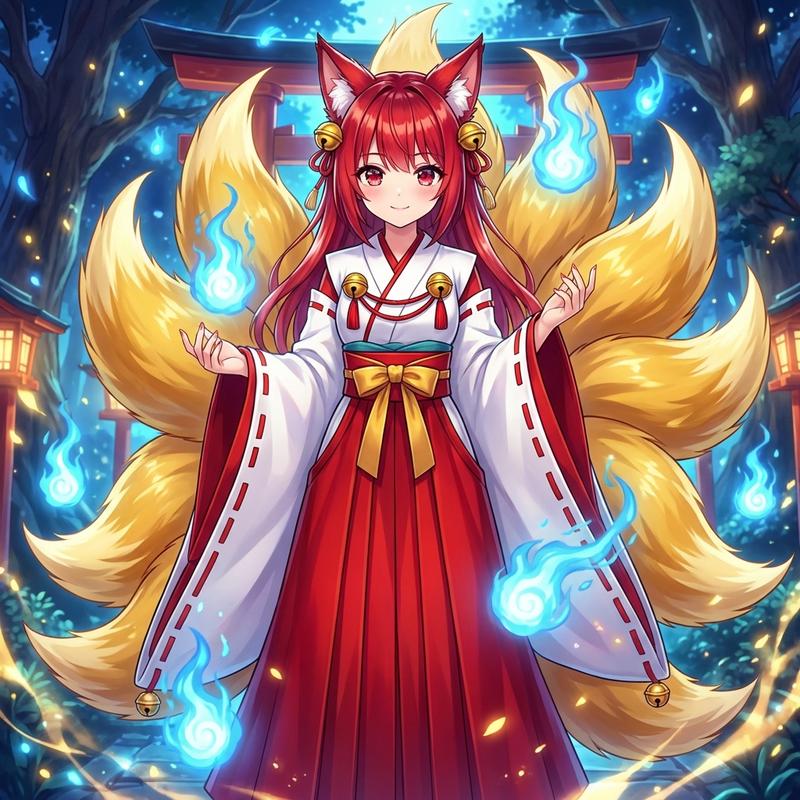
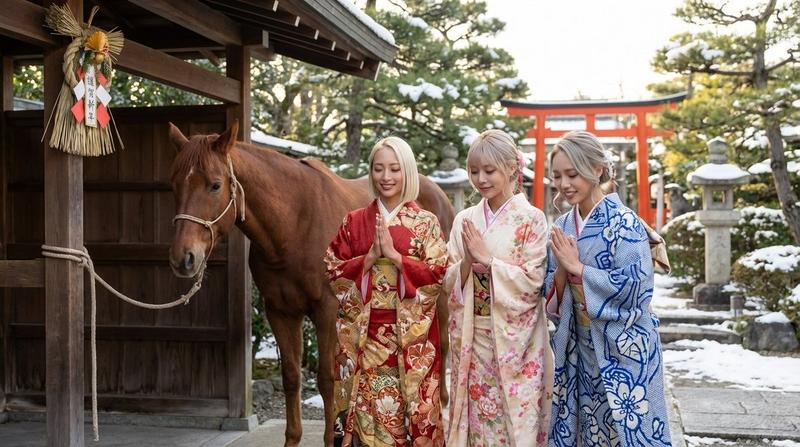
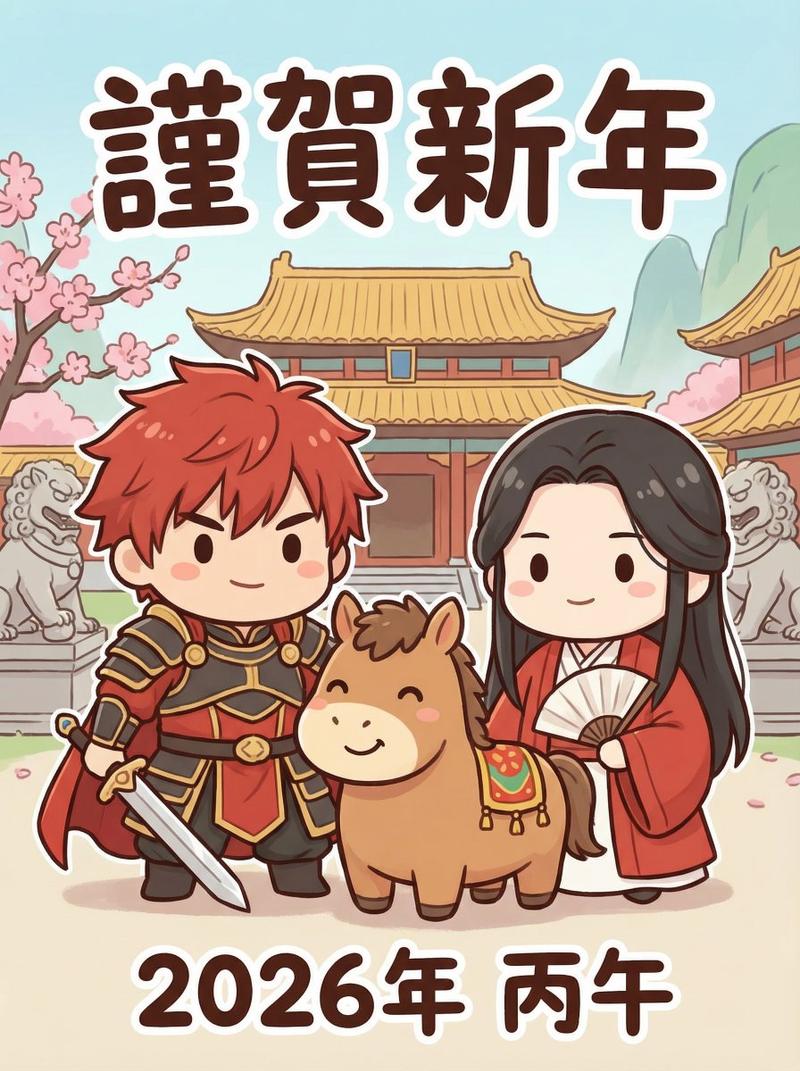
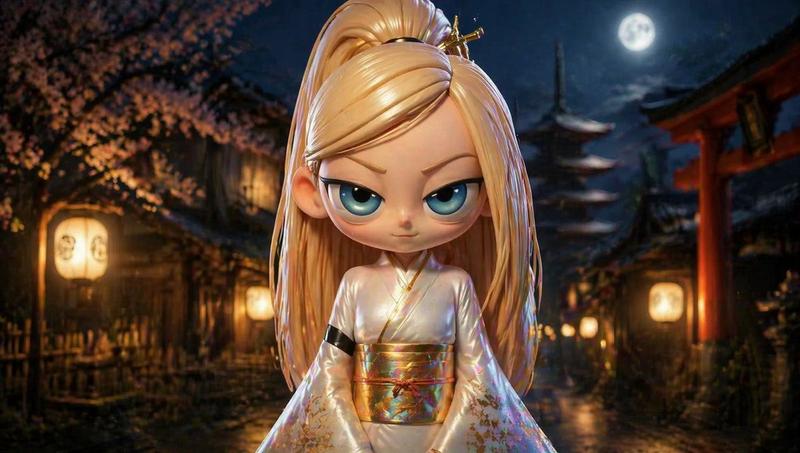
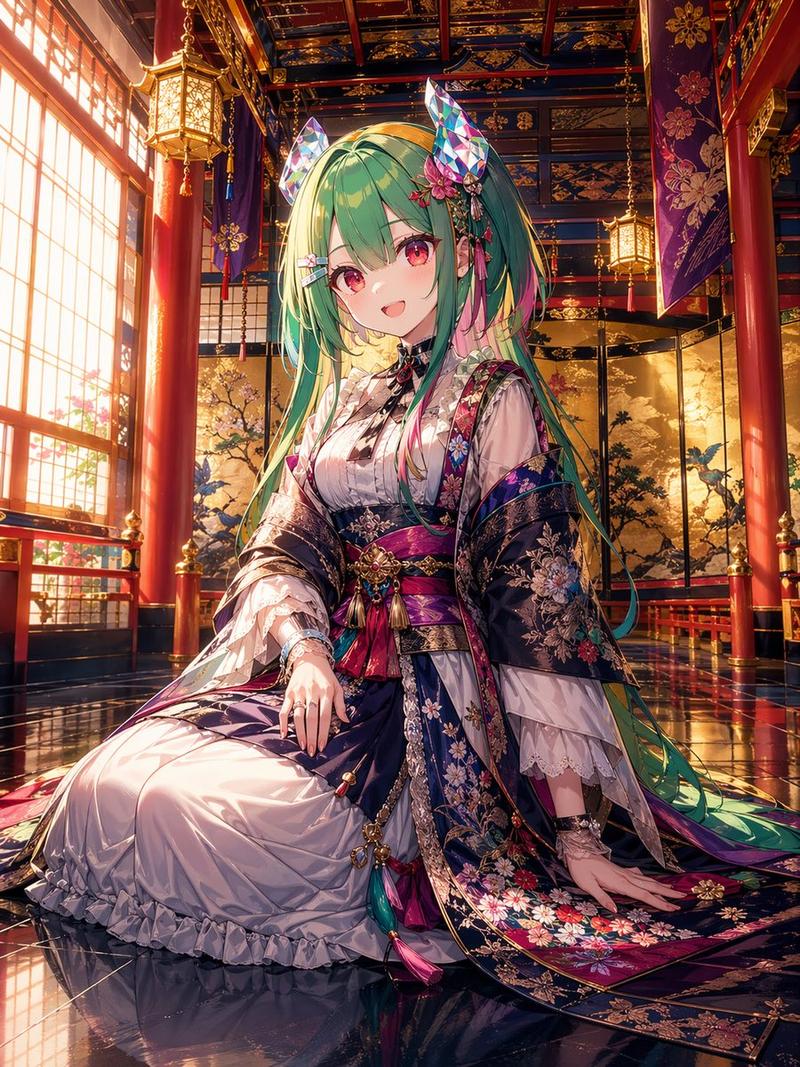
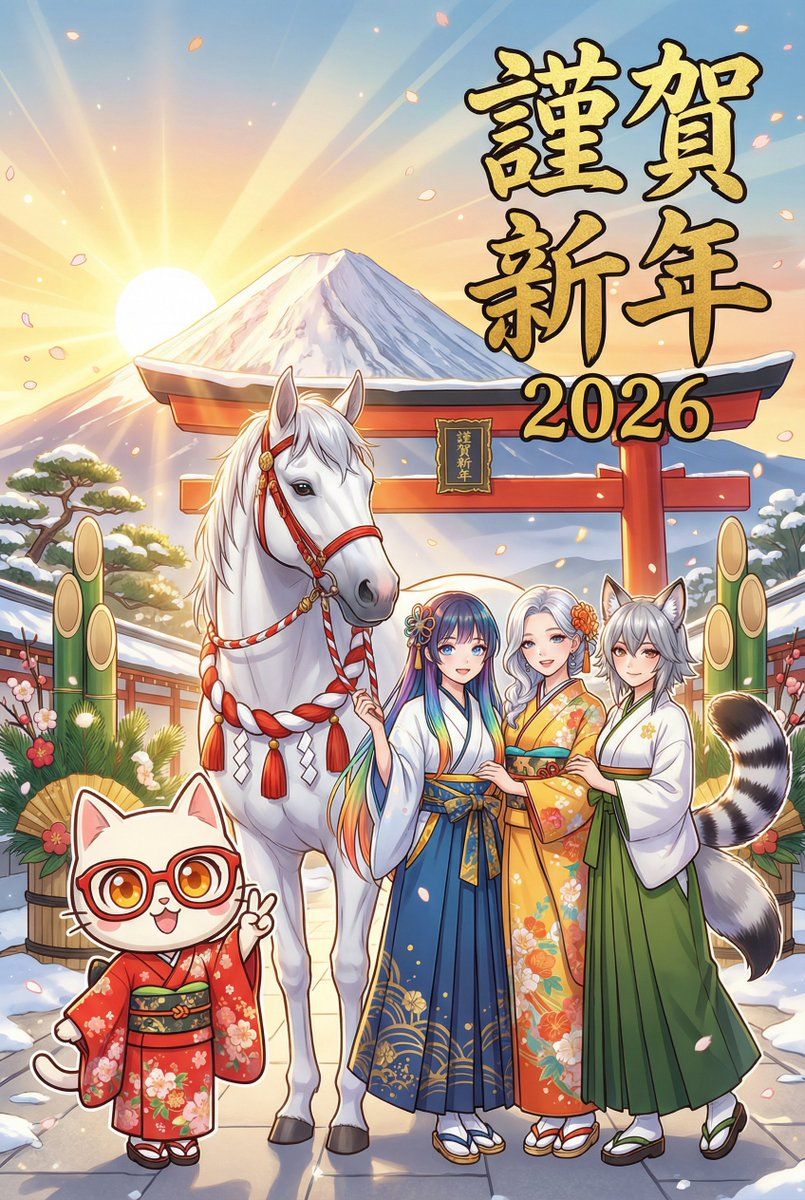
参照画像の4人のキャラクターと、2026年の干支「白馬」を描いた年賀状を生成する。

**【最重要:頭身とスタイルの完全同期】**
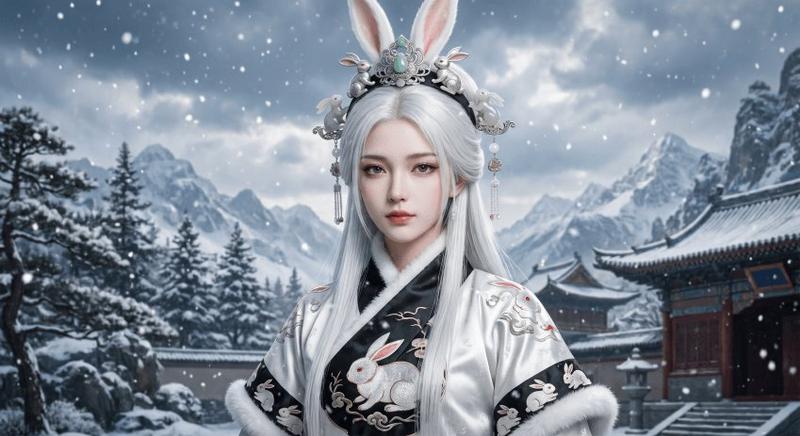
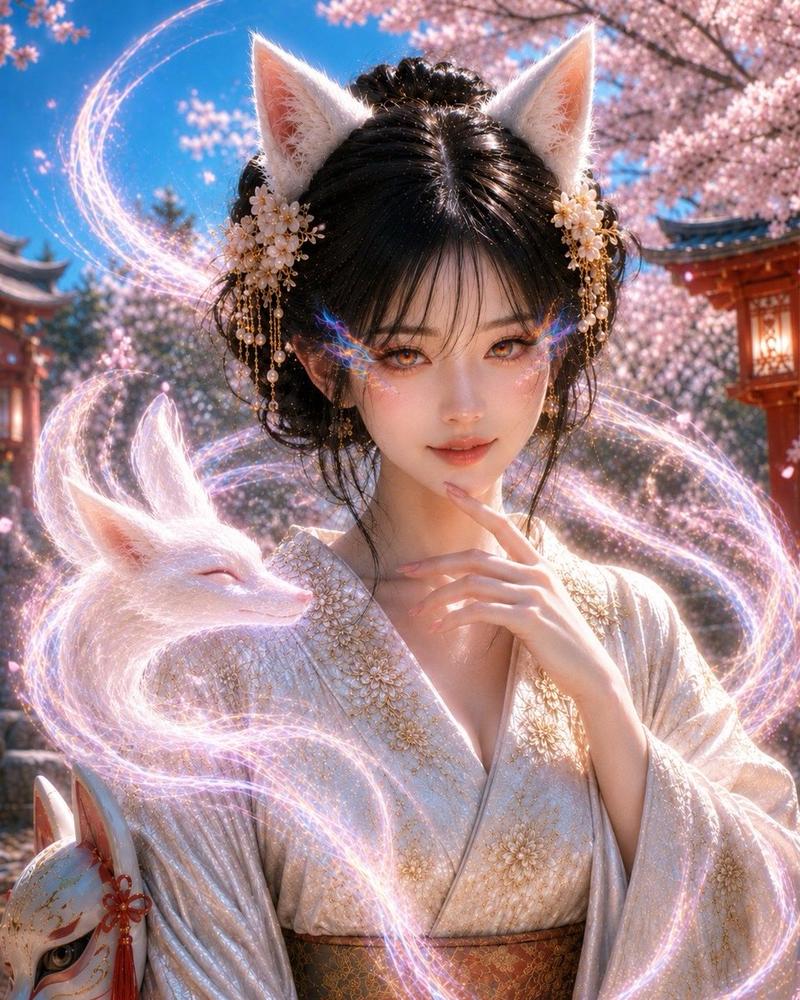
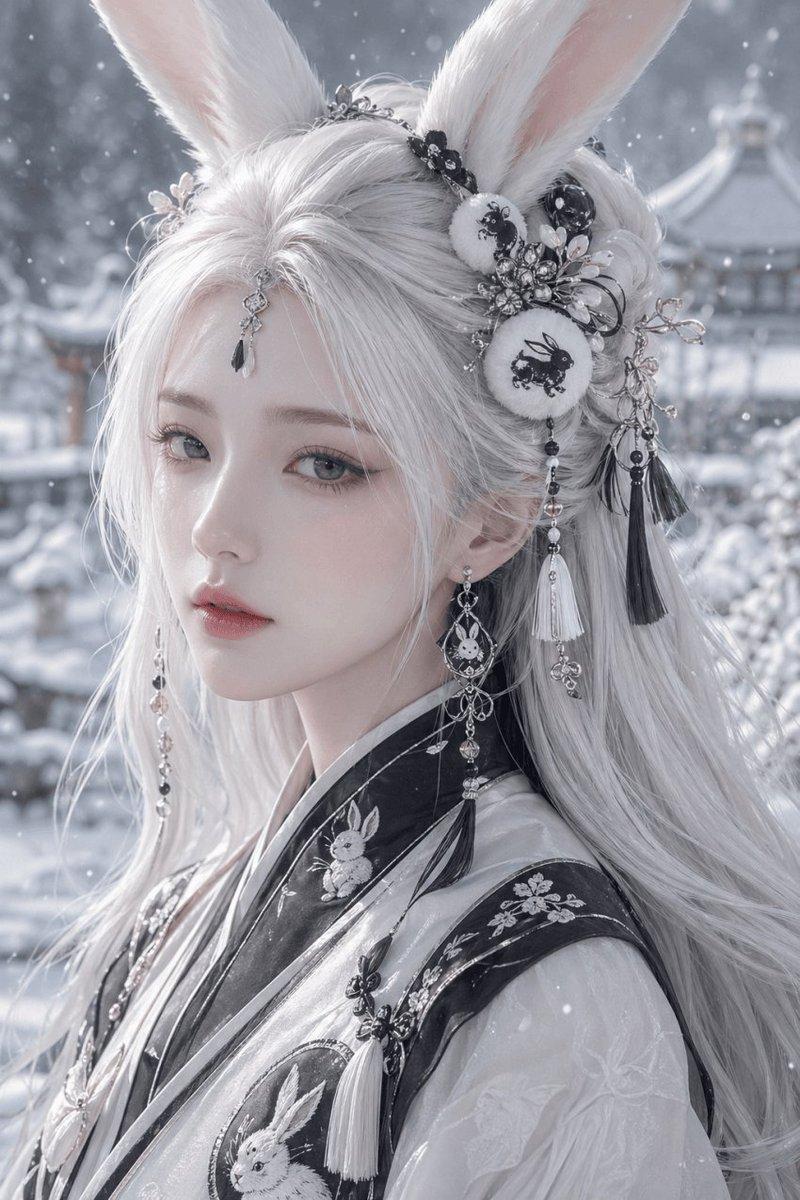
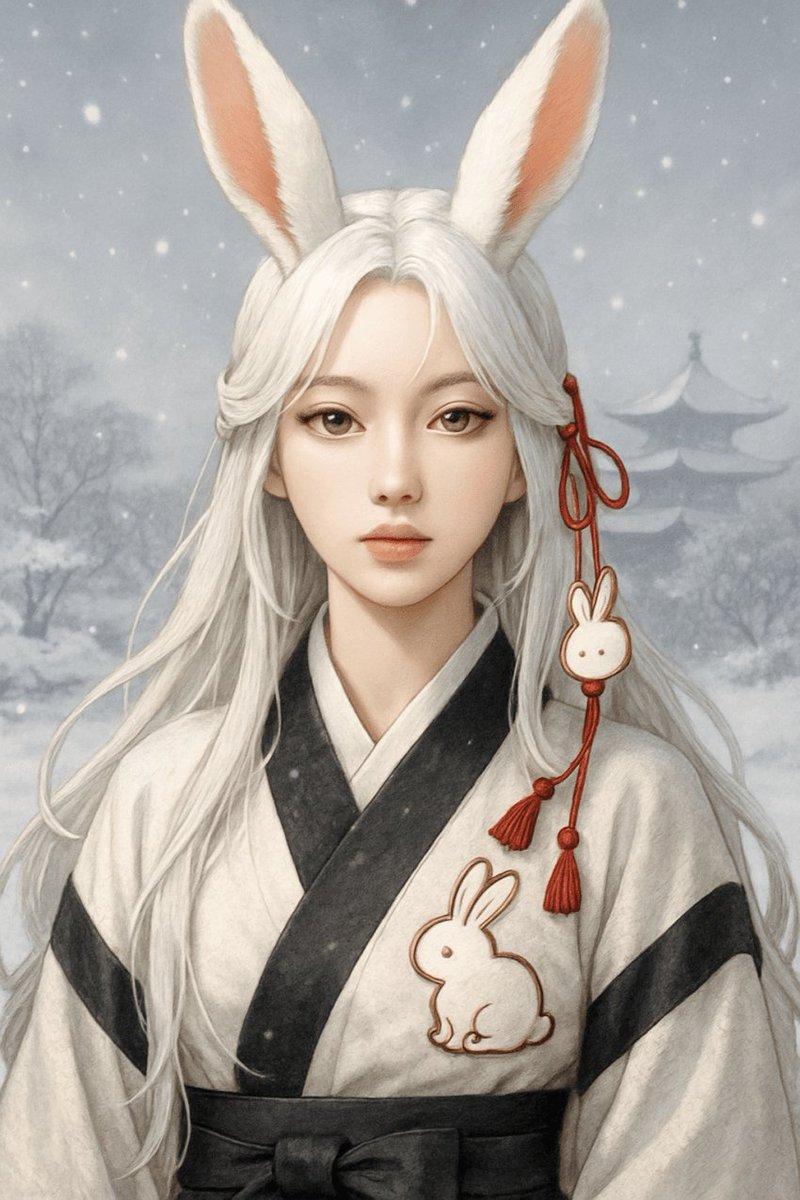
Nano Banana Proは、各キャラクターの参照元画像の「画風」と「頭身(プロポーション)」を**絶対厳守**すること。
- **参照画像が「ちびキャラ(2〜3頭身)」の場合:**
  → **必ず「ちびキャラ」として描画する。**(勝手にリアル化しない)
- **参照画像が「リアル頭身」の場合:**
  → **必ず「リアル頭身」のまま描画する。**(勝手にデフォルメしない)
- **顔の再現:**
  目、表情、髪型を参照画像と完全に一致させる。

**被写体 (SUBJECTS):**
1. **キャラクター4名:**
   - **衣装:** 全員、お正月らしい豪華な和装({argument name="和装の種類" default="振袖、羽織袴"})。
     {argument name="色合い" default="赤・青・黄・緑"}など、それぞれのイメージカラーに合わせた華やかな色合い。
   - **ポーズ:** 4人で仲良く並び、楽しそうにポーズ(ピースや手を振るなど)をとっている。

2. **白馬 (Year of the Horse):**
   - キャラクターたちと一緒にいる、美しく神々しい白馬。
   - お正月用の飾り(紅白の紐や房)を付けている。

**背景 (ENVIRONMENT):**
- {argument name="背景の場所" default="初日の出、富士山、または神社の鳥居"}。
- 「お正月」と一目でわかる、明るくめでたい雰囲気。

**文字 (TYPOGRAPHY):**
- メイン: 「{argument name="メインテキスト" default="謹賀新年"}」(力強い金色の筆文字)
- 年号: 「2026」(読みやすいフォント)
- レイアウト: 絵柄を邪魔しない位置にバランスよく配置する。

**画質:**
- スタイルは参照画像に準拠しつつ、細部(着物の柄、馬の毛並み)を高解像度で描き込む。
Category
创意图片
Model
Nano Banana Pro
Views0
Source ID
941c30b5-bf3a-4275-b47b-be6cc73d0155
Published
Mar 8, 2026

Guide

About "新年贺卡生成:角色同步与排版"

What is this prompt for?

"新年贺卡生成:角色同步与排版" AI image prompt for Nano Banana Pro (创意图片). 一个全面的提示,用于生成一张新年贺卡,其中包含四个角色和生肖动物(2026 年的白马)。该提示着重强调严格遵守参考图像的艺术风格和比例(Q 版或写实),并包含服装、姿势、背景和排版的详细说明。 -…

The full copyable prompt and example visuals above are ready for AI image generation or one-click recreate in Picva.

How to use this prompt

  1. Step 1

    Open the prompt detail

    Review the example visuals, category, and full prompt text for "新年贺卡生成:角色同步与排版".

  2. Step 2

    Copy the prompt

    Copy the prompt body from this page, or load it directly in Studio.

  3. Step 3

    Pick a model (Nano Banana Pro)

    Prefer Nano Banana Pro. If you switch models, keep subject and composition and tweak style terms.

  4. Step 4

    Generate and export

    Recreate the look in Picva, or export into your workflow for editing and publishing.

FAQ

What is the "新年贺卡生成:角色同步与排版" prompt?
It is an AI image-generation prompt for Nano Banana Pro in the 创意图片 category. This page includes the full prompt text, example visuals, and a one-click recreate path in Picva.
How do I use this prompt to generate an image?
Copy the prompt from this page, or use Generate / Studio. Paste it into a compatible image model, or recreate the look in Picva with optional reference images.
Which model is this prompt for?
This page lists Nano Banana Pro. Most descriptive prompts also transfer to nearby image models such as GPT Image, Flux, or Midjourney with light style tweaks.
Can I use the result commercially?
You can usually copy the prompt for creation, but commercial use of the final image depends on the model terms, reference-image rights, and the generated content. Follow the source author and platform rules.