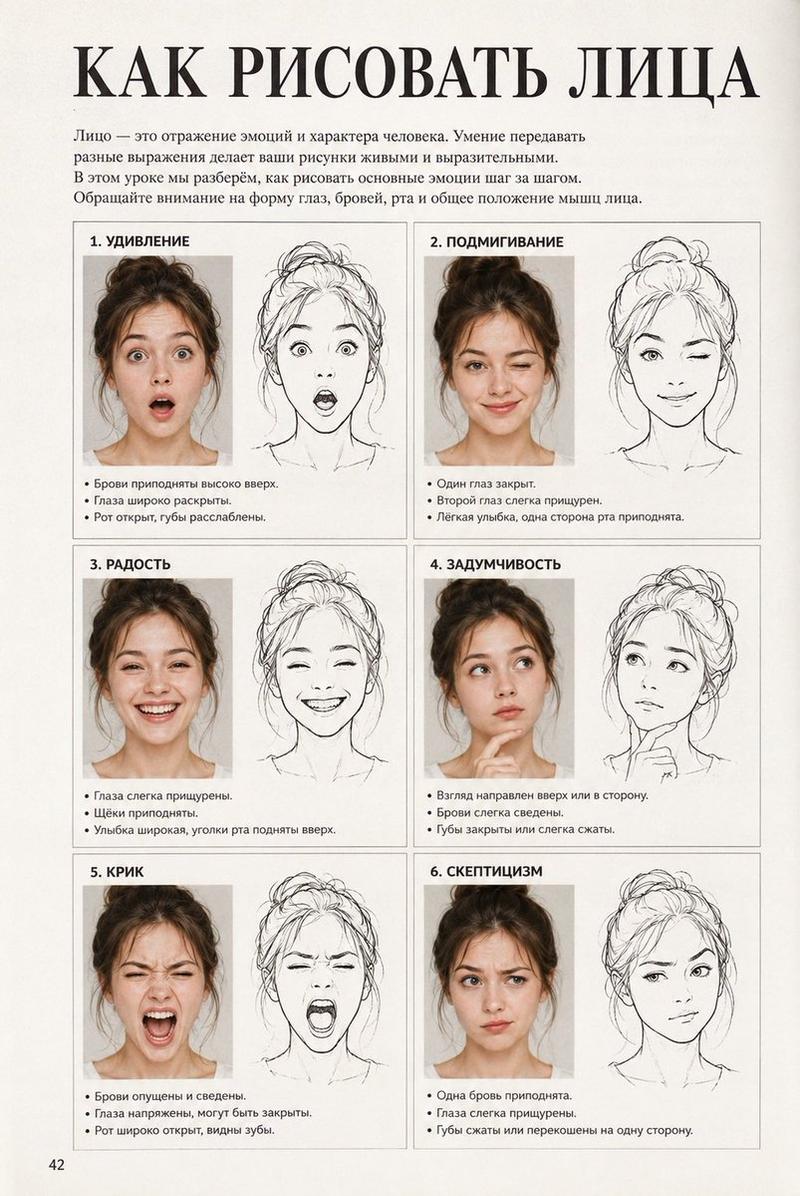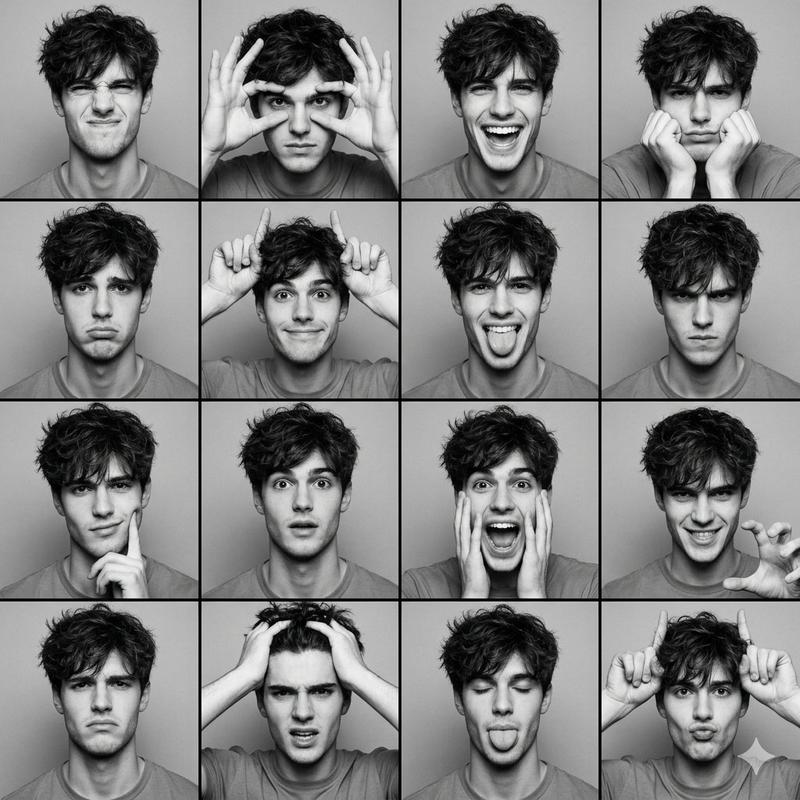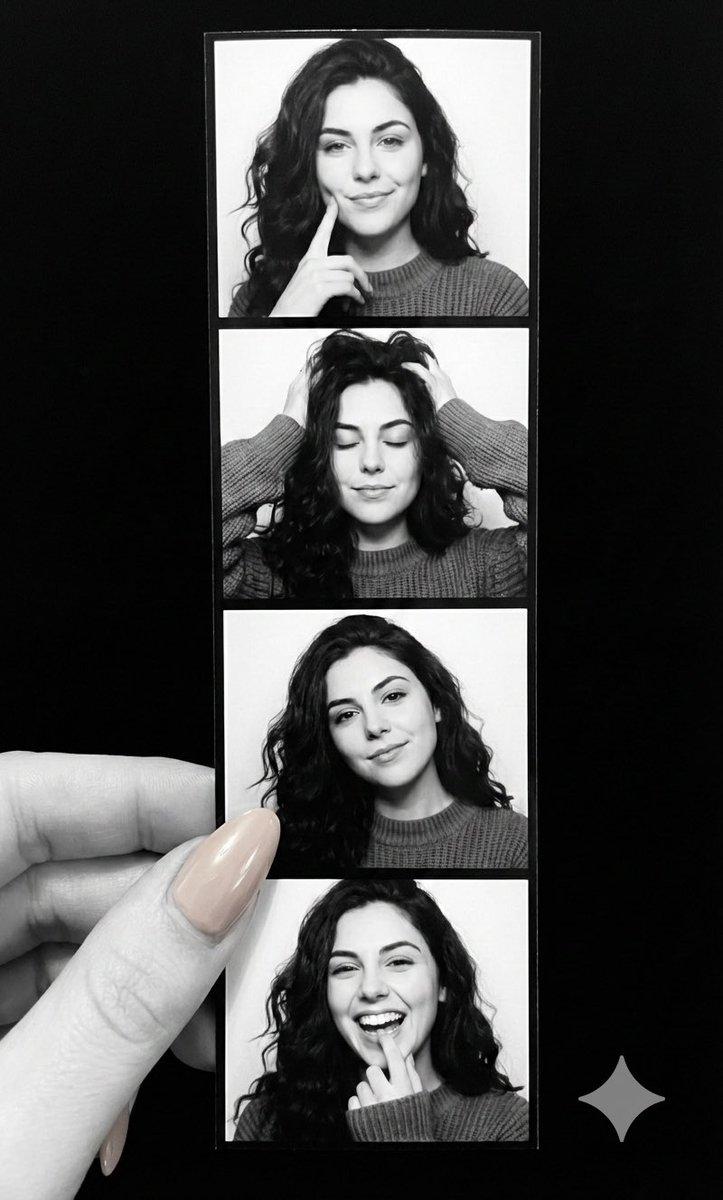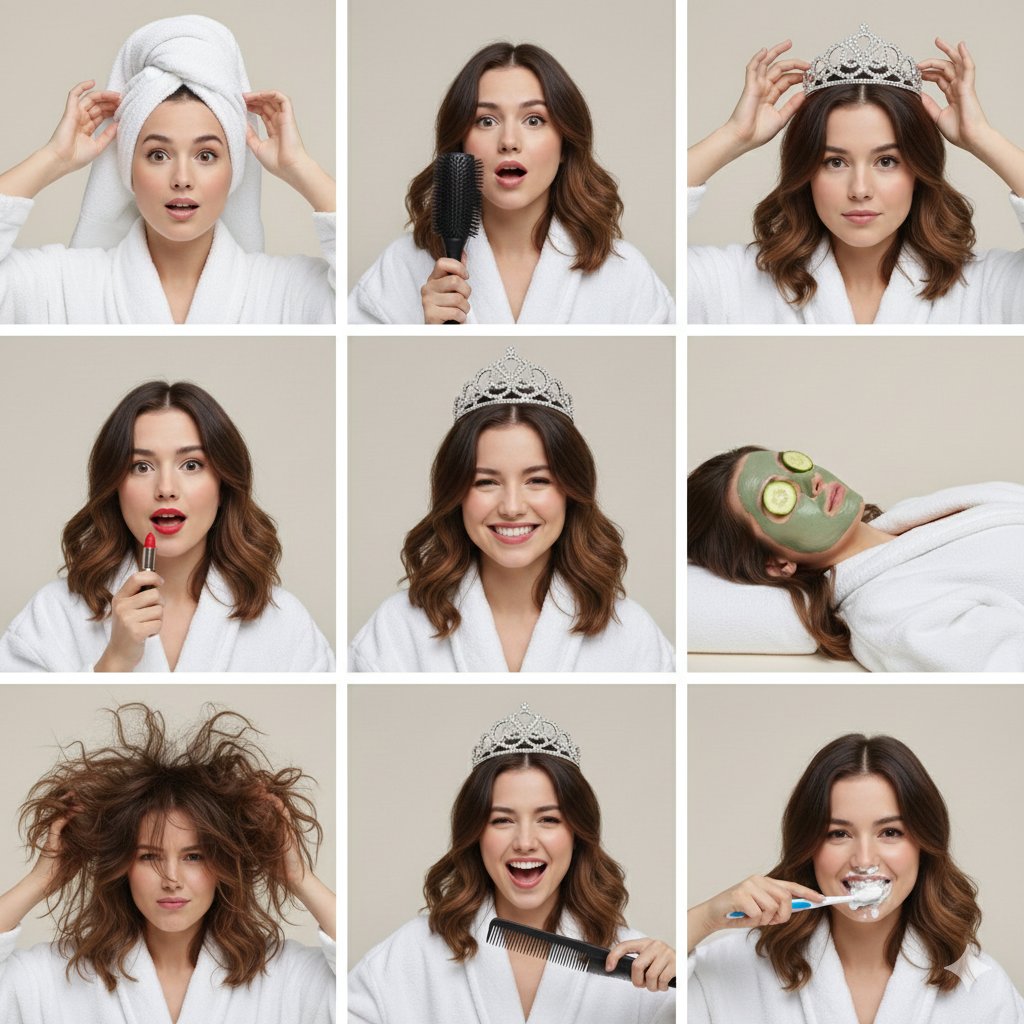
带身份锁的照相亭打印条
Prompt
Ultra-photorealistic single-frame photograph.
The person in ALL four frames must be 100% identical to the uploaded reference image. Preserve exact facial features: same face shape, same eyes, same nose structure, same lips, same skin texture. Zero deviation from reference. Do not generate a different person.
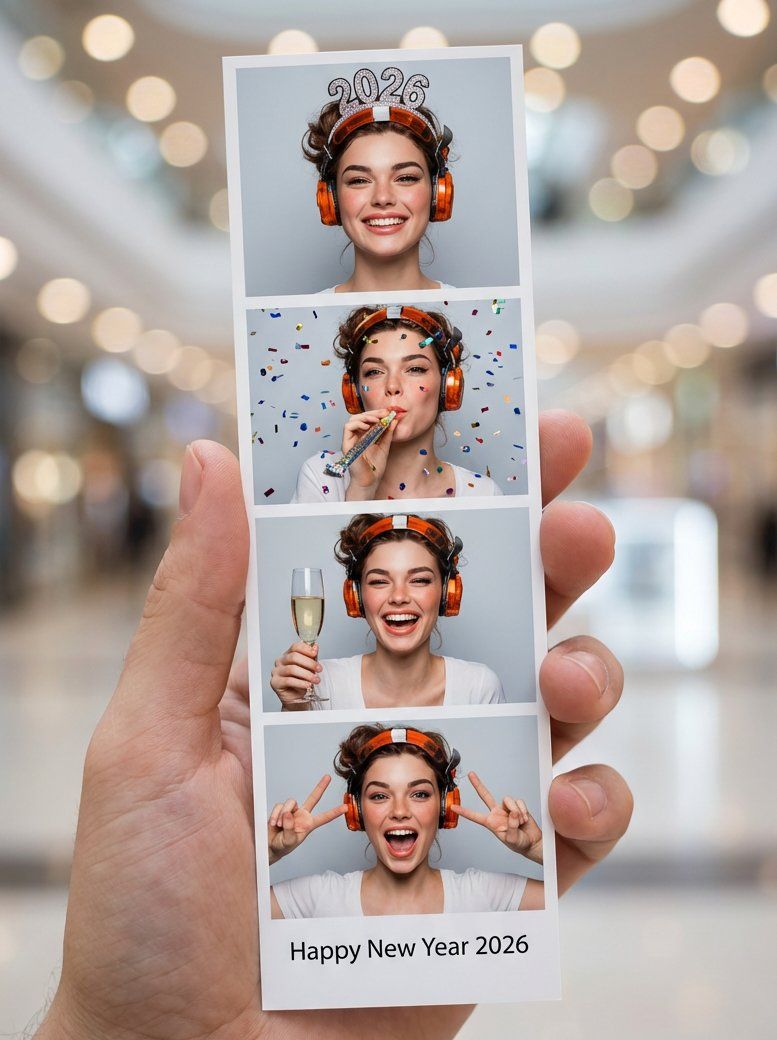
A single oversized photo-booth print strip dominates the composition, centered and filling 75-85% of the frame, held naturally by one hand with fingers partially visible for scale.
The strip contains exactly 4 frames arranged vertically (1 column × 4 rows). Each frame shows the SAME person from the reference image in New Year celebration moments:
- Frame 1: wearing a sparkly "{argument name="year crown" default="2026"}" crown, smiling
- Frame 2: blowing a party horn with confetti
- Frame 3: holding champagne glass, laughing
- Frame 4: making peace signs, excited expression
Background: shopping mall photo booth, distant and softly blurred with bokeh lights.
White border text at bottom reads exactly: "Happy New Year {argument name="year text" default="2026"}"
Photography style: Shot on Canon EOS R5, 50mm lens, f/2.8, natural mall lighting, sharp focus on the print strip.
STRICT RULES:
- No other people visible
- No logos, watermarks, or UI elements
- No numbers outside the print strip
- Person appears ONLY inside the printed photos
Face Consistency Lock: The facial structure, eye spacing, nose bridge, jawline, and all identifying features must match the reference with 100% accuracy across all 4 frames. @AdobeFirefly- Category
- 创意图片
- Model
- Nano Banana Pro
- Creator
- Alexandra Aisling
- Source ID
- c48c34b9-d3e6-42c2-9d82-a625d8eed351
- Published
- Mar 8, 2026
Views0