17

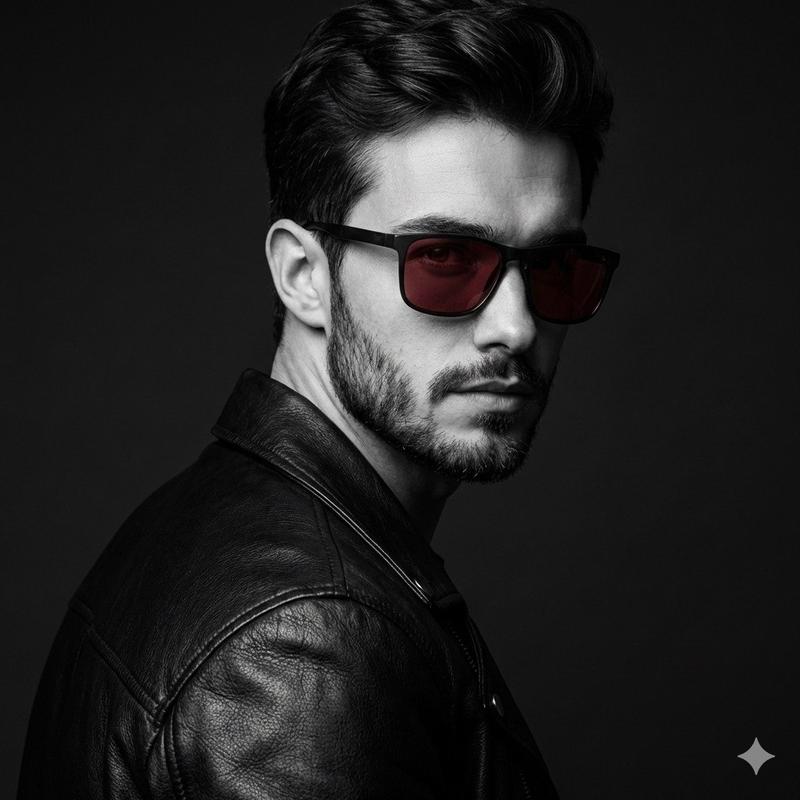
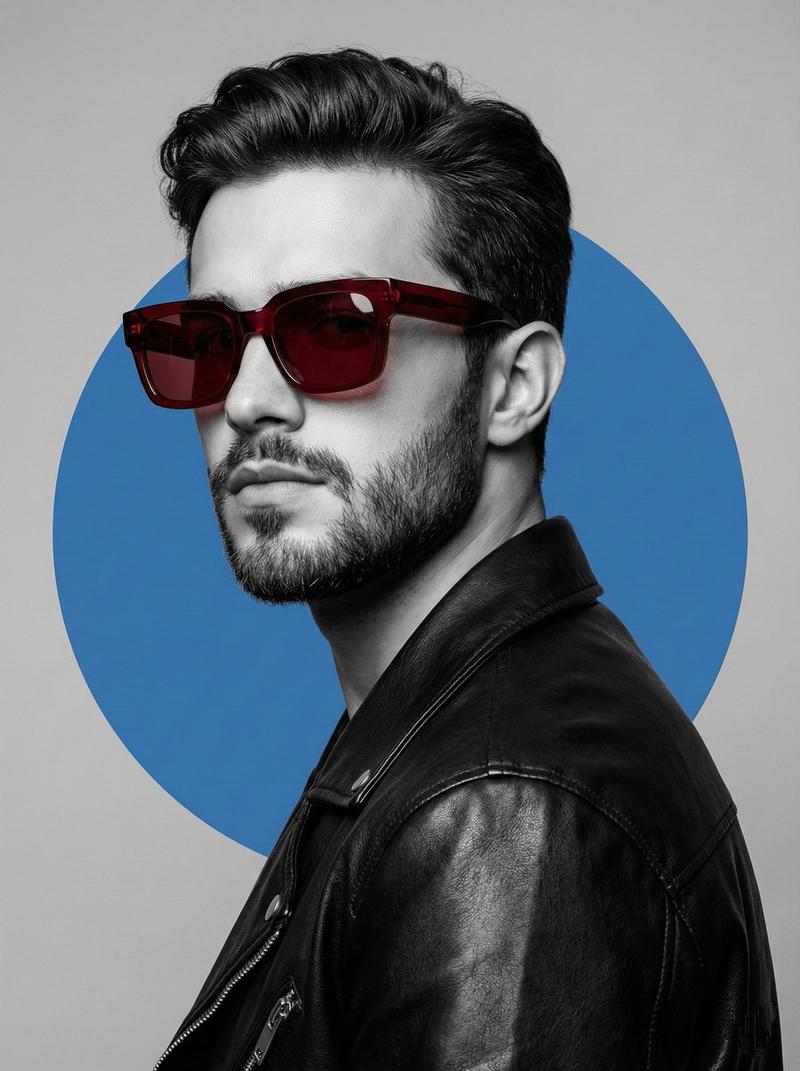
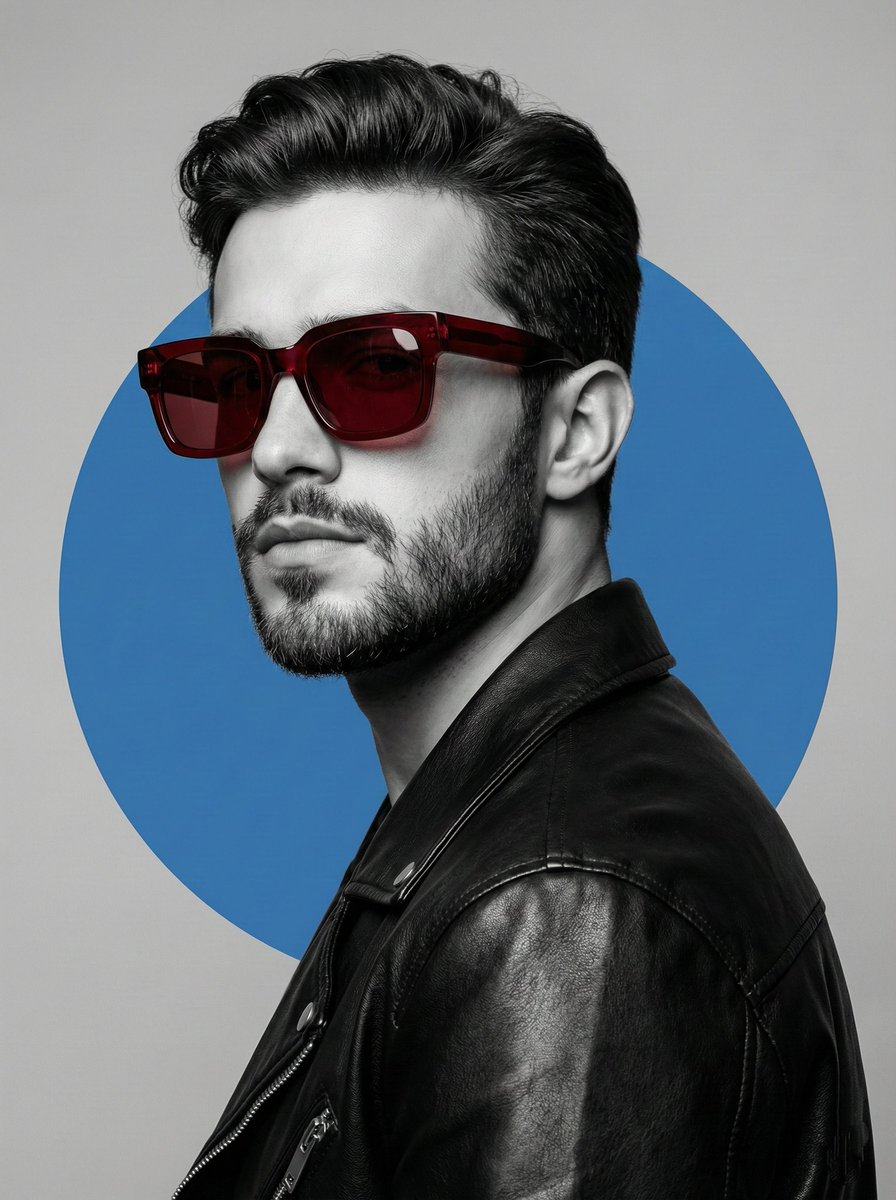
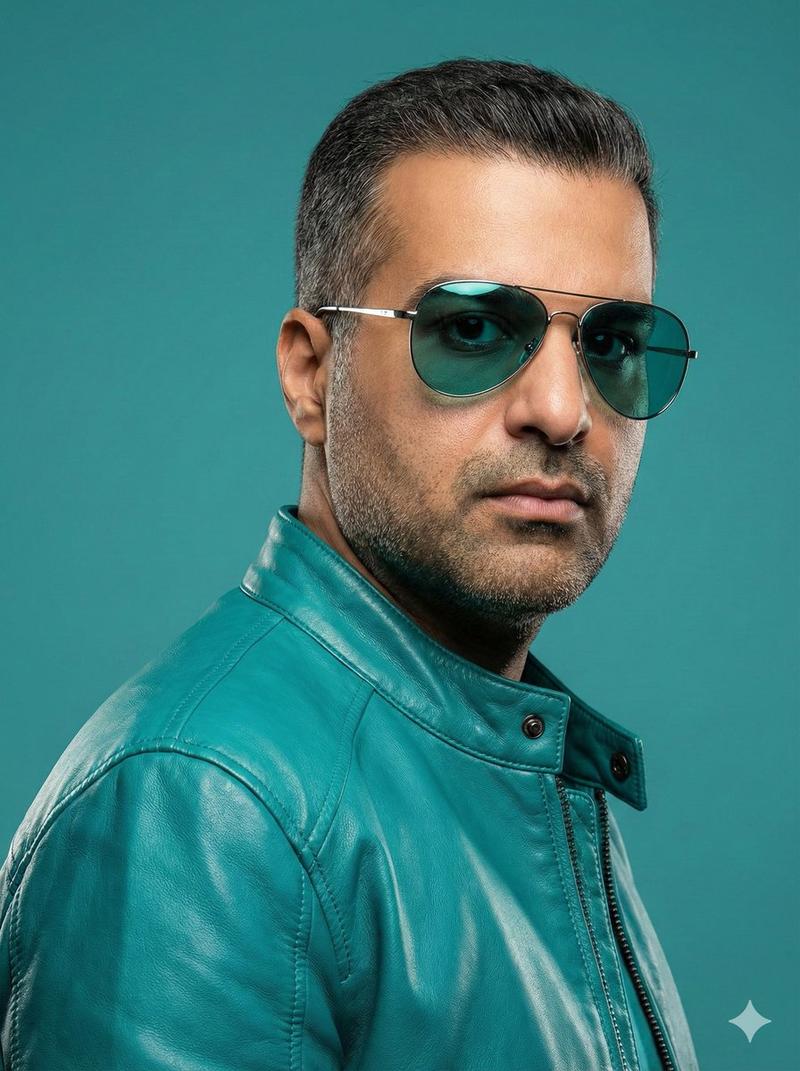
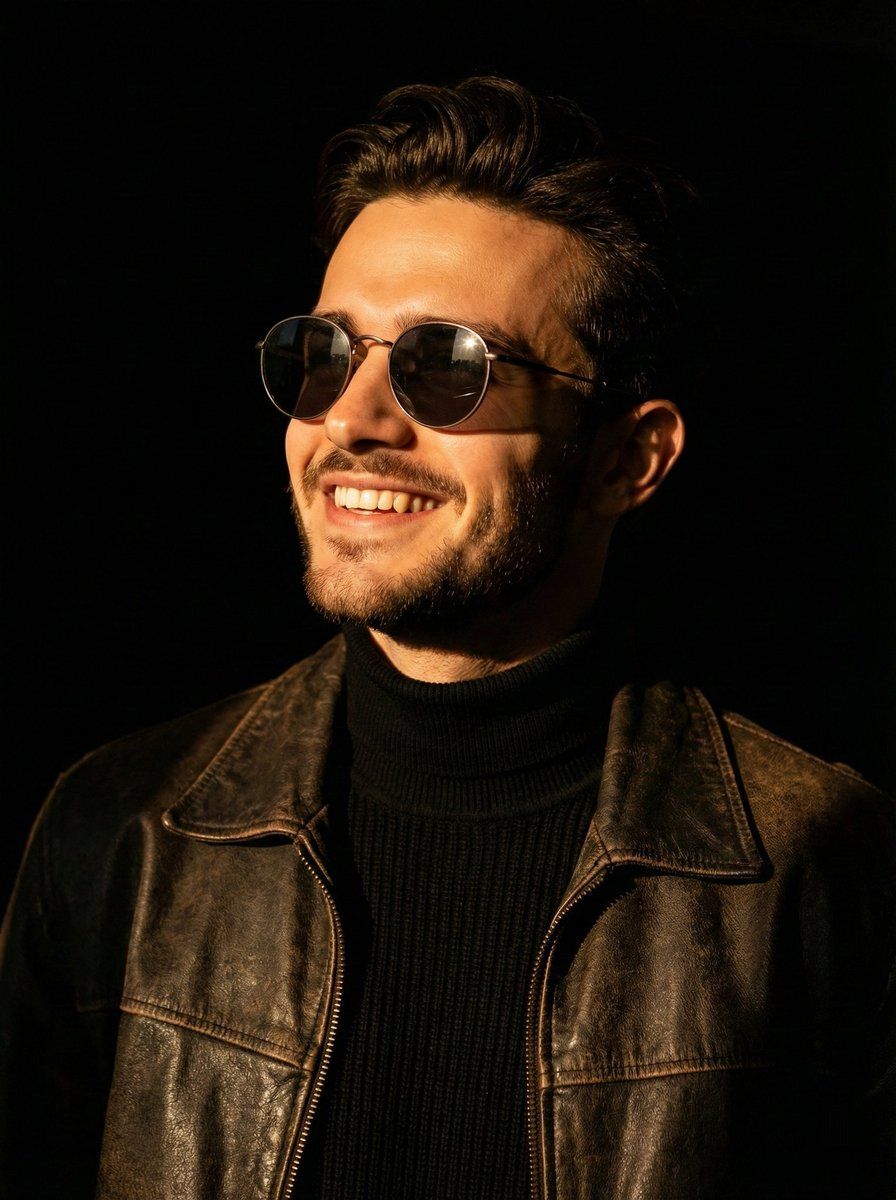
为一位男士创作肖像照提示,要求戏剧性的侧光和具体的服装细节
Enlarge

为一位男士创作肖像照提示,要求戏剧性的侧光和具体的服装细节

Prompt
portrait photo",
    "subject": "{argument name="subject" default="man"}",
    "expression": "{argument name="expression" default="smiling broadly"}",
    "pose": "looking up towards the left",
    "lighting": "warm, dramatic side-lighting",
    "background": "completely black",
    "clothing": [
      "round metal-frame sunglasses",
      "dark brown aged leather jacket",
      "black knit turtleneck"
    ],
    "details": "light catches the texture of the leather and the side of his face, casting deep shadows",
    "aspect_ratio": "3:4",
    "reference": {
      "image": "image_reference.jpg",
      "instruction": "100% use my upload reference image image generate"
    }
  }
Category
创意图片
Model
Nano Banana Pro
Creator
K
Views0
Source ID
7f3f345a-6645-41c9-a8cb-f763d778a389
Published
Mar 8, 2026

Guide

About "为一位男士创作肖像照提示,要求戏剧性的侧光和具体的服装细节"

What is this prompt for?

"为一位男士创作肖像照提示,要求戏剧性的侧光和具体的服装细节" AI image prompt for Nano Banana Pro (创意图片). 一个详细的图像生成提示,旨在创建一张肖像照片:一位笑容灿烂的男士,戴着圆形金属框太阳镜,身穿深棕色做旧皮夹克。该提示指定了温暖、富有戏剧性的侧光,背景为纯黑色,以强调…

The full copyable prompt and example visuals above are ready for AI image generation or one-click recreate in Picva.

How to use this prompt

  1. Step 1

    Open the prompt detail

    Review the example visuals, category, and full prompt text for "为一位男士创作肖像照提示,要求戏剧性的侧光和具体的服装细节".

  2. Step 2

    Copy the prompt

    Copy the prompt body from this page, or load it directly in Studio.

  3. Step 3

    Pick a model (Nano Banana Pro)

    Prefer Nano Banana Pro. If you switch models, keep subject and composition and tweak style terms.

  4. Step 4

    Generate and export

    Recreate the look in Picva, or export into your workflow for editing and publishing.

FAQ

What is the "为一位男士创作肖像照提示,要求戏剧性的侧光和具体的服装细节" prompt?
It is an AI image-generation prompt for Nano Banana Pro in the 创意图片 category. This page includes the full prompt text, example visuals, and a one-click recreate path in Picva.
How do I use this prompt to generate an image?
Copy the prompt from this page, or use Generate / Studio. Paste it into a compatible image model, or recreate the look in Picva with optional reference images.
Which model is this prompt for?
This page lists Nano Banana Pro. Most descriptive prompts also transfer to nearby image models such as GPT Image, Flux, or Midjourney with light style tweaks.
Can I use the result commercially?
You can usually copy the prompt for creation, but commercial use of the final image depends on the model terms, reference-image rights, and the generated content. Follow the source author and platform rules.