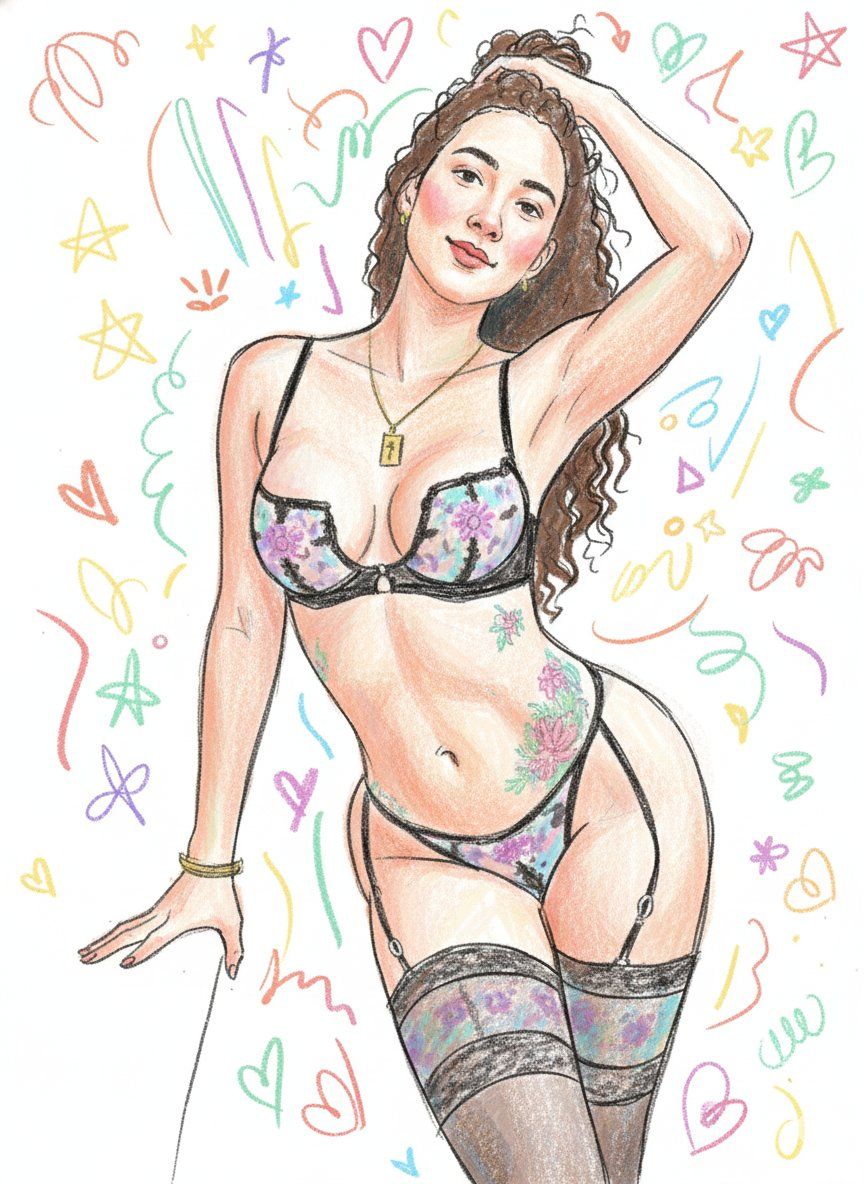
Scribbly Doodle Illustration Style Prompt
Prompt
Use the uploaded image strictly as the identity reference. Preserve the same person, exact facial structure, hairstyle, age, gender, body proportions, and overall likeness. Do not add or remove any person. Do not change identity. Transform the subject into a messy, fun, scribbly doodle-style illustration.

Doodle Illustration Style:
Create a hand-drawn doodle with uneven, rough, and exaggerated line art. The lines should be loose, wobbly, and erratic, like a child’s excited scribble. Outlines should be thick, broken, and inconsistent. The drawing style must look rushed, spontaneous, and energetic. Use visible pencil or crayon strokes that add to the untidy, chaotic feel.

Color & Texture:
Use bright, pastel, and vivid colors in a flat, playful way. The color should be filled in without careful detail, mimicking a rough, sketchbook feel. The colors must look uneven and imperfect, almost like they’ve been scribbled on quickly. Add some watercolor textures, but keep them playful and imperfect, as if someone has used a wet brush for a quick, vibrant fill.

Facial Features:
Draw simple, exaggerated, childish features. Dot eyes, tiny squiggly smiles, and tiny noses. Keep the features rough and uneven, adding to the playful, messy doodle effect. Expressions should be lively and fun, filled with joy.

Proportions & Form:
Slightly exaggerated proportions with a large head, simplified limbs, and soft, rounded body shapes. The anatomy should look very stylized and unrealistic. Add extra randomness to proportions, with some body parts bigger or smaller than usual.

Shading & Lighting:
No realistic shading. Use rough pencil strokes for shading or simple color blobs. The lighting should be minimal, keeping the whole image bright and flat without depth.

Mood & Atmosphere:
Fun, quirky, and full of energy. The vibe should be carefree and spontaneous, like a doodle drawn in the middle of a storybook or a school notebook. Keep the emotional tone playful and full of life.

Background:
The background should be a mix of simple, scribbly shapes, soft doodle marks, and abstract forms like squiggles, hearts, stars, or random lines. Keep the background as loose and unrefined as the subject.

Rendering Rules:
No photorealism, no photo texture, no cinematic lighting, no digital painting. The illustration should look like a true, chaotic, scribbly doodle. Avoid sharp or clean edges, avoid detailed realism. The lines and colors must be rough and spontaneous.

Final Output:
A lively, fun, and messy scribbly doodle-style illustration using crayon or colored pencil, with rough, energetic lines and flat pastel colors, preserving the exact identity from the uploaded image in a playful, carefree doodle style.
- Category
- 创意图片
- Model
- Nano Banana Pro
- Creator
- Gagan Singh
- Source ID
- 9946e6c8-b54d-450f-94d1-a18303184107
- Published
- Mar 8, 2026
Views0


















