20

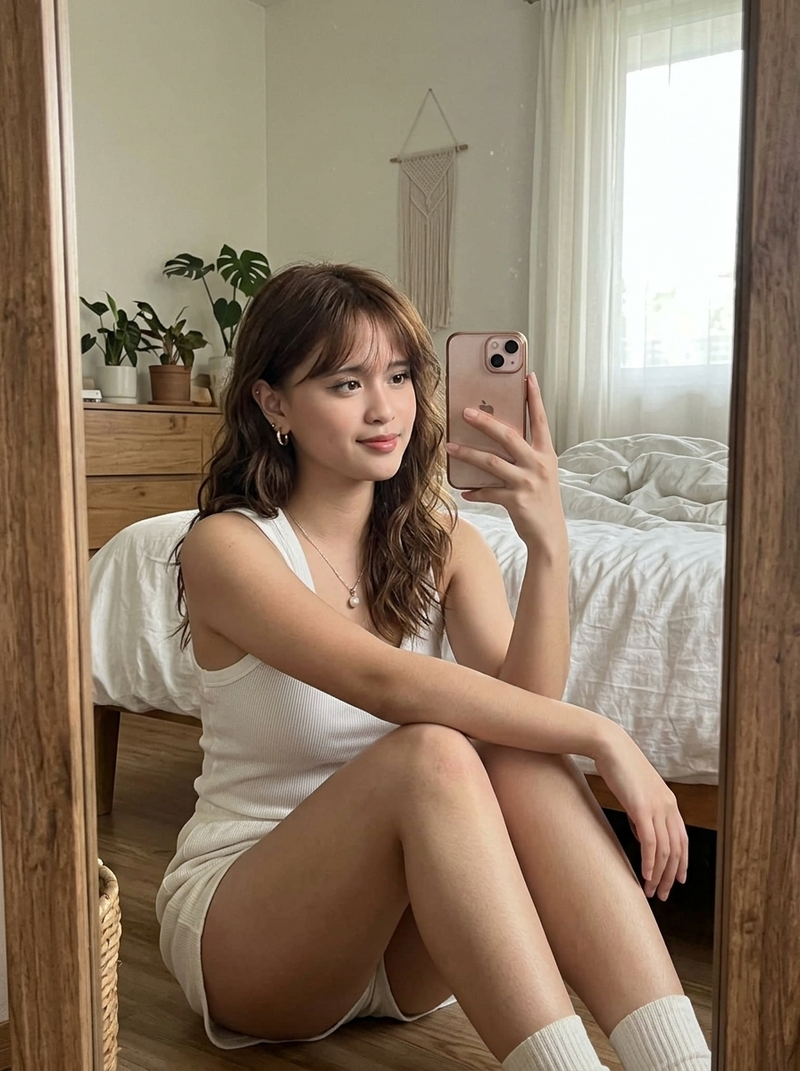
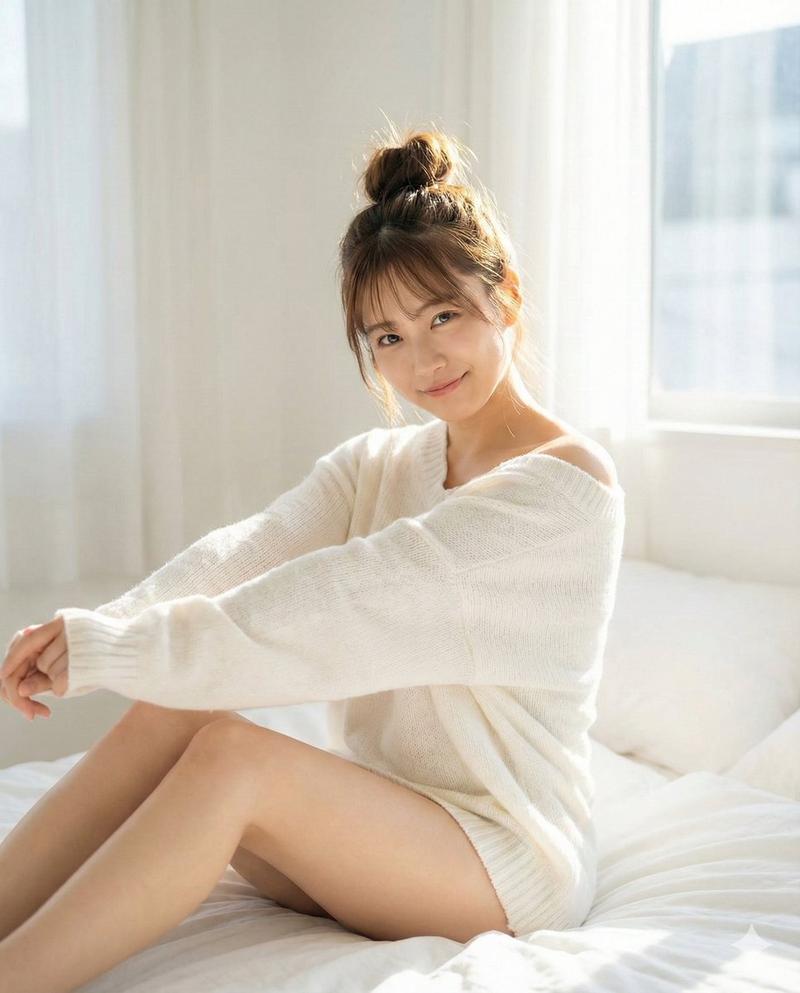
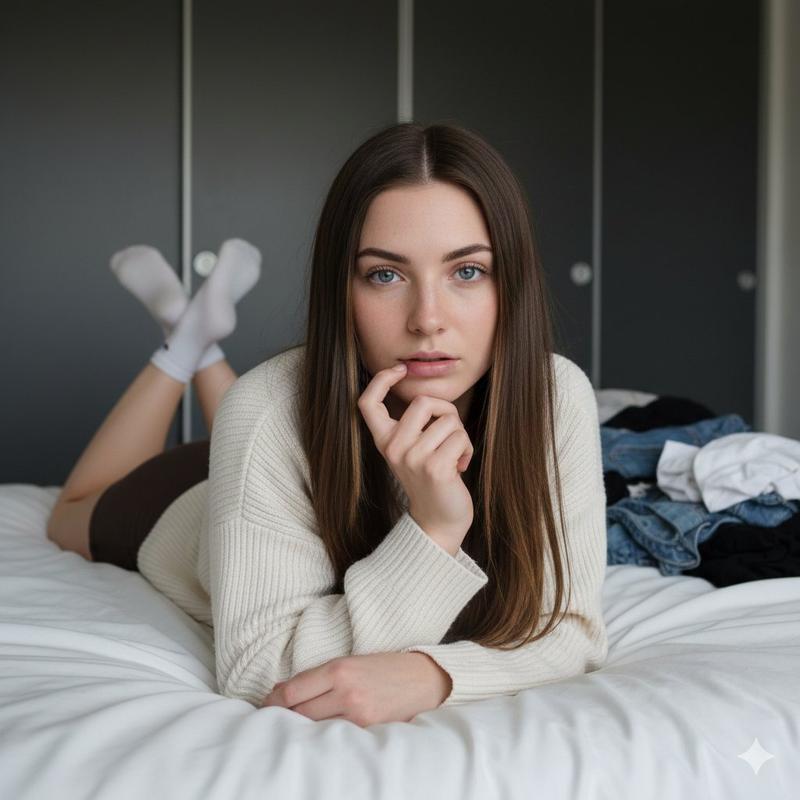
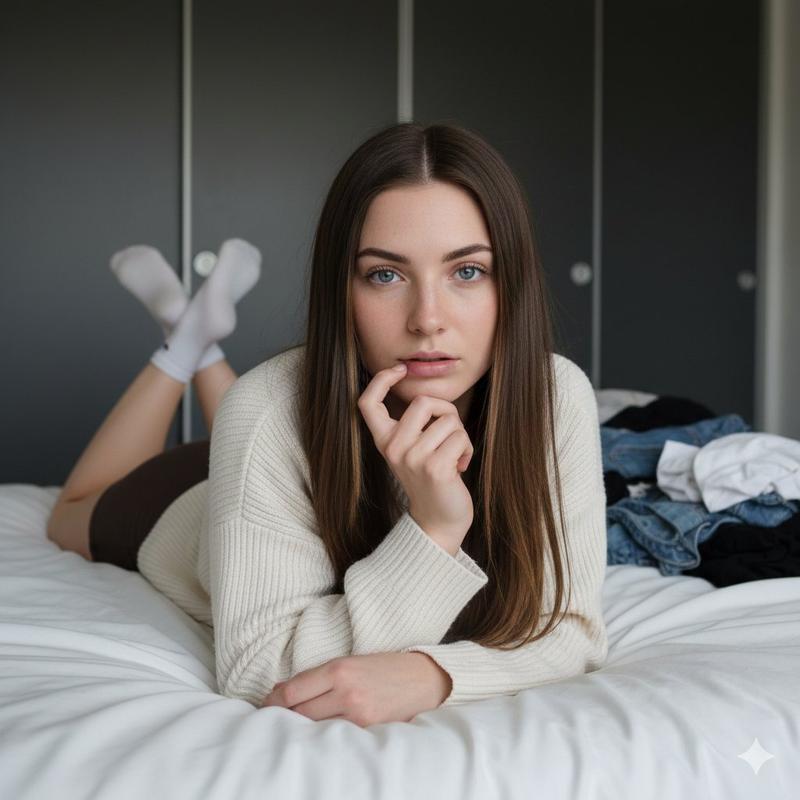
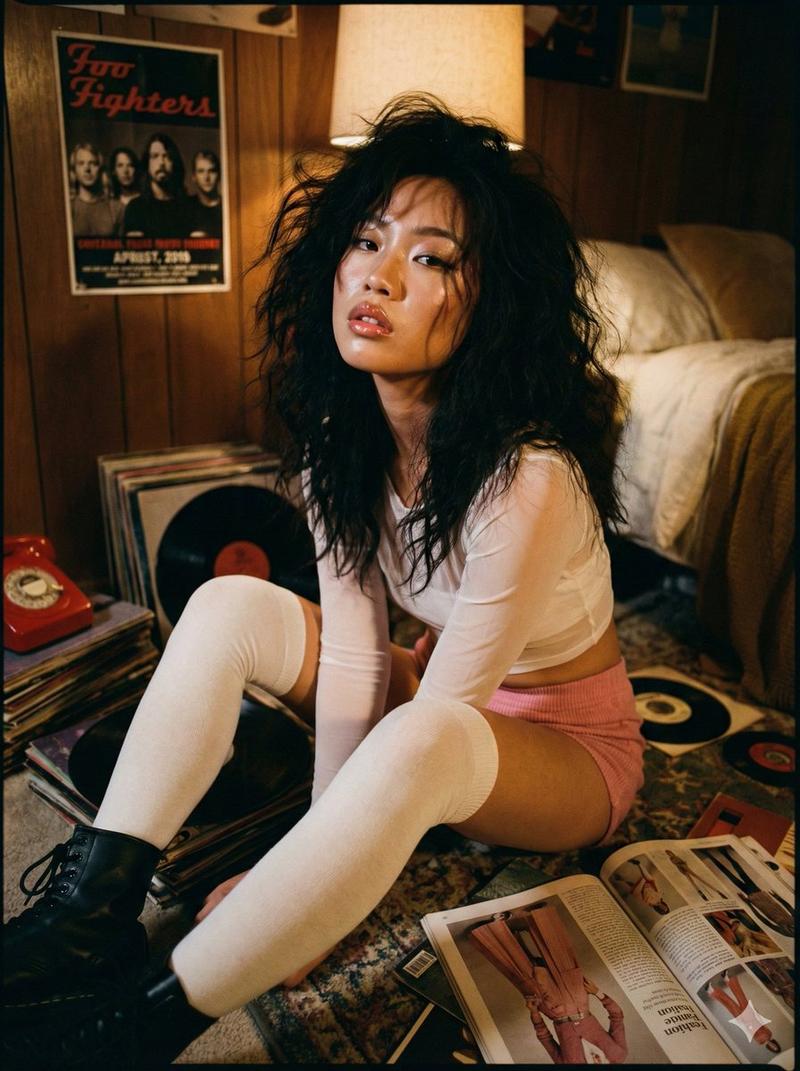
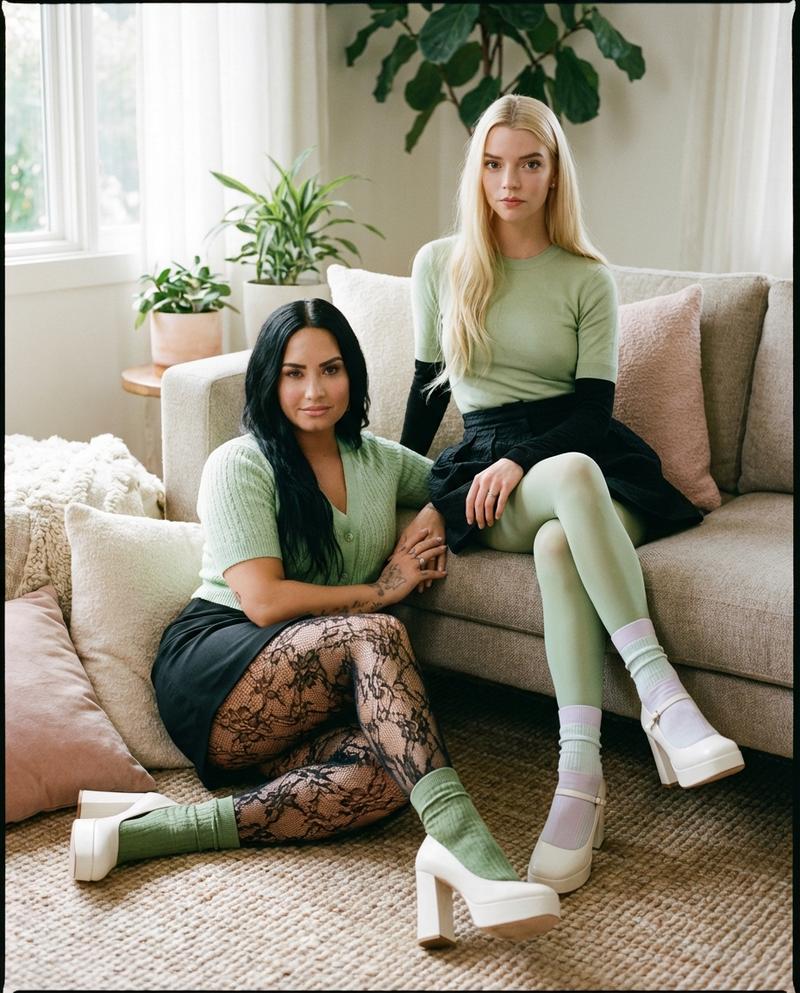
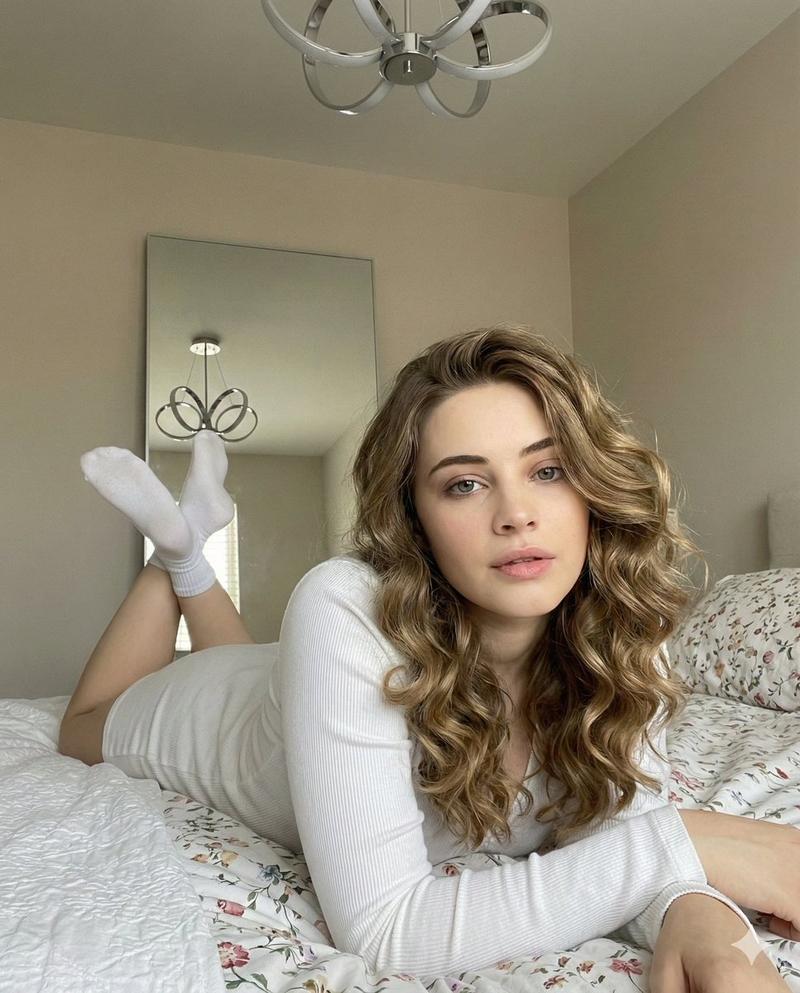
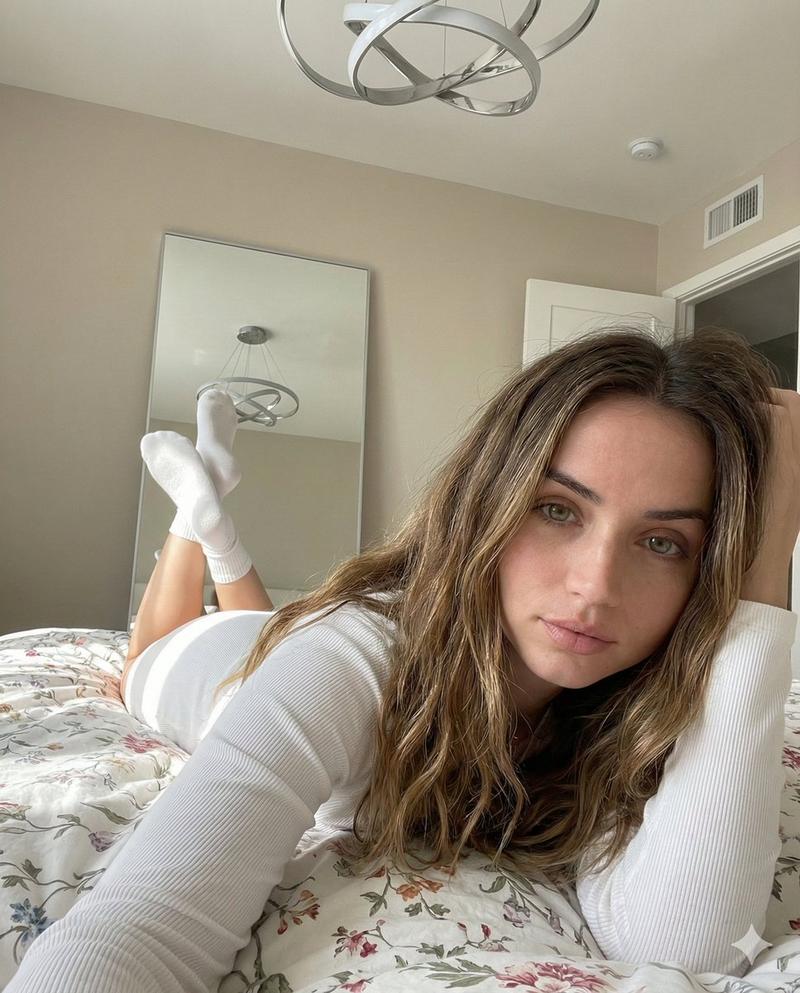
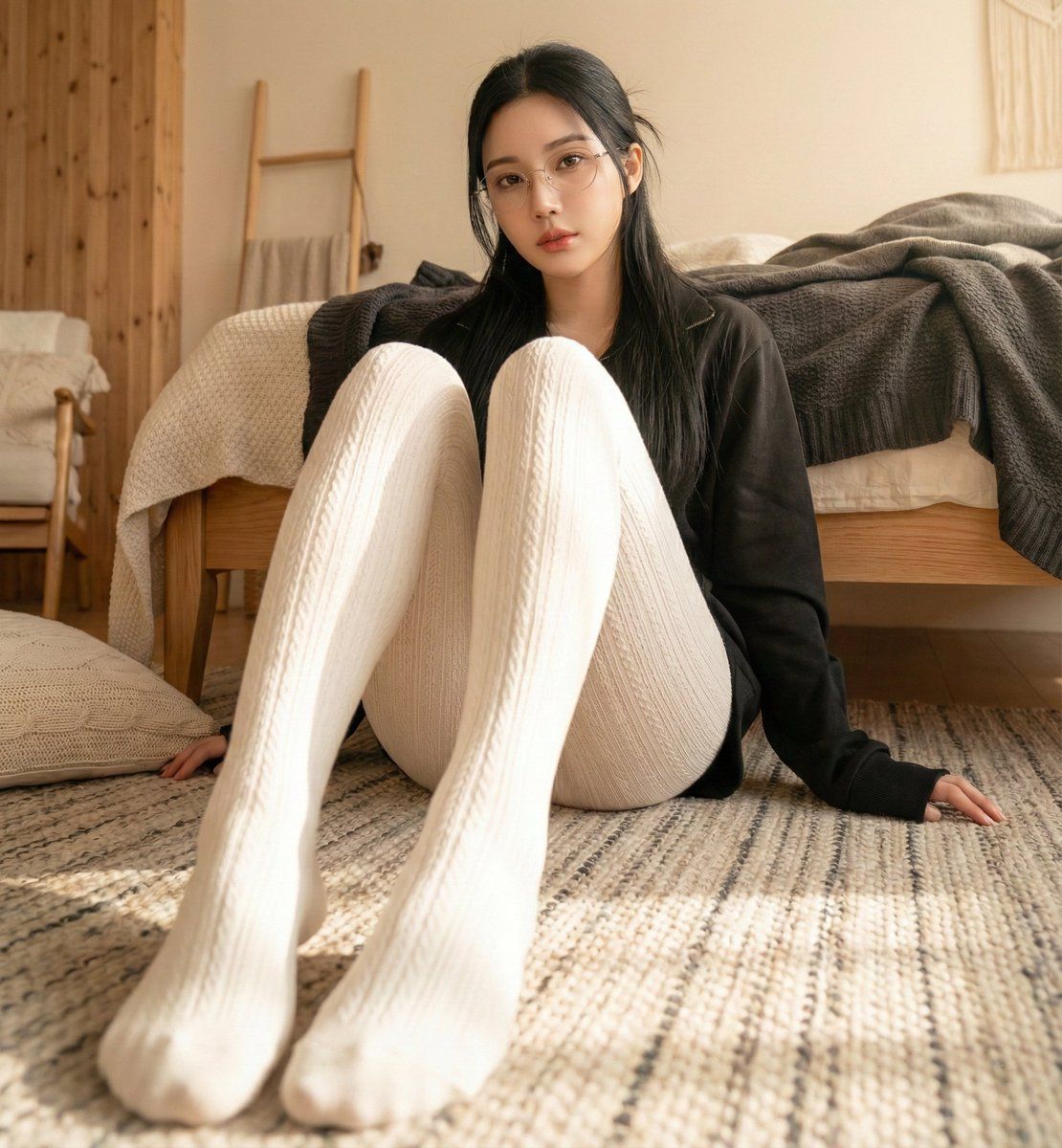
高分辨率逼真生活方式摄影,带面部锁定
Enlarge

高分辨率逼真生活方式摄影,带面部锁定

Prompt
{
  "image_generation_prompt": {
    "style": "High-resolution realistic lifestyle photography",
    "subject": {
      "description": "Young woman with long black hair",
      "instruction": "maintain facial features strictly consistent with reference image",
      "pose": "sitting on the bedroom carpet, legs bent and extending forward towards the camera",
      "perspective": "strong foreshortening, exaggerated perspective on legs"
    },
    "apparel": {
      "top": "black long-sleeve jacket",
      "bottom": "thick white striped stockings"
    },
    "composition": {
      "angle": "low angle shot, looking up",
      "focus": "focus centered on legs"
    },
    "environment": {
      "setting": "cozy bedroom with Nordic style decor",
      "background": "bed with dark messy blankets behind the subject"
    },
    "atmosphere": {
      "lighting": "warm tones",
      "mood": "lazy, fashionable, homey vibe"
    }
  }
}
Category
创意图片
Model
Nano Banana Pro
Views0
Source ID
3cd02a7b-7430-4b01-aecf-1fd986881af4
Published
Mar 8, 2026

Guide

About "高分辨率逼真生活方式摄影,带面部锁定"

What is this prompt for?

"高分辨率逼真生活方式摄影,带面部锁定" AI image prompt for Nano Banana Pro (创意图片). 这是一个为 Gemini Nano Banana Pro 设计的结构化 JSON 提示,旨在生成一张年轻女性的高分辨率、逼真的生活方式照片。该提示包含严格的指令,要求面部特征与参考图像保持…

The full copyable prompt and example visuals above are ready for AI image generation or one-click recreate in Picva.

How to use this prompt

  1. Step 1

    Open the prompt detail

    Review the example visuals, category, and full prompt text for "高分辨率逼真生活方式摄影,带面部锁定".

  2. Step 2

    Copy the prompt

    Copy the prompt body from this page, or load it directly in Studio.

  3. Step 3

    Pick a model (Nano Banana Pro)

    Prefer Nano Banana Pro. If you switch models, keep subject and composition and tweak style terms.

  4. Step 4

    Generate and export

    Recreate the look in Picva, or export into your workflow for editing and publishing.

FAQ

What is the "高分辨率逼真生活方式摄影,带面部锁定" prompt?
It is an AI image-generation prompt for Nano Banana Pro in the 创意图片 category. This page includes the full prompt text, example visuals, and a one-click recreate path in Picva.
How do I use this prompt to generate an image?
Copy the prompt from this page, or use Generate / Studio. Paste it into a compatible image model, or recreate the look in Picva with optional reference images.
Which model is this prompt for?
This page lists Nano Banana Pro. Most descriptive prompts also transfer to nearby image models such as GPT Image, Flux, or Midjourney with light style tweaks.
Can I use the result commercially?
You can usually copy the prompt for creation, but commercial use of the final image depends on the model terms, reference-image rights, and the generated content. Follow the source author and platform rules.