16

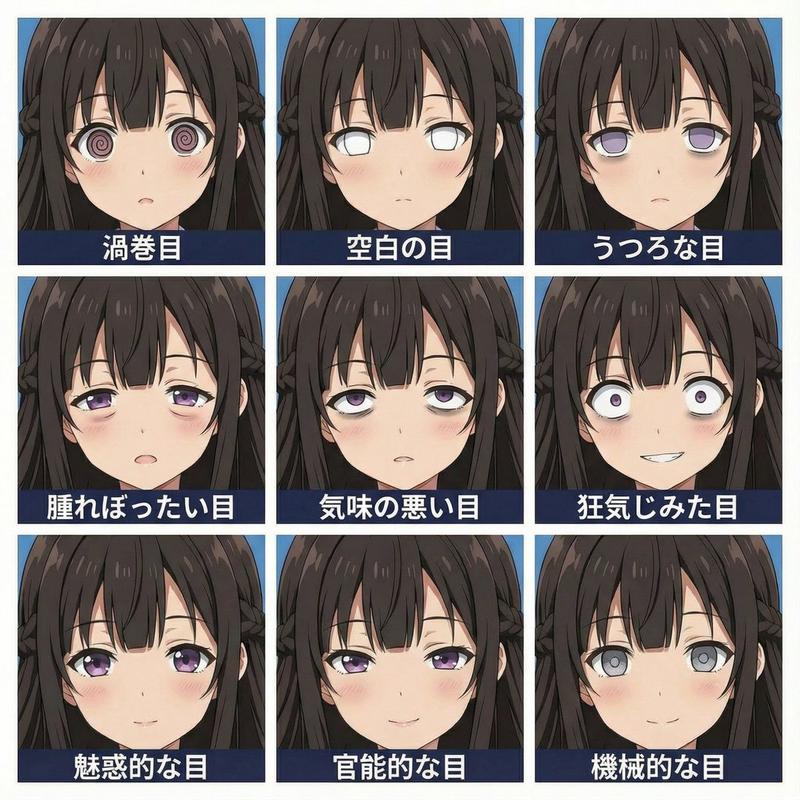
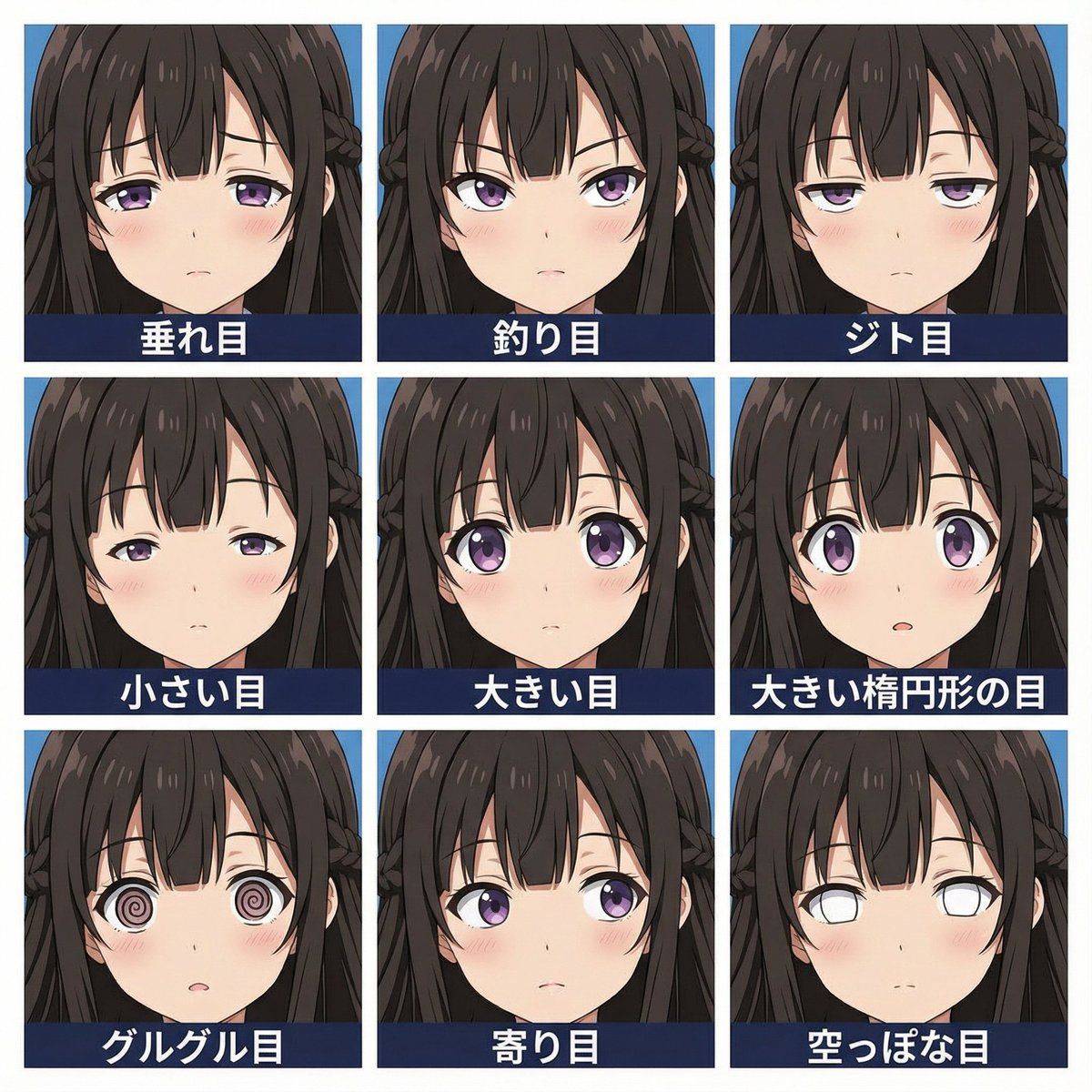
3x3 网格眼睛表情测试提示(右图)
Enlarge

3x3 网格眼睛表情测试提示(右图)

Prompt
A single square image divided into a clean 3x3 grid of nine equal squares.
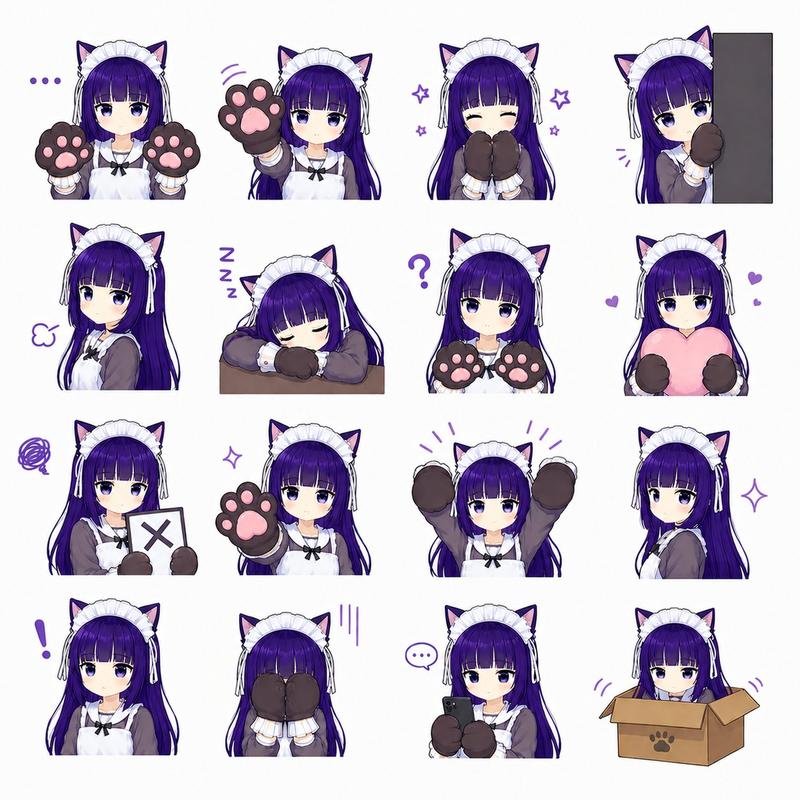
Each square contains the girl character from image1, close-up portrait, head and neck only, face filling most of the frame.

Each square has a different eyes.
Place the Japanese text below the each square as a label, not touching the edges.

1:螺旋状の目: {argument name="目1" default="spiral-only eyes"}
2:空白な目: {argument name="目2" default="blank eyes"}
3:虚ろな目: {argument name="目3" default="hollow eyes"}
4:腫れた目: puffy eyes
5:不気味な目: creepy eyes
6:狂気の目: crazy eyes
7:誘惑的な目: mesmerizing eyes
8:色っぽい目: sensual eyes
9:機械の目: mechanical eyes

Simple blue background colors.
High resolution. Sticker sheet layout, perfect 3x3 alignment.
Category
创意图片
Model
Nano Banana Pro
Views0
Source ID
aea514c8-610a-4c3d-b0cd-3bc3d98cca10
Published
Mar 8, 2026

Guide

About "3x3 网格眼睛表情测试提示(右图)"

What is this prompt for?

"3x3 网格眼睛表情测试提示(右图)" AI image prompt for Nano Banana Pro (创意图片). 一个详细的提示,旨在生成一个 3x3 的九宫格图像,所有图像都以特写肖像的形式展示同一个女孩角色(来自附图),但每个方格下方都标有九种不同、更抽象或更强烈的日式眼神表情。 --- 一张正方…

The full copyable prompt and example visuals above are ready for AI image generation or one-click recreate in Picva.

How to use this prompt

  1. Step 1

    Open the prompt detail

    Review the example visuals, category, and full prompt text for "3x3 网格眼睛表情测试提示(右图)".

  2. Step 2

    Copy the prompt

    Copy the prompt body from this page, or load it directly in Studio.

  3. Step 3

    Pick a model (Nano Banana Pro)

    Prefer Nano Banana Pro. If you switch models, keep subject and composition and tweak style terms.

  4. Step 4

    Generate and export

    Recreate the look in Picva, or export into your workflow for editing and publishing.

FAQ

What is the "3x3 网格眼睛表情测试提示(右图)" prompt?
It is an AI image-generation prompt for Nano Banana Pro in the 创意图片 category. This page includes the full prompt text, example visuals, and a one-click recreate path in Picva.
How do I use this prompt to generate an image?
Copy the prompt from this page, or use Generate / Studio. Paste it into a compatible image model, or recreate the look in Picva with optional reference images.
Which model is this prompt for?
This page lists Nano Banana Pro. Most descriptive prompts also transfer to nearby image models such as GPT Image, Flux, or Midjourney with light style tweaks.
Can I use the result commercially?
You can usually copy the prompt for creation, but commercial use of the final image depends on the model terms, reference-image rights, and the generated content. Follow the source author and platform rules.