15

角色剪影叙事生成器
Enlarge

角色剪影叙事生成器

Prompt
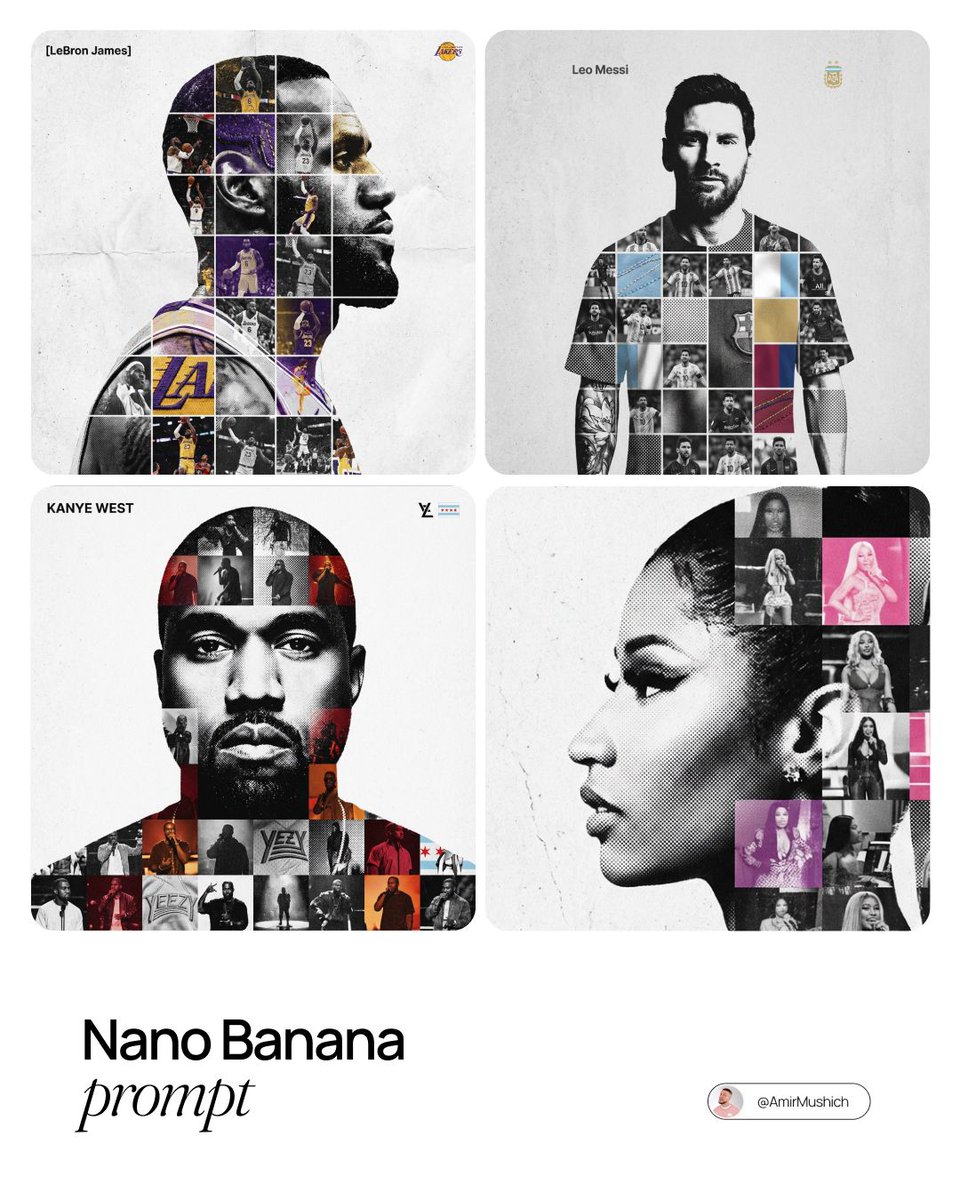
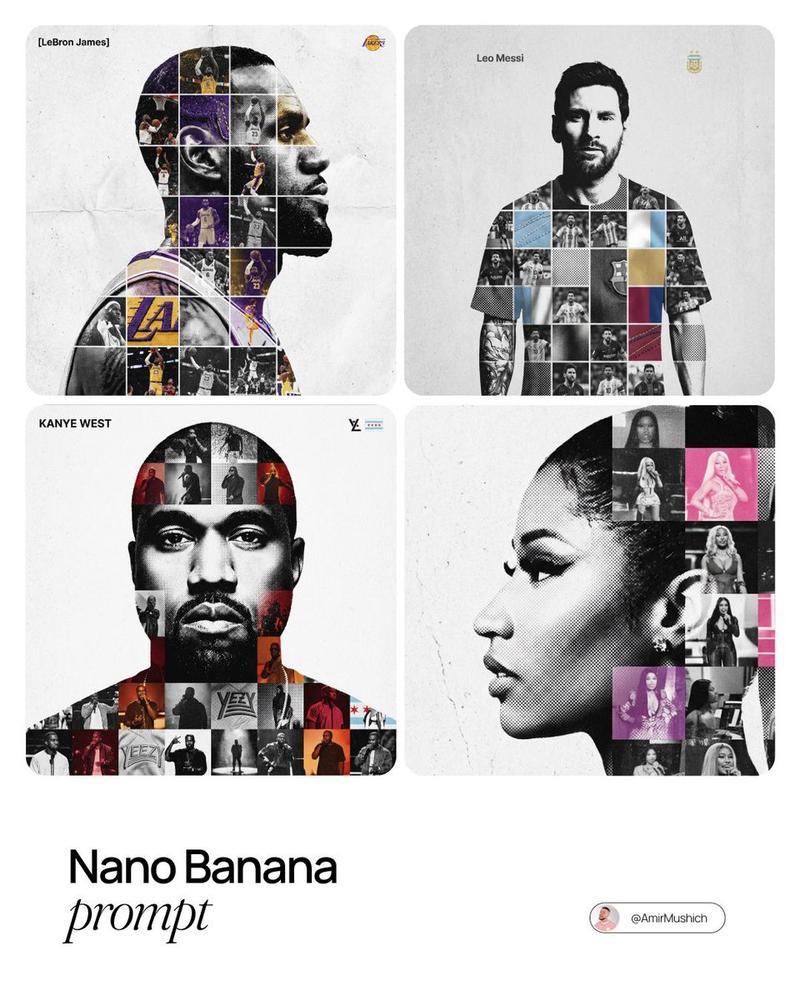
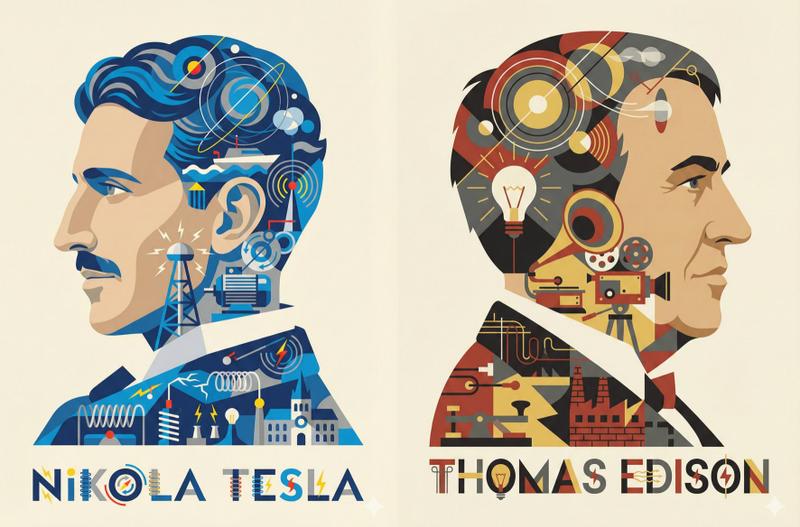
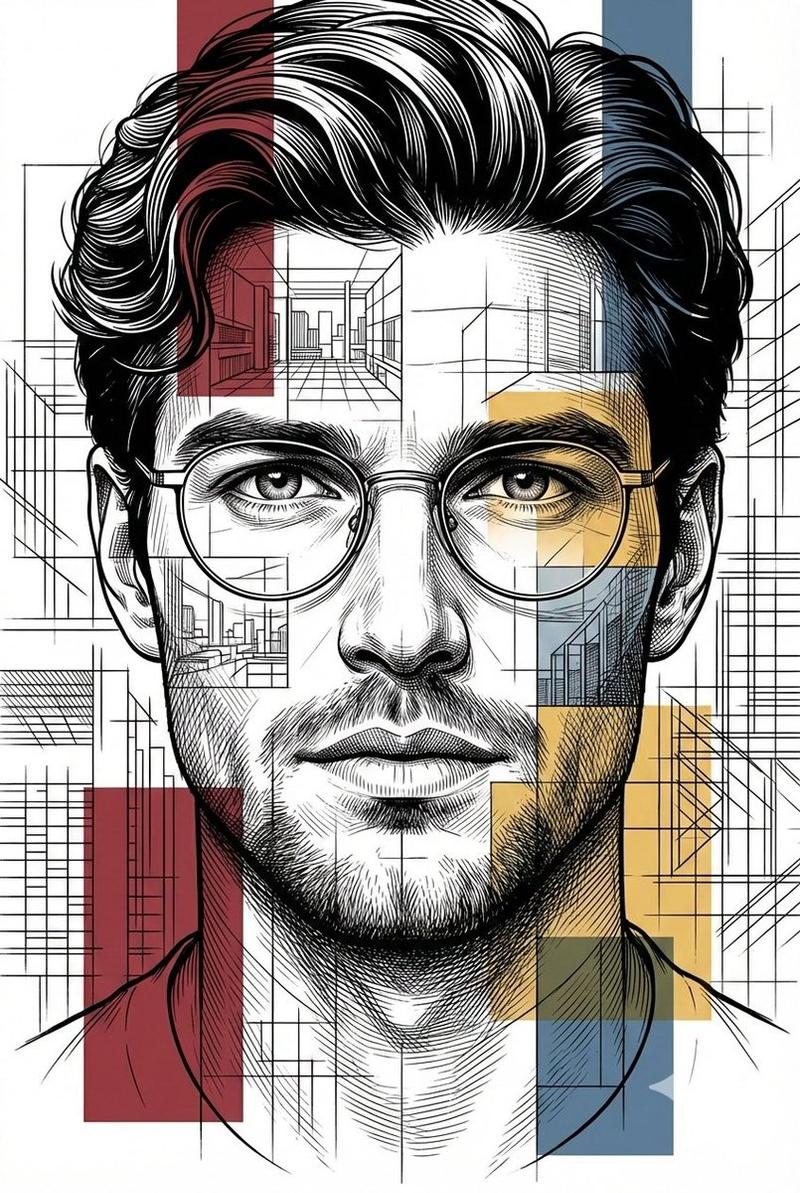
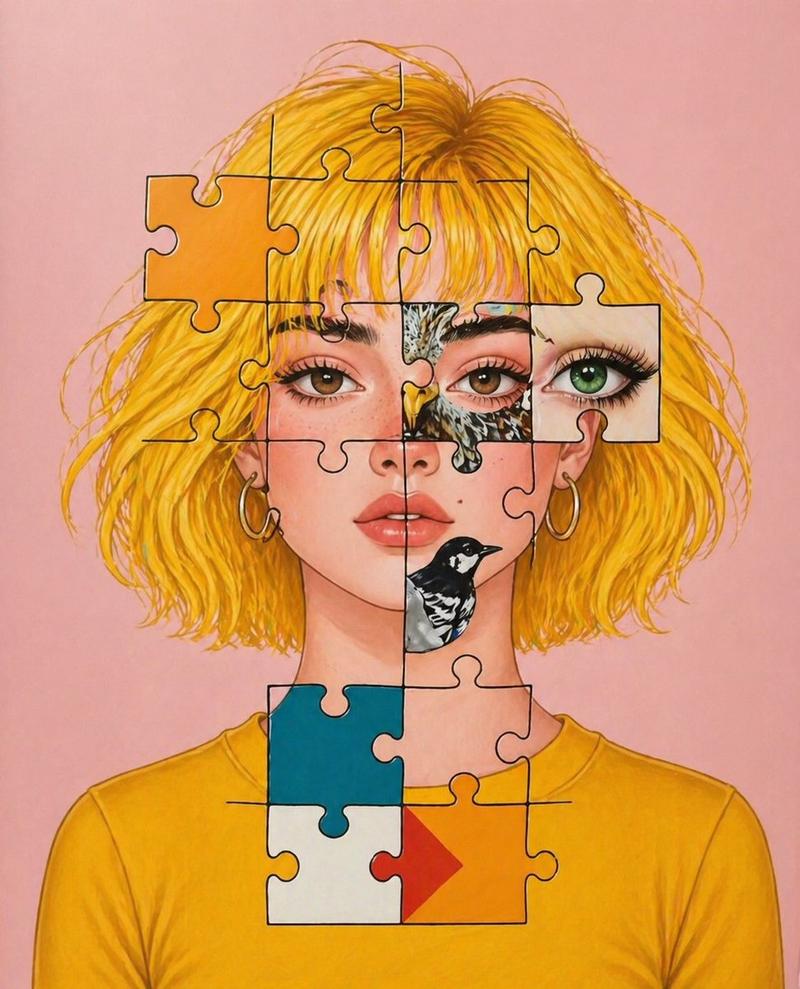
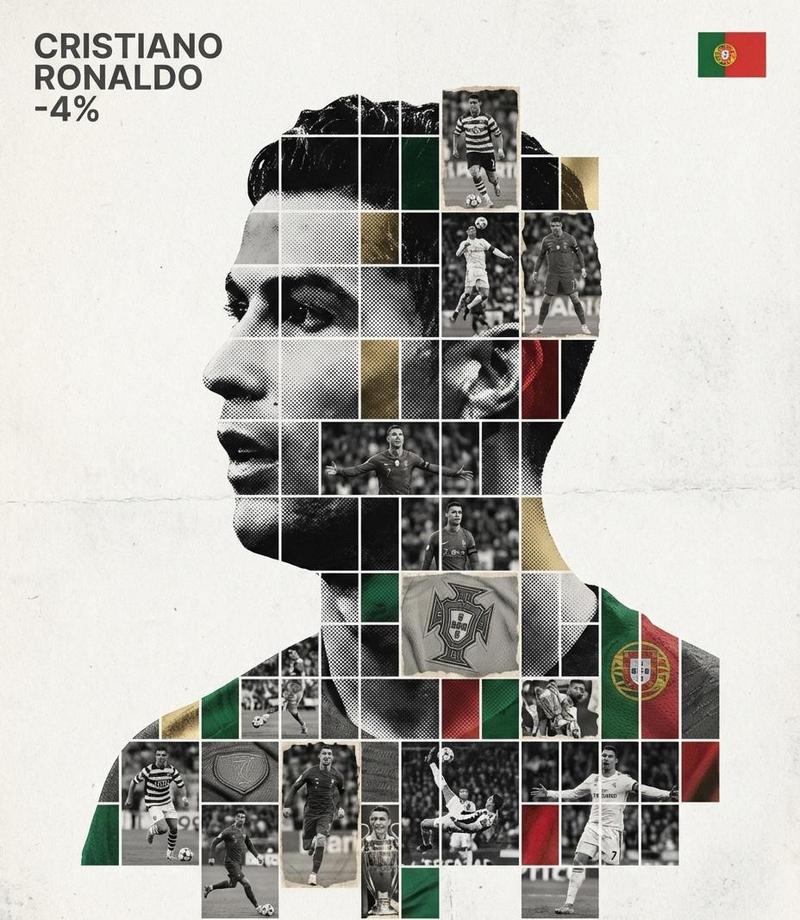
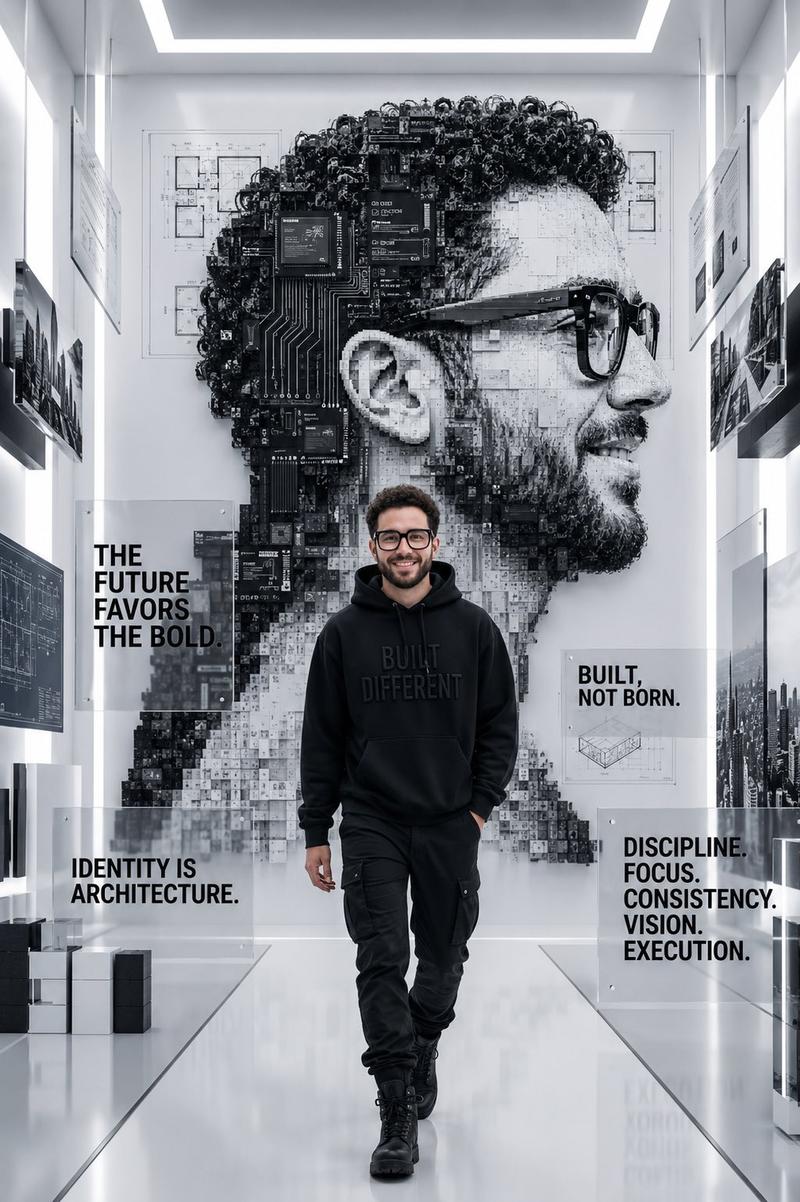
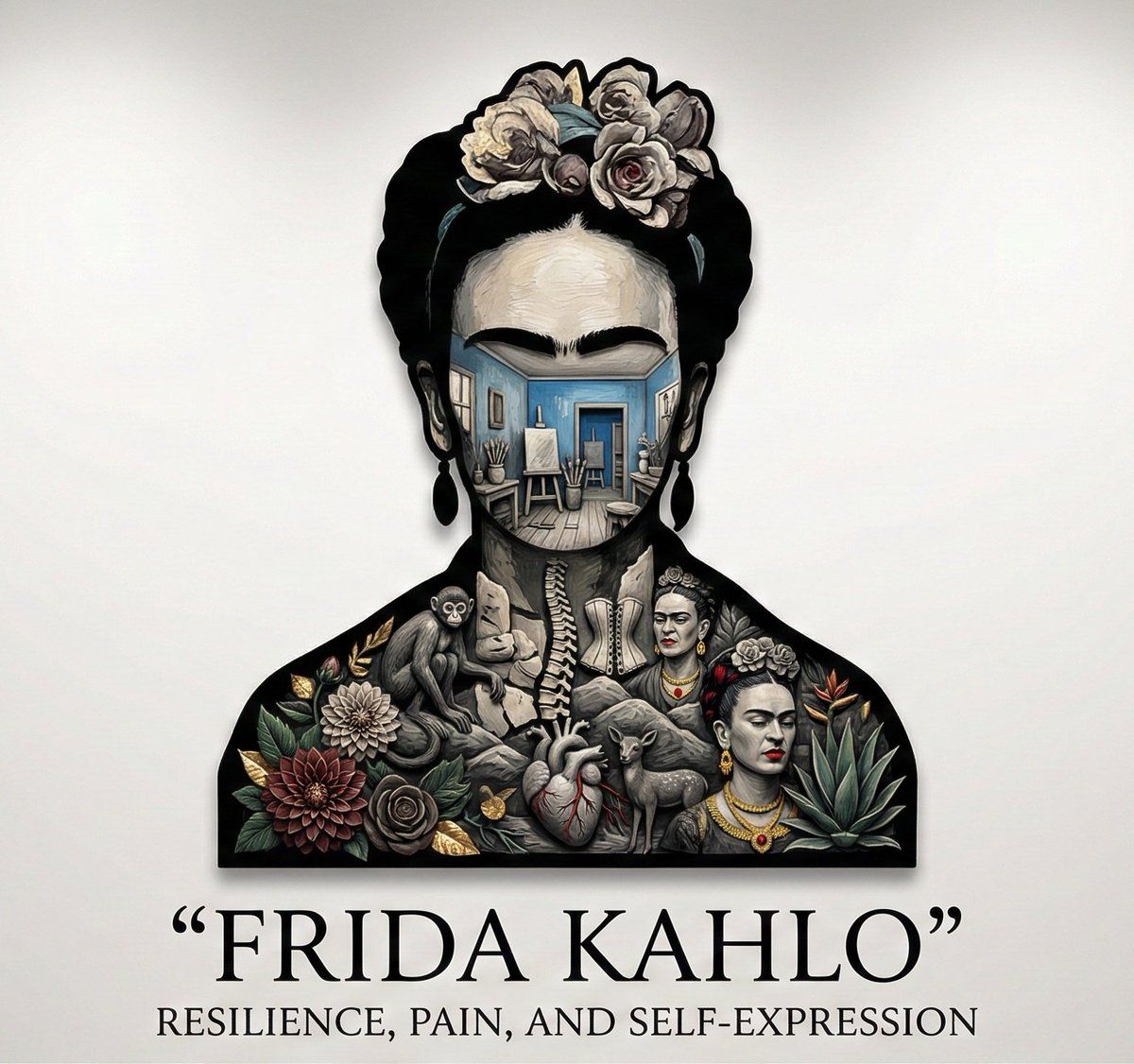
“A bold silhouette of {argument name="character or person" default="[CHARACTER / PERSON]"} stands centered on the page. Inside the silhouette exists a miniature bas-relief narrative world, carved from layered material.

Inside the form: Key moments, symbols, environments, and emotional beats that define the character.

Style: Minimalist silhouette meets sculptural storytelling. Controlled lighting, narrative depth.

Color palette: Monochrome with selective accents tied to the character’s identity.
View & background: Pure white negative space, gallery composition.

Typography: Title: “{argument name="character name" default="[CHARACTER NAME]"}” Poetic serif subtitle referencing identity and inner worlds.

Composition rules: All narrative detail stays inside the silhouette. Ultra-detailed, cinematic HDR.”
Category
创意图片
Model
Nano Banana Pro
Views0
Source ID
45e933e6-6680-4dac-8cd1-e64085e80510
Published
Mar 8, 2026

Guide

About "角色剪影叙事生成器"

What is this prompt for?

"角色剪影叙事生成器" AI image prompt for Nano Banana Pro (创意图片). 一个概念性提示,用于生成一张图像:一个大胆、极简的角色剪影,内部填充着一个微型、分层的浮雕世界,代表着角色的叙事、关键时刻和情感节拍。它强调雕塑般的叙事、单色调色板与选择性点缀,以及纯白色画廊背景。 ---…

The full copyable prompt and example visuals above are ready for AI image generation or one-click recreate in Picva.

How to use this prompt

  1. Step 1

    Open the prompt detail

    Review the example visuals, category, and full prompt text for "角色剪影叙事生成器".

  2. Step 2

    Copy the prompt

    Copy the prompt body from this page, or load it directly in Studio.

  3. Step 3

    Pick a model (Nano Banana Pro)

    Prefer Nano Banana Pro. If you switch models, keep subject and composition and tweak style terms.

  4. Step 4

    Generate and export

    Recreate the look in Picva, or export into your workflow for editing and publishing.

FAQ

What is the "角色剪影叙事生成器" prompt?
It is an AI image-generation prompt for Nano Banana Pro in the 创意图片 category. This page includes the full prompt text, example visuals, and a one-click recreate path in Picva.
How do I use this prompt to generate an image?
Copy the prompt from this page, or use Generate / Studio. Paste it into a compatible image model, or recreate the look in Picva with optional reference images.
Which model is this prompt for?
This page lists Nano Banana Pro. Most descriptive prompts also transfer to nearby image models such as GPT Image, Flux, or Midjourney with light style tweaks.
Can I use the result commercially?
You can usually copy the prompt for creation, but commercial use of the final image depends on the model terms, reference-image rights, and the generated content. Follow the source author and platform rules.