15

儿童蜡笔画风格生成器
Enlarge

儿童蜡笔画风格生成器

Prompt
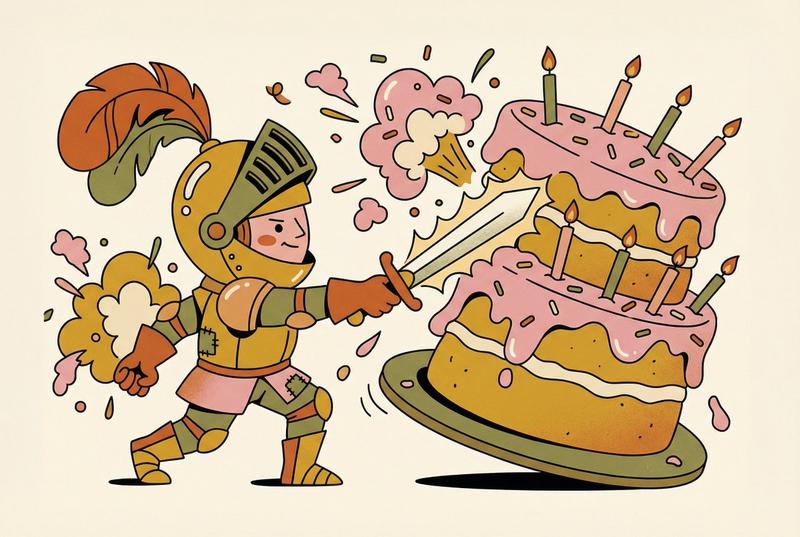
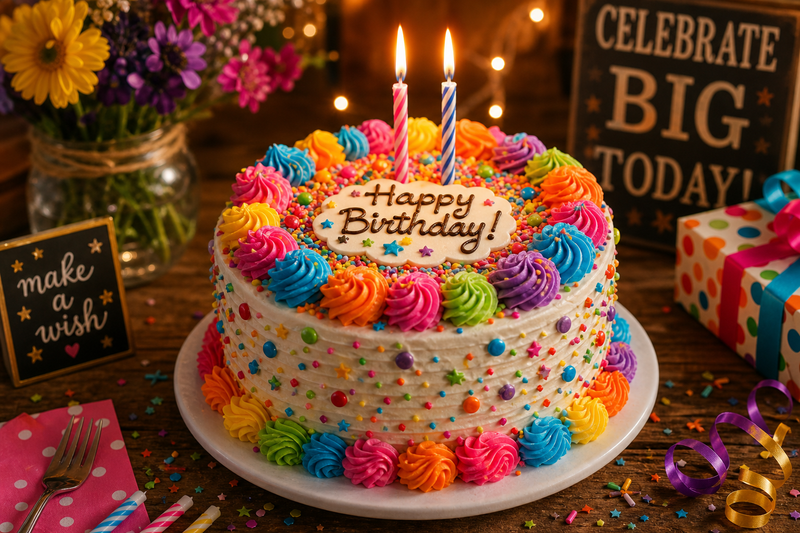
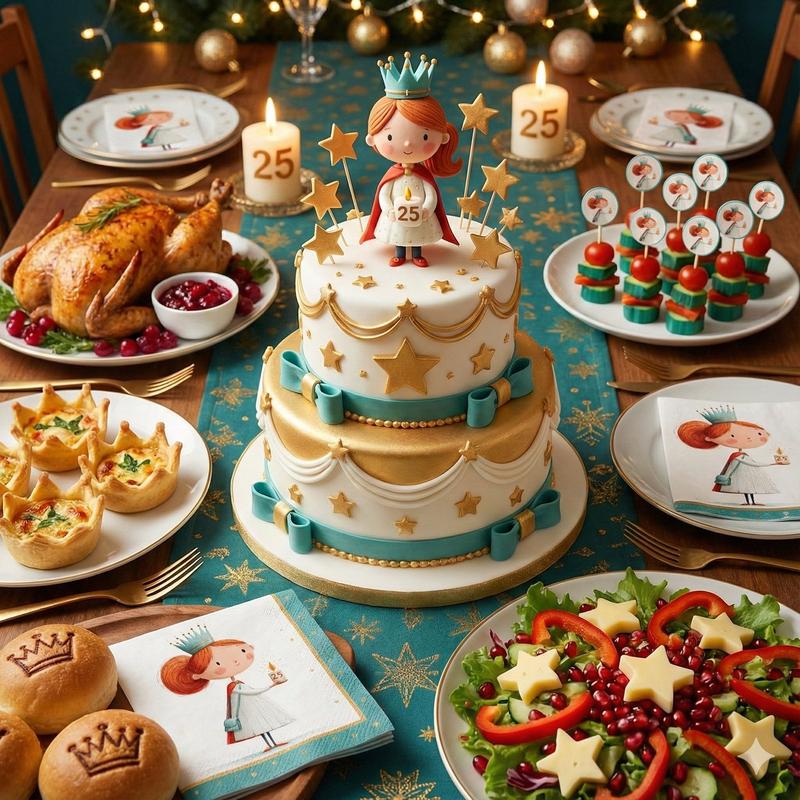
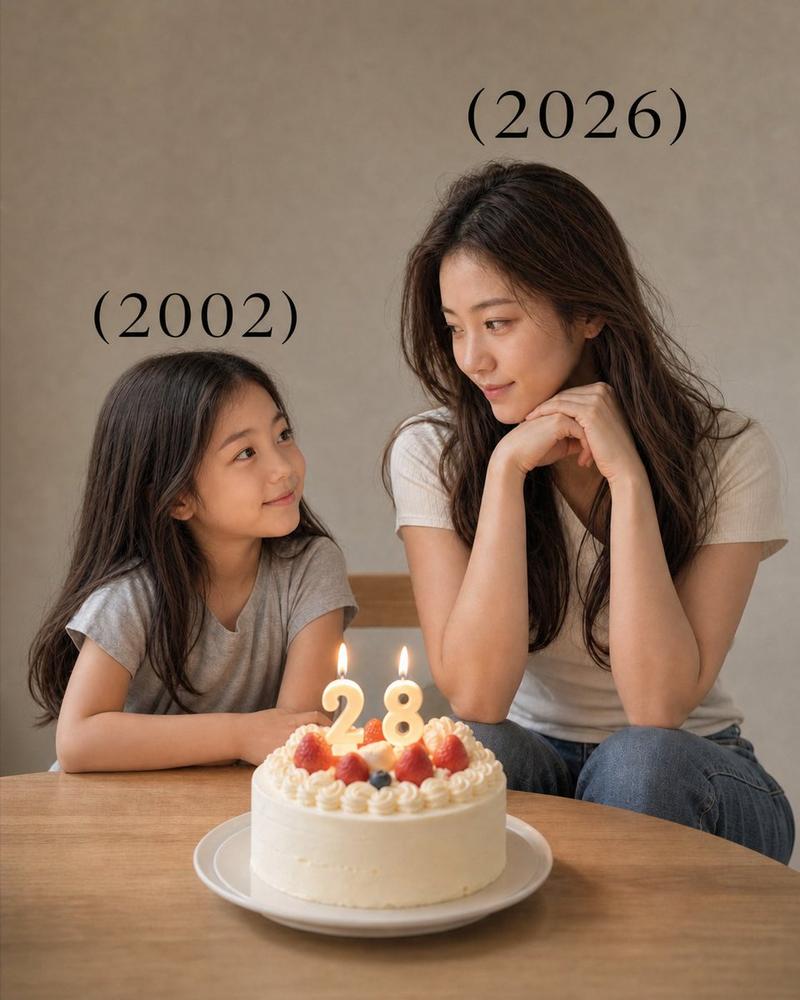
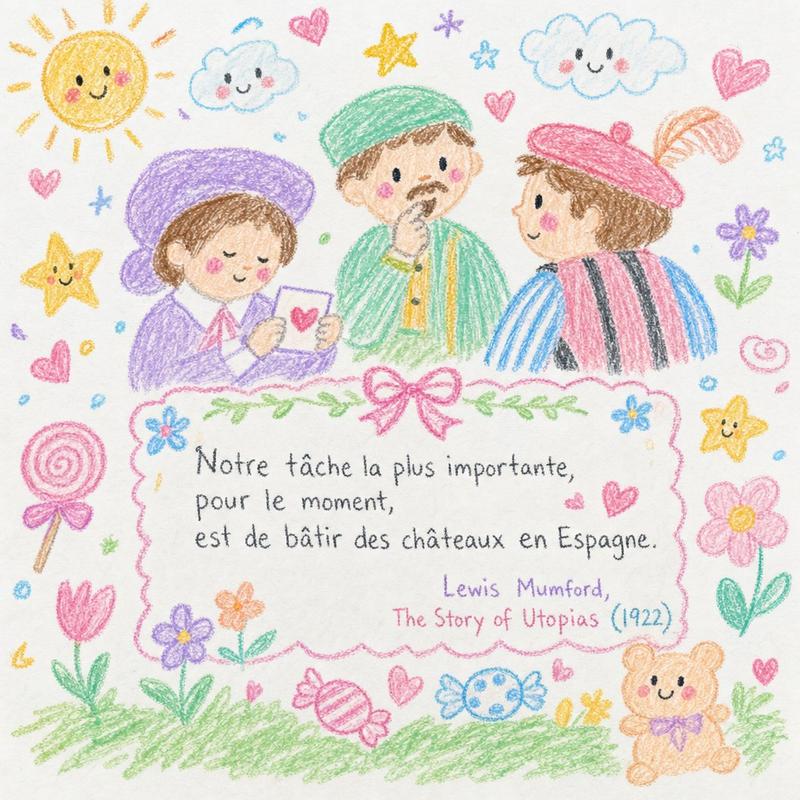
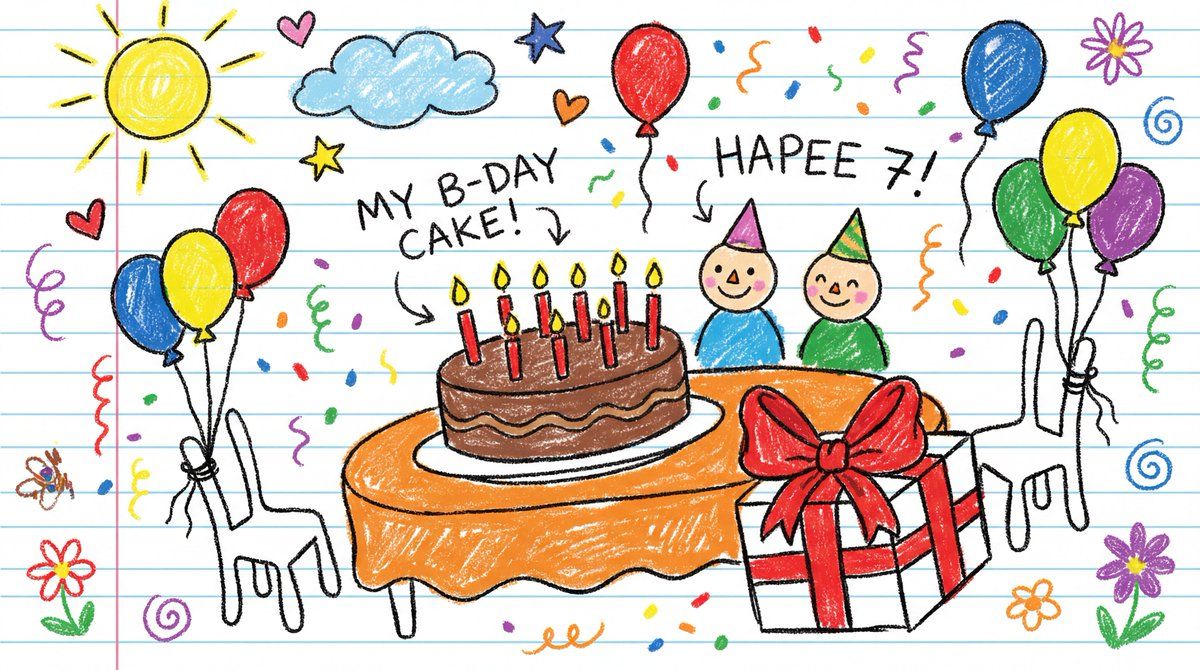
Draw {argument name="visual subject" default="[VISUAL]"} as if created by a cheerful 6-year-old on white notebook paper. Use chunky wax-crayon strokes, wobbly outlines, and simple flat shapes. Colors should be bright, bold, and slightly outside the lines, with visible pressure marks and small smudges. Perspective is innocent: objects can float, and size is based on importance, not realism. Faces are dots with curved smiles; hands are mitten blobs; animals are round and friendly. Add playful extras like a sun in a corner, puffy clouds, stars, and hearts. Include uneven scribble shading, a few tiny doodles in the margins, and one or two hand-written labels in childlike spelling.
Category
创意图片
Model
Nano Banana Pro
Creator
Umesh
Views0
Source ID
9226cb6c-0177-47bd-9f9f-62866e7cf2b5
Published
Mar 8, 2026

Guide

About "儿童蜡笔画风格生成器"

What is this prompt for?

"儿童蜡笔画风格生成器" AI image prompt for Nano Banana Pro (创意图片). 一个通用的提示模板,旨在将任何视觉概念转化为一种简单、愉快的绘画风格,模仿一个快乐的 6 岁孩子在笔记本纸上使用粗蜡笔涂鸦。它指定了摇晃的轮廓、鲜艳的色彩和天真的视角。 --- 画一个 {argument…

The full copyable prompt and example visuals above are ready for AI image generation or one-click recreate in Picva.

How to use this prompt

  1. Step 1

    Open the prompt detail

    Review the example visuals, category, and full prompt text for "儿童蜡笔画风格生成器".

  2. Step 2

    Copy the prompt

    Copy the prompt body from this page, or load it directly in Studio.

  3. Step 3

    Pick a model (Nano Banana Pro)

    Prefer Nano Banana Pro. If you switch models, keep subject and composition and tweak style terms.

  4. Step 4

    Generate and export

    Recreate the look in Picva, or export into your workflow for editing and publishing.

FAQ

What is the "儿童蜡笔画风格生成器" prompt?
It is an AI image-generation prompt for Nano Banana Pro in the 创意图片 category. This page includes the full prompt text, example visuals, and a one-click recreate path in Picva.
How do I use this prompt to generate an image?
Copy the prompt from this page, or use Generate / Studio. Paste it into a compatible image model, or recreate the look in Picva with optional reference images.
Which model is this prompt for?
This page lists Nano Banana Pro. Most descriptive prompts also transfer to nearby image models such as GPT Image, Flux, or Midjourney with light style tweaks.
Can I use the result commercially?
You can usually copy the prompt for creation, but commercial use of the final image depends on the model terms, reference-image rights, and the generated content. Follow the source author and platform rules.