17

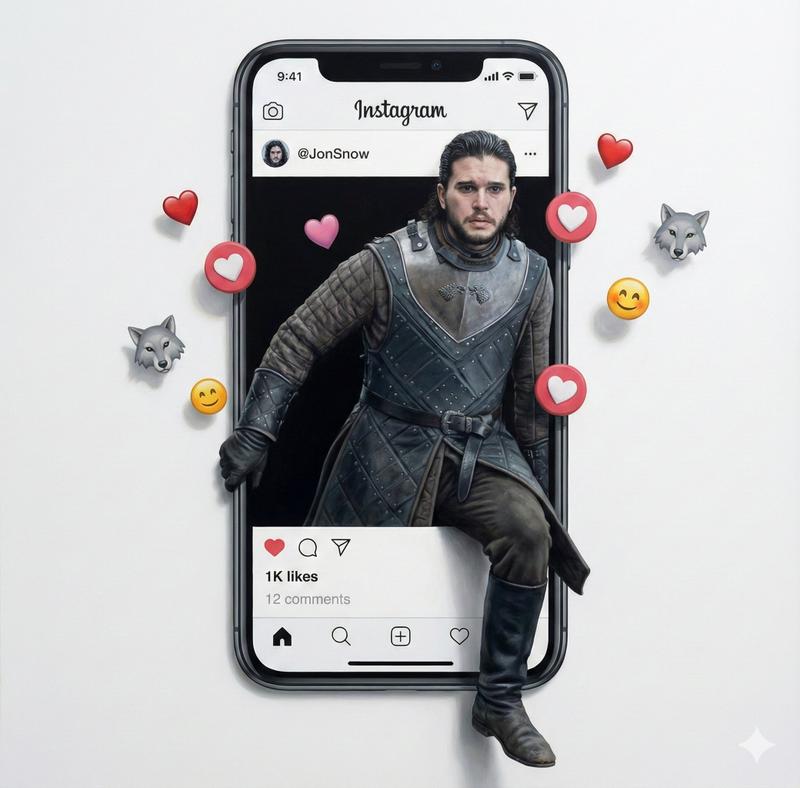
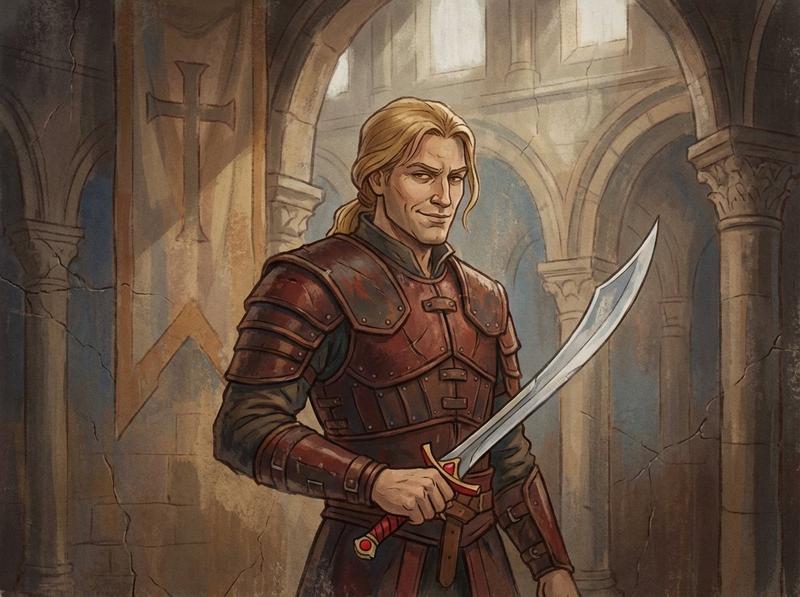
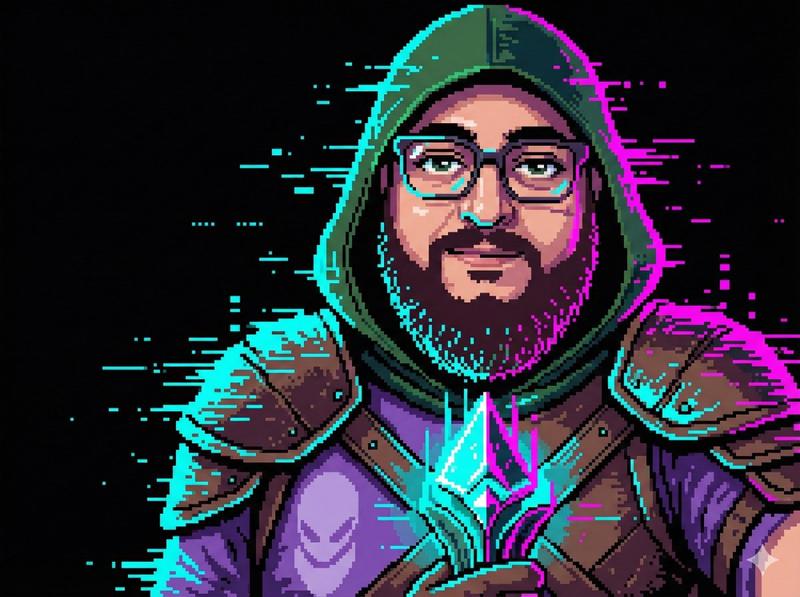
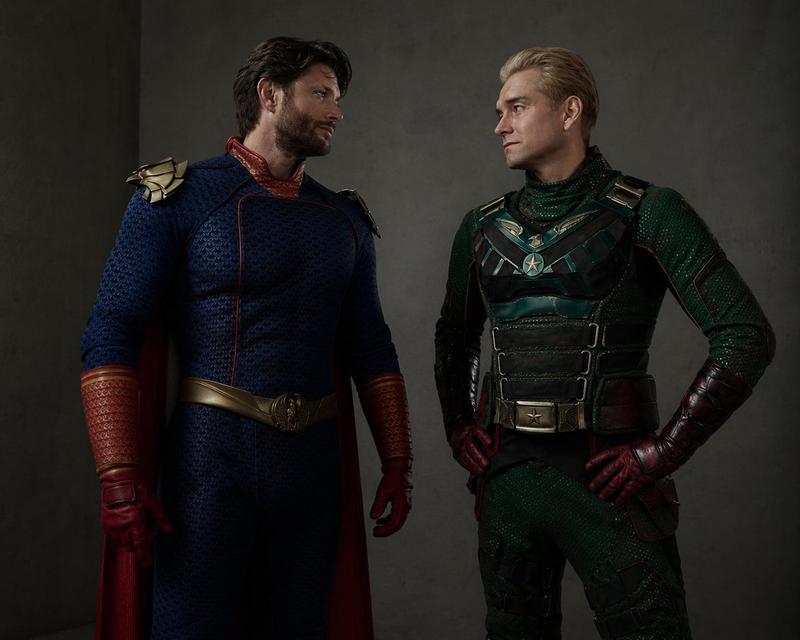
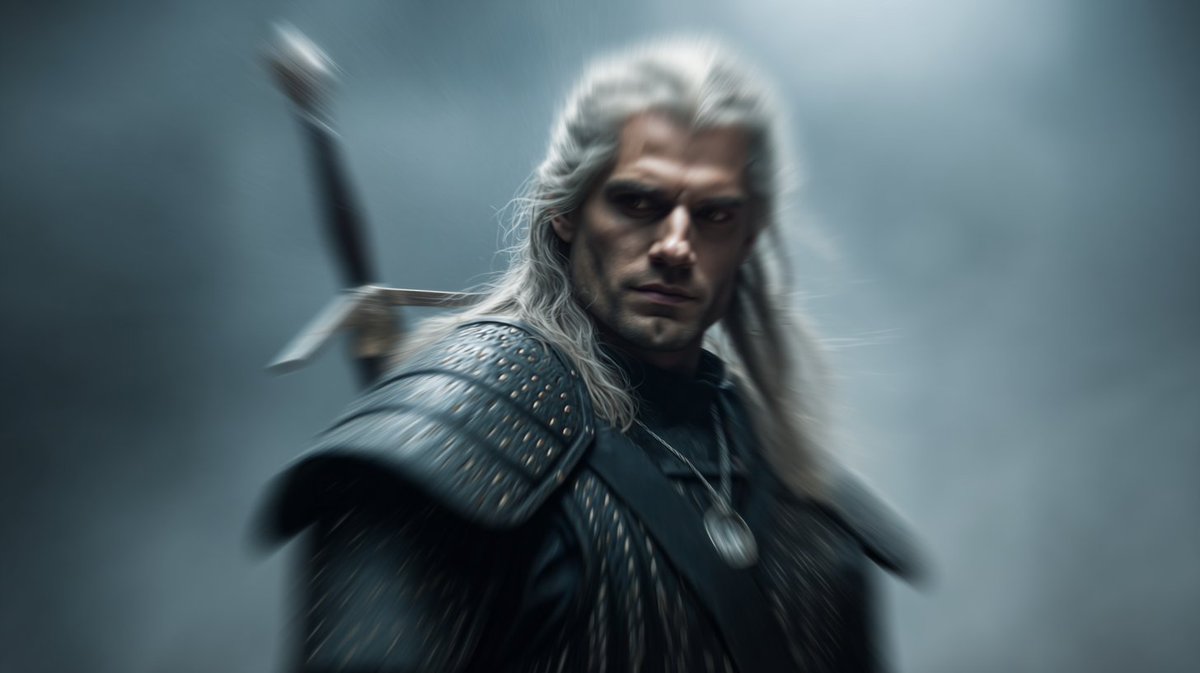
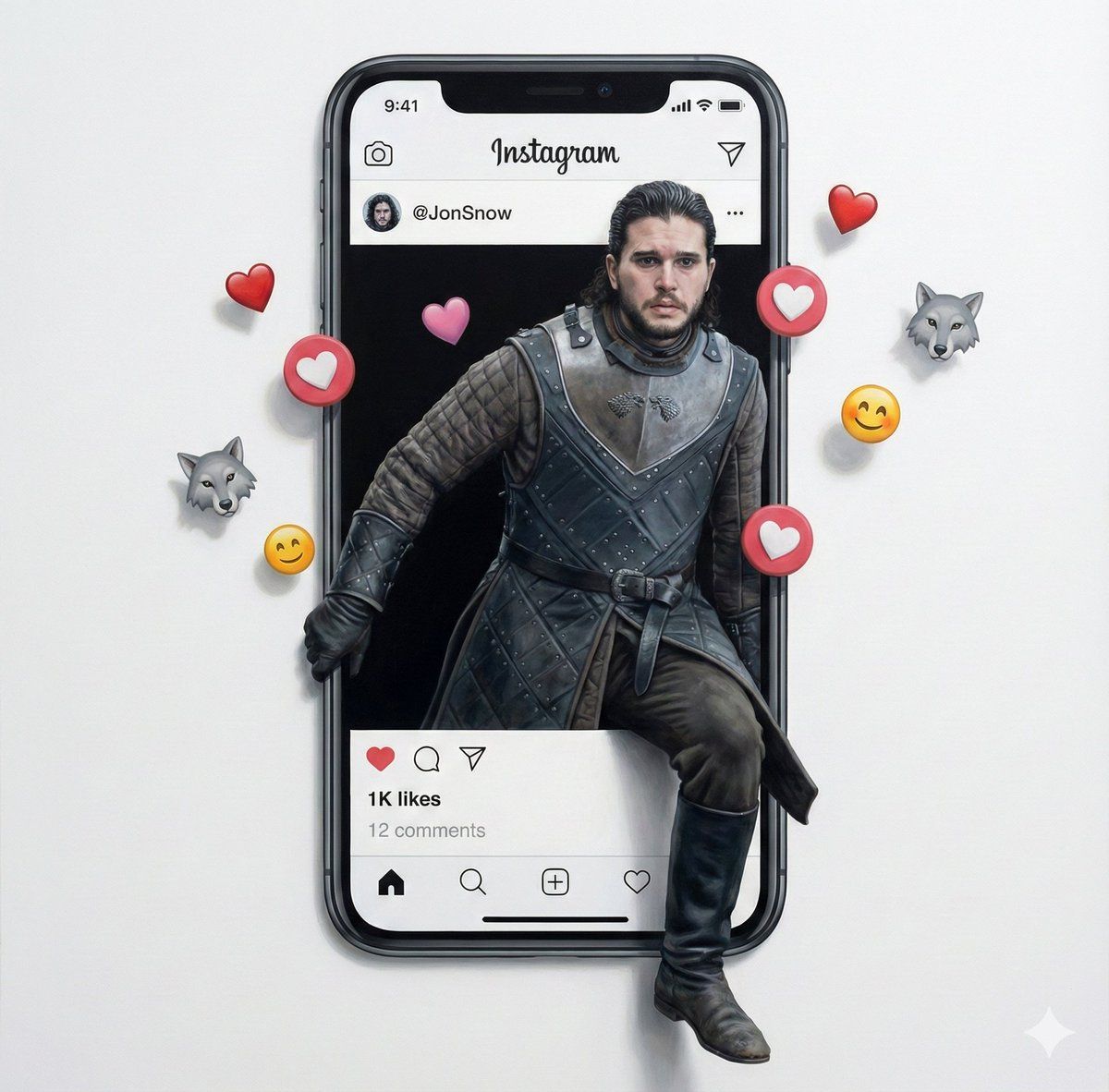
错视画主题人物走出社交媒体屏幕
Enlarge

错视画主题人物走出社交媒体屏幕

Prompt
Trompe l'oeil illusion of {argument name="subject" default="A (subject)"} {argument name="attire" default="(attire)"} steps out of a large screen displaying {argument name="platform" default="xyz social media"} interface. The screen shows the username "@" 1K likes, and 12- 20 comments, with floating emojis (heart-eyes, smiley) around it. {argument name="background" default="your preferred background"}.
Category
创意图片
Model
Nano Banana Pro
Creator
madpencil_
Views0
Source ID
4e1ff8e6-f4c2-4e42-87c4-16e1815b1a5c
Published
Mar 8, 2026

Guide

About "错视画主题人物走出社交媒体屏幕"

What is this prompt for?

"错视画主题人物走出社交媒体屏幕" AI image prompt for Nano Banana Pro (创意图片). 一个提示,将上传的主题变成一幅错视画,画中主题从大屏幕上的社交媒体界面中走出,包含用户界面细节和表情符号反应。 --- 一个 {argument name="subject_en" defaul…

The full copyable prompt and example visuals above are ready for AI image generation or one-click recreate in Picva.

How to use this prompt

  1. Step 1

    Open the prompt detail

    Review the example visuals, category, and full prompt text for "错视画主题人物走出社交媒体屏幕".

  2. Step 2

    Copy the prompt

    Copy the prompt body from this page, or load it directly in Studio.

  3. Step 3

    Pick a model (Nano Banana Pro)

    Prefer Nano Banana Pro. If you switch models, keep subject and composition and tweak style terms.

  4. Step 4

    Generate and export

    Recreate the look in Picva, or export into your workflow for editing and publishing.

FAQ

What is the "错视画主题人物走出社交媒体屏幕" prompt?
It is an AI image-generation prompt for Nano Banana Pro in the 创意图片 category. This page includes the full prompt text, example visuals, and a one-click recreate path in Picva.
How do I use this prompt to generate an image?
Copy the prompt from this page, or use Generate / Studio. Paste it into a compatible image model, or recreate the look in Picva with optional reference images.
Which model is this prompt for?
This page lists Nano Banana Pro. Most descriptive prompts also transfer to nearby image models such as GPT Image, Flux, or Midjourney with light style tweaks.
Can I use the result commercially?
You can usually copy the prompt for creation, but commercial use of the final image depends on the model terms, reference-image rights, and the generated content. Follow the source author and platform rules.