14

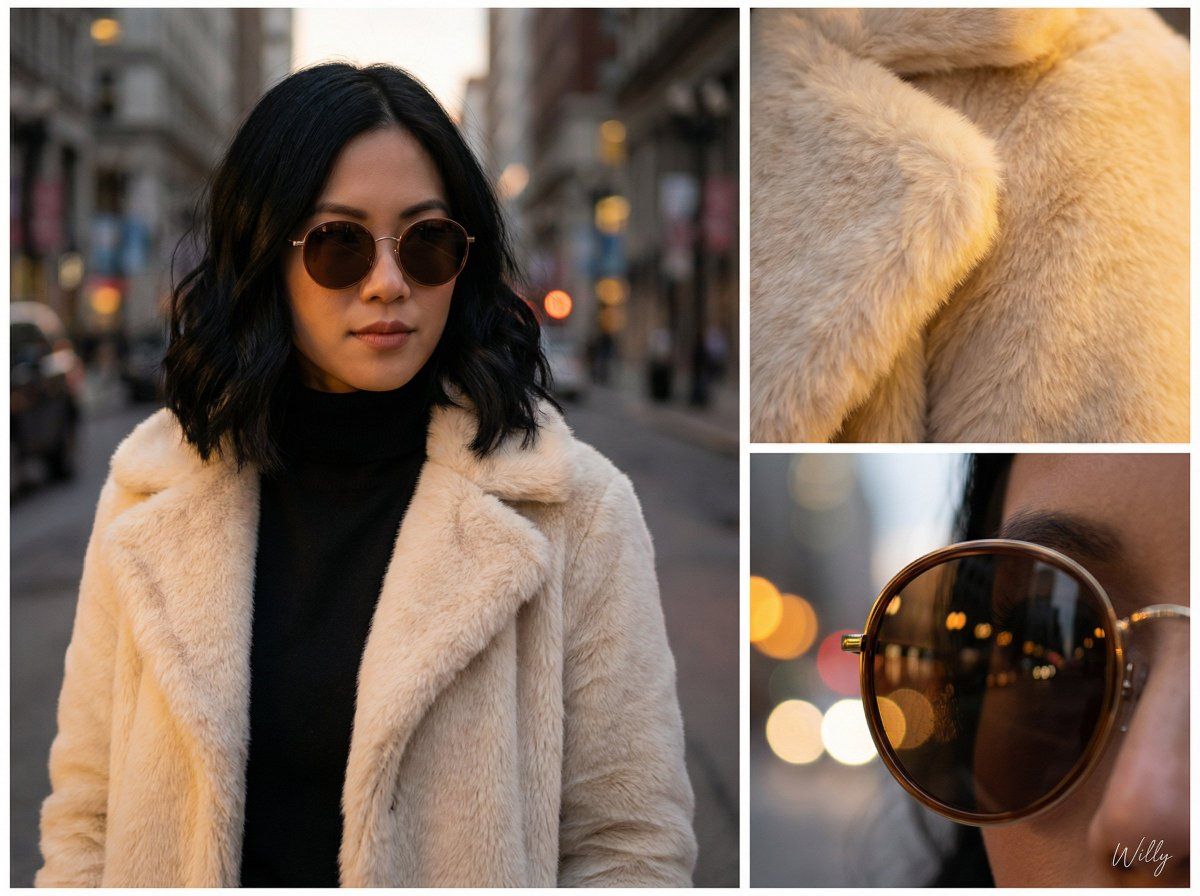
不对称网格编辑肖像与细节特写
Enlarge

不对称网格编辑肖像与细节特写

Prompt
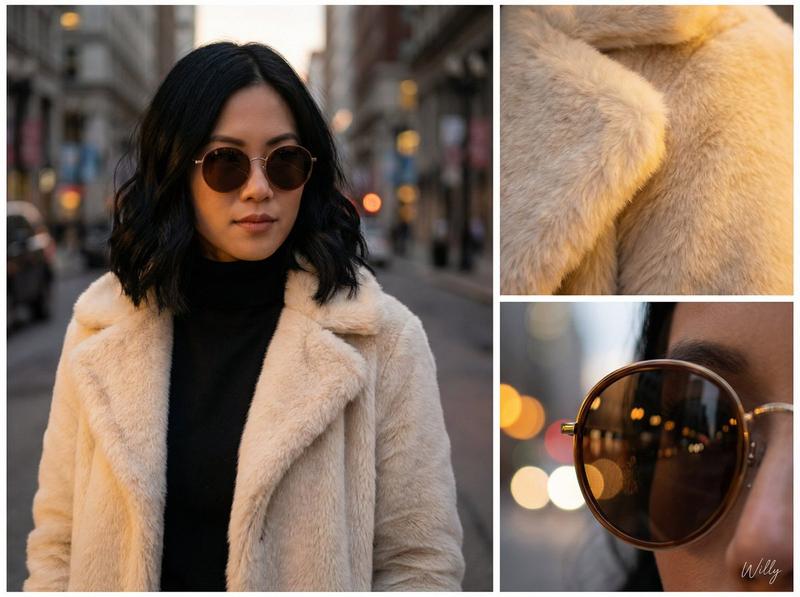
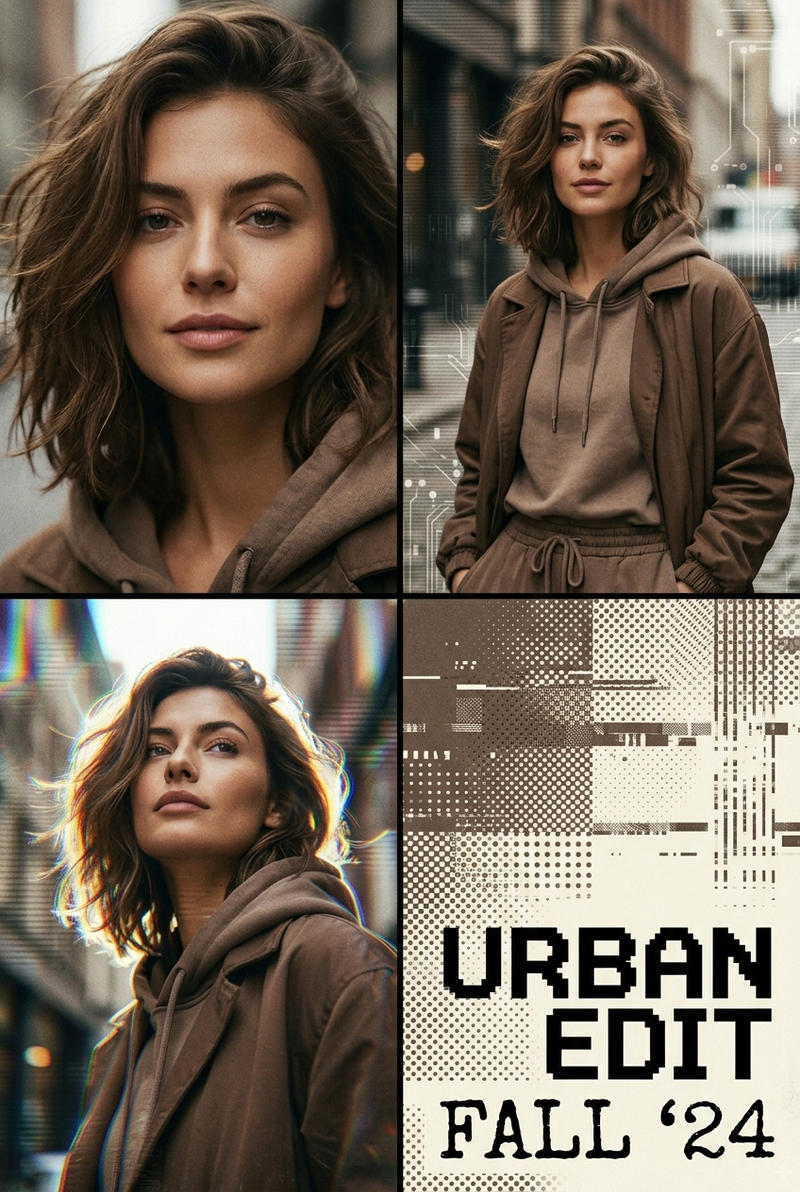
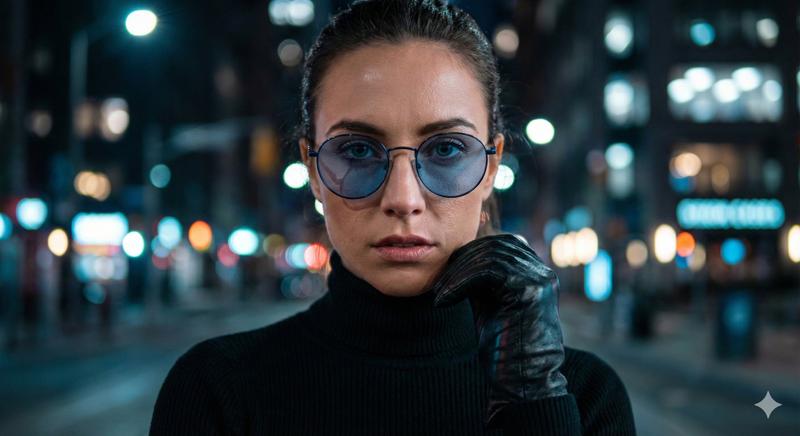
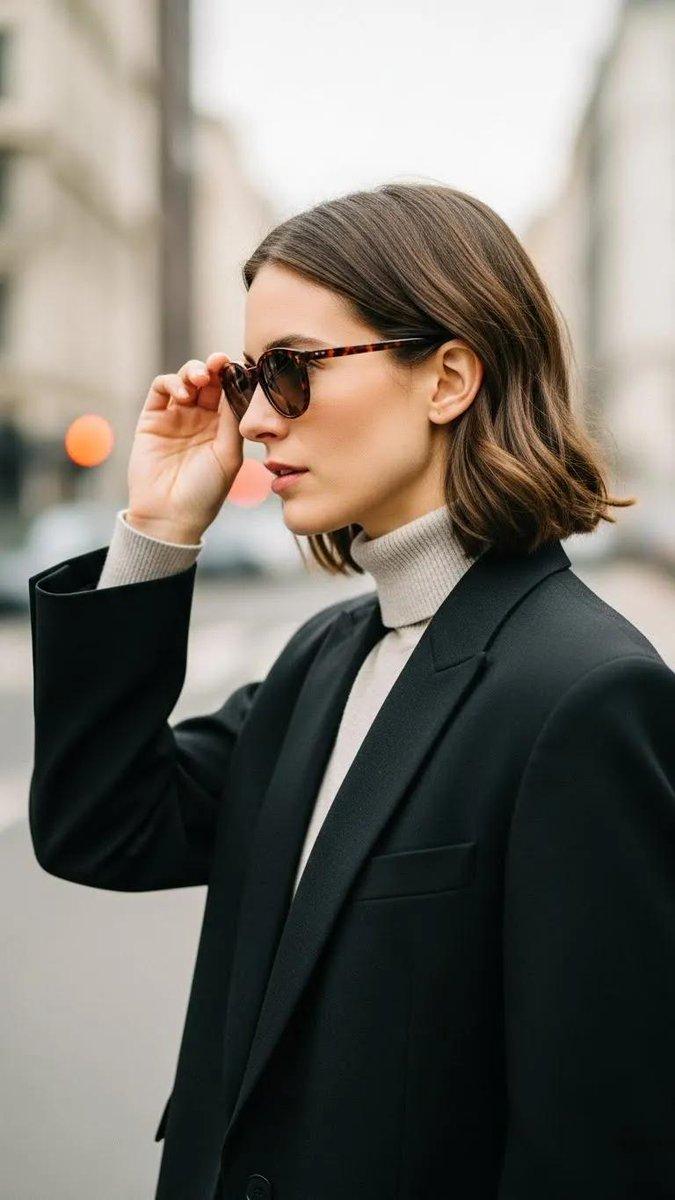
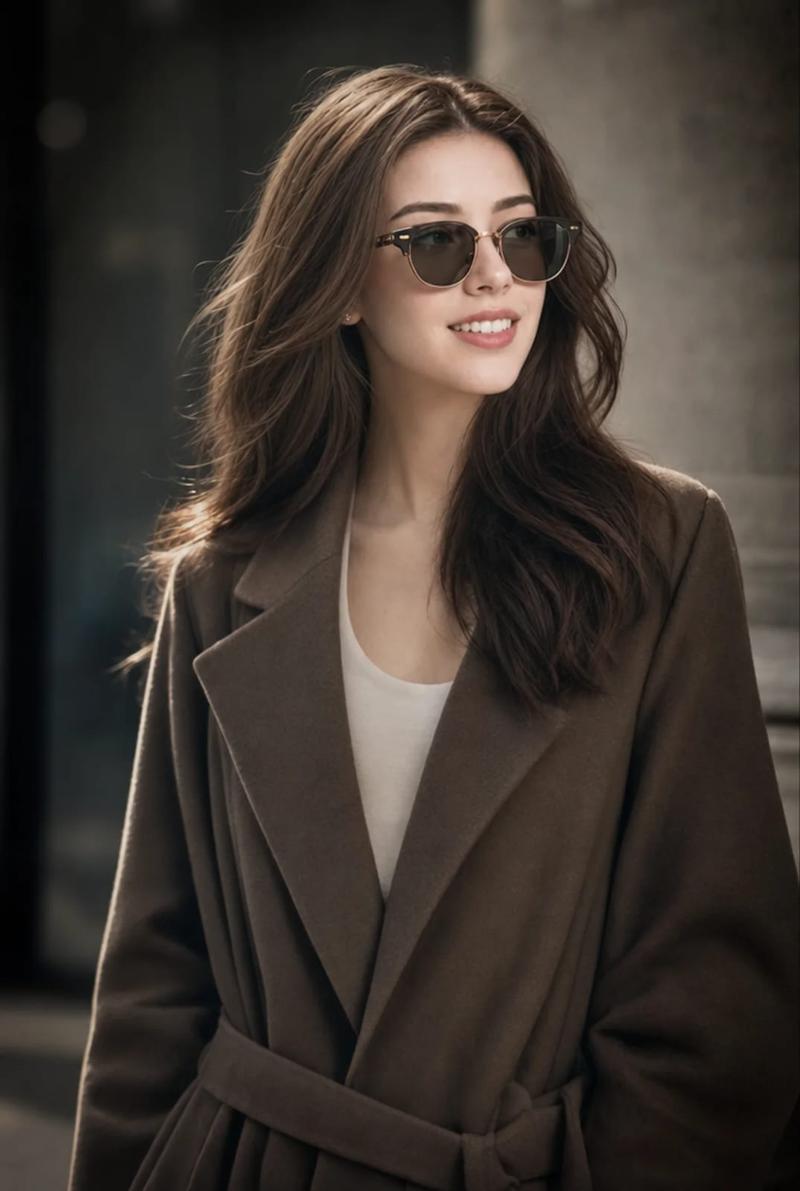
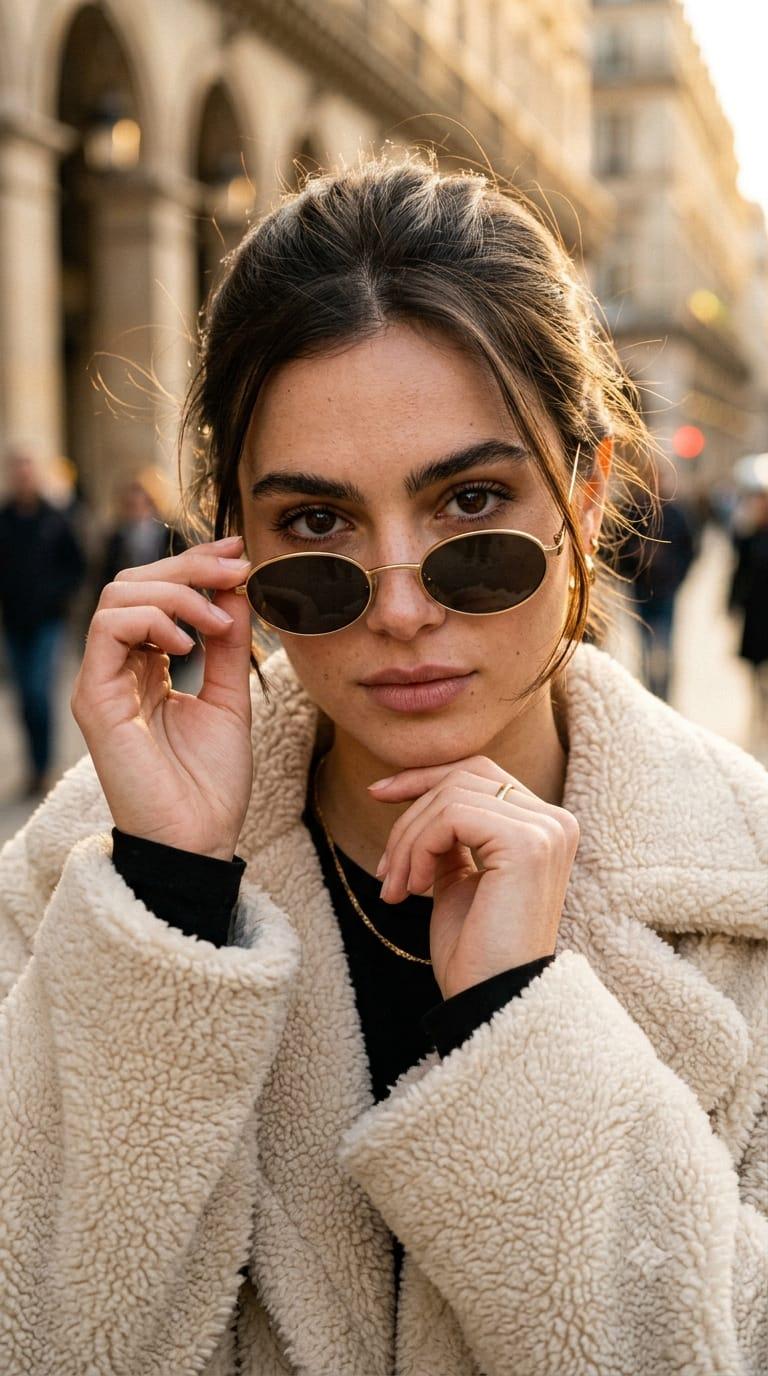
LAYOUT: 1+2 asymmetric grid **Hero Image:** Photorealistic portrait of an Eurasian woman with shoulder-length black wavy hair, wearing round brown sunglasses and a cream-colored faux fur coat over a black cashmere turtleneck, blurred urban street background, warm earth tones, cinematic split lighting, 8k, highly detailed texture --ar 9:16 **Detail 1:** Macro shot of the faux fur texture, soft golden light, extreme detail --ar 1:1 **Detail 2:** Close-up of the round sunglasses reflecting the blurred city lights, shallow depth of field --ar 1:1. A stylish handwritten signature {argument name="signature name" default="Willy"} is elegantly and small letters placed at the Bottom Right corner.
Category
创意图片
Model
Nano Banana Pro
Creator
Willy
Views0
Source ID
13c61d19-5d06-4ead-9142-cb9d4dbc15bc
Published
Mar 8, 2026

Guide

About "不对称网格编辑肖像与细节特写"

What is this prompt for?

"不对称网格编辑肖像与细节特写" AI image prompt for Nano Banana Pro (创意图片). 一个复杂的提示,定义了一个用于社论图片的非对称网格布局。它包含一张大型的欧亚女性写实肖像(主图像),以及两张较小的微距细节照片,分别聚焦于人造毛皮的纹理和太阳镜中的倒影,所有这些都通过温暖的大地色…

The full copyable prompt and example visuals above are ready for AI image generation or one-click recreate in Picva.

How to use this prompt

  1. Step 1

    Open the prompt detail

    Review the example visuals, category, and full prompt text for "不对称网格编辑肖像与细节特写".

  2. Step 2

    Copy the prompt

    Copy the prompt body from this page, or load it directly in Studio.

  3. Step 3

    Pick a model (Nano Banana Pro)

    Prefer Nano Banana Pro. If you switch models, keep subject and composition and tweak style terms.

  4. Step 4

    Generate and export

    Recreate the look in Picva, or export into your workflow for editing and publishing.

FAQ

What is the "不对称网格编辑肖像与细节特写" prompt?
It is an AI image-generation prompt for Nano Banana Pro in the 创意图片 category. This page includes the full prompt text, example visuals, and a one-click recreate path in Picva.
How do I use this prompt to generate an image?
Copy the prompt from this page, or use Generate / Studio. Paste it into a compatible image model, or recreate the look in Picva with optional reference images.
Which model is this prompt for?
This page lists Nano Banana Pro. Most descriptive prompts also transfer to nearby image models such as GPT Image, Flux, or Midjourney with light style tweaks.
Can I use the result commercially?
You can usually copy the prompt for creation, but commercial use of the final image depends on the model terms, reference-image rights, and the generated content. Follow the source author and platform rules.