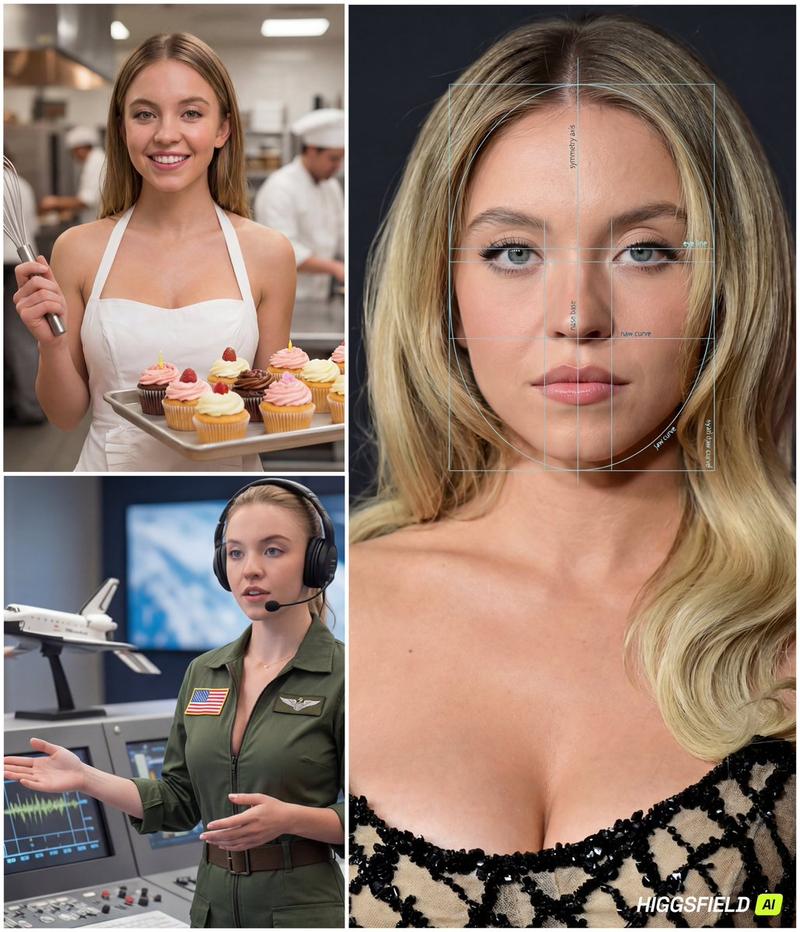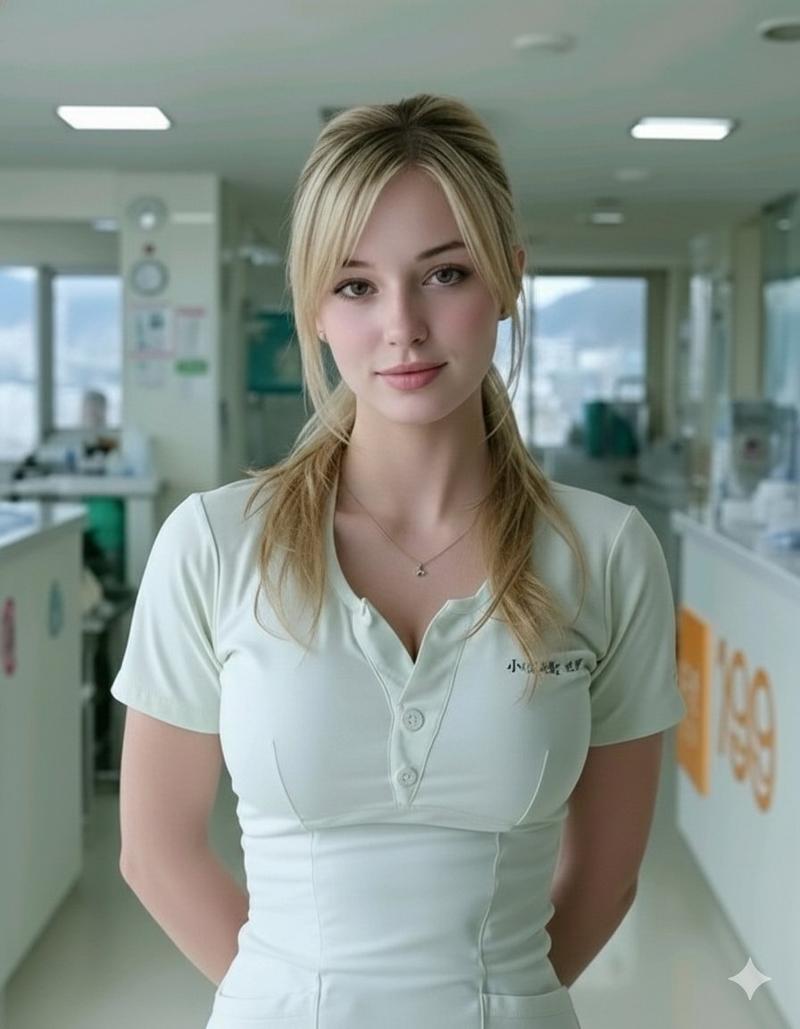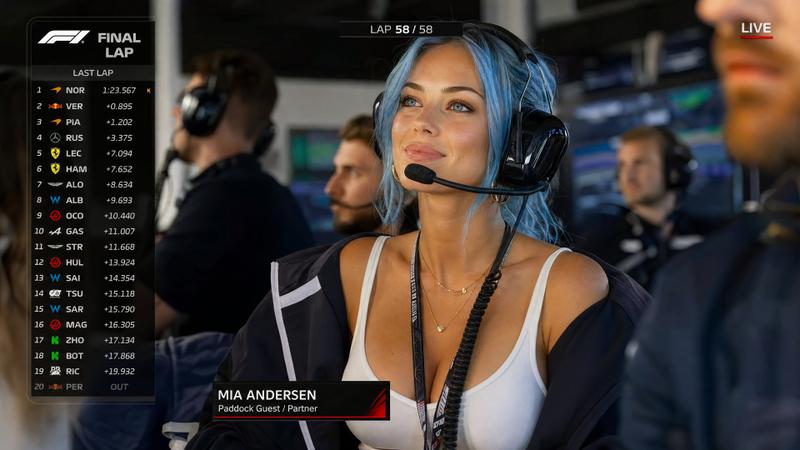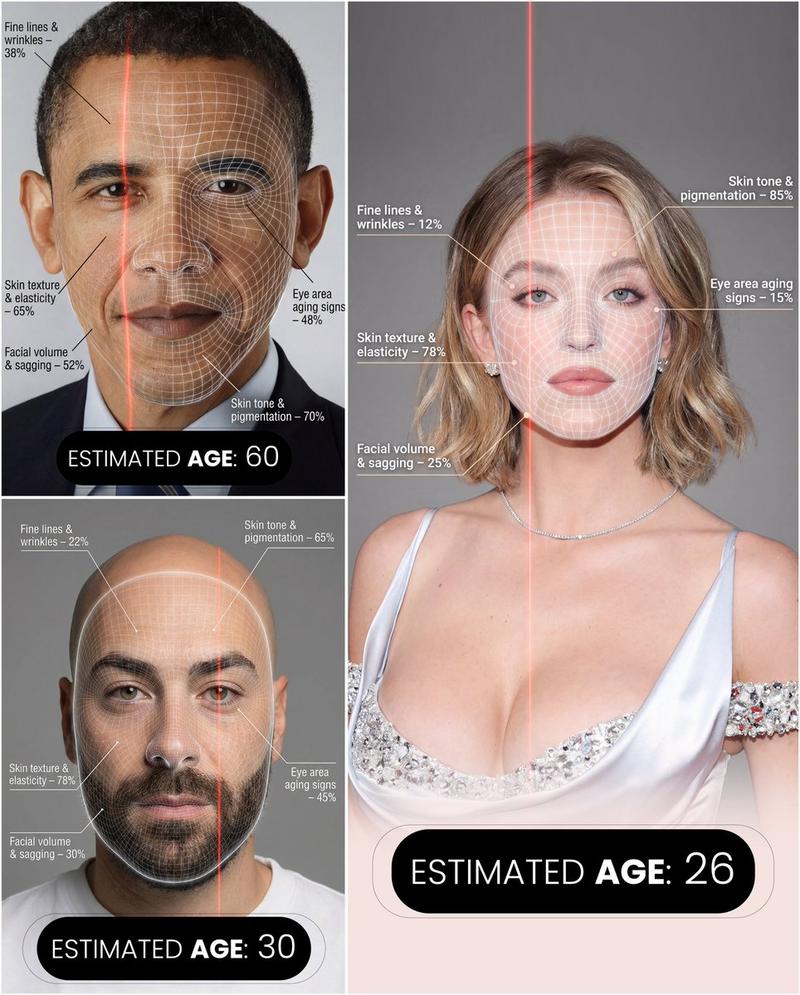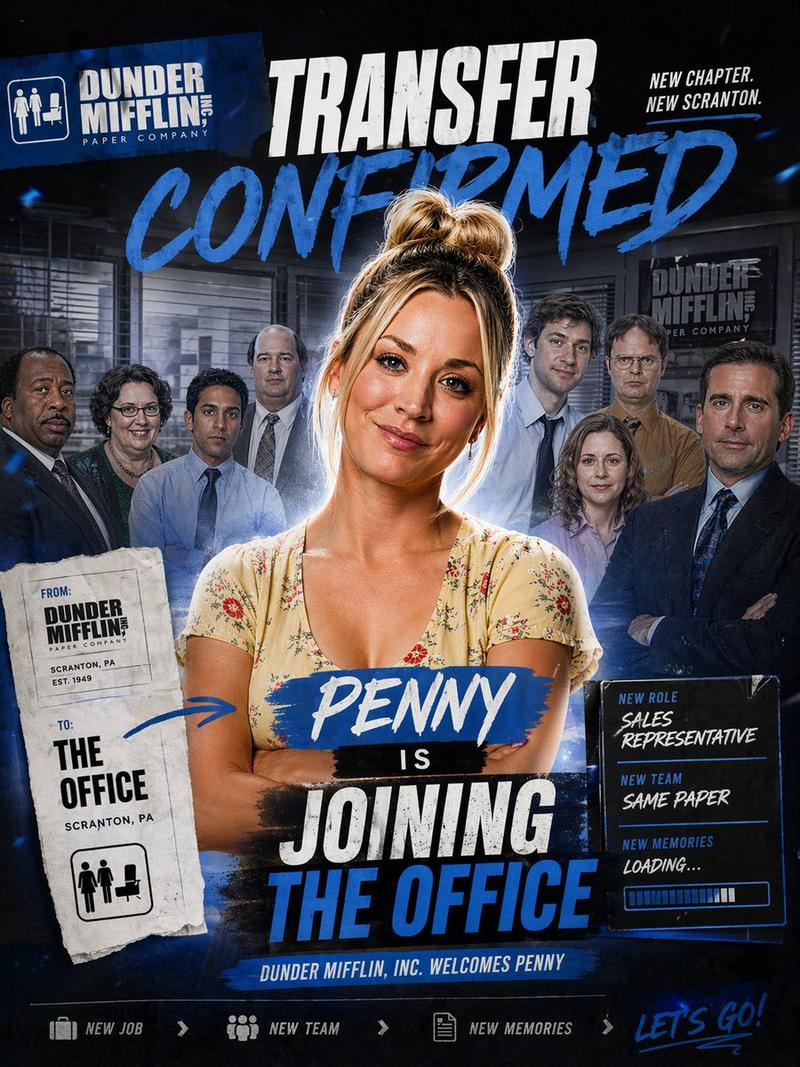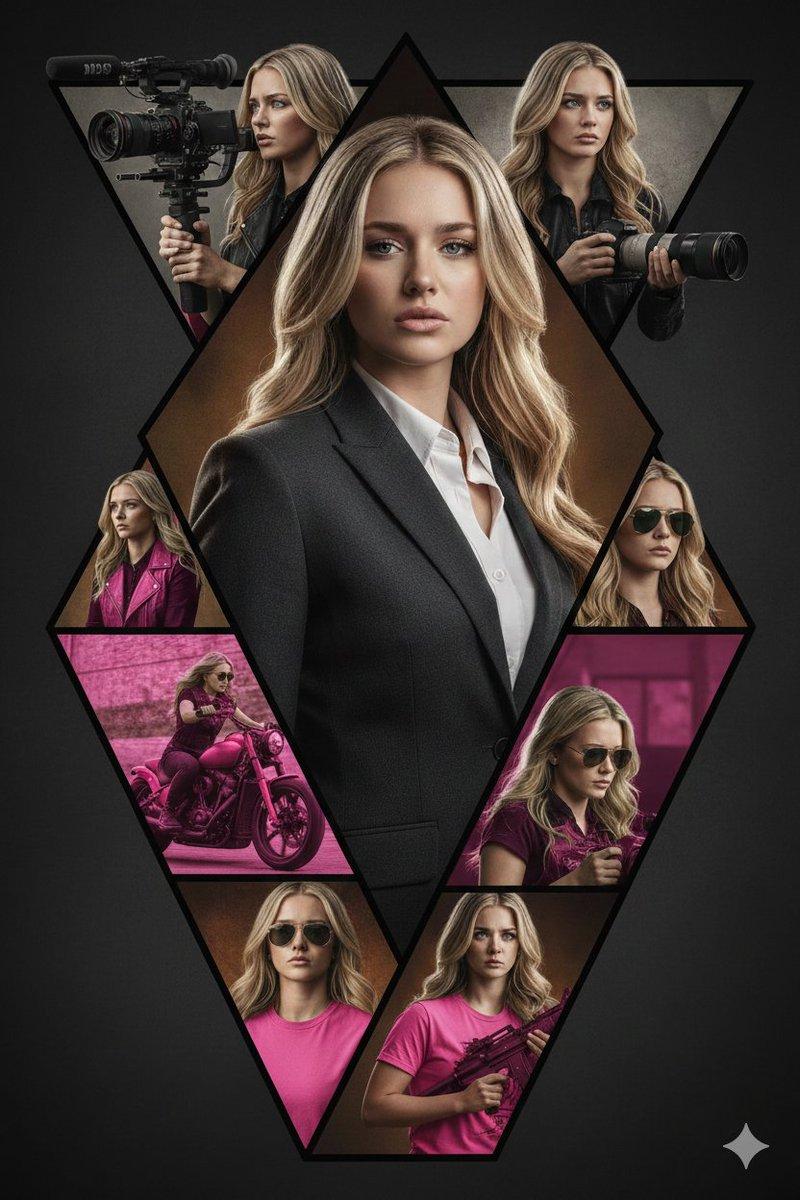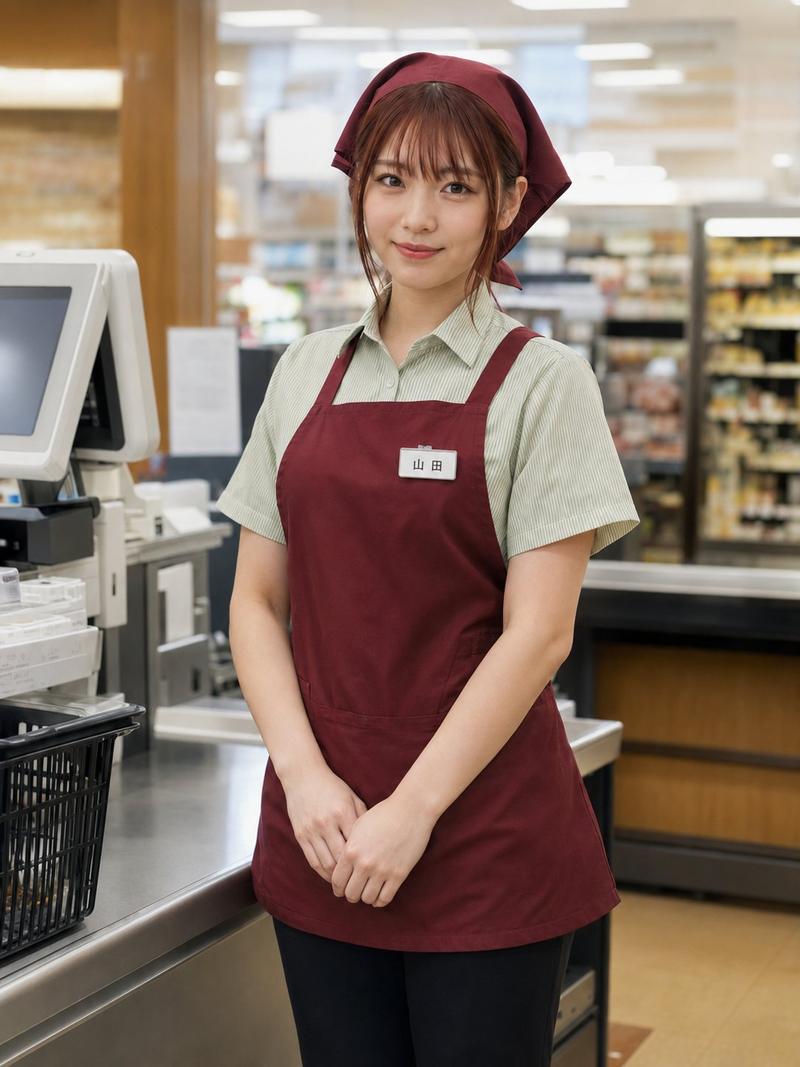
面部与职业匹配合成图像生成器
Prompt
{
  "referenced_image_ids": ["<PASTE_INPUT_IMAGE_ID_HERE>"],
  "size": "1024x1536",
  "n": 1,
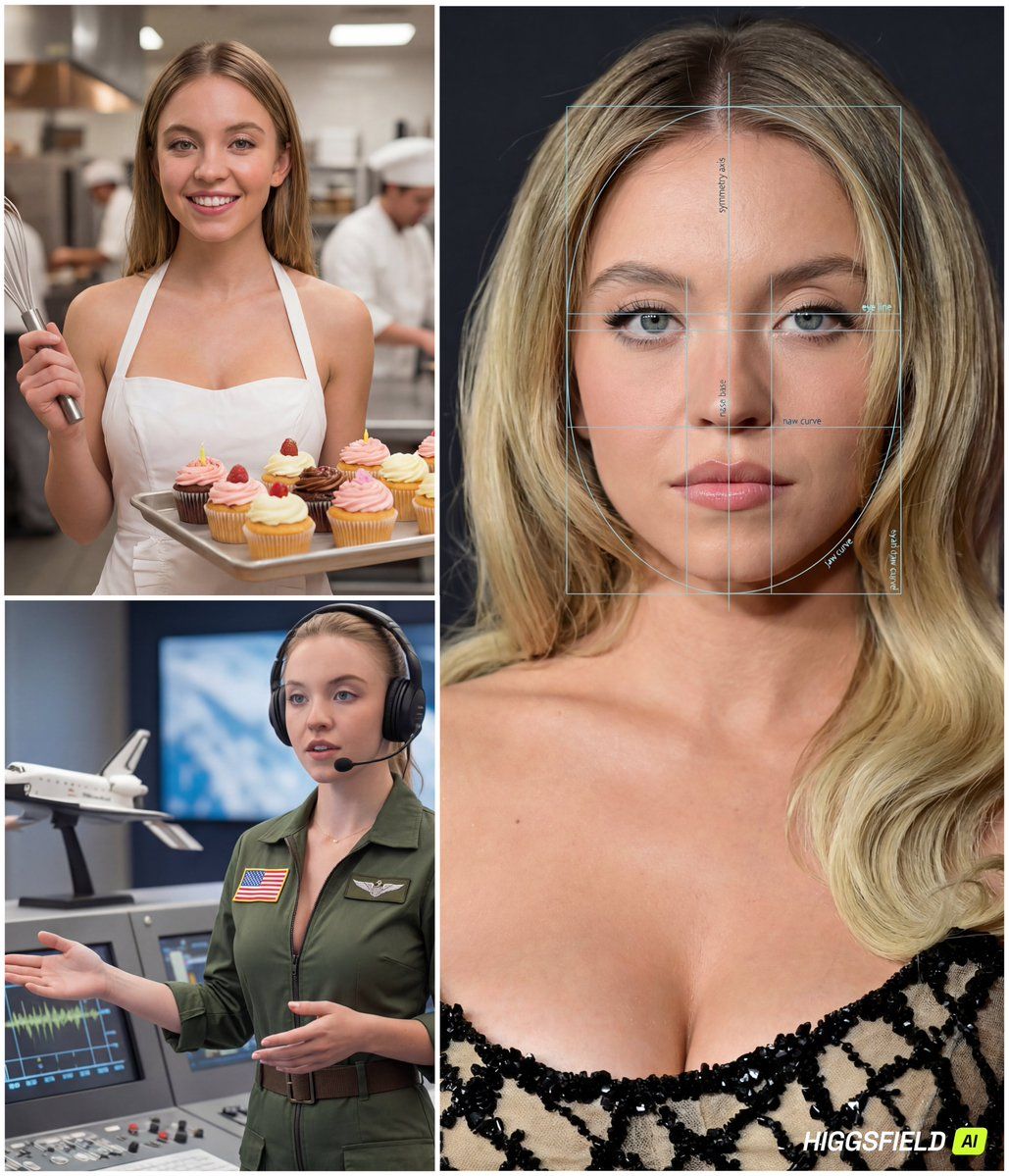
"prompt": "Create a single composite image (a clean 4-panel collage) based on the provided reference face. The final output must contain: (A) one LARGE panel on the left (about 65% width, full height) showing a premium 'face analysis' portrait of the same person; and (B) three SMALL panels stacked vertically on the right (about 35% width) showing the SAME person in three different careers.\n\nCRITICAL CAREER-SELECTION RULE:\n- The three careers must be selected by YOU based on the person's facial vibe and overall appearance in the reference (e.g., perceived temperament, style, presence, confidence, softness/seriousness, elegance/athleticism, creative/analytical vibe). Do NOT pick random jobs.\n- Choose careers that feel plausibly aligned with the person’s look and presence (\"face-to-career matching\" concept).\n- The three careers must be DISTINCT and cover different archetypes (e.g., one corporate/strategic, one creative/media, one technical/field). Avoid repeating similar industries.\n- Keep the choices fun and flattering, but still believable.\n\nGLOBAL RULES (apply to all panels):\n- The person must look like the same individual in all panels (consistent facial features, hairline, eye shape/color, skin tone, proportions).\n- Realistic, high-end editorial photography style.\n- Do NOT add any real names, IDs, biometric scores, or identity claims. This is illustrative only.\n- Avoid heavy text. Minimal labels allowed only in the analysis panel.\n\nPANEL A (LEFT, LARGE): 'FACE ANALYSIS' PORTRAIT\n- Close-up, centered, symmetrical portrait (head and upper neck), studio lighting, sharp focus.\n- Overlay a semi-transparent facial analysis grid: symmetry axis, eye-line, nose base line, jaw curve arcs, proportional guides (golden ratio style).\n- Add subtle, minimal micro-labels in English such as: 'symmetry axis', 'eye line', 'jaw curve', 'proportion guide'. Keep labels tiny and tasteful.\n- Make it look like a premium aesthetic/cosmetic analysis diagram (modern UI overlay, not medical).\n\nPANELS B/C/D (RIGHT, THREE SMALL PANELS): CAREER PORTRAITS\nFor each of the three chosen careers, depict:\n1) A strongly job-accurate outfit (uniform/PPE/tools/accessories appropriate to the role).\n2) A clear environment that matches the job (office, studio, set, lab, site, outdoors, etc.).\n3) A light playful twist that fits the role (a charming prop, a witty moment, a fun-but-realistic action), without becoming cartoonish.\n- Keep the face visible and recognizable in each panel.\n- Use cinematic lighting and shallow depth-of-field; backgrounds should be rich but not cluttered.\n\nCOMPOSITION & QUALITY:\n- Output must be one single image containing all 4 panels with thin white borders between panels.\n- Cohesive color grading a"- Category
- 创意图片
- Model
- Nano Banana Pro
- Creator
- Saman | AI
- Source ID
- b8f88fc8-bf5c-497e-a228-c235bd273014
- Published
- Mar 8, 2026
Views0