16

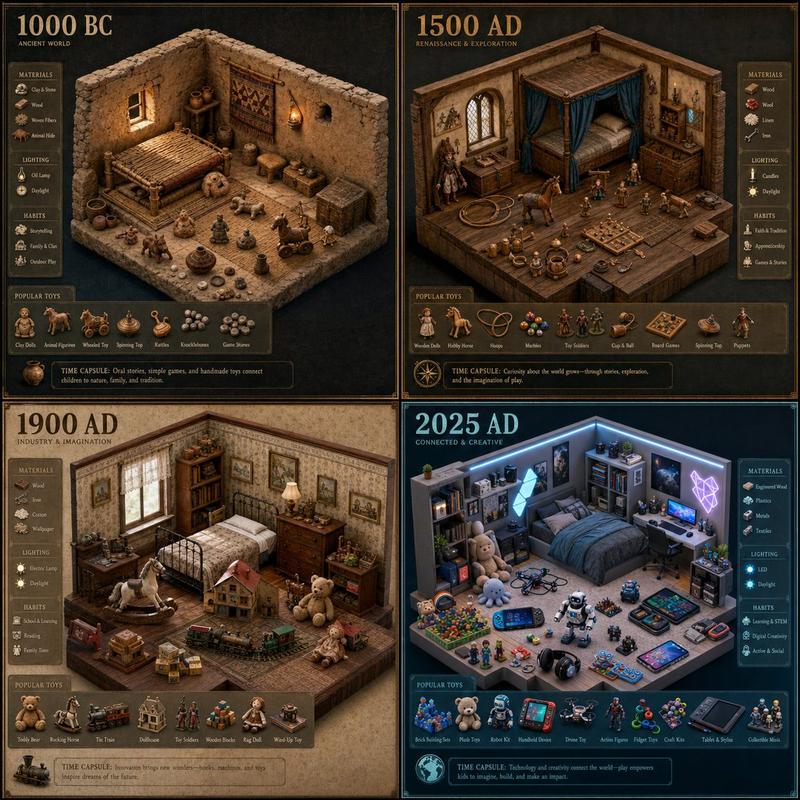
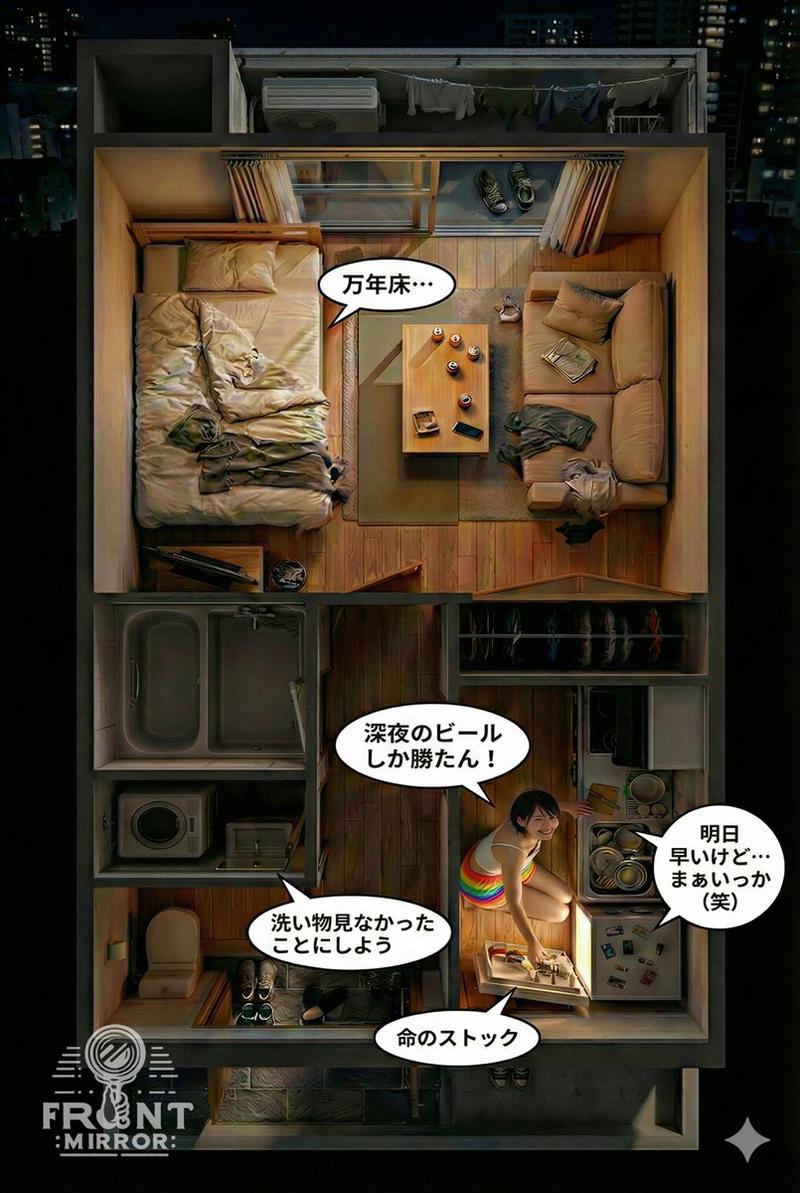
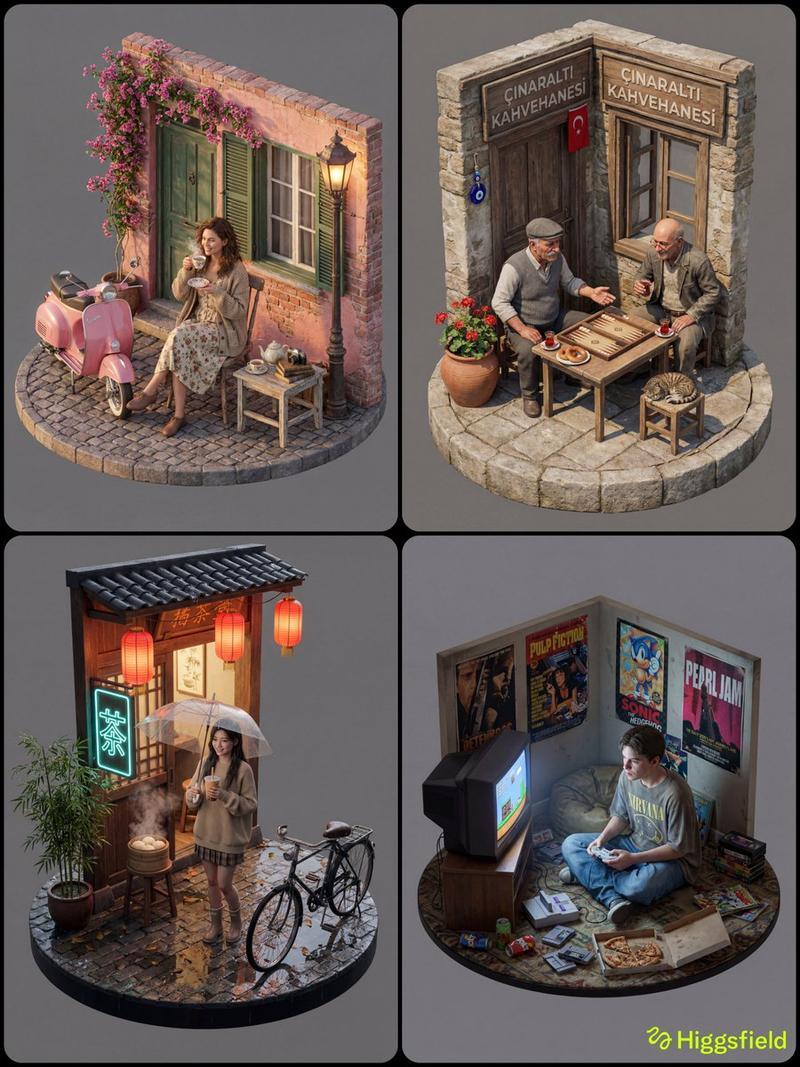
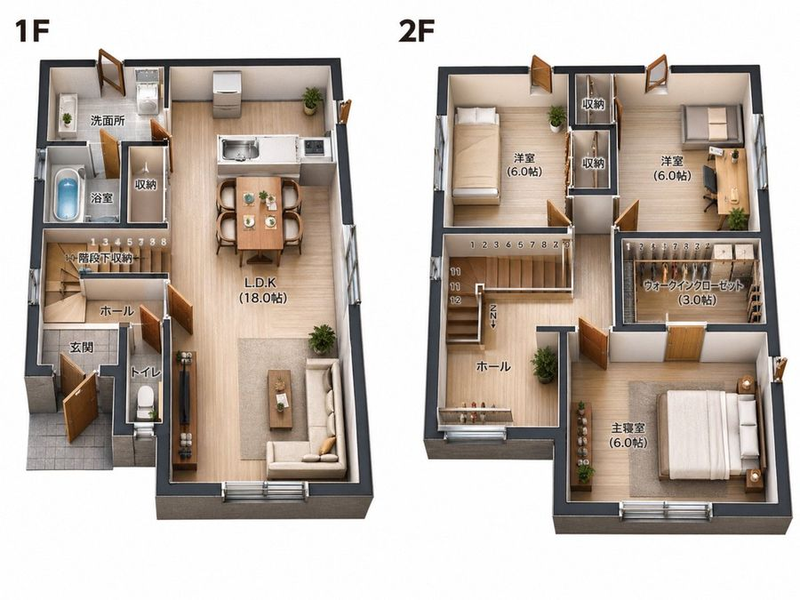
逼真的室内透明微缩透视模型提示
Enlarge

逼真的室内透明微缩透视模型提示

Prompt
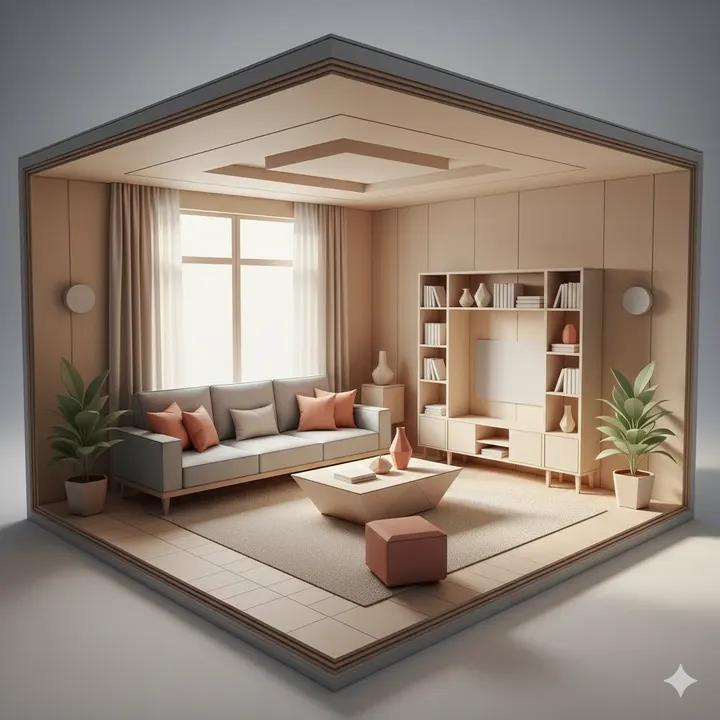
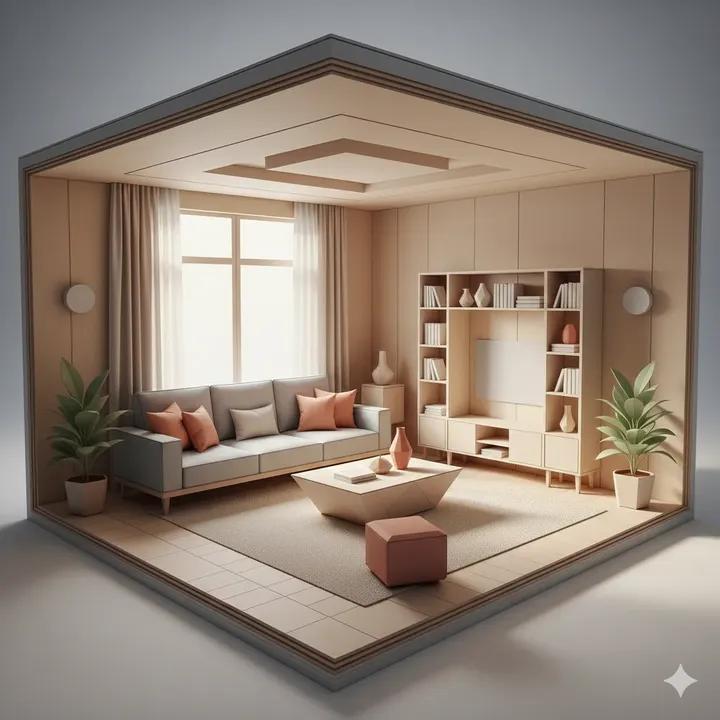
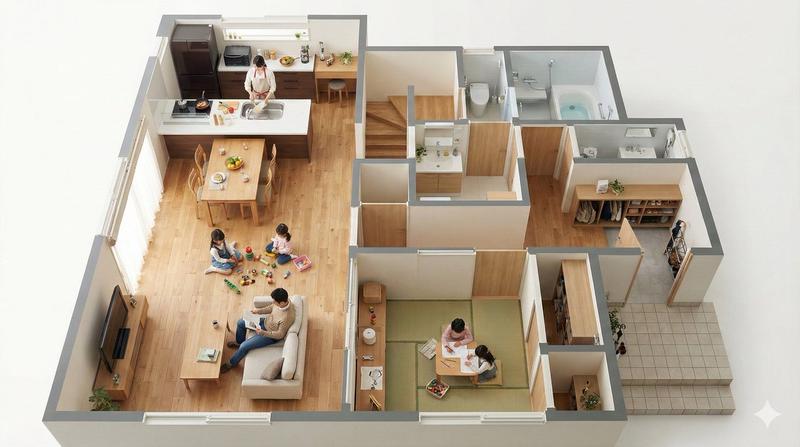
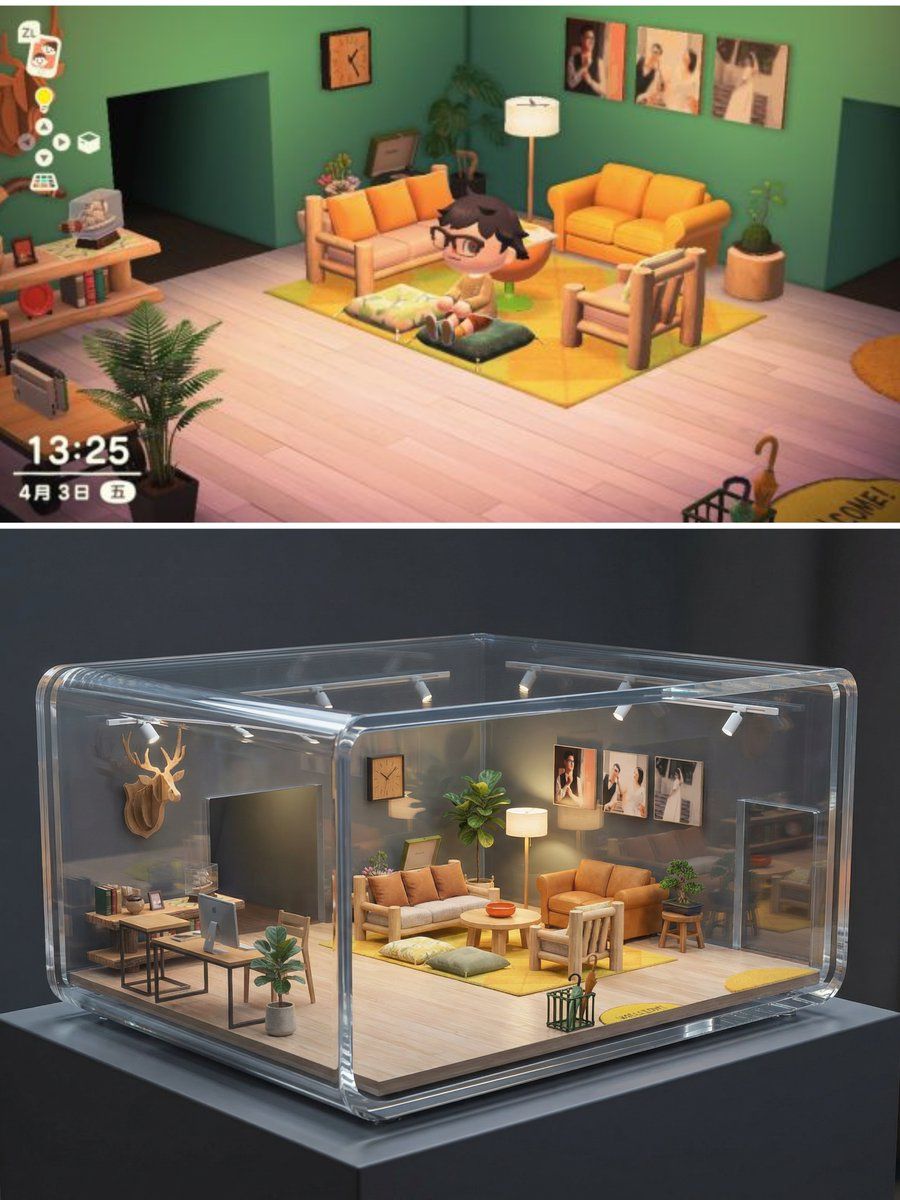
基于上传的“现实室内空间”参考图,生成一座“透明迷你小屋展示模型”。

【核心展示概念】
- 将原本的真实室内空间转化为一座“微缩比例的透明建筑模型”
- 像博物馆中展示的建筑剖面模型
- 房屋被完整封装在透明亚克力 / 玻璃外壳中
- 室内结构与家具完全可见

【结构与布局(必须严格保留)】
- 严格继承参考图中的室内布局与比例
- 墙体位置、家具摆放、动线关系完全一致
- 房间被整体缩小为迷你比例(如 1:10 / 1:12)
- 这是比例缩放,不是重新设计

【透明外壳设计】
- 外部为高透明度亚克力或玻璃材质
- 边角圆润,厚度清晰可见
- 局部采用剖切 / 切角结构,方便观察内部
- 透明外壳不遮挡主要室内视线

【室内表现(微缩但真实)】
- 所有家具按比例缩小
- 材质依然真实:木纹、布艺、金属
- 保留现实生活感,而非玩具感
- 灯具、植物、摆件清晰可见

【灯光系统(重点)】
- 室内暖色微光灯(如模型灯)
- 外部中性或冷色展示灯
- 形成内暖外冷的高级展示对比
- 轻微发光但不刺眼

【展示环境】
- 放置在极简展台 / 博物馆展示台上
- 背景干净(浅灰 / 深灰 / 黑色)
- 有真实比例参照(如展台阴影)

【视觉风格】
- 超写实
- 高级工业设计感
- 像 Apple / Muji / 建筑事务所的展示作品
- 非玩具风,非卡通风

【摄影与构图】
- 专业产品摄影或建筑模型摄影
- 中近景构图,略微俯视
- 景深,背景虚化
- 清晰对焦在透明小屋本体

【技术要求】
- 超高清细节
- 高折射率真实玻璃表现
- 正确反射与透视
- 无人物、无文字、无水印

作为艺术装置展示,具有当代设计与收藏价值
治愈、精致、让人一眼停住的视觉效果
避免玩具质感,避免塑料感,强调建筑模型与工业设计质感
高透明度、清晰折射边缘、干净玻璃
室内灯光清晰可见,像微缩模型灯光系统
Category
创意图片
Model
Nano Banana Pro
Views0
Source ID
20312ef1-4b8a-446a-a137-7be90332f834
Published
Mar 8, 2026

Guide

About "逼真的室内透明微缩透视模型提示"

What is this prompt for?

"逼真的室内透明微缩透视模型提示" AI image prompt for Nano Banana Pro (创意图片). 这是两步提示序列的第二部分,它将之前生成的逼真室内图像作为参考。目标是将该逼真房间转换为一个高度精细、透明的微缩建筑模型或立体模型,类似于博物馆展品。该提示强调在保留精确布局和比例的同时,专注于…

The full copyable prompt and example visuals above are ready for AI image generation or one-click recreate in Picva.

How to use this prompt

  1. Step 1

    Open the prompt detail

    Review the example visuals, category, and full prompt text for "逼真的室内透明微缩透视模型提示".

  2. Step 2

    Copy the prompt

    Copy the prompt body from this page, or load it directly in Studio.

  3. Step 3

    Pick a model (Nano Banana Pro)

    Prefer Nano Banana Pro. If you switch models, keep subject and composition and tweak style terms.

  4. Step 4

    Generate and export

    Recreate the look in Picva, or export into your workflow for editing and publishing.

FAQ

What is the "逼真的室内透明微缩透视模型提示" prompt?
It is an AI image-generation prompt for Nano Banana Pro in the 创意图片 category. This page includes the full prompt text, example visuals, and a one-click recreate path in Picva.
How do I use this prompt to generate an image?
Copy the prompt from this page, or use Generate / Studio. Paste it into a compatible image model, or recreate the look in Picva with optional reference images.
Which model is this prompt for?
This page lists Nano Banana Pro. Most descriptive prompts also transfer to nearby image models such as GPT Image, Flux, or Midjourney with light style tweaks.
Can I use the result commercially?
You can usually copy the prompt for creation, but commercial use of the final image depends on the model terms, reference-image rights, and the generated content. Follow the source author and platform rules.