13

逼真肖像与异想天开的 3D 卡通克隆提示
Enlarge

逼真肖像与异想天开的 3D 卡通克隆提示

Prompt
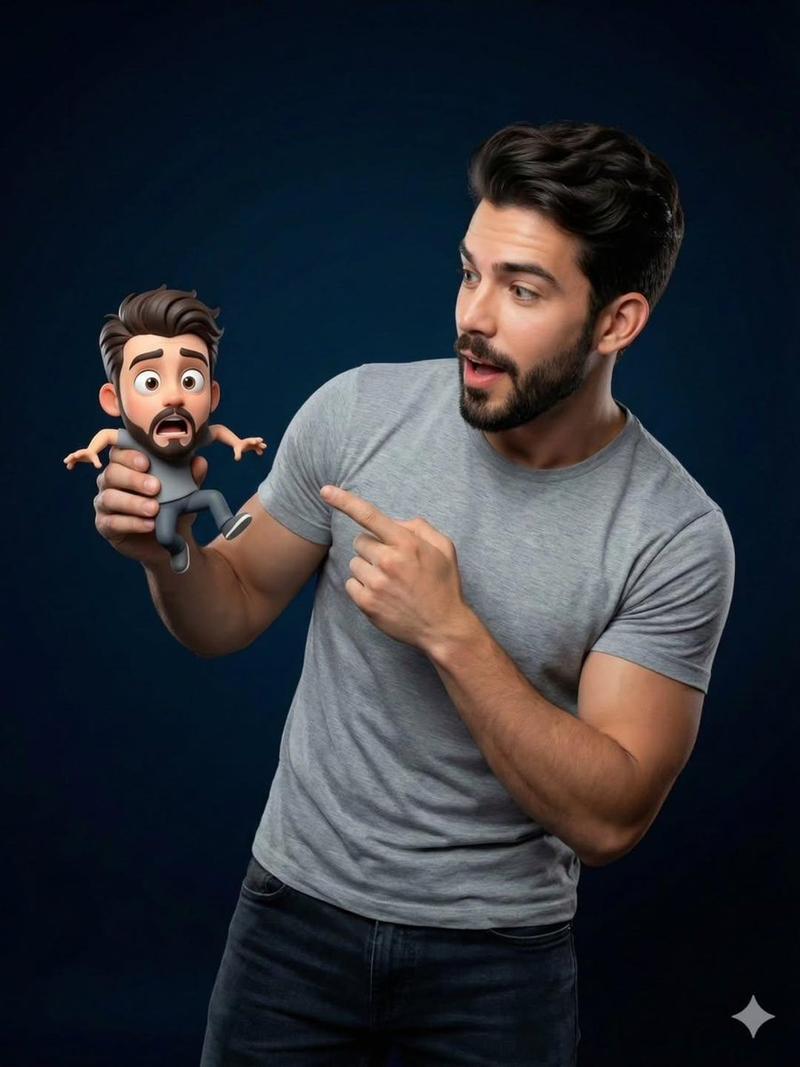
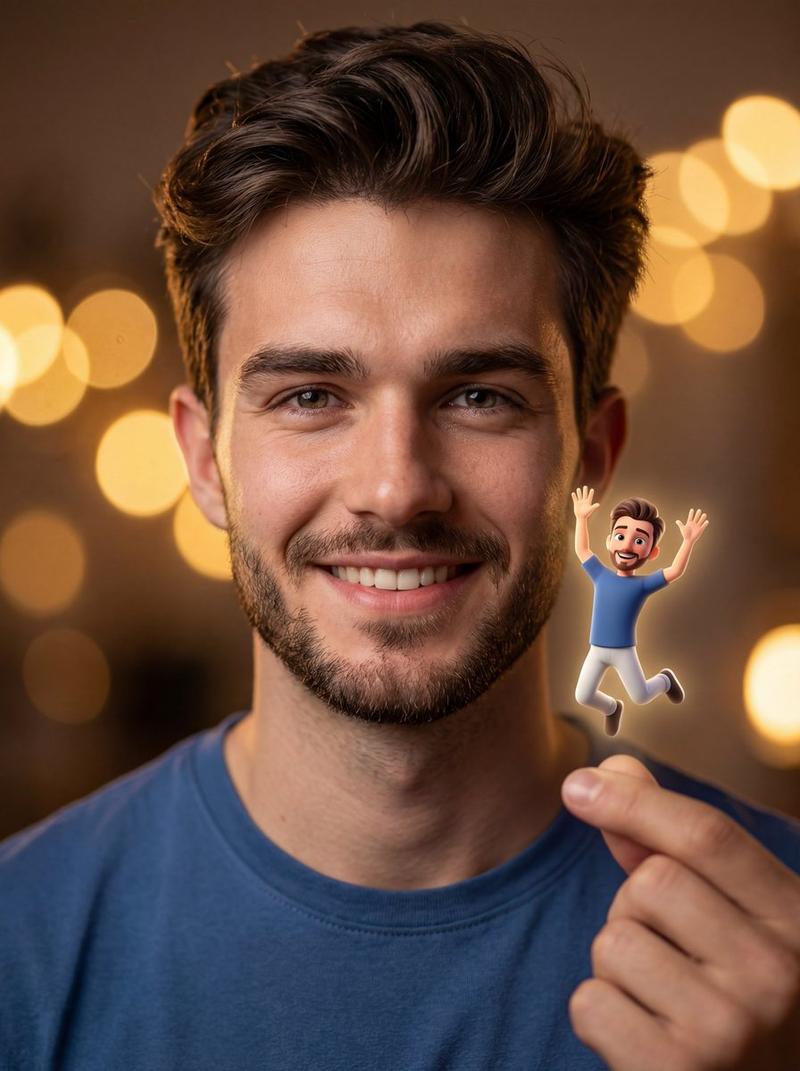
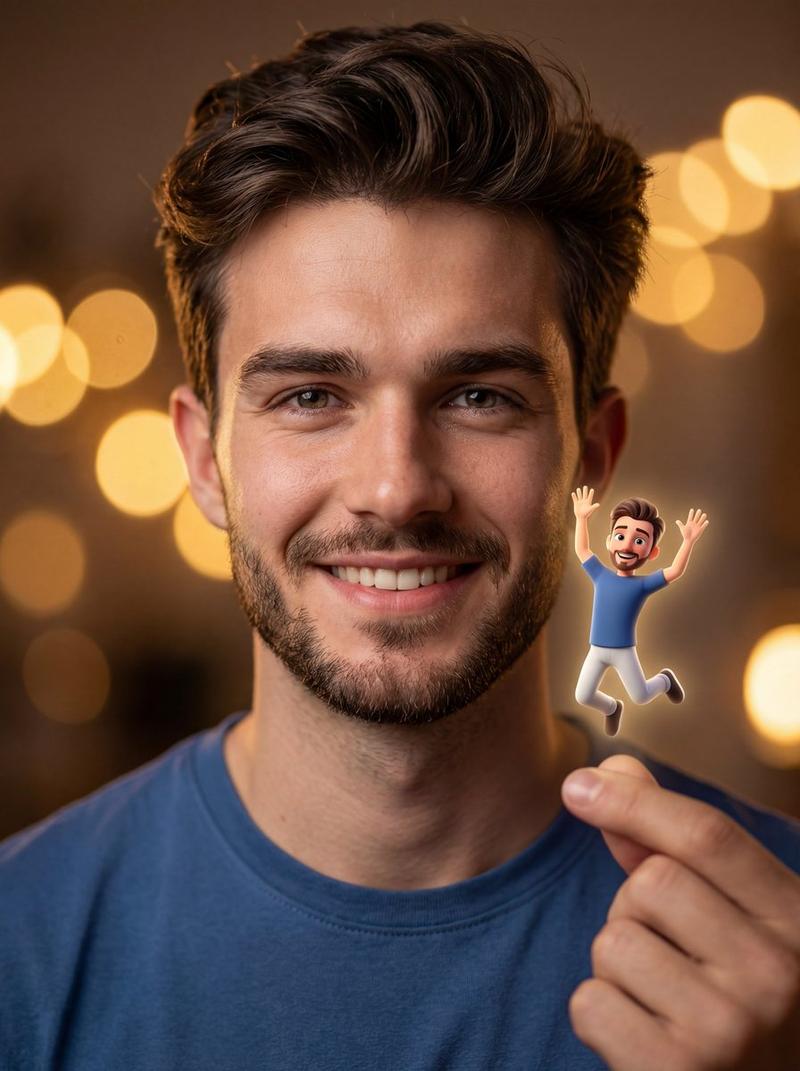
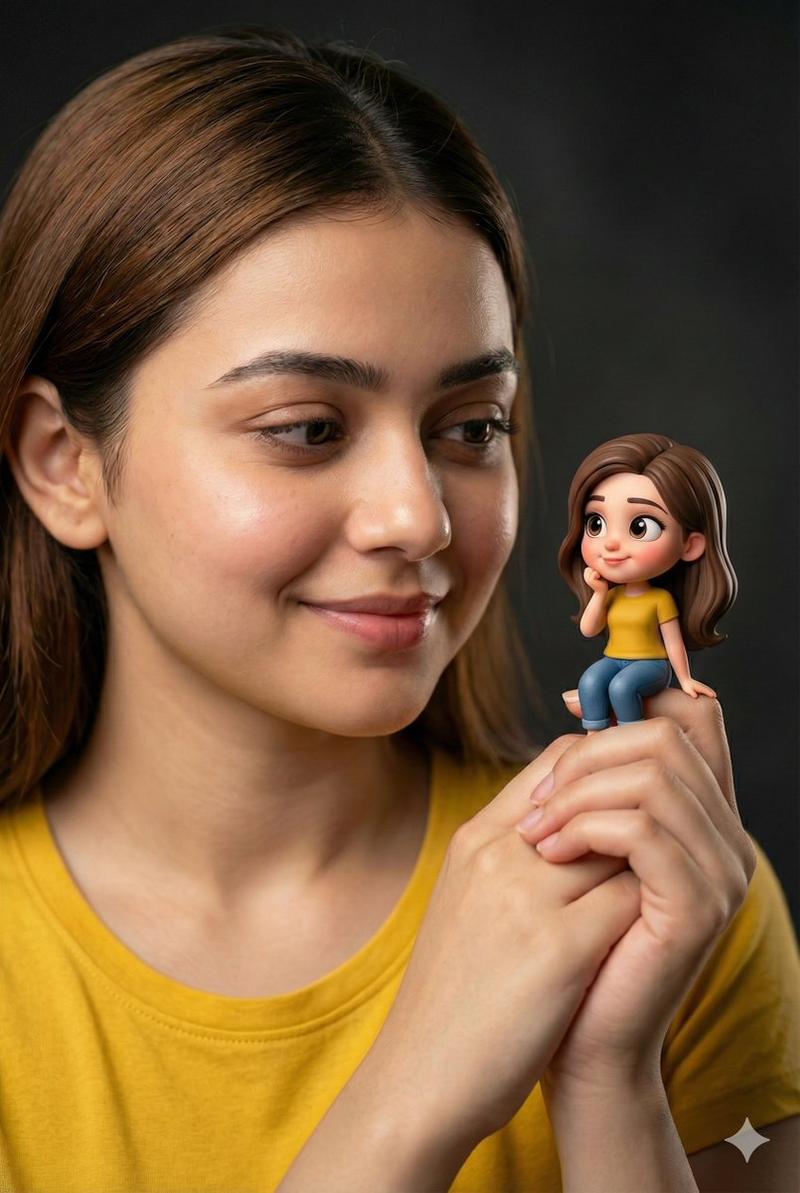
Introducing the characters in the uploaded image,Hyper-realistic studio portrait, wearing a {argument name="shirt color" default="simple blue T-shirt"}, soft warm smile, photorealistic skin texture, looking at a tiny Pixar-style 3-D cartoon clone of himself perched on his fingertips; the miniature figure has exaggerated cute proportions, large expressive eyes, friendly playful pose, perfectly matching the characters’s hairstyle and outfit. Ultra-sharp dual focus on both faces, shallow depth of field, dark neutral backdrop, cinematic soft studio lighting with gentle highlights, modern whimsical mood, clean centered composition, {argument name="lens type" default="85 mm lens perspective"}, natural skin tones, balanced contrast, smooth tonal transitions, high-resolution clarity. Avoid cartoonish human, uncanny valley, harsh light, oversaturated colors, blur, low detail, messy framing.
Category
创意图片
Model
Nano Banana Pro
Views0
Source ID
964ec8d0-cf8d-4a17-9bab-ccbe3d1a1330
Published
Mar 8, 2026

Guide

About "逼真肖像与异想天开的 3D 卡通克隆提示"

What is this prompt for?

"逼真肖像与异想天开的 3D 卡通克隆提示" AI image prompt for Nano Banana Pro (创意图片). 一个旨在将超写实主义与异想天开的 3D 卡通元素融合的提示,生成一张超写实的男士工作室肖像,他正看着一个栖息在他指尖上的、微小的皮克斯风格的卡通版克隆体。它强调了对两张脸都进行超清晰双…

The full copyable prompt and example visuals above are ready for AI image generation or one-click recreate in Picva.

How to use this prompt

  1. Step 1

    Open the prompt detail

    Review the example visuals, category, and full prompt text for "逼真肖像与异想天开的 3D 卡通克隆提示".

  2. Step 2

    Copy the prompt

    Copy the prompt body from this page, or load it directly in Studio.

  3. Step 3

    Pick a model (Nano Banana Pro)

    Prefer Nano Banana Pro. If you switch models, keep subject and composition and tweak style terms.

  4. Step 4

    Generate and export

    Recreate the look in Picva, or export into your workflow for editing and publishing.

FAQ

What is the "逼真肖像与异想天开的 3D 卡通克隆提示" prompt?
It is an AI image-generation prompt for Nano Banana Pro in the 创意图片 category. This page includes the full prompt text, example visuals, and a one-click recreate path in Picva.
How do I use this prompt to generate an image?
Copy the prompt from this page, or use Generate / Studio. Paste it into a compatible image model, or recreate the look in Picva with optional reference images.
Which model is this prompt for?
This page lists Nano Banana Pro. Most descriptive prompts also transfer to nearby image models such as GPT Image, Flux, or Midjourney with light style tweaks.
Can I use the result commercially?
You can usually copy the prompt for creation, but commercial use of the final image depends on the model terms, reference-image rights, and the generated content. Follow the source author and platform rules.