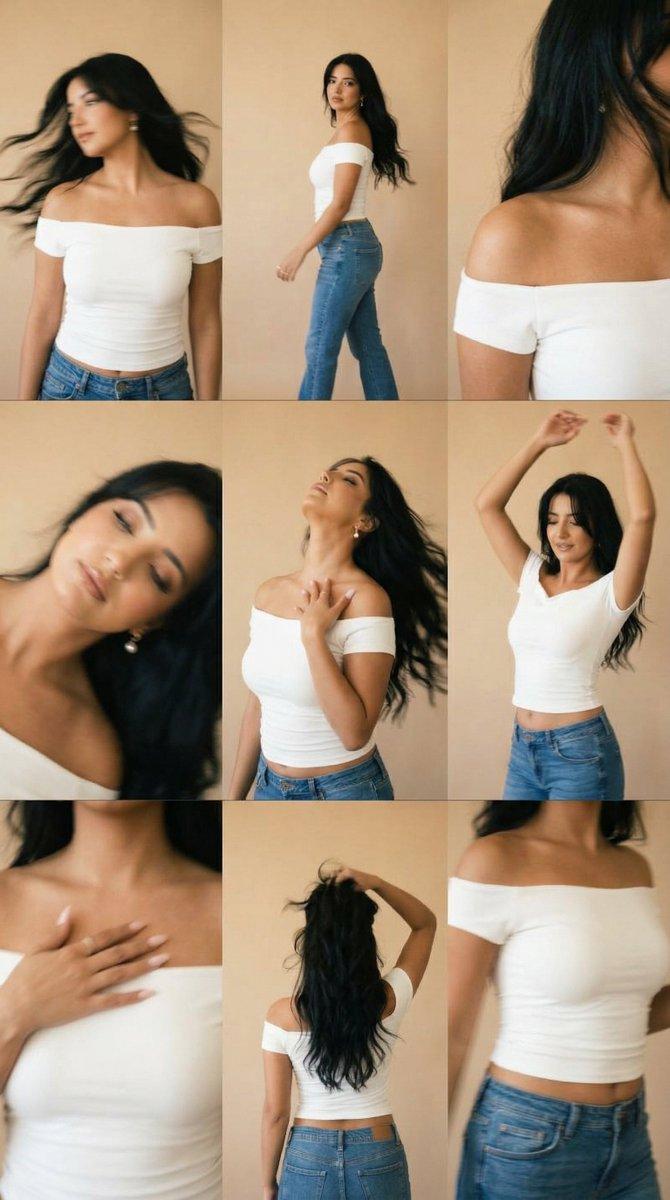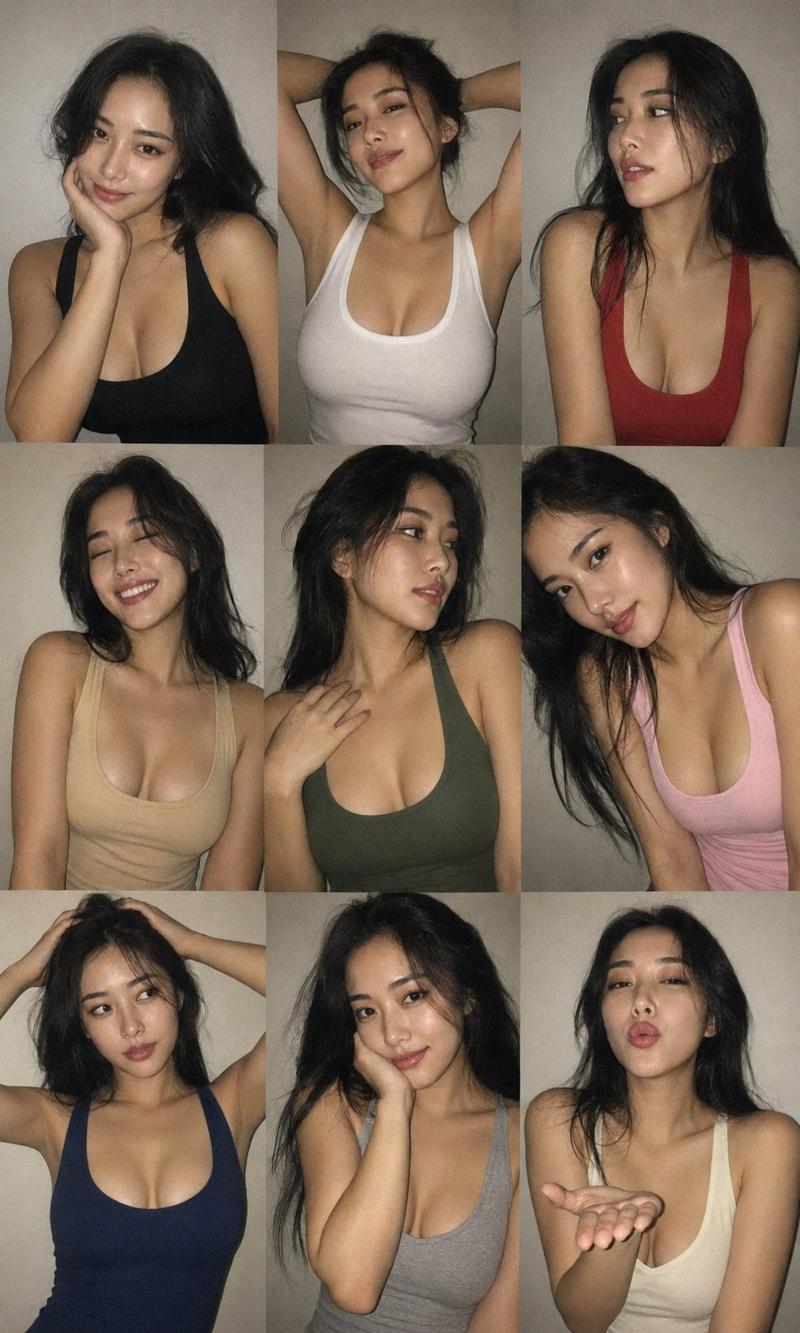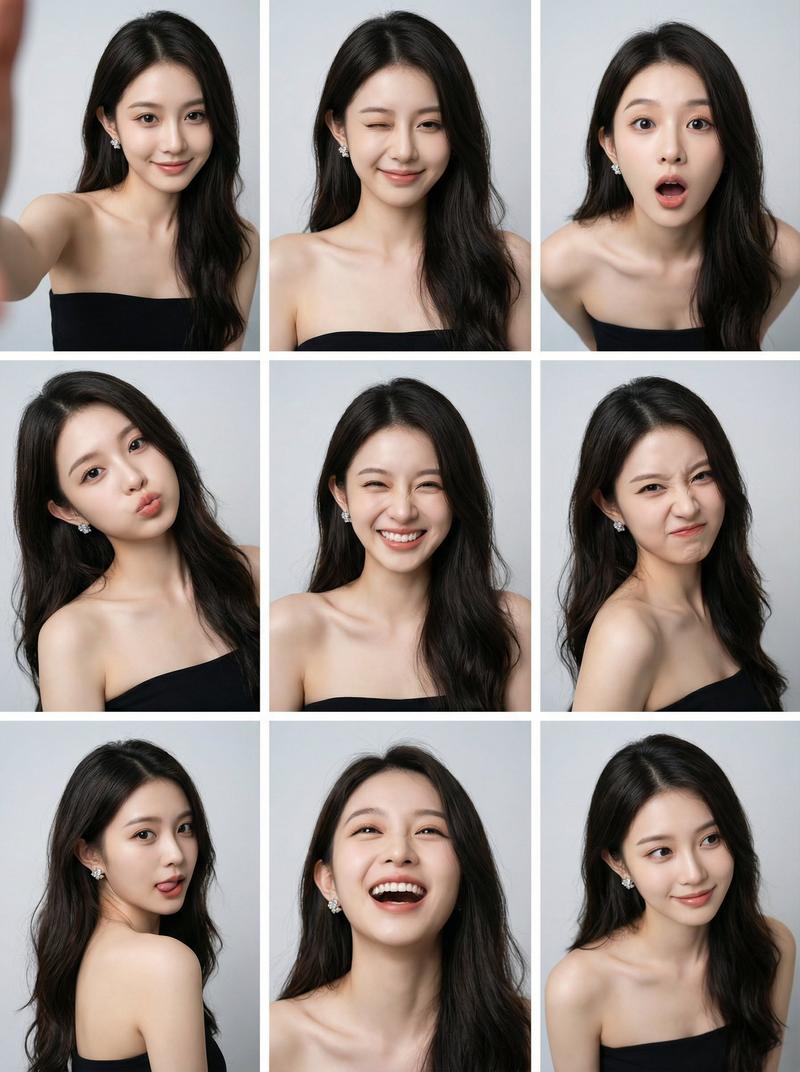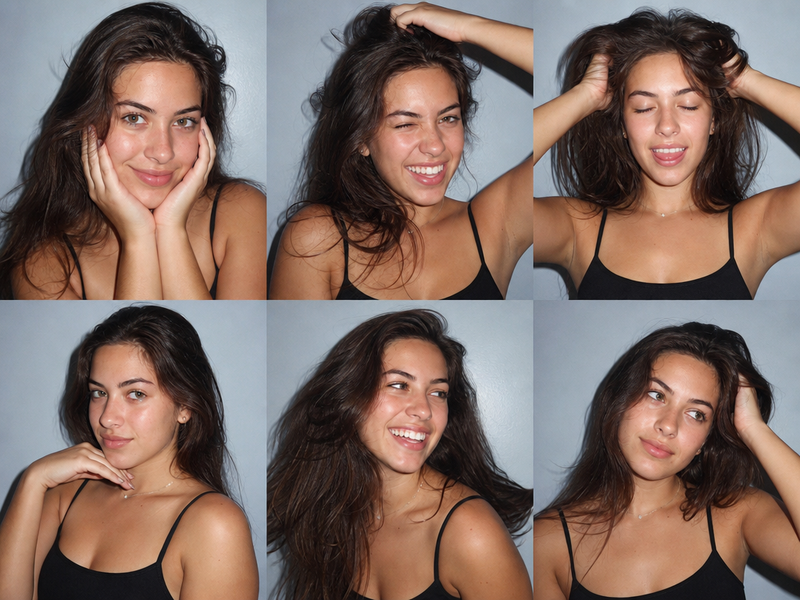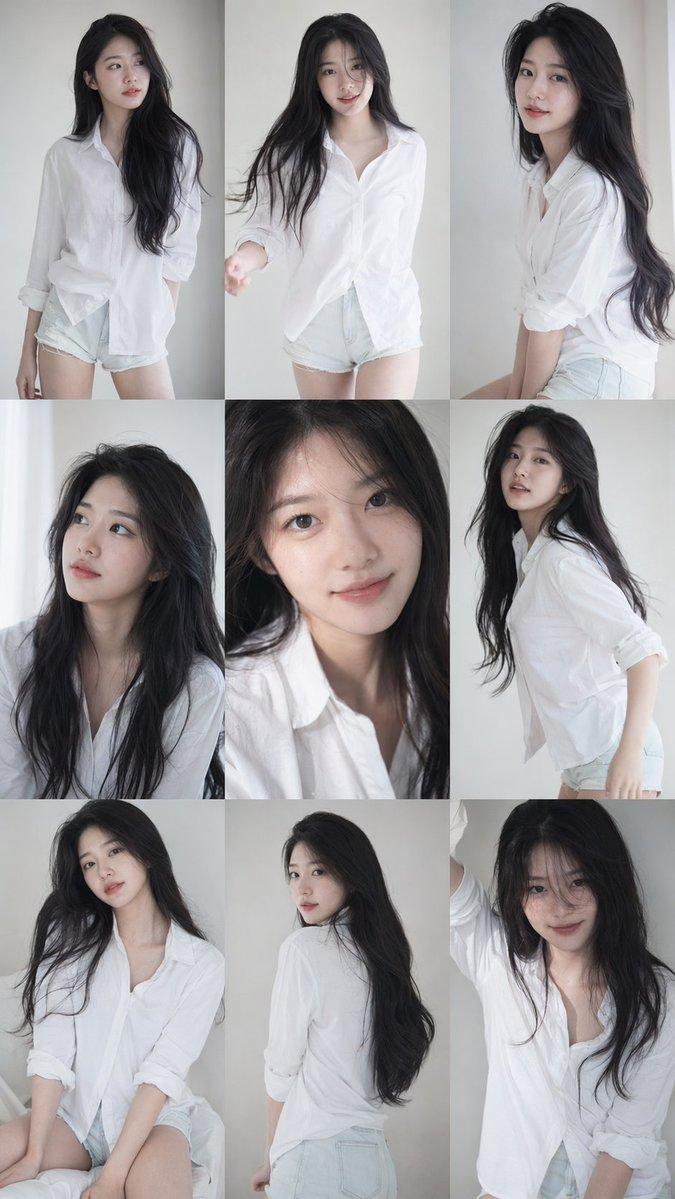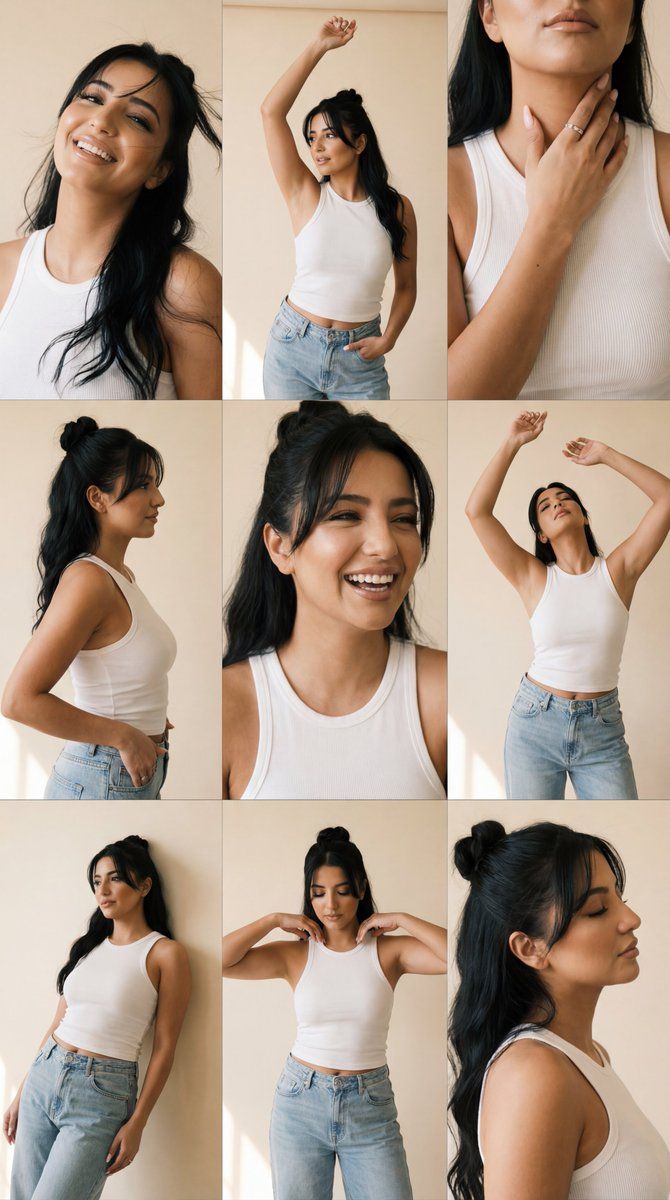
富士胶片编辑肖像网格,严格锁定身份
Prompt
{
  "generation_request": {
    "meta_data": {
      "tool": "NanoBanana Pro",
      "task_type": "photoreal_editorial_movement_grid_fujifilm_identity_lock",
      "version": "v1.1_FUJI_EDITORIAL_3X3_GRID_IDENTITY_1TO1_EN",
      "priority": "highest"
    },
    "references": {
      "reference_image_1": {
        "source": "UPLOAD_REFERENCE_IMAGE (REQUIRED)",
        "purpose": "MAIN_SUBJECT_IDENTITY_LOCK_PLUS_STYLE",
        "strict_lock": true,
        "preserve_face_identity": true,
        "preserve_facial_proportions": true,
        "preserve_eye_shape_nose_lips_jawline": true,
        "preserve_skin_tone": true,
        "no_beautify_no_face_morph": true,
        "no_age_shift": true
      }
    },
    "identity_rules": {
      "preserve_identity": true,
      "identity_lock_strength": 0.995,
      "face_similarity_priority": "MAX",
      "no_identity_blending": true,
      "no_face_swap_artifacts": true,
      "keep_same_subject_across_all_frames": true,
      "same_face_every_frame": true
    },
    "output_settings": {
      "aspect_ratio": "1:1",
      "resolution_target": "ultra_high_res",
      "render_style": "ultra_photoreal_editorial_fashion",
      "sharpness": "soft_but_detailed",
      "film_grain": "natural_fine_film_grain",
      "color_grade": "fujifilm_classic_neg_warm",
      "dynamic_range": "medium_high",
      "skin_tone": "warm_natural"
    },
    "camera": {
      "camera_brand": "Fujifilm",
      "camera_model": "Fujifilm X-T5",
      "lens": "Fujinon XF 35mm f/1.4",
      "aperture": "f/2.0",
      "shutter_speed": "1/500",
      "iso": 500,
      "white_balance": "daylight_warm",
      "film_simulation": "Classic Negative",
      "focus_mode": "continuous_af",
      "focus_priority": "eyes",
      "note": "prioritize face sharpness while keeping a gentle editorial softness"
    },
    "global_scene": {
      "setting": "minimal warm studio with beige / sand backdrop",
      "lighting": {
        "key_light": "large soft window light from one side",
        "fill_light": "very subtle ambient fill",
        "shadow_style": "soft but defined shadows, visible depth on collarbones and jawline",
        "contrast": "gentle cinematic contrast",
        "highlights": "controlled, no clipping"
      },
      "mood": "sensual, free, editorial, intimate, movement-focused"
    },
    "subject": {
      "type": "human",
      "description": "use the exact same person as the reference image; face must match 1:1 with maximum similarity",
      "wardrobe": {
        "top": "white ribbed tank or crop top, slightly worn texture",
        "bottom": "loose light-wash denim jeans, relaxed fit",
        "styling_rules": "no logos, minimal accessories, timeless clean styling"
      },
      "hair": "keep hair length and overall vibe consistent with reference; allow natural motion",
      "makeup": "natural clean makeup, no glam transformation",
      "hands_and_nails": "natural nails only, no polish"
    },
"grid_co- Category
- 创意图片
- Model
- Nano Banana Pro
- Creator
- Özge
- Source ID
- a54bd894-40c5-4f61-90dd-1200767b302b
- Published
- Mar 8, 2026
Views0