19

高对比度黑白时尚摄影
Enlarge

高对比度黑白时尚摄影

Prompt
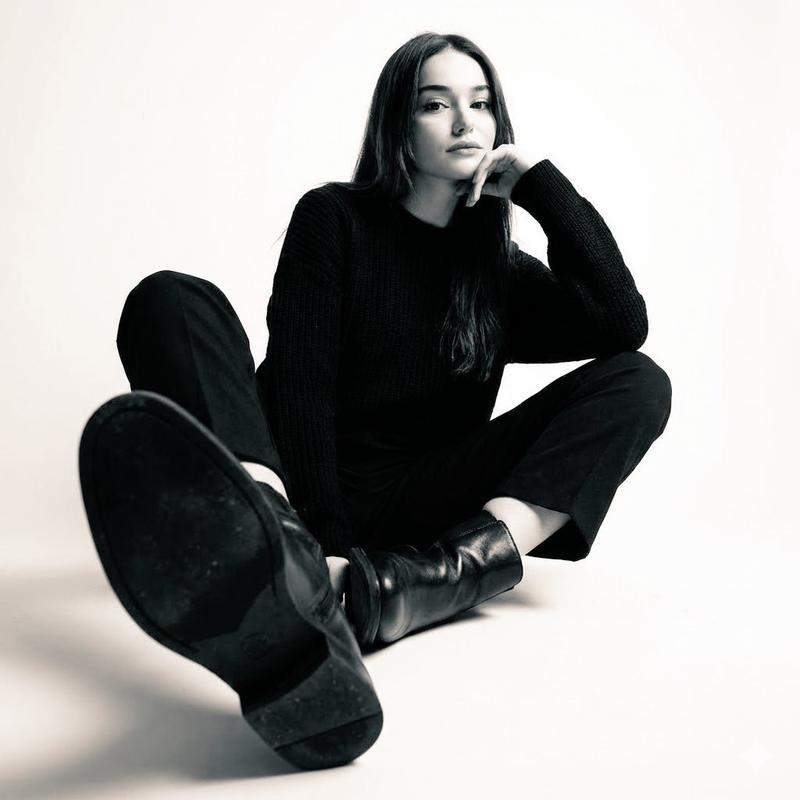
Black-and-white fashion photo of a man seated on a simple metal stool in a white studio. He wears a black t-shirt, black trousers, and black boots. One leg is extended straight toward the camera with the boot sole dominating the foreground, the other leg bent. Hands rest loosely on thighs, torso relaxed, low-angle wide-lens perspective.

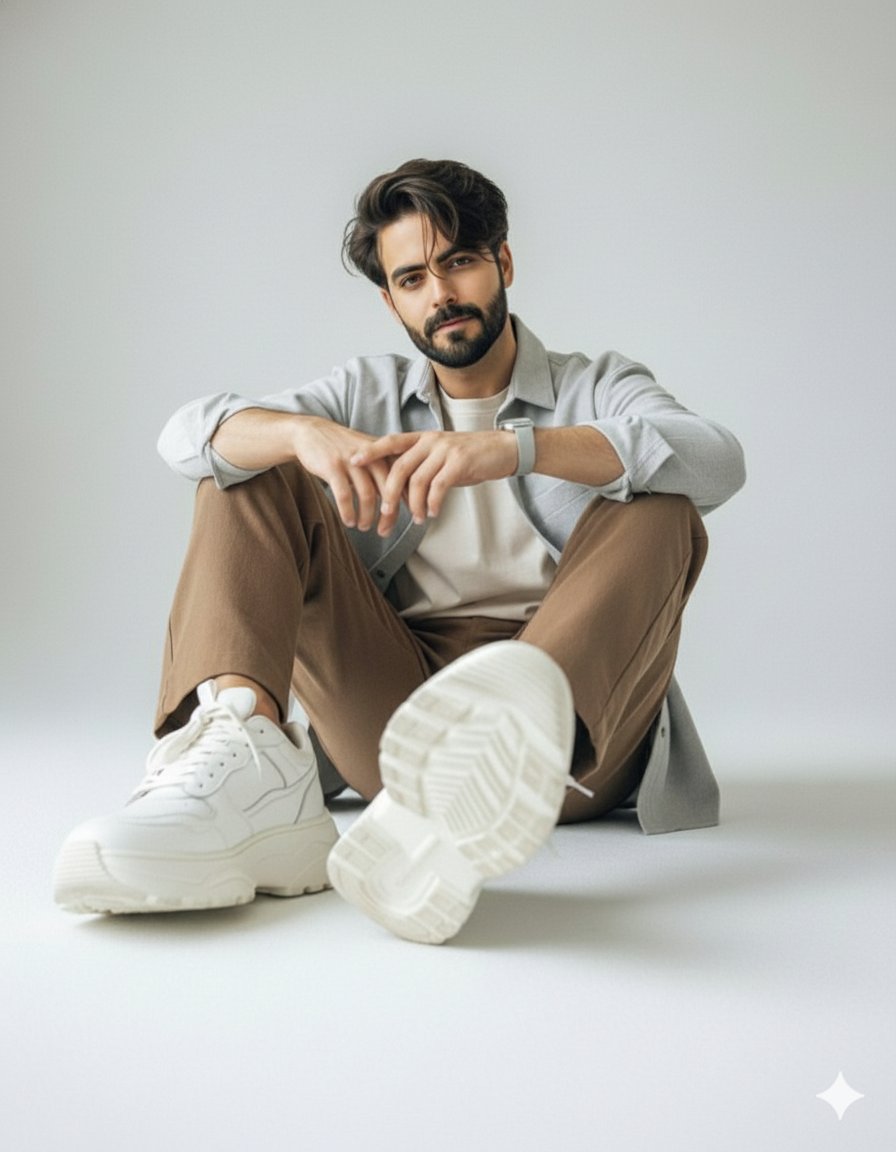
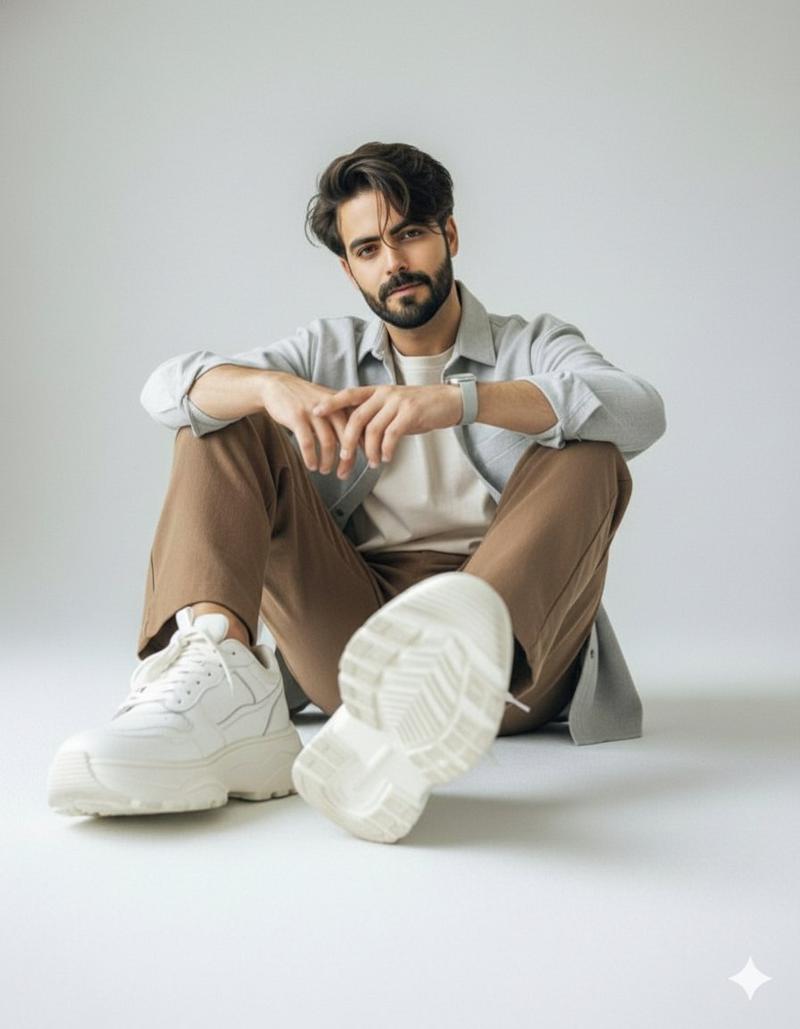
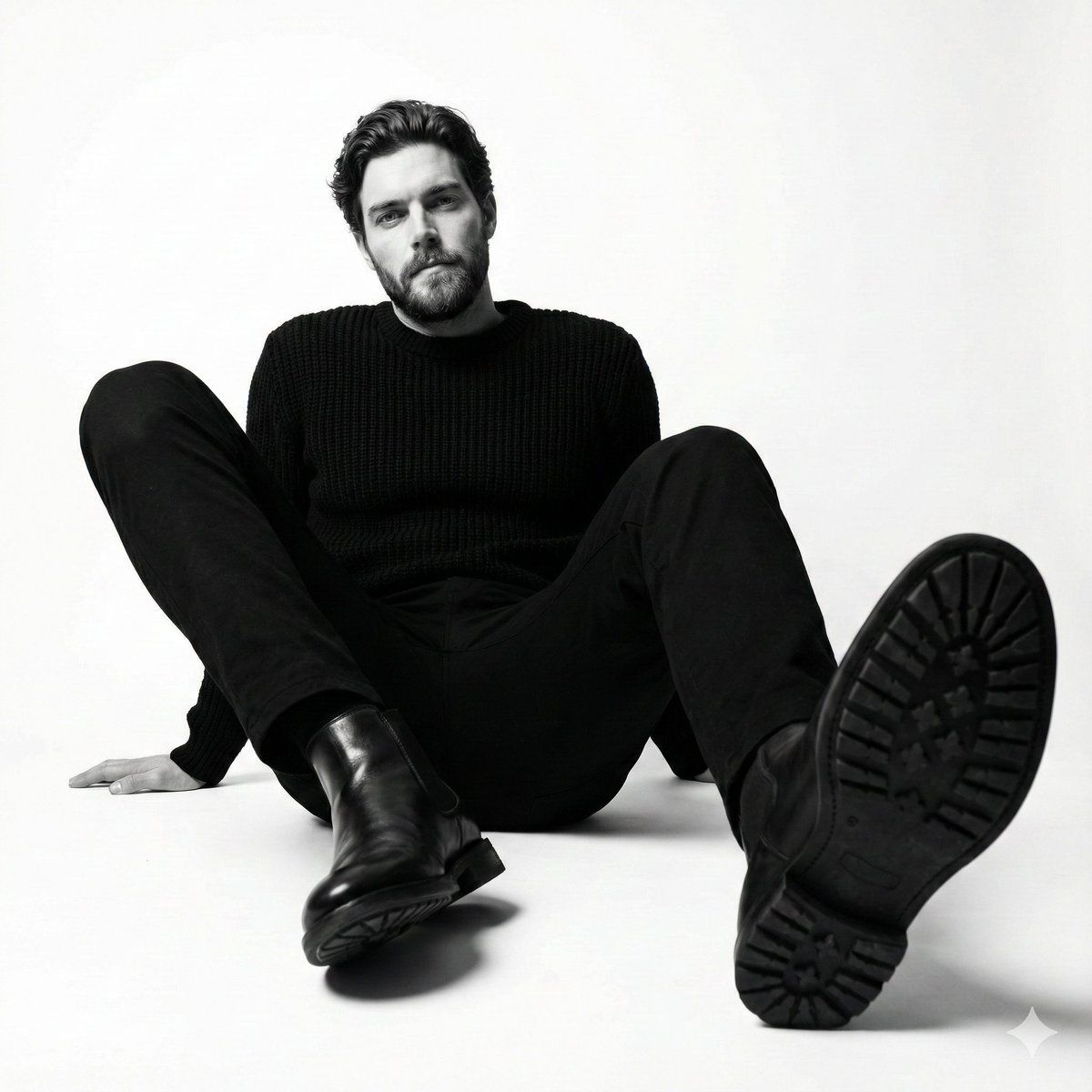
Image 2:- High-contrast black-and-white studio photo of a man seated on the floor wearing a black sweater, black trousers, and black leather ankle boots. Legs are bent and open toward the camera, with one boot sole prominently facing the lens. Upper body slightly reclined, calm expres sion. Clean white background, dramatic low-angle composition. Don't change the face. (Use the attached image)
Category
创意图片
Model
Nano Banana Pro
Creator
𝐌
Views0
Source ID
9abc2388-8bbf-48d4-83c7-8f94a27e6c2a
Published
Mar 8, 2026

Guide

About "高对比度黑白时尚摄影"

What is this prompt for?

"高对比度黑白时尚摄影" AI image prompt for Nano Banana Pro (创意图片). 在影棚环境中生成高对比度、低角度黑白时尚照片的两个独立提示,强调广角镜头视角和戏剧性构图,特别关注拍摄对象的靴子和姿态。 --- 黑白时尚照片,一名男子坐在一间白色工作室的简易金属凳上。他身穿黑色 T 恤…

The full copyable prompt and example visuals above are ready for AI image generation or one-click recreate in Picva.

How to use this prompt

  1. Step 1

    Open the prompt detail

    Review the example visuals, category, and full prompt text for "高对比度黑白时尚摄影".

  2. Step 2

    Copy the prompt

    Copy the prompt body from this page, or load it directly in Studio.

  3. Step 3

    Pick a model (Nano Banana Pro)

    Prefer Nano Banana Pro. If you switch models, keep subject and composition and tweak style terms.

  4. Step 4

    Generate and export

    Recreate the look in Picva, or export into your workflow for editing and publishing.

FAQ

What is the "高对比度黑白时尚摄影" prompt?
It is an AI image-generation prompt for Nano Banana Pro in the 创意图片 category. This page includes the full prompt text, example visuals, and a one-click recreate path in Picva.
How do I use this prompt to generate an image?
Copy the prompt from this page, or use Generate / Studio. Paste it into a compatible image model, or recreate the look in Picva with optional reference images.
Which model is this prompt for?
This page lists Nano Banana Pro. Most descriptive prompts also transfer to nearby image models such as GPT Image, Flux, or Midjourney with light style tweaks.
Can I use the result commercially?
You can usually copy the prompt for creation, but commercial use of the final image depends on the model terms, reference-image rights, and the generated content. Follow the source author and platform rules.