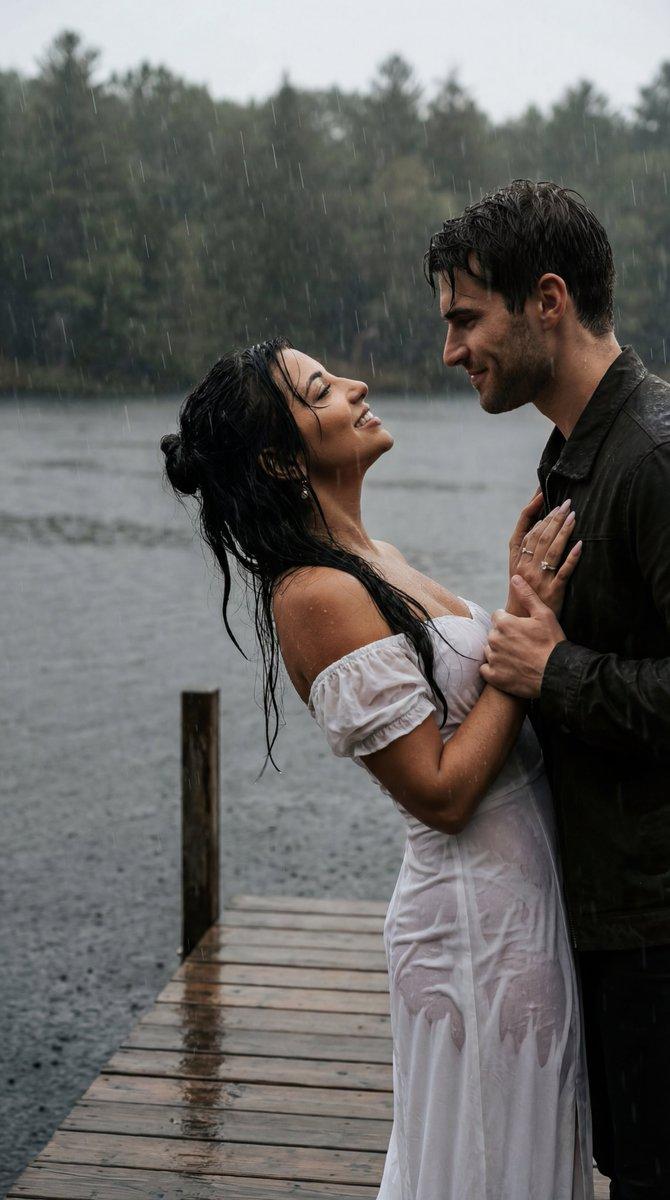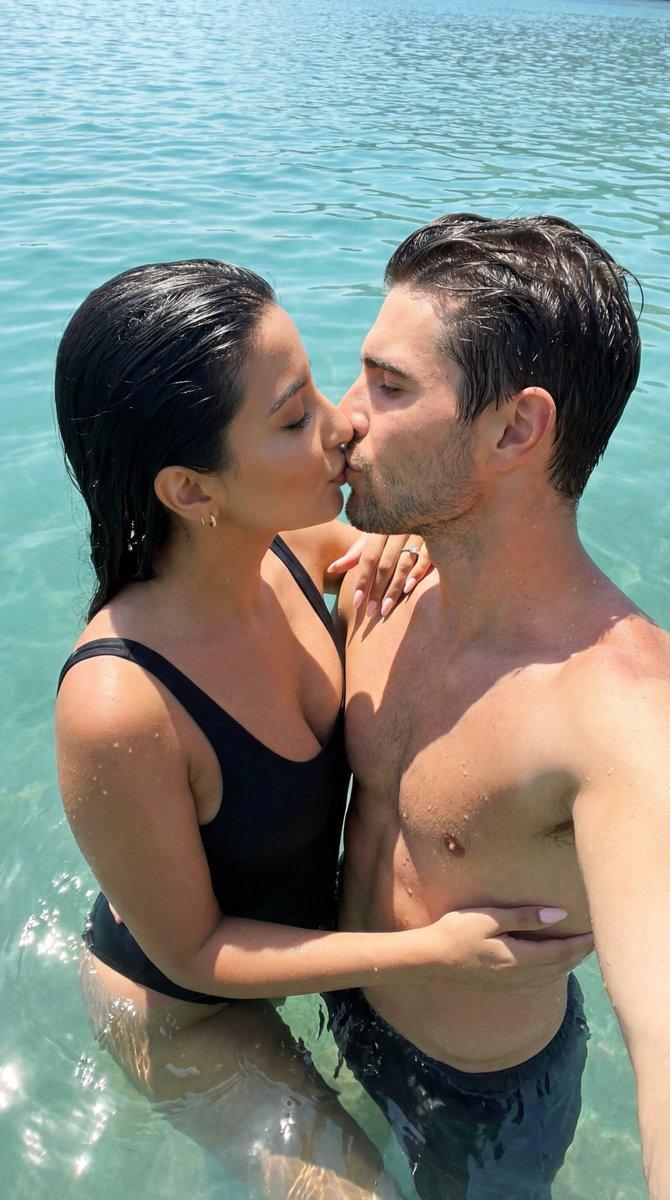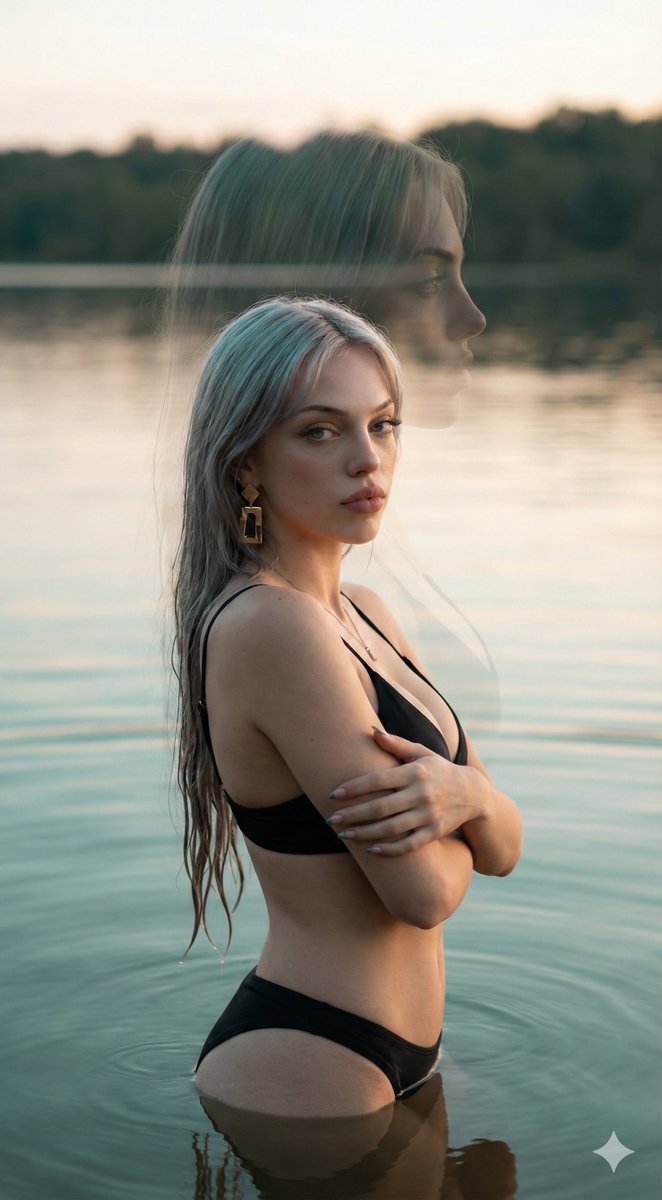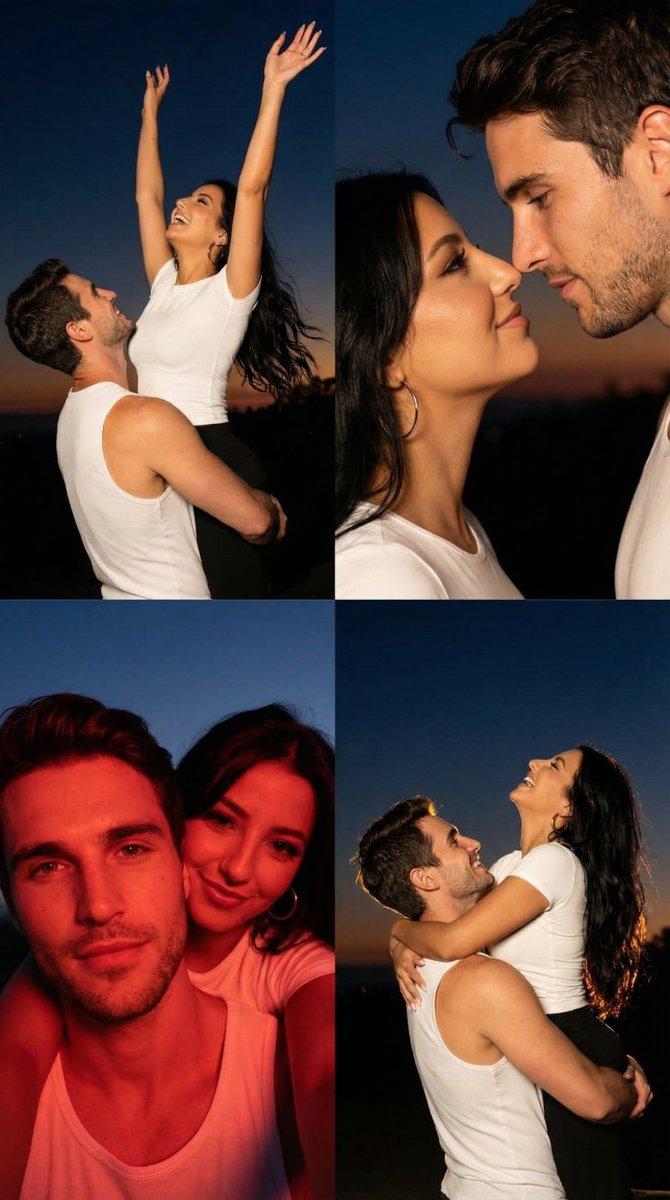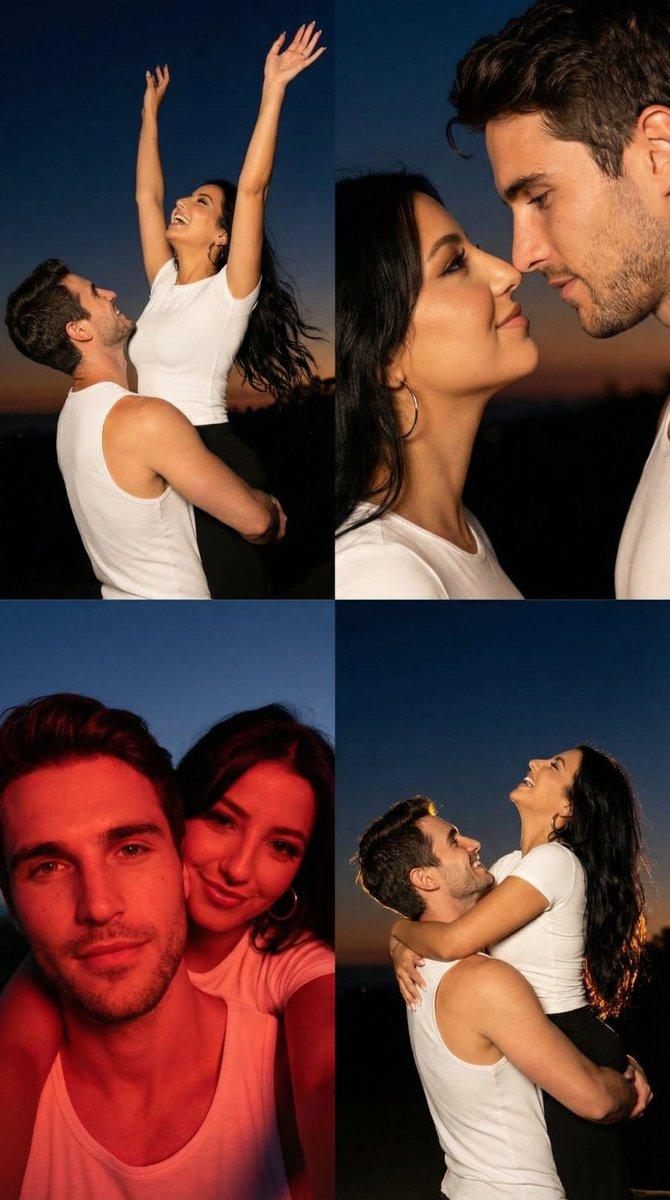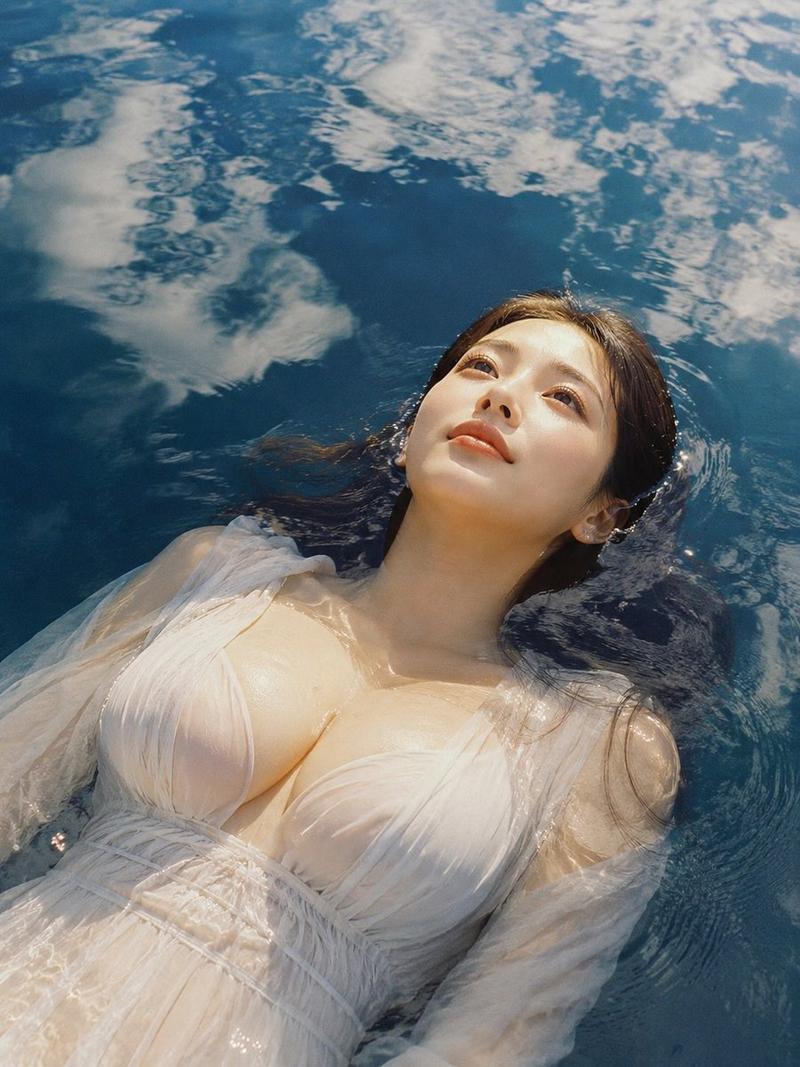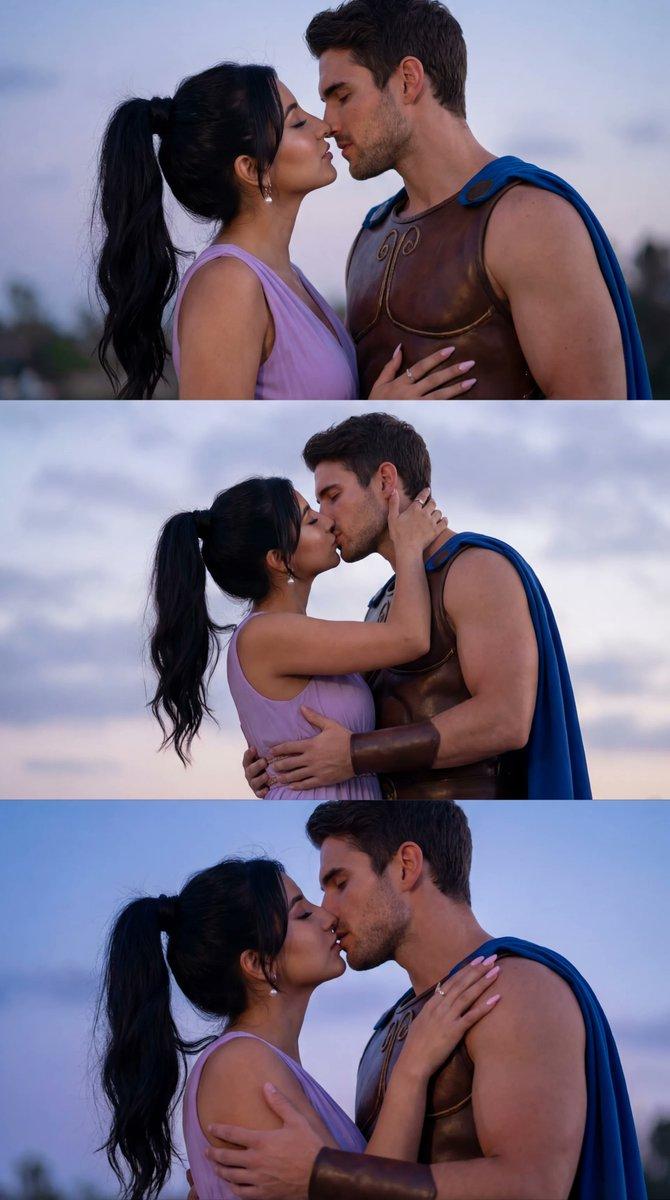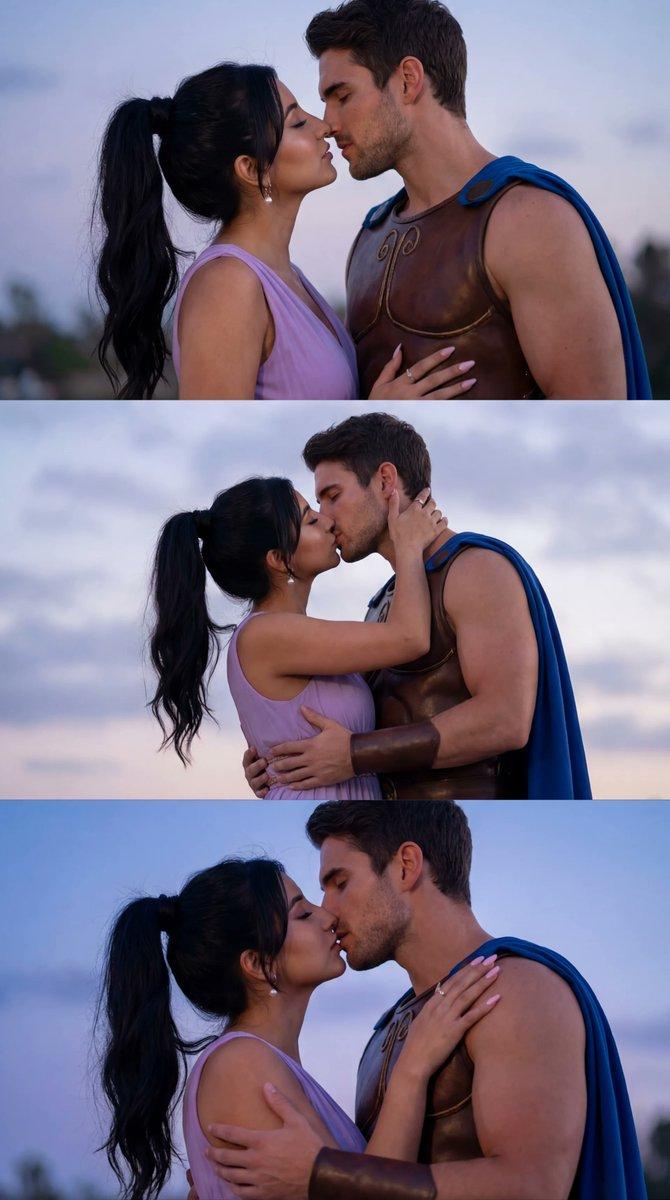
湖中情侣拥抱提示(湿织物物理效果)
Prompt
{
  "generation_request": {
    "meta_data": {
      "tool": "NanoBanana Pro",
      "task_type": "photoreal_cinematic_couple_in_lake_intimate_water_embrace",
      "version": "v1.0_LAKE_EMBRACE_WET_FABRIC_FILM_LOOK_EN",
      "priority": "highest"
    },
    "references": {
      "reference_image_1": {
        "source": "UPLOAD_REFERENCE_IMAGE (REQUIRED)",
        "purpose": "POSE_COMPOSITION_MOOD_LOCK",
        "strict_lock": true,
        "preserve_pose_relationship": true,
        "preserve_water_level": true,
        "preserve_color_mood": true
      }
    },
    "output_settings": {
      "aspect_ratio": "4:5",
      "orientation": "portrait",
      "resolution_target": "ultra_high_res",
      "render_style": "ultra_photoreal_cinematic_film_still",
      "sharpness": "crisp_subject_soft_background",
      "film_grain": "subtle_35mm_film_grain",
      "color_grade": "moody_green_warm_film",
      "dynamic_range": "high",
      "skin_tone": "natural_true_to_life"
    },
    "camera": {
      "camera_style": "cinematic portrait",
      "lens": "85mm",
      "aperture": "f/2.0",
      "shutter_speed": "1/800",
      "iso": 500,
      "white_balance": "overcast_daylight",
      "focus_mode": "eye_af",
      "focus_priority": "faces_then_hands"
    },
    "global_scene": {
      "setting": "calm dark-green lake water, subtle ripples, no visible shore, minimal distractions",
      "time_of_day": "overcast afternoon",
      "lighting": "soft diffused light, gentle contrast, realistic specular highlights on wet skin and wet fabric",
      "mood": "intimate, romantic, raw, cinematic"
    },
    "subjects": {
      "group": {
        "count": 2,
        "description": "romantic couple embraced in the lake water, physically realistic interaction",
        "male_subject": {
          "wardrobe": "{argument name="male shirt color" default="white"} button-up shirt, soaked and semi-transparent in places, fabric clinging naturally, no logos",
          "pose": "submerged to chest level, arms supporting the woman at her waist/hips, smiling up at her",
          "wetness_detail": "wet hair, droplets on face, wet shirt creases, waterline marks on fabric"
        },
        "female_subject": {
          "wardrobe": "cream/ivory satin or soft fabric dress, fully wet, heavier drape, clinging folds, realistic translucency (non-explicit), no modern lingerie look",
          "pose": "sitting/leaning on the man's thigh/hip support, torso forward, face close to his, intimate gaze",
          "wetness_detail": "wet hair strands, water droplets on shoulders/arms, dress hem submerged with floating folds"
        }
      }
    },
    "physics_realism": {
      "water_interaction": "realistic ripples radiating from bodies, small splashes at contact points, meniscus around fabric and skin, buoyancy consistent with pose",
      "fabric_behavior": "wet fabric weight visible, realistic fold tension, no stiff cloth",
      "skin_and_hair": "wet sheen on skin, natural pores, stray wet hair stra"
    }
  }
}- Category
- 创意图片
- Model
- Nano Banana Pro
- Creator
- Özge Döner
- Source ID
- 7efc8a87-7a41-4179-a48f-e4b62c5bb0a2
- Published
- Mar 8, 2026
Views0