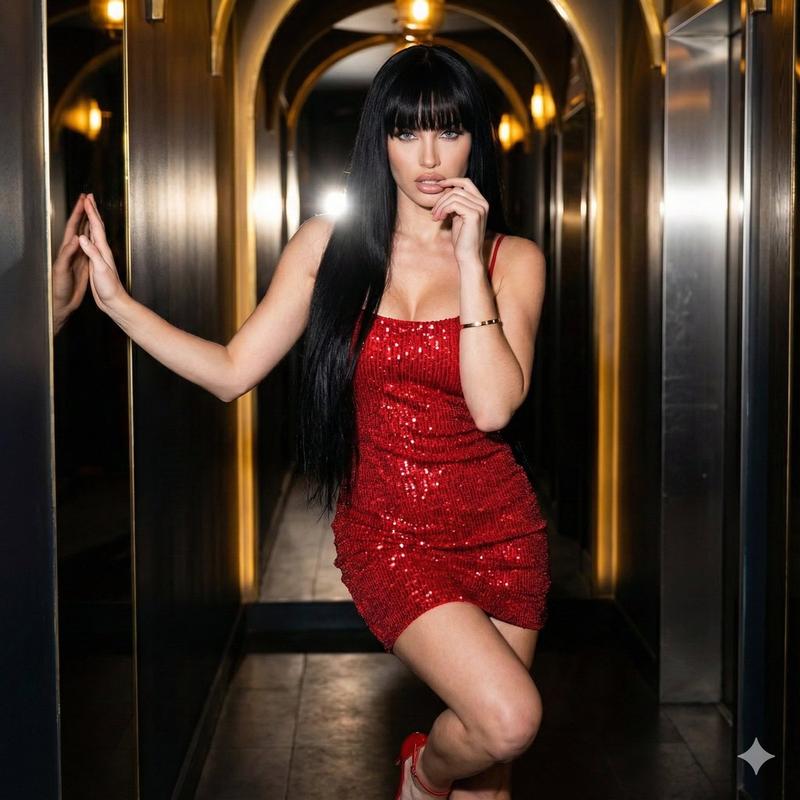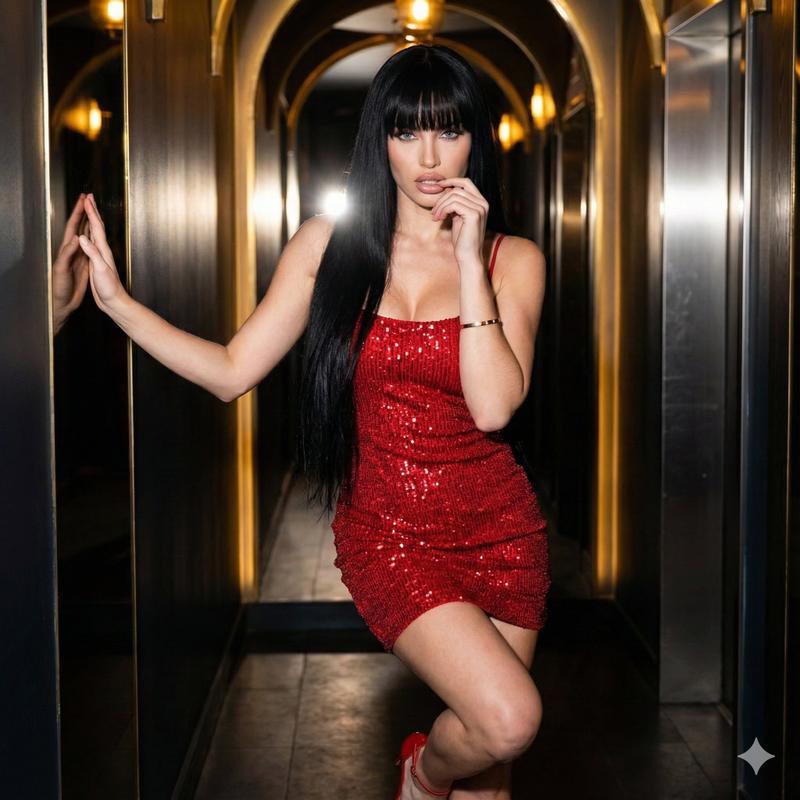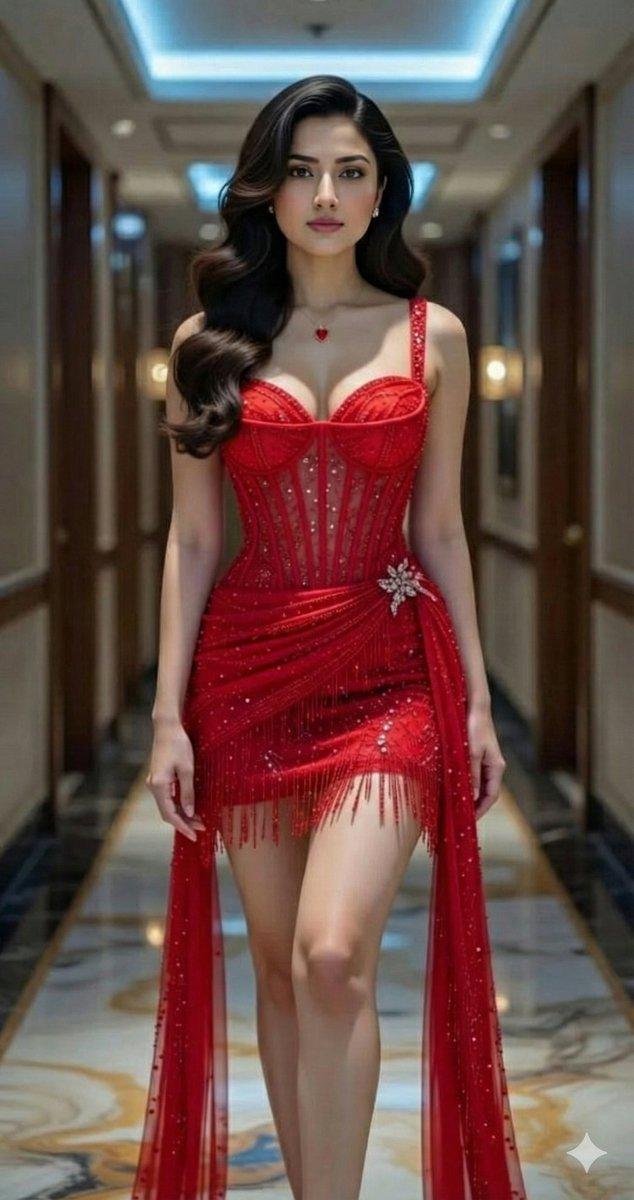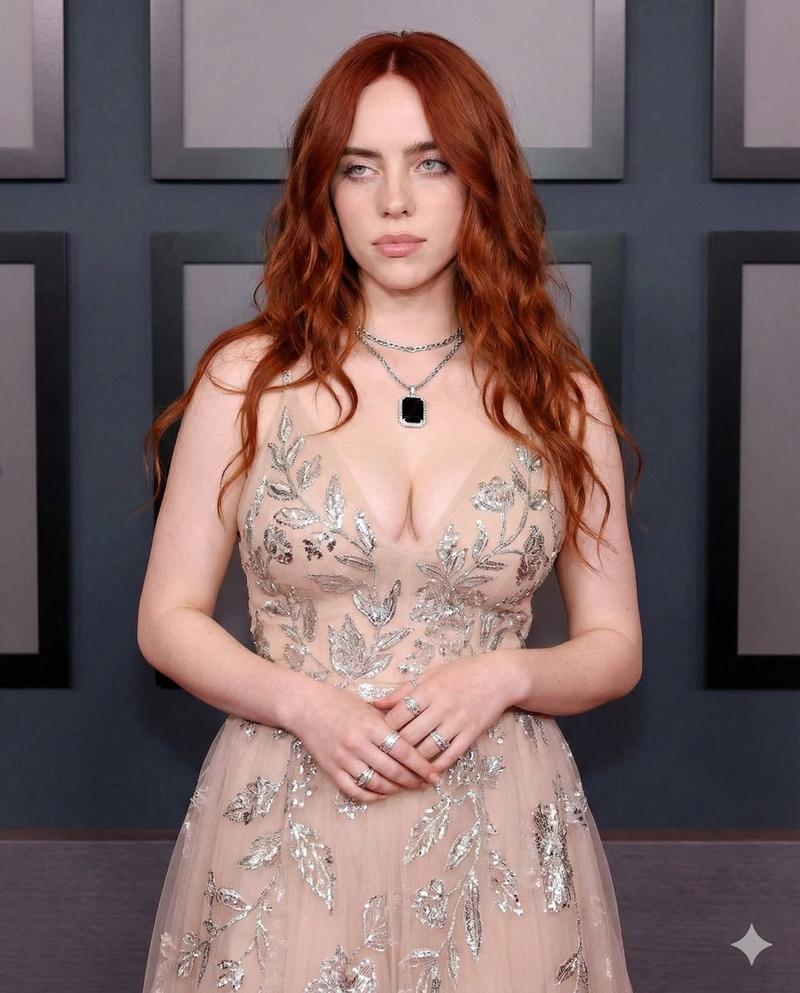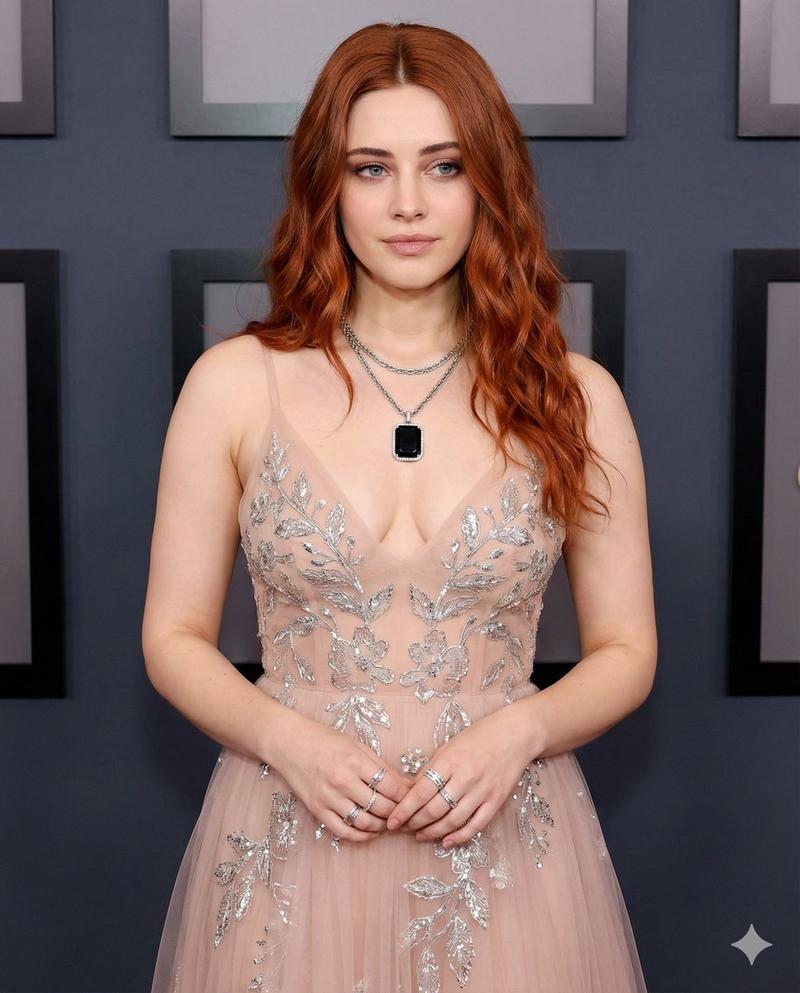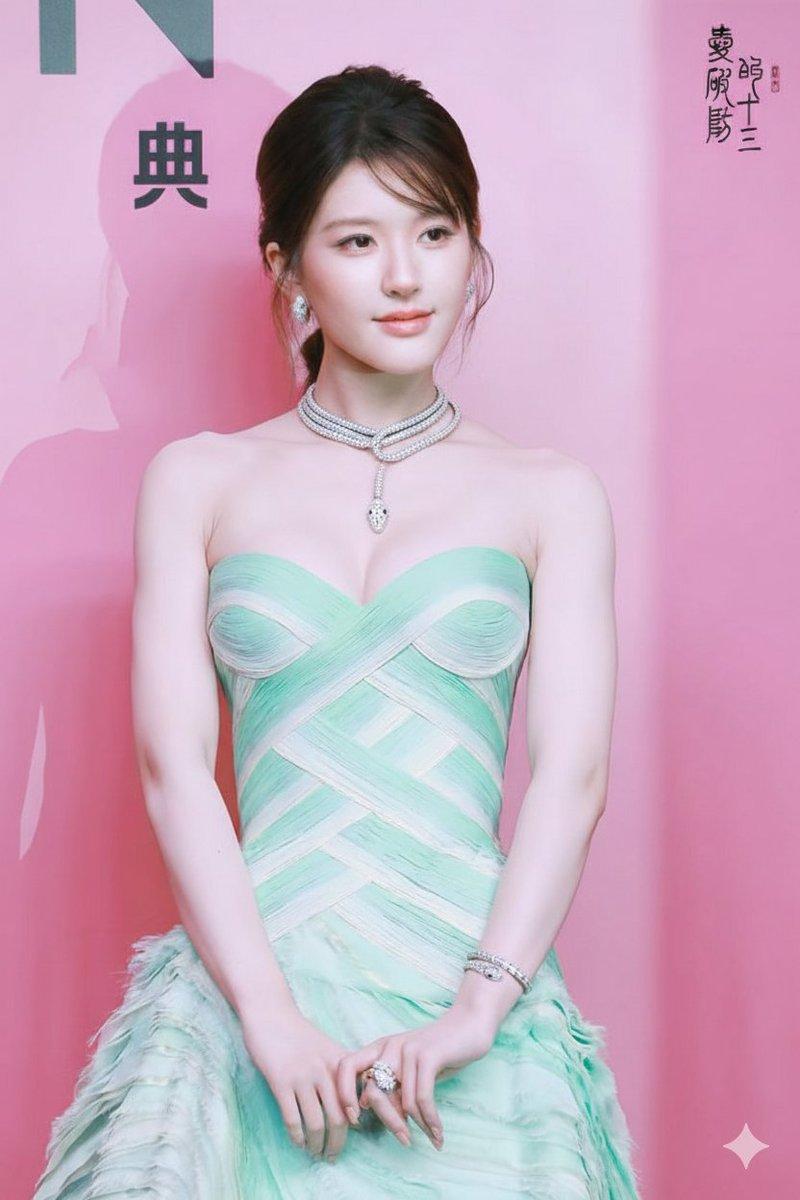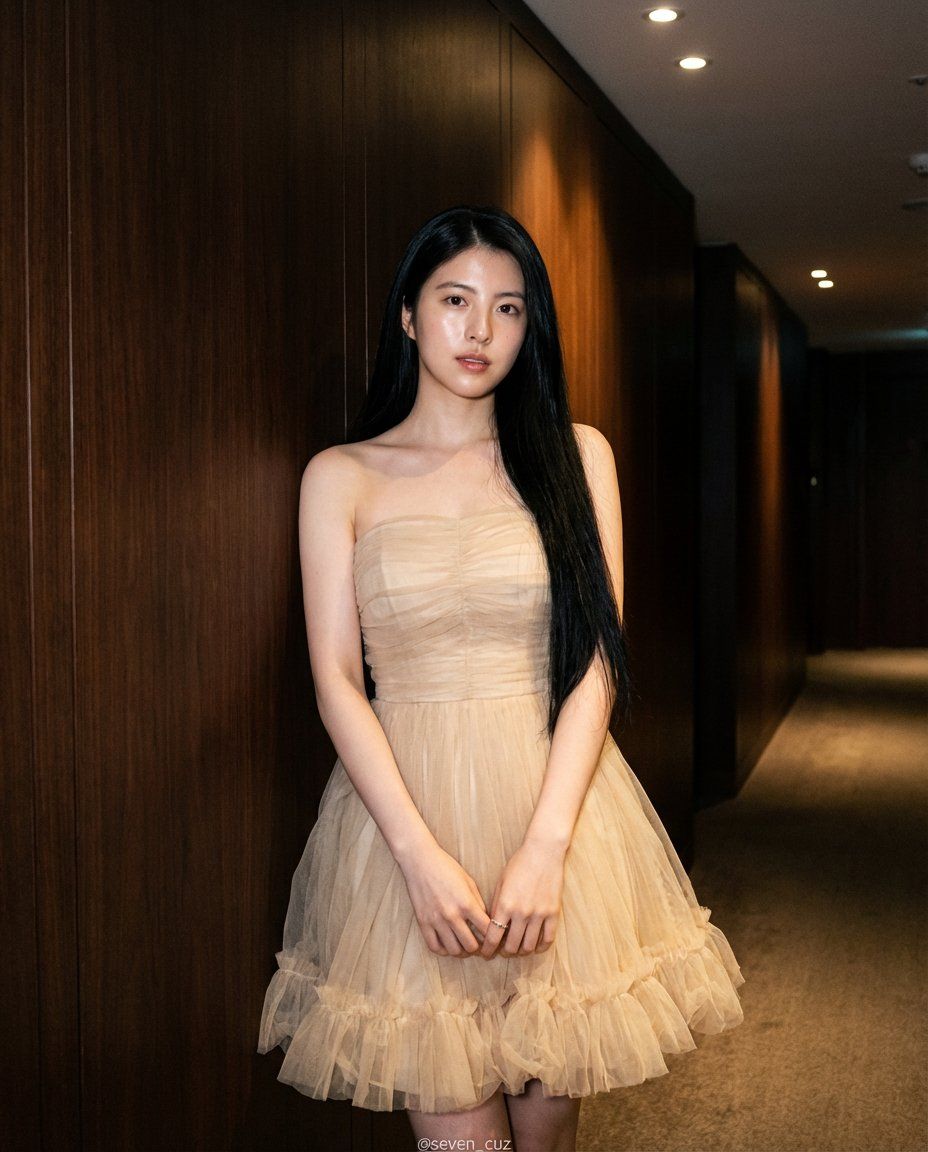
优雅的四分之三肖像,带身份锁
Prompt
{
    "subject": {
        "skin": "hyper-detailed realistic skin:1.3, visible pores, fair smooth complexion, subtle neutral-warm undertones, natural skin texture, light natural glow on collarbones and shoulders, very faint natural flush on cheeks",
        "facial_features": {
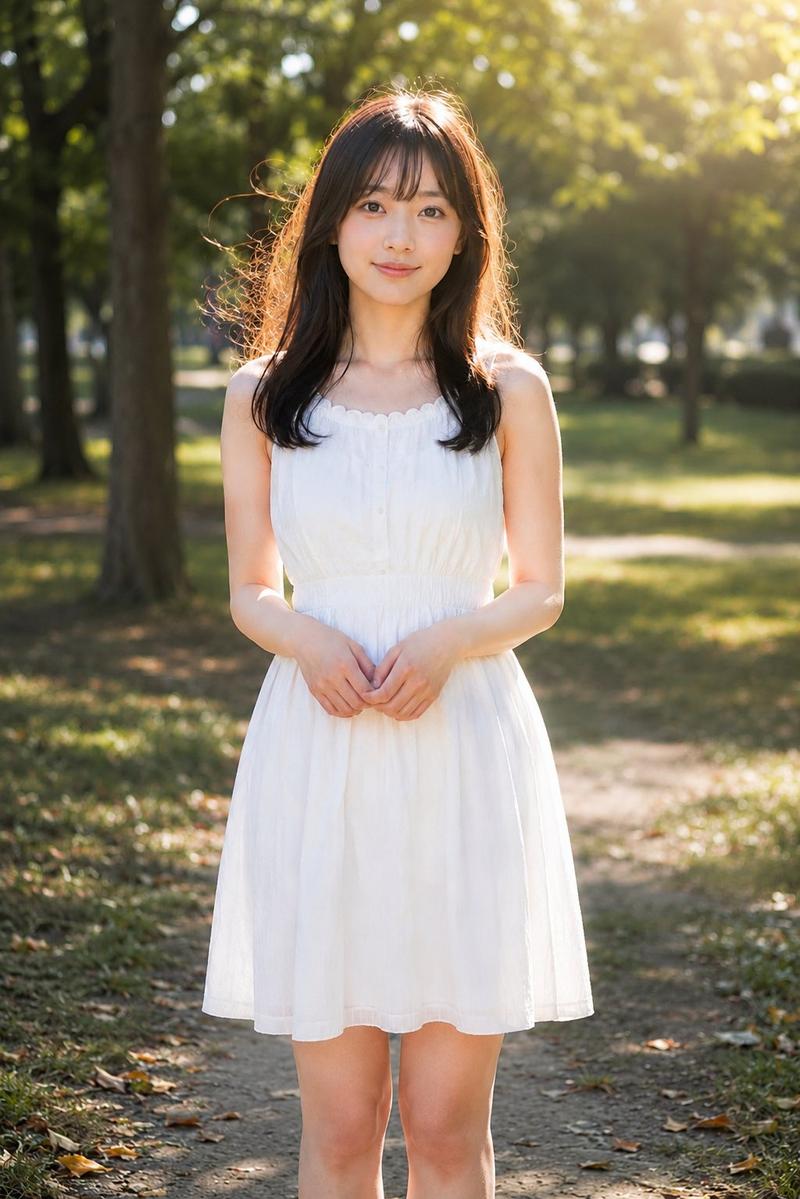
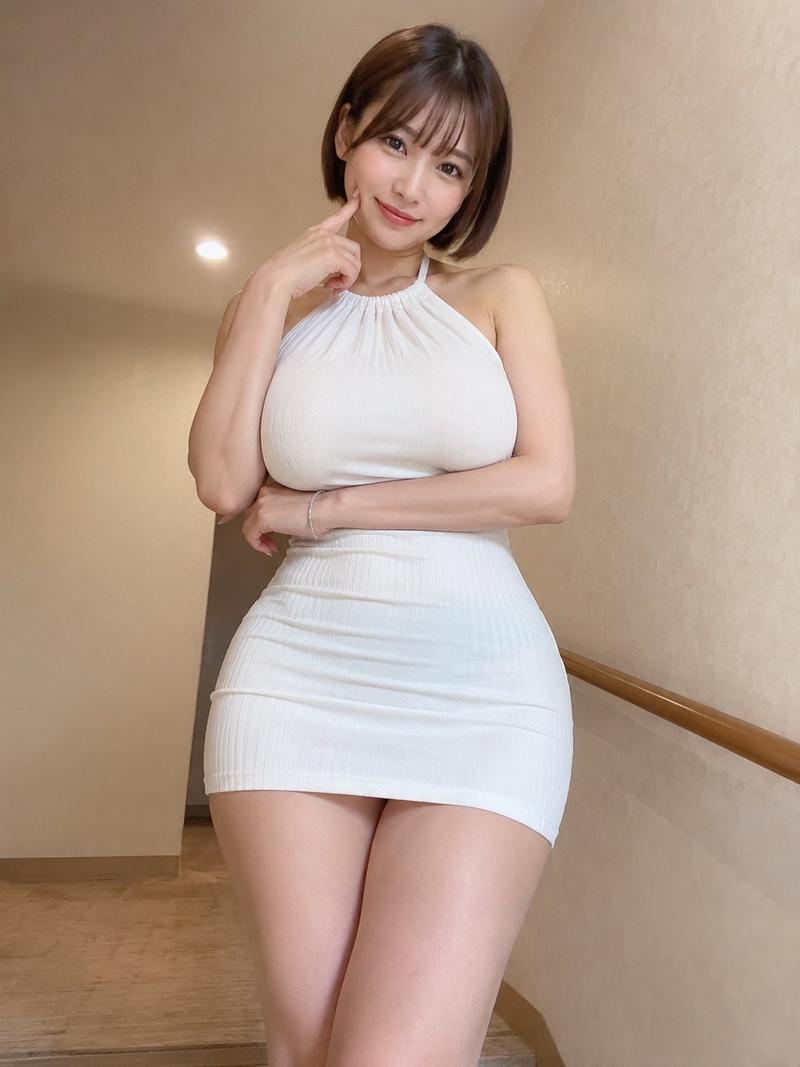
            "core_face": "Use the same face from the reference image without changing facial features"
        },
        "hair": "extremely long straight black hair, silky and glossy, center-parted, hair cascading smoothly over shoulders and down to lower back, slight natural movement",
        "body_figure": {
            "figure_type": "slender delicate hourglass figure:1.1, graceful feminine silhouette",
            "chest": "moderate bust, natural gentle cleavage accentuated by strapless structured bodice",
            "waist_and_hips": "slim defined waist, smooth transition to softly flared hips",
            "legs": "long slim legs, elegant proportion, partially visible below knee-length hem"
        },
        "position_and_proportion": {
            "framing": "three-quarter to almost full-body portrait, subject occupies approximately 80-85% of frame height",
            "composition_rule": "slightly off-center composition with subject leaning gently against wall on left side of frame, creating natural diagonal flow",
            "main_focus": "overall elegant silhouette, delicate dress texture and layering, face and upper body as primary focus"
        }
    },
    "pose_and_action": {
        "body_pose": "standing relaxed against wall, weight mostly on left leg, right leg slightly bent and crossed in front, natural gentle S-curve posture",
        "arms": "hands delicately clasped together in front of lower abdomen, fingers lightly interlocked, showing natural tension and softness",
        "head_position": "facing camera directly with slight downward tilt, soft and feminine expression",
        "weight_distribution": "natural body weight on back leg, relaxed shoulders, subtle forward hip tilt creating elegant curve"
    },
    "apparel_and_materials": {
        "dress": "luxury strapless mini cocktail dress, soft {argument name="dress color" default="champagne beige"} color, multi-layered design: fitted ruched satin-like bodice with subtle vertical pleating, voluminous tulle skirt with multiple sheer layers, ruffled tulle hem with fluffy textured frills, delicate gathered detailing throughout skirt",
        "shoes": "not clearly visible (likely nude or neutral heels)",
        "accessories": "slim silver ring on left hand, minimal jewelry overall"
    },
    "scene_and_environment": {
        "location": "modern luxury hotel/apartment corridor",
        "background": "rich dark brown wood-paneled walls with vertical paneling, warm matte finish, clean minimalist high-end interior",
        "details": "recessed ceiling lighting, subtle wall shadows, d"
    }
}- Category
- 创意图片
- Model
- Nano Banana Pro
- Creator
- 七表哥
- Source ID
- 72347c4d-7586-492a-a51b-b0f6e493c132
- Published
- Mar 8, 2026
Views0