18

Grok 身份锁定提示,用于纱丽肖像
Enlarge

Grok 身份锁定提示,用于纱丽肖像

Prompt
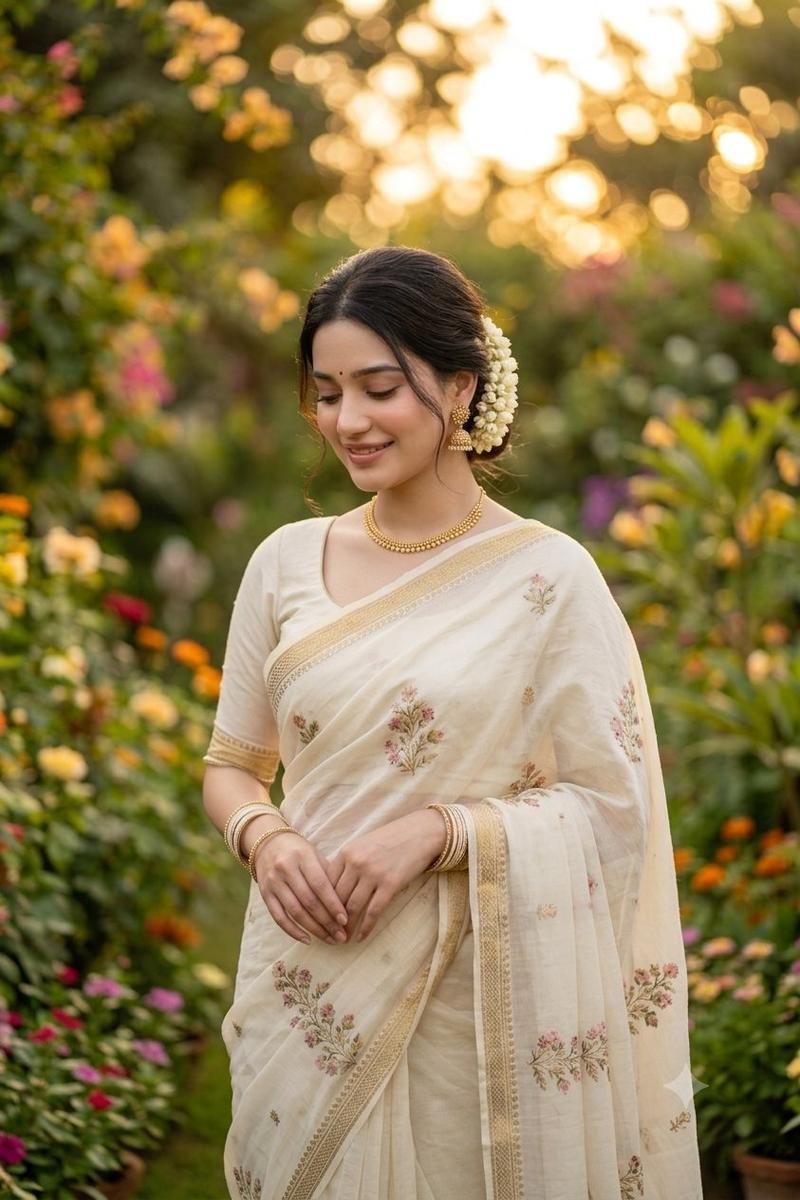
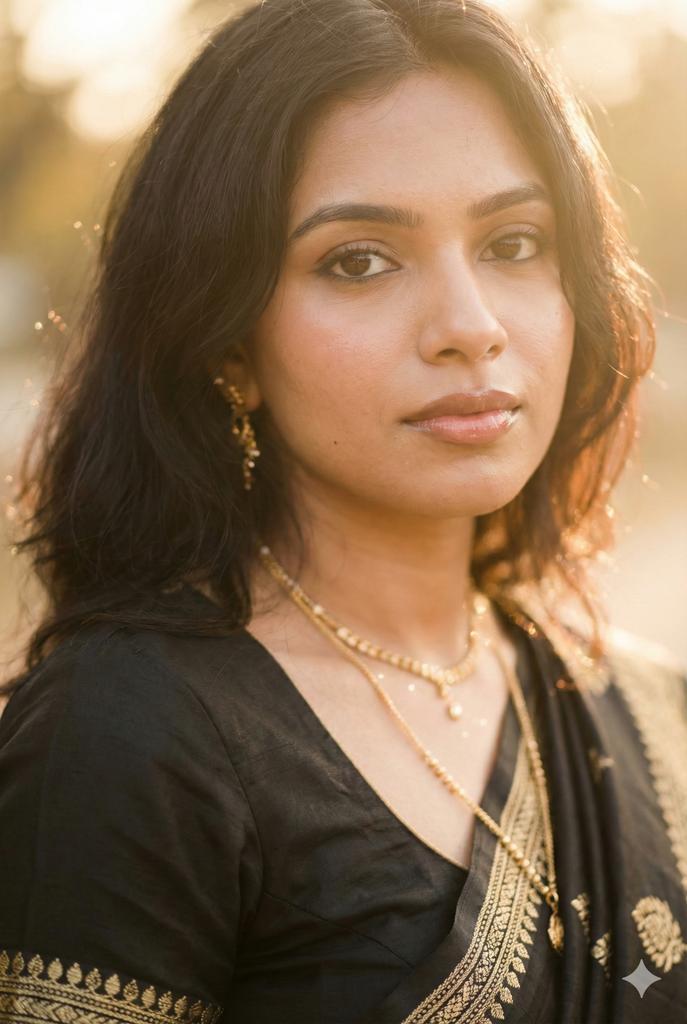
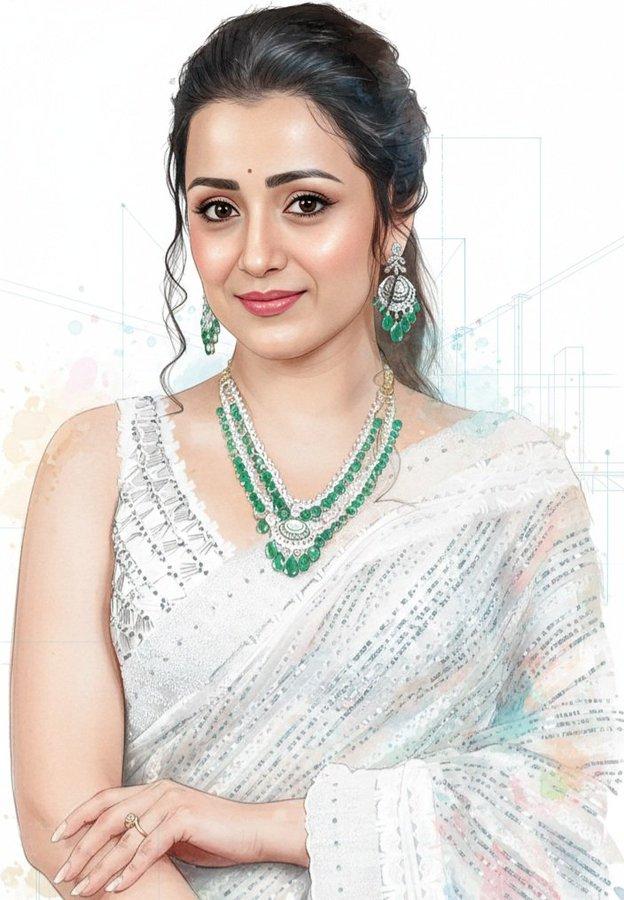
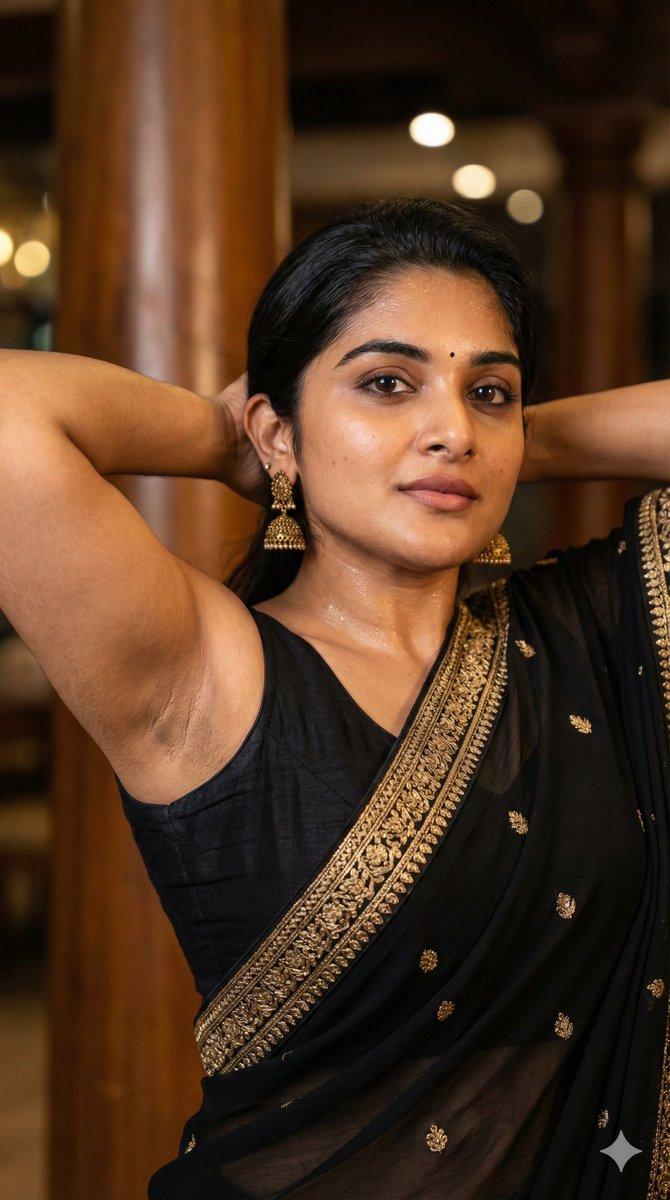
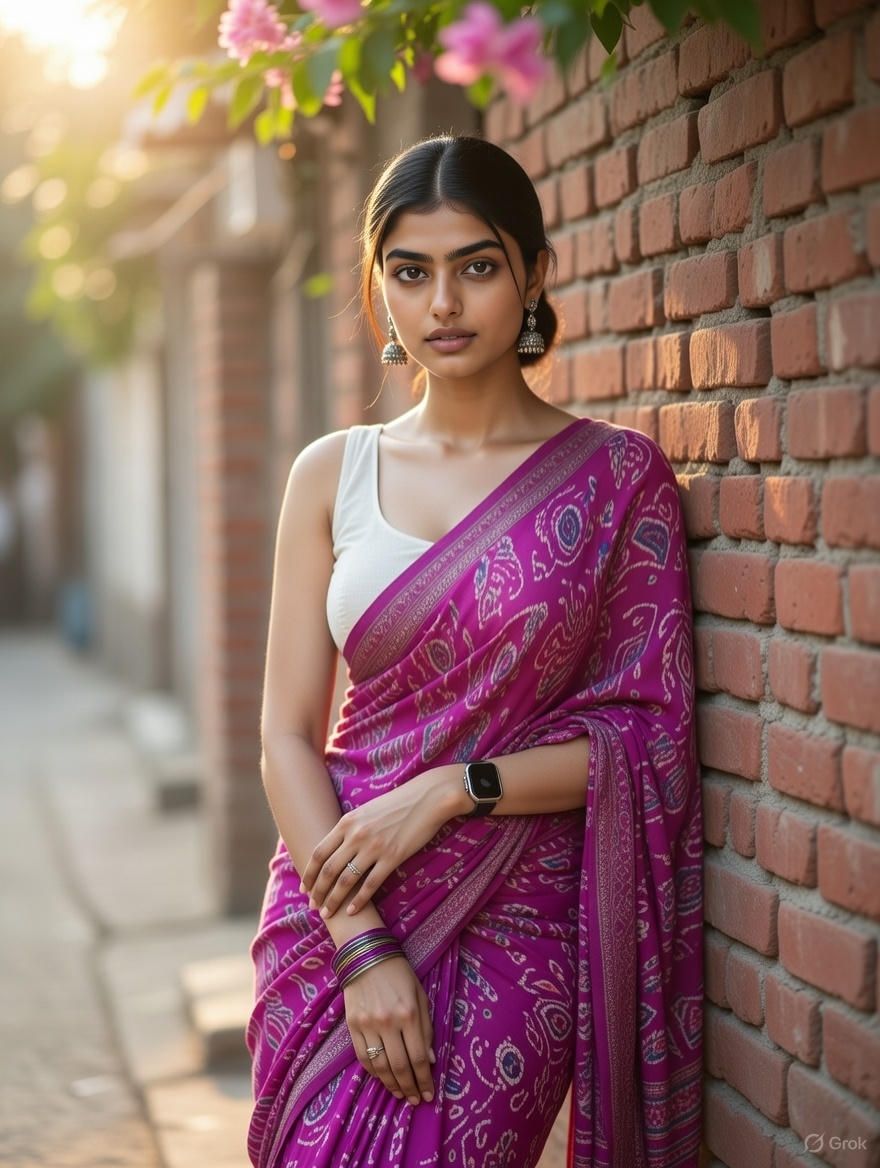
Use the uploaded reference photo as the primary and strict identity reference. The woman in the generated image must be the exact same person as the identity reference identical facial structure, same expressive eyes, same skin tone, same age, same body proportions, and the same thick dark wavy hair. Do not alter her ethnicity, facial features, or body in any way. No face blending, no face swapping, no beautification, no facial modification, and no identity drift. Ignore the identity, facial features, ethnicity, and age of any other uploaded images completely. Preserve true likeness and natural realism at all times. Create a hyper-realistic half body portrait of her leaning against a rustic red brick wall in an outdoor street setting, wearing a bright {argument name="saree color" default="purple"} printed saree with a sleeveless white blouse. Bold earrings, bangles, wristwatch, and a simple ring. Hair in a smooth low bun with center part. Soft pink flowers above, gently blurred foreground, warm golden sunlight, shallow depth of field, ethereal and graceful mood.
Category
创意图片
Model
Nano Banana Pro
Views0
Source ID
cab21d04-ab39-4a88-b5a7-0906895aa25e
Published
Mar 8, 2026

Guide

About "Grok 身份锁定提示,用于纱丽肖像"

What is this prompt for?

"Grok 身份锁定提示,用于纱丽肖像" AI image prompt for Nano Banana Pro (创意图片). 一个为 Grok 设计的提示(但与身份锁定技术相关),要求从上传的参考照片中严格保留身份。它生成了一幅超逼真的半身肖像,描绘了一位身穿紫色印花纱丽、佩戴传统珠宝的女性,她斜靠在质朴的砖墙上…

The full copyable prompt and example visuals above are ready for AI image generation or one-click recreate in Picva.

How to use this prompt

  1. Step 1

    Open the prompt detail

    Review the example visuals, category, and full prompt text for "Grok 身份锁定提示,用于纱丽肖像".

  2. Step 2

    Copy the prompt

    Copy the prompt body from this page, or load it directly in Studio.

  3. Step 3

    Pick a model (Nano Banana Pro)

    Prefer Nano Banana Pro. If you switch models, keep subject and composition and tweak style terms.

  4. Step 4

    Generate and export

    Recreate the look in Picva, or export into your workflow for editing and publishing.

FAQ

What is the "Grok 身份锁定提示,用于纱丽肖像" prompt?
It is an AI image-generation prompt for Nano Banana Pro in the 创意图片 category. This page includes the full prompt text, example visuals, and a one-click recreate path in Picva.
How do I use this prompt to generate an image?
Copy the prompt from this page, or use Generate / Studio. Paste it into a compatible image model, or recreate the look in Picva with optional reference images.
Which model is this prompt for?
This page lists Nano Banana Pro. Most descriptive prompts also transfer to nearby image models such as GPT Image, Flux, or Midjourney with light style tweaks.
Can I use the result commercially?
You can usually copy the prompt for creation, but commercial use of the final image depends on the model terms, reference-image rights, and the generated content. Follow the source author and platform rules.