18

时尚试衣间自拍提示
Enlarge

时尚试衣间自拍提示

Prompt
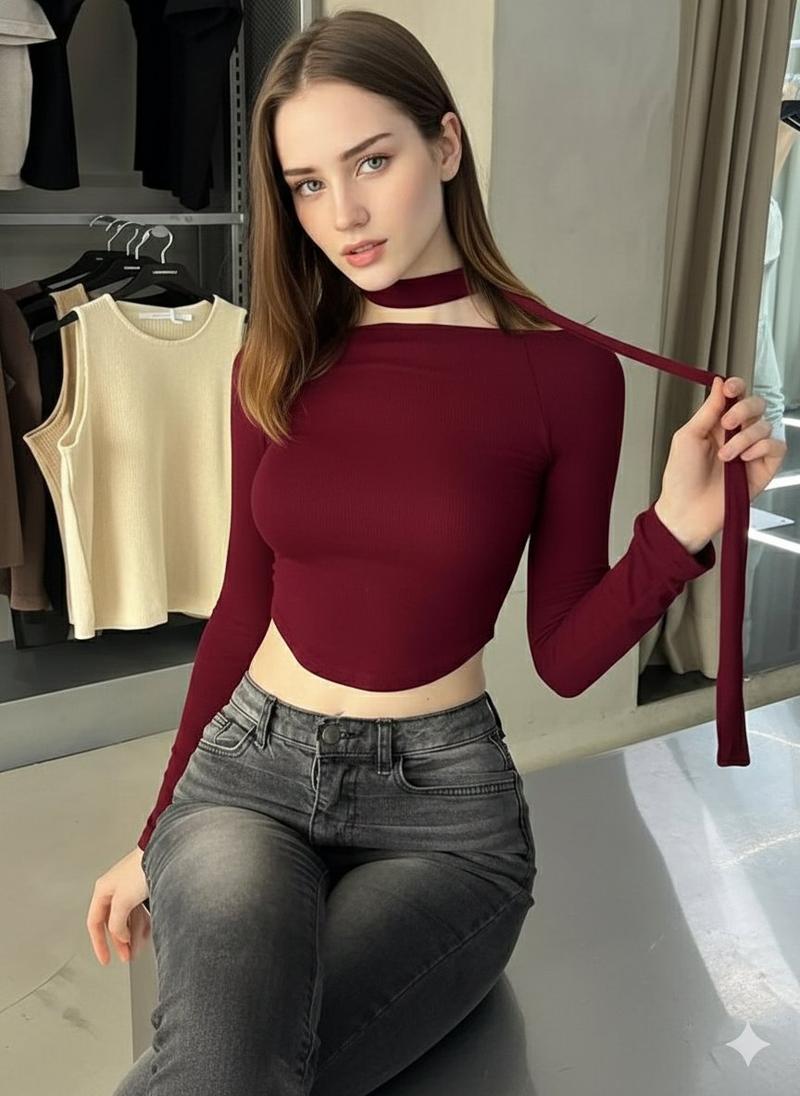
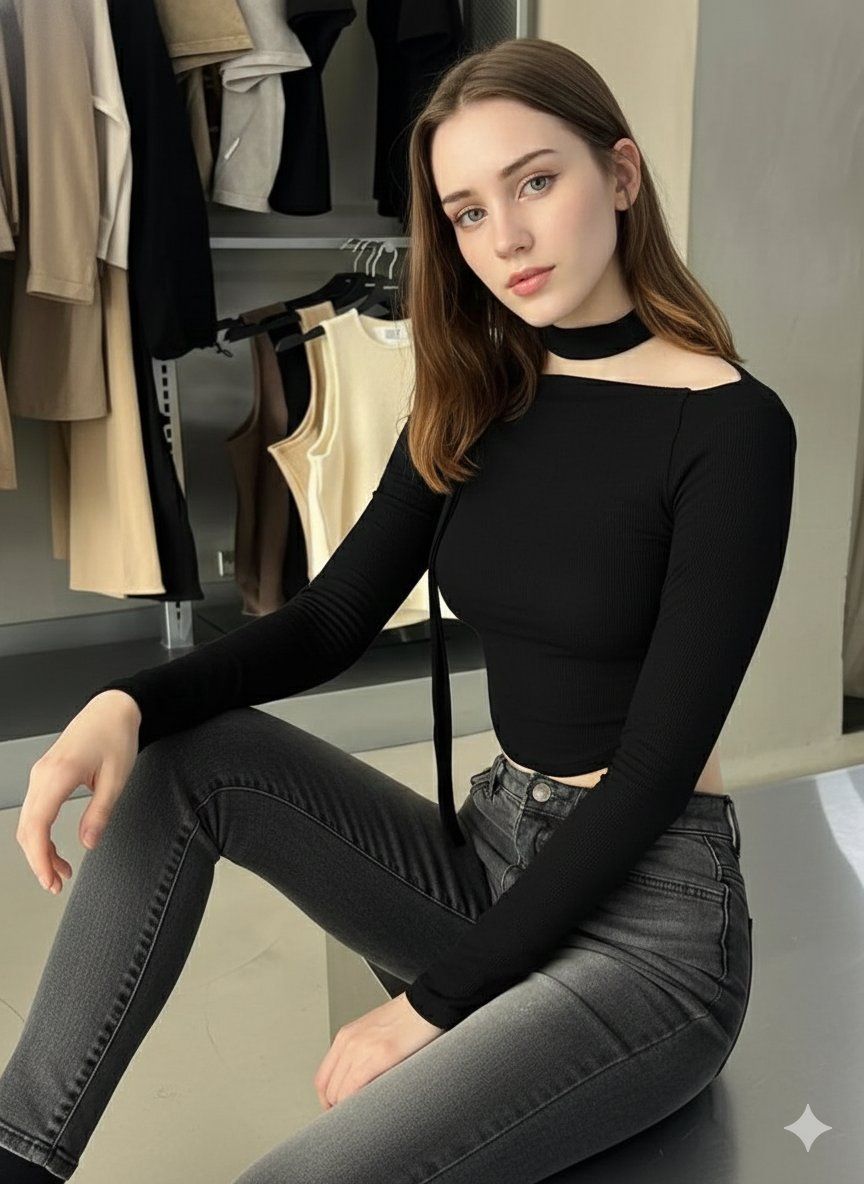
"A beautiful young woman with fair skin, long straight light brown hair with subtle highlights, blue-green eyes, full lips, and a subtle seductive expression, sitting on the floor in a modern clothing store fitting room or showroom. She is wearing a fitted black long-sleeve ribbed crop top with an asymmetric off-shoulder design, high choker neckline, and a long thin strap that she is holding loosely in one hand. Paired with high-waisted faded gray skinny jeans that hug her figure. Pose is relaxed yet confident: one knee up, the other leg extended, slight lean forward, gazing directly at the camera. Background shows racks of hanging clothes in neutral tones like beige, black, and brown, soft indoor lighting, clean minimalist store interior, highly detailed, photorealistic, sharp focus, fashion photography style, masterpiece, best quality, ultra realistic, 8k --ar 9:16 --stylize 250 --v 6 --q 2 --style raw"
Category
创意图片
Model
Nano Banana Pro
Creator
Aylin
Views0
Source ID
f4110119-c29f-432f-838c-aa429dcfa912
Published
Mar 8, 2026

Guide

About "时尚试衣间自拍提示"

What is this prompt for?

"时尚试衣间自拍提示" AI image prompt for Nano Banana Pro (创意图片). 一个详细的提示,用于生成一张逼真的时尚摄影图片:一名年轻女子坐在一间现代试衣间里,身穿黑色不对称露脐上衣和褪色牛仔裤,表情诱惑,画面焦点锐利。 --- 一位皮肤白皙、留着浅棕色长直发(带细微挑染)、蓝绿色眼…

The full copyable prompt and example visuals above are ready for AI image generation or one-click recreate in Picva.

How to use this prompt

  1. Step 1

    Open the prompt detail

    Review the example visuals, category, and full prompt text for "时尚试衣间自拍提示".

  2. Step 2

    Copy the prompt

    Copy the prompt body from this page, or load it directly in Studio.

  3. Step 3

    Pick a model (Nano Banana Pro)

    Prefer Nano Banana Pro. If you switch models, keep subject and composition and tweak style terms.

  4. Step 4

    Generate and export

    Recreate the look in Picva, or export into your workflow for editing and publishing.

FAQ

What is the "时尚试衣间自拍提示" prompt?
It is an AI image-generation prompt for Nano Banana Pro in the 创意图片 category. This page includes the full prompt text, example visuals, and a one-click recreate path in Picva.
How do I use this prompt to generate an image?
Copy the prompt from this page, or use Generate / Studio. Paste it into a compatible image model, or recreate the look in Picva with optional reference images.
Which model is this prompt for?
This page lists Nano Banana Pro. Most descriptive prompts also transfer to nearby image models such as GPT Image, Flux, or Midjourney with light style tweaks.
Can I use the result commercially?
You can usually copy the prompt for creation, but commercial use of the final image depends on the model terms, reference-image rights, and the generated content. Follow the source author and platform rules.