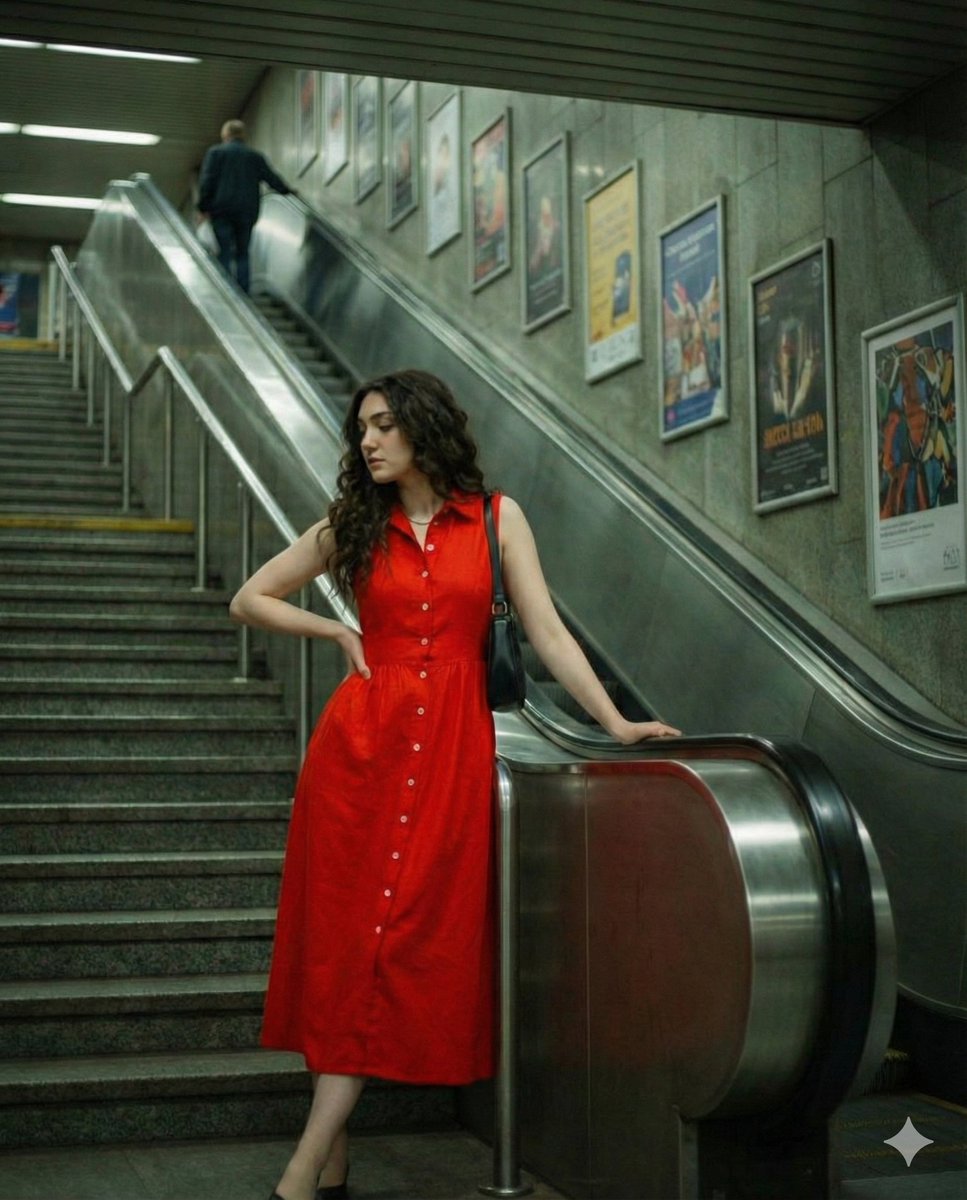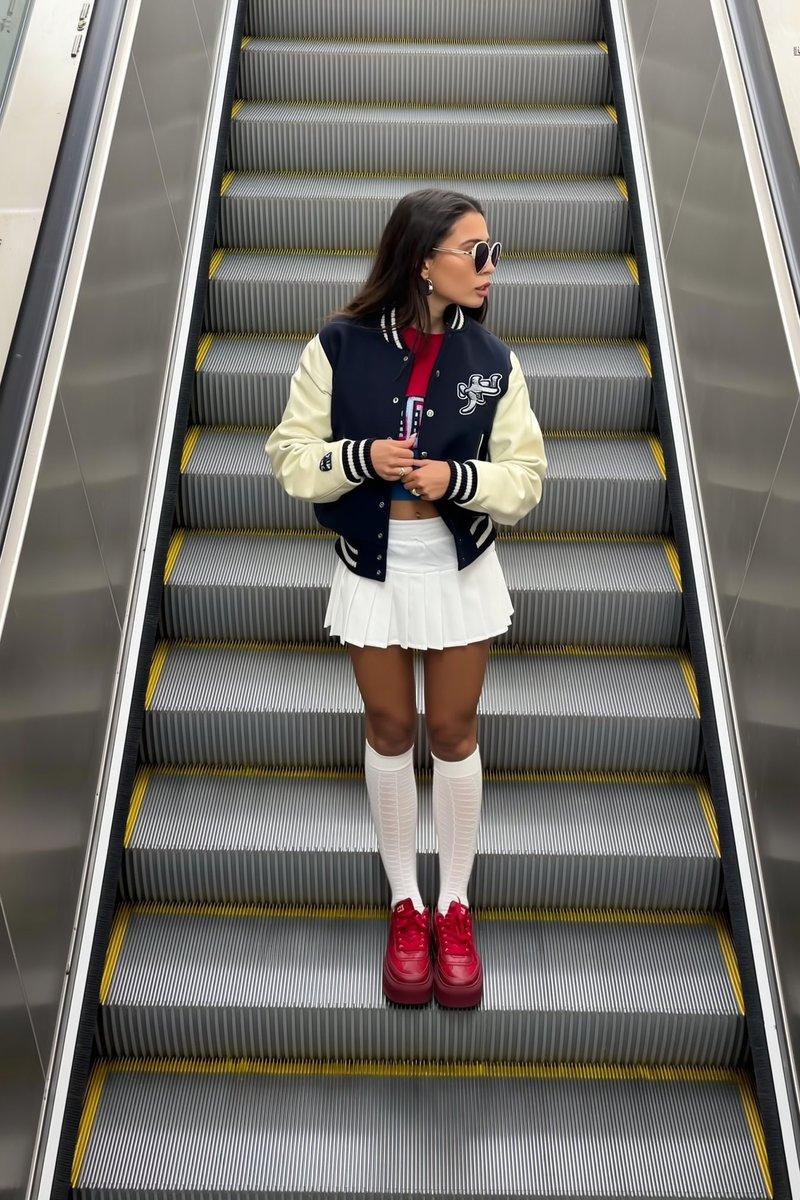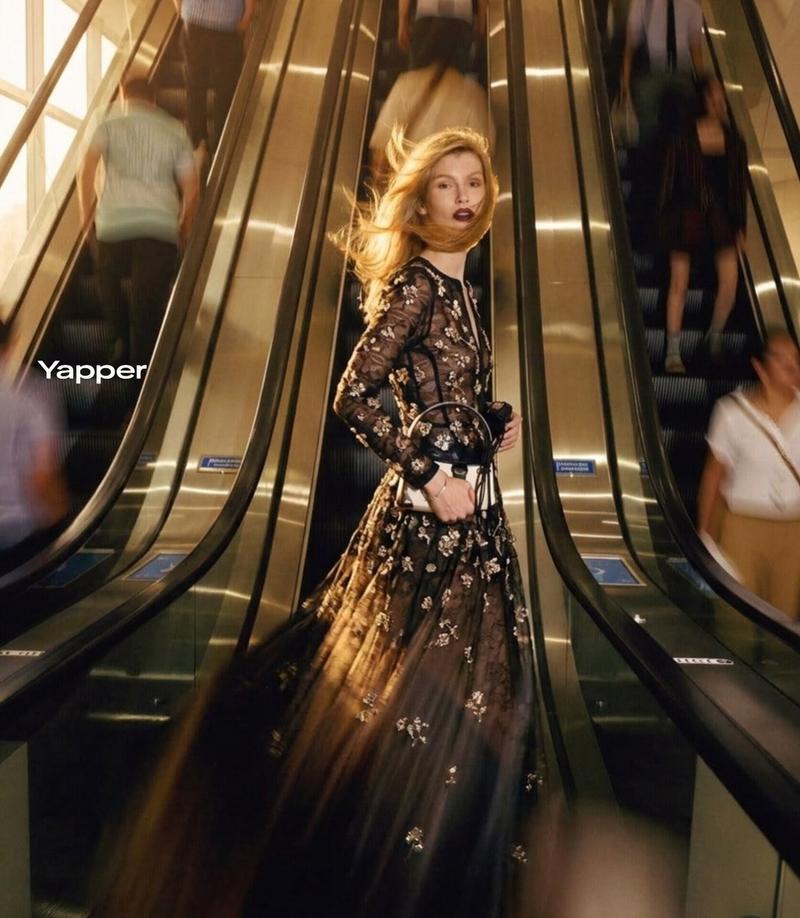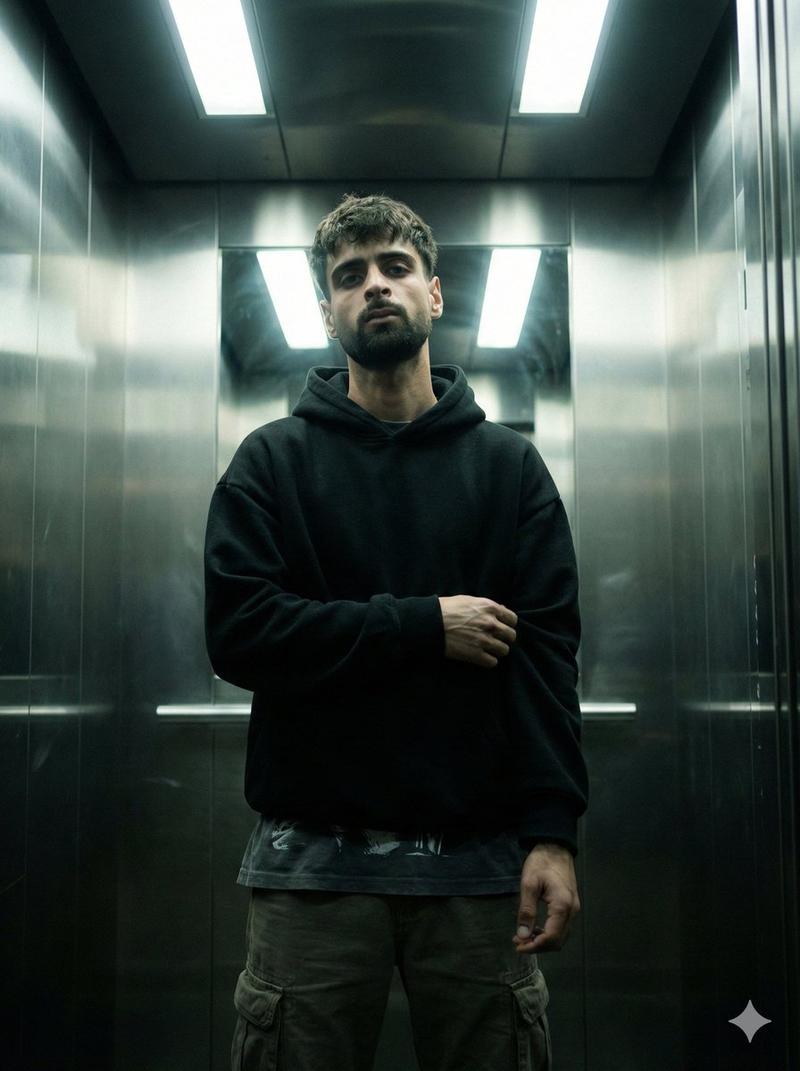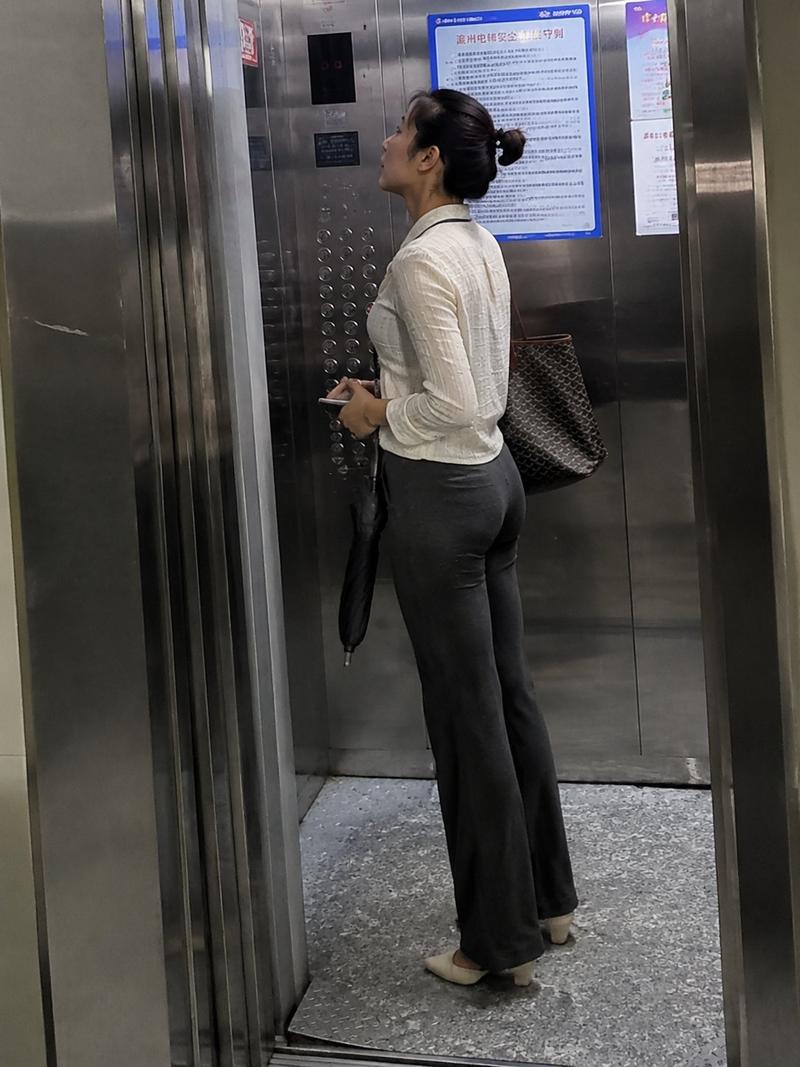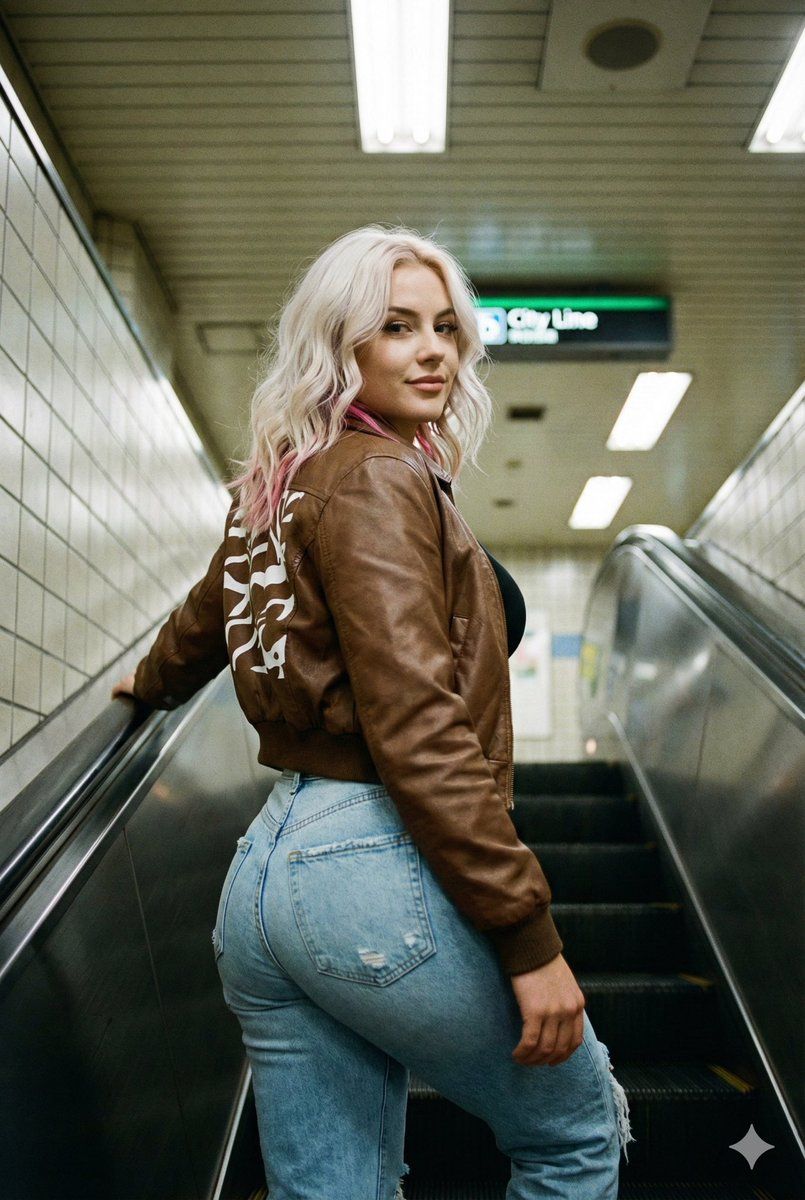
地铁扶梯抓拍:夸张的身材比例
Prompt
{
  "subject": {
    "description": "Young woman with platinum blonde hair featuring pink highlights",
    "hair": "Shoulder-length, wavy platinum blonde with visible {argument name="hair highlight color" default="pink"} sections, casual texture",
    "face": "Slight smile, looking back over shoulder at camera, natural makeup",
    "body_proportions": {
      "build": "hyper-curvy athletic, extreme hourglass silhouette",
      "bust": "voluminous, heavy, naturally weighted with clear gravity effect, projecting outward, creating tension on the thin bikini straps",
      "waist": "extraordinarily narrow, cinched, high-definition abdominal tone, visible vertical 'Ab crack' line",
      "hips": "wide, flared, significantly wider than the ribcage and shoulders",
      "legs": "thick, muscular thighs with toned definition, wide stance",
      "skin_details": "smooth even tan, realistic skin folds at the hip-waist junction"
    },
    "pose": "Standing on escalator, body angled away from camera, head turned to look back, right arm down, left arm partially visible"
  },
  "attire": {
    "jacket": "brown leather bomber jacket, white abstract pattern on back, ribbed cuffs and hem",
    "bottoms": "Light blue wash ripped denim jeans, high-waisted, fitted, with back pocket detail",
    "accessories": "None visible"
  },
  "setting": {
    "location": "Subway escalator",
    "foreground": "Silver metal escalator steps and handrails, moving downwards, {argument name="location" default="japanese subway station"}",
    "background": "Tiled wall, overhead lights, 'City Line' sign in distance, blurred background elements",
    "clutter": "None"
  },
  "camera": {
    "shot_type": "Medium shot, capturing subject from waist up",
    "angle": "Slightly low angle, looking up at subject",
    "framing": "Vertical (portrait orientation)",
    "focal_length": "26mm (iPhone main camera equivalent)",
    "depth_of_field": "Moderate, background slightly blurred but recognizable",
    "perspective": "Handheld, candid snapshot"
  },
  "lighting": {
    "source": "Fluorescent overhead subway lighting",
    "quality": "Mixed color temperature, slightly cool, casting soft shadows",
    "direction": "Overhead and ambient"
  },
  "mood_and_expression": {
    "emotion": "Casual, confident, slight smile",
    "gaze": "Directly at the camera",
    "atmosphere": "Urban, candid, everyday moment"
  },
  "style_and_realism": {
    "aesthetic": "Raw photo, unposed, spontaneous",
    "realism_level": "High, showing natural textures of clothing and skin",
    "imperfections": "Slight grain, natural light variations",
    "processing": "Unfiltered, natural colors"
  }
}- Category
- 创意图片
- Model
- Nano Banana Pro
- Creator
- Jennie
- Source ID
- 32532f3f-aee7-4893-b137-636b7e39d476
- Published
- Mar 8, 2026
Views0