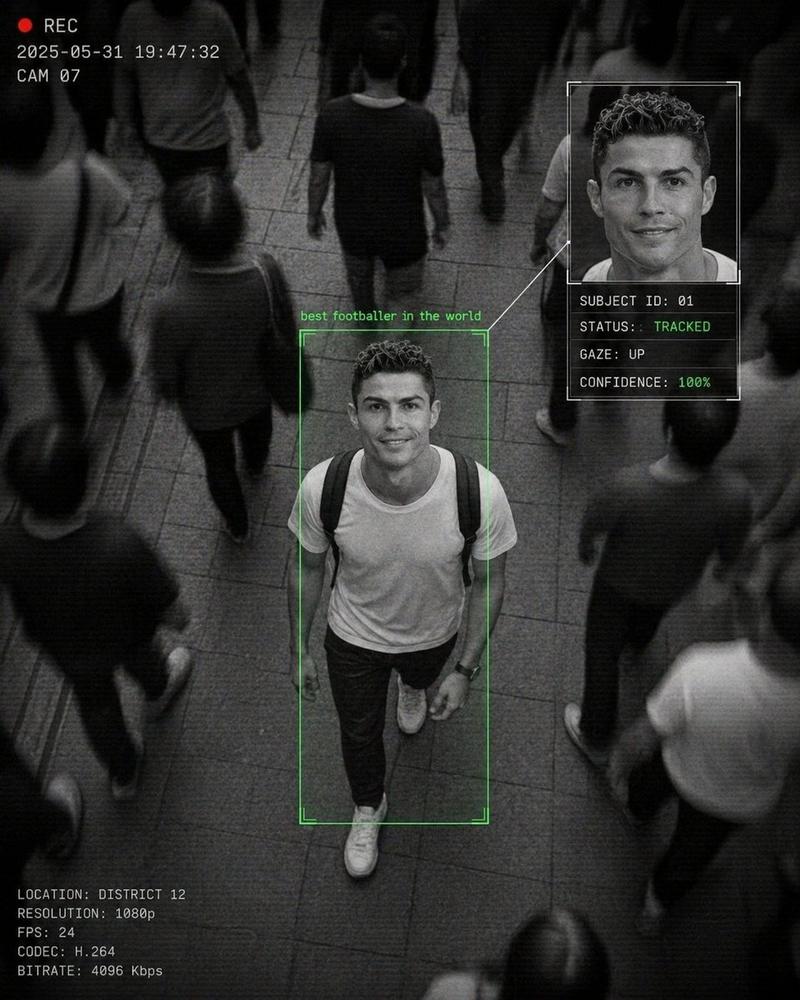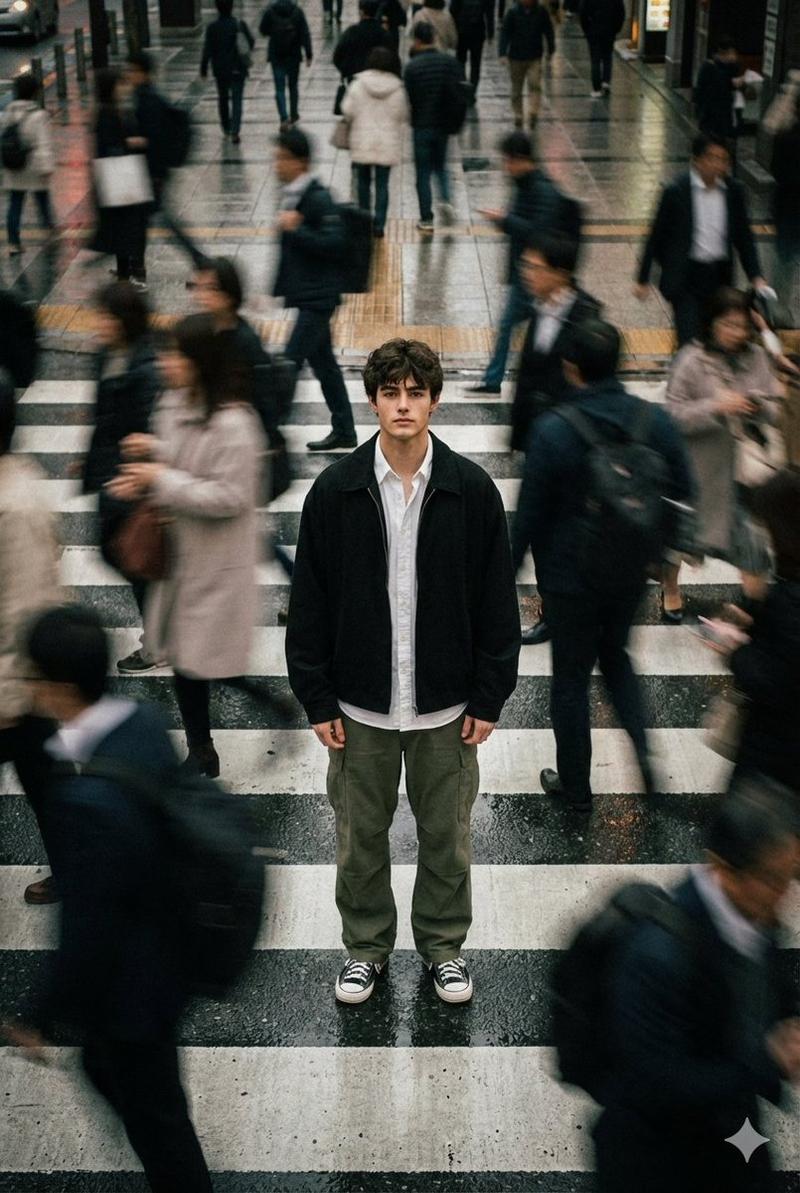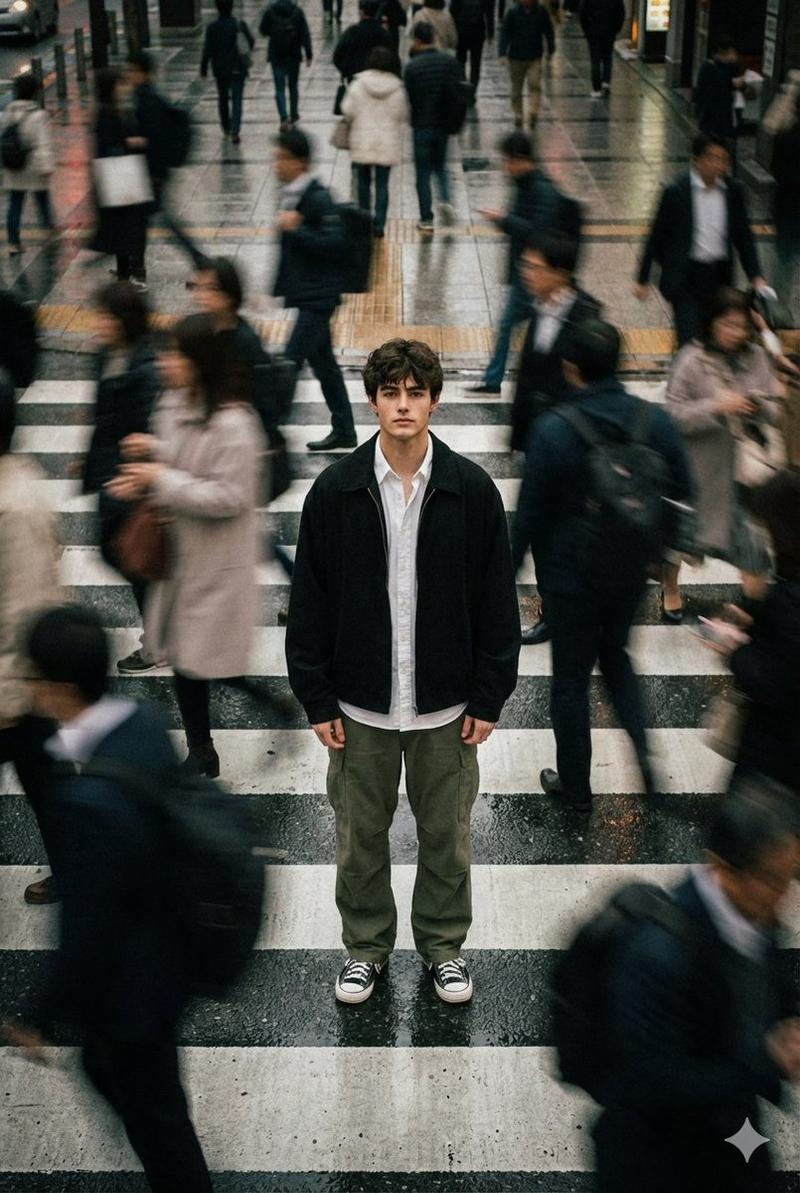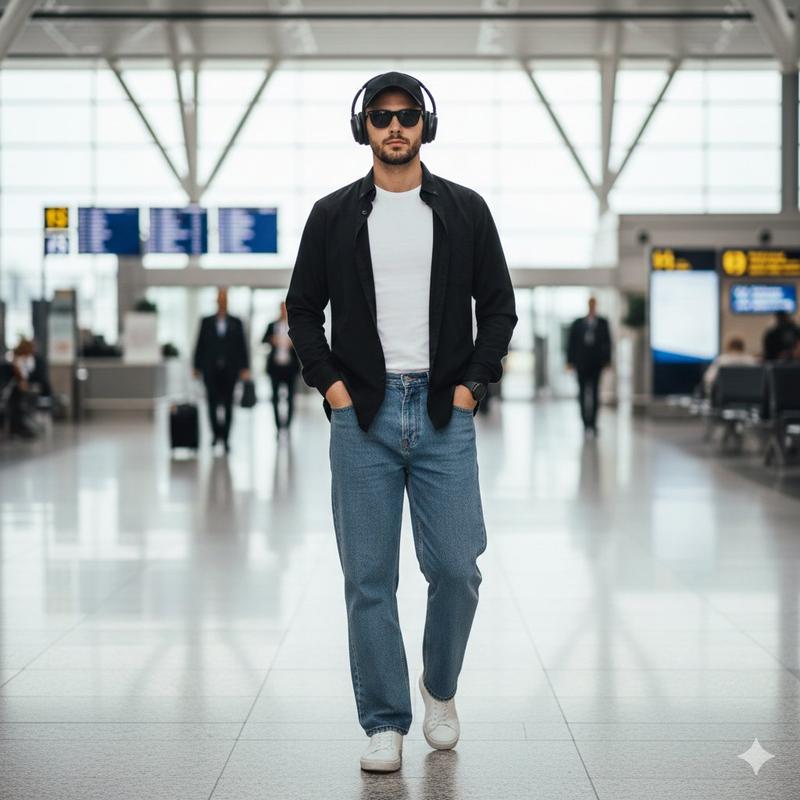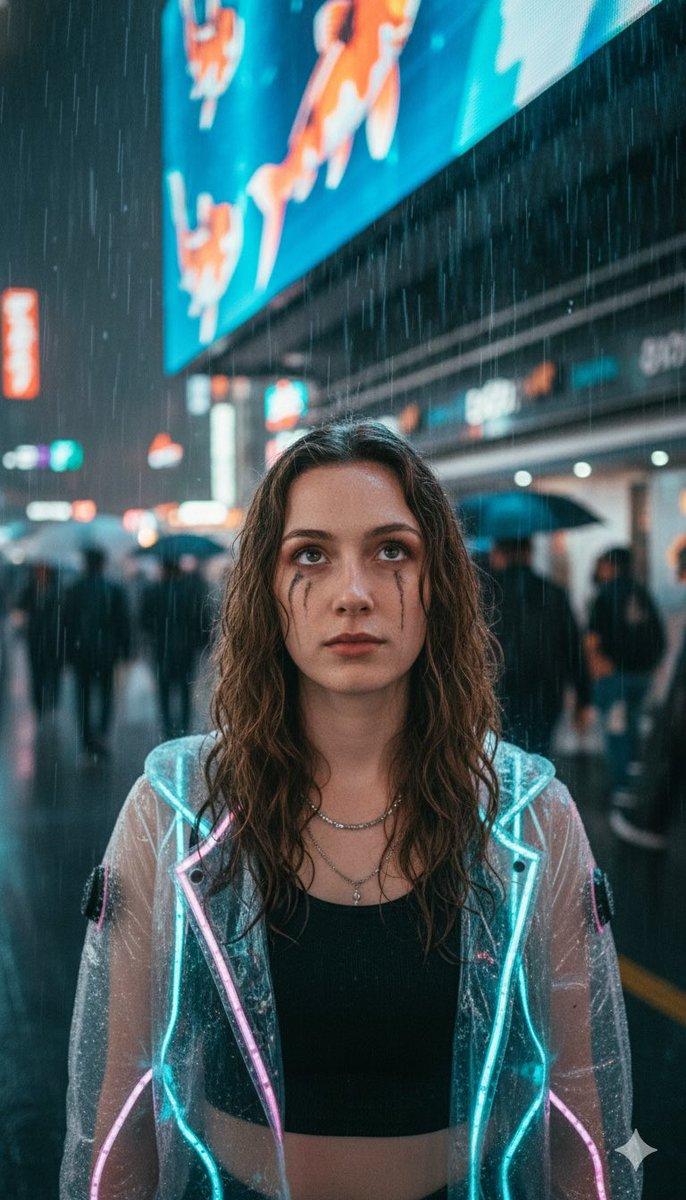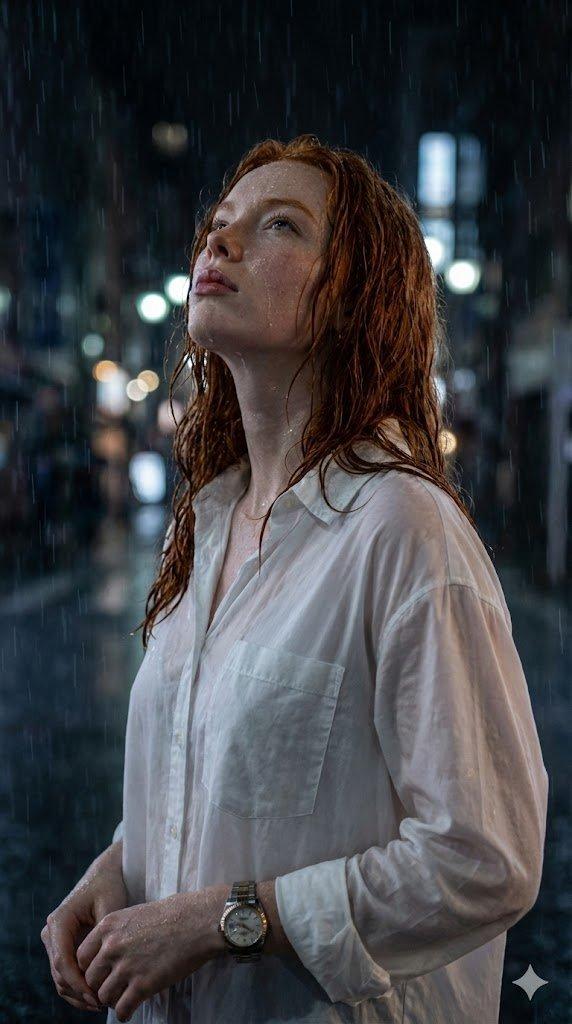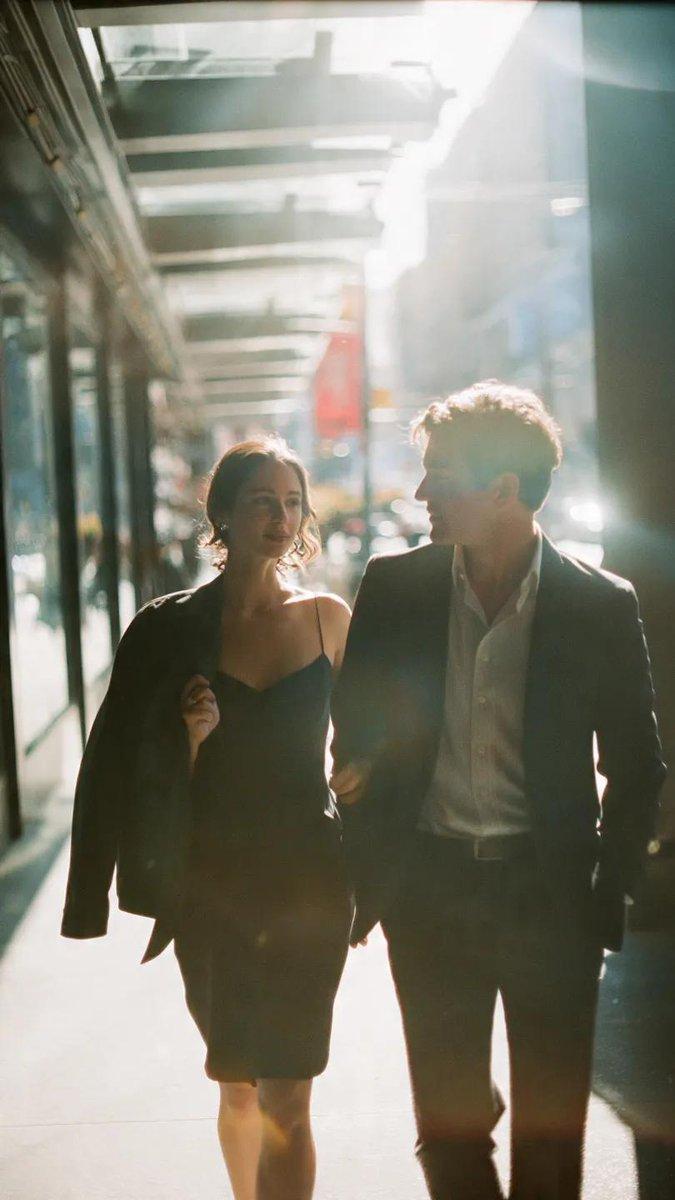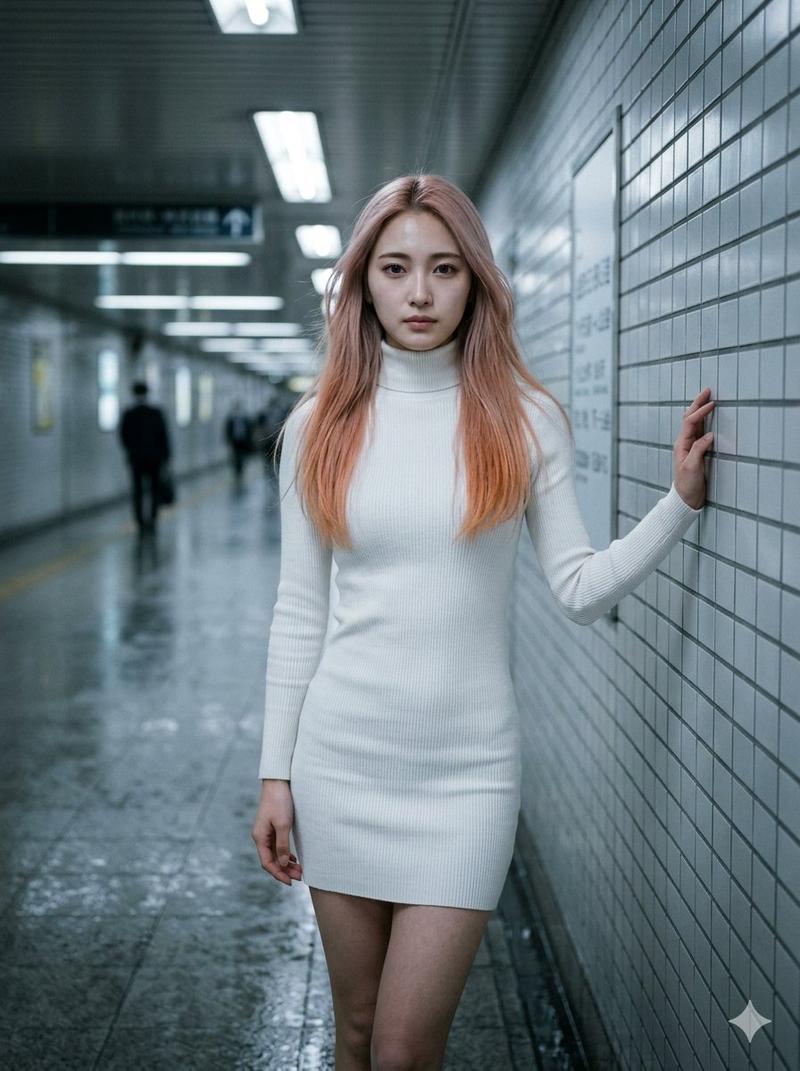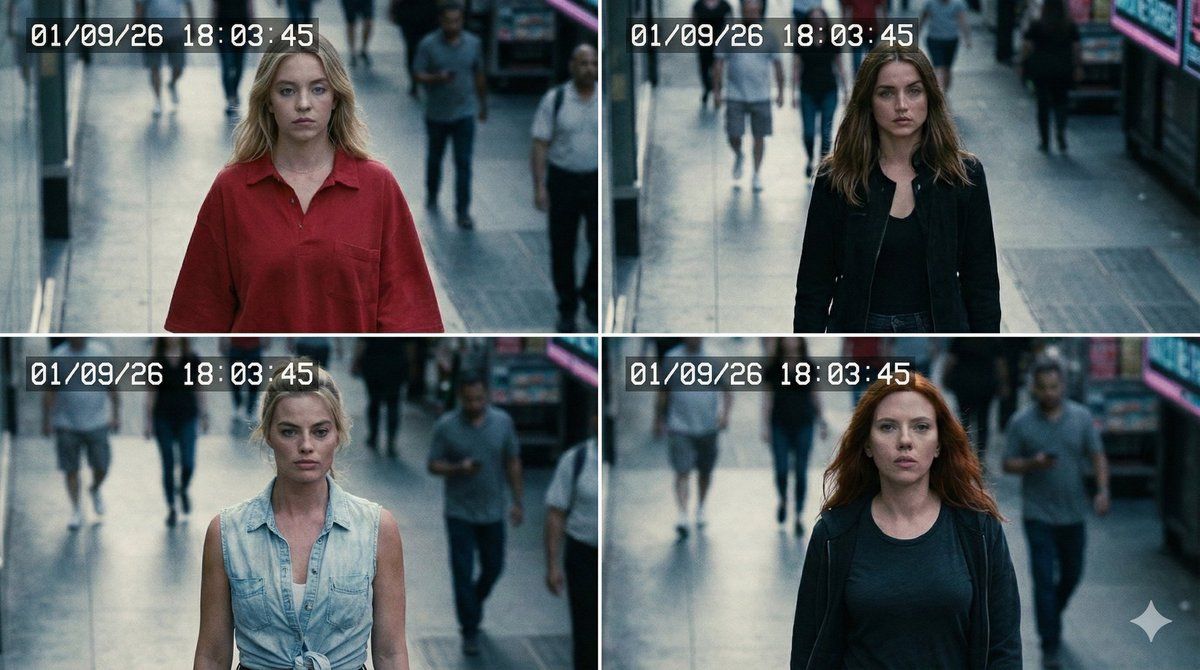
8K 名人监控录像
Prompt
{
  "image": {
    "type": "CCTV footage",
    "settings": {
      "camera_angle": "high-angle overhead",
      "style": "cool muted tones, low contrast, soft digital grain, mild daylight shadows, subtle lens distortion, slight barrel effect"
    },
    "subjects": [
      { "name": "{argument name="subject 1" default="Sydney Sweeney"}", "hair": "long blonde", "outfit": "oversized red shirt", "expression": "neutral/focused" },
      { "name": "Ana de Armas", "hair": "medium brown", "outfit": "black jacket", "expression": "alert" },
      { "name": "Margot Robbie", "hair": "blonde tied back", "outfit": "light denim top", "expression": "focused" },
      { "name": "Scarlett Johansson", "hair": "red loose", "outfit": "dark casual wear", "expression": "neutral" }
    ],
    "action": { "movement": "fast walk left to right", "position": "centered", "spacing": "even", "motion_blur": "subtle", "footsteps_shadows": "visible" },
    "background": "busy urban street, pedestrians blurred with bokeh, daylight shadows, reflections on wet pavement, distant signage slightly distorted",
    "face_detection": { "boxes": "white rectangles around faces", "accuracy": "medium-high", "highlight_edges": "soft" },
    "zoom_inset": { "focus": "all faces", "clarity": "enhanced", "brightness": "slightly corrected", "zoom_ratio": 2.5, "position": "bottom-right" },
    "composition": { "depth_of_field": "shallow on group, strong background blur", "frame_balance": "center-weighted", "perspective_lines": "slightly converging" },
    "output": { "format": "JPEG", "aspect_ratio": "16:9", "resolution": "7680x4320 (8K)" }
  }
}- Category
- 创意图片
- Model
- Nano Banana Pro
- Creator
- Selena 🔥
- Source ID
- 92040f94-b08d-4bf9-b88e-81e2702bb232
- Published
- Mar 8, 2026
Views0