14

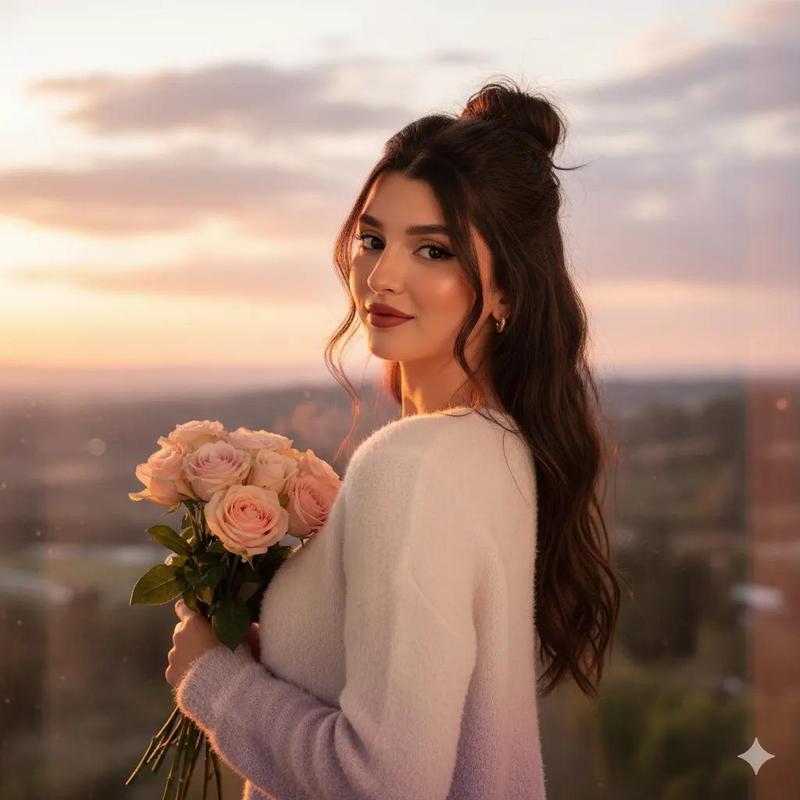
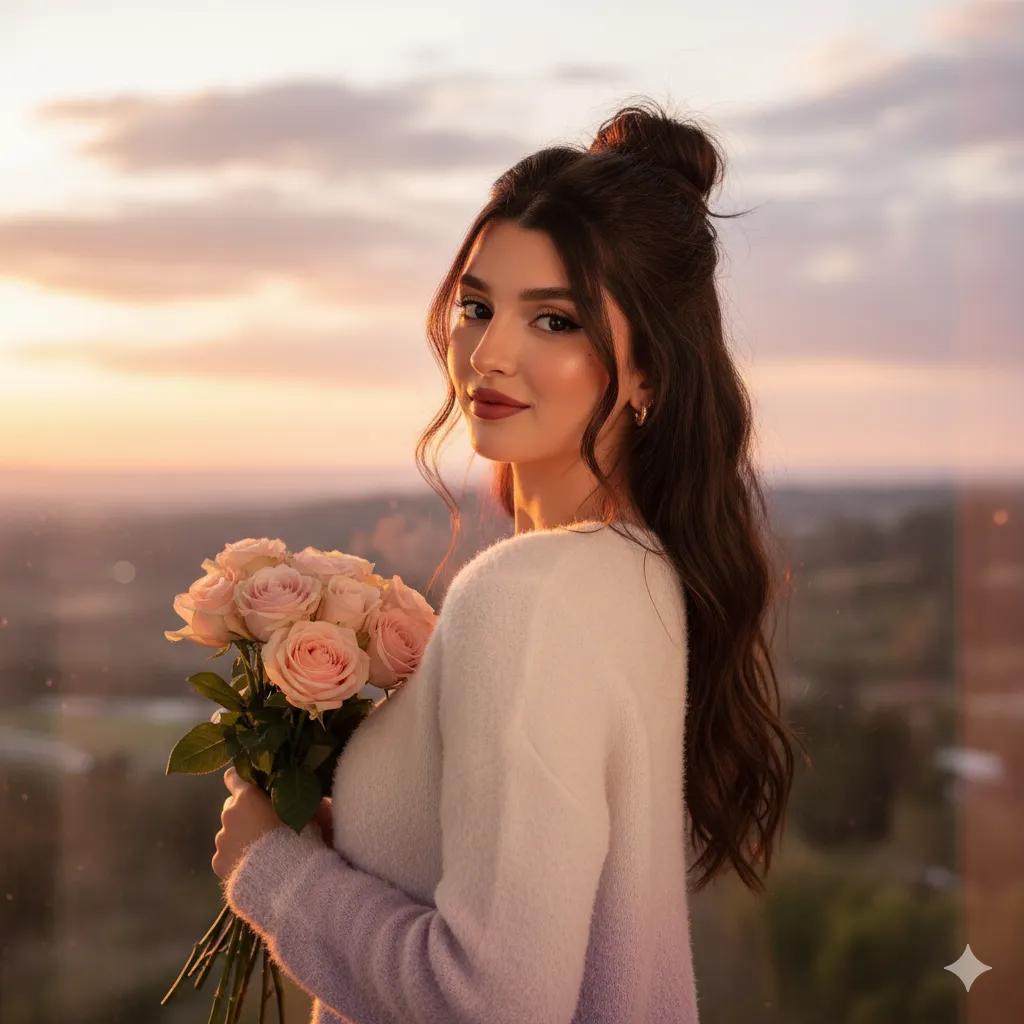
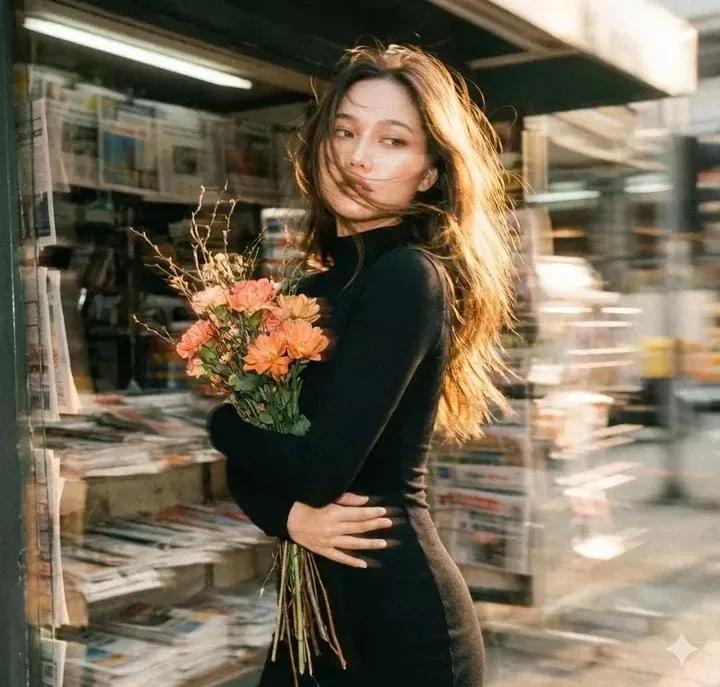
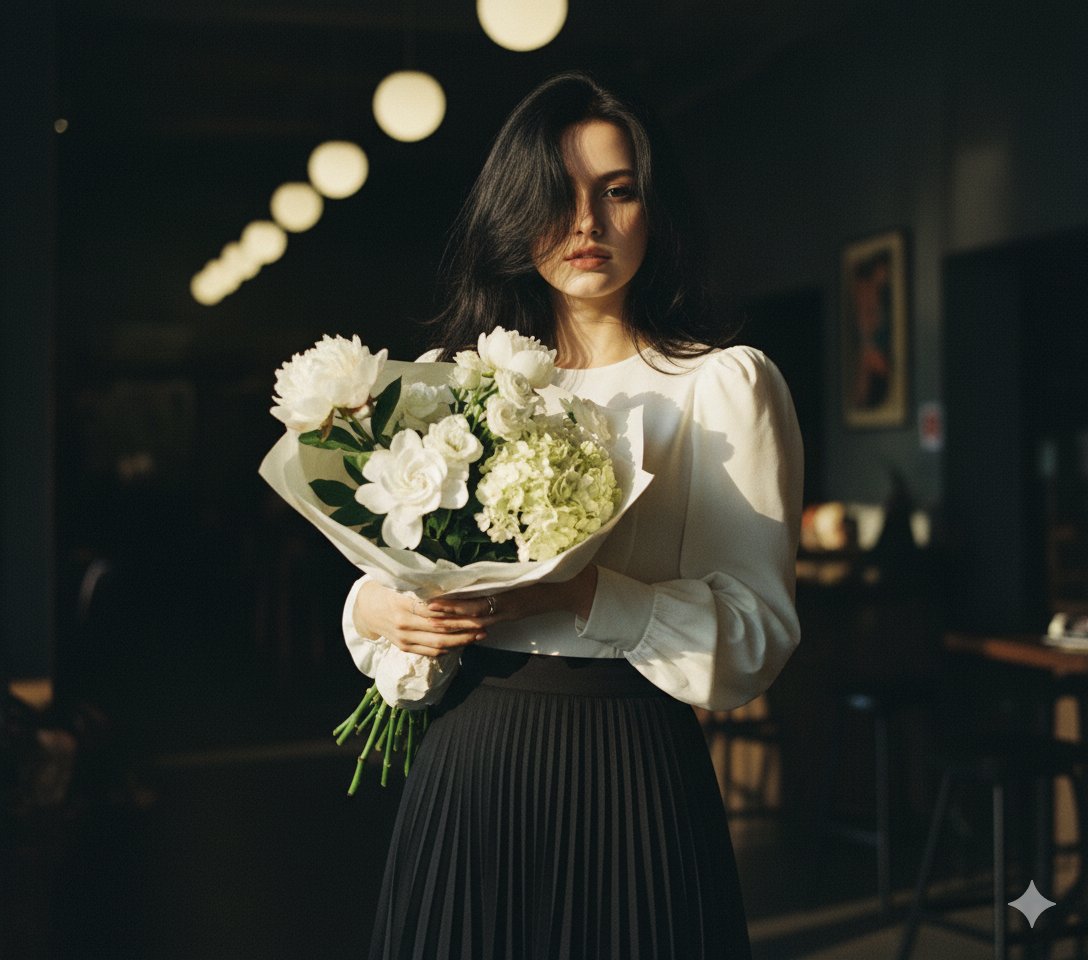
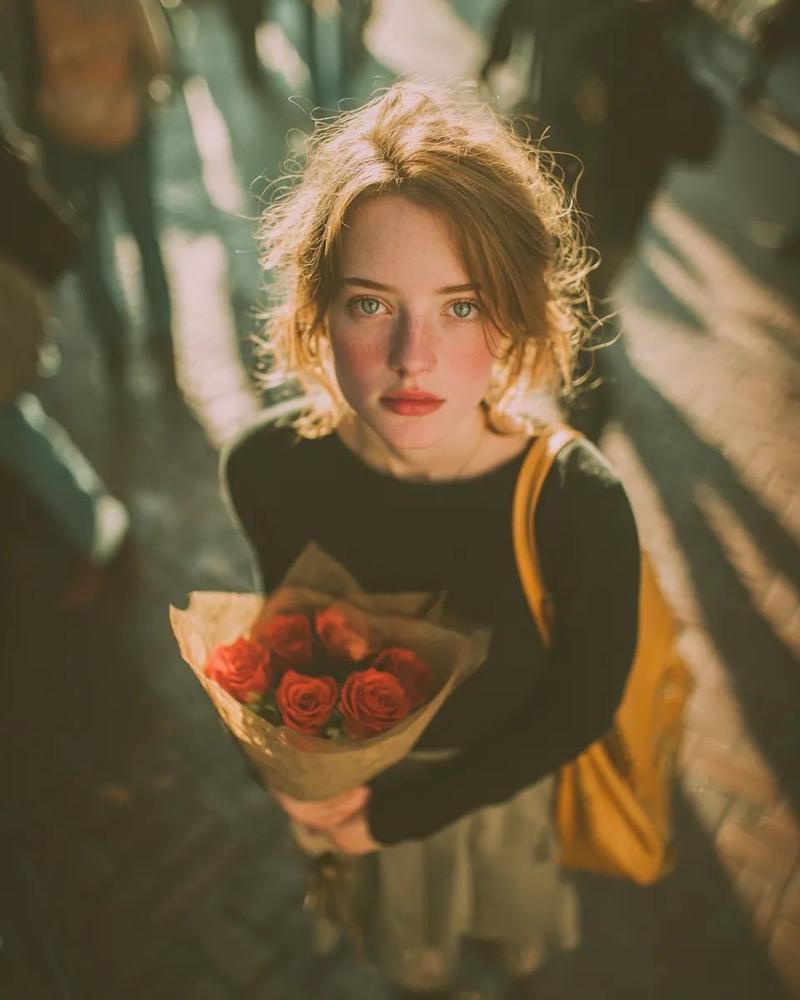
梦幻双重曝光人像与日落光线
Enlarge

梦幻双重曝光人像与日落光线

Prompt
A cinematic, dreamy portrait of a young woman in a black fitted dress standing at a rustic outdoor flower stand, holding a bouquet of {argument name="flower color" default="soft orange and pink"} roses. Her long dark hair is blowing gently in the wind, warm golden sunset light illuminating her face and hair. There is a subtle double-exposure / motion blur effect showing a ghosted second profile of her face behind her, creating an ethereal, surreal feeling. The background is softly blurred with greenery and wooden textures, shallow depth of field, soft bokeh, film grain, vintage cinematic color grading, warm tones, 85mm lens look, f/1.8, ultra-detailed, high realism, soft natural light, editorial fashion photography style.
Category
创意图片
Model
Nano Banana Pro
Creator
Aijaz
Views0
Source ID
bf6b3632-6380-439a-88ef-88761d729577
Published
Mar 8, 2026

Guide

About "梦幻双重曝光人像与日落光线"

What is this prompt for?

"梦幻双重曝光人像与日落光线" AI image prompt for Nano Banana Pro (创意图片). 一个用于生成电影感、梦幻肖像的提示,描绘了一位年轻女子在一个质朴的花摊旁手持玫瑰。关键元素是微妙的双重曝光/运动模糊效果,显示她脸部的第二个虚影轮廓,结合温暖的金色日落光线、胶片颗粒和浅景深,营造出…

The full copyable prompt and example visuals above are ready for AI image generation or one-click recreate in Picva.

How to use this prompt

  1. Step 1

    Open the prompt detail

    Review the example visuals, category, and full prompt text for "梦幻双重曝光人像与日落光线".

  2. Step 2

    Copy the prompt

    Copy the prompt body from this page, or load it directly in Studio.

  3. Step 3

    Pick a model (Nano Banana Pro)

    Prefer Nano Banana Pro. If you switch models, keep subject and composition and tweak style terms.

  4. Step 4

    Generate and export

    Recreate the look in Picva, or export into your workflow for editing and publishing.

FAQ

What is the "梦幻双重曝光人像与日落光线" prompt?
It is an AI image-generation prompt for Nano Banana Pro in the 创意图片 category. This page includes the full prompt text, example visuals, and a one-click recreate path in Picva.
How do I use this prompt to generate an image?
Copy the prompt from this page, or use Generate / Studio. Paste it into a compatible image model, or recreate the look in Picva with optional reference images.
Which model is this prompt for?
This page lists Nano Banana Pro. Most descriptive prompts also transfer to nearby image models such as GPT Image, Flux, or Midjourney with light style tweaks.
Can I use the result commercially?
You can usually copy the prompt for creation, but commercial use of the final image depends on the model terms, reference-image rights, and the generated content. Follow the source author and platform rules.