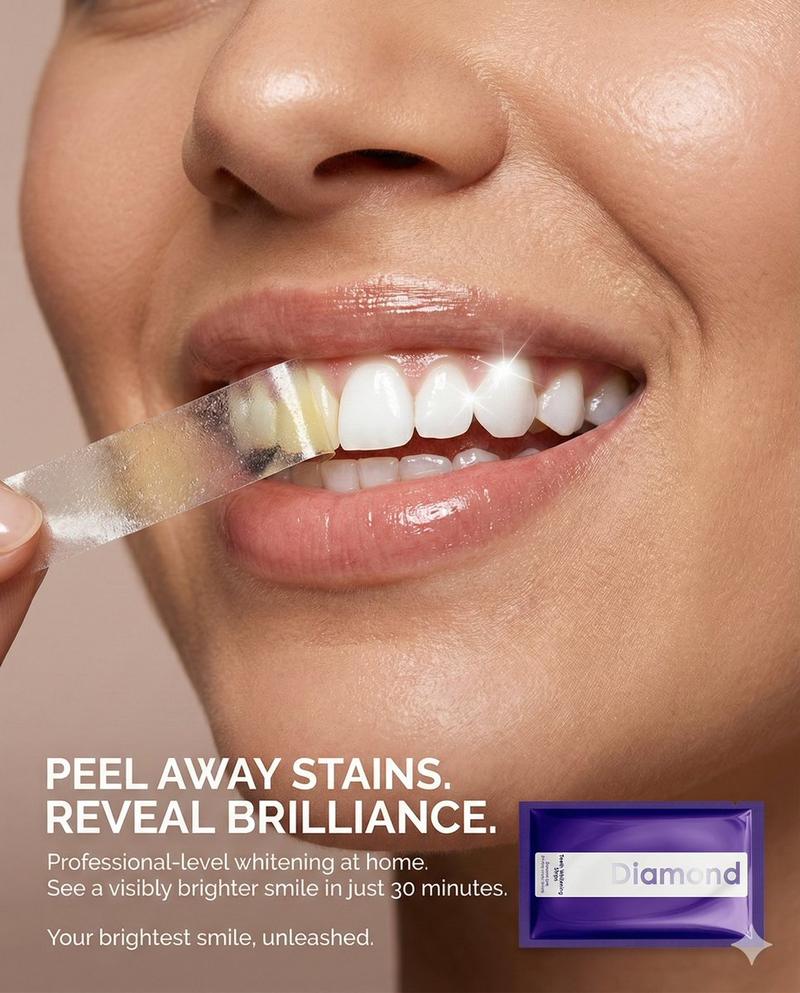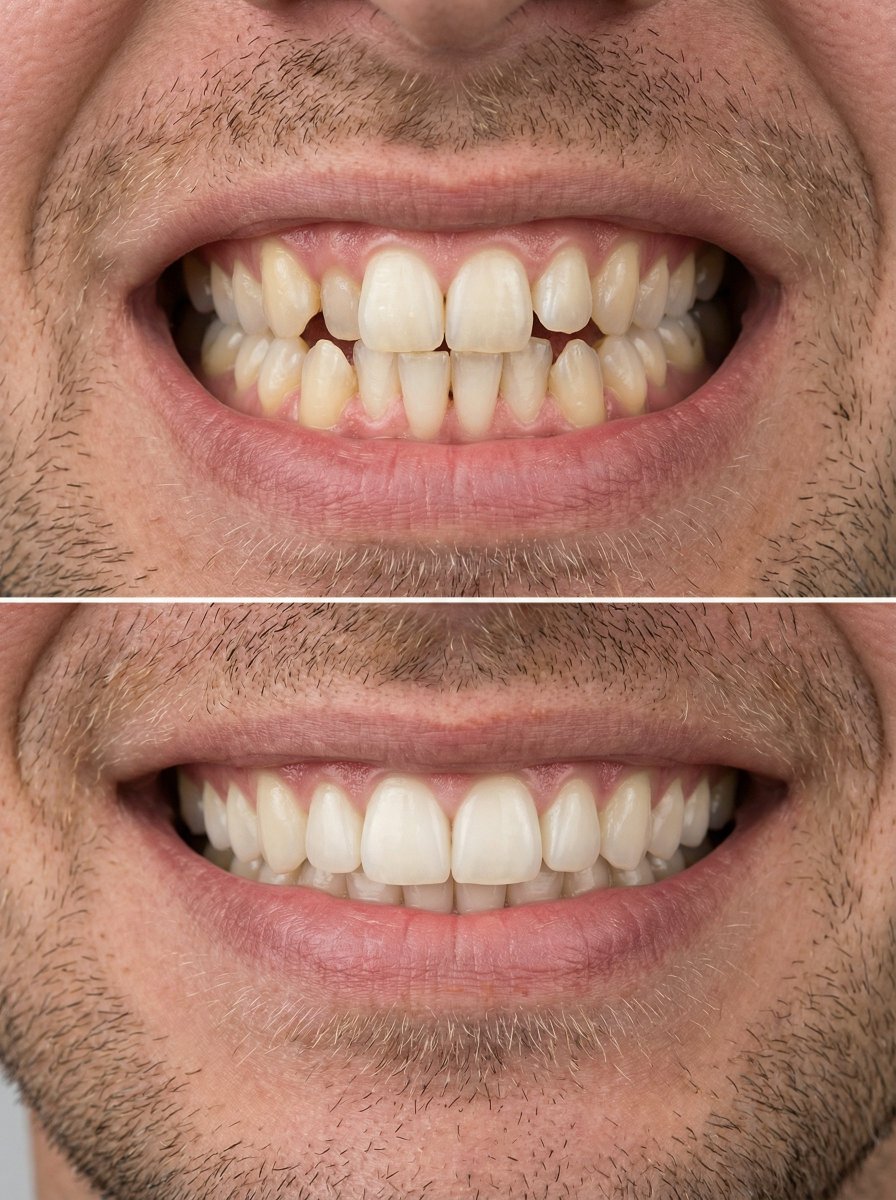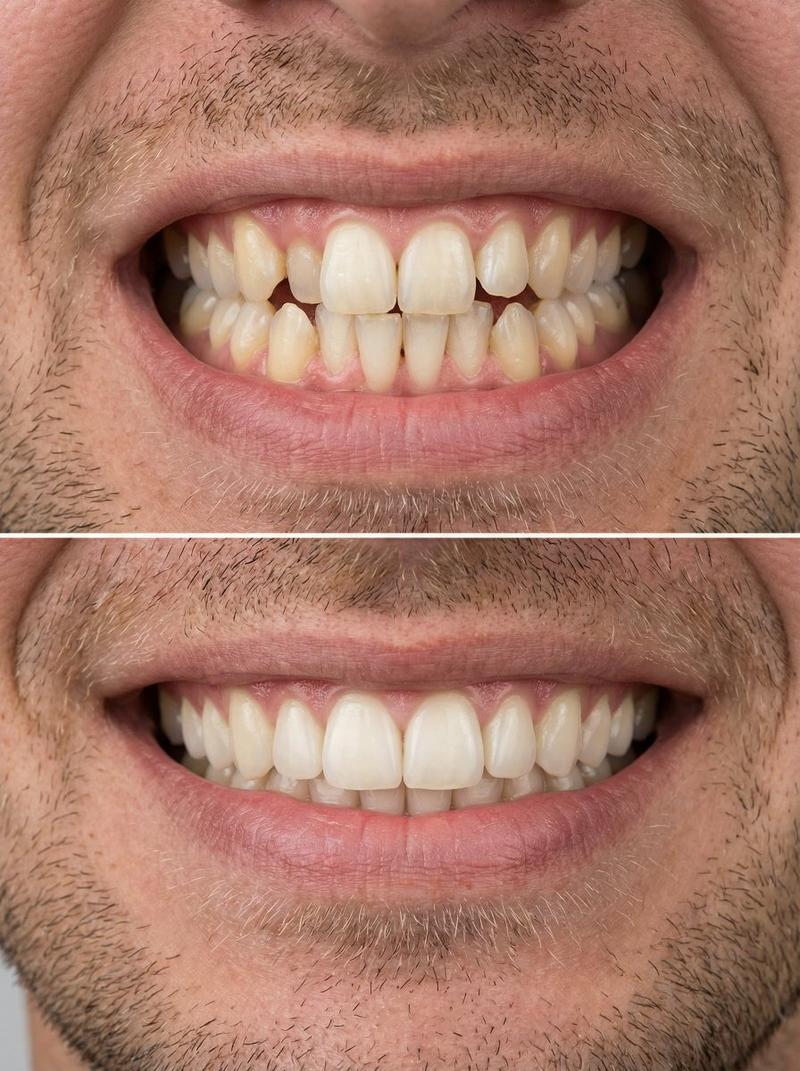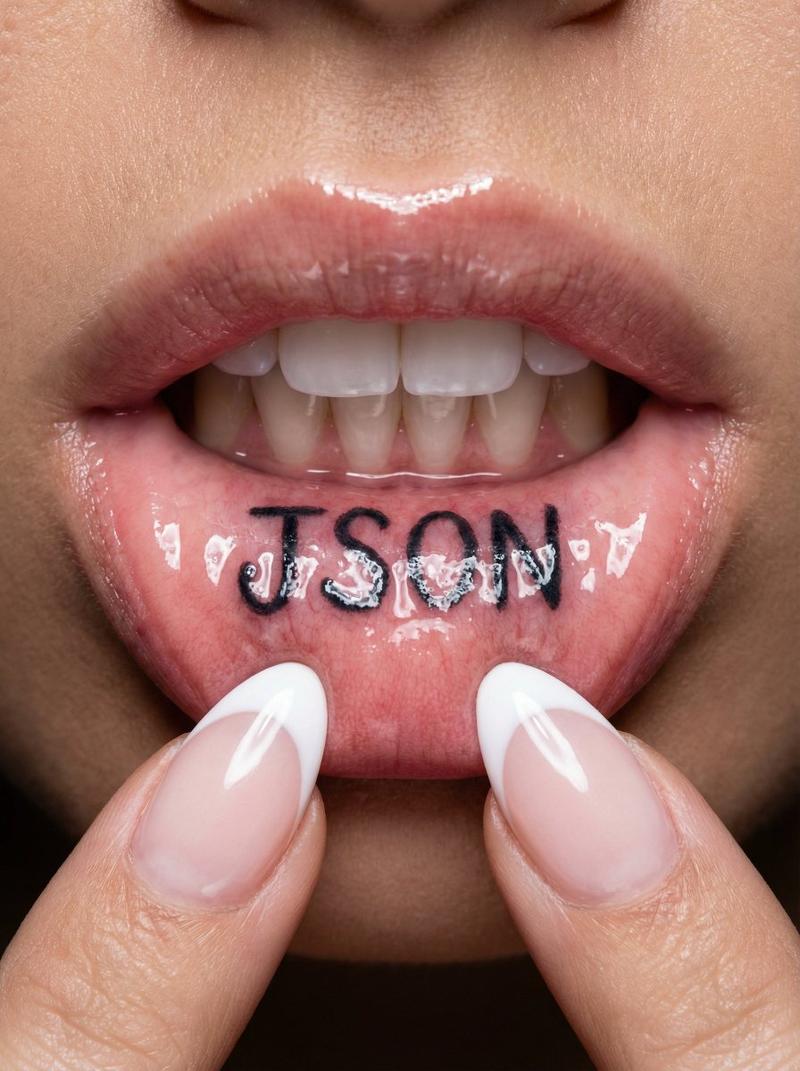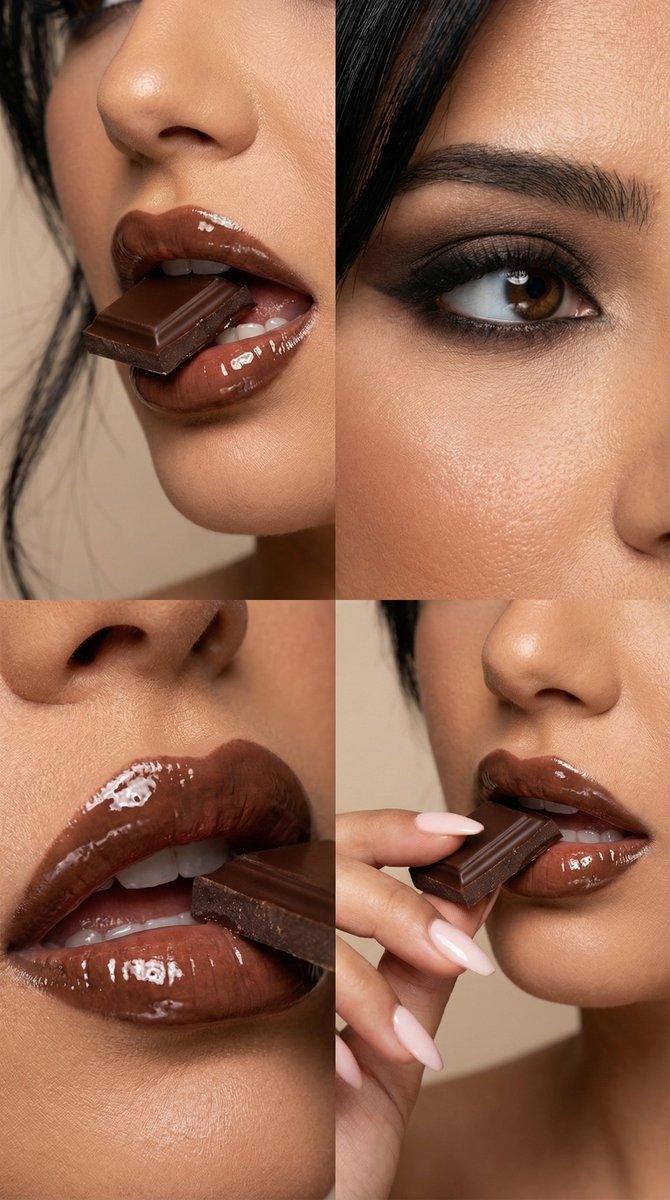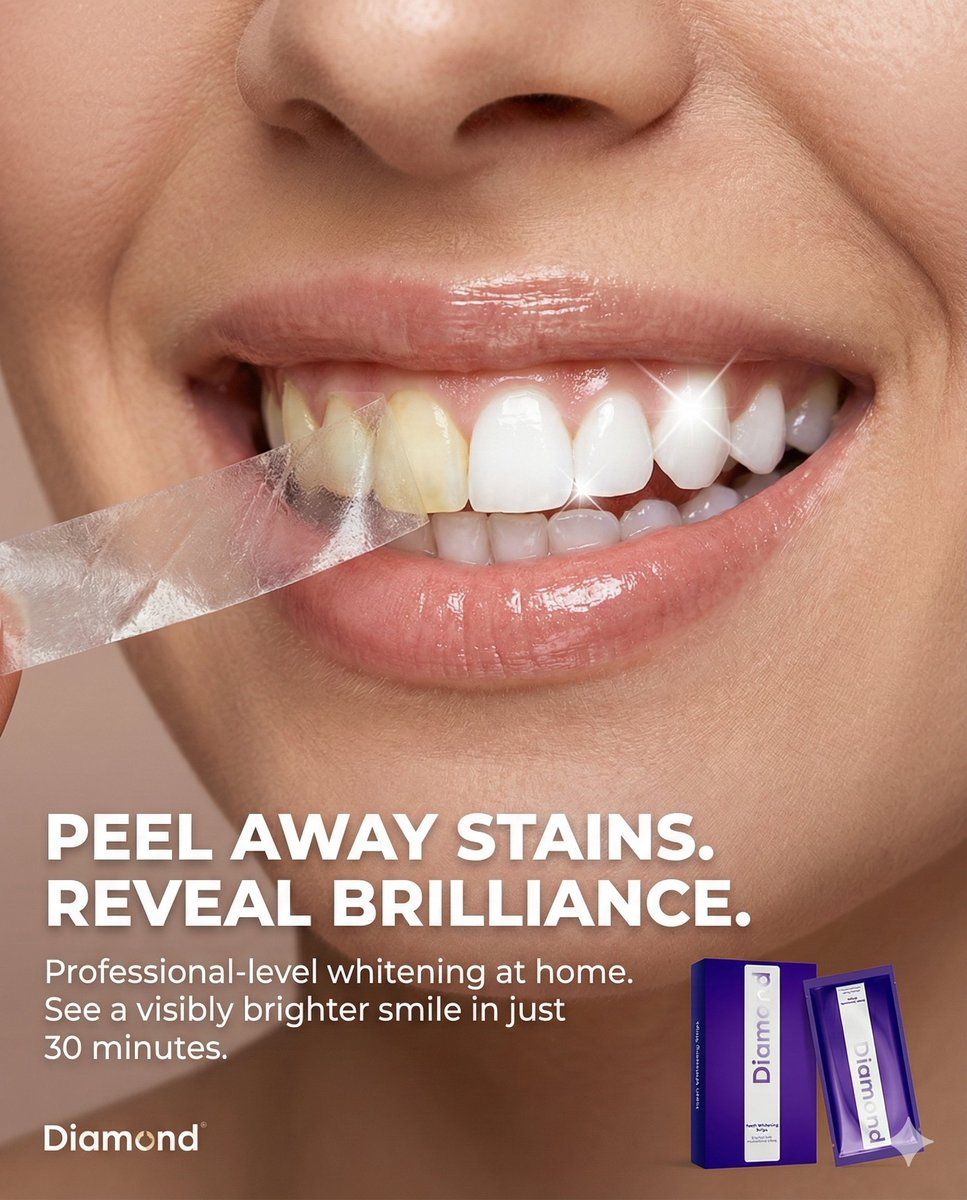
牙齿美白贴片剥落效果的微距美容广告
Prompt
Use my attached image of my product and use the json profile that is provided to create the full picture.
New Text for Static Ad:

Headline: PEEL AWAY STAINS. REVEAL BRILLIANCE.
Body: Professional-level whitening at home. See a visibly brighter smile in just 30 minutes.
Tagline: Your brightest smile, unleashed.
{
  "meta": {
    "aspect_ratio": "4:5",
    "resolution": "8k",
    "quality": "photorealistic_macro_beauty",
    "style": "high-end beauty editorial, conceptual product advertising, clean and clinical"
  },

  "composition": {
    "subject_position": "full_frame_macro",
    "framing": "extreme close-up on the mouth and teeth of a person",
    "crop": "focused tightly on the smile from nose to chin",
    "visual_hook": "A precise, conceptual 'peeling' effect is applied *only* to the surface of the teeth, revealing a starkly whiter shade underneath."
  },

  "scene": {
    "location": "professional studio",
    "setting": "minimalist beauty background",
    "atmosphere": "fresh, transformative, and premium",
    "background": "solid, smooth neutral beige-pink, matching the original ad's aesthetic"
  },

  "lighting": {
    "primary": "soft, flattering beauty lighting to highlight skin texture and lip gloss",
    "secondary": "specular highlights on the teeth to emphasize enamel and the peeling effect",
    "effect": [
      "gentle shadows that give depth to the peeling layer on the teeth",
      "bright, clean illumination on the revealed white teeth",
      "realistic catchlights on the moist surface of the teeth and lips"
    ]
  },

  "camera_perspective": {
    "angle": "straight-on, eye-level with the mouth",
    "distance": "macro close-up",
    "look": "highly detailed, showing tooth texture and enamel"
  },

  "subject": {
    "appearance": "SEE FIRST ATTACHED IMAGE for the product application.",
    "interaction": "The person is smiling broadly. A thin, translucent layer is being peeled back from the front surface of the teeth, from left to right.",
    "specific_action": "The peel is confined *strictly* to the teeth. The lips, gums, and surrounding skin are not affected by the peeling action. The peeled layer shows a yellower, stained tooth surface, while the area underneath is brilliantly white.",
    "skin_and_lips": "Natural skin texture with visible pores, and healthy, slightly glossy lips."
  },

  "graphic_elements": {
    "the_peel": {
      "texture": "thin, transparent strip-like material, slightly crinkled as it's pulled away",
      "action": "curling away from the teeth, showing the contrast in color",
      "contrast": "dramatic difference between the stained 'before' layer and the bright 'after' teeth"
    },
    "product_placement": {
      "item": "A packet or box of the whitening strips (from your attached image) is placed in the bottom right corner.",
      "logo": "The brand logo is in the bottom left corner."
    }
  }
}- Category
- 创意图片
- Model
- Nano Banana Pro
- Creator
- RobertCon
- Source ID
- 5fd589d0-0f06-41ae-adf8-bbdfe1bbfe92
- Published
- Mar 8, 2026
Views0