13

Guide

About "卡片、莎士比亚和纳博科夫场景"

What is this prompt for?

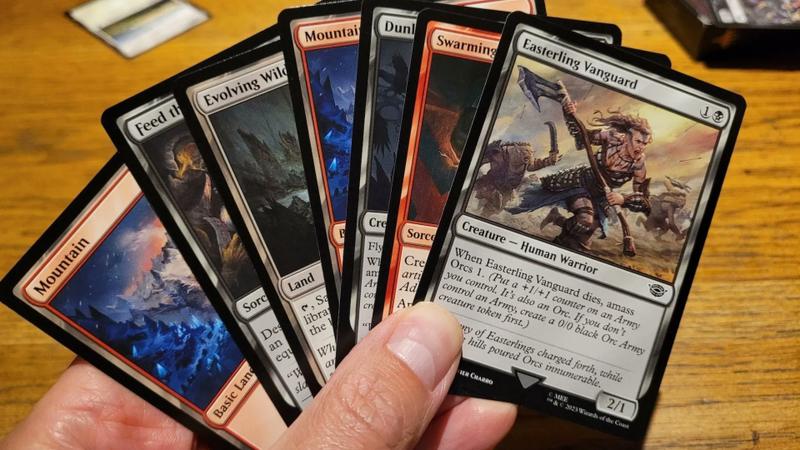
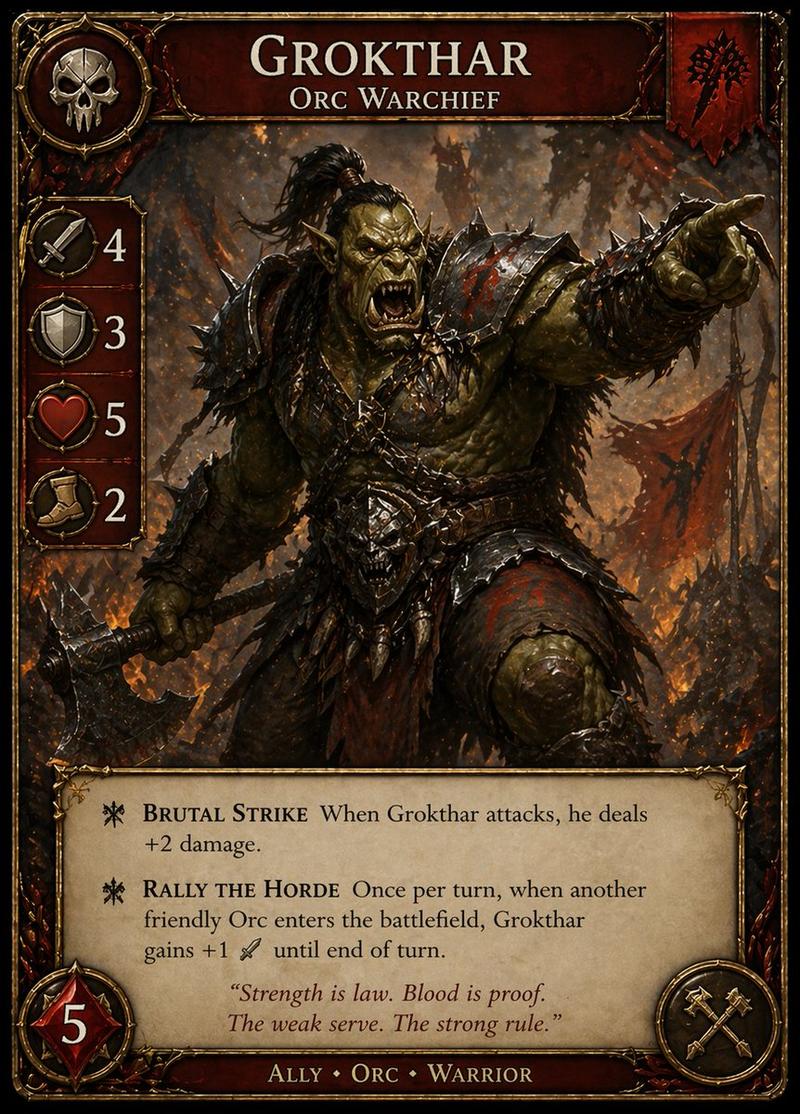
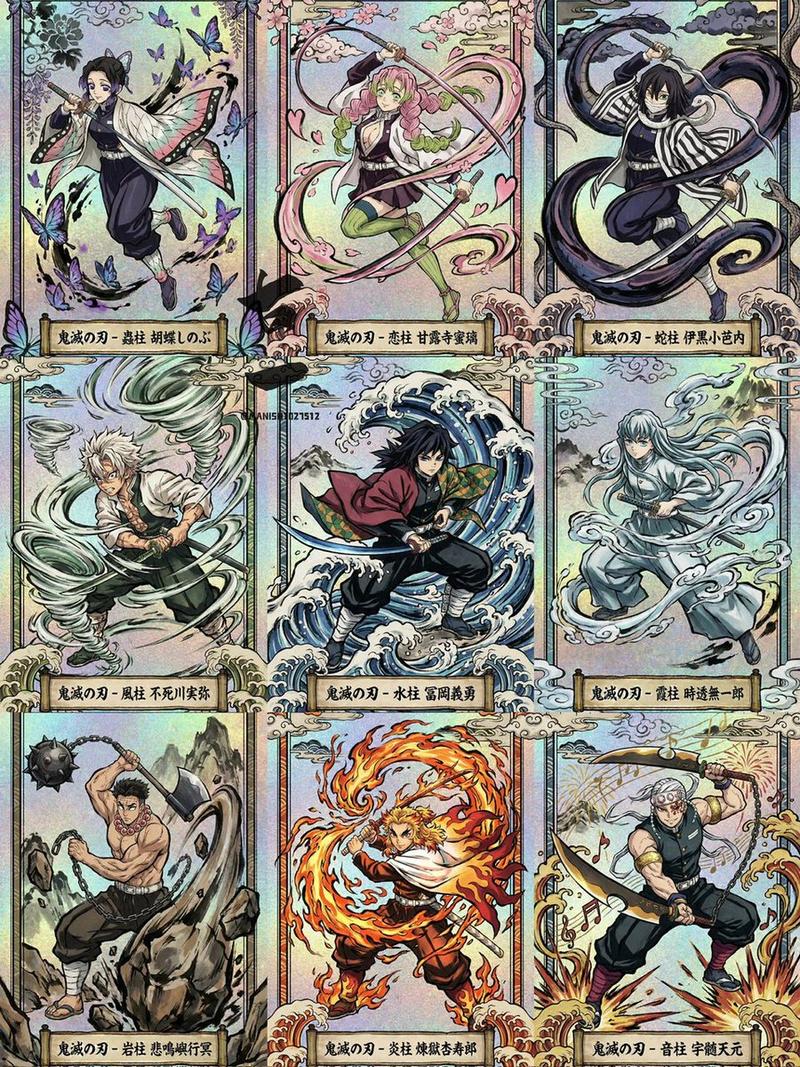
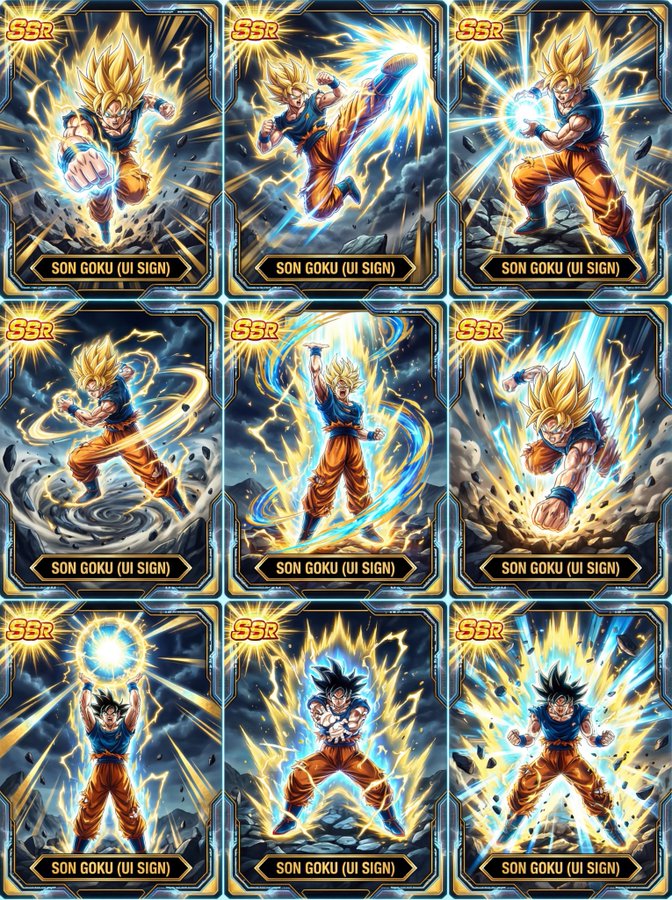
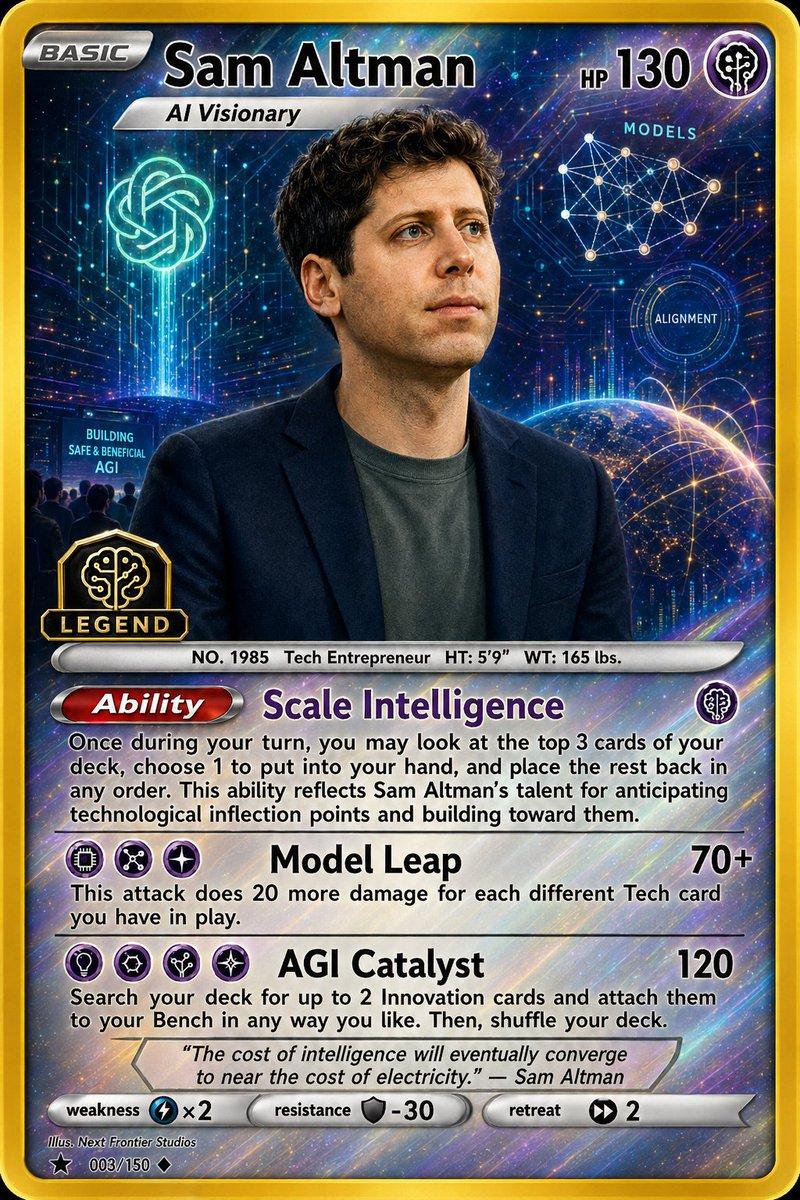
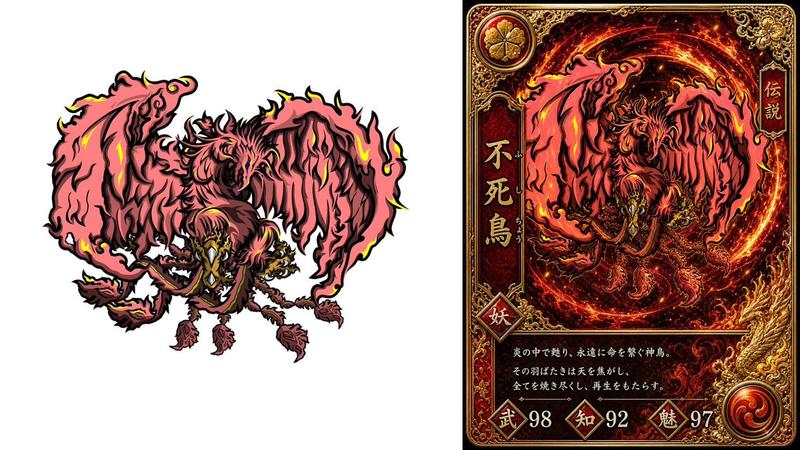
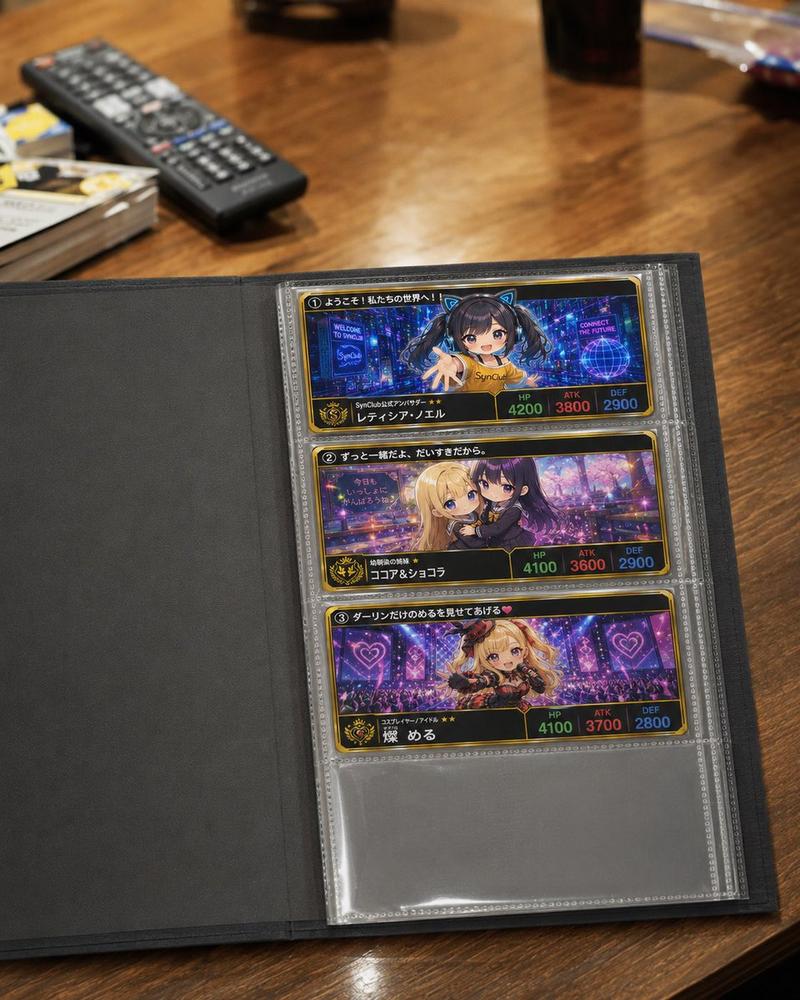
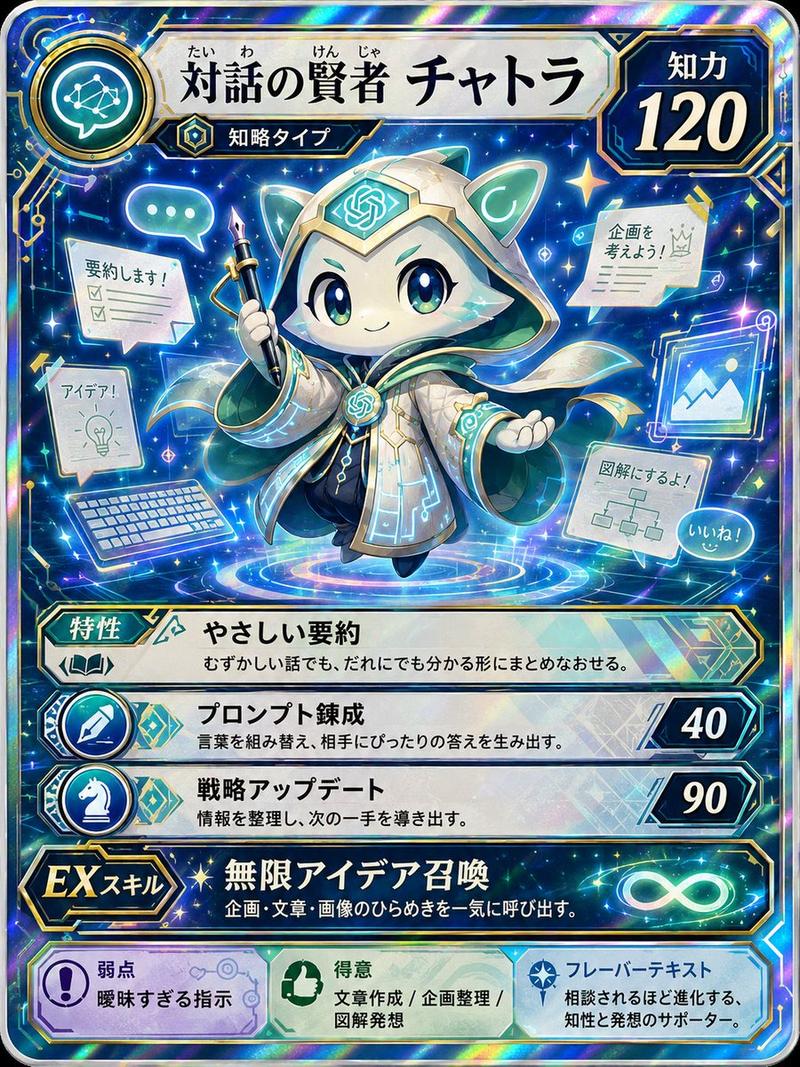
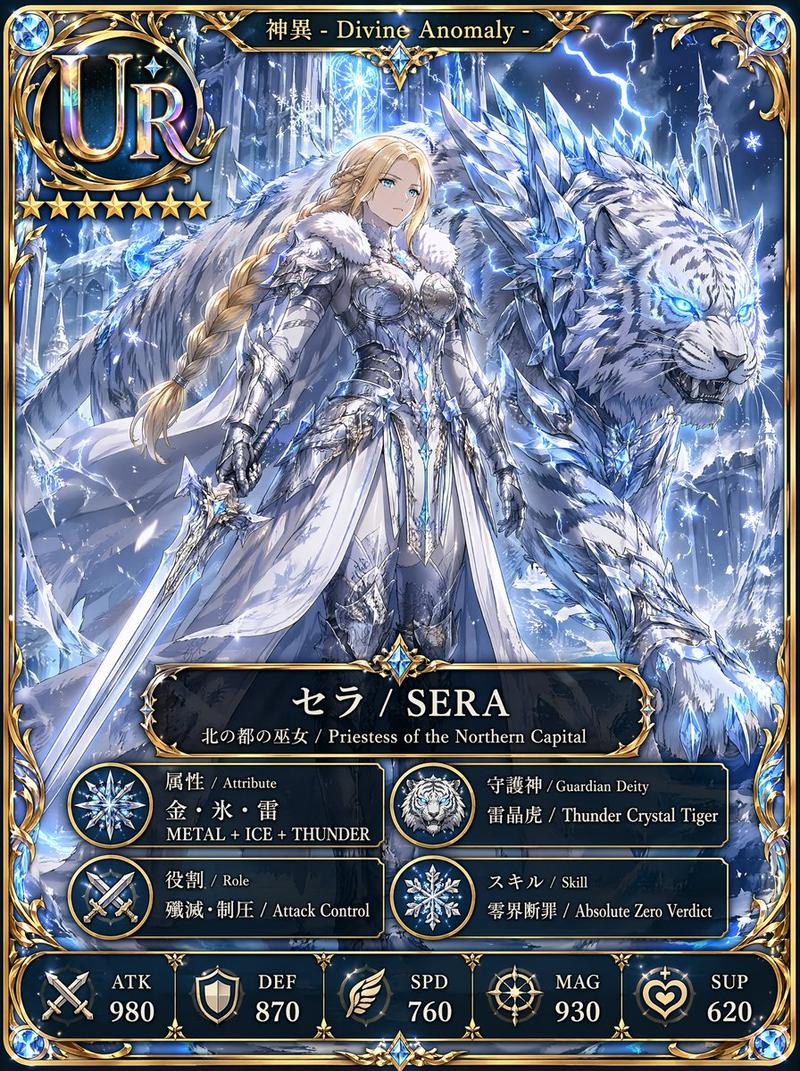
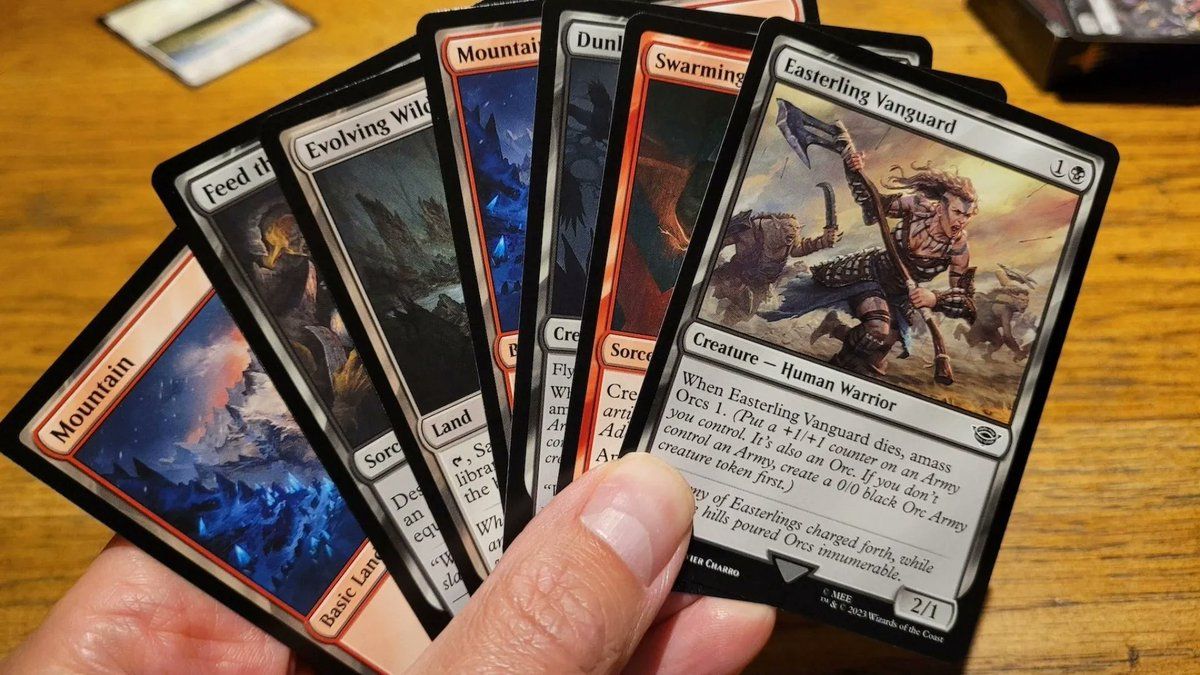
"卡片、莎士比亚和纳博科夫场景" AI image prompt for Nano Banana Pro (创意图片). 三个简短的提示:将交易卡重新着色为黑色,描绘莎士比亚写下一句名言,以及展示纳博科夫在蝴蝶环绕中描绘原牛和天使。 --- 把所有这些卡片都变成黑色。 创作一幅莎士比亚正在写马克·安东尼在凯撒葬礼上著…

The full copyable prompt and example visuals above are ready for AI image generation or one-click recreate in Picva.

How to use this prompt

  1. Step 1

    Open the prompt detail

    Review the example visuals, category, and full prompt text for "卡片、莎士比亚和纳博科夫场景".

  2. Step 2

    Copy the prompt

    Copy the prompt body from this page, or load it directly in Studio.

  3. Step 3

    Pick a model (Nano Banana Pro)

    Prefer Nano Banana Pro. If you switch models, keep subject and composition and tweak style terms.

  4. Step 4

    Generate and export

    Recreate the look in Picva, or export into your workflow for editing and publishing.

FAQ

What is the "卡片、莎士比亚和纳博科夫场景" prompt?
It is an AI image-generation prompt for Nano Banana Pro in the 创意图片 category. This page includes the full prompt text, example visuals, and a one-click recreate path in Picva.
How do I use this prompt to generate an image?
Copy the prompt from this page, or use Generate / Studio. Paste it into a compatible image model, or recreate the look in Picva with optional reference images.
Which model is this prompt for?
This page lists Nano Banana Pro. Most descriptive prompts also transfer to nearby image models such as GPT Image, Flux, or Midjourney with light style tweaks.
Can I use the result commercially?
You can usually copy the prompt for creation, but commercial use of the final image depends on the model terms, reference-image rights, and the generated content. Follow the source author and platform rules.