17

两段式电影肖像,带身份锁定
Enlarge

两段式电影肖像,带身份锁定

Prompt
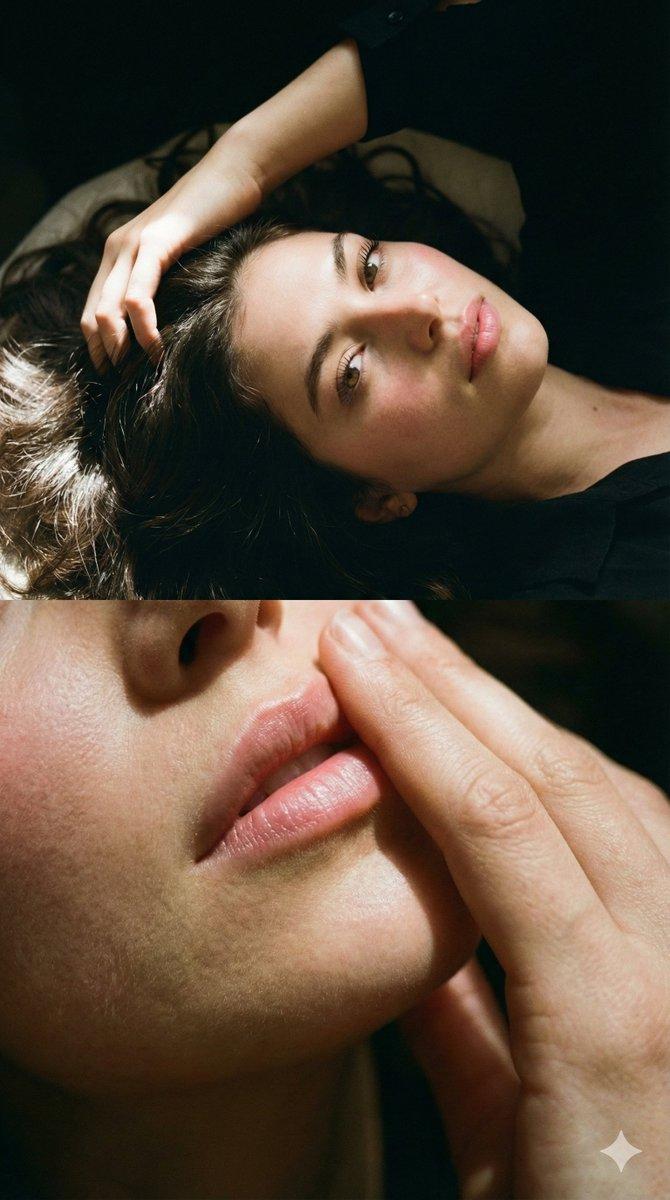
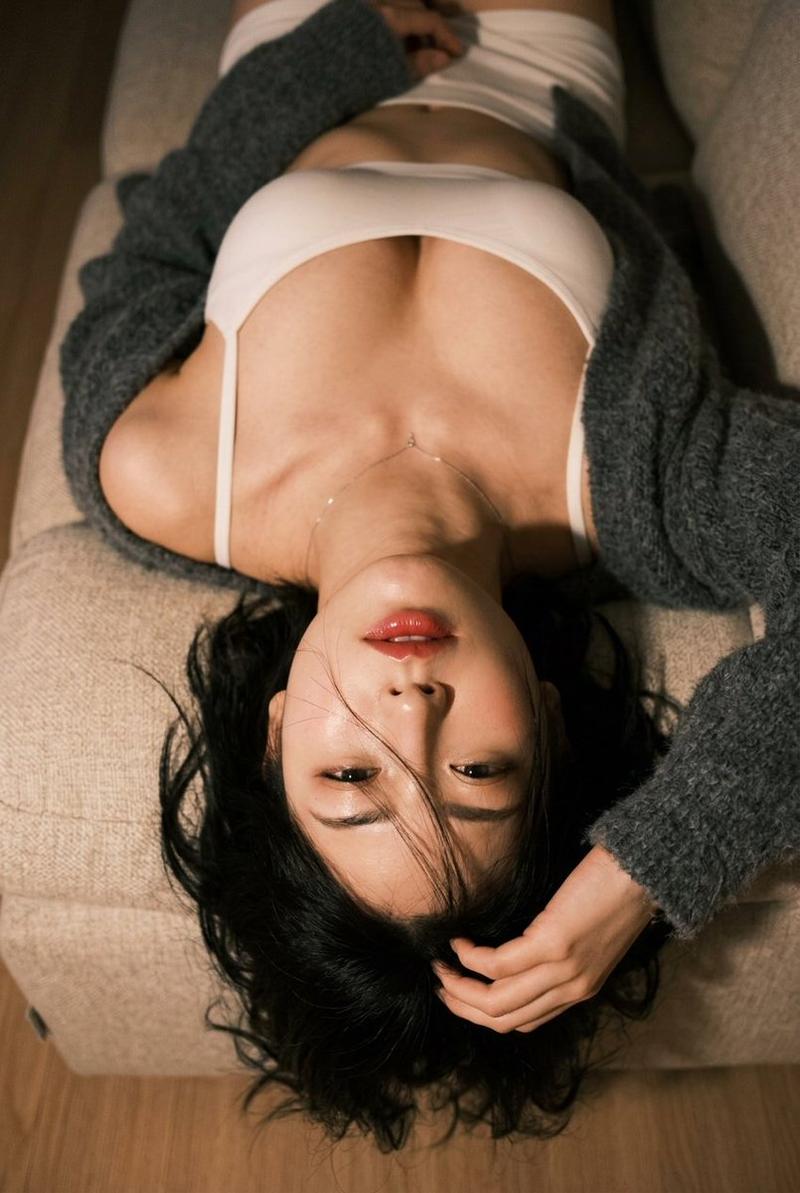
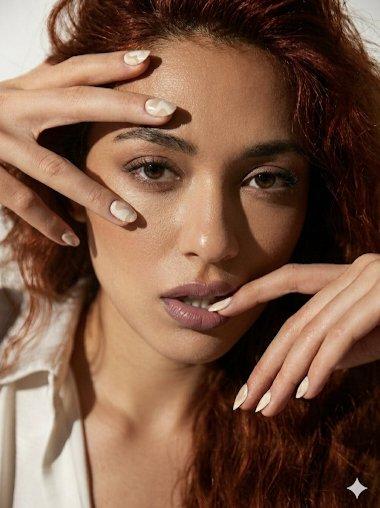
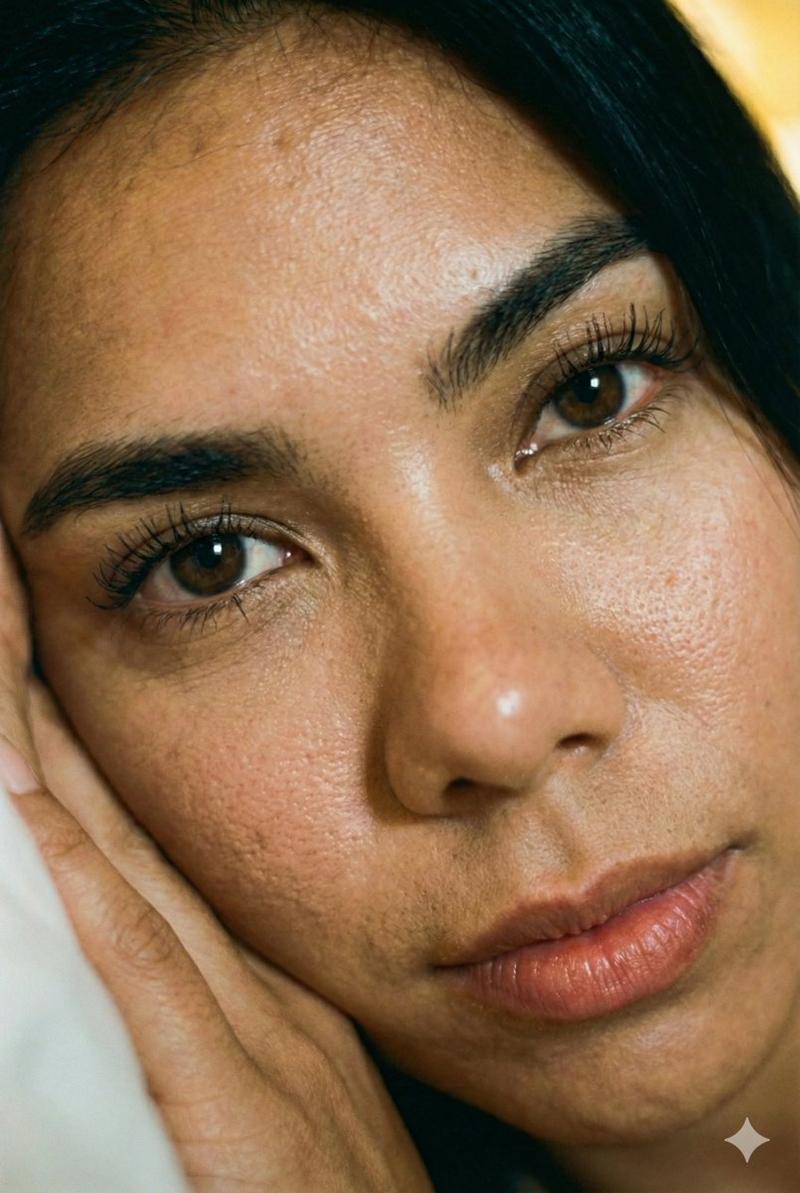
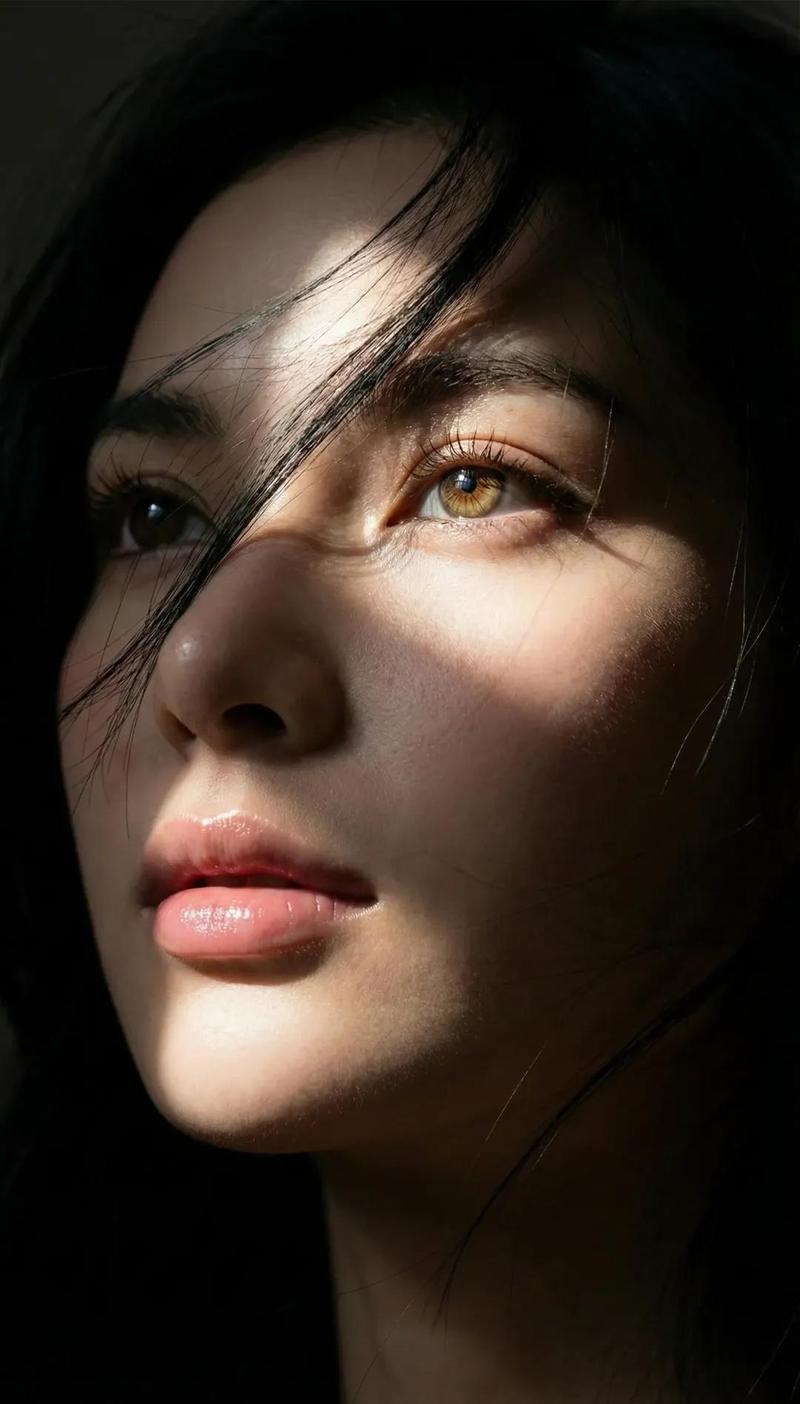
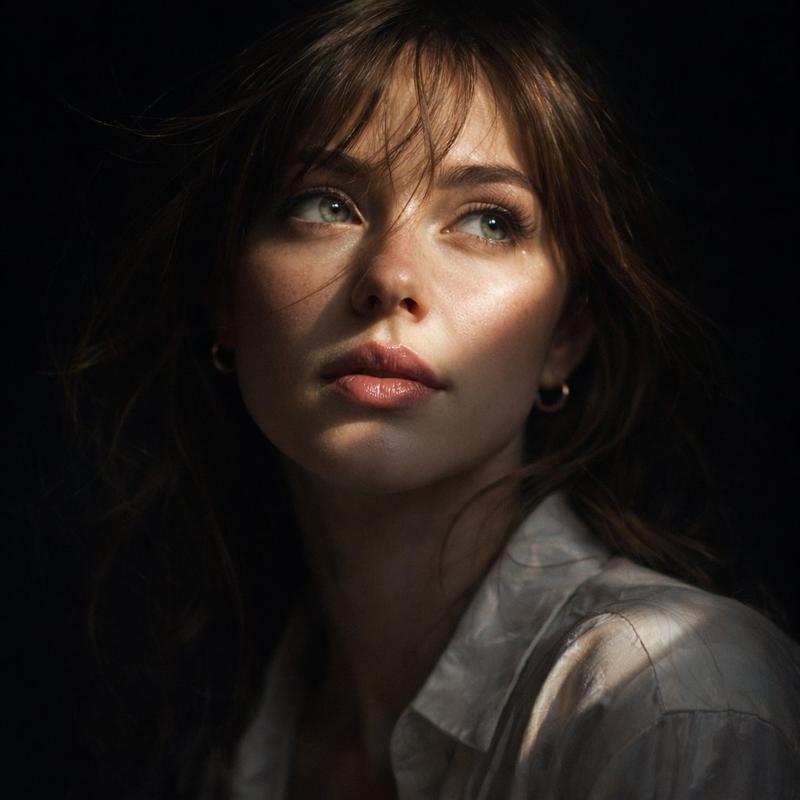
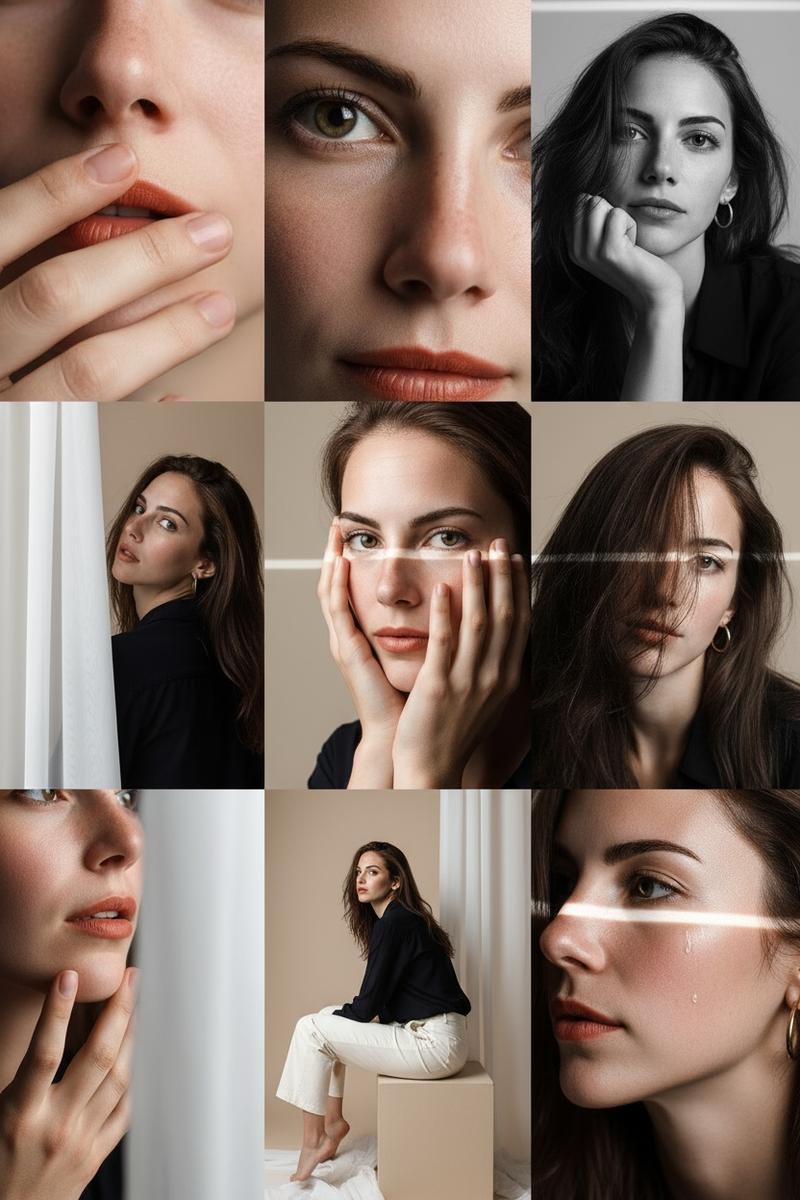
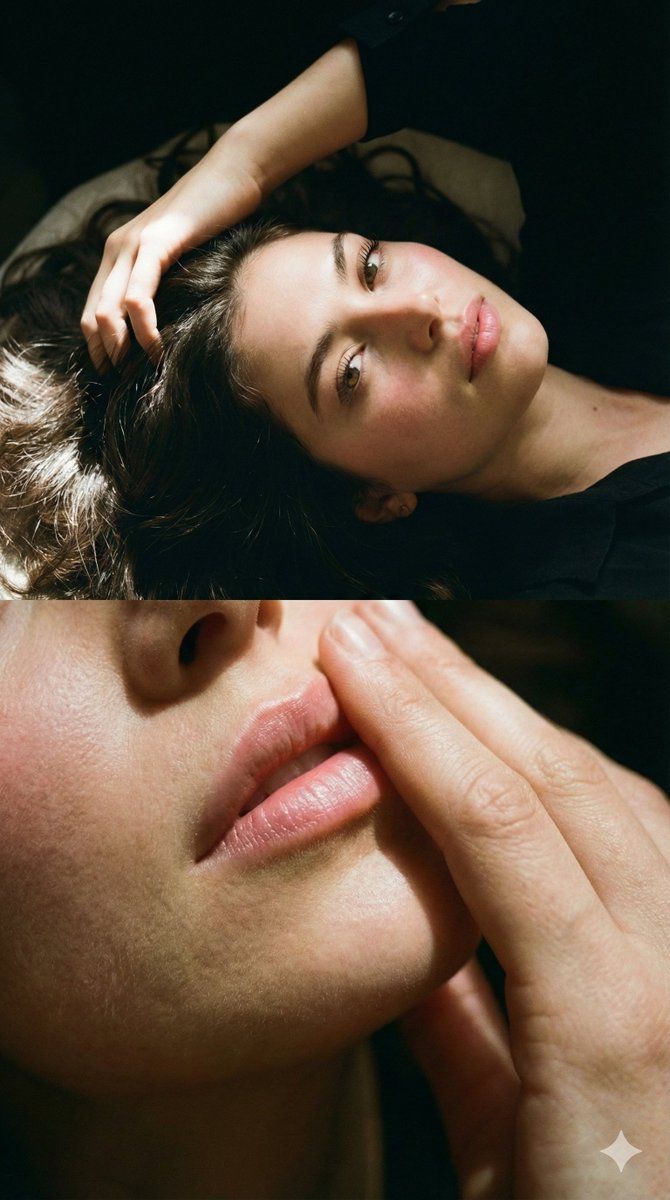
Two-part photo Don't alter facial features Create a photo of a woman(me 100% same face as uploaded) lying down, her face illuminated by soft sunlight, highlighting every detail of her face. Her skin appears smooth with a natural flush. The top part of the photo focuses on her eyes with long lashes, her hand resting on her hair, and the angle is from above and to the side. The bottom part is an extreme close-up of her lips, her hand running over them, and only the lips are in the frame. The hair is thick and shiny, with bright highlights that emphasize its texture and volume. The surroundings are dark, with sunlight on the woman's face. High-quality 8K image quality with detailed texture. The hair in both frames is long and straight. The lips have a subtle, soft pink sheen. Each frame features a cinematic effect with added grain.
Category
创意图片
Model
Nano Banana Pro
Creator
𝐌
Views0
Source ID
837c6801-a3d6-49e2-a55d-e60de1c6e5da
Published
Mar 8, 2026

Guide

About "两段式电影肖像,带身份锁定"

What is this prompt for?

"两段式电影肖像,带身份锁定" AI image prompt for Nano Banana Pro (创意图片). 一个详细的两部分电影肖像提示,旨在保持上传参考图像中面部的确切特征。上半部分聚焦于柔和阳光照耀下的面部,下半部分是嘴唇的特写,两者都具有高质量的 8K 细节和电影效果。 --- 两部分照片,请勿改变…

The full copyable prompt and example visuals above are ready for AI image generation or one-click recreate in Picva.

How to use this prompt

  1. Step 1

    Open the prompt detail

    Review the example visuals, category, and full prompt text for "两段式电影肖像,带身份锁定".

  2. Step 2

    Copy the prompt

    Copy the prompt body from this page, or load it directly in Studio.

  3. Step 3

    Pick a model (Nano Banana Pro)

    Prefer Nano Banana Pro. If you switch models, keep subject and composition and tweak style terms.

  4. Step 4

    Generate and export

    Recreate the look in Picva, or export into your workflow for editing and publishing.

FAQ

What is the "两段式电影肖像,带身份锁定" prompt?
It is an AI image-generation prompt for Nano Banana Pro in the 创意图片 category. This page includes the full prompt text, example visuals, and a one-click recreate path in Picva.
How do I use this prompt to generate an image?
Copy the prompt from this page, or use Generate / Studio. Paste it into a compatible image model, or recreate the look in Picva with optional reference images.
Which model is this prompt for?
This page lists Nano Banana Pro. Most descriptive prompts also transfer to nearby image models such as GPT Image, Flux, or Midjourney with light style tweaks.
Can I use the result commercially?
You can usually copy the prompt for creation, but commercial use of the final image depends on the model terms, reference-image rights, and the generated content. Follow the source author and platform rules.