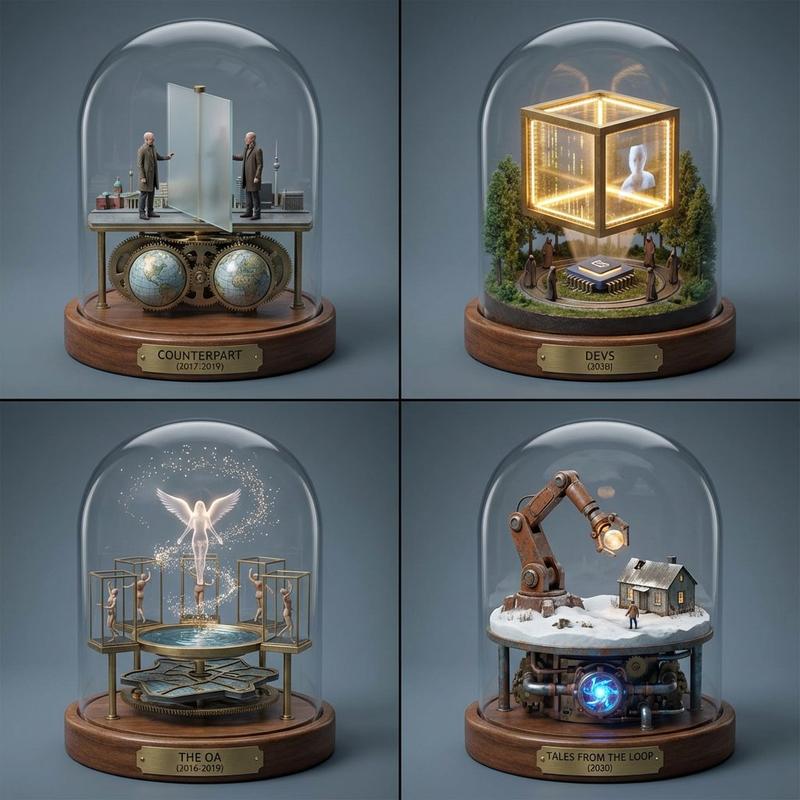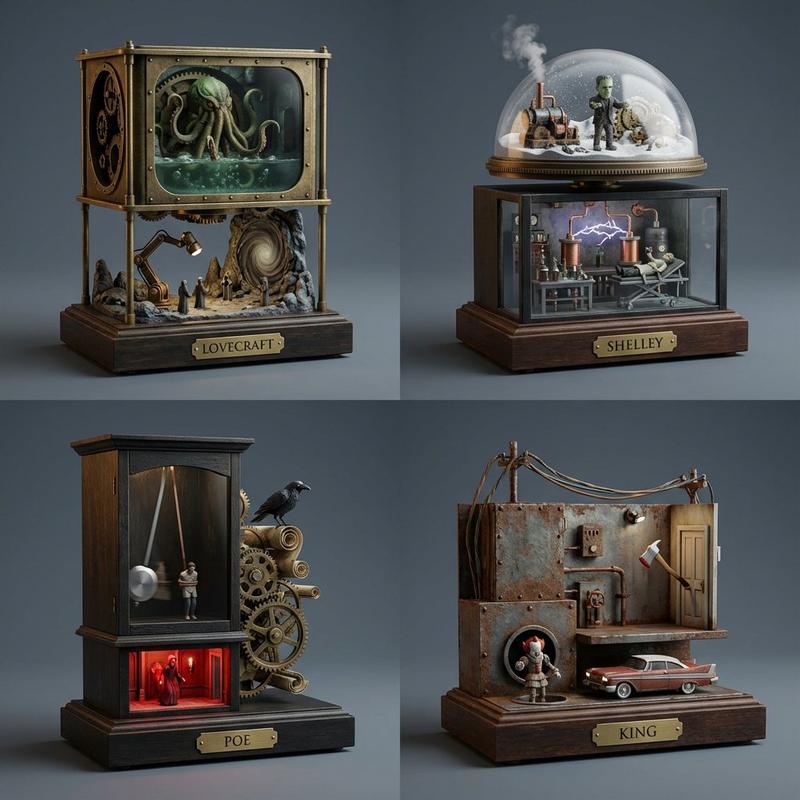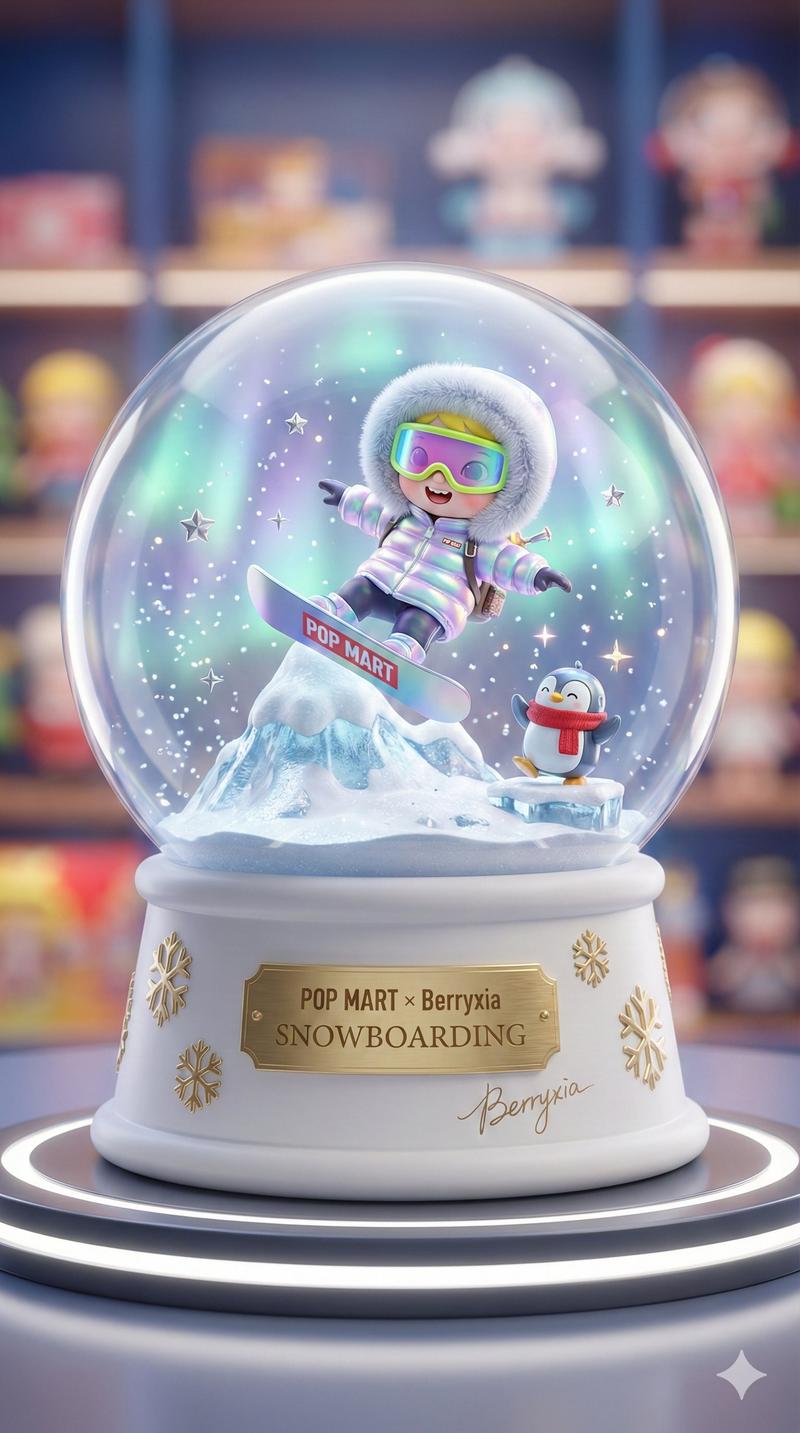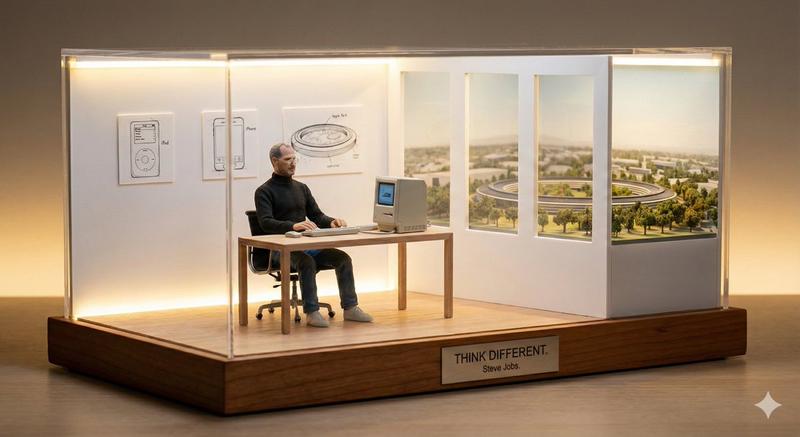
15

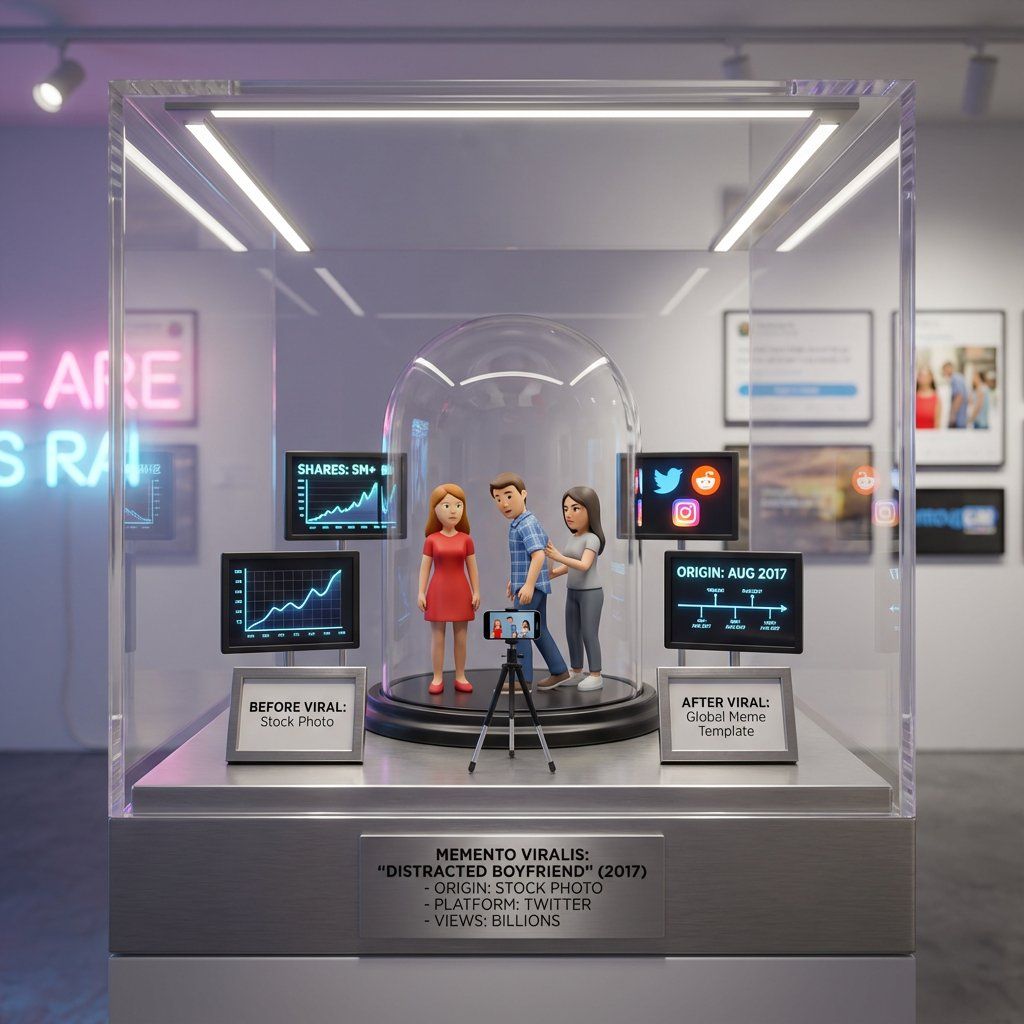
表情包转玩具盒模板
Enlarge

表情包转玩具盒模板

Prompt
<instruction>
Input A is an internet viral moment or meme origin ({argument name="meme name" default="meme name"}, video screenshot, or cultural phenomenon).
Analyze the original context, why it resonated, cultural impact, and spread pattern.
Optional Input B is a style reference (pop culture museum / internet archive). If missing, choose Gen Z nostalgia meets contemporary art aesthetic.
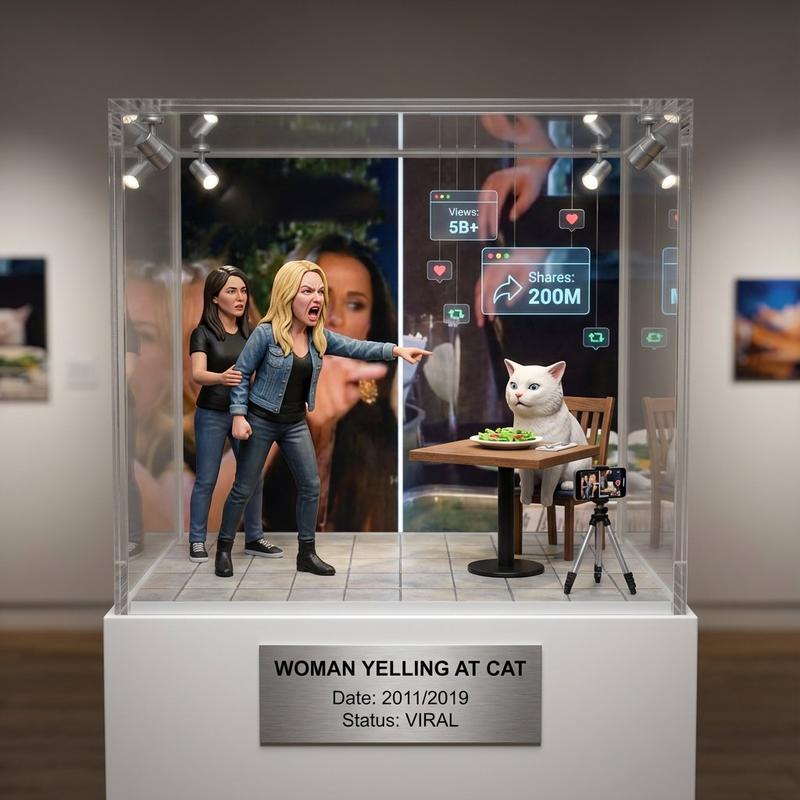
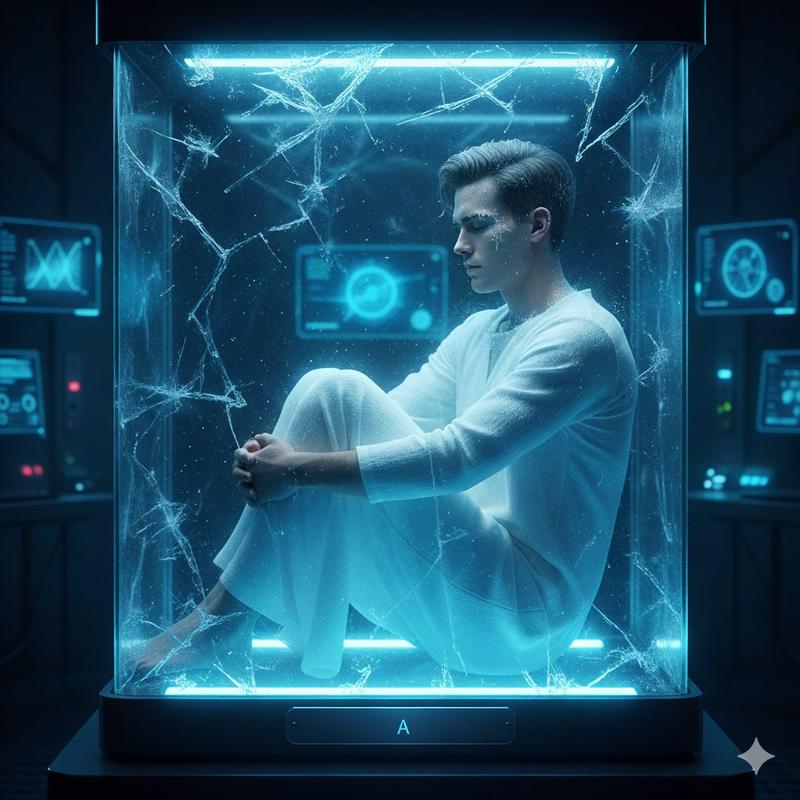
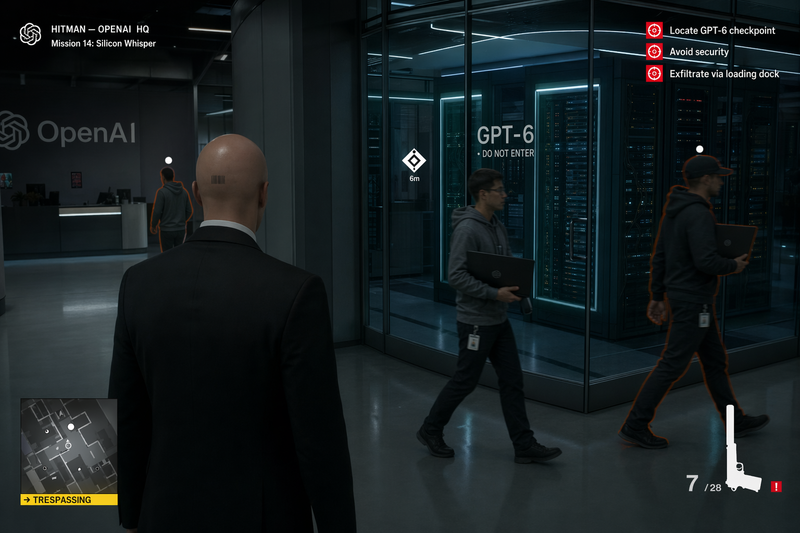
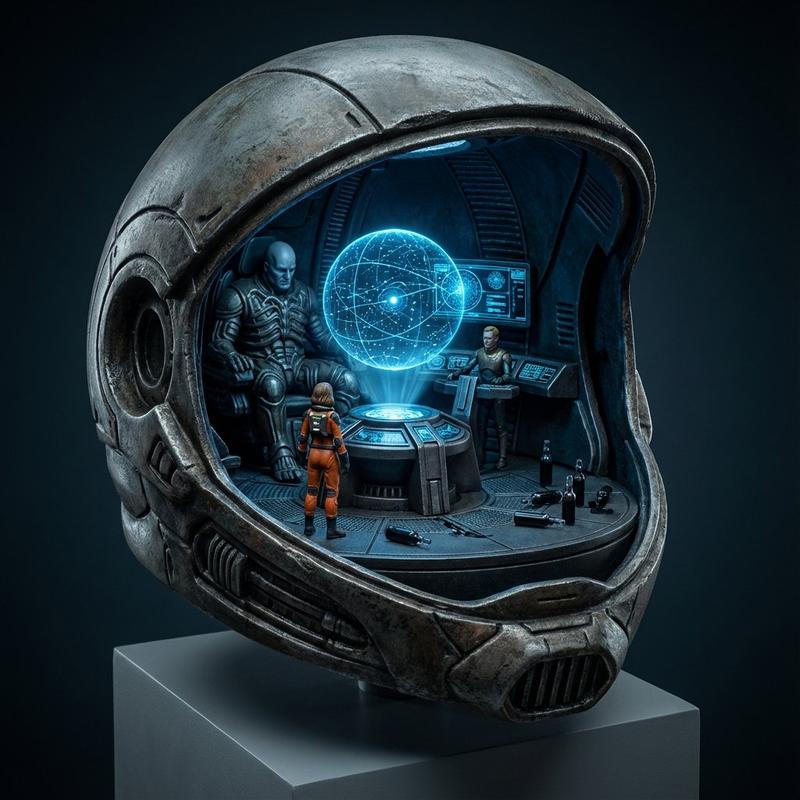
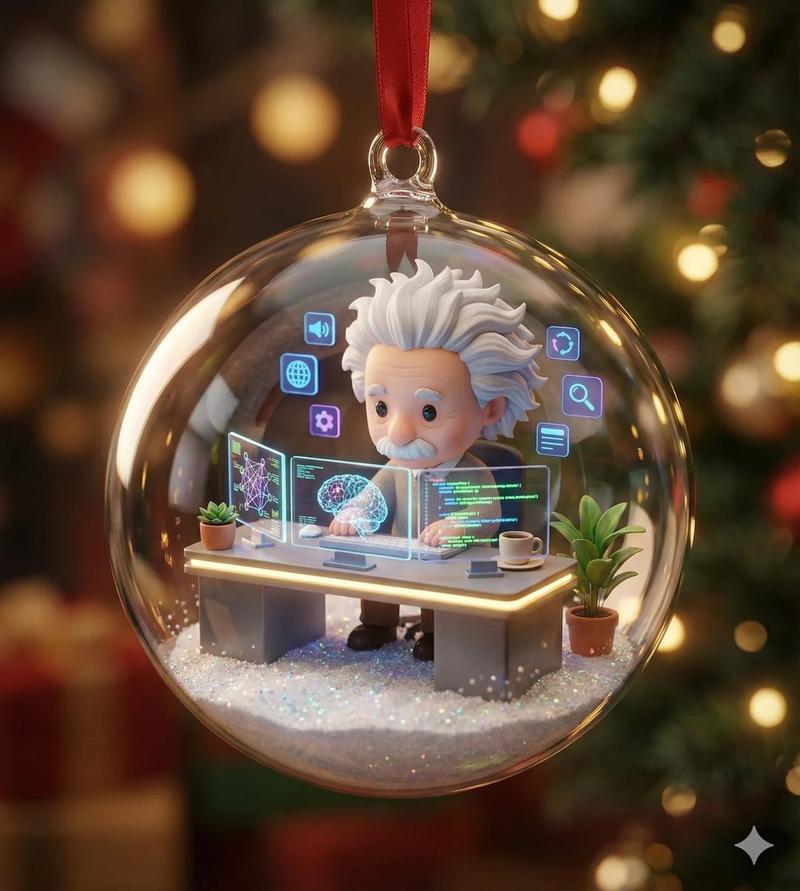
Goal: Ironic-but-premium display containing the exact viral moment in miniature form, with figurines, props, and screens showing spread metrics. Exact pose, position, and reaction of the characters should be replicated.
Rules:
- Recreate the exact scene with 2-8 figurines
- Include miniature phone/camera capturing the moment
- Show tiny screens with share counts, platforms, timeline
- Add "before viral" vs "after viral" comparison elements
- Mix irony with genuine appreciation for internet culture
- Label with moment/meme name, origin date, platform, shares/views
Output: ONE image, 1:1 social media optimized format
</instruction>
Category
创意图片
Model
Nano Banana Pro
Creator
Gadgetify
Views0
Source ID
4ecb9e56-d240-4820-94b3-ccd27a9ecaa7
Published
Mar 8, 2026

Guide

About "表情包转玩具盒模板"

What is this prompt for?

"表情包转玩具盒模板" AI image prompt for Nano Banana Pro (创意图片). 一个指令模板,旨在将病毒式传播的互联网瞬间或迷因(meme)转化为具有讽刺意味但又高端的微型展示盒(玩具盒)。它要求分析迷因的文化背景,并用小雕像、显示传播指标的微型屏幕以及对比“病毒式传播前”与“病毒式传…

The full copyable prompt and example visuals above are ready for AI image generation or one-click recreate in Picva.

How to use this prompt

  1. Step 1

    Open the prompt detail

    Review the example visuals, category, and full prompt text for "表情包转玩具盒模板".

  2. Step 2

    Copy the prompt

    Copy the prompt body from this page, or load it directly in Studio.

  3. Step 3

    Pick a model (Nano Banana Pro)

    Prefer Nano Banana Pro. If you switch models, keep subject and composition and tweak style terms.

  4. Step 4

    Generate and export

    Recreate the look in Picva, or export into your workflow for editing and publishing.

FAQ

What is the "表情包转玩具盒模板" prompt?
It is an AI image-generation prompt for Nano Banana Pro in the 创意图片 category. This page includes the full prompt text, example visuals, and a one-click recreate path in Picva.
How do I use this prompt to generate an image?
Copy the prompt from this page, or use Generate / Studio. Paste it into a compatible image model, or recreate the look in Picva with optional reference images.
Which model is this prompt for?
This page lists Nano Banana Pro. Most descriptive prompts also transfer to nearby image models such as GPT Image, Flux, or Midjourney with light style tweaks.
Can I use the result commercially?
You can usually copy the prompt for creation, but commercial use of the final image depends on the model terms, reference-image rights, and the generated content. Follow the source author and platform rules.