11

自拍人像冷暖光对比
Enlarge

自拍人像冷暖光对比

Prompt
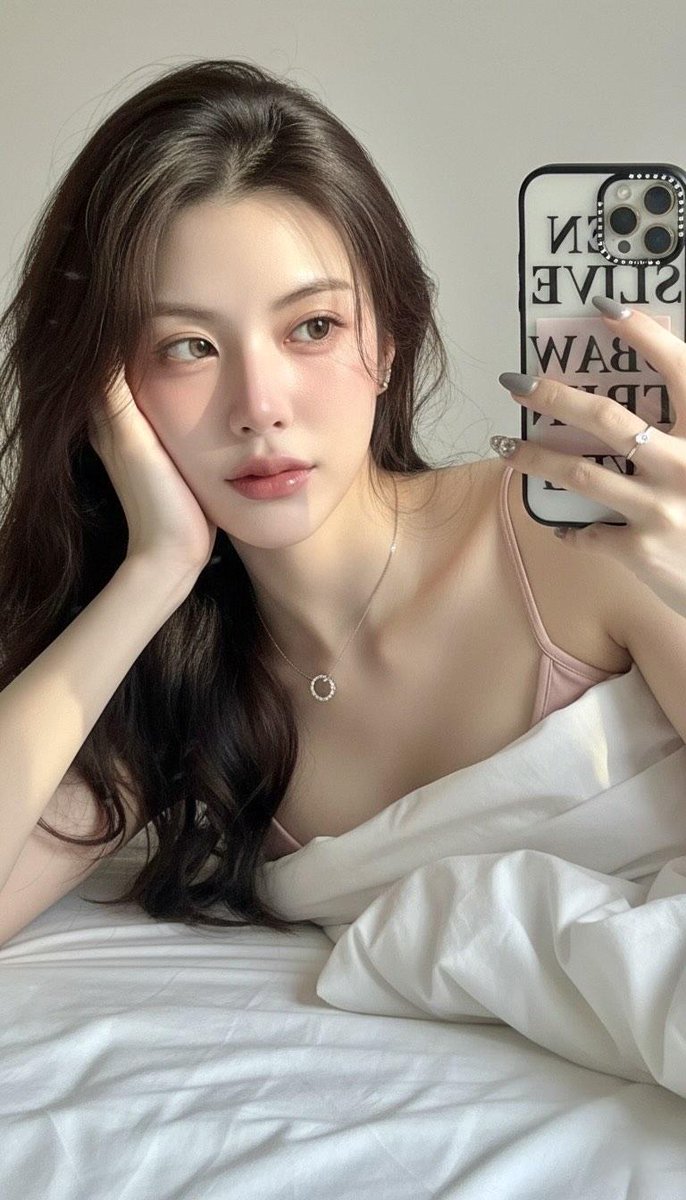
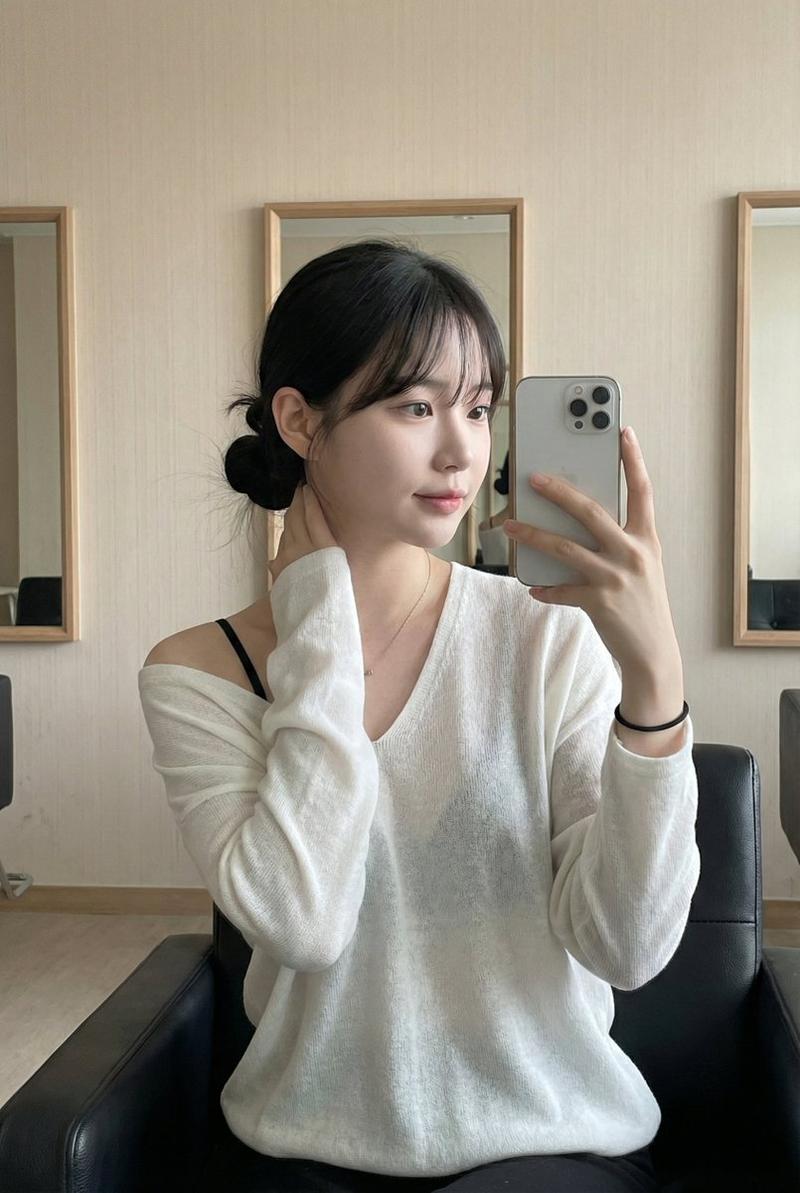
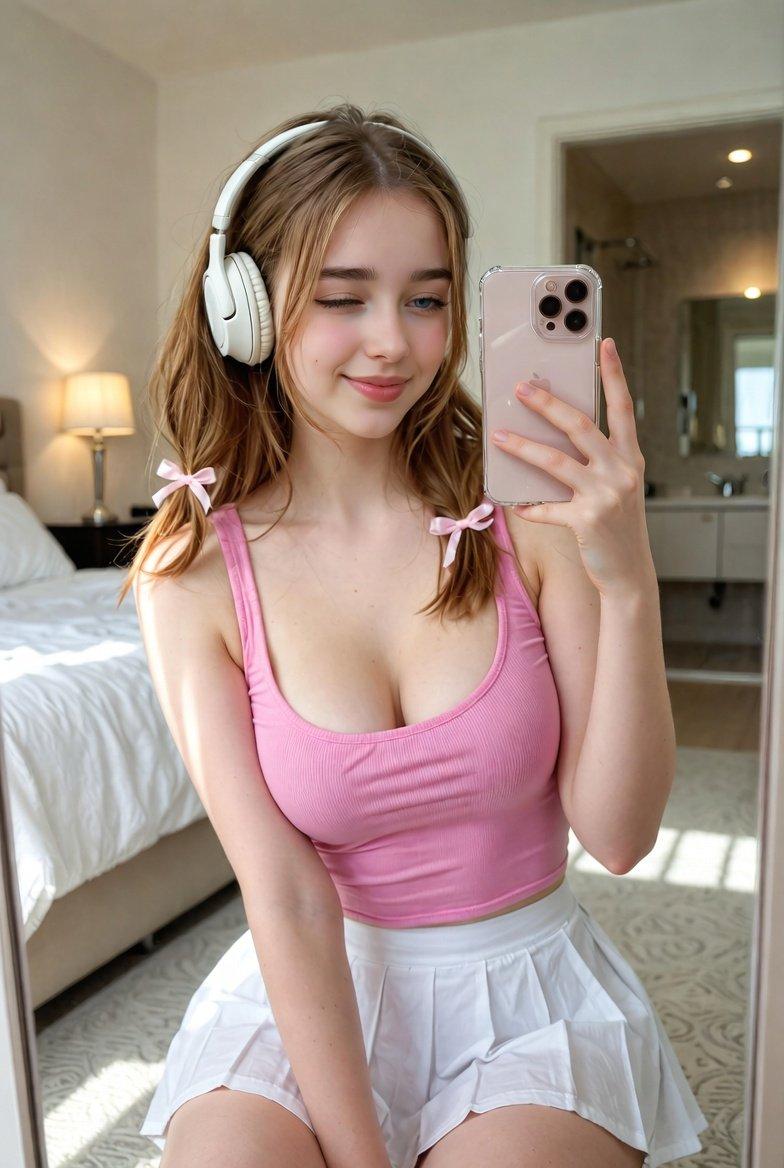
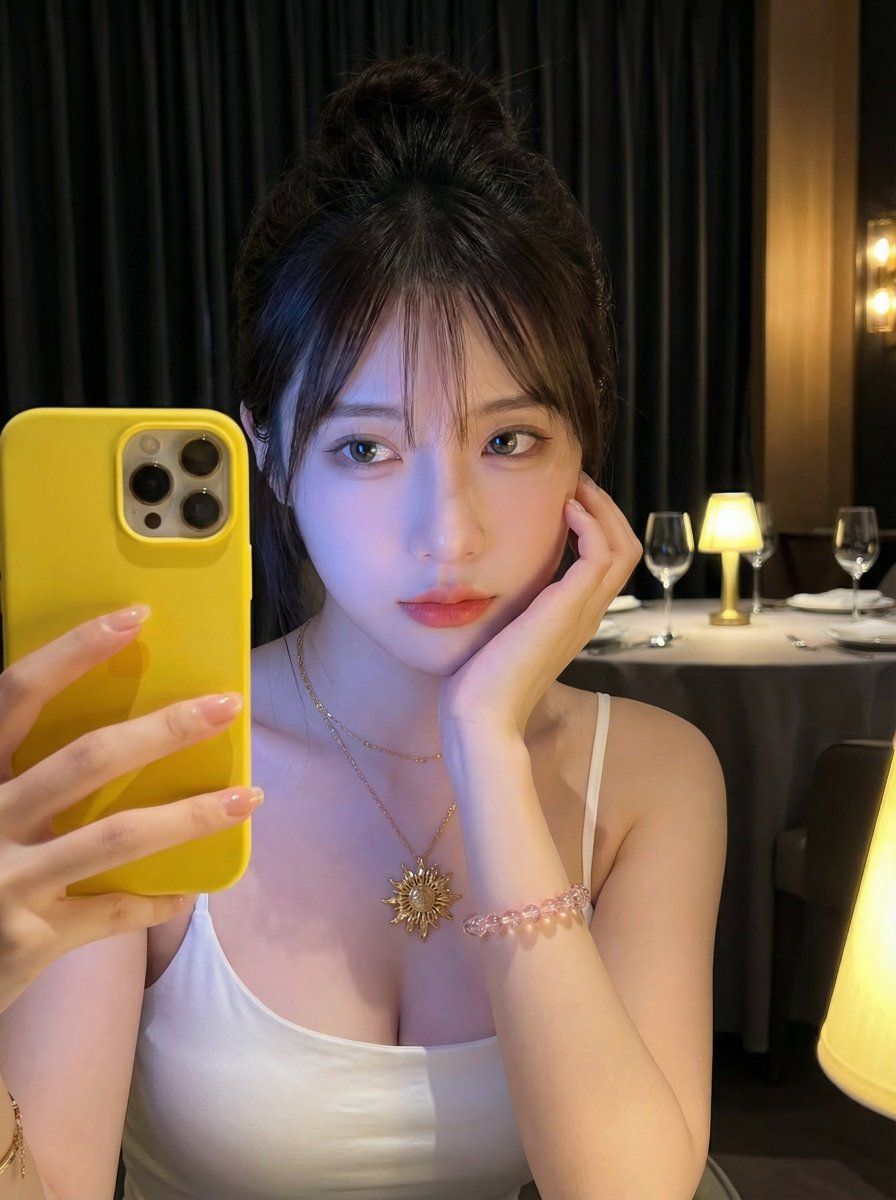
【主题】一位年轻女性,深棕黑色头发盘成发髻,额前散落几缕碎刘海;直视镜头,表情宁静略带慵懒。右手托腮,左手持手机作自拍姿势。

【妆容与肤质】自然清透妆容,眼妆干净,睫毛根根分明,双唇莹润;皮肤极其细腻,整体肤色在冷光映衬下透出蓝紫色光泽感。

【衣着】白色细吊带低胸上衣(简约修身款)。

【配饰】手腕叠戴透明粉珠串手链与金色细链手镯(带小花/四叶草吊坠);指甲涂浅裸色甲油。

【道具】亮黄色手机/手机壳非常醒目(位于画面左下角),增强“随手社交自拍”的真实感。

【场景】昏暗餐厅/酒吧氛围,厚重黑窗帘为背景;白色圆桌上放置酒杯与小物件,多盏暖黄色台灯营造温馨环境光。

【光影与色彩】人物受冷蓝紫色补光(如屏幕光/LED补光)照射,背景则泛暖黄色钨丝灯光,形成鲜明冷暖对比;背景轻微虚化以突出人像。

【摄影语言】竖构图近景半身(胸部以上),略带俯视/平视角度,带手机人像模式质感,中浅景深,画面肌理“清晰而柔和”。
Category
创意图片
Model
Nano Banana Pro
Views0
Source ID
007baa70-6b69-4292-b4cb-d1bac81fe409
Published
Mar 8, 2026

Guide

About "自拍人像冷暖光对比"

What is this prompt for?

"自拍人像冷暖光对比" AI image prompt for Nano Banana Pro (创意图片). 一个详细的提示,用于生成一张使用 Nano Banana Pro 制作的年轻亚洲女性的垂直特写自拍肖像。该提示强调了具体的发型、妆容、服装和配饰细节,并着重于戏剧性的光线对比——主体上的冷蓝色/紫色光线和背…

The full copyable prompt and example visuals above are ready for AI image generation or one-click recreate in Picva.

How to use this prompt

  1. Step 1

    Open the prompt detail

    Review the example visuals, category, and full prompt text for "自拍人像冷暖光对比".

  2. Step 2

    Copy the prompt

    Copy the prompt body from this page, or load it directly in Studio.

  3. Step 3

    Pick a model (Nano Banana Pro)

    Prefer Nano Banana Pro. If you switch models, keep subject and composition and tweak style terms.

  4. Step 4

    Generate and export

    Recreate the look in Picva, or export into your workflow for editing and publishing.

FAQ

What is the "自拍人像冷暖光对比" prompt?
It is an AI image-generation prompt for Nano Banana Pro in the 创意图片 category. This page includes the full prompt text, example visuals, and a one-click recreate path in Picva.
How do I use this prompt to generate an image?
Copy the prompt from this page, or use Generate / Studio. Paste it into a compatible image model, or recreate the look in Picva with optional reference images.
Which model is this prompt for?
This page lists Nano Banana Pro. Most descriptive prompts also transfer to nearby image models such as GPT Image, Flux, or Midjourney with light style tweaks.
Can I use the result commercially?
You can usually copy the prompt for creation, but commercial use of the final image depends on the model terms, reference-image rights, and the generated content. Follow the source author and platform rules.