20

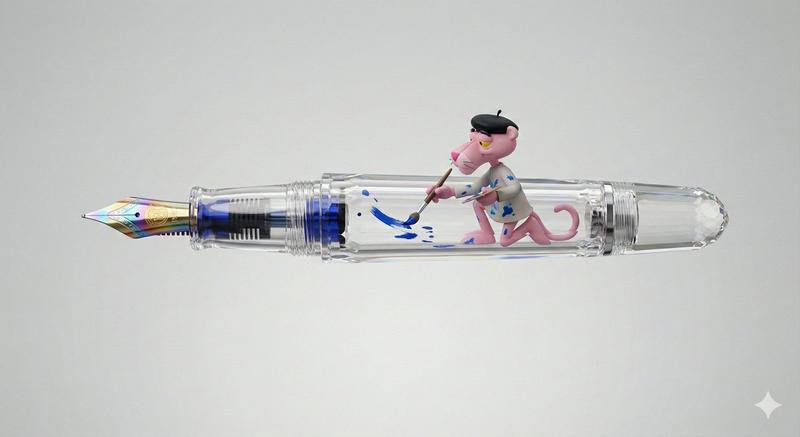
粉红豹钢笔 3D 渲染提示
Enlarge

粉红豹钢笔 3D 渲染提示

Prompt
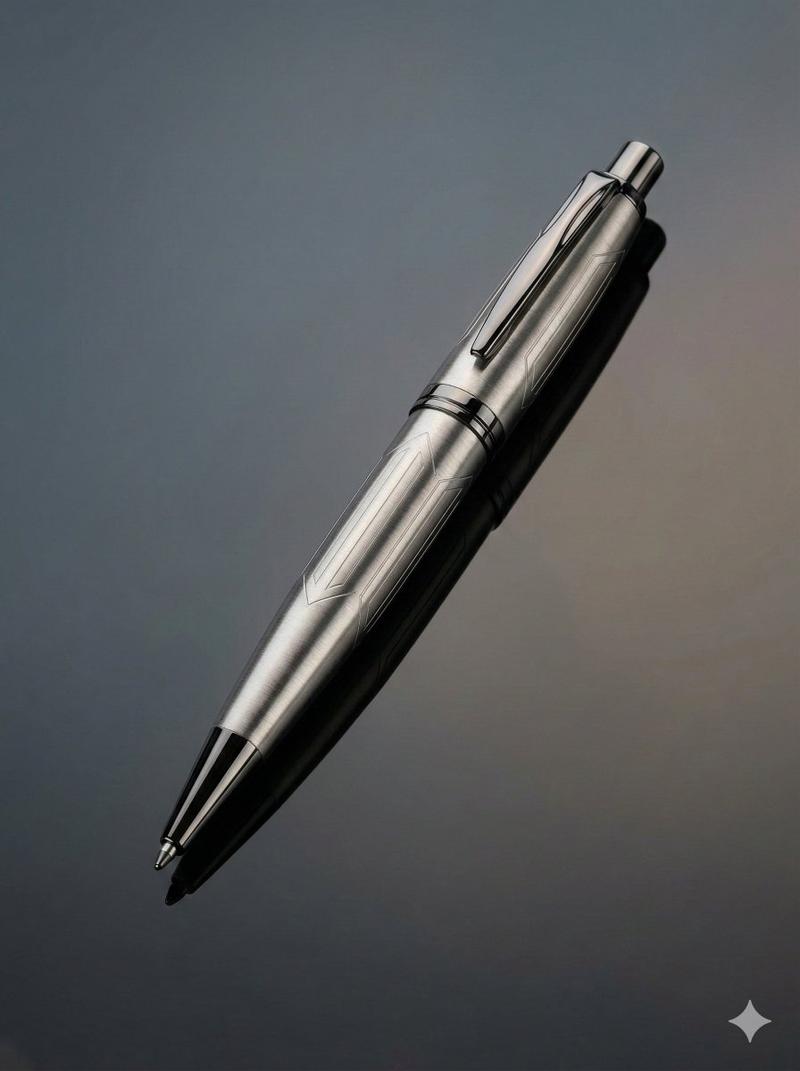
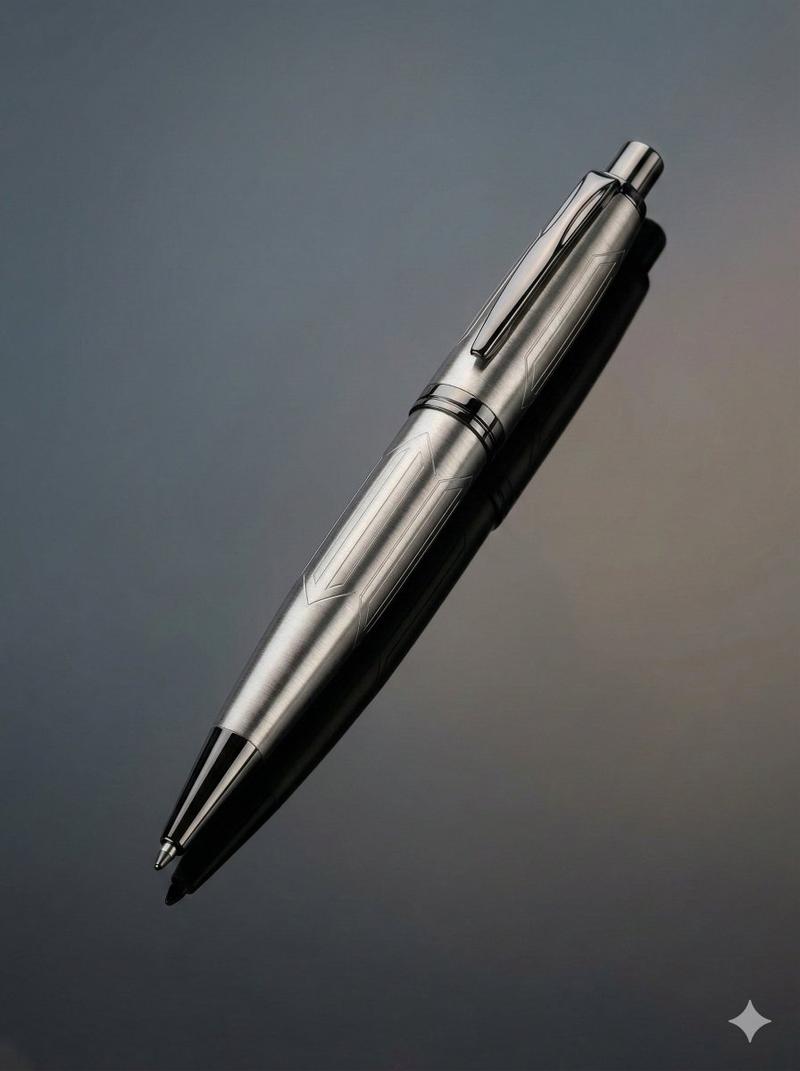
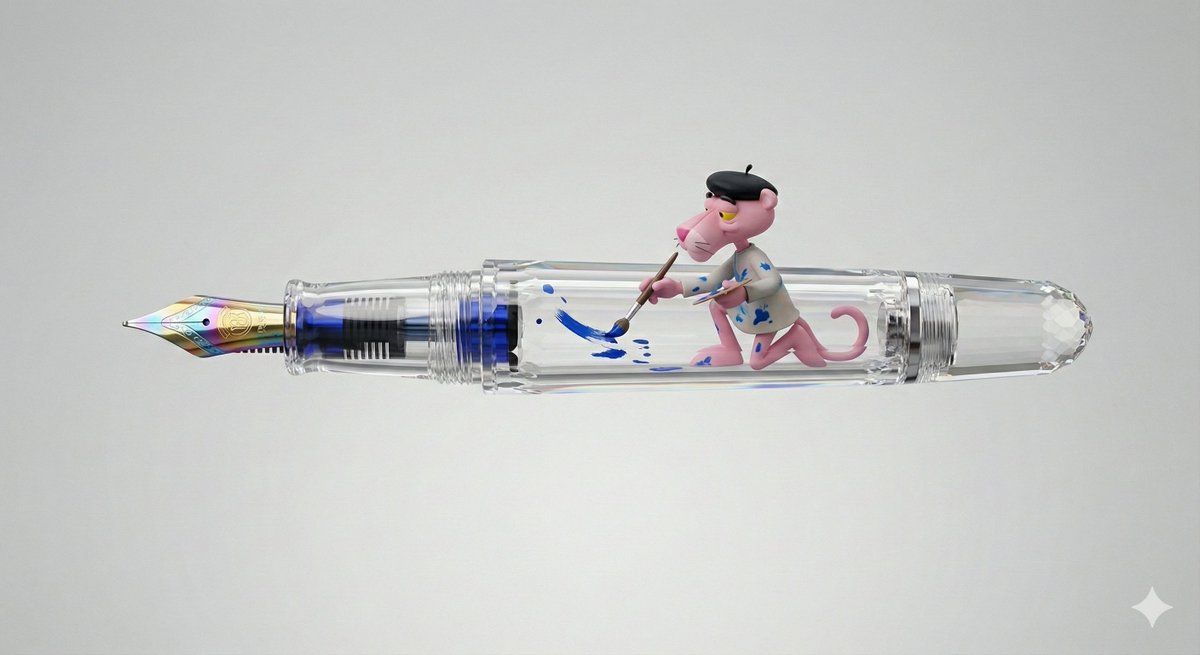
Side profile of a sophisticated, ornate, completely transparent crystal fountain pen. Inside the clear barrel and cap of the pen, a Pink Panther character is meticulously positioned. The Pink Panther, wearing a tiny, ink-stained artist's smock and beret, holds a miniature paintbrush in its paws. It is actively and diligently painting blue ink onto the internal mechanism and the inner surface of the pen nib, as if carefully recharging the ink flow. The pen floats against a pure solid light grey background, with soft, directional studio lighting highlighting the crystal clear transparency and the vibrant blue ink. Hyper-realistic 3D render, luxury product photography aesthetic, intricate details, 8k resolution.
Category
创意图片
Model
Nano Banana Pro
Creator
两斤
Views0
Source ID
cc017ecd-624f-4944-bf08-da2a5fde2130
Published
Mar 8, 2026

Guide

About "粉红豹钢笔 3D 渲染提示"

What is this prompt for?

"粉红豹钢笔 3D 渲染提示" AI image prompt for Nano Banana Pro (创意图片). 一个详细的提示,用于生成一支精致、华丽、透明的水晶钢笔的超逼真 3D 渲染图。独特的元素是巧妙地放置在笔杆内的粉红豹角色,它身穿艺术家罩衫,正在将蓝色墨水涂抹到内部机械装置上。 --- 一支精致华丽…

The full copyable prompt and example visuals above are ready for AI image generation or one-click recreate in Picva.

How to use this prompt

  1. Step 1

    Open the prompt detail

    Review the example visuals, category, and full prompt text for "粉红豹钢笔 3D 渲染提示".

  2. Step 2

    Copy the prompt

    Copy the prompt body from this page, or load it directly in Studio.

  3. Step 3

    Pick a model (Nano Banana Pro)

    Prefer Nano Banana Pro. If you switch models, keep subject and composition and tweak style terms.

  4. Step 4

    Generate and export

    Recreate the look in Picva, or export into your workflow for editing and publishing.

FAQ

What is the "粉红豹钢笔 3D 渲染提示" prompt?
It is an AI image-generation prompt for Nano Banana Pro in the 创意图片 category. This page includes the full prompt text, example visuals, and a one-click recreate path in Picva.
How do I use this prompt to generate an image?
Copy the prompt from this page, or use Generate / Studio. Paste it into a compatible image model, or recreate the look in Picva with optional reference images.
Which model is this prompt for?
This page lists Nano Banana Pro. Most descriptive prompts also transfer to nearby image models such as GPT Image, Flux, or Midjourney with light style tweaks.
Can I use the result commercially?
You can usually copy the prompt for creation, but commercial use of the final image depends on the model terms, reference-image rights, and the generated content. Follow the source author and platform rules.