15

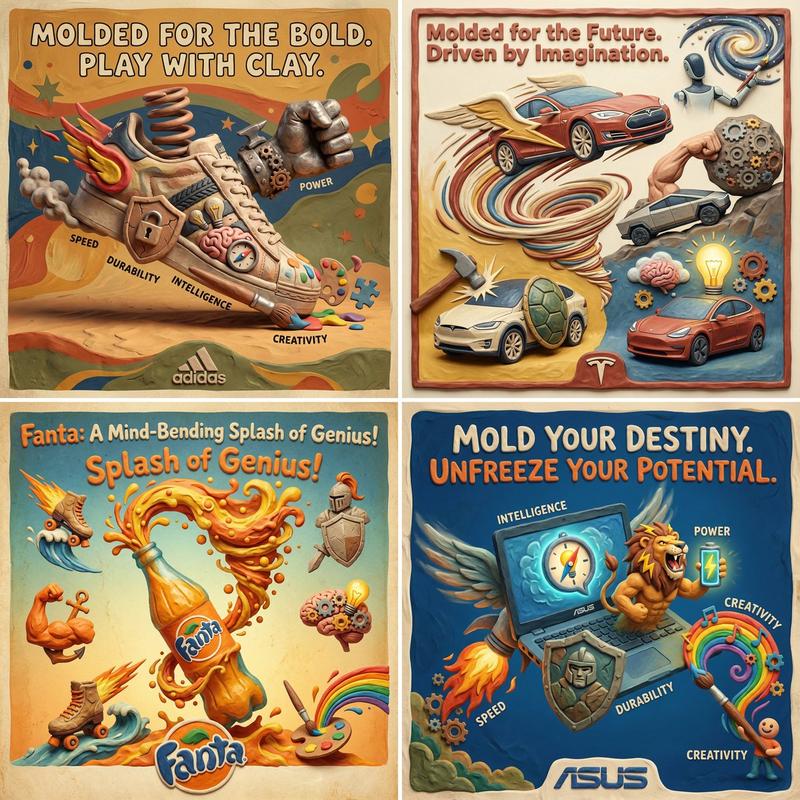
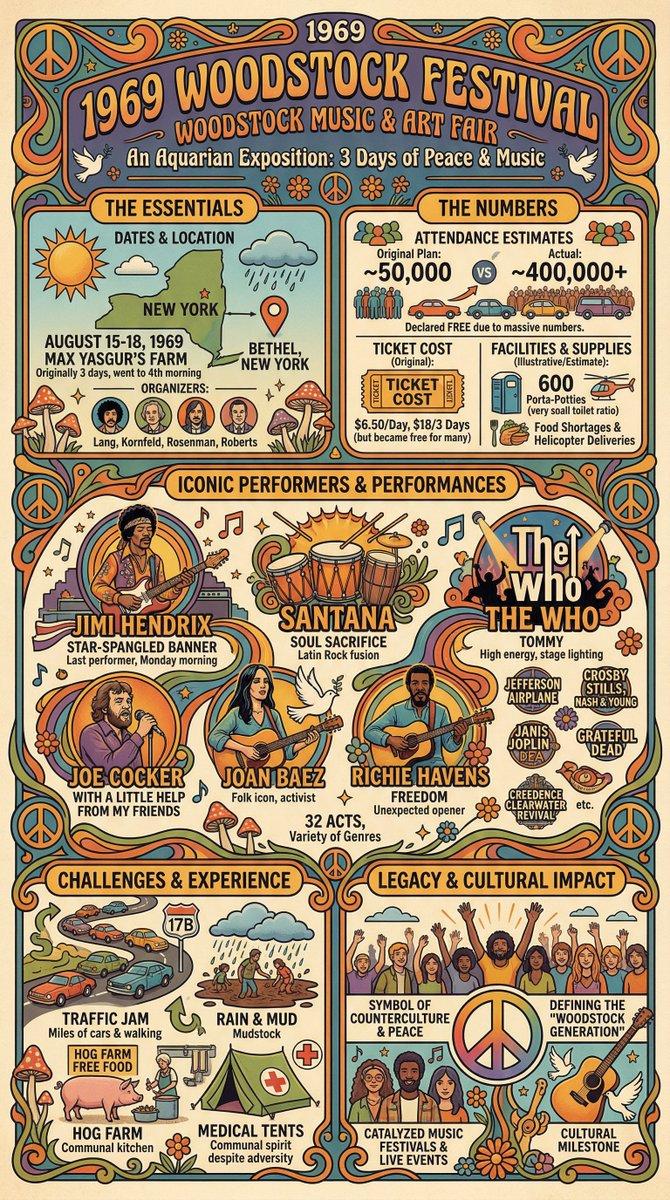
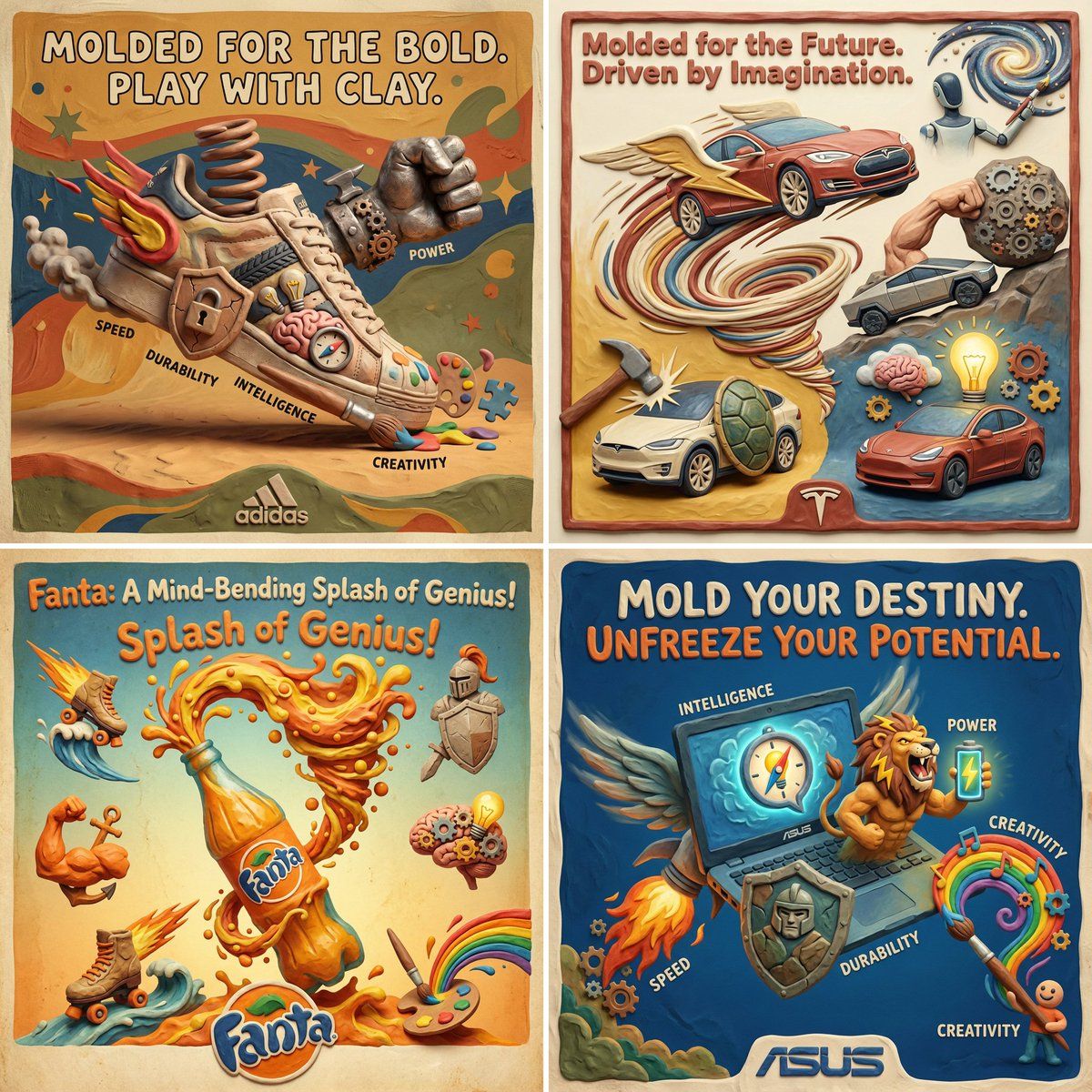
Clay Velocity 产品广告
Enlarge

Clay Velocity 产品广告

Prompt
Create a square, caricature-style product advertisement for {argument name="brand name" default="Brand Name"} in a surreal clay-sculpted + retro poster aesthetic, as if the product were hand-molded and frozen mid-motion. Exaggerate form and proportion to dramatize its core traits—speed, power, durability, intelligence, and creativity—using tactile textures, bold silhouettes, and playful distortion. Embed distinct symbolic elements directly into the scene to represent each trait through material, motion, or interaction (no repeated or generic symbols). Shape the color palette, lighting, and visual rhythm to reflect {argument name="brand name 2" default="Brand Name"}’s personality. Add a witty or poetic tagline at the top in the brand’s voice. Place a minimal, styled {argument name="brand name 3" default="Brand Name"} logo at the bottom
Category
创意图片
Model
Nano Banana Pro
Views0
Source ID
9a521b6d-b908-41eb-8107-f2cc99d9538c
Published
Mar 8, 2026

Guide

About "Clay Velocity 产品广告"

What is this prompt for?

"Clay Velocity 产品广告" AI image prompt for Nano Banana Pro (创意图片). 一个用于生成方形、漫画风格产品广告的提示,采用超现实的粘土雕塑和复古海报美学。它强调夸张的造型、触感纹理和象征性元素,以代表品牌的速度和力量等特质。 --- 为 {argument nam…

The full copyable prompt and example visuals above are ready for AI image generation or one-click recreate in Picva.

How to use this prompt

  1. Step 1

    Open the prompt detail

    Review the example visuals, category, and full prompt text for "Clay Velocity 产品广告".

  2. Step 2

    Copy the prompt

    Copy the prompt body from this page, or load it directly in Studio.

  3. Step 3

    Pick a model (Nano Banana Pro)

    Prefer Nano Banana Pro. If you switch models, keep subject and composition and tweak style terms.

  4. Step 4

    Generate and export

    Recreate the look in Picva, or export into your workflow for editing and publishing.

FAQ

What is the "Clay Velocity 产品广告" prompt?
It is an AI image-generation prompt for Nano Banana Pro in the 创意图片 category. This page includes the full prompt text, example visuals, and a one-click recreate path in Picva.
How do I use this prompt to generate an image?
Copy the prompt from this page, or use Generate / Studio. Paste it into a compatible image model, or recreate the look in Picva with optional reference images.
Which model is this prompt for?
This page lists Nano Banana Pro. Most descriptive prompts also transfer to nearby image models such as GPT Image, Flux, or Midjourney with light style tweaks.
Can I use the result commercially?
You can usually copy the prompt for creation, but commercial use of the final image depends on the model terms, reference-image rights, and the generated content. Follow the source author and platform rules.