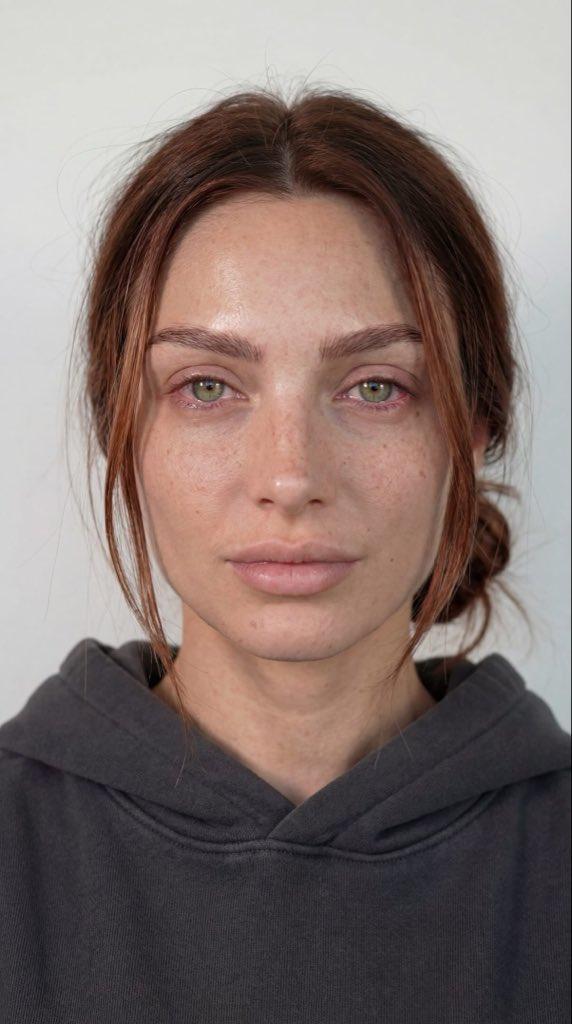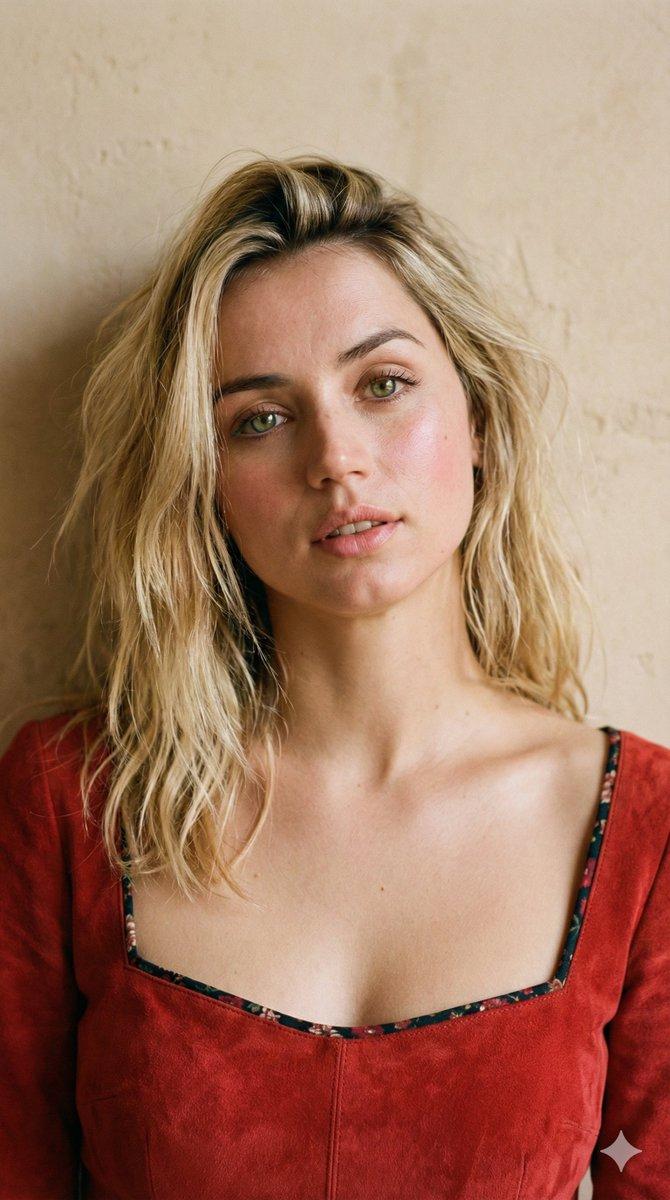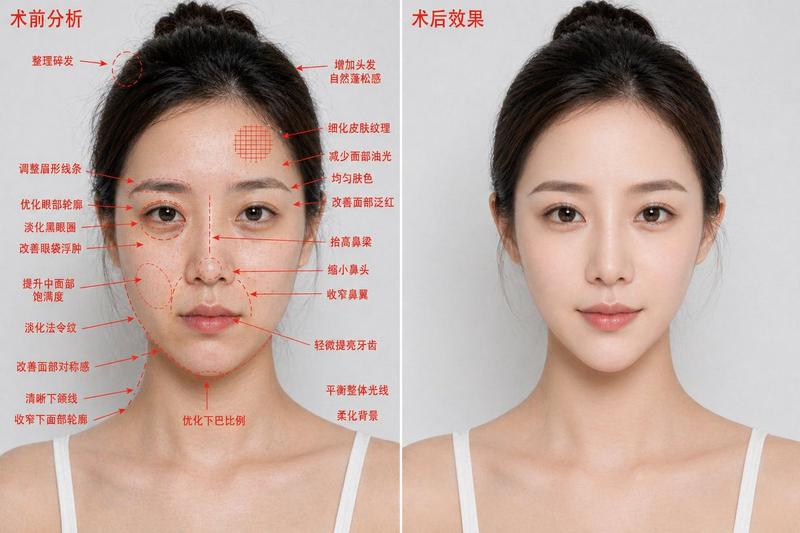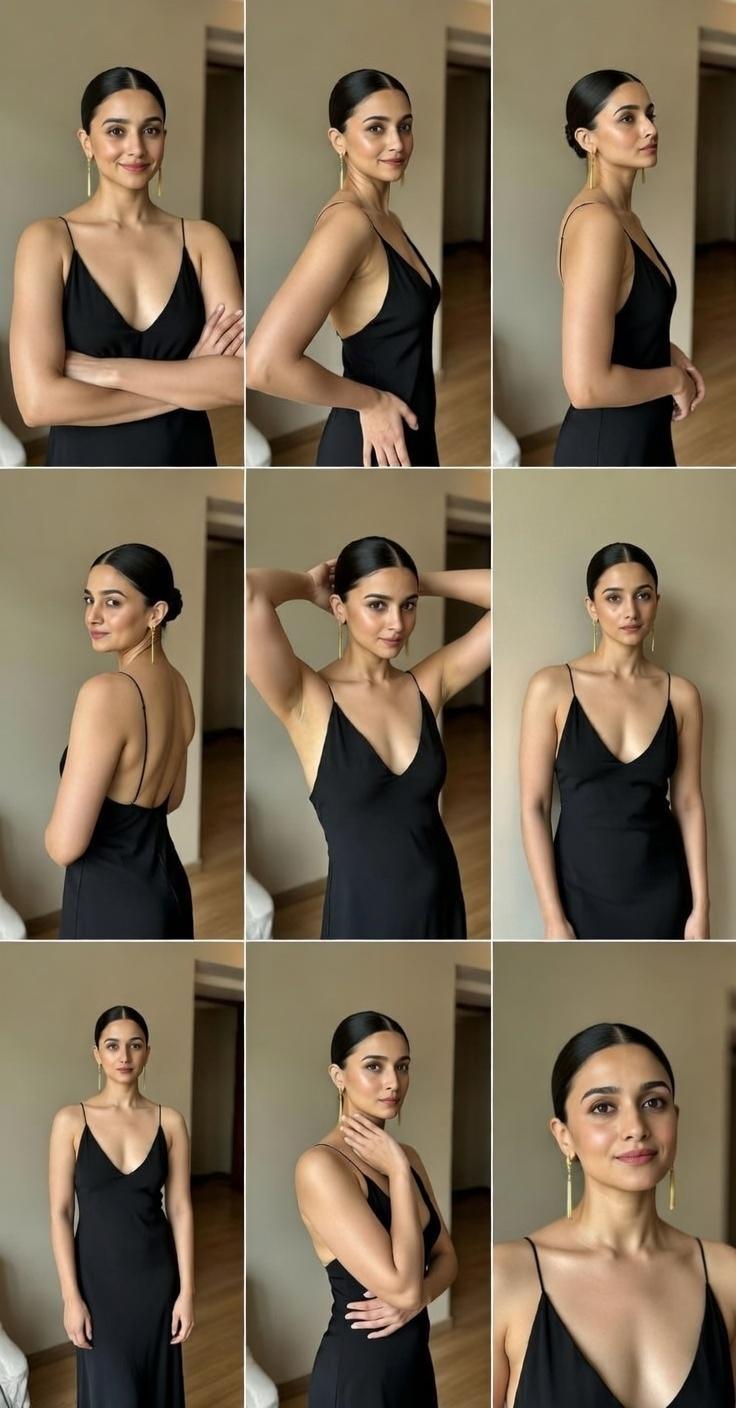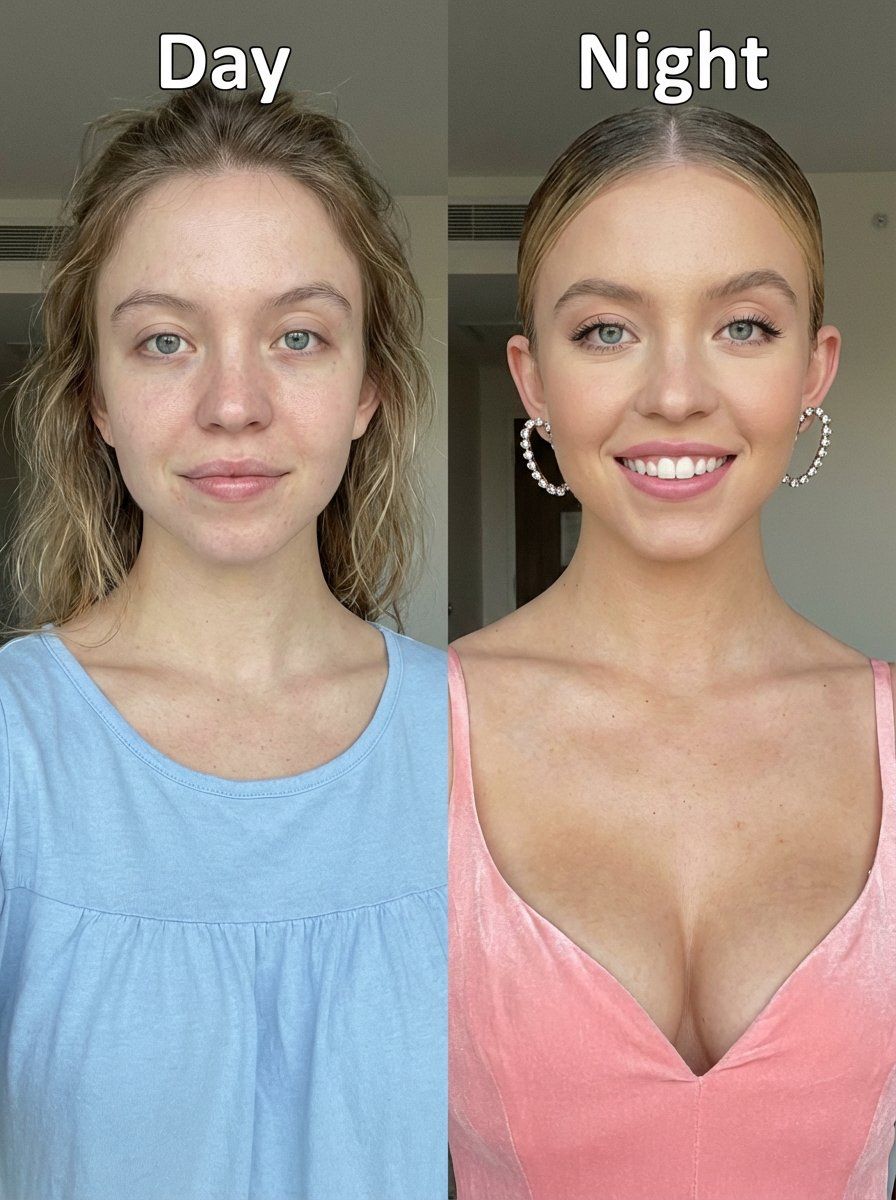
日间与夜间分屏肖像对比
Prompt
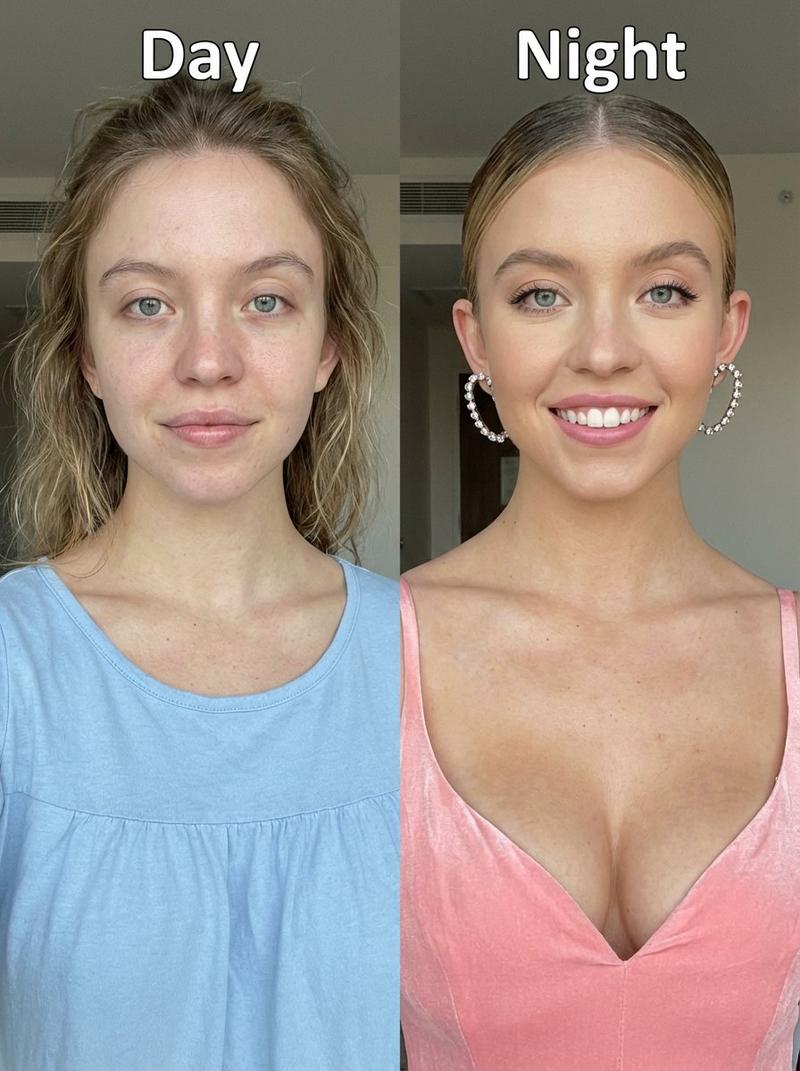
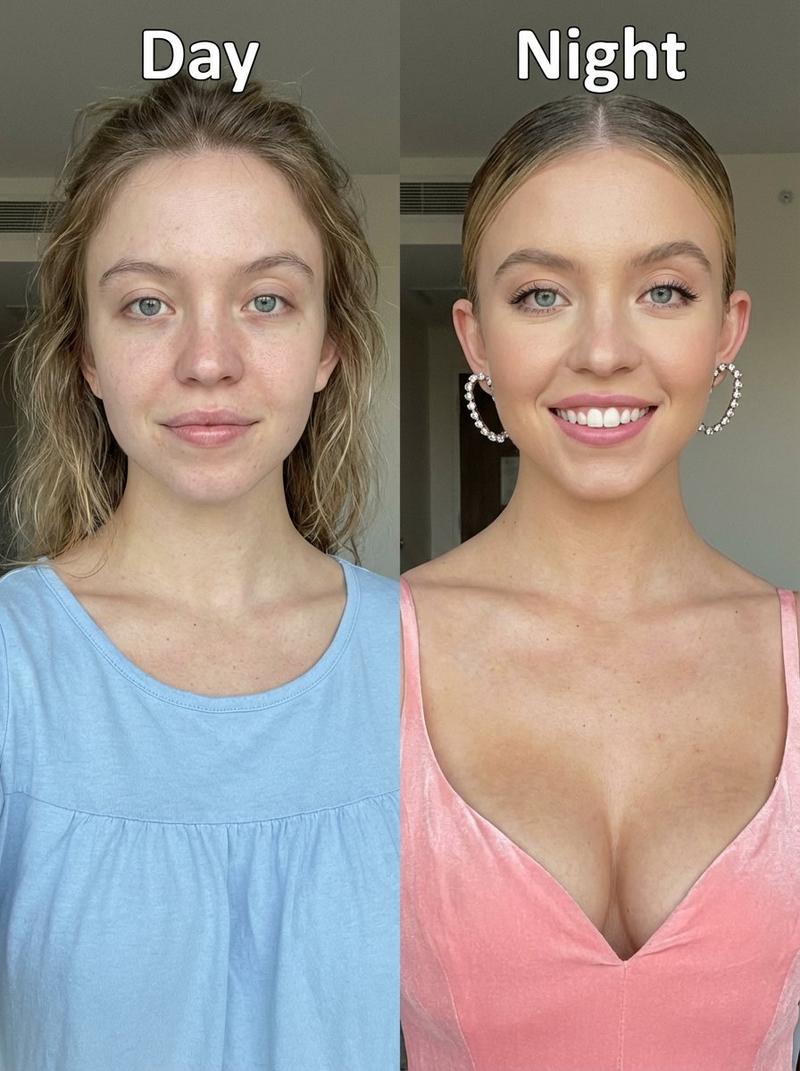
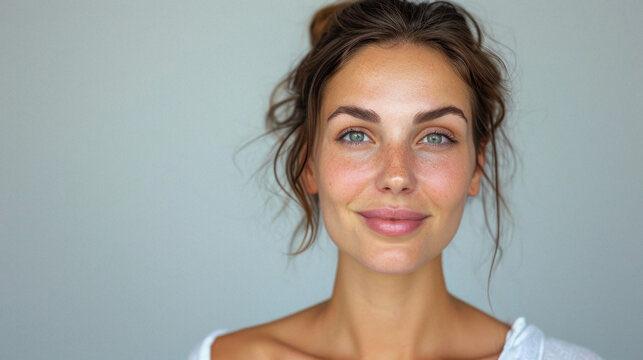
Before-and-after upper-body portrait photo of Sydney Sweeney, smiling in both images, split vertically down the center into two equal halves for a direct visual comparison. Clear text labels appear at the top of each half.

Left side – “Day” (label at top):
Natural, no makeup look. Realistic skin texture with visible pores, slight under-eye shadows, natural lips, minimal grooming. Soft, relaxed smile. Hair casually styled. She is wearing a simple nightgown for bed, comfortable and modest. Daytime feeling, fresh and unstyled, authentic at-home appearance.

Right side – “Night” (label at top):
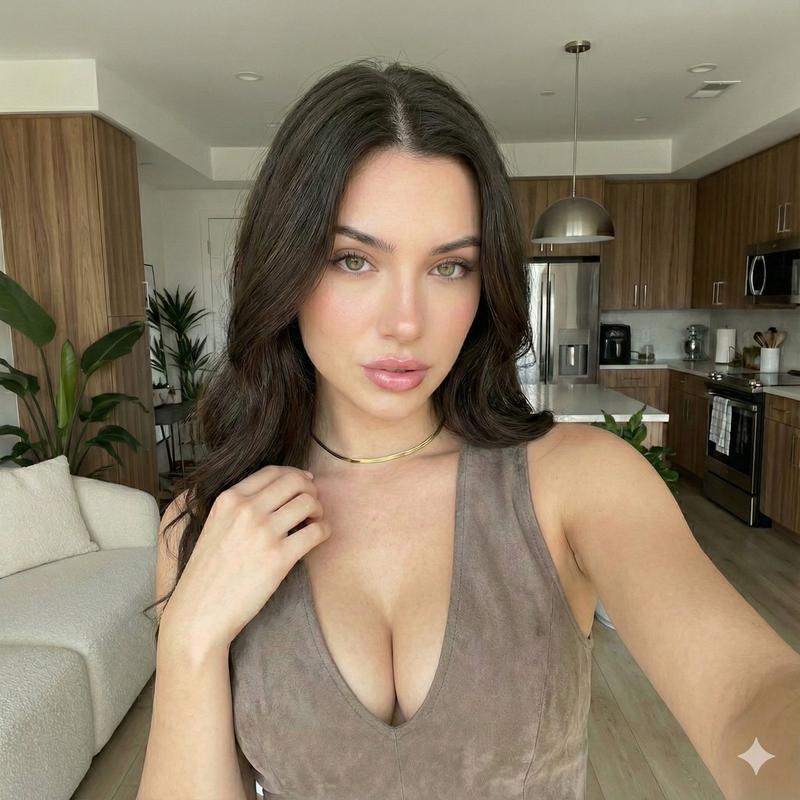
Professional makeup applied: even skin tone, subtle contouring, enhanced eyes with mascara and eyeliner, defined brows, soft lipstick. Bright, confident smile. Hair styled elegantly. She is wearing a beautiful, pink dress with a deep neckline

Both sides show the same pose, framing, camera distance, background, and angle to ensure the contrast comes purely from makeup, styling, and wardrobe.

Photography & Camera Style:
Smartphone camera realism, portrait mode look, handheld feel, natural lighting, slight digital noise, mild compression artifacts, realistic color balance, minimal retouching, honest skin detail. Casual but clear comparison photo rather than studio perfection.

Aspect ratio:
3:4 (portrait)

negative prompt:
beauty filters, over-smoothed skin, exaggerated makeup, inconsistent lighting, mismatched expressions, face distortion, studio glamour lighting, cinematic look, watermark, text artifacts (except “Day” and “Night” labels)
- Category
- 创意图片
- Model
- Nano Banana Pro
- Creator
- Keskin
- Source ID
- f98dd534-1e3e-4500-a559-9bbd66bc9534
- Published
- Mar 8, 2026
Views0