14

极简主义时尚广告影棚摄影提示
Enlarge

极简主义时尚广告影棚摄影提示

Prompt
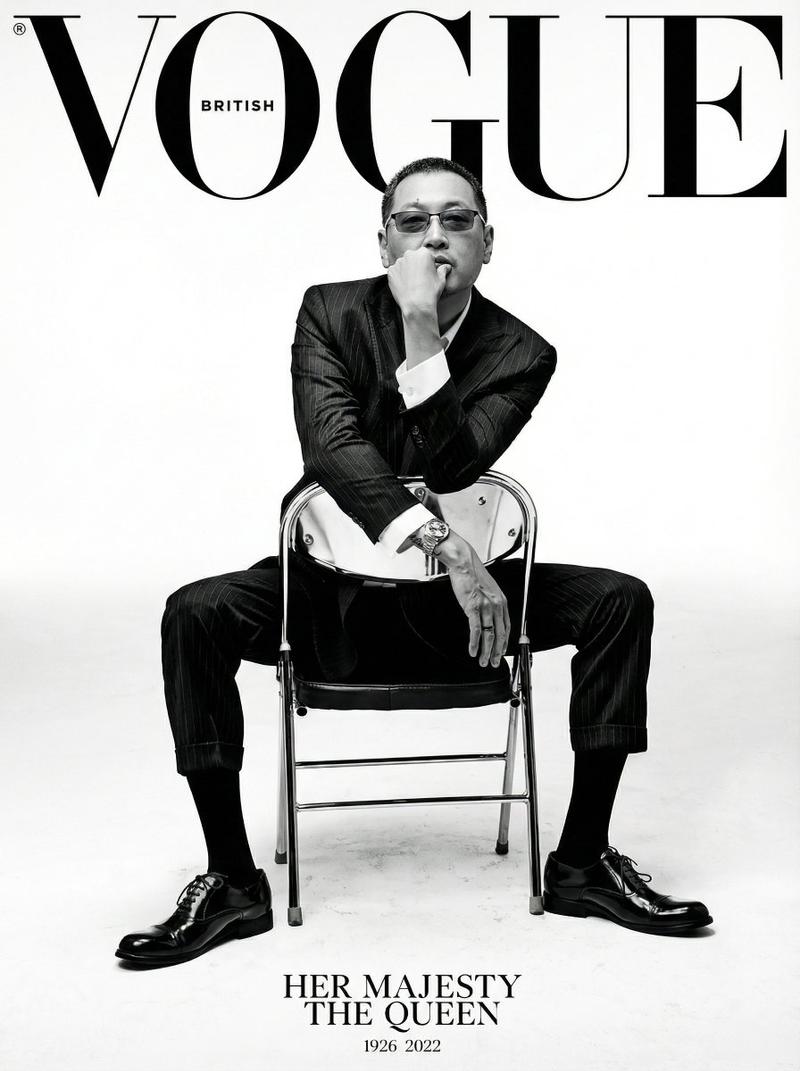
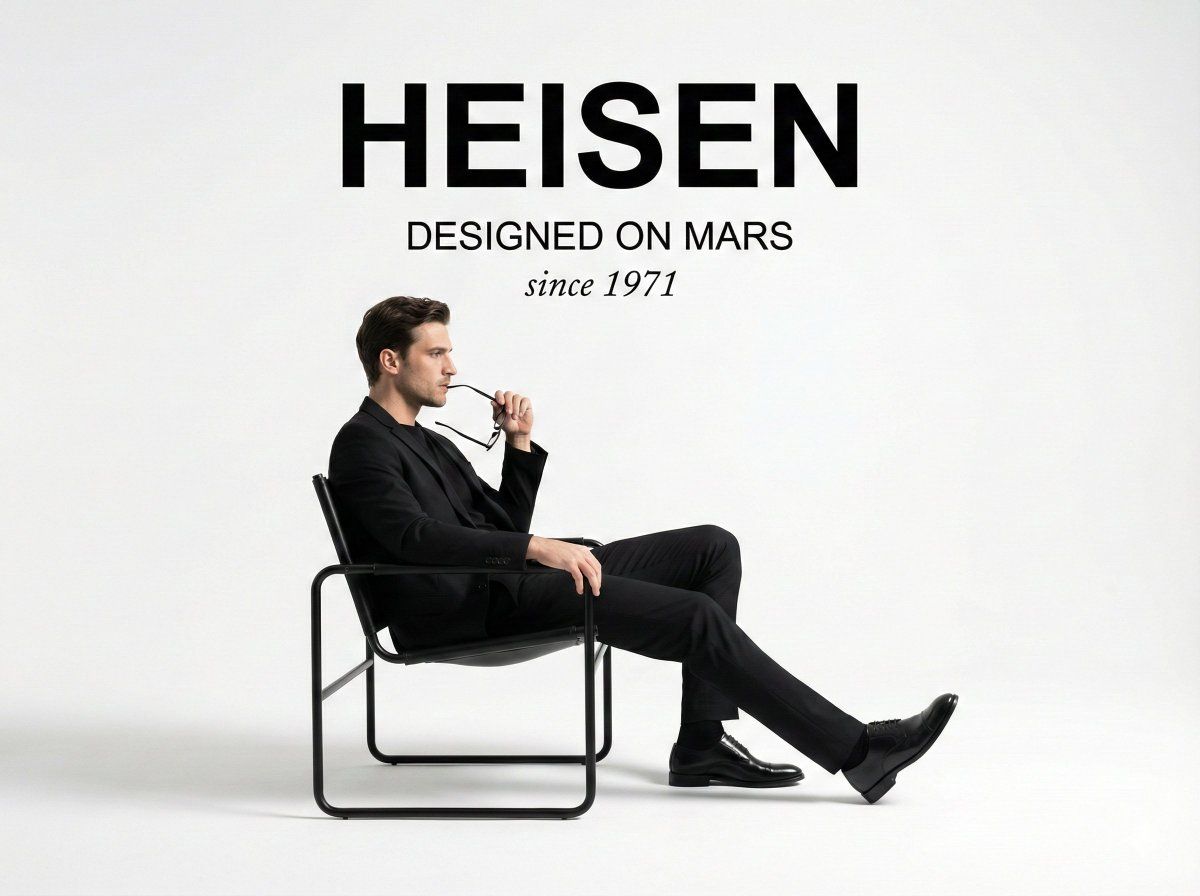
A minimalist studio photograph fashion ad. At the top center, the bold sans-serif text "{argument name="bold text" default="[TEXT]"}" is positioned above the smaller sans-serif text "{argument name="smaller text" default="[TEXT]"}", which is above the italic script text "{argument name="italic text" default="[TEXT]"}". Below the text, a man in a black suit, black t-shirt, and polished black dress shoes sits in profile, facing left. He is seated in a modern chair with a black leather seat and backrest suspended on a tubular black metal frame. His right leg is extended, and he holds a pair of glasses in his right hand near his mouth. The background and floor are a seamless, stark white studio space with soft, diffused lighting that casts grounded shadows beneath the man and chair.
Category
创意图片
Model
Nano Banana Pro
Creator
Heisenberg
Views0
Source ID
f5f8d018-6912-4f94-bb3e-90632817258e
Published
Mar 8, 2026

Guide

About "极简主义时尚广告影棚摄影提示"

What is this prompt for?

"极简主义时尚广告影棚摄影提示" AI image prompt for Nano Banana Pro (创意图片). 一个用于生成时尚广告的极简、纯白影棚照片的提示。它详细描述了构图、主体(身穿黑色西装的男士)、道具(现代椅子、眼镜)以及用于营造干净、柔和光线美感的占位符文本元素的位置。 --- 极简主义影棚时尚…

The full copyable prompt and example visuals above are ready for AI image generation or one-click recreate in Picva.

How to use this prompt

  1. Step 1

    Open the prompt detail

    Review the example visuals, category, and full prompt text for "极简主义时尚广告影棚摄影提示".

  2. Step 2

    Copy the prompt

    Copy the prompt body from this page, or load it directly in Studio.

  3. Step 3

    Pick a model (Nano Banana Pro)

    Prefer Nano Banana Pro. If you switch models, keep subject and composition and tweak style terms.

  4. Step 4

    Generate and export

    Recreate the look in Picva, or export into your workflow for editing and publishing.

FAQ

What is the "极简主义时尚广告影棚摄影提示" prompt?
It is an AI image-generation prompt for Nano Banana Pro in the 创意图片 category. This page includes the full prompt text, example visuals, and a one-click recreate path in Picva.
How do I use this prompt to generate an image?
Copy the prompt from this page, or use Generate / Studio. Paste it into a compatible image model, or recreate the look in Picva with optional reference images.
Which model is this prompt for?
This page lists Nano Banana Pro. Most descriptive prompts also transfer to nearby image models such as GPT Image, Flux, or Midjourney with light style tweaks.
Can I use the result commercially?
You can usually copy the prompt for creation, but commercial use of the final image depends on the model terms, reference-image rights, and the generated content. Follow the source author and platform rules.