17

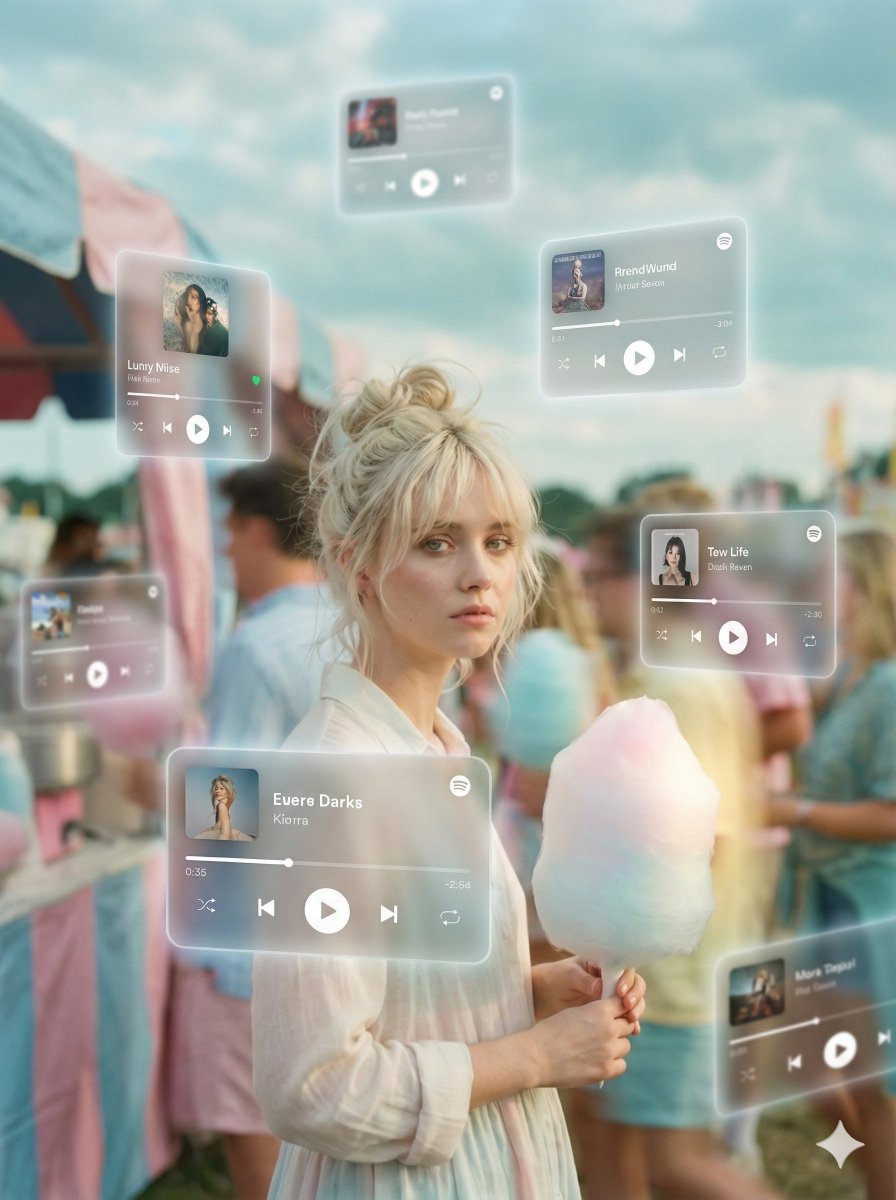
Cozy-Sweet 棉花糖主题编辑肖像
Enlarge

Cozy-Sweet 棉花糖主题编辑肖像

Prompt
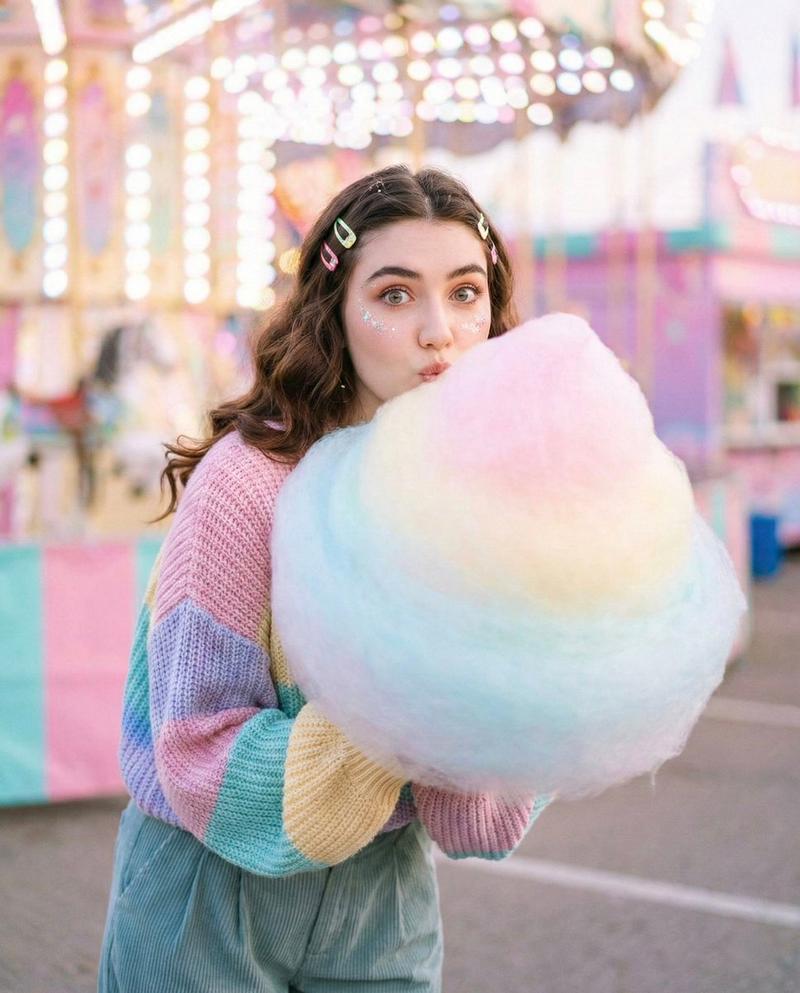
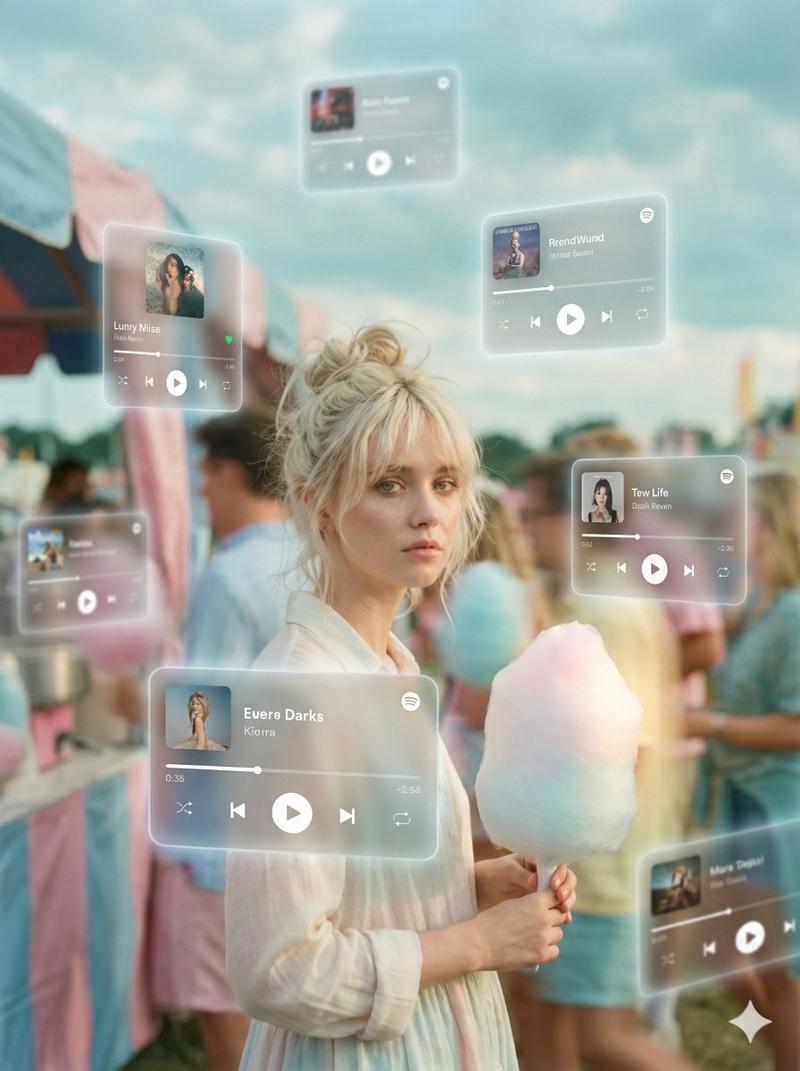
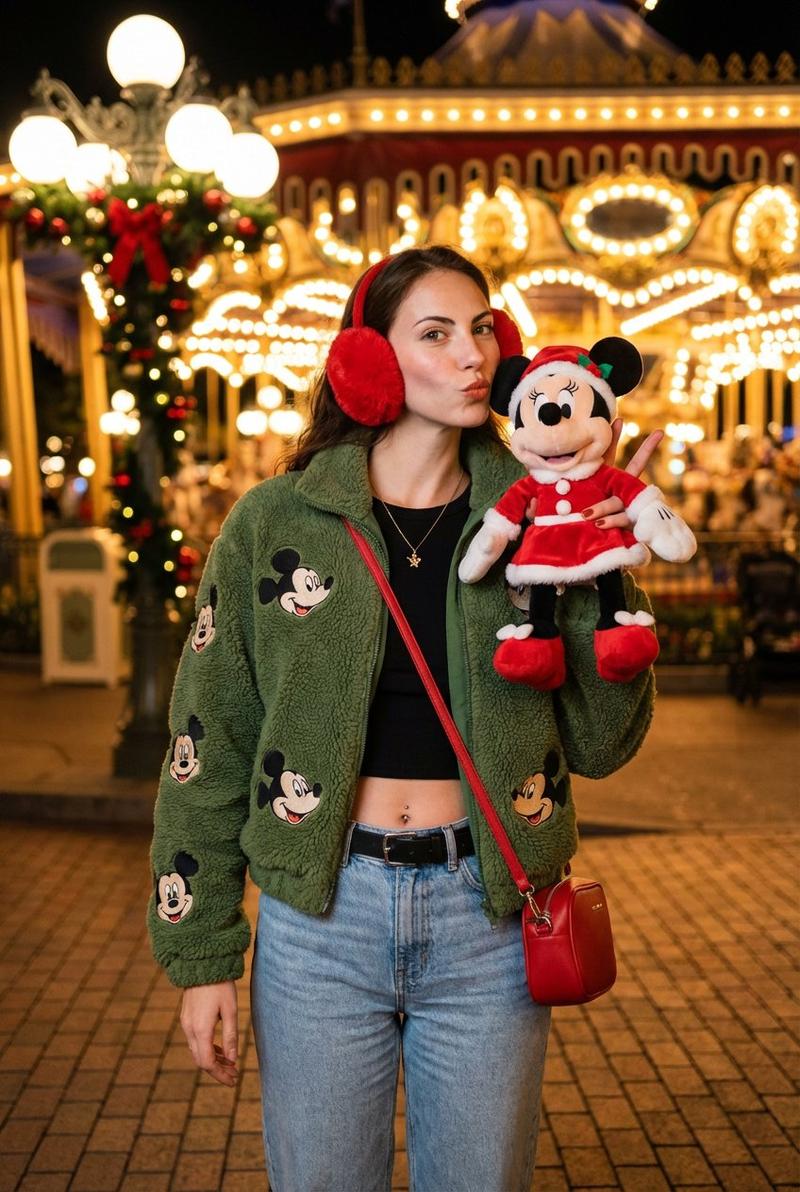
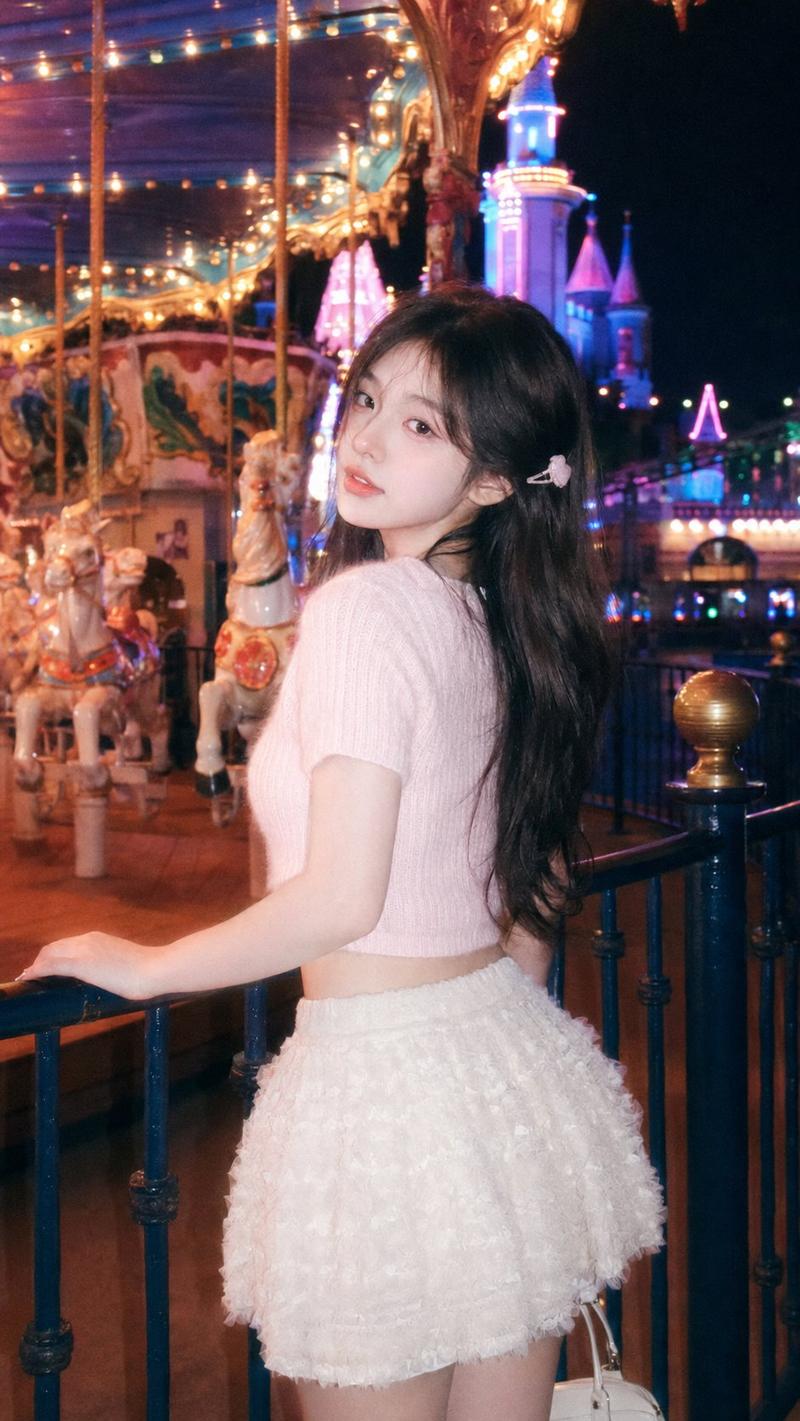
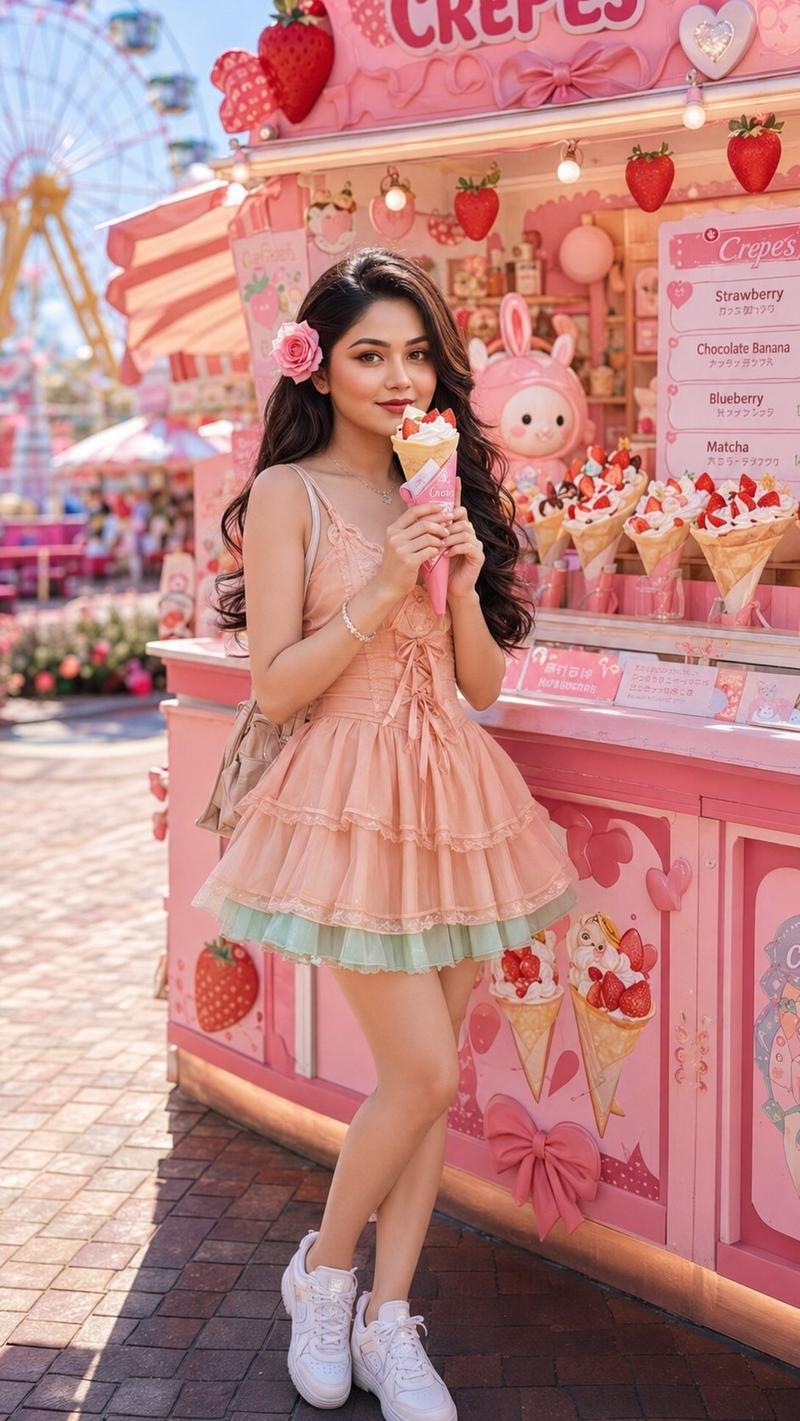
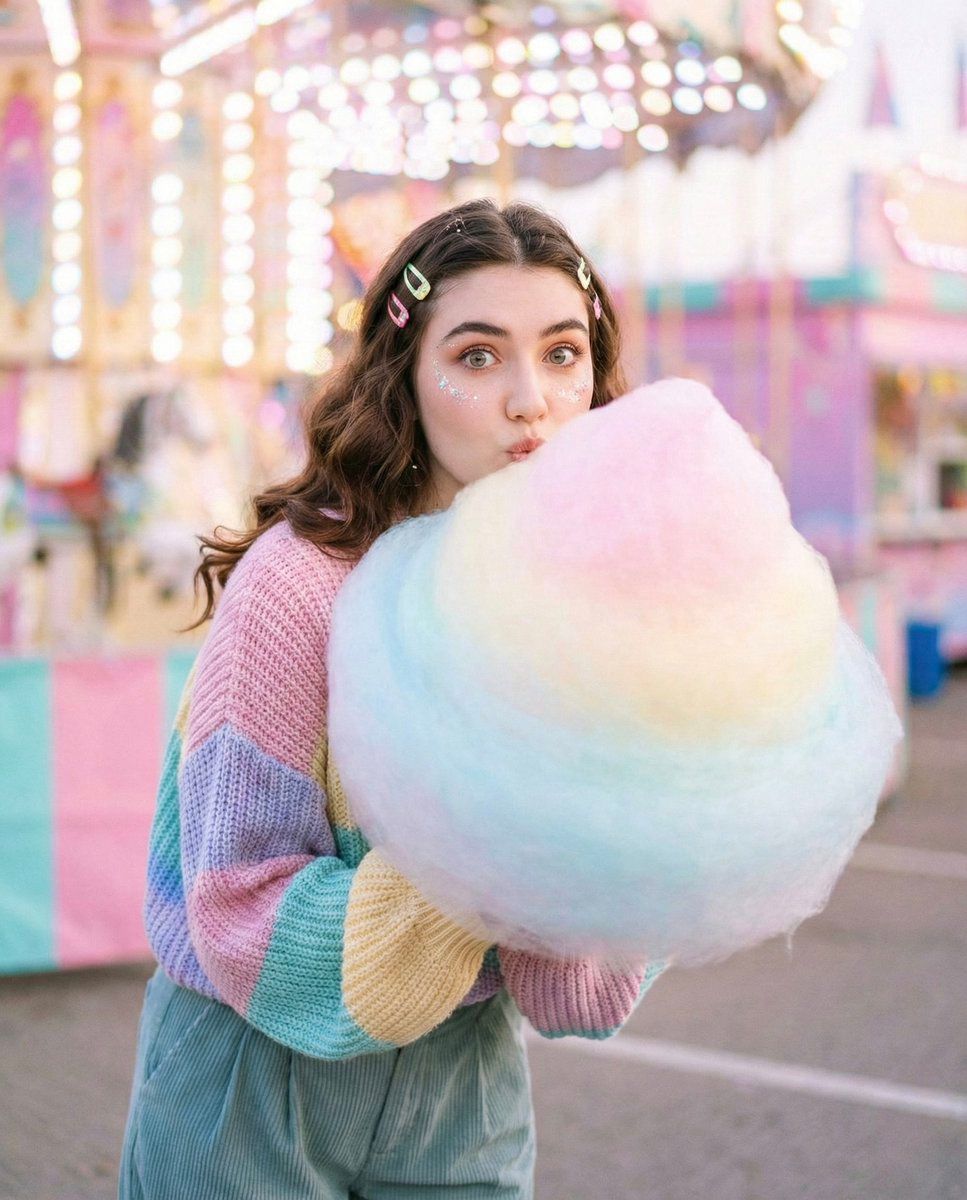
• Concept: Cozy-sweet editorial, face preserved, playful-soft realism.

• Story: Blowing bubbles or eating a giant pastel {argument name="cotton candy color" default="pastel"} cotton candy at a fair.

• Clothing: Oversized pastel knit sweater, pleated baggy.

• Accessories: Glitter on the cheekbones, colorful hair clips.

• Pose: Peering through the cotton candy, eyes wide and bright, slight playful pout.

• Lighting: Bright, soft "candy" colors, high-key lighting with no harsh shadows.

• Background: Blurred carnival lights, pastel-colored booths.

• Camera: 35mm, vibrant saturation, soft focus on the edges.

• Style: Whimsical, youthful, soft-focused skin and bright eyes.
Category
创意图片
Model
Nano Banana Pro
Creator
Zara
Views0
Source ID
3c511c71-d2ff-4c5e-9cda-1ecdf7b465fa
Published
Mar 8, 2026

Guide

About "Cozy-Sweet 棉花糖主题编辑肖像"

What is this prompt for?

"Cozy-Sweet 棉花糖主题编辑肖像" AI image prompt for Nano Banana Pro (创意图片). 一个用于生成异想天开、温馨甜美、带有俏皮柔和写实风格的编辑肖像的提示。它侧重于一个主体在游乐场与柔和的棉花糖互动,指定了高调照明、柔焦和鲜艳的“糖果”色彩,同时要求保留面部特征。 --…

The full copyable prompt and example visuals above are ready for AI image generation or one-click recreate in Picva.

How to use this prompt

  1. Step 1

    Open the prompt detail

    Review the example visuals, category, and full prompt text for "Cozy-Sweet 棉花糖主题编辑肖像".

  2. Step 2

    Copy the prompt

    Copy the prompt body from this page, or load it directly in Studio.

  3. Step 3

    Pick a model (Nano Banana Pro)

    Prefer Nano Banana Pro. If you switch models, keep subject and composition and tweak style terms.

  4. Step 4

    Generate and export

    Recreate the look in Picva, or export into your workflow for editing and publishing.

FAQ

What is the "Cozy-Sweet 棉花糖主题编辑肖像" prompt?
It is an AI image-generation prompt for Nano Banana Pro in the 创意图片 category. This page includes the full prompt text, example visuals, and a one-click recreate path in Picva.
How do I use this prompt to generate an image?
Copy the prompt from this page, or use Generate / Studio. Paste it into a compatible image model, or recreate the look in Picva with optional reference images.
Which model is this prompt for?
This page lists Nano Banana Pro. Most descriptive prompts also transfer to nearby image models such as GPT Image, Flux, or Midjourney with light style tweaks.
Can I use the result commercially?
You can usually copy the prompt for creation, but commercial use of the final image depends on the model terms, reference-image rights, and the generated content. Follow the source author and platform rules.