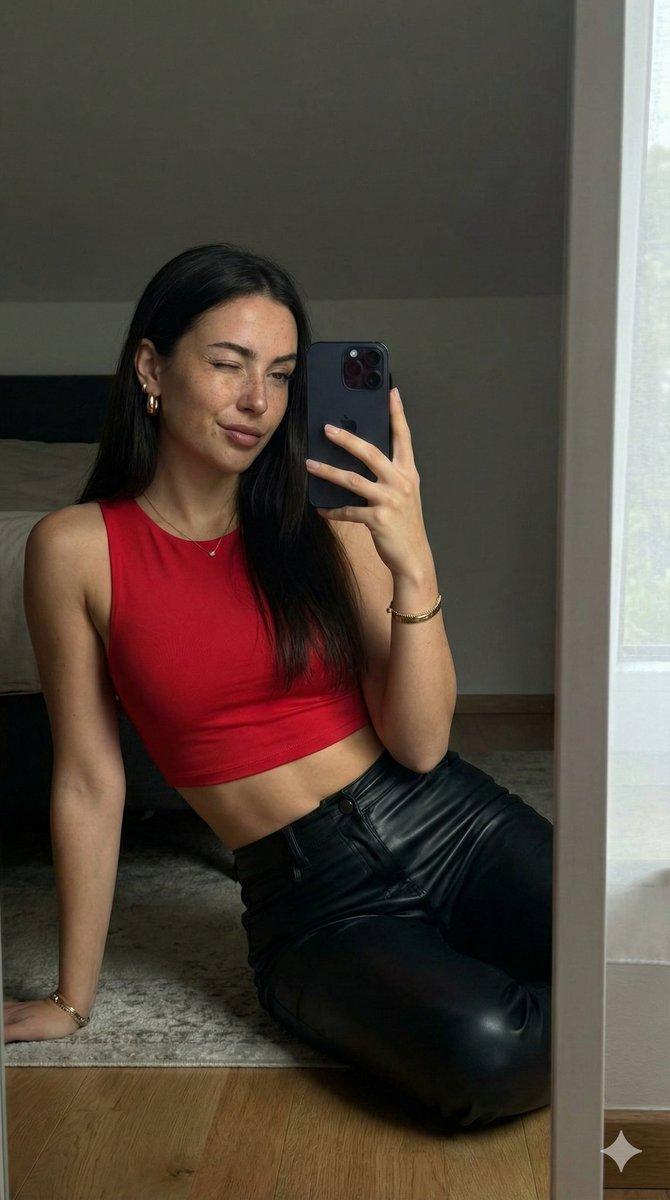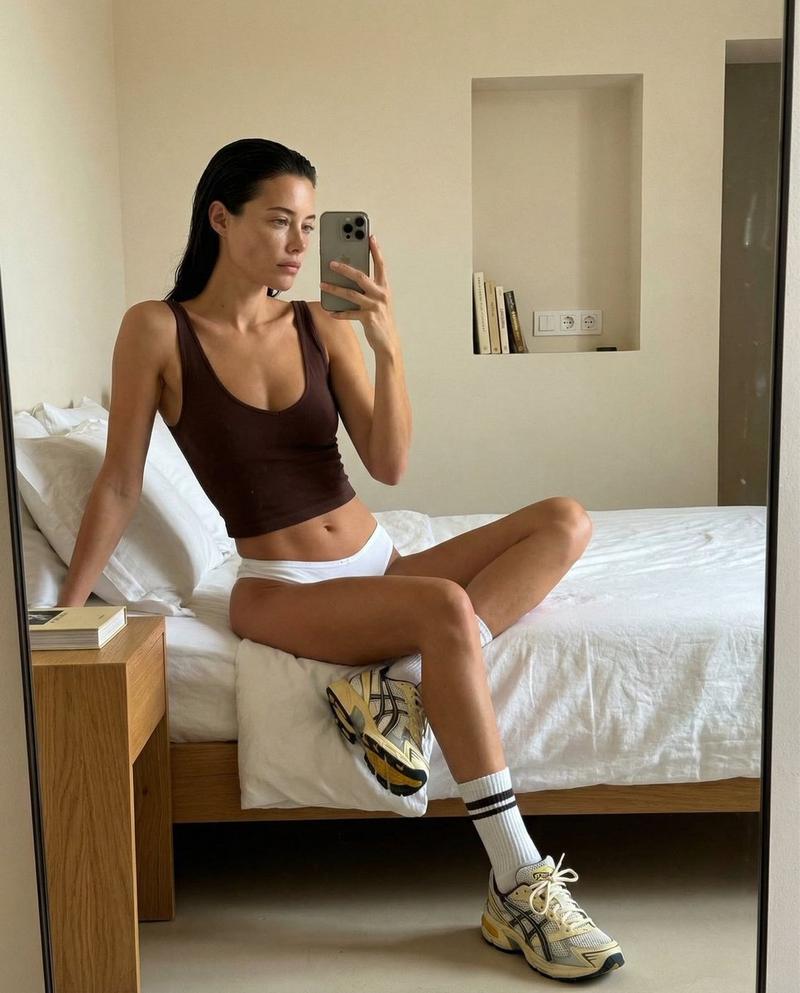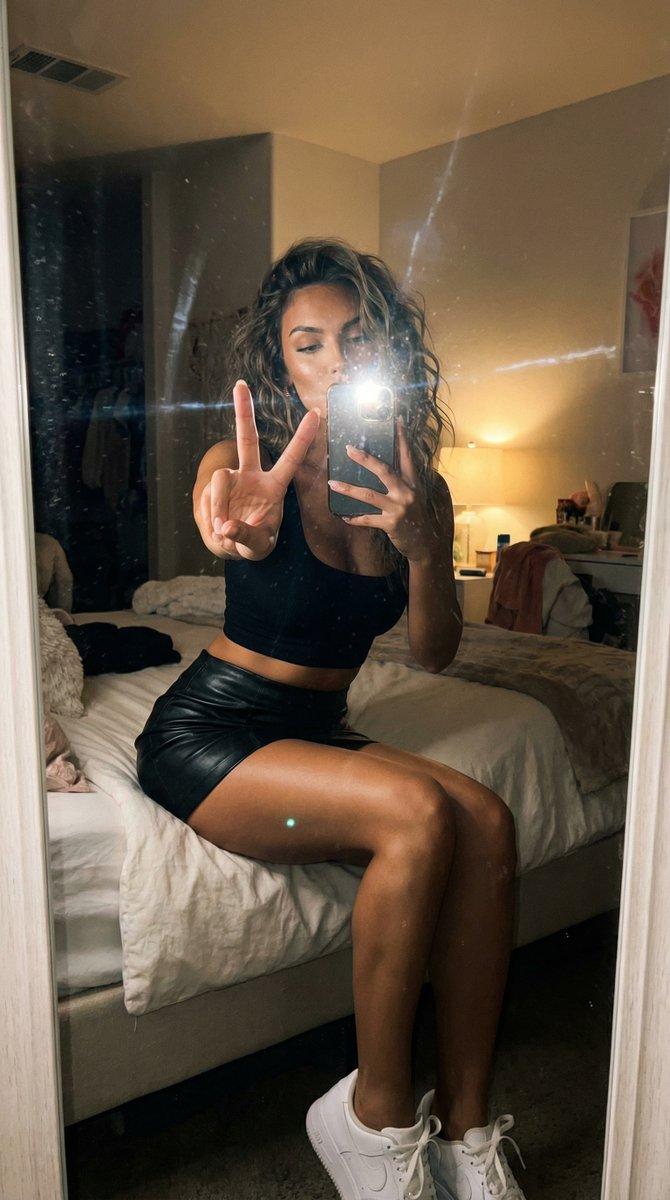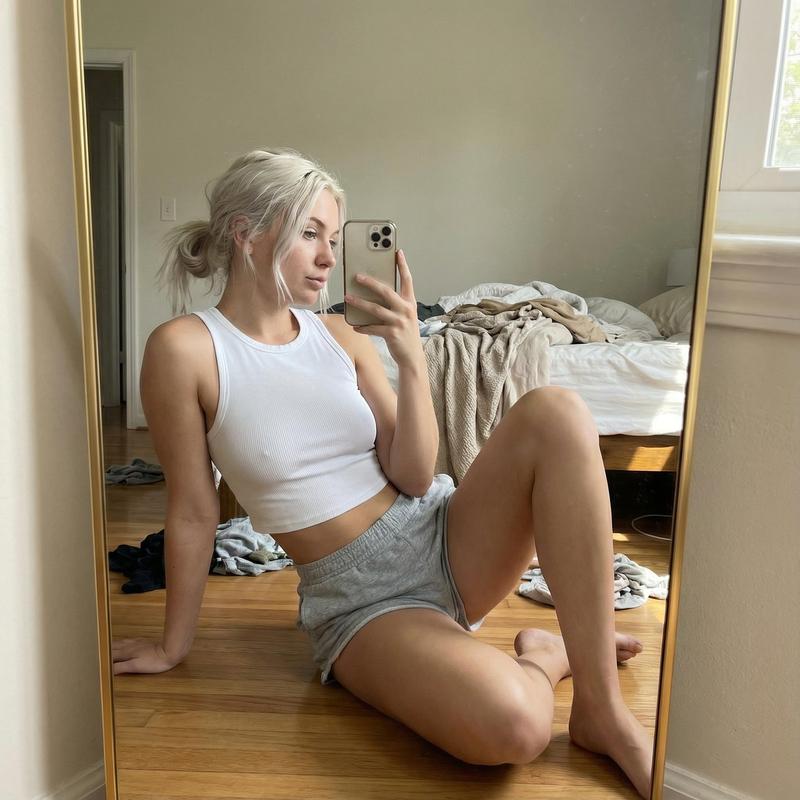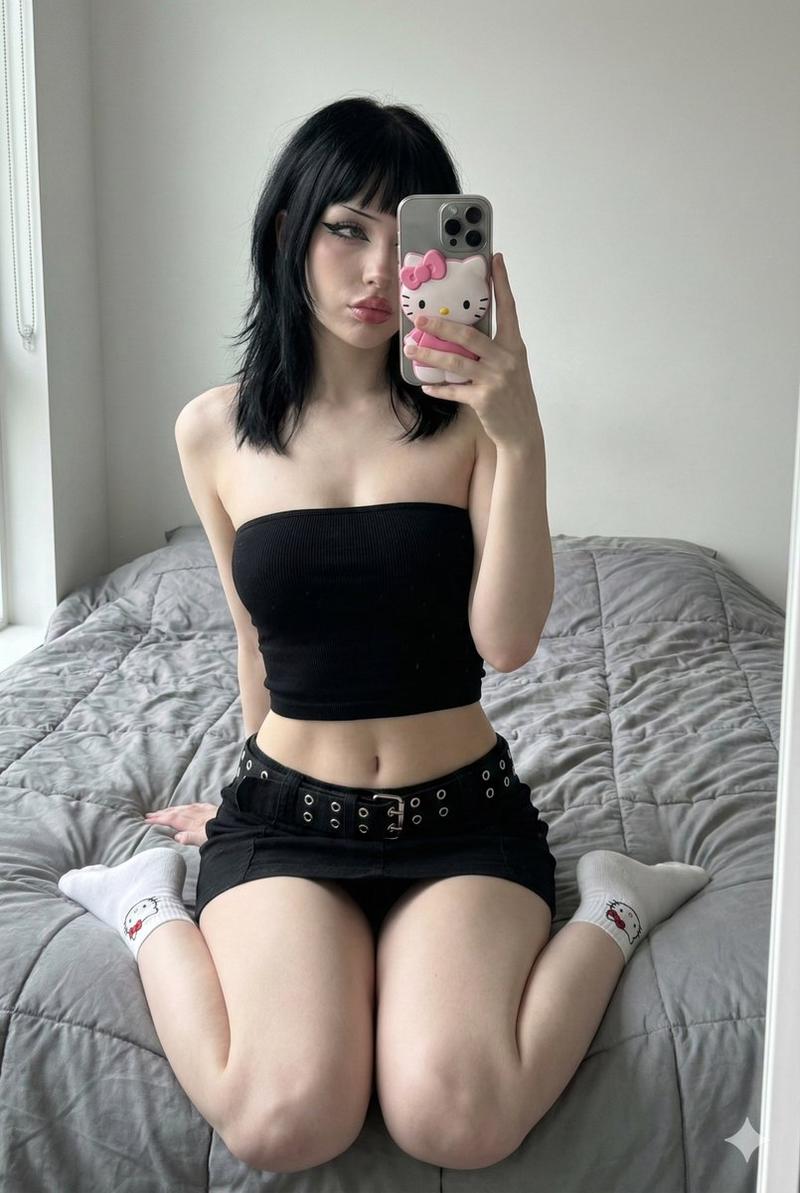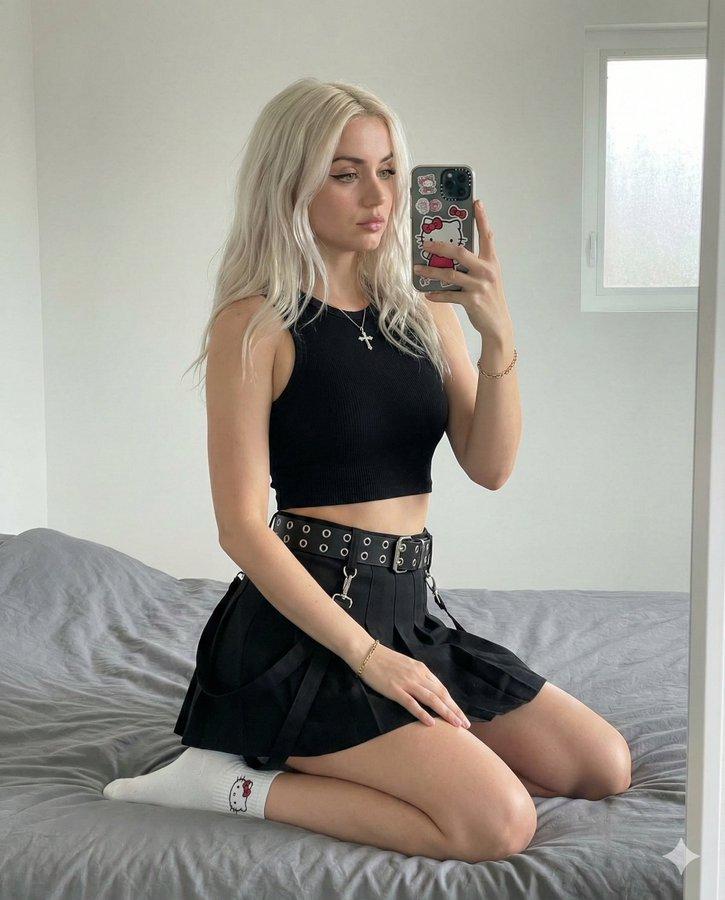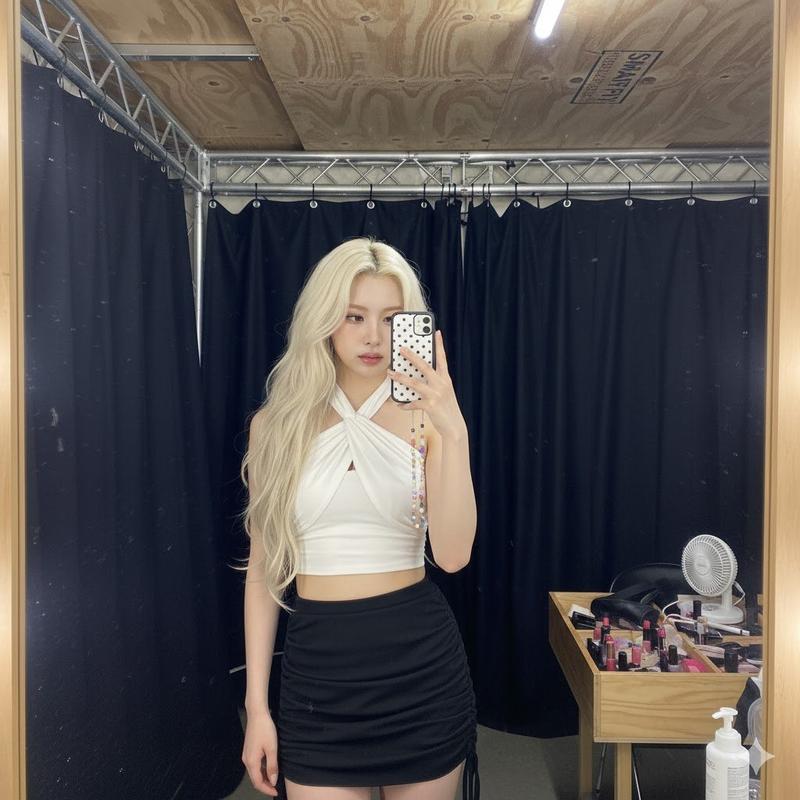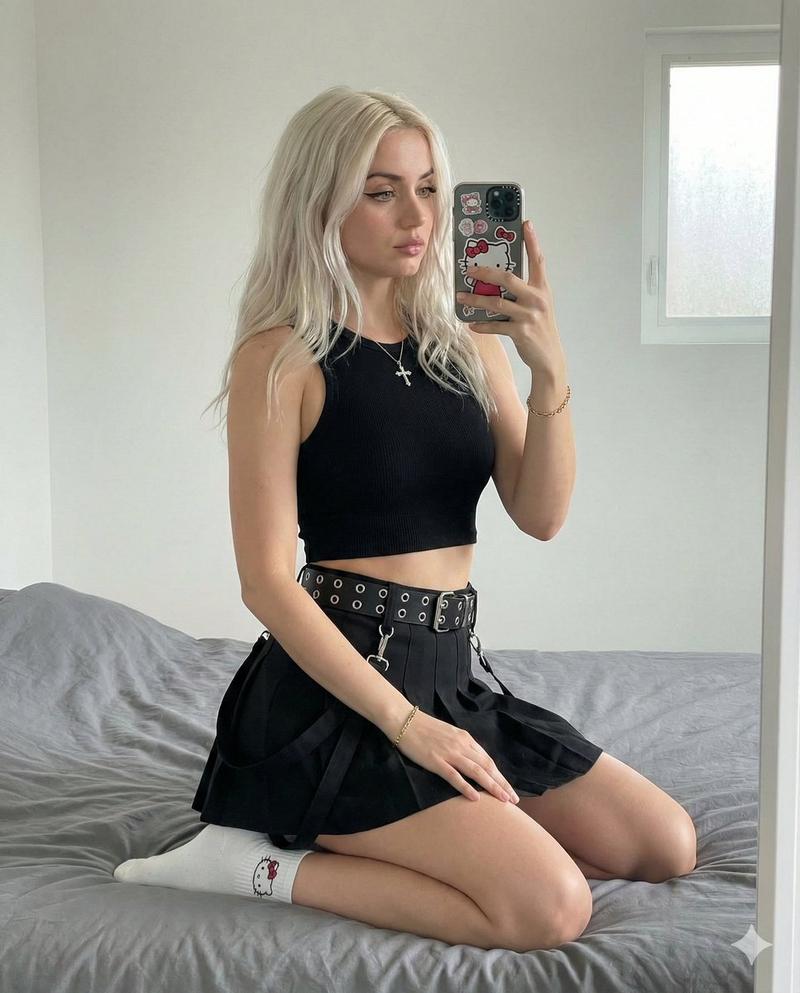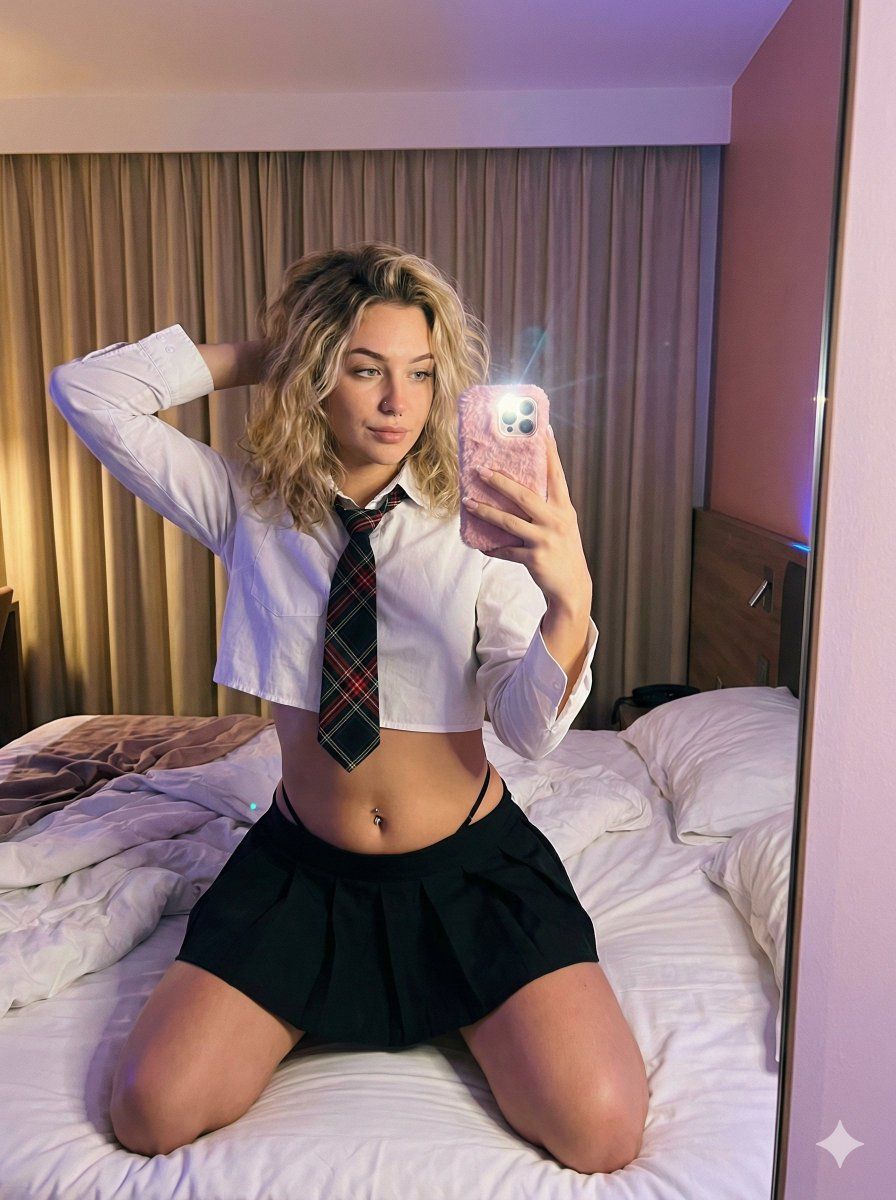
凌乱吹发和 Y2K 时尚的随性镜面自拍
Prompt
{
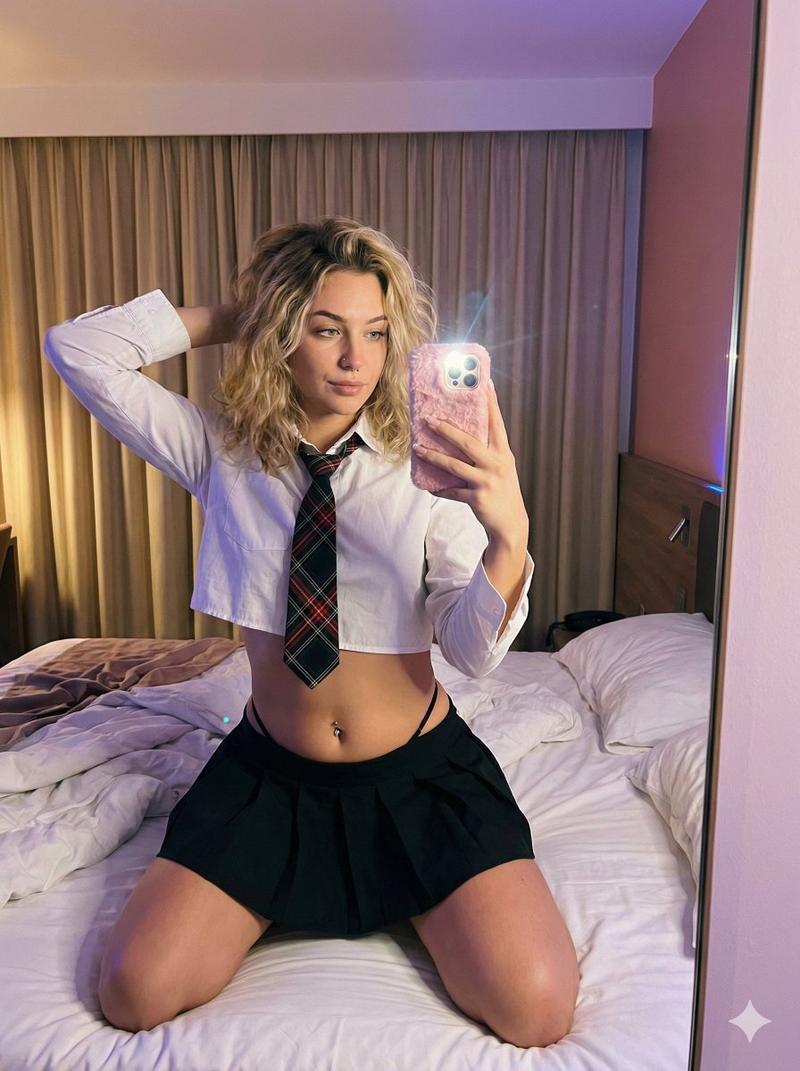
  "subject": {
    "demographics": {
      "age": "early 20s",
      "gender": "female",
      "ethnicity": "caucasian with light skin tone"
    },
    "hair": {
      "color": "blonde",
      "style": "shoulder-length, wavy, voluminous, messy blowout",
      "texture": "thick, natural curls"
    },
    "face": {
      "shape": "oval",
      "eyes": "light green, looking towards the phone screen",
      "nose": "small, straight bridge",
      "lips": "full, natural, slightly parted",
      "skin_texture": "smooth tanned skin, visible pores, no airbrushing"
    },
    "body_proportions": {
      "build": "curvy, athletic",
      "torso": "toned midriff, prominent ribcage due to pose",
      "skin_details": "nostril piercing, navel piercing"
    },
    "attire": {
      "top": "cropped white button-up shirt, rolled sleeves",
      "bottom": "black pleated miniskirt",
      "accessory": "black and red plaid necktie",
      "details": "black thong strap visible above skirt waistband"
    }
  },
  "pose": {
    "type": "mirror selfie sitting on bed",
    "orientation": "body angled slightly right",
    "arms": {
      "right_arm": "raised, hand behind head, elbow out",
      "left_arm": "holding smartphone to take the photo in the mirror"
    },
    "head_tilt": "tilted back and to the left, looking up at the phone",
    "legs": "kneeling on the bed, partially obscured"
  },
  "setting": {
    "location": "hotel bedroom",
    "foreground": "rumpled white duvet and pillows",
    "background": "large beige pleated curtains, wooden headboard, pinkish wall",
    "props": "pink fur smartphone case with multiple camera lenses",
    "clutter": "slight wrinkles on bedding"
  },
  "camera": {
    "shot_type": "mirror selfie",
    "angle": "eye-level reflection",
    "framing": "medium shot (waist up)",
    "focal_length": "smartphone wide lens",
    "perspective": "first-person via mirror",
    "aspect_ratio": "3:4"
  },
  "lighting": {
    "source": "warm indoor ambient light mixed with purple/blue mood lighting",
    "quality": "soft, diffused, colored cast",
    "highlights": "reflection on phone screen and camera lens",
    "shadows": "soft shadows under arms and chin",
    "color_temperature": "warm, purpleish tone"
  },
  "mood_and_expression": {
    "emotion": "relaxed, confident, casual",
    "gaze": "focused on phone screen",
    "atmosphere": "intimate, evening, candid"
  },
  "style_and_realism": {
    "aesthetic": "raw photo, candid snap, unfiltered, social media style",
    "realism_level": "high, natural film grain, unprocessed look",
    "imperfections": "slight lens flare from phone flash reflection, natural skin texture"
  },
  "technical_details": {
    "sharpness": "focus on subject in mirror reflection",
    "noise": "moderate ISO grain due to low light",
    "texture_quality": "high fidelity for fabric and skin"
  }
}- Category
- 创意图片
- Model
- Nano Banana Pro
- Creator
- Jennie
- Source ID
- d2e14e1b-a5c6-4218-9e96-579a3c848f2a
- Published
- Mar 8, 2026
Views0