超逼真网球核心活动肖像
Prompt
{
  "prompt_type": "Ultra Photorealistic Event Portrait",
  "subject": {
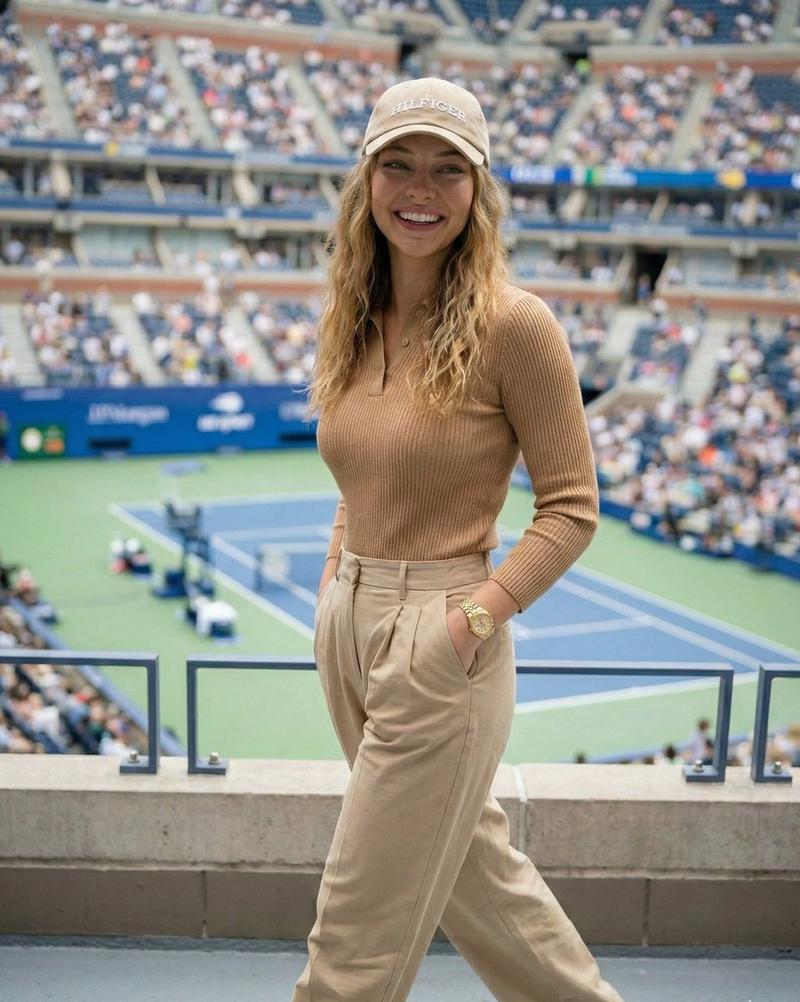
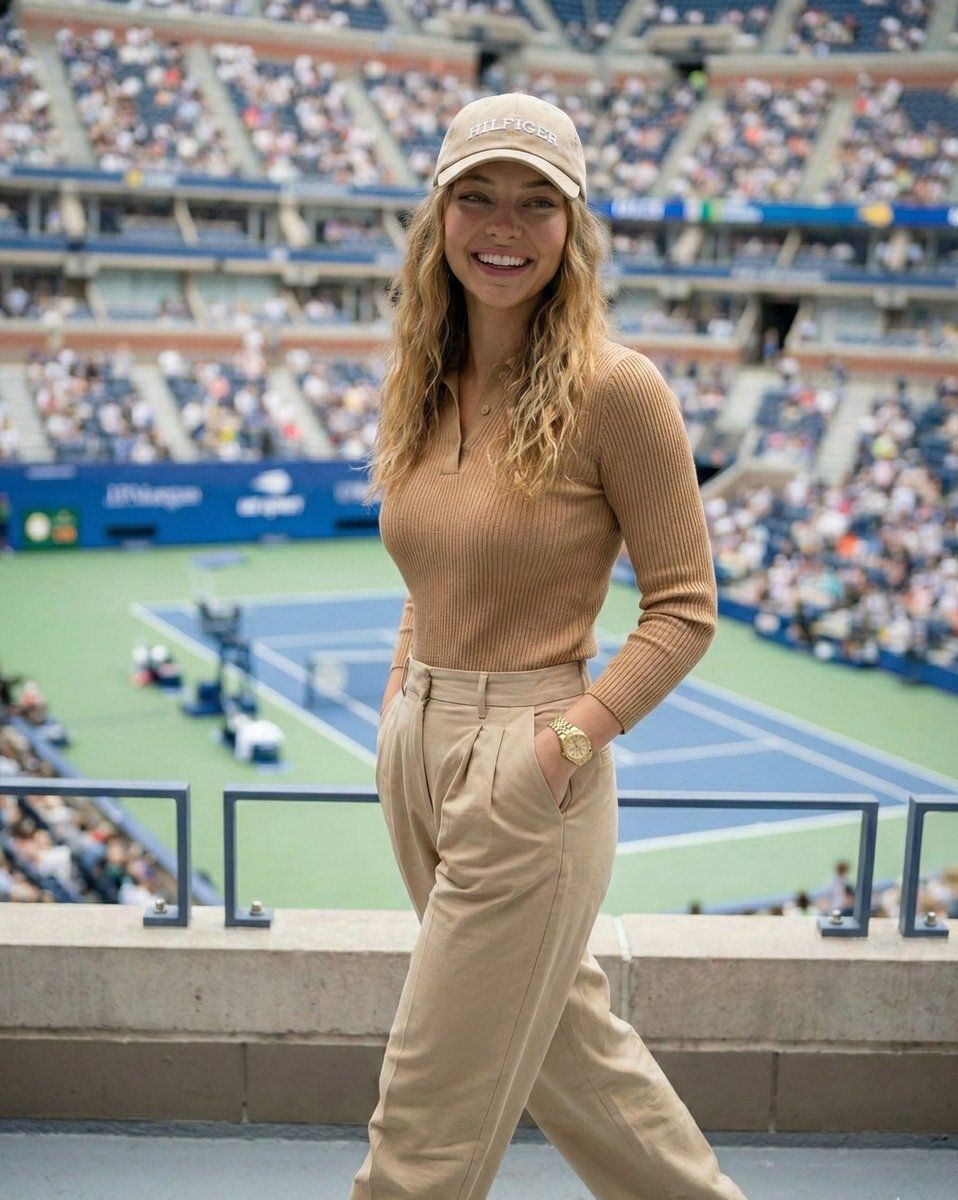
    "demographics": "Madelyn Cline",
    "appearance": {
      "skin": "Fair, glowing complexion, smooth texture, soft natural highlights",
      "hair": "Dirty blonde/light brown with blonde highlights, loose waves, center part, falling over shoulders under a cap",
      "face": "Symmetrical features, soft almond-shaped eyes, neutral to soft expression, looking directly at the camera",
      "makeup": "Natural glam, soft pink lips, defined lashes, subtle bronzer"
    },
    "pose": {
      "body_position": "Standing, facing forward, slightly angled",
      "hands": {
        "left_hand": "Holding a clear plastic drink cup with a straw near waist level",
        "right_hand": "Resting on a blue metal railing"
      },
      "gaze": "Direct eye contact"
    }
  },
  "fashion": {
    "outfit_theme": "Preppy Chic / Tenniscore",
    "garments": [
      {
        "item": "Polo Shirt",
        "details": "Long-sleeved, fitted, camel/tan color, buttoned halfway down, small embroidered logo on left chest (Tommy Hilfiger style), ribbed knit texture"
      },
      {
        "item": "Trousers",
        "details": "Beige/khaki pleated wide-leg pants, high-waisted"
      },
      {
        "item": "Headwear",
        "details": "Beige baseball cap with white 'HILFIGER' text embroidery"
      }
    ],
    "accessories": [
      {
        "item": "Watch",
        "details": "Gold link watch on left wrist"
      },
      {
        "item": "Jewelry",
        "details": "Delicate gold necklace, small rings on fingers"
      }
    ]
  },
  "props": {
  },
  "environment": {
    "location": "Arthur Ashe Stadium / Tennis Stadium",
    "setting": "US Open Tennis Championship",
    "background_elements": {
      "stadium": "Blurred stadium seating filled with spectators, blue wall panels",
      "court": "Green tennis court surface visible in the background, blue court lines",
      "lighting_structures": "Stadium lights and banners in the distance"
    },
    "atmosphere": "Daytime sports event, lively, upscale"
  },
  "lighting": {
    "type": "Natural Daylight / Stadium Lighting",
    "quality": "Soft, diffused lighting (likely overcast or shaded area), even illumination on the subject",
    "shadows": "Minimal harsh shadows on face, soft drop shadows"
  },
  "camera_settings": {
    "style": "Portrait Photography",
    "focal_length": "50mm or 85mm (flattering portrait)",
    "aperture": "f/2.8 to f/4.0 (sharp subject, bokeh background)",
    "shutter_speed": "1/250s",
    "iso": "200",
    "composition": "Medium shot, waist-up, centered subject against stadium backdrop"
  },
  "technical_details": {
    "quality_tags": [
      "8k resolution",
      "Ultra-realistic",
      "Hyper-detailed fabric texture (knit polo)",
      "Realistic skin texture",
      "Ray tracing",
      "Cinematic lighting",
"Unreal Engine 5 render style"- Category
- 创意图片
- Model
- Nano Banana Pro
- Creator
- Selena 🔥
- Source ID
- 9ca4dab0-791b-4795-b962-5e7ba7c3b1cd
- Published
- Mar 8, 2026
Views0