19

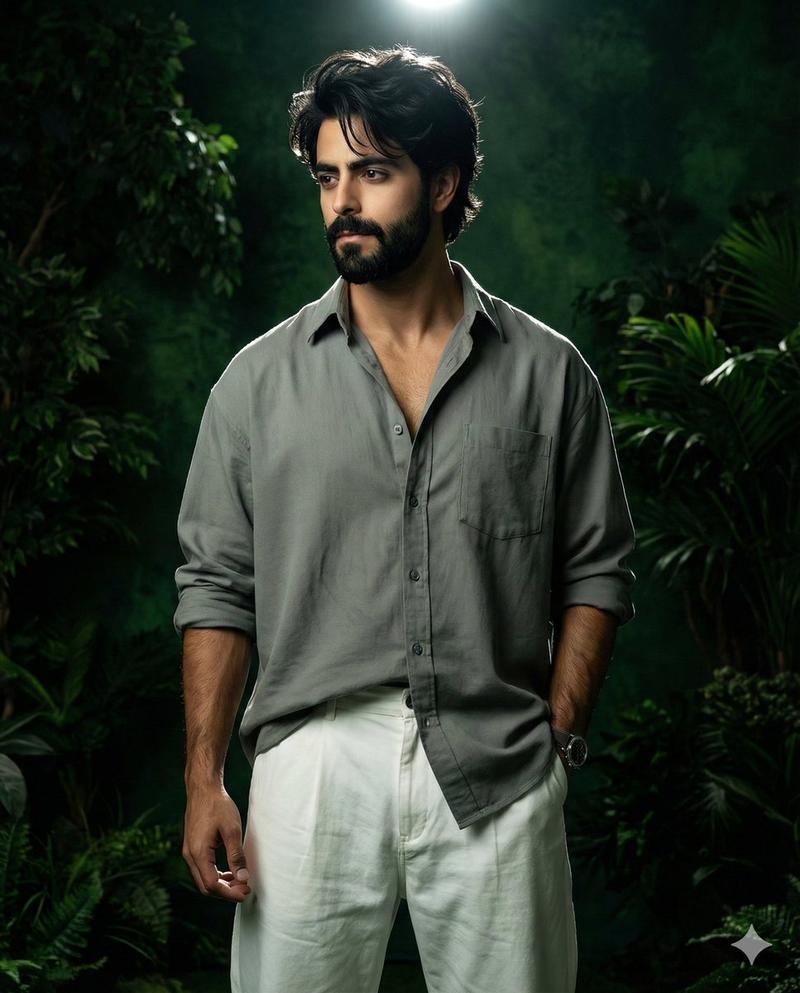
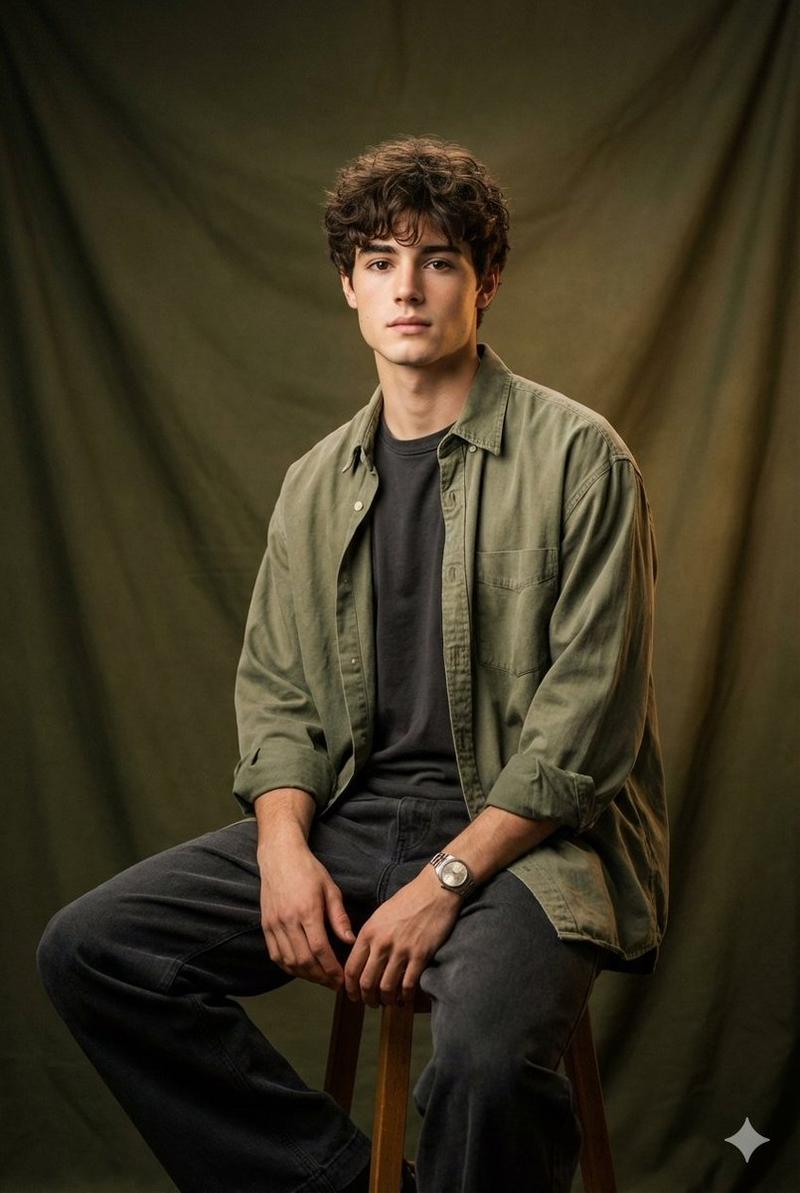
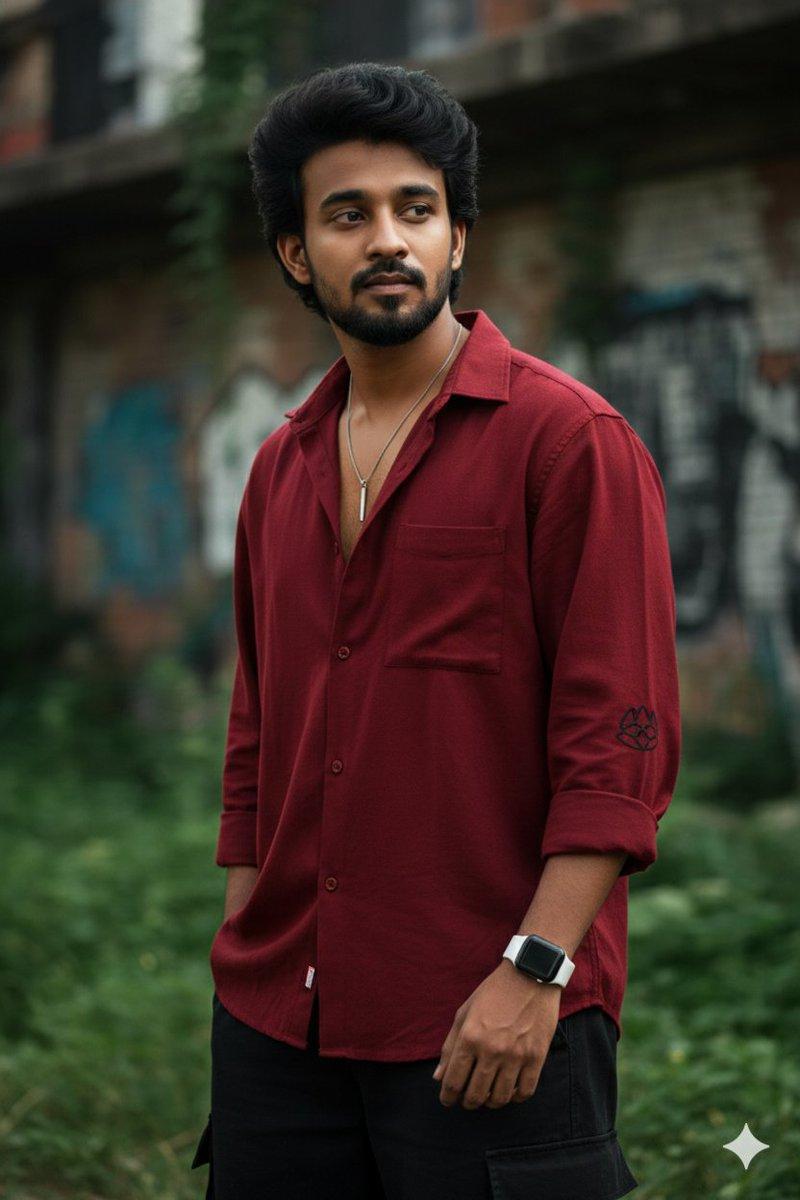
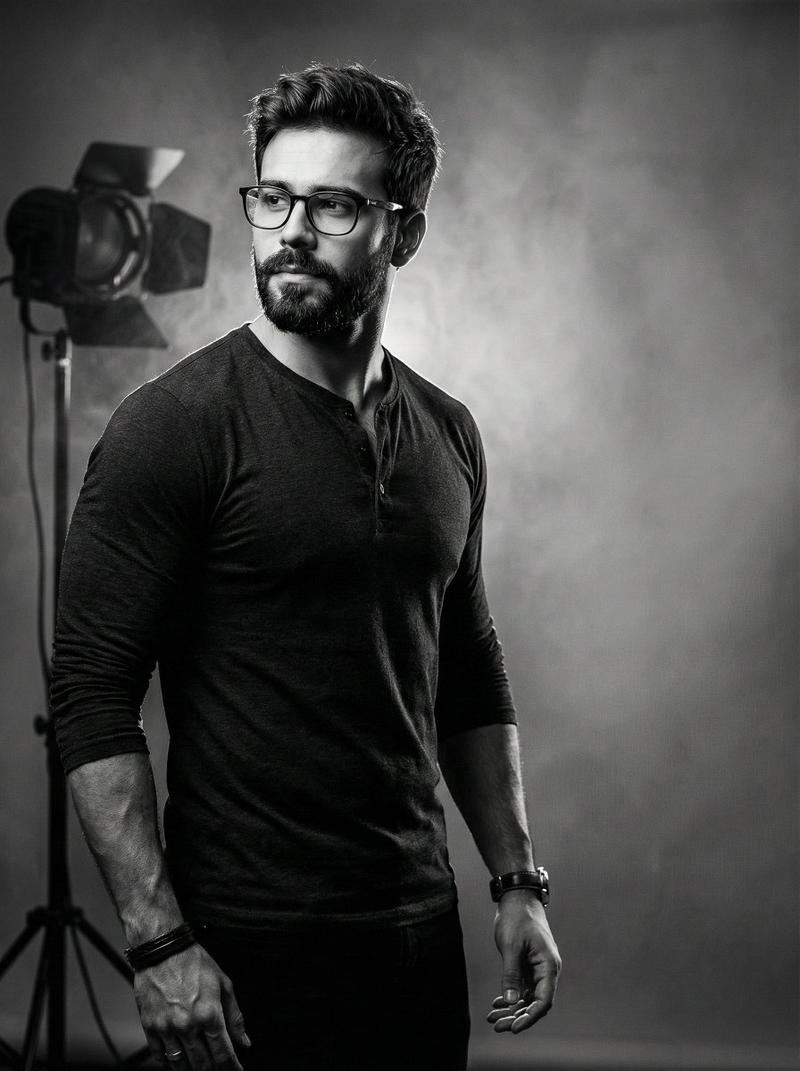
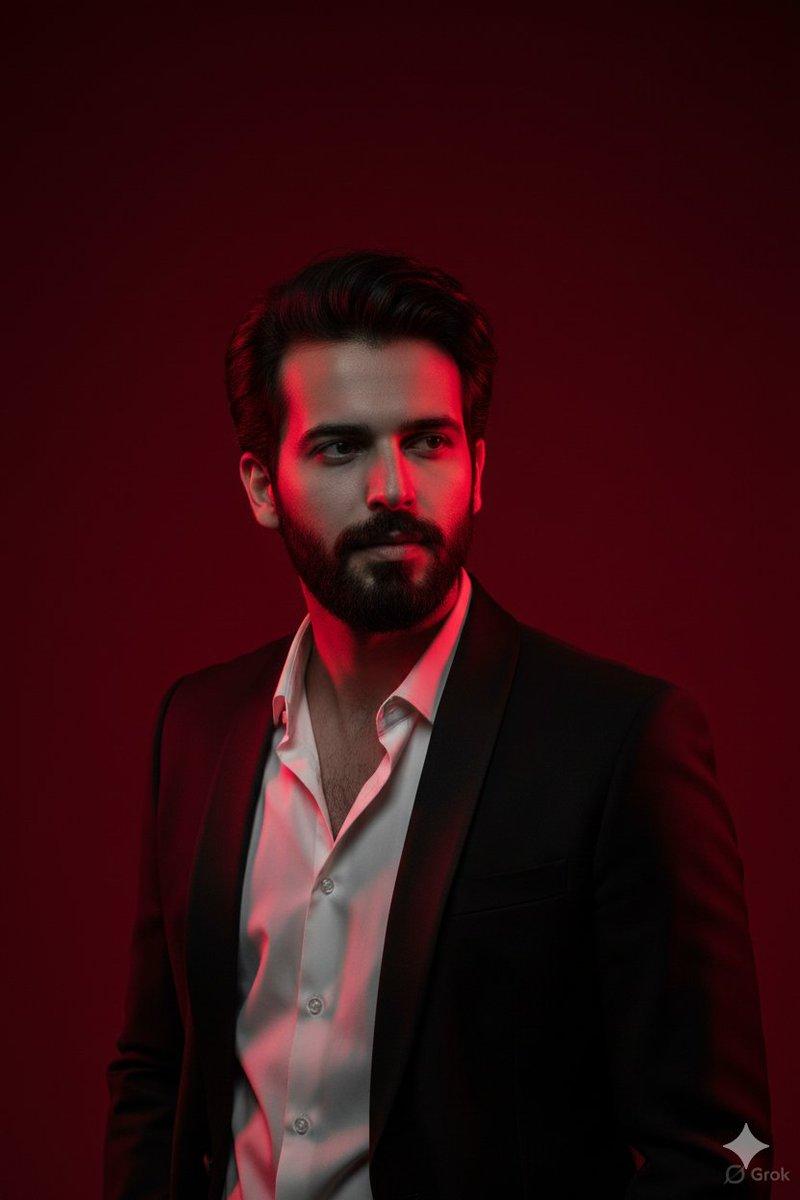
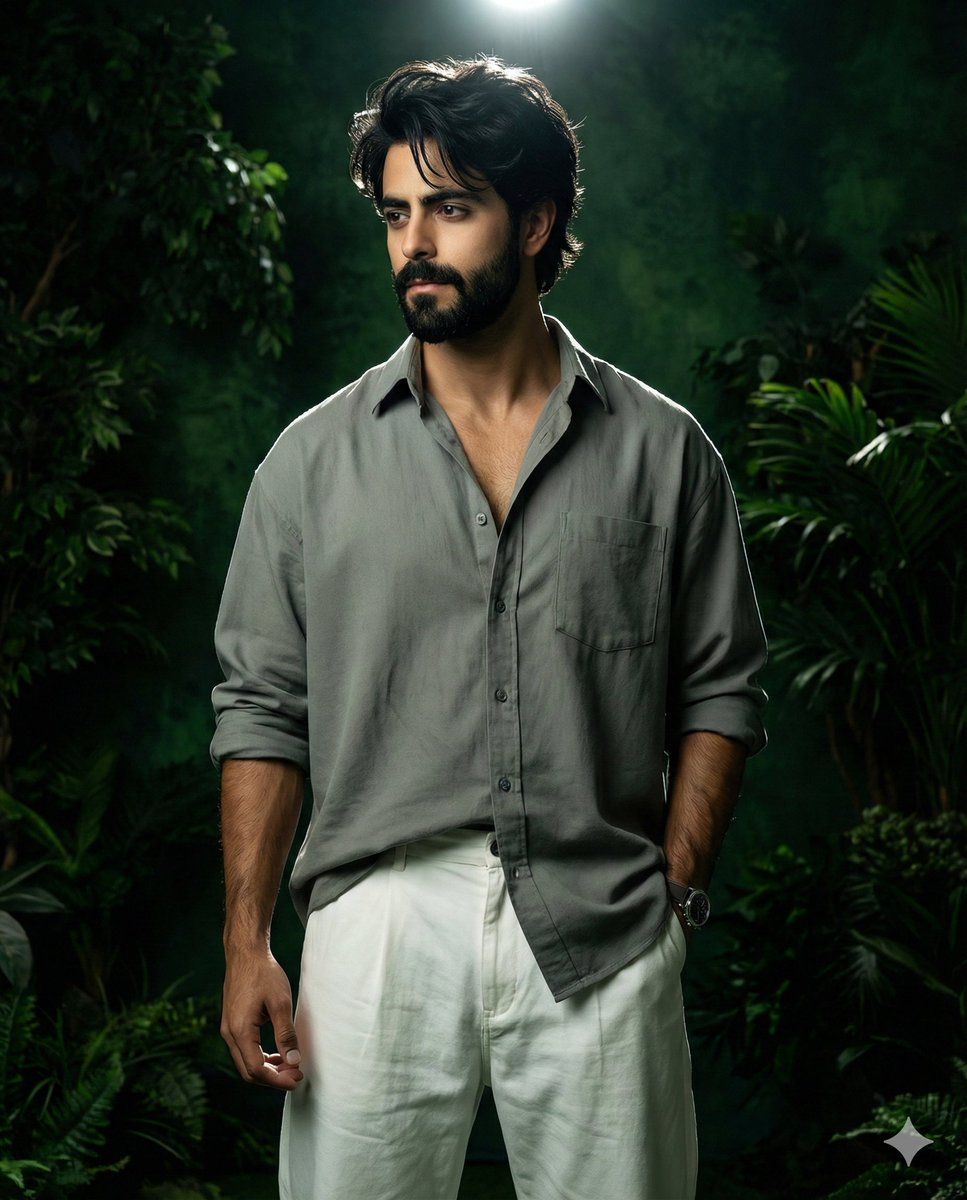
深绿色电影风格男性肖像,带身份锁
Enlarge

深绿色电影风格男性肖像,带身份锁

Prompt
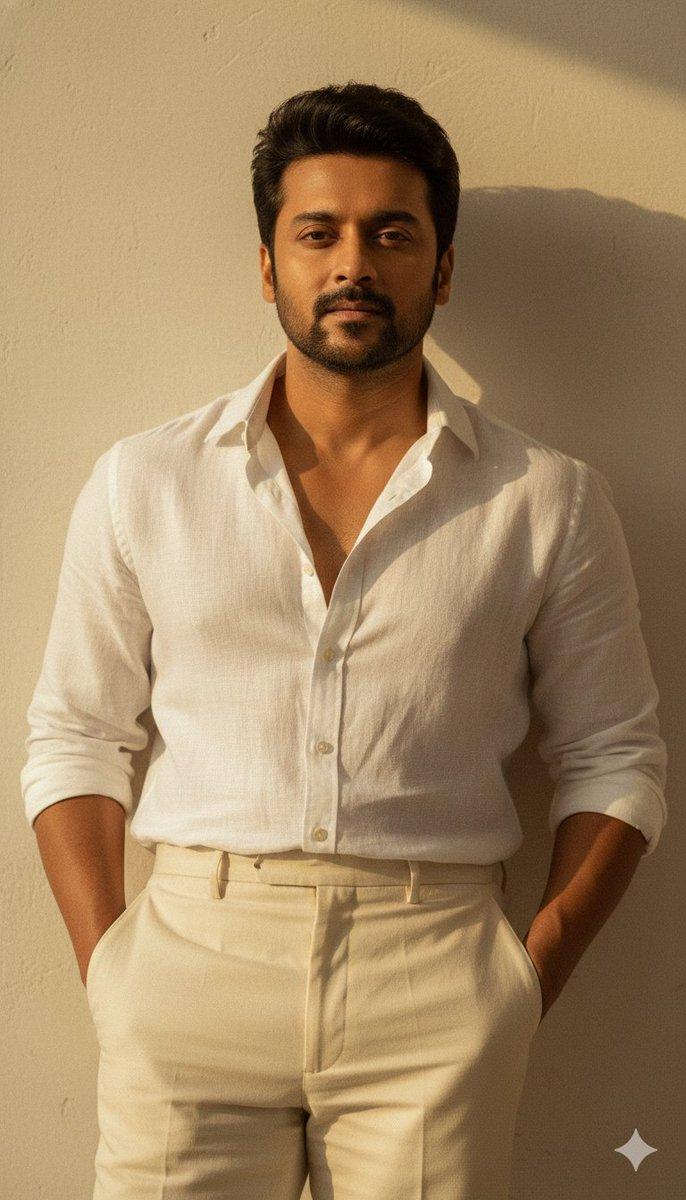
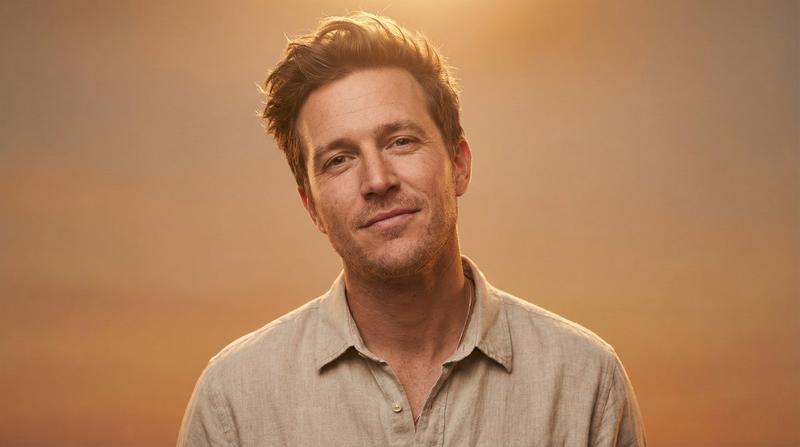
Use 100% face from the above uploaded photo.

provided).

Create a realistic dark green cinematic portrait with a dramatic, bold attitude and confident body language of a 21-year-old stylish man with black hair and a black beard (reference image

He is wearing an oversized light dark gray shirt with the top buttons undone in a stylish way, front-tucked into the pants. He is wearing white baggy pants, a watch on his left hand, dark messy hair, and a sharp jawline.

Lighting: bright light source coming from the top and behind his head, creating a cinematic rim-light effect.

Background: artificial studio garden with dark green tones and depth.

Pose: confident, bold attitude, not looking at the camera
Category
创意图片
Model
Nano Banana Pro
Creator
Zar⭕on
Views0
Source ID
a4e0cdf5-fb4d-452f-b30d-a121d56ff876
Published
Mar 8, 2026

Guide

About "深绿色电影风格男性肖像,带身份锁"

What is this prompt for?

"深绿色电影风格男性肖像,带身份锁" AI image prompt for Nano Banana Pro (创意图片). 生成一张逼真、深绿色电影风格肖像的提示词,描绘一位留着黑色头发和胡须的时尚男士,要求 100% 锁定上传照片的面部特征。场景采用戏剧性的顶光轮廓照明和人造摄影棚花园背景,以营造大胆、自信的姿态…

The full copyable prompt and example visuals above are ready for AI image generation or one-click recreate in Picva.

How to use this prompt

  1. Step 1

    Open the prompt detail

    Review the example visuals, category, and full prompt text for "深绿色电影风格男性肖像,带身份锁".

  2. Step 2

    Copy the prompt

    Copy the prompt body from this page, or load it directly in Studio.

  3. Step 3

    Pick a model (Nano Banana Pro)

    Prefer Nano Banana Pro. If you switch models, keep subject and composition and tweak style terms.

  4. Step 4

    Generate and export

    Recreate the look in Picva, or export into your workflow for editing and publishing.

FAQ

What is the "深绿色电影风格男性肖像,带身份锁" prompt?
It is an AI image-generation prompt for Nano Banana Pro in the 创意图片 category. This page includes the full prompt text, example visuals, and a one-click recreate path in Picva.
How do I use this prompt to generate an image?
Copy the prompt from this page, or use Generate / Studio. Paste it into a compatible image model, or recreate the look in Picva with optional reference images.
Which model is this prompt for?
This page lists Nano Banana Pro. Most descriptive prompts also transfer to nearby image models such as GPT Image, Flux, or Midjourney with light style tweaks.
Can I use the result commercially?
You can usually copy the prompt for creation, but commercial use of the final image depends on the model terms, reference-image rights, and the generated content. Follow the source author and platform rules.