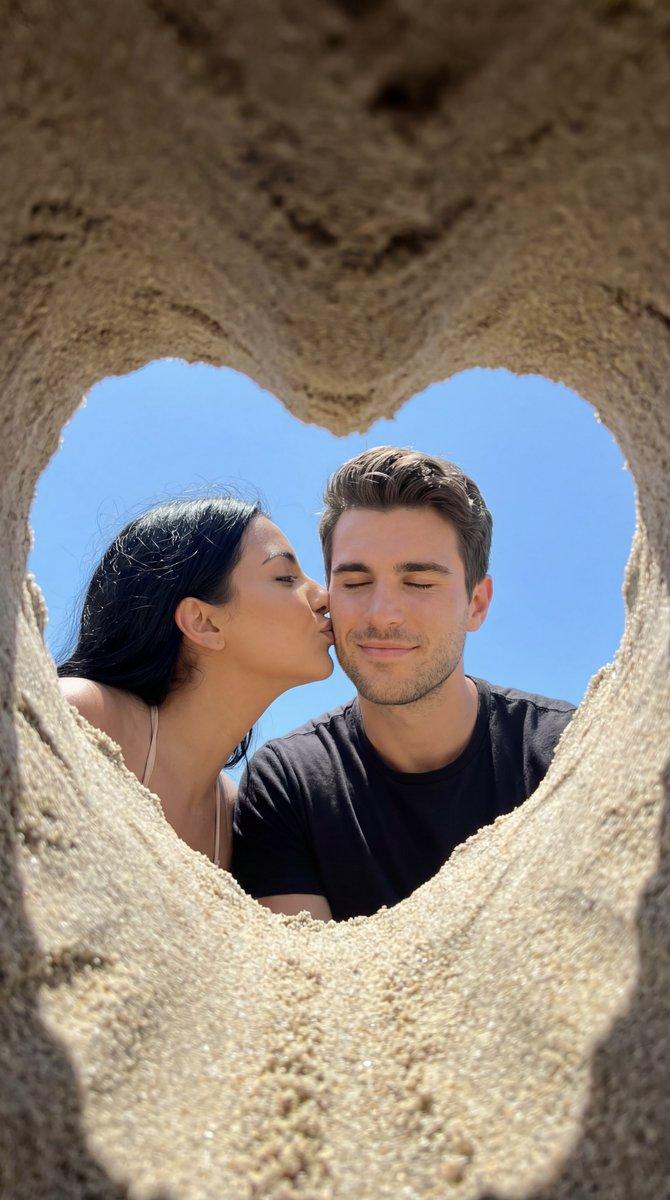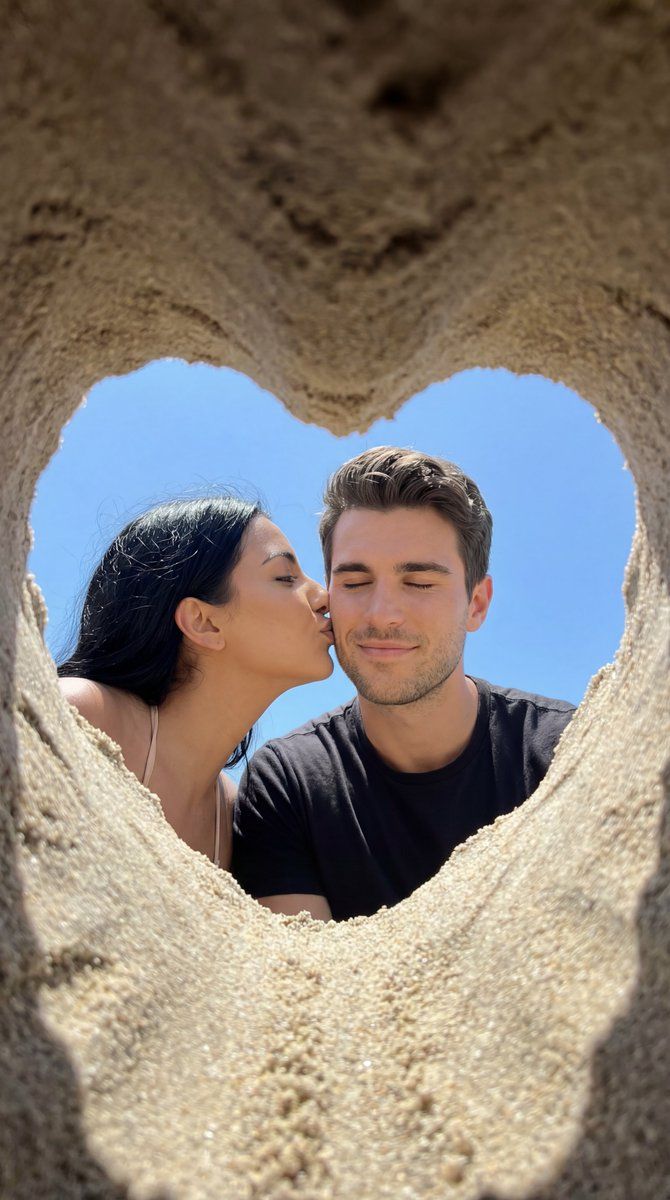
沙心框住的真情海滩之吻
Prompt
{
  "generation_request": {
    "meta_data": {
      "tool": "NanoBanana Pro",
      "task_type": "photoreal_candid_romance_phone_photo",
      "version": "v1.0_HEART_SAND_FRAME_BEACH_KISS",
      "priority": "highest"
    },

    "output_settings": {
      "aspect_ratio": "3:4",
      "orientation": "portrait",
      "resolution_target": "ultra_high_res",
      "render_style": "photoreal_candid_phone_photo",
      "sharpness": "crisp_but_natural",
      "dynamic_range": "natural_not_hdr",
      "film_grain": "subtle",
      "color_grade": "true_to_life_warm"
    },

    "creative_prompt": {
      "scene_summary": "A vertical smartphone photo shot through a heart-shaped hole carved in beach sand, framing a young couple very close to the camera. The woman kisses the man on the cheek while he smiles softly with eyes closed. Bright blue sky fills the background. The moment feels spontaneous, intimate, and real.",
      "composition": {
        "foreground_frame": "large heart-shaped sand cutout forming a natural vignette around the couple",
        "perspective": "camera placed inside/behind the sand heart, looking outward",
        "crop": "tight close-up, faces centered inside the heart",
        "depth_of_field": "sand edges slightly soft, faces sharp"
      },
      "subjects": {
        "male": {
          "age_group": "young_adult",
          "pose": "face turned slightly toward camera, eyes closed, gentle smile",
          "wardrobe": "beach casual, bare shoulders or simple swimwear look",
          "skin_rendering": "natural texture, no retouch"
        },
        "female": {
          "age_group": "young_adult",
          "pose": "leaning in, kissing his cheek",
          "hair": "dark hair blown by wind, natural flyaways",
          "wardrobe": "light summer/beach top or swimwear straps visible",
          "skin_rendering": "natural texture, minimal makeup"
        }
      },
      "environment": {
        "location": "beach sand",
        "background": "clear blue sky, no buildings, no clutter",
        "lighting": "bright natural daylight, soft shadows, no flash"
      },
      "camera_style": {
        "device_feel": "phone camera realism",
        "lens_feel": "slight wide-angle perspective, natural distortion",
        "mood": "playful, tender, summery"
      },
      "negative_prompt": "text overlay, captions, watermarks, logos, HDR, artificial shine, heavy retouching, plastic skin, exaggerated bokeh, distorted faces, extra fingers, deformed hands, incorrect sand texture, unrealistic sky gradients"
    }
  }
}- Category
- 创意图片
- Model
- Nano Banana Pro
- Creator
- Özge Döner
- Source ID
- a3cdc181-445b-48b0-ade8-26c9b0db3acc
- Published
- Mar 8, 2026
Views0