17

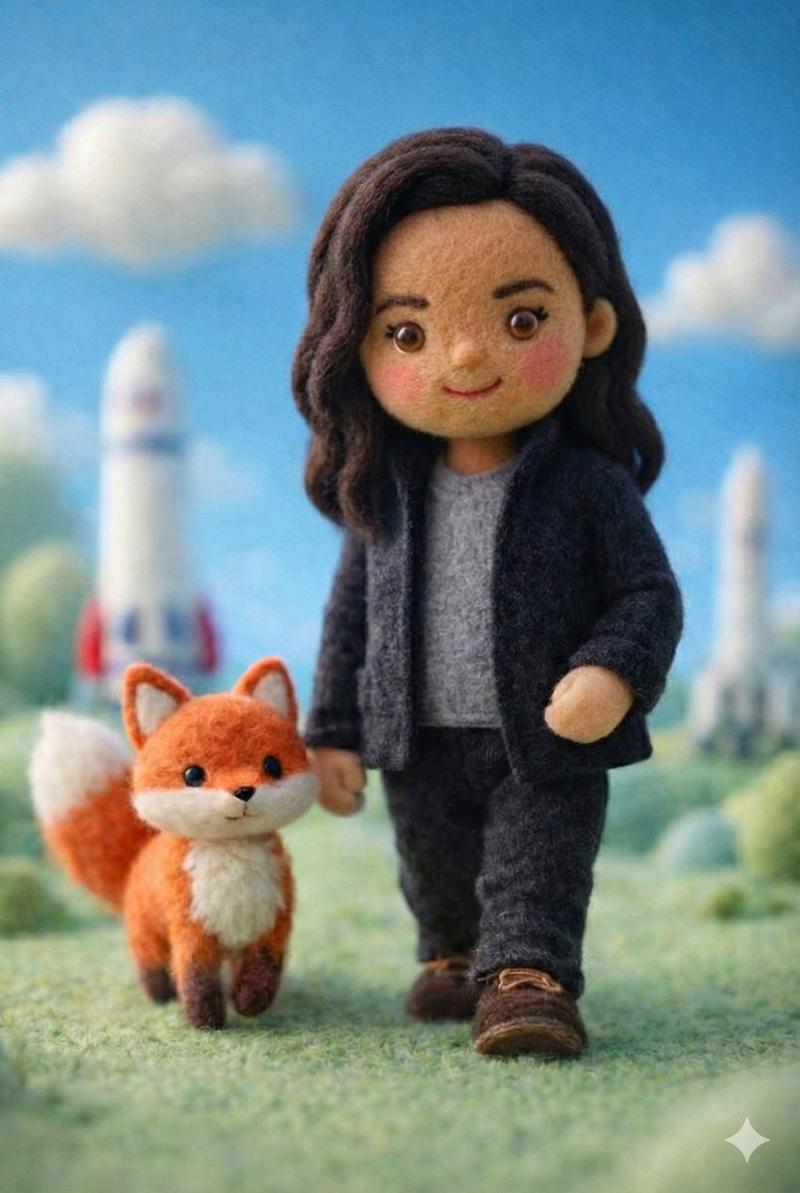
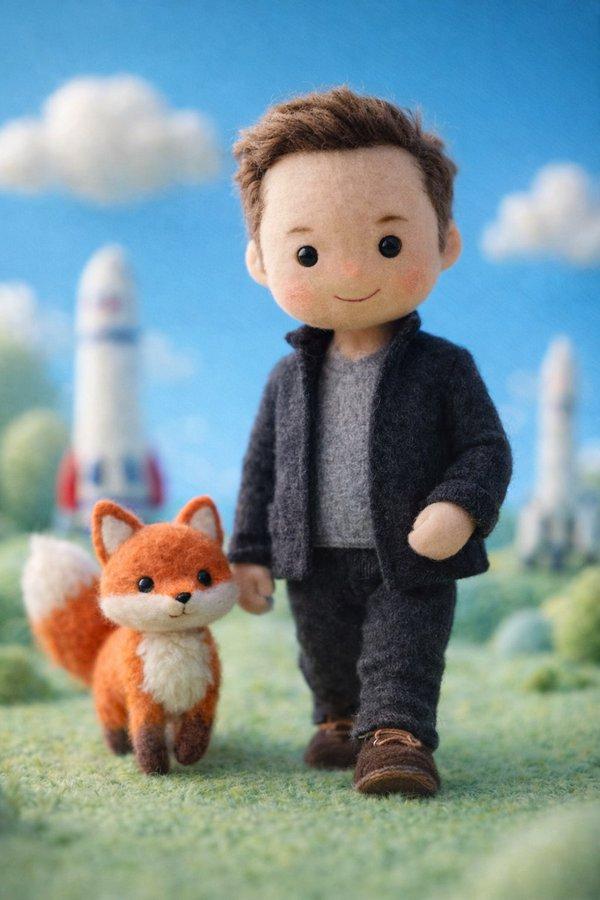
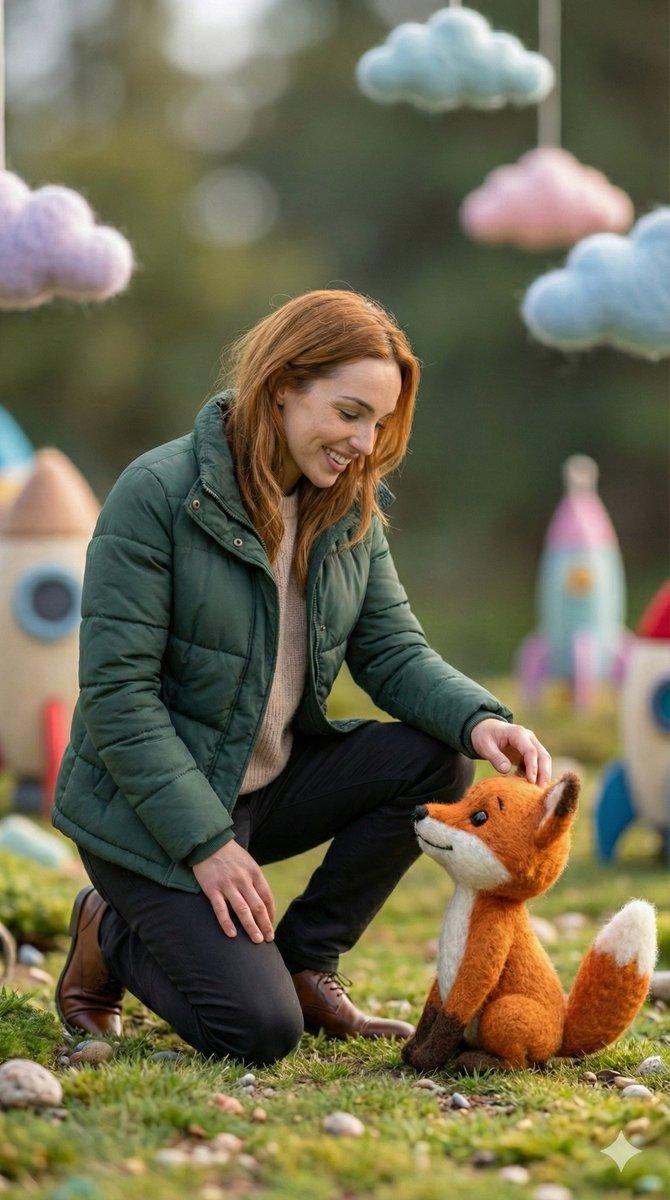
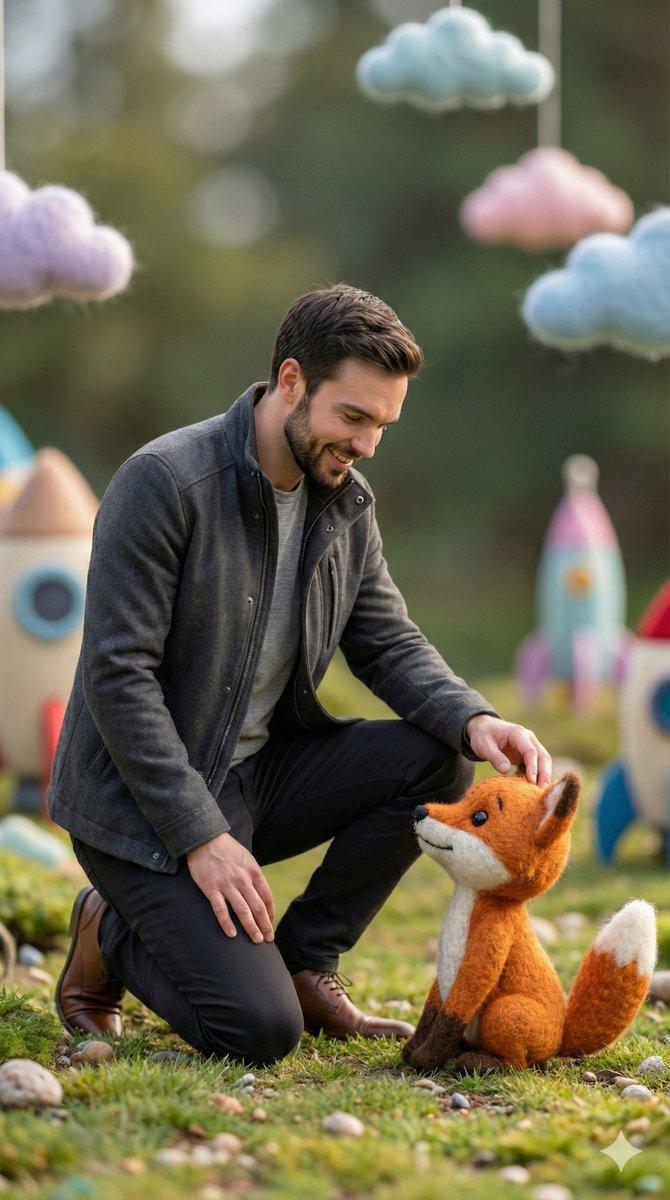
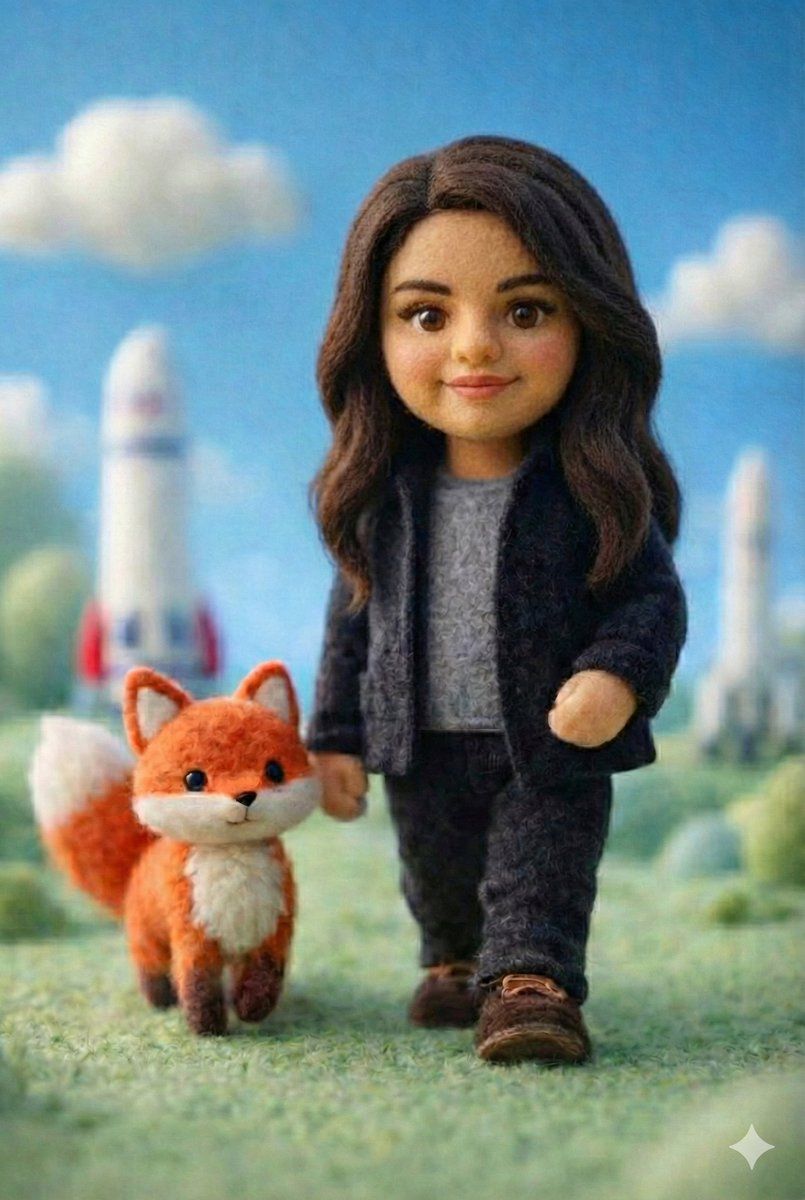
手工制作毛毡微缩场景,内含科技角色
Enlarge

手工制作毛毡微缩场景,内含科技角色

Prompt
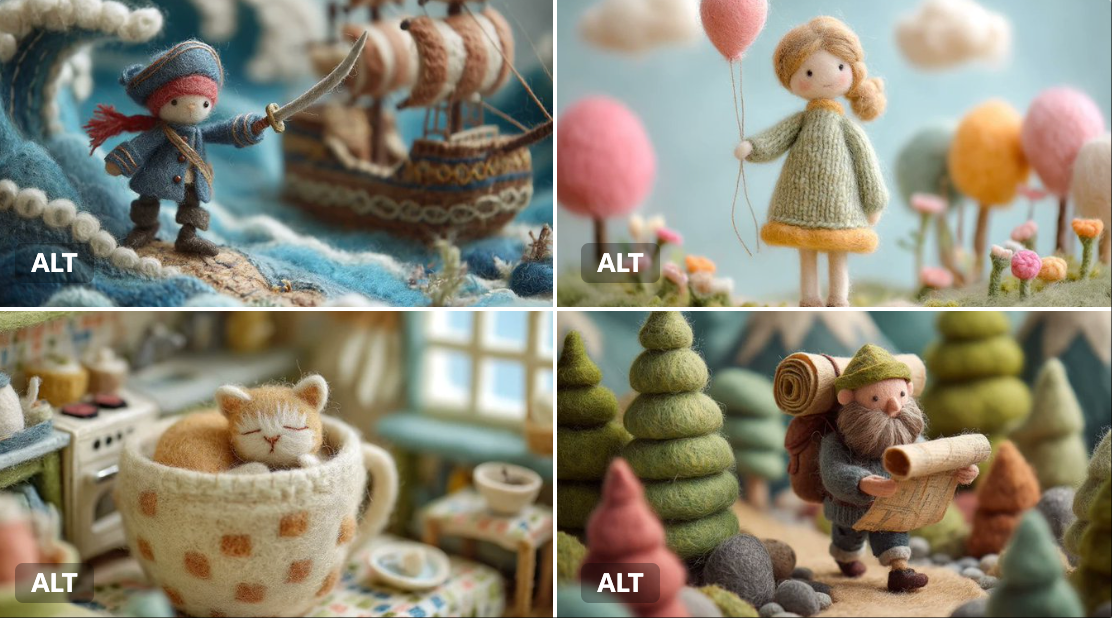
A handcrafted felt miniature scene featuring a soft wool doll character with simplified facial features, round button eyes, rosy cheeks, and a gentle smile. The character wears a dark felt jacket, gray wool t-shirt, and matching trousers, styled in a minimal casual tech look. He is walking on grassy felt terrain alongside a small felt fox companion. Whimsical storybook environment with pastel greenery, soft clouds, and a bright blue sky, subtle miniature rockets blurred in the background. Macro photography style, shallow depth of field, soft natural daylight, stop-motion animation aesthetic, ultra-detailed felt fibers and fabric textures, cozy cinematic mood, high quality.
Category
创意图片
Model
Nano Banana Pro
Creator
Johnn
Views0
Source ID
d5be72ce-29e7-41ea-8061-311b469f7ec9
Published
Mar 8, 2026

Guide

About "手工制作毛毡微缩场景,内含科技角色"

What is this prompt for?

"手工制作毛毡微缩场景,内含科技角色" AI image prompt for Nano Banana Pro (创意图片). 一个高度详细的提示,用于生成一张异想天开的手工毛毡微缩场景的微距照片。照片中,一个穿着简约休闲科技服装的柔软羊毛玩偶角色,与一只毛毡狐狸伙伴同行,置身于柔和的童话般环境中,背景中是模糊的微型…

The full copyable prompt and example visuals above are ready for AI image generation or one-click recreate in Picva.

How to use this prompt

  1. Step 1

    Open the prompt detail

    Review the example visuals, category, and full prompt text for "手工制作毛毡微缩场景,内含科技角色".

  2. Step 2

    Copy the prompt

    Copy the prompt body from this page, or load it directly in Studio.

  3. Step 3

    Pick a model (Nano Banana Pro)

    Prefer Nano Banana Pro. If you switch models, keep subject and composition and tweak style terms.

  4. Step 4

    Generate and export

    Recreate the look in Picva, or export into your workflow for editing and publishing.

FAQ

What is the "手工制作毛毡微缩场景,内含科技角色" prompt?
It is an AI image-generation prompt for Nano Banana Pro in the 创意图片 category. This page includes the full prompt text, example visuals, and a one-click recreate path in Picva.
How do I use this prompt to generate an image?
Copy the prompt from this page, or use Generate / Studio. Paste it into a compatible image model, or recreate the look in Picva with optional reference images.
Which model is this prompt for?
This page lists Nano Banana Pro. Most descriptive prompts also transfer to nearby image models such as GPT Image, Flux, or Midjourney with light style tweaks.
Can I use the result commercially?
You can usually copy the prompt for creation, but commercial use of the final image depends on the model terms, reference-image rights, and the generated content. Follow the source author and platform rules.