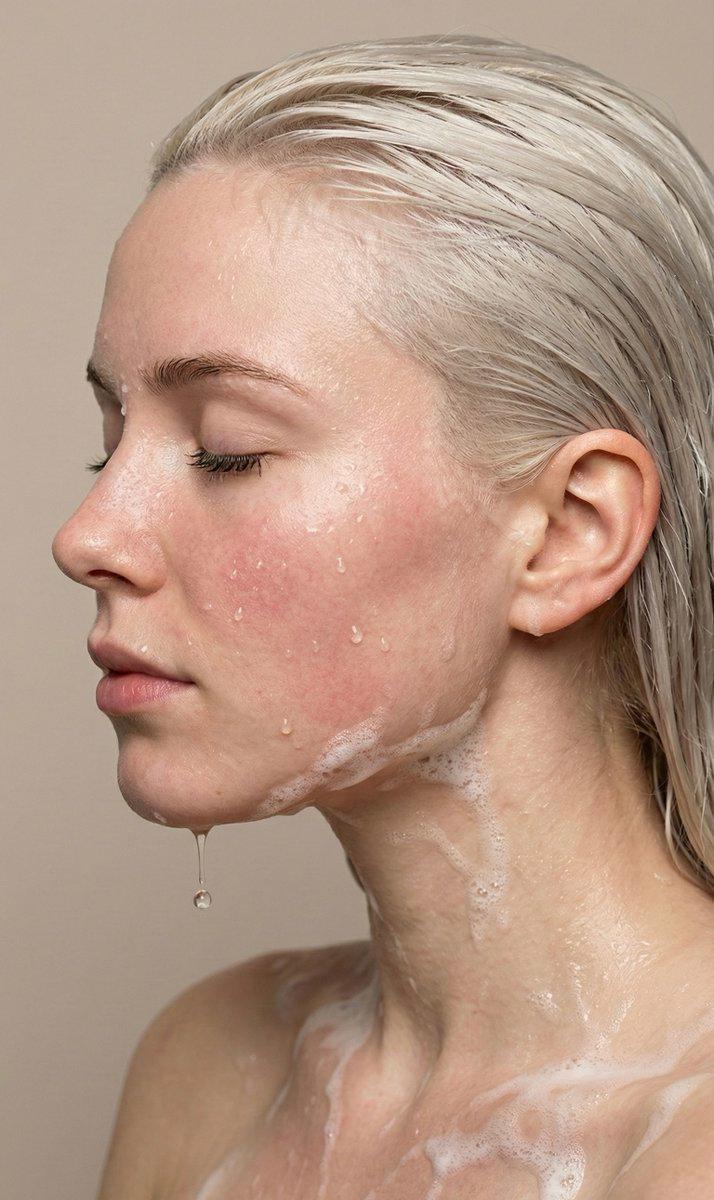
为 AI 图像添加瑕疵以提升真实感
Prompt
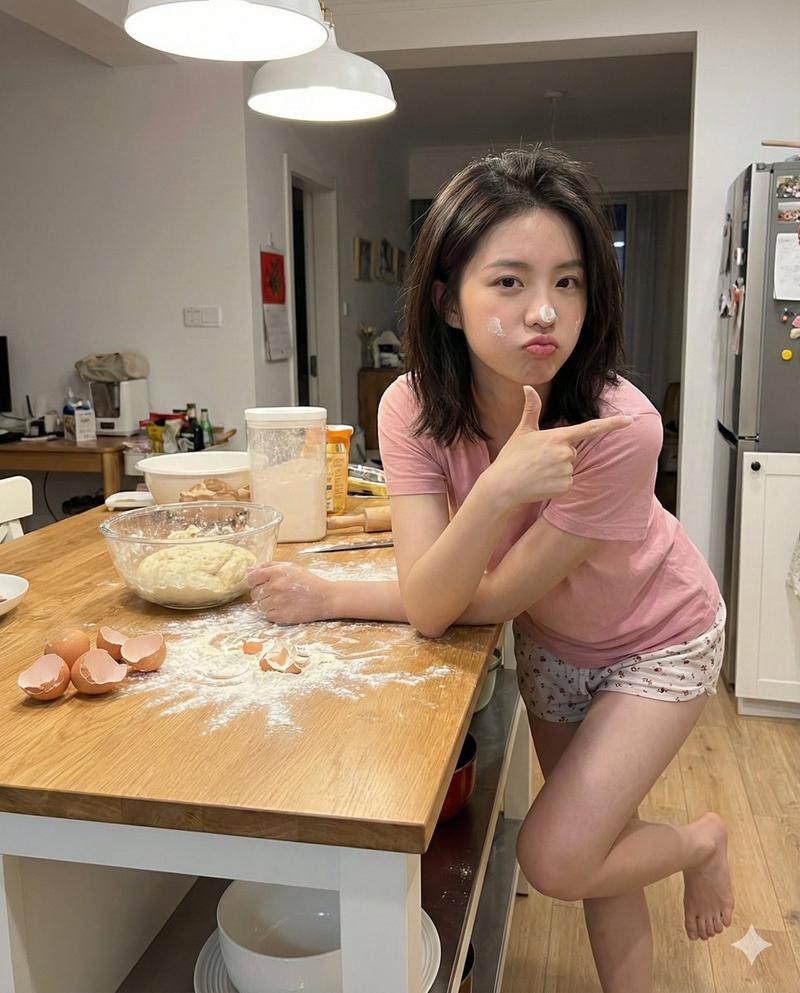
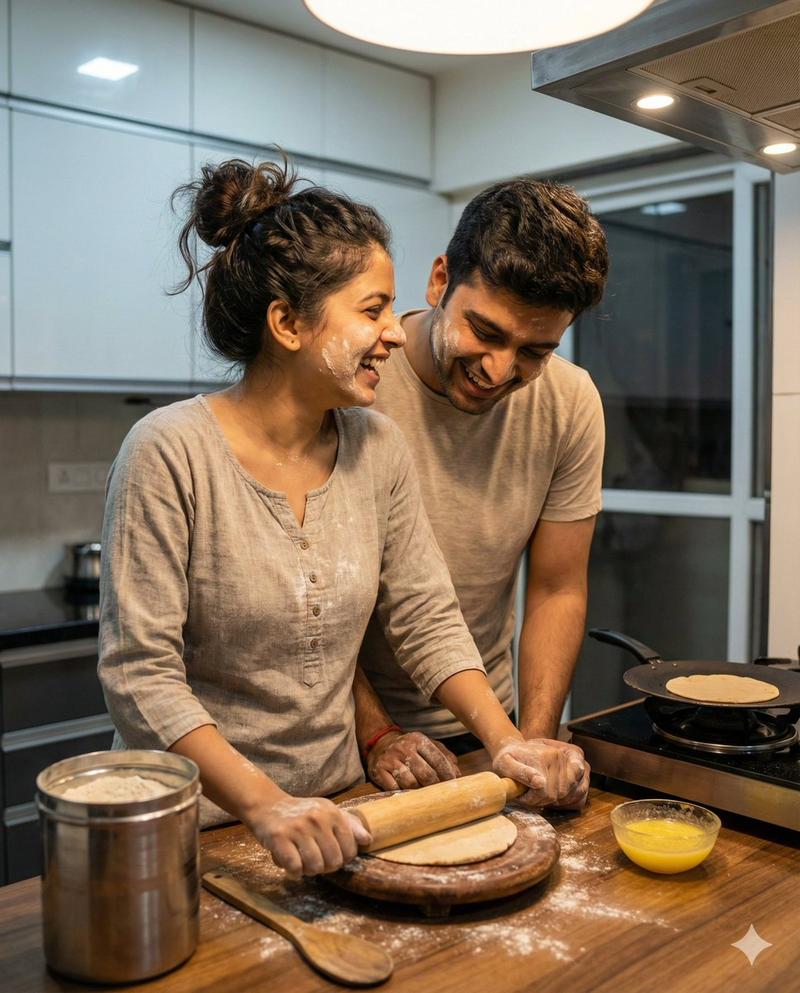
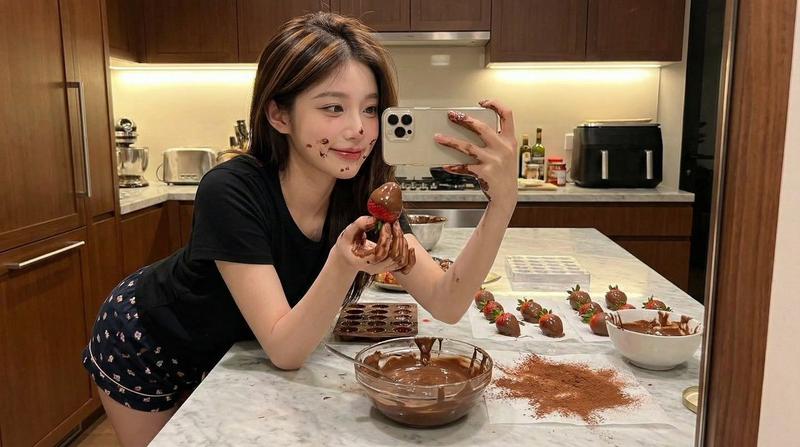
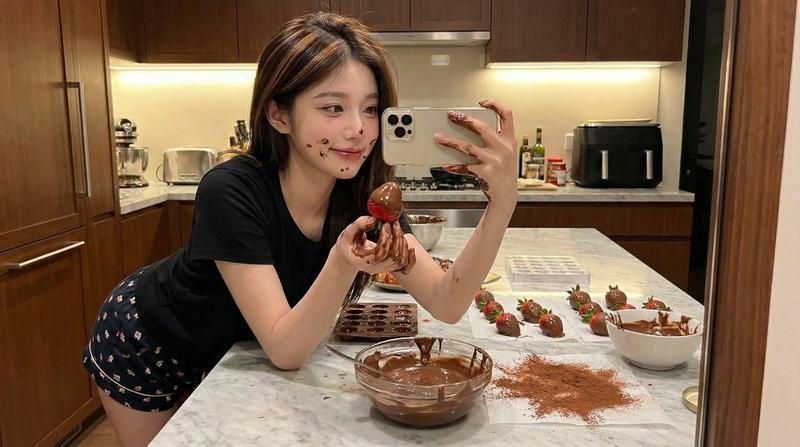
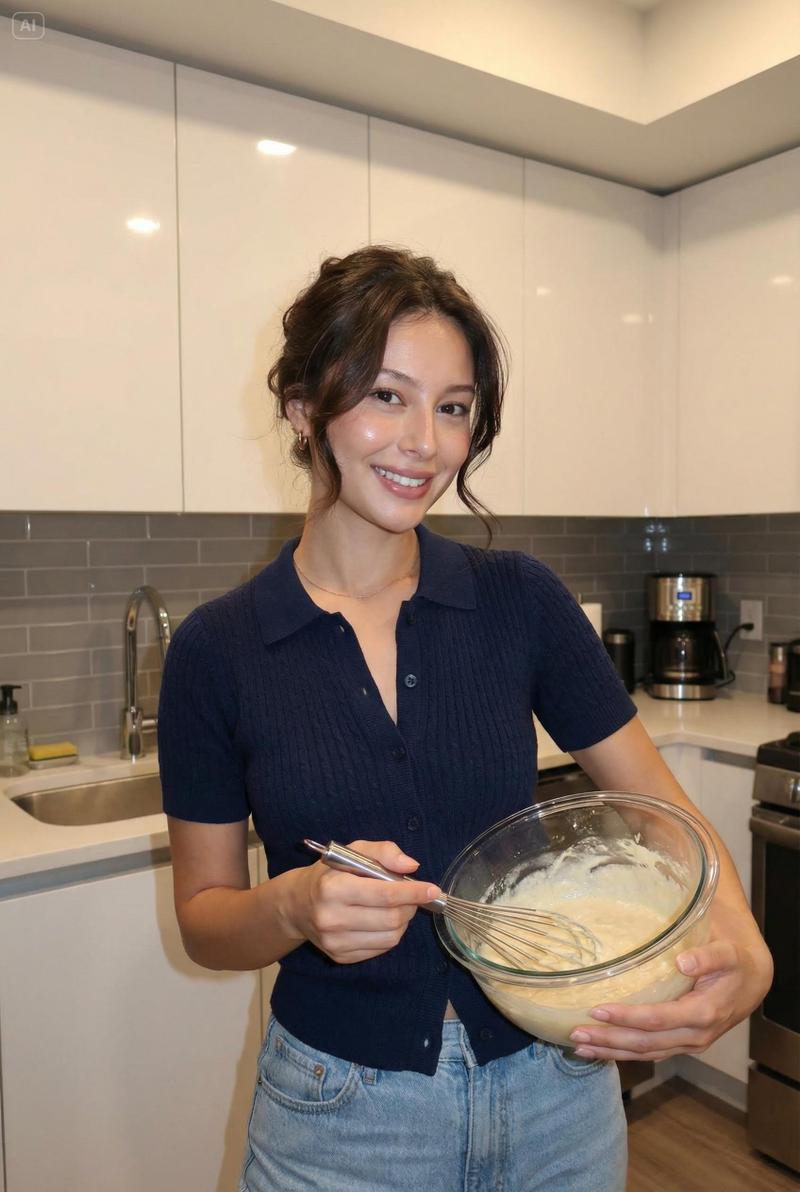
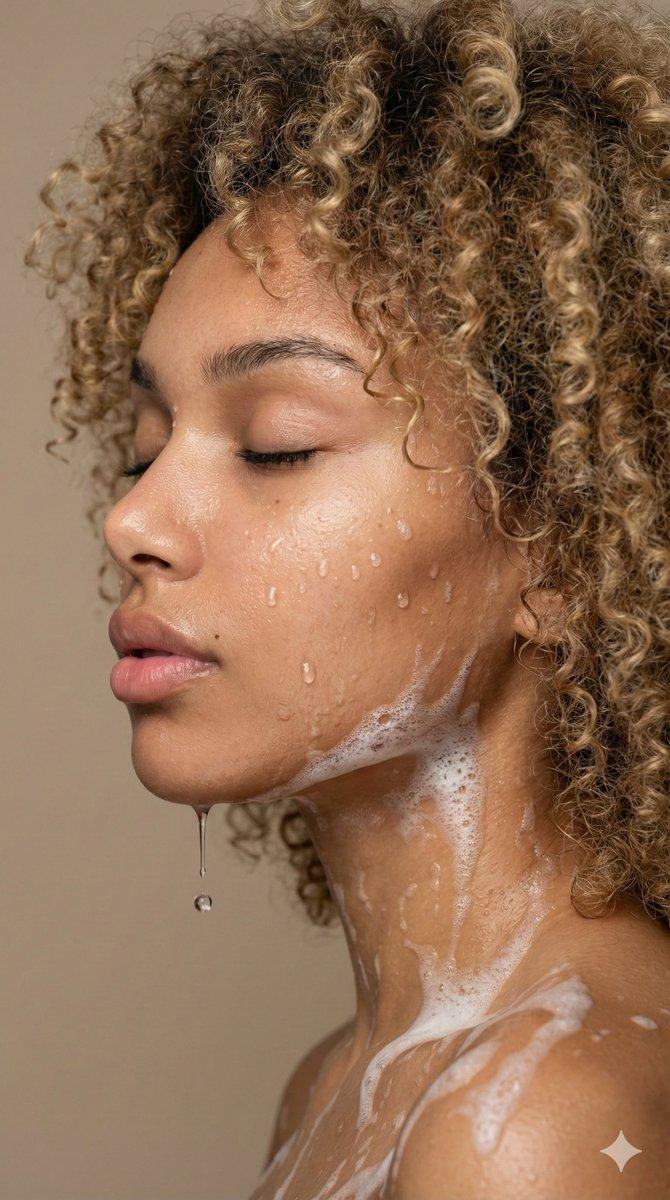
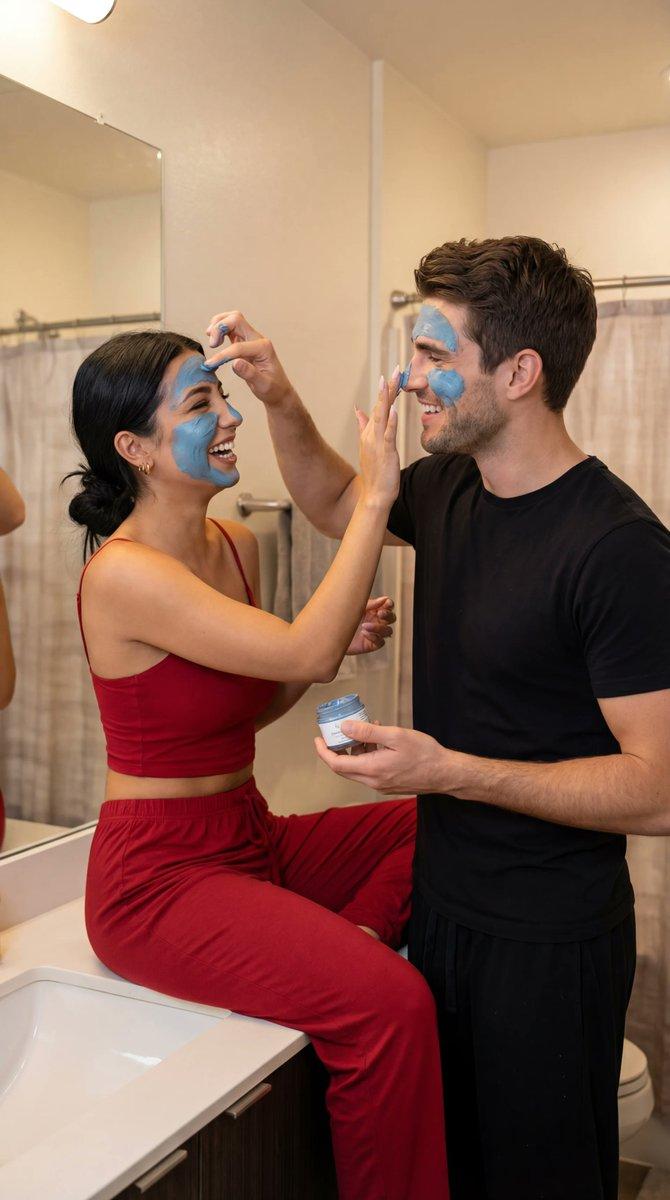
增加一些缺陷,面部瑕疵,(鼻子上和脸颊上有面粉污渍)。面部的异物感会让皮肤看起来更有纹理。
- Category
- 创意图片
- Model
- Nano Banana Pro
- Creator
- 张鹏
- Source ID
- a216257d-ecf8-4bfe-89be-a63d8d79eba1
- Published
- Mar 8, 2026
Views0
18
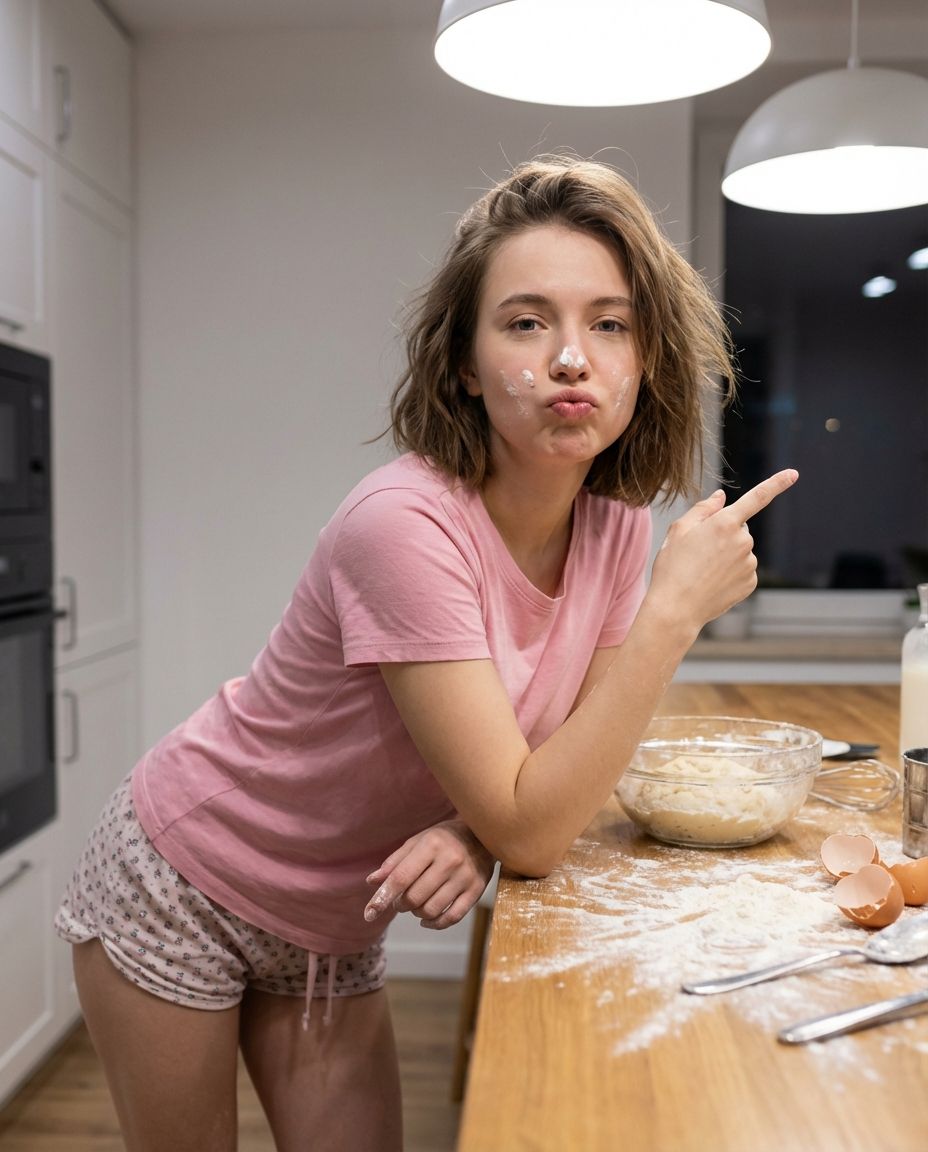
增加一些缺陷,面部瑕疵,(鼻子上和脸颊上有面粉污渍)。面部的异物感会让皮肤看起来更有纹理。
Guide
"为 AI 图像添加瑕疵以提升真实感" AI image prompt for Nano Banana Pro (创意图片). 这条推文讨论了在 AI 生成的面孔中添加瑕疵(如面粉污渍)以增加纹理和真实感的概念。它对比了 Seedream4_5(中文提示表现更好)和 Nano Banana(英文提示表现更好)的性能,…
The full copyable prompt and example visuals above are ready for AI image generation or one-click recreate in Picva.
Step 1
Review the example visuals, category, and full prompt text for "为 AI 图像添加瑕疵以提升真实感".
Step 2
Copy the prompt body from this page, or load it directly in Studio.
Step 3
Prefer Nano Banana Pro. If you switch models, keep subject and composition and tweak style terms.
Step 4
Recreate the look in Picva, or export into your workflow for editing and publishing.