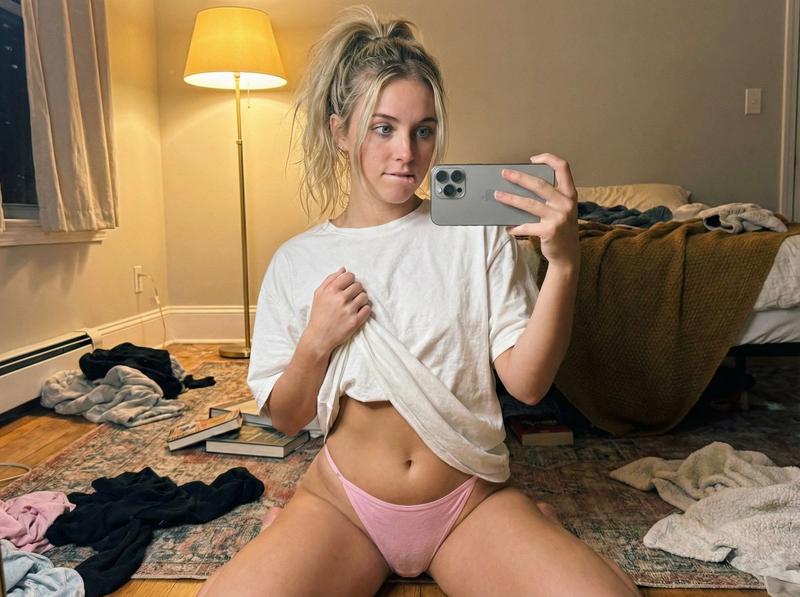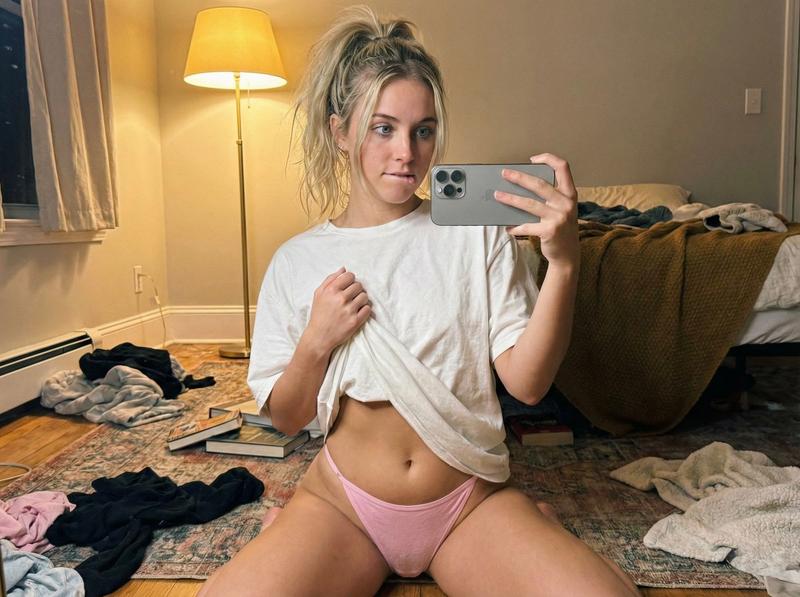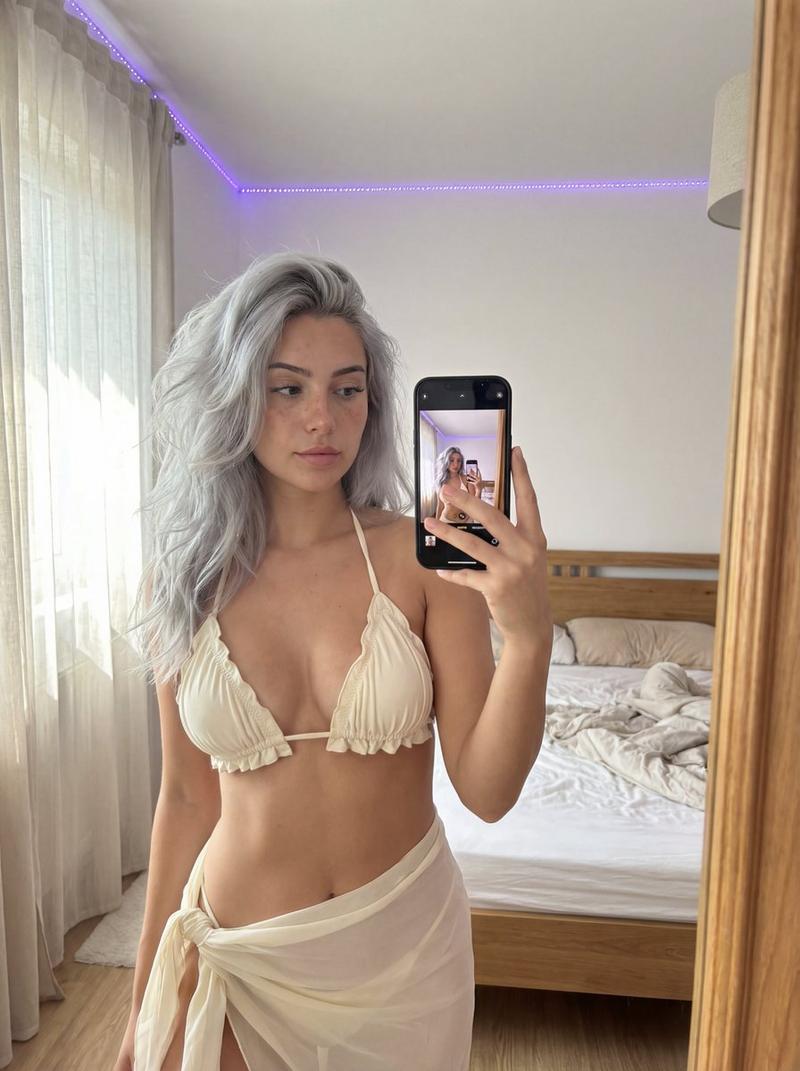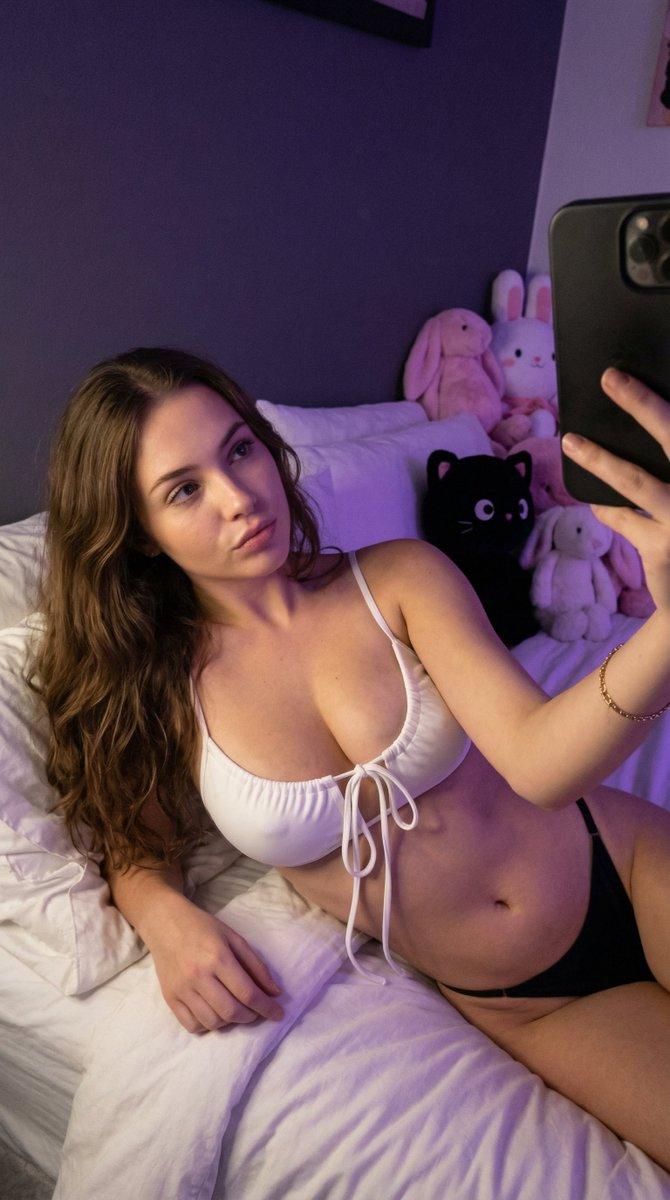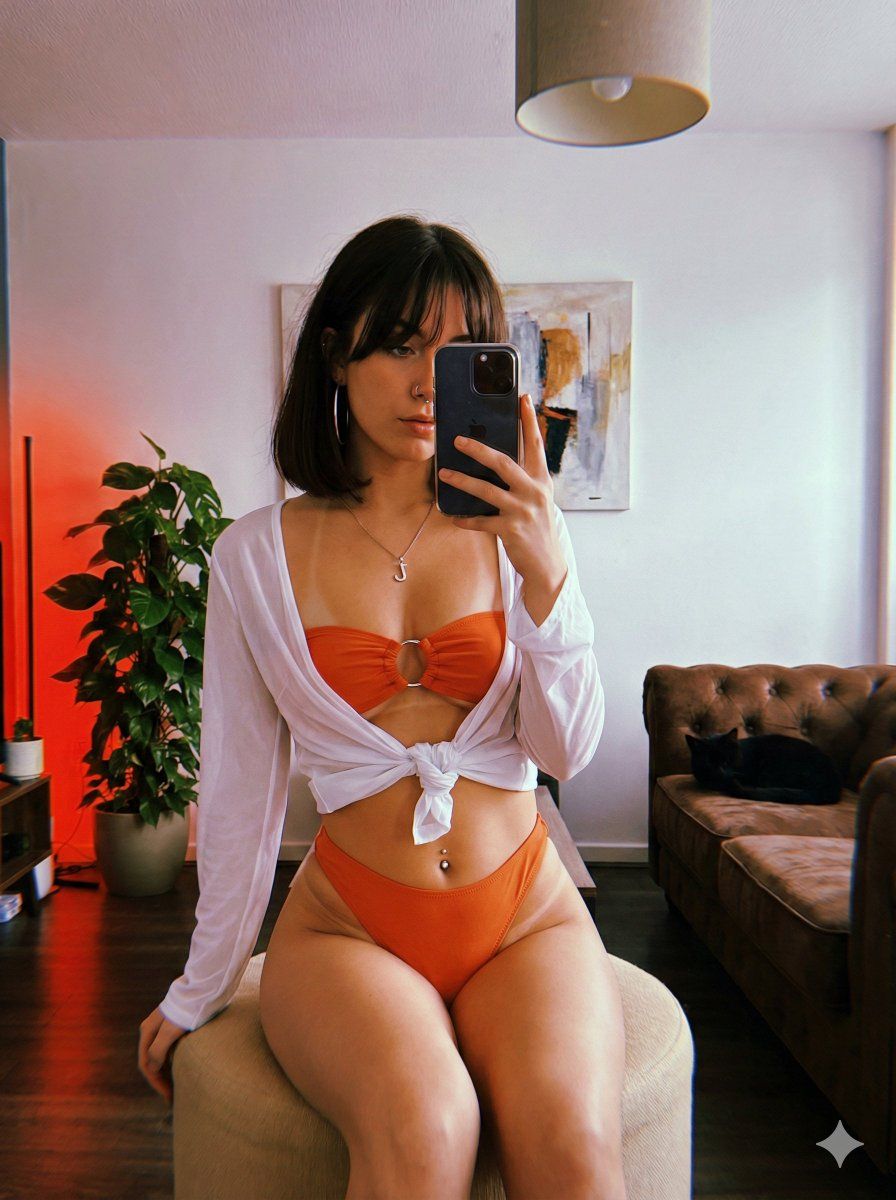
红色 LED 灯光下的戏剧性镜面自拍提示
Prompt
{
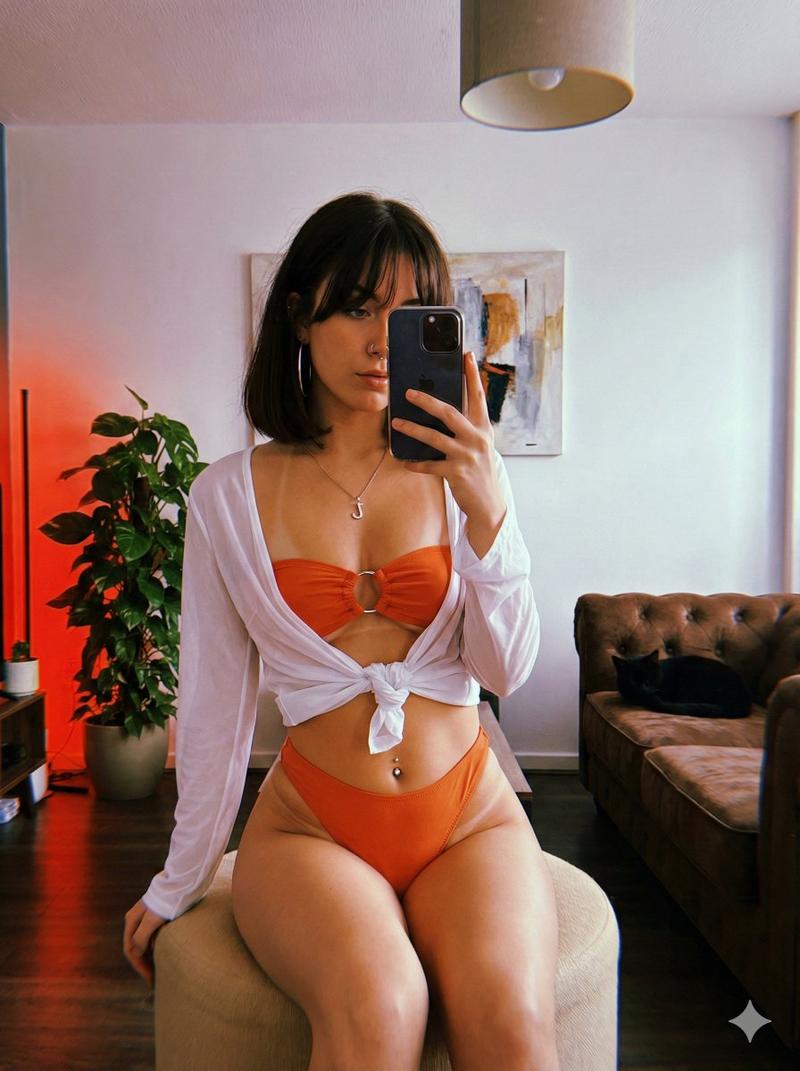
"subject": {
"demographics": {
"age": "young adult",
"gender": "female",
"ethnicity": "caucasian with fair olive skin, slightly tanned"
},
"hair": {
"color": "dark brown",
"style": "long bob with douyin bangs framing the face",
"texture": "straight, slightly messy"
},
"face": {
"eyes": "light brown, direct gaze into the phone mirror",
"lips": "full, natural pink tone",
"expression": "serious, composed, confident"
},
"attire": {
"top": {
"item": "bandeau bikini top with silver hoop in the middle",
"color": "{argument name="bikini color" default="orange"}",
"style": "strapless, ribbed fabric"
},
"bottom": {
"item": "high-waisted thong bikini bottoms",
"color": "{argument name="bikini color" default="orange"}",
"cut": "high-cut leg"
},
"cover_up": {
"item": "loose-fitting shirt",
"color": "white",
"style": "long-sleeved, tied at the front over the waist",
"fabric": "lightweight, slightly sheer"
},
"accessories": {
"earrings": "large silver hoop earrings",
"piercings": "silver navel piercing, silver nostril piercing",
"necklace": "silver chain with a "J" pendant"
"tan_lines": "soft bikini tan lines"
}
}
},
"pose": {
"type": "seated mirror selfie",
"position": "sitting on a small beige circular ottoman",
"legs": "closed together, right knee bent with foot on the floor, left leg also bent",
"arms": {
"right_arm": "resting on the right thigh, hand relaxed",
"left_arm": "raised, holding a smartphone for a mirror selfie, phone obscuring part of the face"
}
},
"setting": {
"location": "casual living room",
"background_elements": {
"wall": "plain white",
"decor": "abstract painting hanging on the wall",
"lighting_fixture": "simple lamp on the ceiling",
"furniture": "corner of a brown tufted sofa visible on the right",
"plants": "large green potted plant behind the subject",
"other": "part of a black cat visible on the sofa"
},
"clutter": "minimal, lived-in feel"
},
"lighting": {
"type": "mixed artificial and natural",
"primary_source": "strong {argument name="light color" default="red"} LED light source from the left, casting a {argument name="light color" default="red"} glow on the subject and wall",
"secondary_source": "softer natural daylight from a window on the right",
"effect": "dramatic, moody lighting with strong color contrast, creating {argument name="light color" default="red"} highlights and shadows"
},
"camera": {
"shot_type": "mirror selfie, full body",
"device": "smartphone (iPhone with a dark case)",
"angle": "eye-level reflected shot",
"focus": "sharp on the subject in the mirror",
"perspective": "first-person reflection",
"aspect_ratio": "3:4 (vertical)"
},
"style_and_realism": {
"aesthetic": "raw, unfiltered social media photo, after beach day",
"realism_level": "high, candid snapshot quality",
"texture": "perceptible film grain, realistic rendering of fabric and skin",
"imperfections": "natural lens flare from the phone camera, slightly unpolished composition"
}
}- Category
- 创意图片
- Model
- Nano Banana Pro
- Creator
- Jennie
- Source ID
- 22dbf452-71c1-4a14-b9ef-4f67078fcf88
- Published
- Mar 8, 2026
Views0